

- Category Card & board
- Developer GASP Mobile Games Inc
- Available on PC, Mobile, Surface Hub, HoloLens
- OS Windows 10 version 10240.0 or higher
- languages English (United States)
Solitaire - Klondike for Windows: A Classic Card Game Reimagined
If you've ever found solace in the gentle shuffle of cards and the satisfying click of stacking them perfectly, Solitaire - Klondike for Windows offers a modern yet familiar escape. This app wraps the timeless Klondike solitaire game in a sleek package, allowing both newcomers and seasoned players to indulge in hours of relaxing gameplay right on their PC.
Developer and Core Features
Developed and published by GASP Mobile Games Inc, Solitaire - Klondike for Windows boasts a streamlined experience aimed at purists and casual players alike. Its main features include an intuitive interface, customizable game settings, and smooth performance that caters to a broad audience.
Target Audience
This app is perfect for anyone who appreciates classic card games—be it parents looking for a quick mental break, students seeking a distraction during study breaks, or older players reliving childhood afternoons. Its accessibility and straightforward gameplay make it an appealing choice for a wide age range.
Stepping into the Digital Card Table: A Taste of Nostalgia and Ease
Imagine sitting comfortably in a cozy corner, shuffling a deck of cards. Now, picture doing that effortlessly on your Windows device—no physical deck needed. Solitaire - Klondike captures this warm, familiar feeling while bringing it into the digital age. It's like having a classic game club at your fingertips, ready to entertain during those fleeting moments between meetings or as a calming wind-down.
Elegant Interface and Seamless User Experience
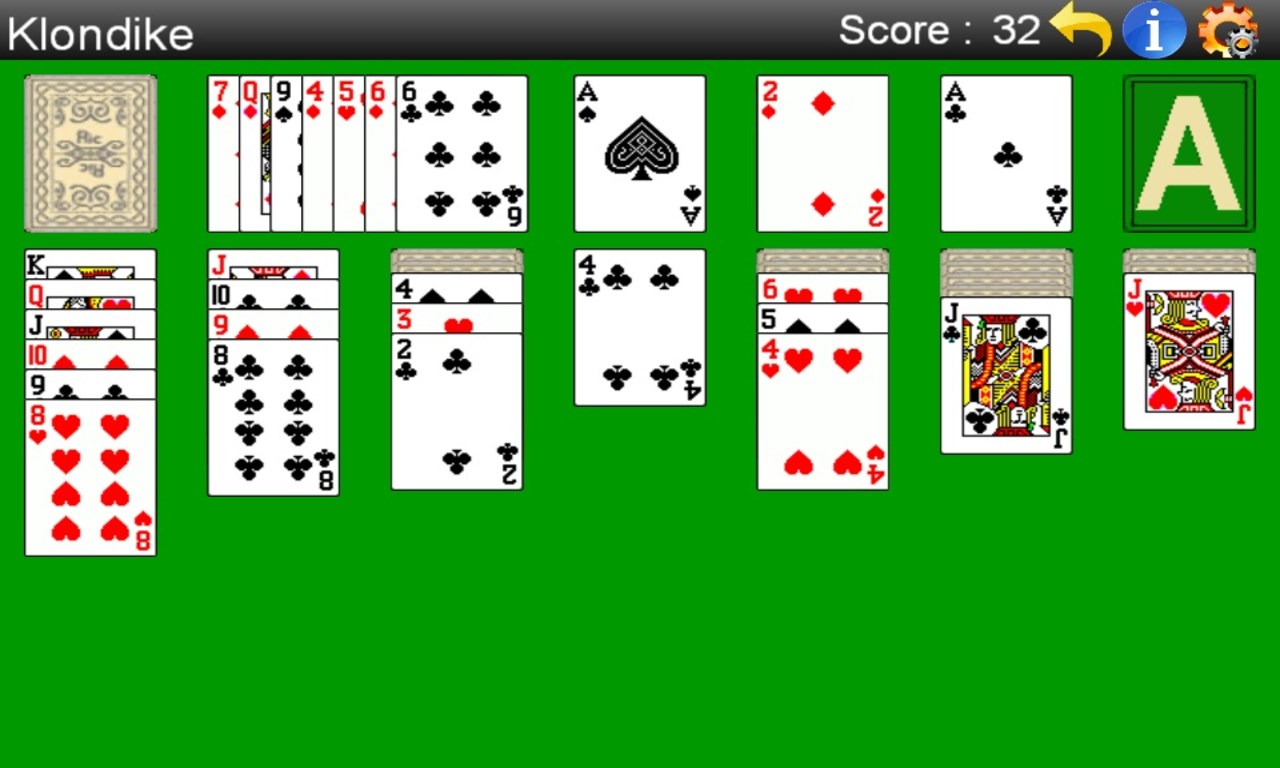
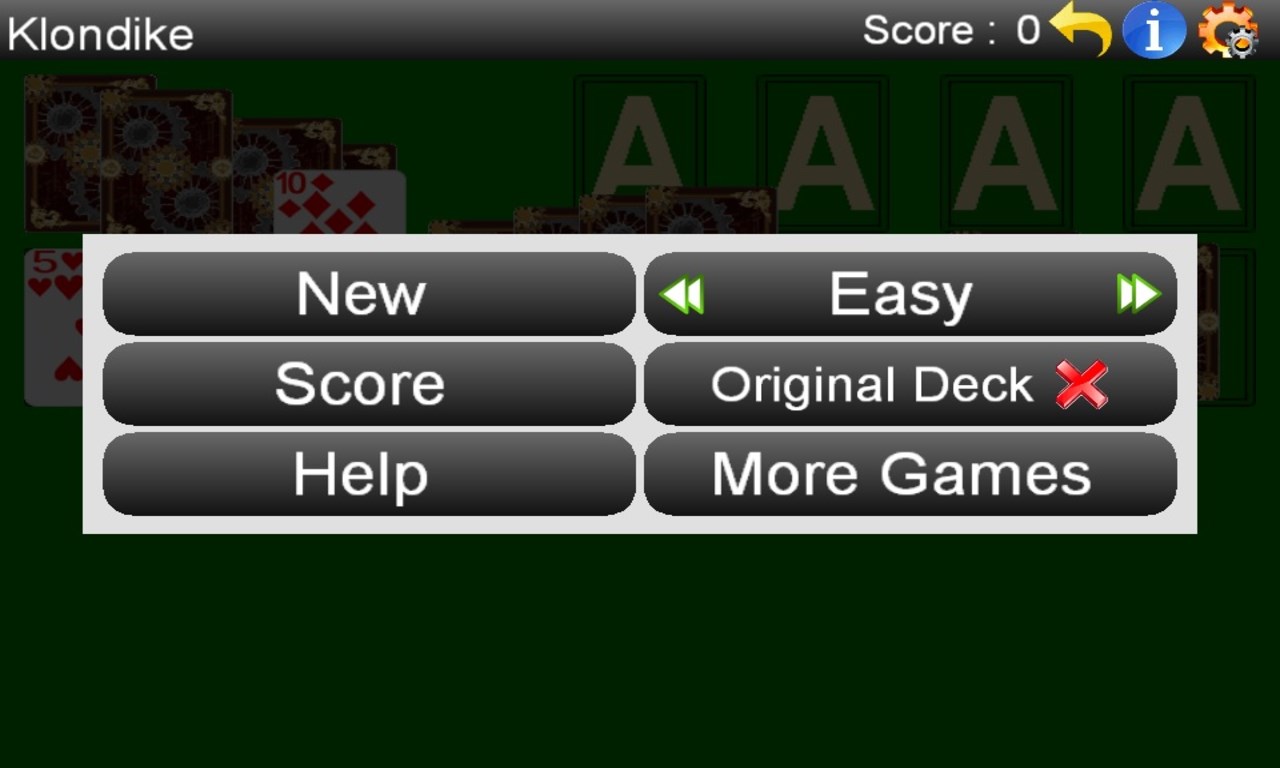
The app's design centers on simplicity and clarity. The interface is clean, with serene backgrounds and clear card visuals that reduce eye strain and make gameplay soothing. Navigation is intuitive: a few taps and you're flipping cards, moving them around, or adjusting settings without fuss. The smooth animations keep the action fluid, almost like shuffling physical cards but with the precision of a digital maestro. Learning curve? Nearly nonexistent—new players quickly understand the mechanics thanks to subtle hints and responsive controls. Regular players will especially appreciate the quick restart options and customizable difficulty levels.
Highlighting the Unique Strengths
What sets Solitaire - Klondike apart from countless other card apps? Its most notable feature is its *minimalistic yet comforting design*, which strikes a perfect balance between simplicity and aesthetic appeal. Unlike some apps that bombard you with distracting ads or cluttered layouts, this version keeps the focus on gameplay. Another standout is its *performance stability*—the game runs flawlessly across various Windows devices, from high-end PCs to budget laptops, ensuring no lag or crashes mar the experience.
Additionally, the game's optional setting to customize the appearance of the cards and backgrounds allows players to tailor their environment, creating a personalized sanctuary of sorts. This customization, combined with its no-fuss interface, offers a user experience that feels both familiar and fresh—an ideal blend for fans of the classic game seeking a contemporary touch.
Recommendation and Usage Tips
Overall, I'd rate Solitaire - Klondike for Windows as a solid 4 out of 5 stars. Its core strengths lie in its aesthetic elegance, performance reliability, and ease of use. If you're after a no-nonsense, relaxing game that respects the traditional rules but welcomes modern conveniences, this app is undoubtedly worth trying out.
For best results, I recommend new players start with the default settings to get a feel for the game mechanics, then explore customization options to enhance comfort. Professional players or those seeking a distraction-free experience will find that its smooth flow and stability make it a dependable choice for daily solitaire sessions.
In conclusion, Solitaire - Klondike for Windows isn't just another digital card game; it's a thoughtfully crafted homage to a beloved classic, delivered through a sleek, user-friendly package. Whether you're looking to pass time or sharpen your card skills, it offers a satisfying and reliable experience worthy of a spot on your desktop.
Pros
- User-Friendly Interface
- Smooth Gameplay
- Multiple Game Modes
- Offline Access
- Customizable Themes
Cons
- Limited Difficulty Settings
- Ads Interrupt Gameplay
- Lack of Undo Button in Some Modes
- Limited Social Sharing Features
- Visual Customization Options Are Basic











