
- Category Card & board
- Developer Online Solitaire
- Available on PC
- OS Windows 10 version 14316.0 or higher
- Keyboard Integrated Keyboard
- Mouse Integrated Mouse
- languages English (United States)
An In-Depth Look at Solitaire · Klondike, Spider, and Freecell for Windows
If you're a fan of classic card games seeking a clean, engaging, and seamless digital experience, Solitaire · Klondike, Spider, and Freecell for Windows offers a compelling package that aims to bring these timeless games to your fingertips with style and efficiency.
Basic Information and Key Highlights
Designed to cater to both casual players and seasoned solitaire enthusiasts, this app positions itself as a comprehensive collection of classic card games. Developed and published by Online Solitaire, the app stands out with its user-friendly interface, smooth gameplay, and a variety of game modes. Its main features include customizable themes, smooth animations that mimic real-world card handling, and intuitive controls that cater to players of all skill levels. The target audience spans from occasional players looking for quick entertainment to dedicated solitaire fans interested in mastering different variations.
Engaging and Smooth Experience: A Friendly App Review
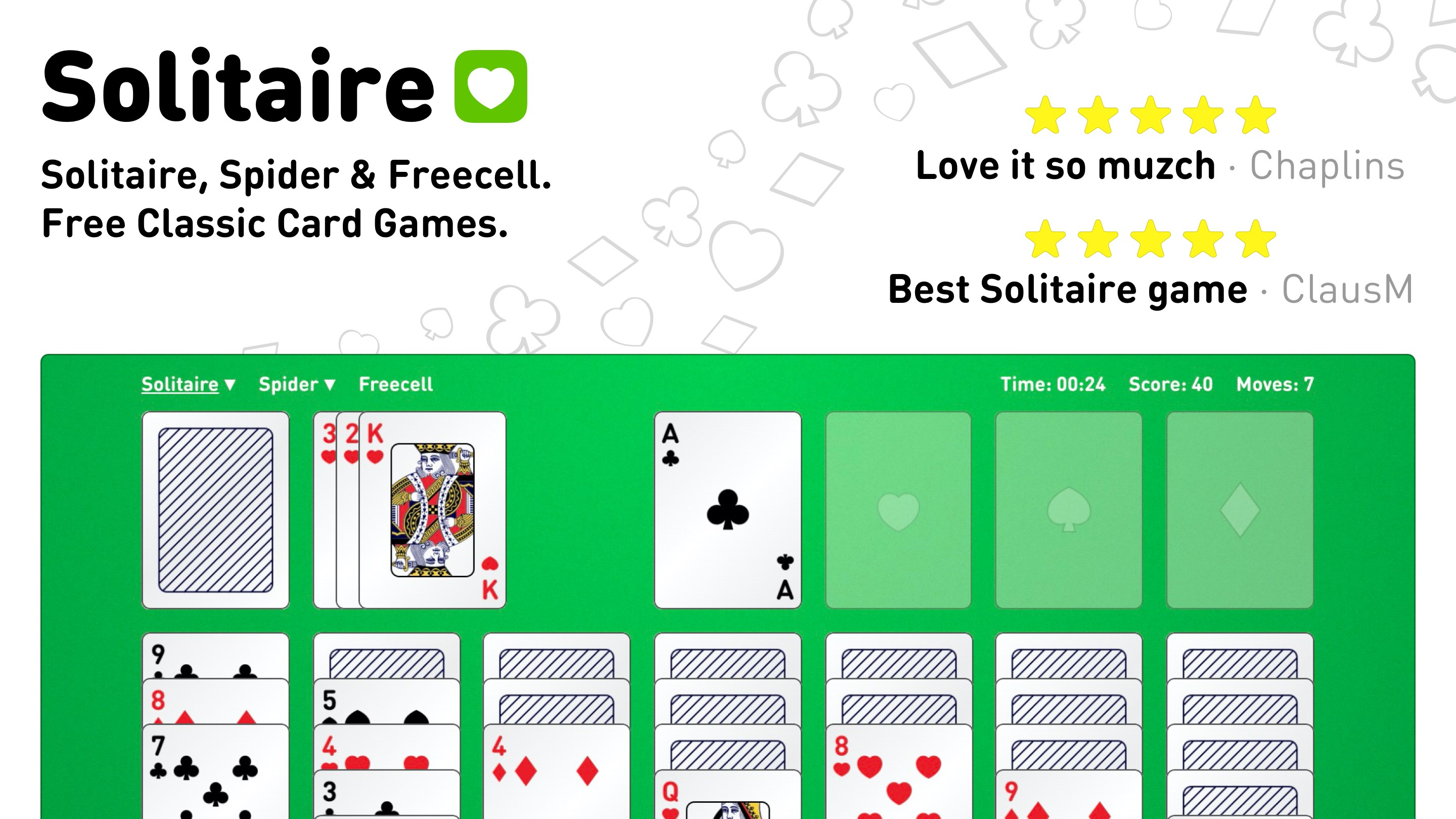
Picture yourself settling into a cozy corner after a long day, ready to unwind with a familiar game of solitaire. The app greets you with a clean, uncluttered interface that instantly transports you to a virtual card table, inviting you to start your gaming session. Moving beyond mere aesthetics, the app's real charm lies in its responsiveness and intuitive gameplay, feeling much like shuffling and dealing a deck in your living room—without the mess of cards flying everywhere.
Streamlined and Intuitive Interface
The app's UI design is both minimalistic and thoughtfully laid out. The cards are clear and well-sized, ensuring visibility without crowding the screen, while the background options allow personalization—be it a classic green felt or a modern dark mode. Transitioning between games is effortless, thanks to straightforward icons and menus that keep your focus on the game rather than hunting for options. For newcomers, the learning curve is gentle: basic drag-and-drop mechanics are intuitive, making it easy to pick up and play without lengthy tutorials.
Performance, Gameplay, and Unique Features
When it comes to performance, Solitaire · Klondike, Spider, and Freecell excels in delivering smooth animations and rapid response times, even on lower-spec devices. The cards glide effortlessly across the table, creating a satisfying tactile experience that competitors sometimes fall short of. One of this app's standout features is the variety of difficulty levels and game customization—players can tweak game rules or choose from multiple themes, thus tailoring their experience from casual to challenging.
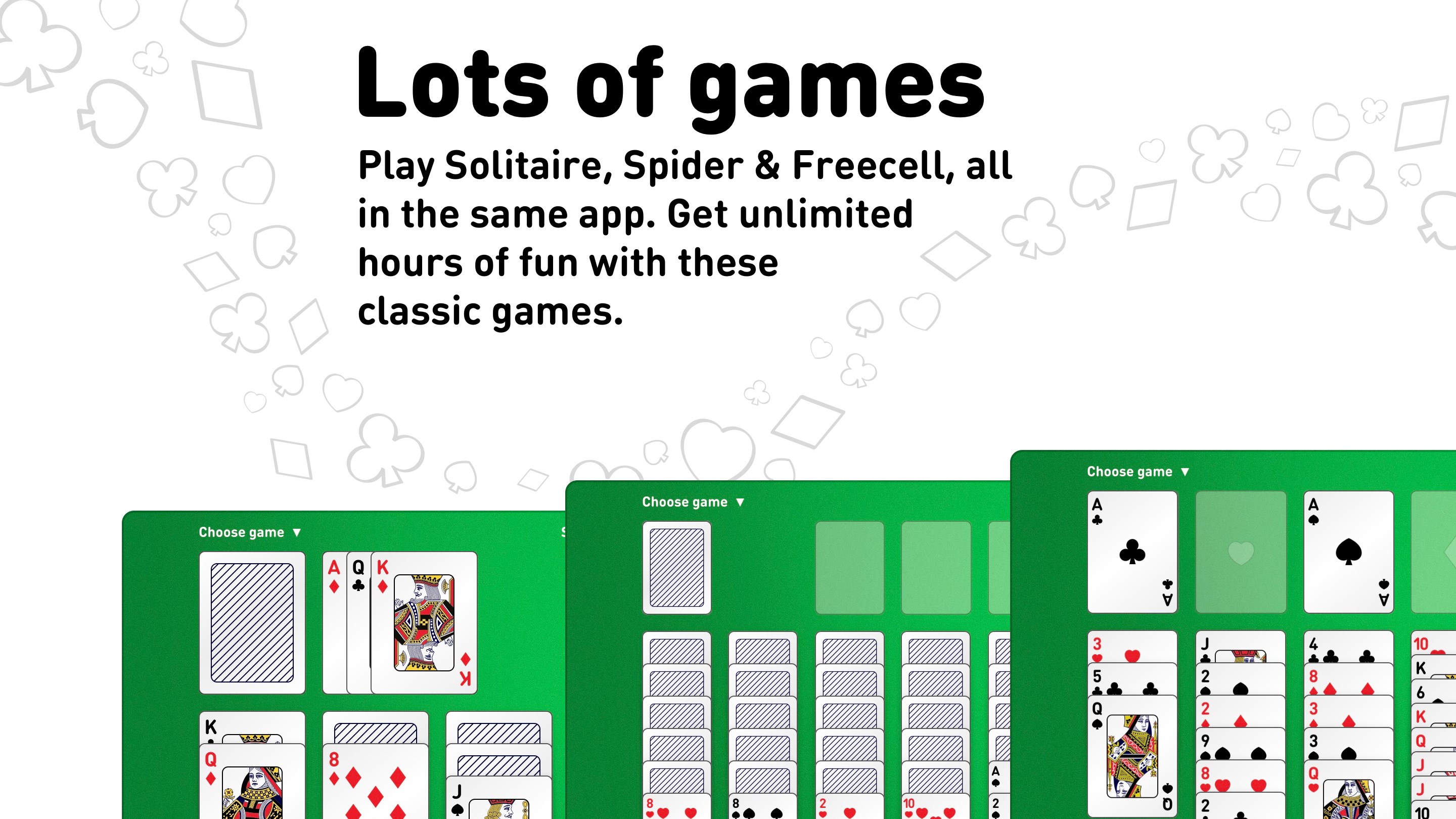
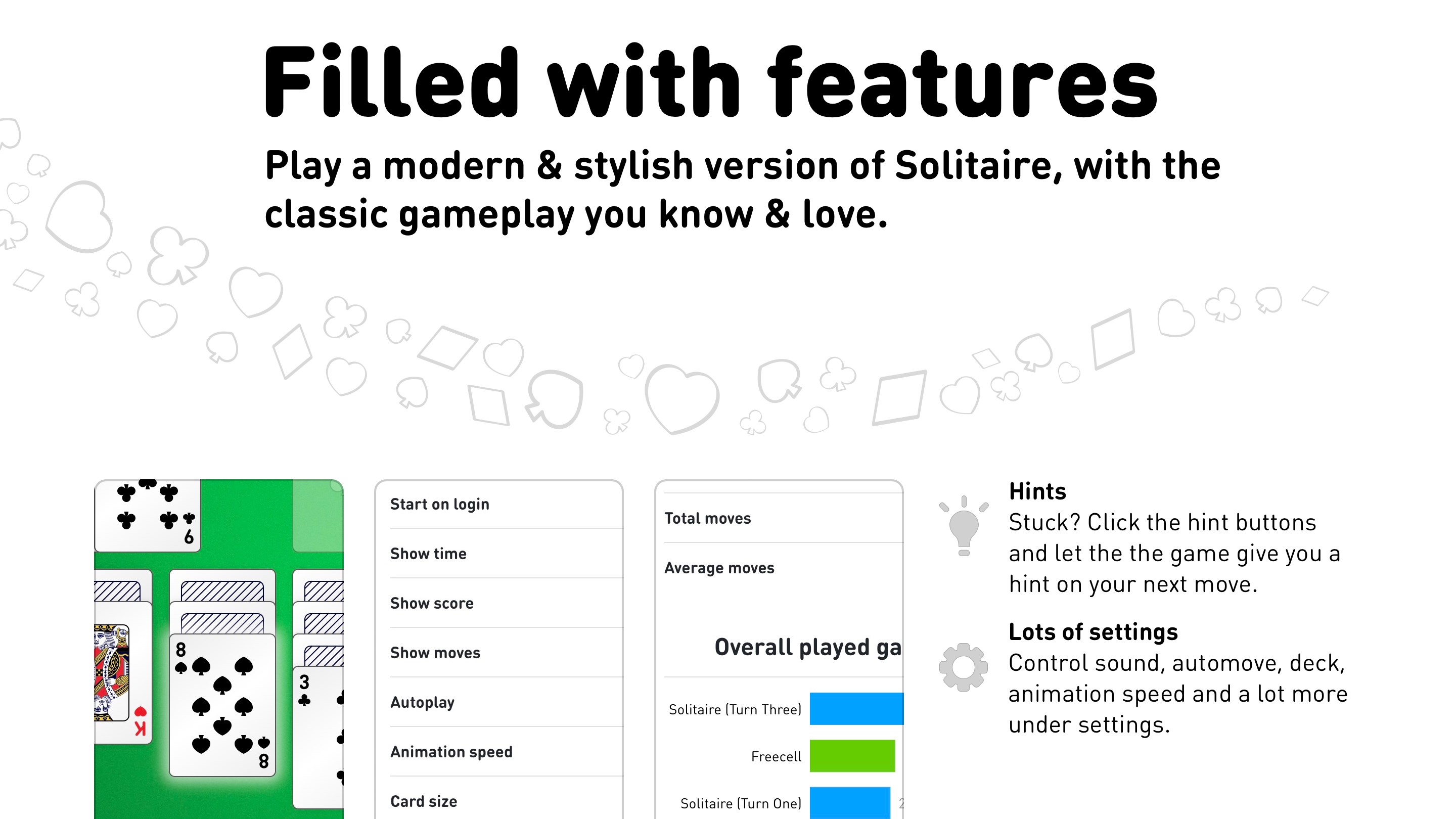
A particularly distinctive aspect is the inclusion of multiple Spider game modes—from the classic one-suit version to the more complex multi-suit variants—which is a boon for players seeking variety and challenge. This breadth of options sets it apart from simpler solitaire apps that often focus on just one or two variants. Additionally, the app offers helpful hints and undo functions, supporting players who wish to improve their skills or simply enjoy a stress-free game session.
Comparing to Other Card & Board Apps
What makes Solitaire · Klondike, Spider, and Freecell distinct from many other digital card applications is its focus on authenticity and customization. Unlike apps with flashy effects or intrusive ads, this one maintains a classic feel—almost like playing with a real deck. Its diversity of spider game options and adjustable themes ensures that players aren't limited to just a single style, offering an experience akin to having an entire card game lounge in your personal device. Moreover, its stability and responsive design make it especially suitable for longer gaming sessions.
Final Verdict and Recommendations
This app earns its spot as a recommended choice for solitaire lovers. It's especially suitable for those who appreciate a straightforward yet customizable card game experience, without unnecessary distractions. Whether you're a casual player wanting quick fun or a dedicated fan desiring deeper challenges, Solitaire · Klondike, Spider, and Freecell provides a balanced, polished, and accessible platform. For anyone seeking a reliable, thoughtfully designed card app that emphasizes gameplay authenticity and user comfort, this is a solid pick. Dive in, shuffle the deck, and enjoy timeless card games with a modern touch—you won't be disappointed.
Pros
- Intuitive User Interface
- Variety of Solitaire Games
- Offline Accessibility
- Daily Challenges and Rewards
- Customizable Themes and Card Styles
Cons
- Limited Tutorial Features
- Occasional Ads Disruption
- Syncing Across Devices Needs Improvement
- Limited Game Customization Options
- Basic Analytics and Stats











