
- Category Card & board
- Developer © 2012-2022 G Soft Team. All rights reserved.
- Available on PC, Mobile, Surface Hub, HoloLens
- OS Windows 10 version 10240.0 or higher
- languages English
Solitaire Mobile for Windows: A Classic Card Game with a Modern Touch
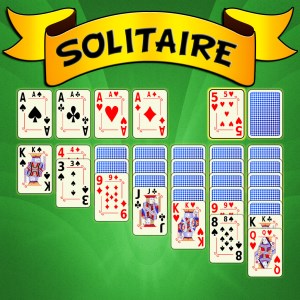
Solitaire Mobile for Windows offers a familiar yet refreshed take on the timeless card game, blending traditional gameplay with a user-friendly interface tailored for modern devices.
About the App
This application is designed to bring the classic solitaire experience directly to Windows users, making it easy to enjoy in a quick break or longer session. Developed by the G Soft Team, a dedicated group with a track record of creating engaging casual games, Solitaire Mobile aims to provide a seamless, enjoyable experience for players of all skill levels.
- Main Features: Crisp interface optimized for Windows, customizable card themes, and a variety of game modes including Klondike, FreeCell, and Pyramid.
- Target Audience: Casual gamers looking for a relaxing game, solitaire enthusiasts, and users seeking a straightforward, no-fuss card game during their breaks.
A Fresh Spin on a Classic – Why It Stands Out
If you're familiar with solitaire apps and expect little change, Solitaire Mobile might pleasantly surprise you. It's like discovering a well-loved song remixed—familiar notes with a fresh rhythm that keeps you hooked. The developers have kept the traditional gameplay intact but added thoughtful enhancements to elevate your experience.
Ease of Play Meets Visual Elegance
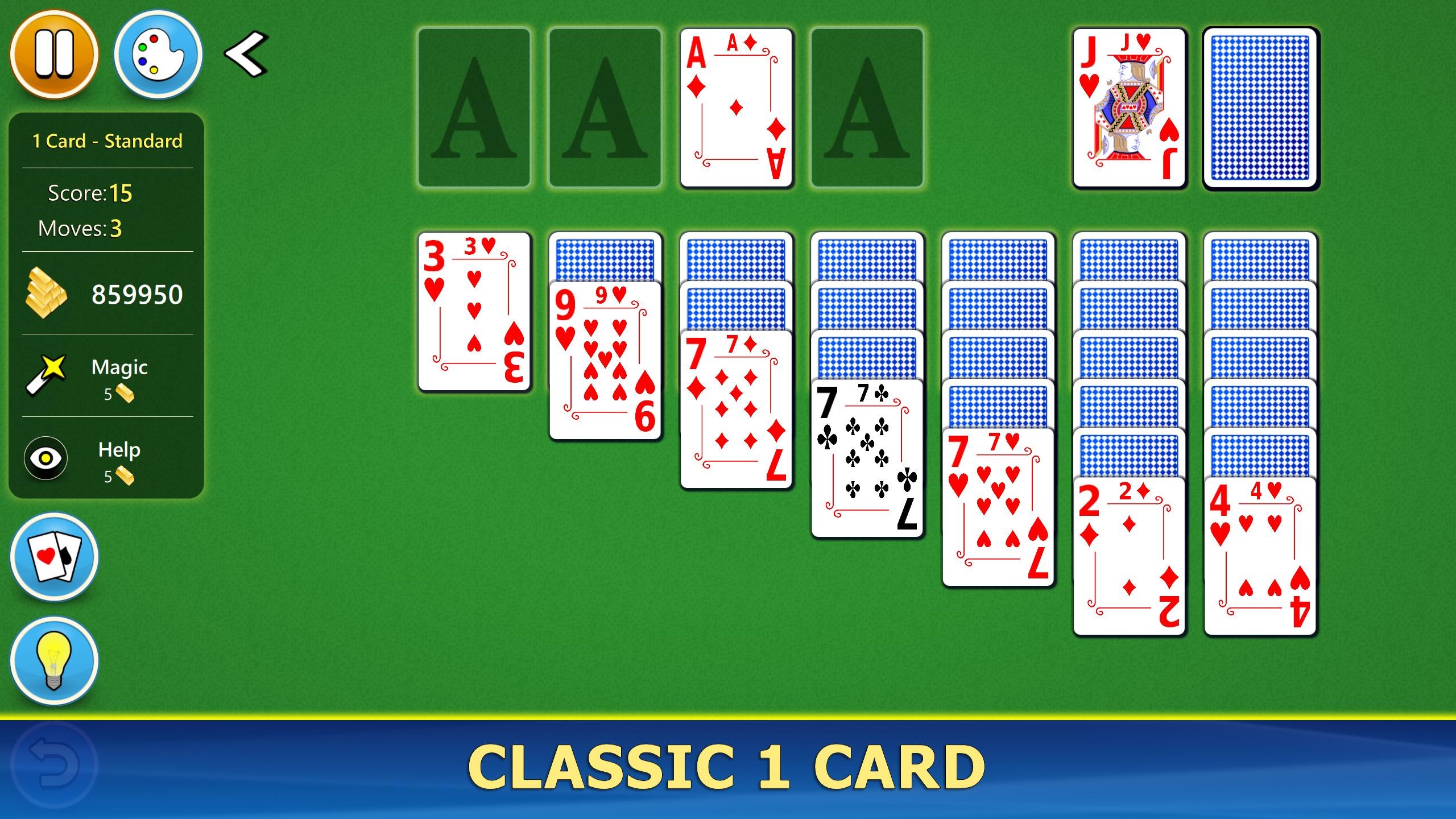
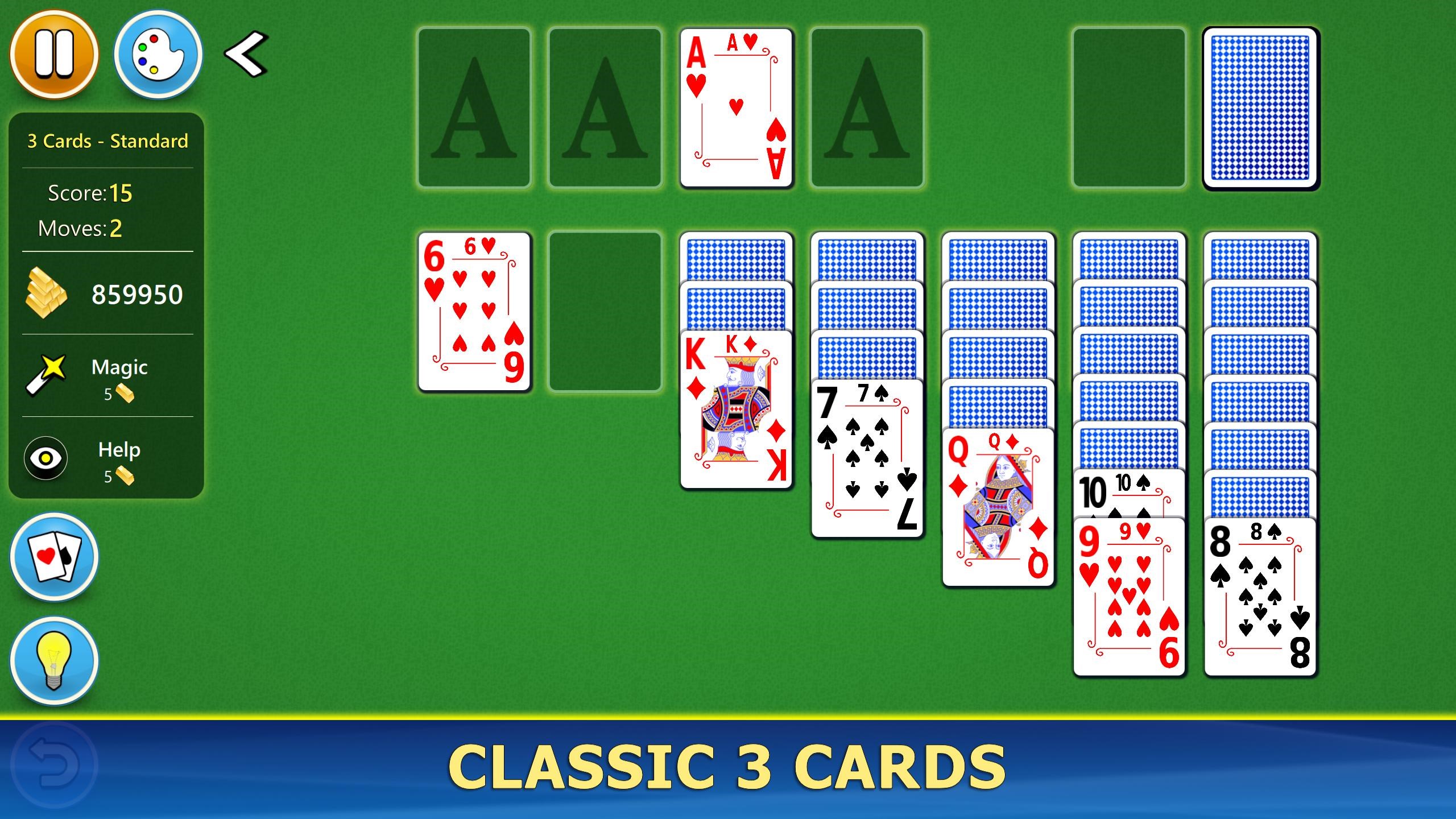
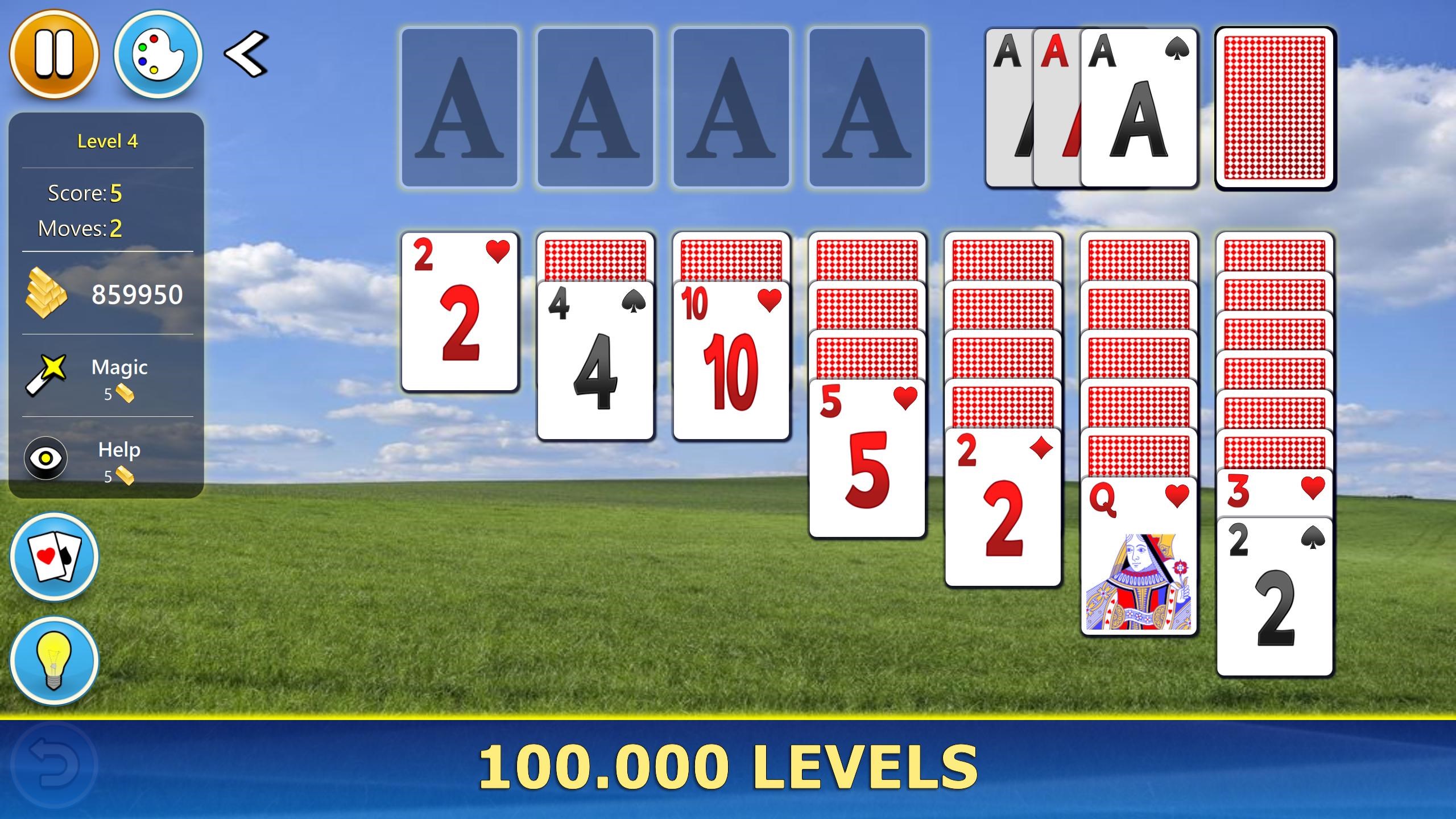
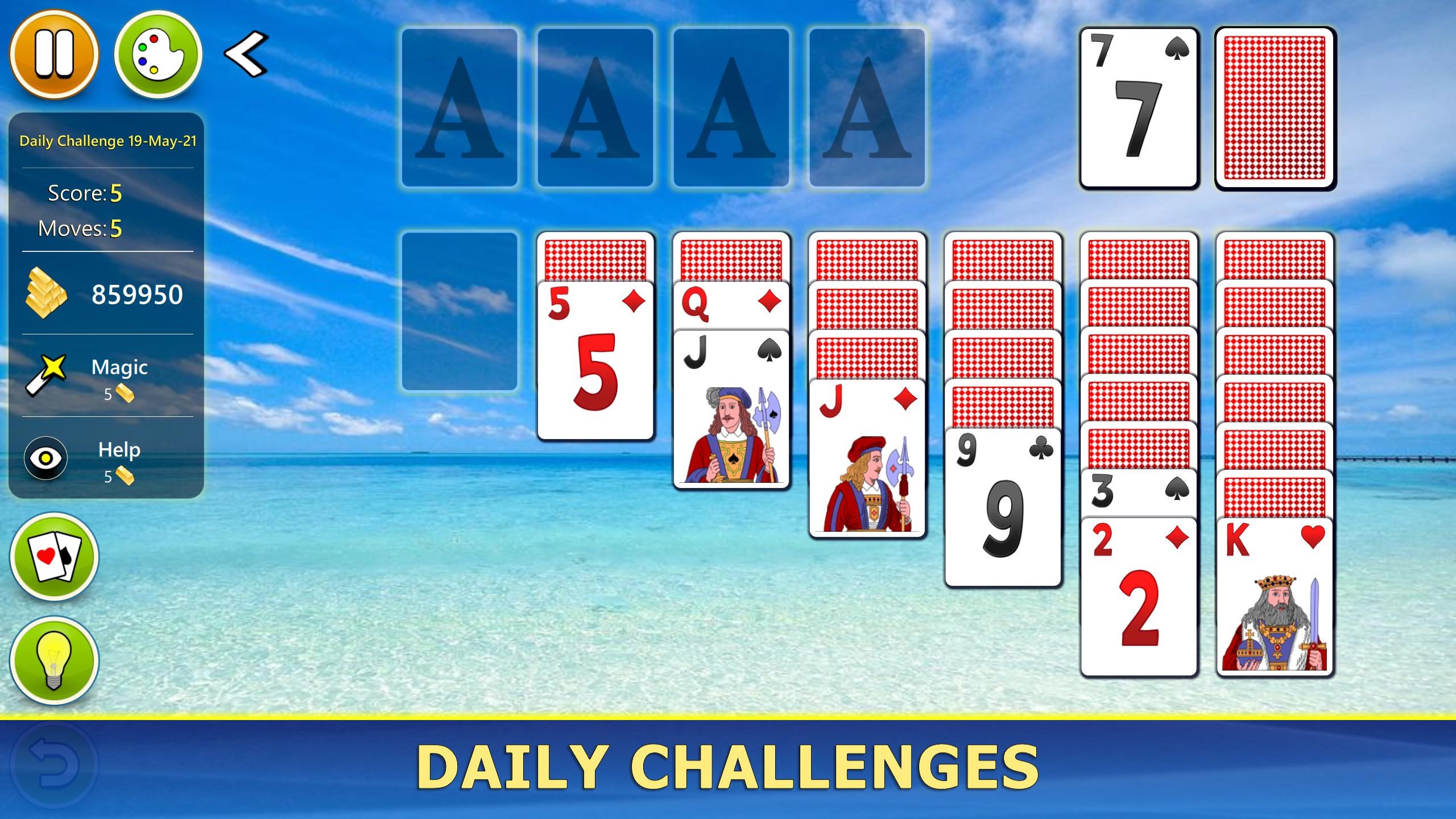
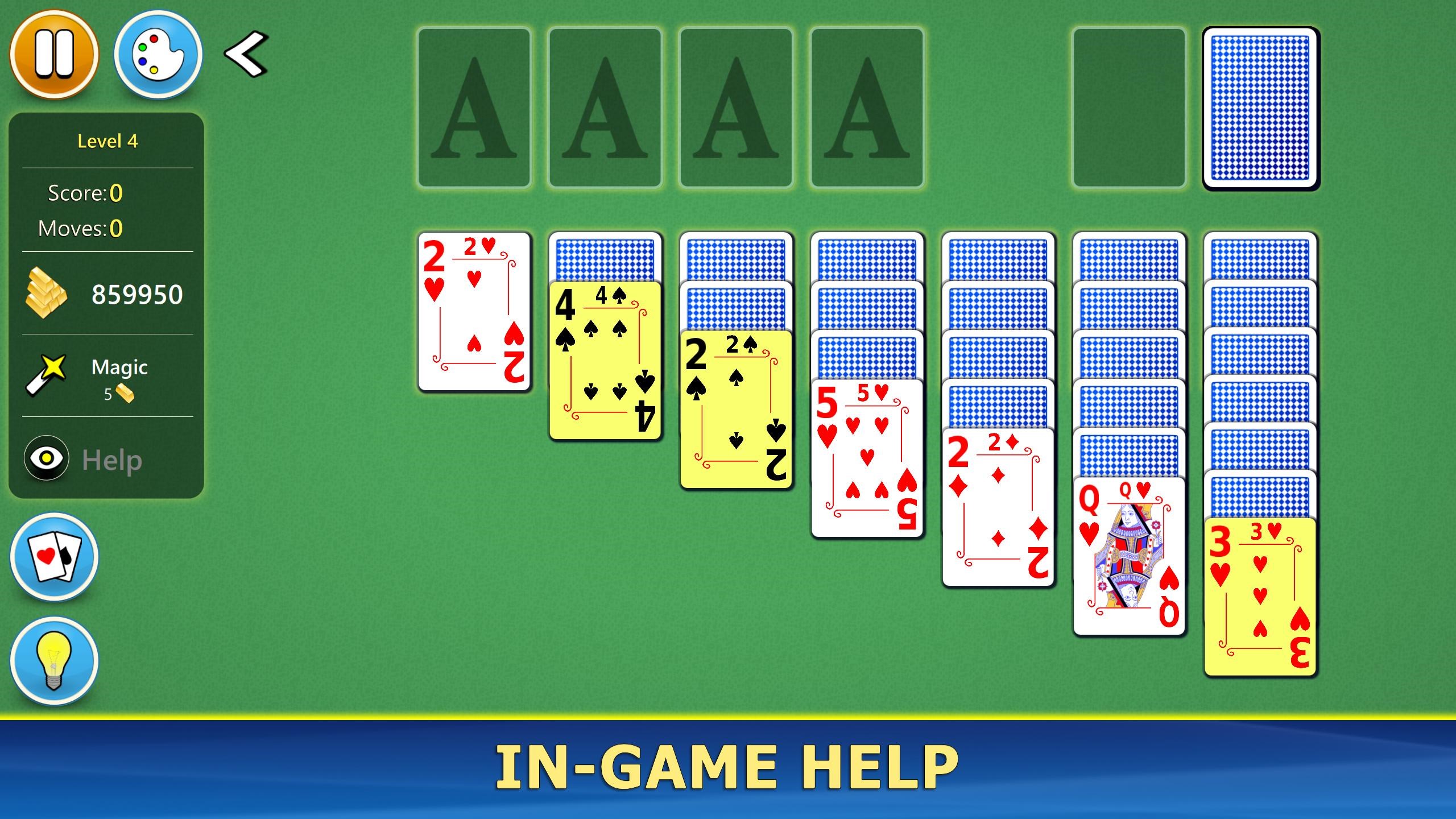
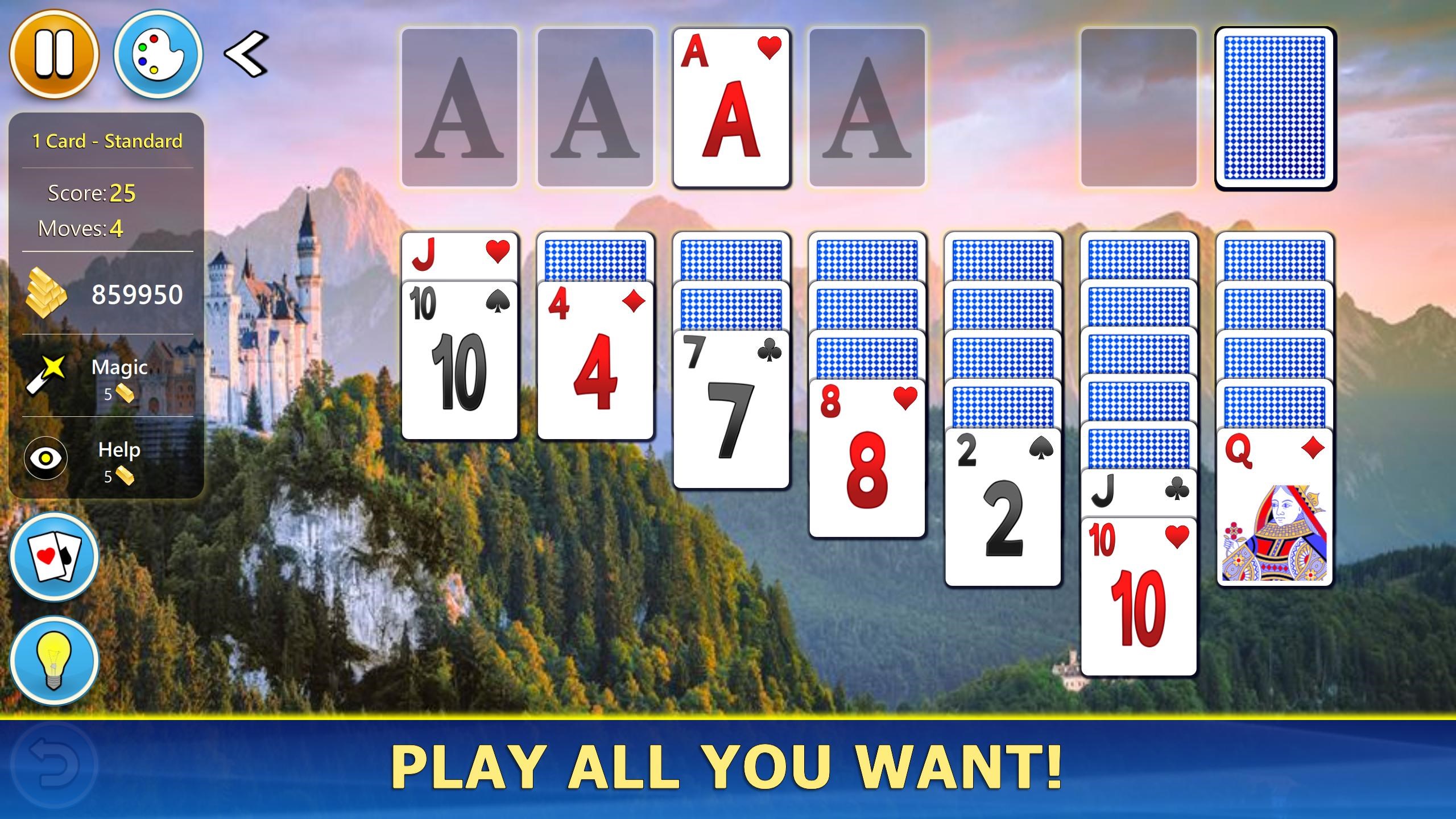
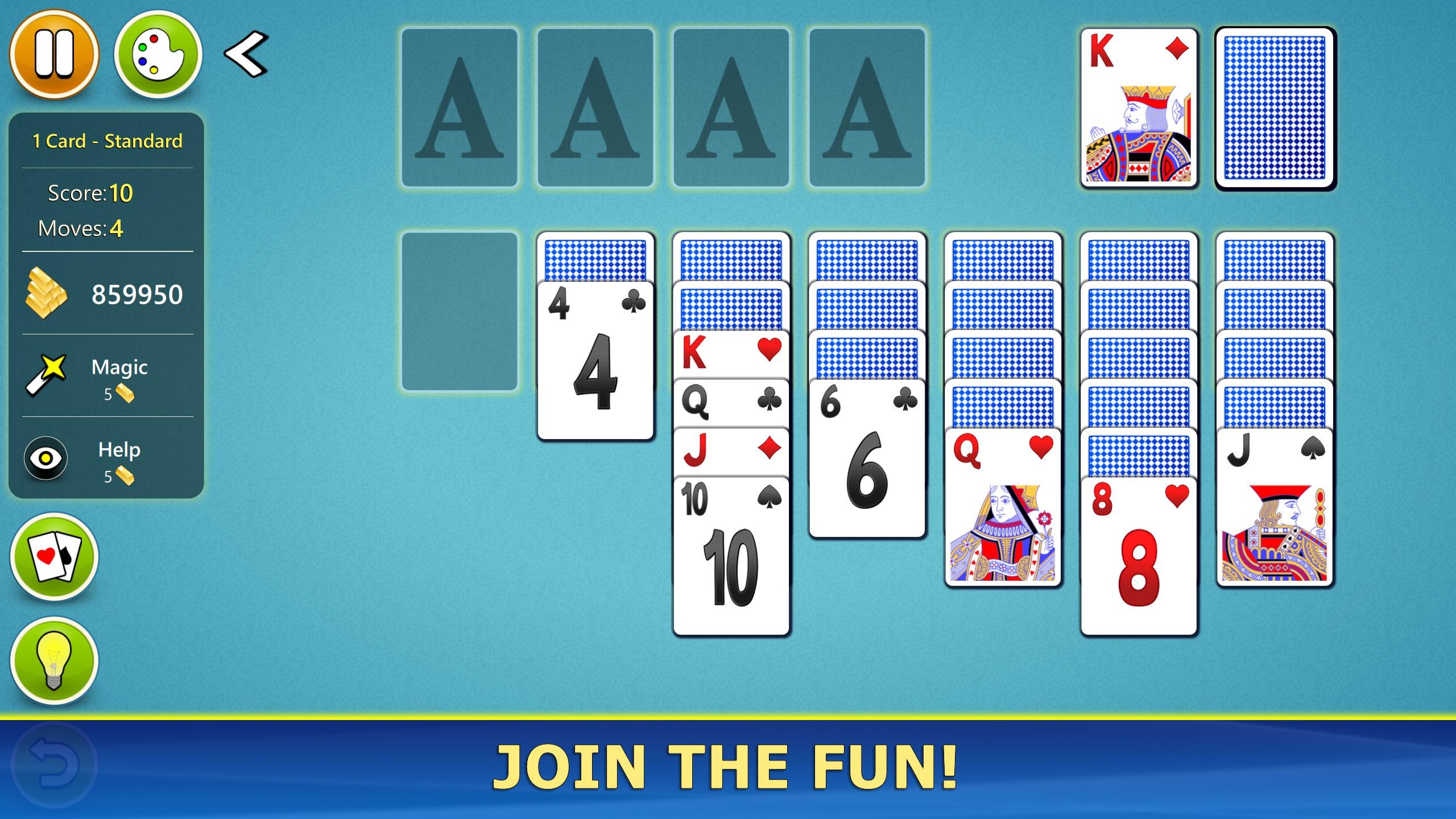
The app's interface is clean and intuitive, making navigation as smooth as sliding a card across a well-polished table. The design employs soft, calming colors that reduce eye strain, perfect for long, relaxing sessions. Animations are fluid but not distracting—they add a gentle charm that feels natural, enhancing rather than hindering gameplay. Learning curves are minimal; even newcomers can pick up the game within minutes, thanks to clear, straightforward menus and hints available for beginners.
Core Functionality – What's Inside?
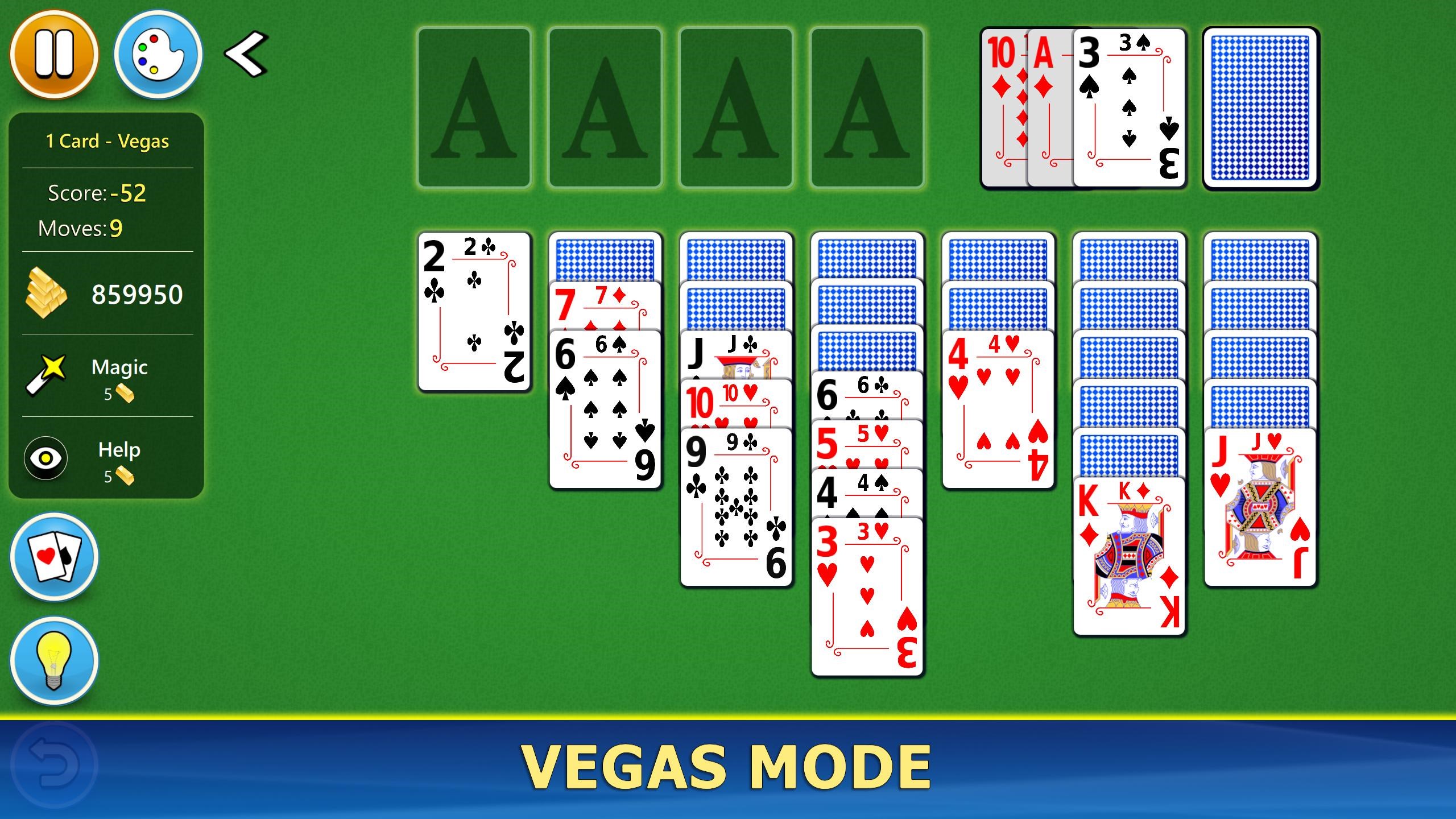
- Multiple Game Modes: Beyond the traditional Klondike, Solitaire Mobile offers FreeCell and Pyramid, each with unique rules and strategies. This diversity keeps the game fresh and appealing to players with varied preferences, preventing boredom and encouraging strategic thinking.
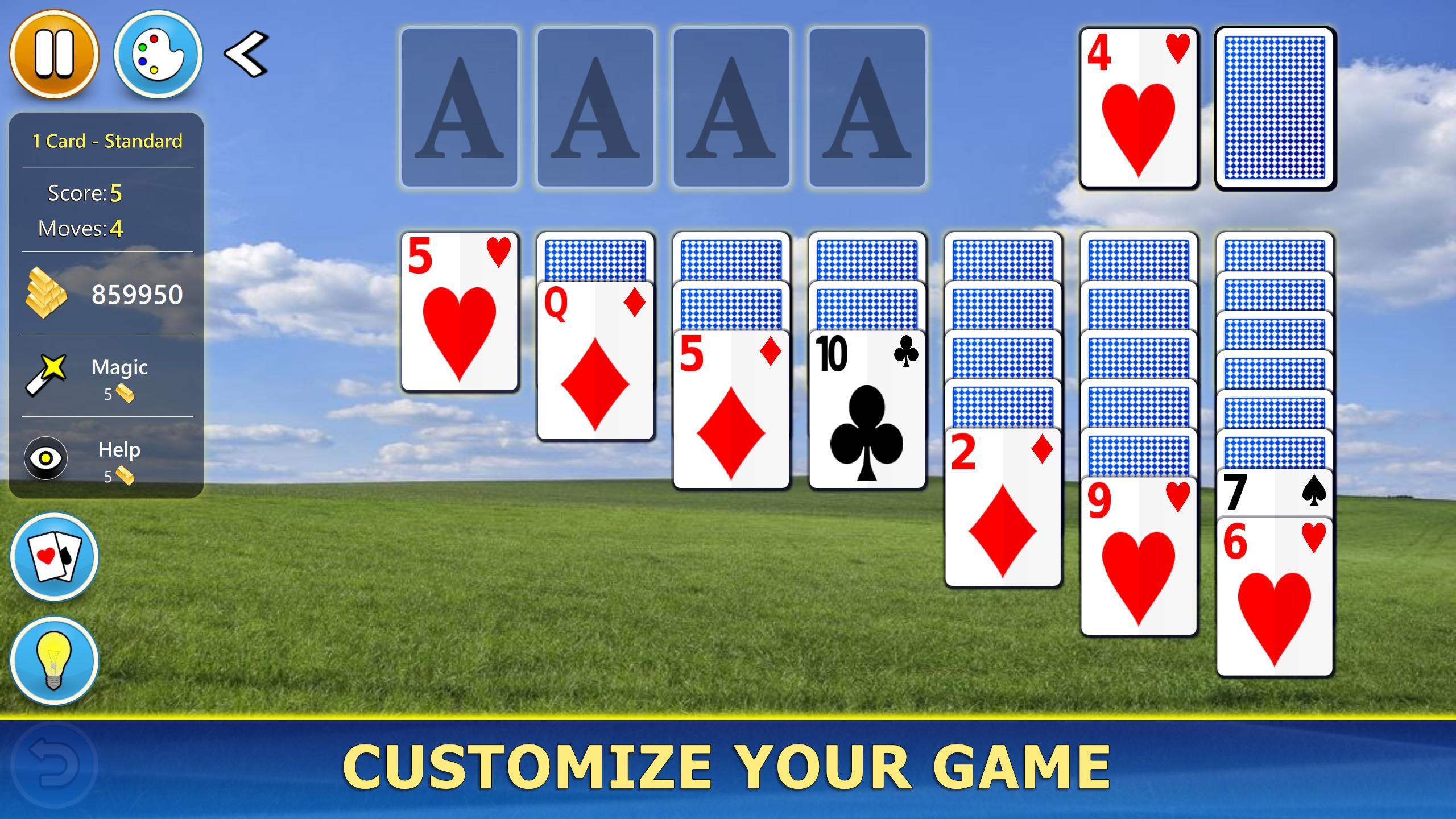
- Customization and Personalization: Players can choose from a variety of card backs and backgrounds, allowing for a personalized experience. Imagine your game table adorned with your favorite themes—be it classic wood, sleek modern designs, or playful patterns—it transforms each session into a mini sanctuary.
- Statistics and Progress Tracking: The app keeps track of your wins, stacks completed, and your overall improvement trend. This feature motivates players by offering tangible goals, turning a simple game into a rewarding challenge.
Player Experience and Unique Advantages
In comparison to other card games on Windows, Solitaire Mobile offers a balanced blend of simplicity and sophistication. Its smooth animations and customization options are noteworthy, but what truly sets it apart is its focus on accessibility. The game adapts well for both casual players seeking quick fun and more serious enthusiasts aiming to improve their skills with detailed statistics.
Furthermore, the app's design philosophy emphasizes minimalism, avoiding clutter and allowing you to concentrate fully on your game. It runs flawlessly on various Windows devices, from desktops to tablets, providing a consistent experience across platforms.
Final Verdict and Recommendations
Solitaire Mobile for Windows stands out as a well-crafted, reliable card game that respects tradition while offering meaningful enhancements. Its most compelling features—diverse game modes and customizable themes—make it a particularly attractive option for both casual and dedicated players.
If you enjoy classic card games and appreciate a tidy, elegant interface, this app comes highly recommended. Its straightforward approach makes it suitable for quick pickups or extended gaming sessions. However, those seeking more exotic or complex card games might prefer exploring other apps. Overall, Solitaire Mobile balances charm and functionality beautifully—an excellent addition to your Windows gaming collection.
Pros
- Intuitive user interface
- Regular updates and new content
- Offline gameplay available
- Customizable card backgrounds and themes
- Low storage requirement
Cons
- Limited game modes
- In-app advertisements
- Lack of advanced stats tracking
- Limited social features
- Occasional performance lag on older devices











