


- Category Music
- Developer MAGIX Software GmbH
- Available on PC
- OS Windows 10 version 0.0 or higher
- Keyboard Integrated Keyboard
- Mouse Integrated Mouse
- Memory 2 GB
- languages German, English
Sound Forge Audio Studio 17 Microsoft Store Edition: A Serious Yet User-Friendly Audio Editing Tool
Positioned as a comprehensive yet accessible audio editing solution, SOUND FORGE Audio Studio 17 Microsoft Store Edition caters to both budding audio enthusiasts and semi-professional creators seeking reliable editing capabilities without the complexity of high-end DAWs.
Developed by MAGIX Software GmbH
MAGIX Software GmbH, a reputable name in digital media software development with decades of experience, ensures that this edition benefits from robust engineering and continual updates rooted in their extensive expertise in multimedia tools.
Key Features That Keep You Listening
- Advanced Sound Restoration: Effortlessly repair audio imperfections, remove noise, clicks, and hums to restore clarity.
- High-Quality Effects and Processing: Access a variety of professional effects like reverb, EQ, and pitch correction to enhance your audio projects.
- Multitrack Editing & Mastering: Easily handle multiple tracks simultaneously, giving your productions a polished, professional finish.
- Rhythm Pattern Analysis: Unique to this edition, the app offers assessment tools for rhythm pattern variety, setting it apart from typical editors.
Targeted at musicians, podcasters, video editors, or anyone venturing into the audio realm, this edition is crafted for users who need solid features combined with ease of use, without delving into overly technical territory.
Engaging and Intuitive Interface for Smooth Sailing
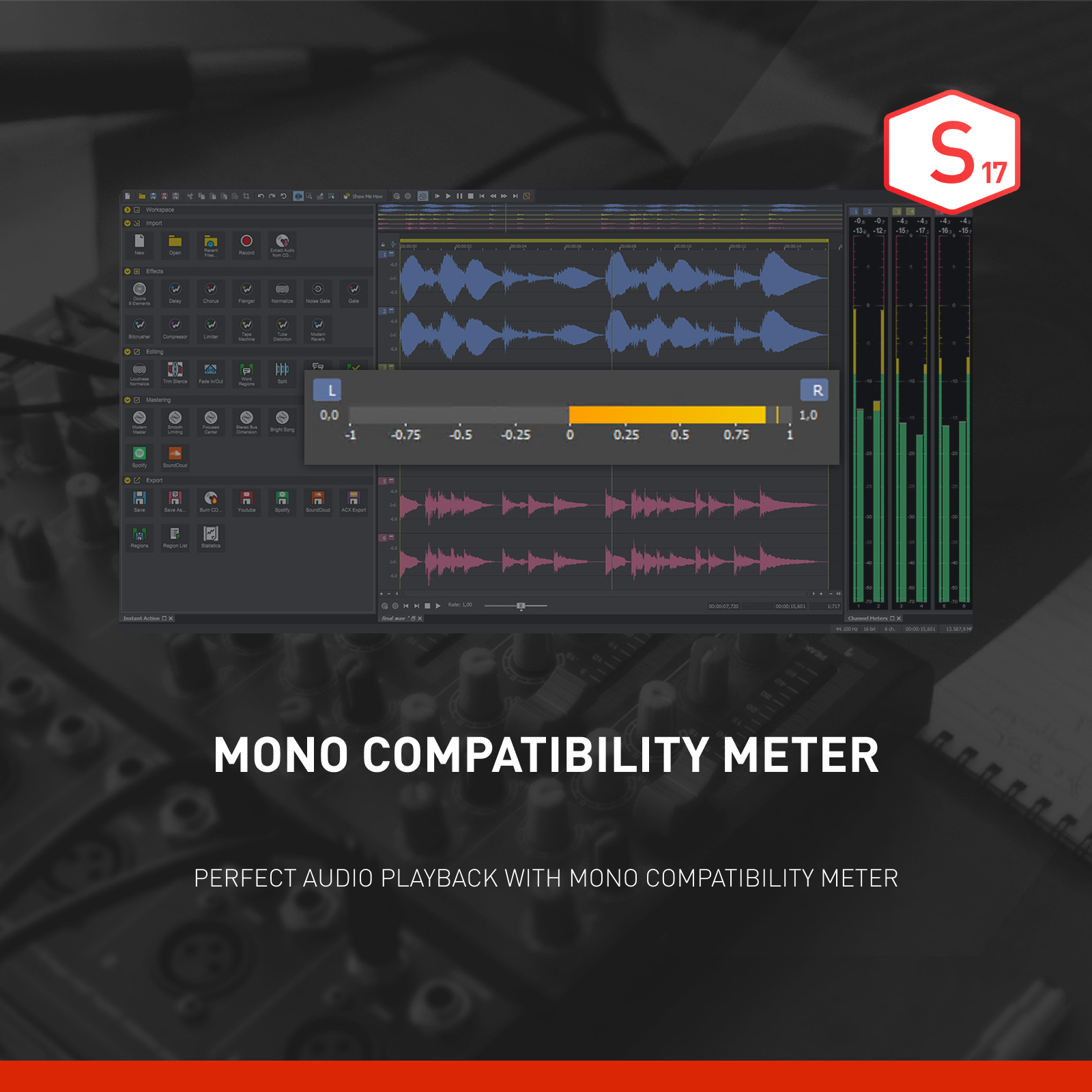
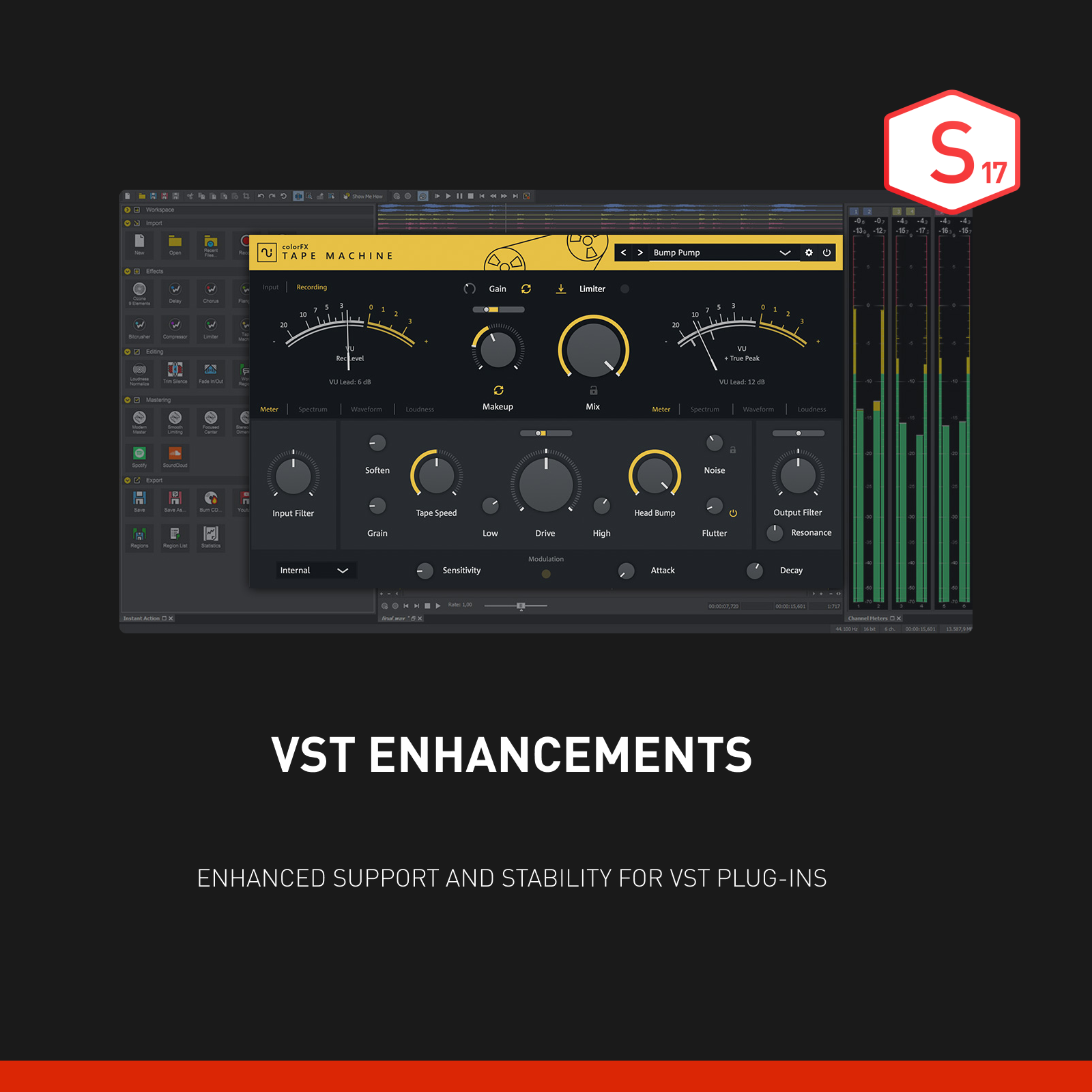
From the moment you launch SOUND FORGE Audio Studio 17, you're greeted with a sleek, streamlined interface that resembles a well-organized workspace rather than a cluttered workshop. The design adopts a dark, professional theme that's eye-friendly during long editing sessions, akin to a modern control room in a recording studio. Navigation feels logical, with intuitive menus and clearly labeled tools, making the complex seem manageable.
Operation fluency is commendable; even on modest hardware, the app runs smoothly, gliding through playback and rendering tasks without noticeable lag. The learning curve is gentle — ideal for newcomers who aim to learn quickly, yet robust enough to satisfy seasoned editors seeking precision. Tooltips and guided tutorials aid novices, while shortcut keys and customizable workspace cater to power users, striking a friendly balance.
Core Functionality: From Noise to Notes
Audio Restoration and Cleanup
This feature is where SOUND FORGE Audio Studio 17 shines brightest. Imagine you're working with an old tape recording or shaky live audio; the built-in repair tools act like magic wands, minimizing background noise, clicks, pops, and hums with just a few clicks. The clarity achieved often surpasses expectations, breathing new life into aged or compromised recordings. The process feels seamless, as if you're gently polishing a rough gemstone until it gleams.
Creative Effects and Processing
Beyond cleaning, the app offers a rich library of effects to shape your soundscape. Whether you want subtle EQ adjustments, dramatic reverb, or pitch correction for vocals, the controls are precise yet accessible. For musicians, this means being able to experiment with sound textures without rooting around obscure menus. The real asset here is the ability to add professional-grade effects that elevate your project from amateurish to polished.
Multitrack Editing & Rhythm Analysis
Handling multiple tracks feels natural, like conducting an orchestra. You can align, cut, and mix tracks with drag-and-drop simplicity. Notably, the app's unique rhythm pattern assessment sets it apart: it can analyze and quantify rhythm diversity within your compositions, offering insights that help you refine your beats or identify groove issues. This analytical capability is especially valuable for producers aiming for rhythmic perfection, giving SOUND FORGE an edge over more basic editors focusing solely on waveform editing.
Above and Beyond: Differentiating Features and User Experience
Compared to typical audioprocessing tools, SOUND FORGE Audio Studio 17's rhythm pattern assessment function is a standout. While many editors focus solely on waveform manipulation, this feature provides a kind of 'musical intelligence', allowing creators to evaluate and enhance rhythm consistency and diversity. This makes it particularly appealing for beatmakers, drummers, and composers looking to perfect their rhythmic arrangements without switching to specialized software.
Furthermore, its intelligent noise reduction algorithms stand out for their capacity to preserve audio fidelity, making cleanup less intrusive and more professional-sounding. The interface's thoughtful design ensures that both basic edits and more advanced features are within easy reach, supporting creative flow without frustration.
Recommendations and Usage Tips
Overall, SOUND FORGE Audio Studio 17 Microsoft Store Edition is a solid choice for users seeking a reliable, user-friendly audio editor that does not compromise on professional features. It's especially recommended for those who value sound restoration, multitrack editing, and rhythm analysis—making it suitable not just for basic editing but for more nuanced production work.
For optimal experience, users should familiarize themselves with the rhythm analysis and noise reduction functionalities first, as these truly differentiate this version from competitors. Given its approachable interface and powerful core features, both beginners and intermediate users will find it a worthwhile investment for their audio projects, whether for podcast production, music sampling, or audio post-production.
Pros
- Intuitive user interface
- Comprehensive editing tools
- High-quality audio processing
- Template and preset options
- Good integration with Windows system
Cons
- Limited advanced features in some editions
- Occasional stability issues with large projects
- Learning curve for complex functions
- Limited format support for certain audio codecs
- Absence of certain collaboration features











