
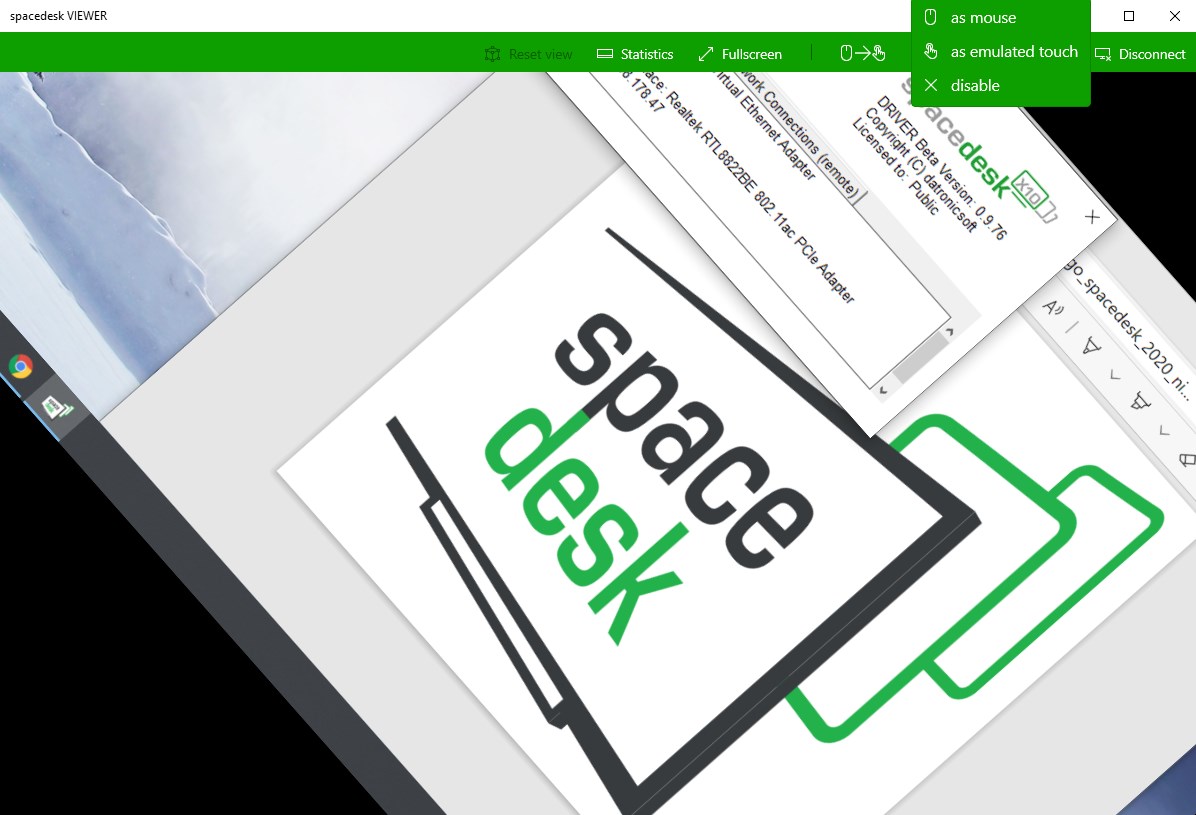
- Category Productivity
- Developer datronicsoft
- Available on PC, Mobile
- OS Windows 10 version 19041.0 or higher
- Mouse Integrated Mouse
- DirectX Version 11
- Memory 2 GB
- languages English (United States)
Spacedesk for Windows: Transforming Your Devices into a Seamless Display Network
Imagine turning your tablet, laptop, or secondary monitor into an extension of your primary workstation effortlessly—spacedesk is the tool that makes this possible, offering a smart, flexible solution for multi-device environments. Developed by DatronicSoft, this Windows app promises to enhance productivity by expanding your digital workspace without the need for costly hardware upgrades or complicated setups.
Who's Behind the Curtain?
Created by DatronicSoft, a dedicated software development team specializing in innovative connectivity solutions, spacedesk is published by DatronicSoft Technology GmbH. With a focus on bridging devices seamlessly, the developers aim to provide a reliable and efficient auxiliary display experience for a global user base.
Key Highlights of spacedesk
- Multi-Device Connectivity: Effortlessly extend or mirror your Windows desktop to multiple devices over Wi-Fi or Ethernet, transforming old tablets or secondary laptops into functional displays.
- Cross-Device Compatibility: Supports various devices including Windows, Android, and others, maximizing hardware reuse and flexibility.
- Low Latency and Fluid Display: Optimized for smooth visuals, making it suitable for tasks ranging from web browsing to graphic design.
- Simple Setup and User-Friendly Interface: Designed for ease of use, enabling quick deployment even for less tech-savvy users.
An Engaging Dive into spacedesk's Capabilities
Picture this: You're deep into a complex project, and your screen real estate feels cramped. Suddenly, you think—what if I could just get more screen space without buying an extra monitor? That's exactly where spacedesk steps in, transforming what might seem like modest laptop screens or tablets into a cohesive, expansive workspace. It's like turning your devices into a team of helpful assistants, each one ready to display different parts of your workflow.
Core Functionality One: Multi-Device Extension and Mirroring
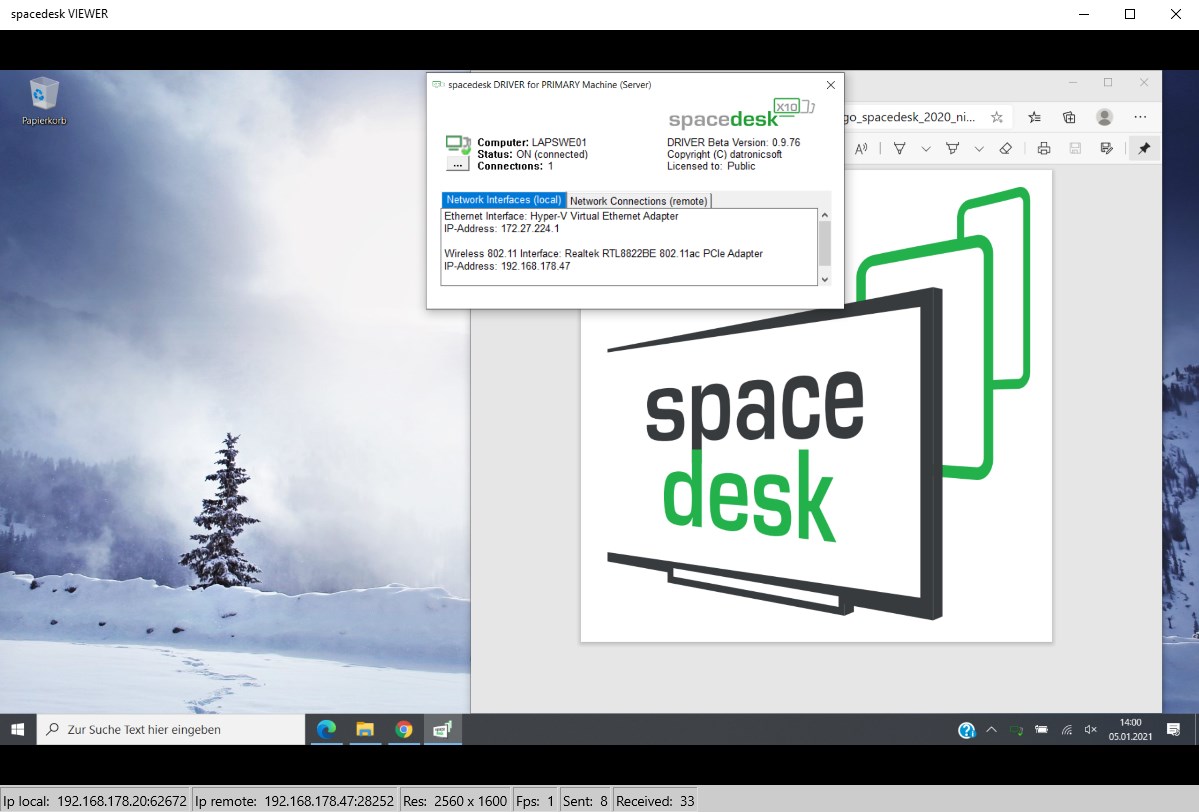
The standout feature of spacedesk is its ability to extend your desktop across multiple devices seamlessly. Whether you're using an old tablet lying around or sharing screens with a colleague, spacedesk creates a robust bridge that transmits your desktop display wirelessly or via a wired network. The process is straightforward: install the server on your Windows PC, then join with the client app on your secondary device—no fuss, no complicated configuration. Once connected, these devices act as additional monitors, with minimal latency, empowering you to place palettes, reference materials, or communication apps on secondary screens while working on the main one. It's like adding virtual monitors without physical clutter.
Core Functionality Two: Cross-Platform Compatibility with Low Latency
While primarily designed for Windows devices, spacedesk's support for Android and other platforms extends its versatility. You can now transform your tablet into a secondary display regardless of brand or OS within the Windows environment. Its optimized streaming protocol prioritizes low latency, which ensures that mouse movements, gestures, and live updates feel natural and responsive—crucial when dealing with detailed design work or real-time data analysis. This fluidity resembles a well-rehearsed orchestra, where every note (or pixel update) hits perfectly in sync with your intentions, reducing cognitive load and making multitasking feel almost effortless.
Design and User Experience: Simple, yet Sophisticated
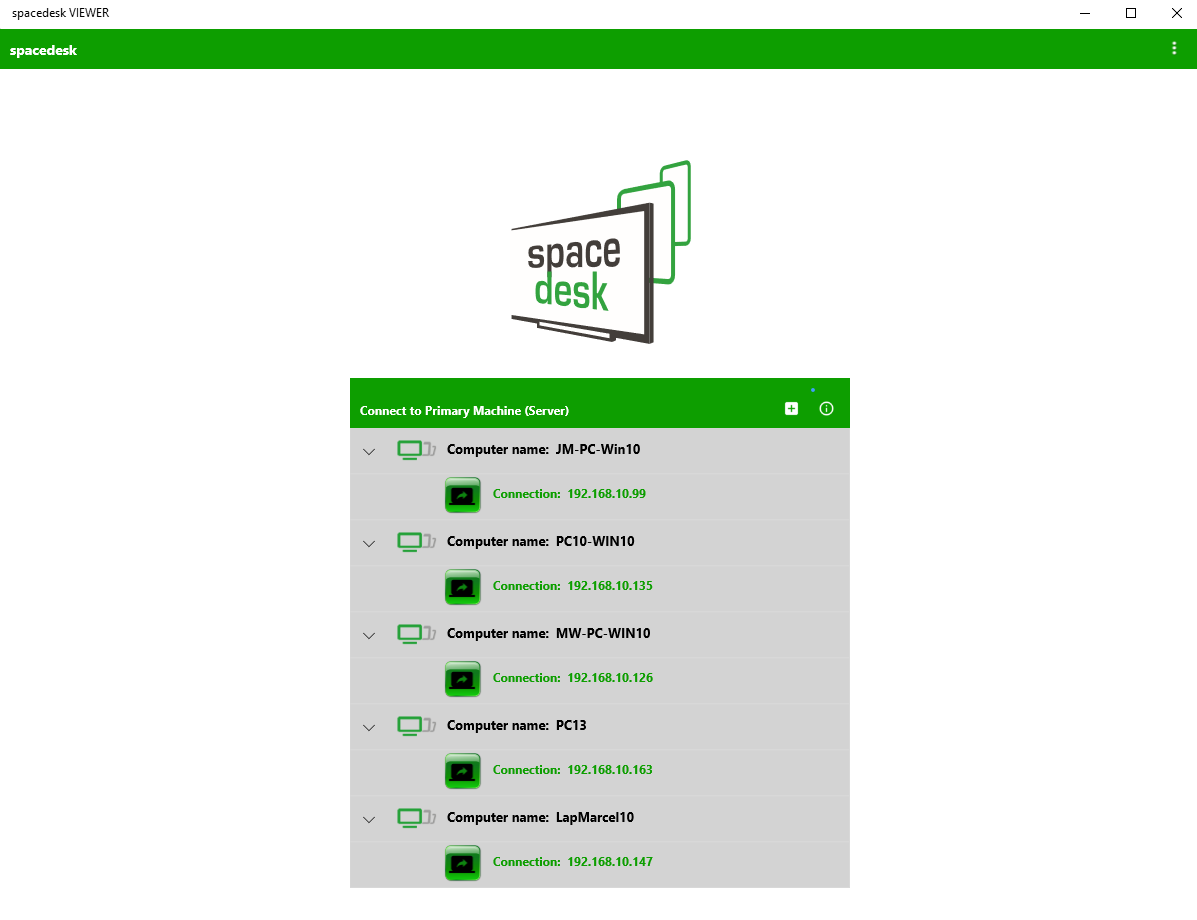
The user interface of spacedesk is surprisingly clean and intuitive—much like walking into a well-organized studio. Setting up a new connection involves just a few clicks: install the server on your PC, open the client app, and select your device. The app's minimalistic layout reduces learning curve, and its responsive design ensures operation remains smooth even under less-than-ideal network conditions. During testing, interactions felt snappy, with little to no lag, thanks to its efficient use of system resources. For users familiar with multi-monitor setups, transitioning to spacedesk feels like an extension of existing workflows rather than a steep learning curve.
What Sets spacedesk Apart from Its Peers?
Compared to other secondary display solutions, spacedesk's most distinctive advantage lies in its workflow integration capability coupled with simplicity. Unlike bulky hardware solutions or complex software that sap cognitive resources, spacedesk's lightweight design reduces the mental effort needed to set up and manage multiple displays. Its ability to operate over standard Wi-Fi networks without cumbersome configuration makes it accessible—think of it as a digital teleportation device for your workspace. This focus on reducing cognitive load and feature simplicity makes spacedesk particularly appealing for professionals who value efficiency over excessive feature bloat.
Final Verdict: A Practical and Adaptable Tool—Highly Recommended
For anyone looking to enhance their productivity with an extra display or two without investing in new hardware, spacedesk is an excellent choice. Its ease of use, responsiveness, and cross-platform flexibility make it stand out from the crowded field of virtual display solutions. While it's not a replacement for dedicated monitors in high-performance environments, for most everyday multitasking, design, or reference purposes, it excels. I recommend trying it out if you need a quick, reliable workspace expansion, especially when minimizing setup complexity and cognitive load are priorities.
Pros
- Easy setup and user-friendly interface
- High compatibility across devices
- Low latency performance
- Free to use
- Flexible display arrangements
Cons
- Requires stable Wi-Fi connection
- Limited support for non-Windows devices
- Possible compatibility issues with some graphics drivers
- Initial setup may be confusing for some users
- Advanced features may require technical knowledge











