




- Category Card & board
- OS Windows 10 version 18362.0 or higher
- languages Chinese (Simplified), Dutch, English (United States), French, German, Italian, Japanese, Polish, Portuguese, Portuguese (Brazil), Romanian, Russian, Spanish, Turkish
Introduction: A Refreshing Take on Classic Card Gaming
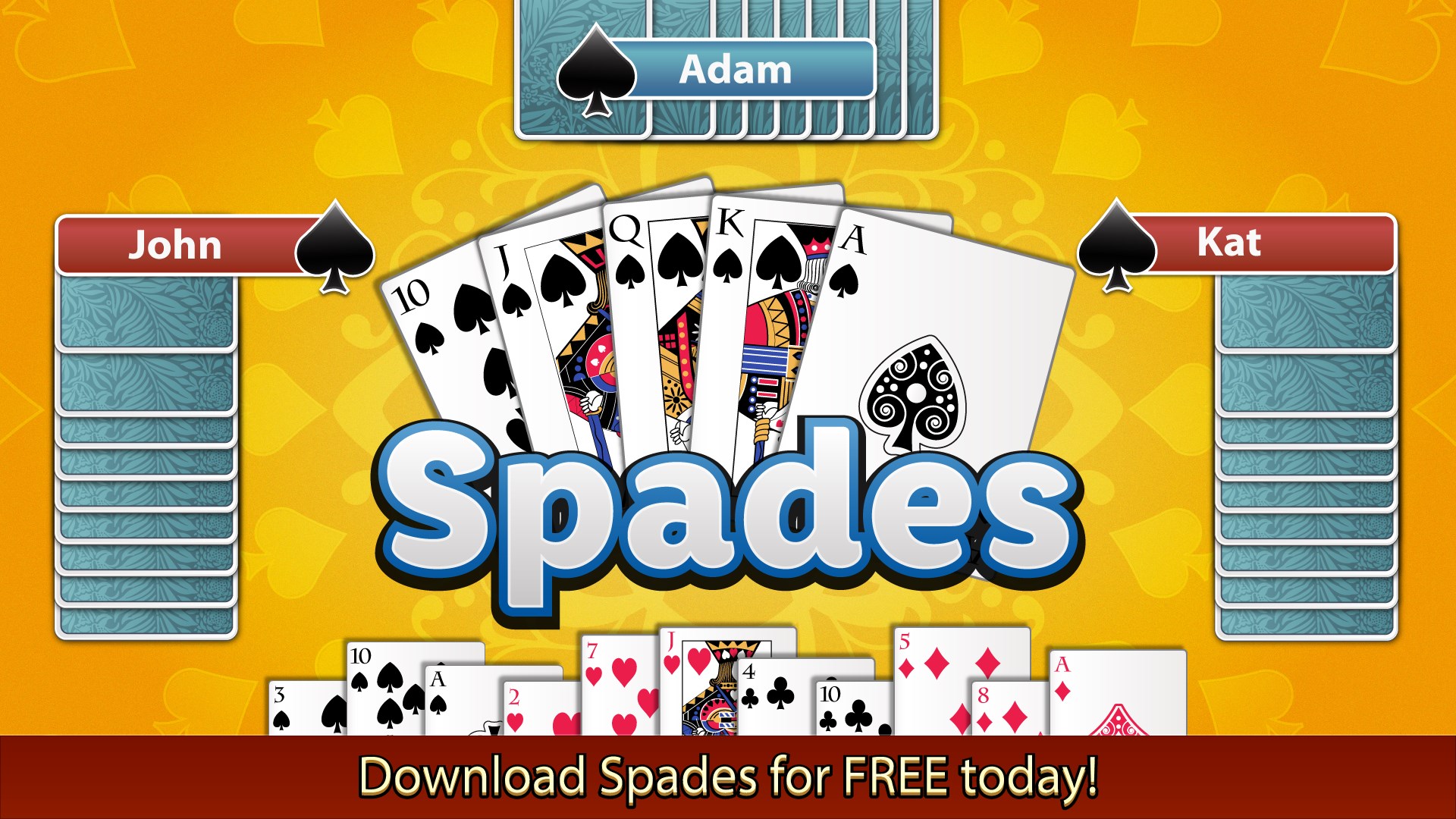
Spades for Windows by Random Salad Games LLC offers a modern twist to the timeless card game, blending traditional gameplay with sleek design and smooth mechanics. Whether you're a seasoned card shark or a casual player looking to dip into a game of strategy and skill, this app promises a polished experience that keeps the core fun intact while presenting it in a contemporary package.
Core Features That Make Spades Stand Out
Intuitive Multiplayer and Solo Modes
The app provides versatile gameplay options, allowing players to compete against AI opponents or connect with friends and players worldwide through online multiplayer. The AI opponents are surprisingly intelligent, making each game challenging yet fair, while the multiplayer mode fosters a social environment—imagine sitting around a digital table with friends, sharing laughs and fierce bidding wars.
Customizable Game Settings
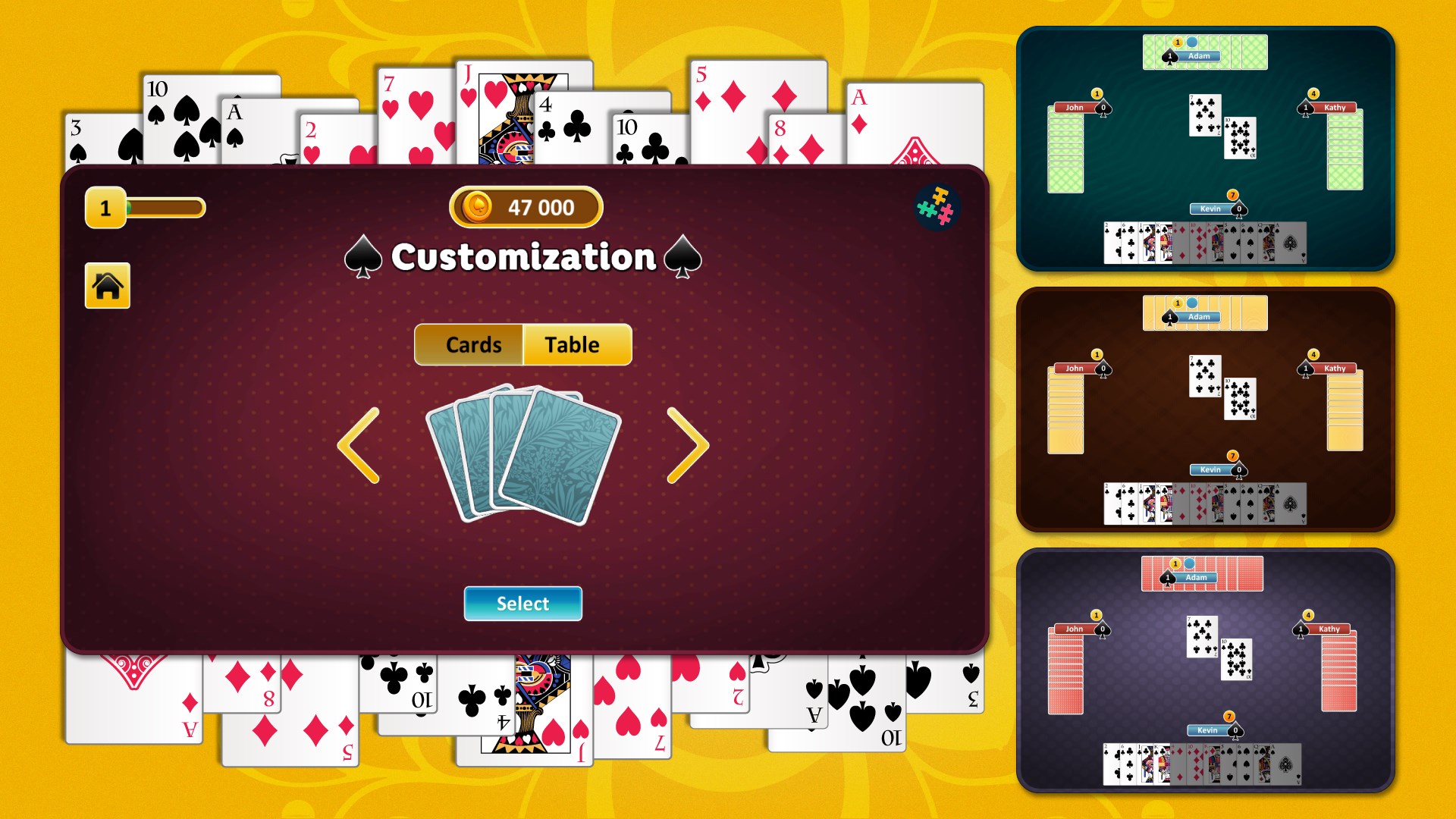
Spades for Windows excels in offering extensive customization options, from selecting different bidding styles to adjusting difficulty levels. This flexibility caters to players of all skill levels. Whether you prefer a relaxed casual game or a high-stakes showdown, the app adapts to your pace and style, making every session uniquely tailored to your preferences.
Elegant Interface and Smooth Gameplay
The interface is clean, modern, and user-friendly—much like browsing through a well-organized deck of cards. Animated elements add a touch of flair without compromising responsiveness. The game flow is seamless, with quick load times and fluid transitions that create an immersive playing atmosphere. Navigating menus and adjusting settings is straightforward, making the learning curve gentle for newcomers and efficient for veterans.
User Experience: A Friendly and Engaging Card Companion
From the moment you launch Spades for Windows, it feels like stepping into a cozy card room. The design strikes a careful balance—vivid card graphics combined with understated background colors ensure clarity and focus. The drag-and-drop mechanics and tap controls respond instantly, enhancing the intuitiveness of gameplay. For first-time players, a concise tutorial gently guides you through the game's basics, reducing any intimidation. Long-time fans will appreciate the thoughtful layout that keeps strategic options within easy reach without cluttering the screen.
What Makes It Different from Other Card & Board Games?
Many digital card games tend to focus heavily on either aesthetics or multiplayer gimmicks, but Spades for Windows carves out its niche through its robust combination of classic gameplay and tailored customization. Its standout feature is the adaptive AI, which mimics human unpredictability, making solo play both challenging and entertaining—almost like playing against a seasoned expert. Furthermore, the integration of different bidding strategies and optional rule tweaks allows players to experiment and find the version that best suits their style, setting it apart from more rigid or template-based apps.
Final Verdict: Friendly, Functional, and Fun
If you're searching for a digital spades experience that's both polished and personable, this app is worth trying. Its simplicity, combined with depth through customization and AI challenge, makes it suitable for daily recreational play or even honing your tactics. I'd recommend it particularly to players who value smooth, reliable gameplay and a touch of elegance in their card games. Whether you're commuting or relaxing at home, Spades for Windows offers a trustworthy digital partner for your card-playing adventures.
Pros
- Intuitive User Interface
- Great Graphics and Sound Effects
- Multiple Game Modes
- Regular Updates and Bug Fixes
- Achievements and Leaderboards
Cons
- Limited Customization Options
- Occasional Connectivity Issues
- In-App Purchases Can Be Expensive
- Limited Help Resources
- Learning Curve for Beginners











