
- Category Books & reference
- Developer Labsii Ltd.
- Available on Xbox console, PC, Mobile, Surface Hub, HoloLens
- OS Windows 10 version 18362.0 or higher
- languages Arabic, Chinese (Simplified), Dutch, English (United States), French, German, Italian, Japanese, Korean, Portuguese, Portuguese (Brazil), Spanish, Spanish (Spain)
Empowering Your Reading with Speech Central: Voice Reader for Windows
Imagine having a personal narrator whispering stories and articles into your ear anytime you wish—whether you're commuting, working out, or simply relaxing. Speech Central: Voice Reader for Windows from Labsii Ltd. offers a seamless way to turn text into clear, natural speech, making content consumption effortless and hands-free. As a professional tech evaluator, I've explored this app's features to see how it stacks up in the crowded speech-to-text market.
Core Features That Make Speech Central Stand Out
Natural, Flexible Voice Synthesis
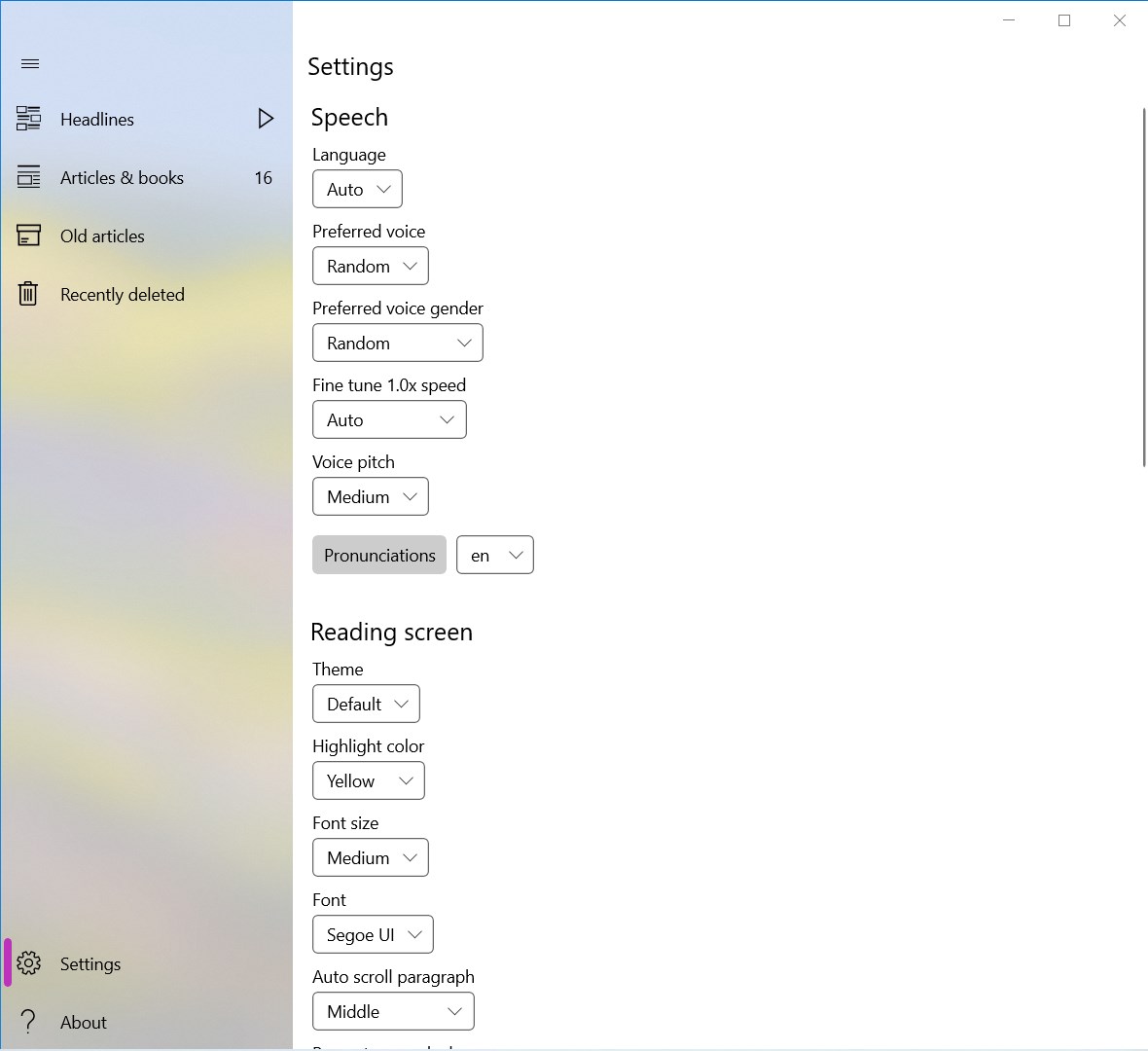
The app boasts a suite of high-quality speech synthesis options, supporting multiple voices and languages. The voices sound surprisingly natural, with intonation and pauses that mimic human speech, avoiding the robotic monotony typical of many text-to-speech tools. This makes long-form articles or eBooks more engaging, as if a real person is narrating your favorite content. Customizable speed and pitch options allow users to tailor listening experiences to their preferences, whether they like a brisk narration or a relaxed delivery.
Intuitive Content Management and Versatile Input Support
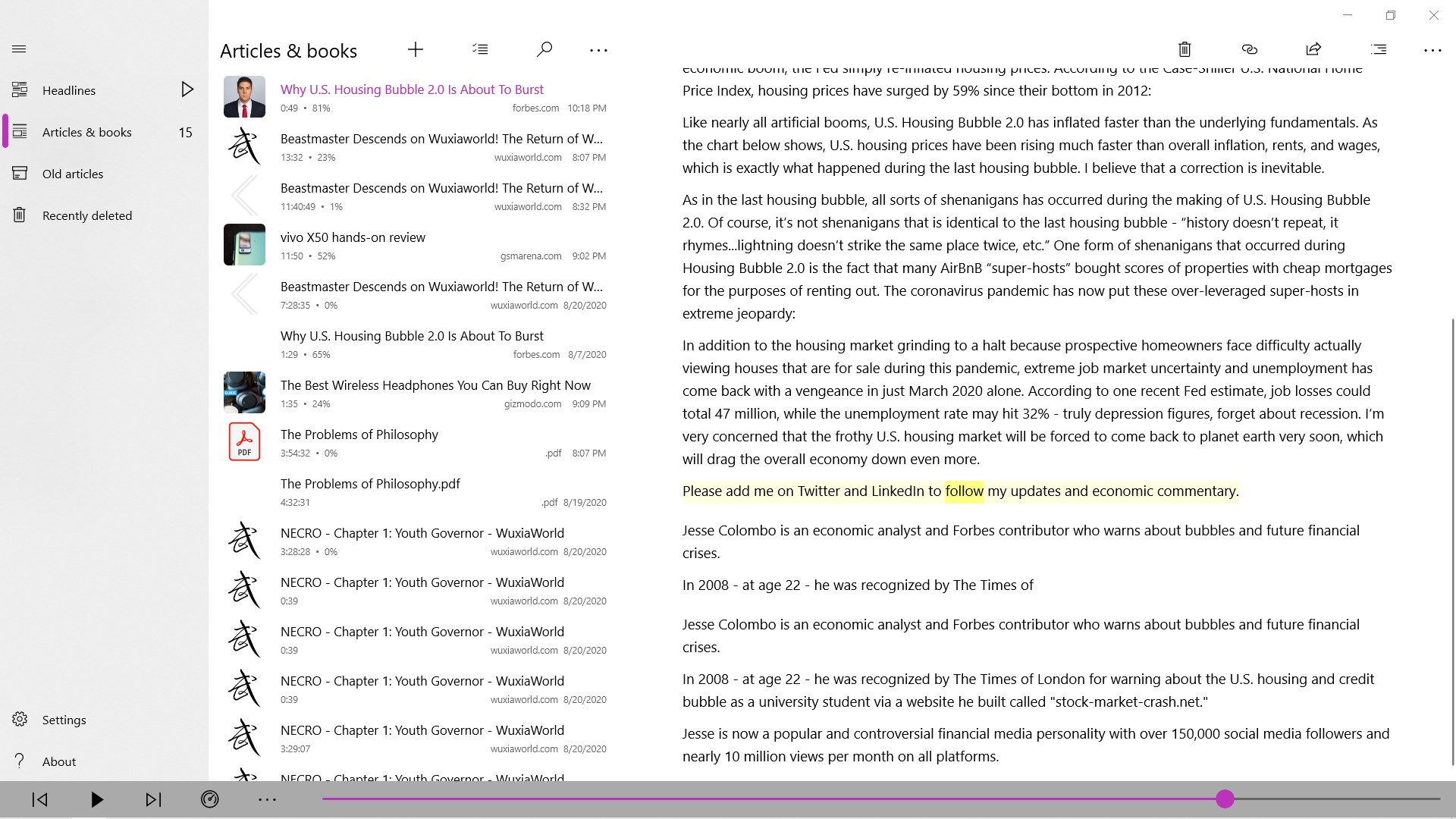
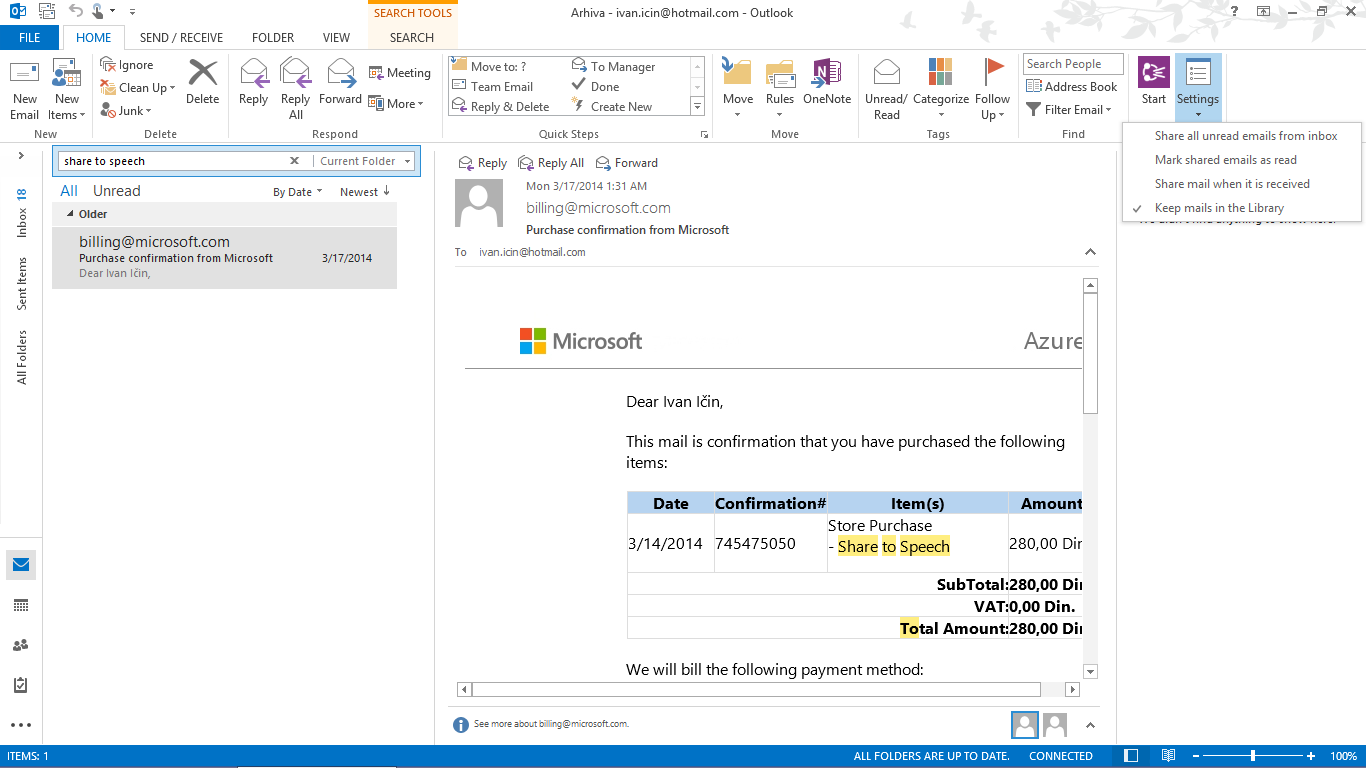
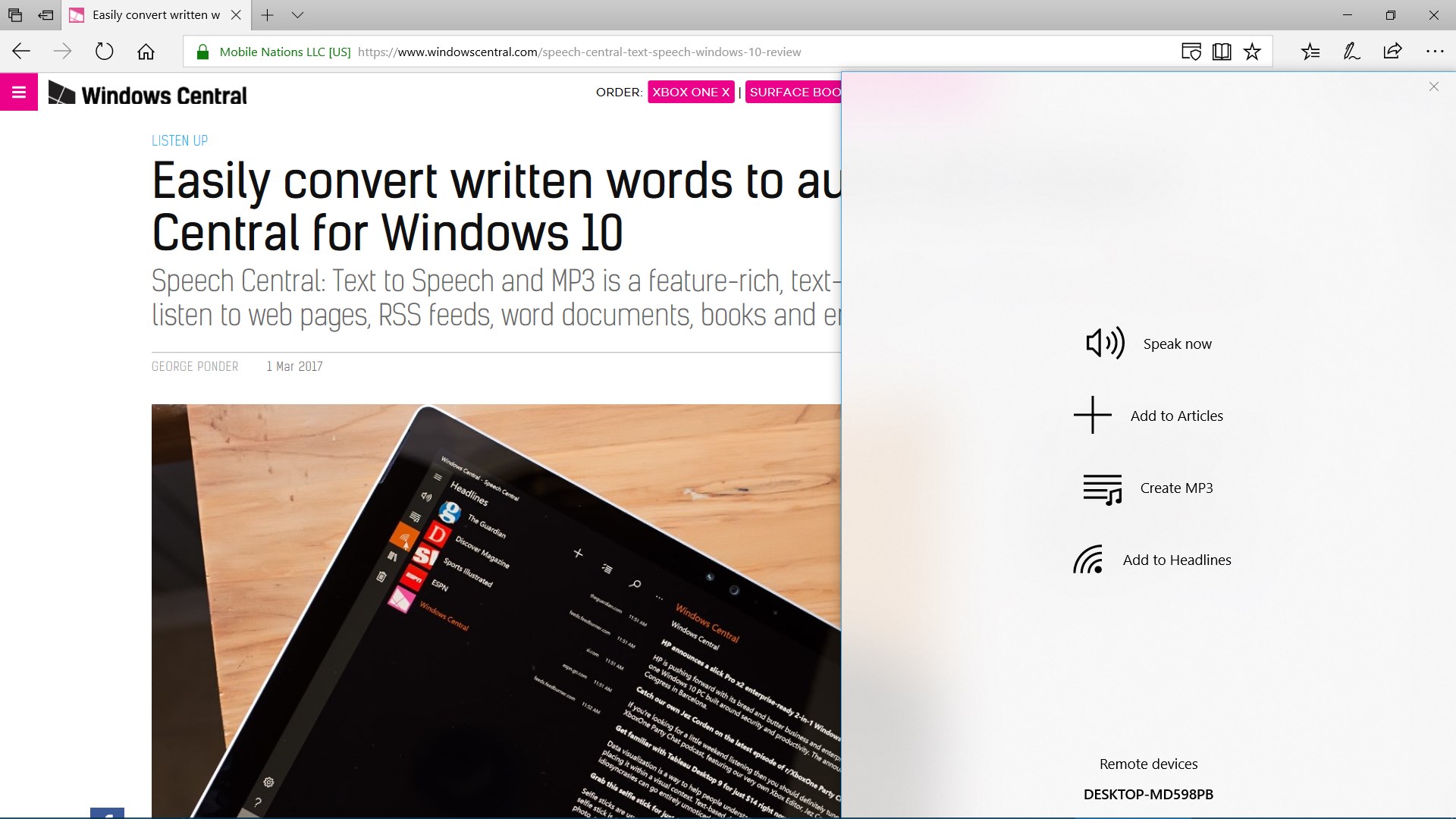
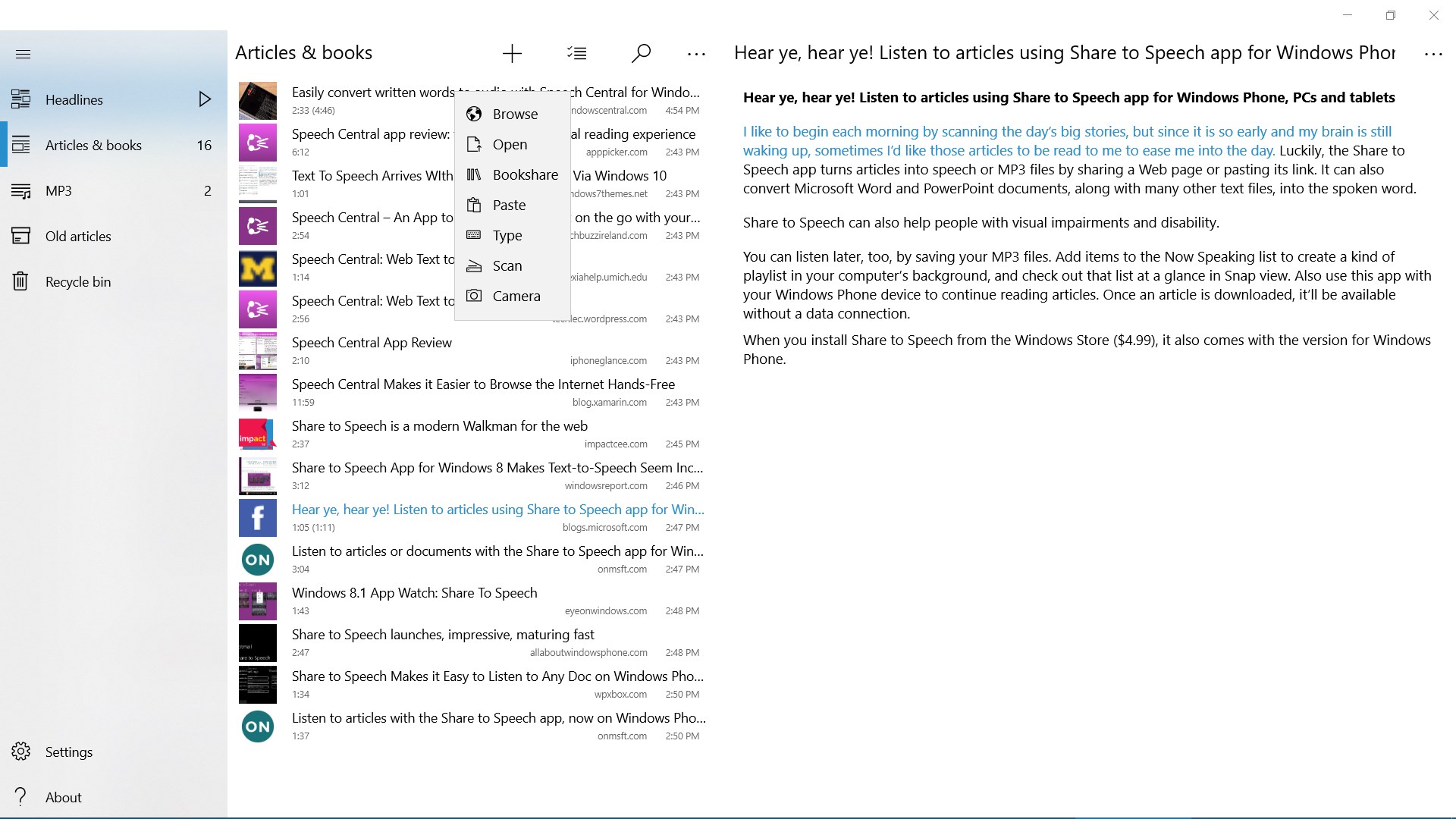
One of the app's biggest strengths is its ability to handle various content formats—HTML, PDFs, Word documents, and even web pages. Importing articles is straightforward: drag and drop or use the integrated browser feature to select web content directly. The app also can import content from cloud storage services, making it easy to access your saved articles from anywhere. Once loaded, Speech Central automatically segments the text for natural flow, enabling smoother listening sessions over extended periods.
Smart Reading Modes and Accessibility Features
Speech Central goes beyond basic reading by offering different modes—such as continuous, bookmarks, or scheduled playback—catering to different listening habits. Its bookmarking feature allows you to mark your favorite passages or pick up from where you left off effortlessly. Accessibility options—including adjustable font sizes for the application interface and support for shortcut keys—enhance usability for users with diverse needs, making it a thoughtful tool for anyone needing a reliable text-to-speech companion.
Design and User Experience: Smooth as a Well-Engineered Audiobook
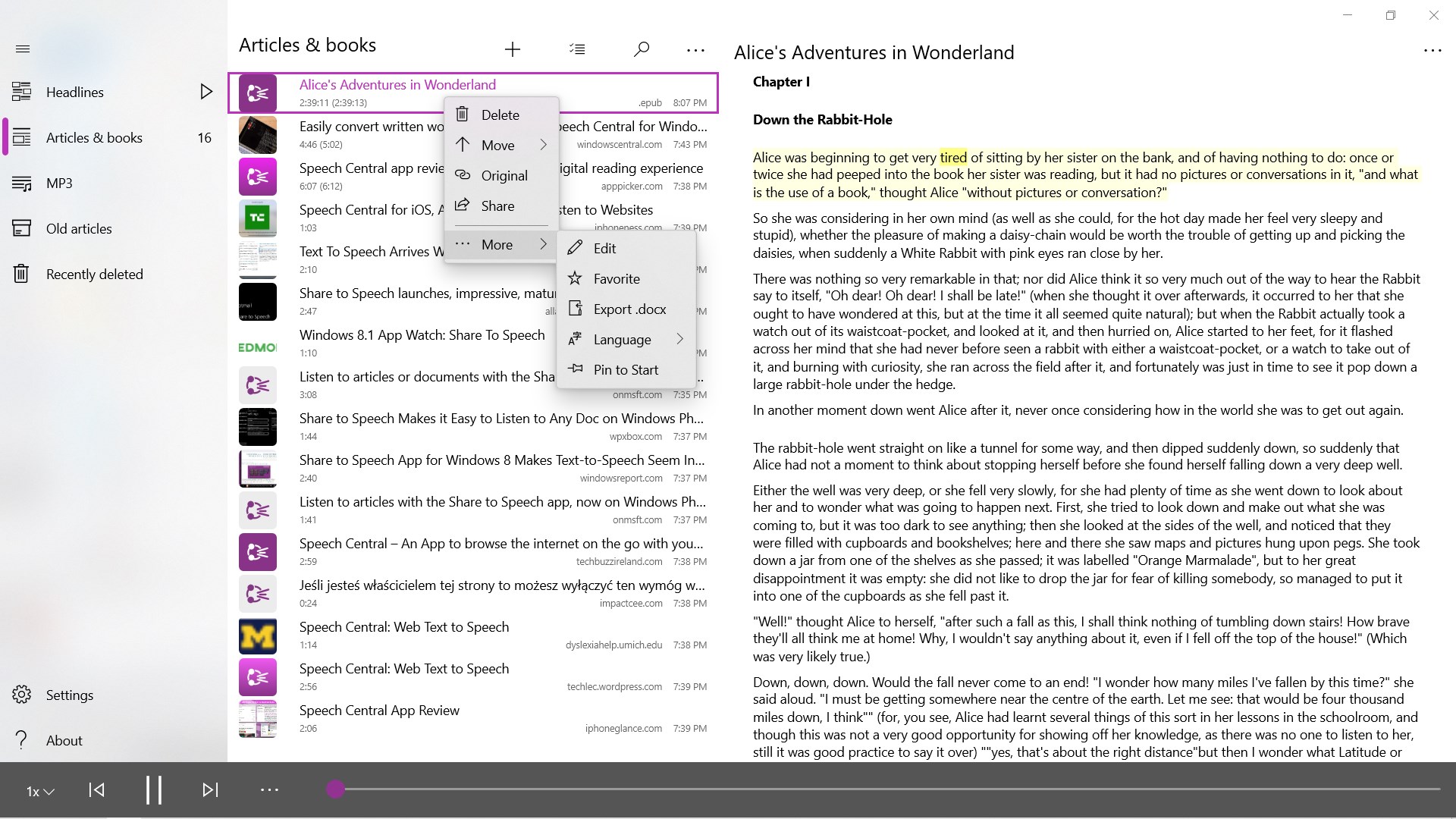
The application's interface is clean and streamlined, resembling a neatly organized library rather than a cluttered control panel. The layout guides users intuitively—from importing files to adjusting voice settings—minimizing the learning curve. The playback controls are responsive and easy to locate, adding to a fluid user journey. Listening feels almost effortless thanks to the app's optimized performance; voice rendering is smooth, without lag or stutters, even with longer texts.
New users will find the initial setup straightforward, with helpful prompts and clear labels. Regular users will appreciate the consistency and speed—the app rarely feels sluggish, creating a reliable environment for daily usage. Overall, Speech Central's UX design strikes a balance between functional sophistication and approachable simplicity, much like a well-curated bookshelf inviting exploration.
Distinctive Edge: What Sets It Apart?
Compared to other text-to-speech applications, Speech Central's standout feature is its "Intelligent Content Segmentation" system. Unlike basic apps that read verbatim without contextual understanding, Speech Central analyzes text for logical pauses and sentence boundaries, resulting in more natural and engaging narration. This feature is particularly beneficial when dealing with complex articles or technical documents, as it enhances comprehension and listening comfort.
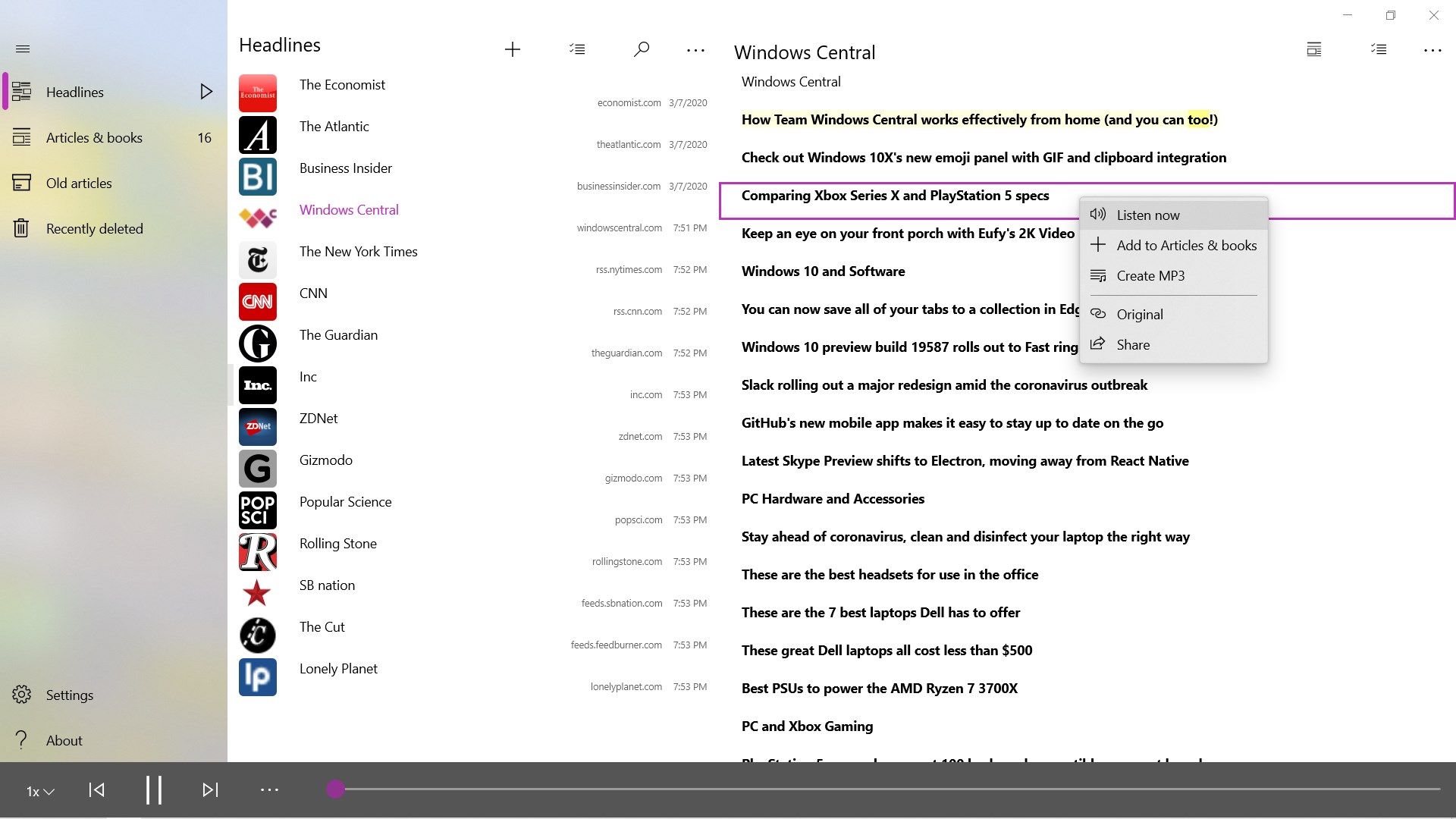
Additionally, its ability to seamlessly integrate with various content sources—web pages, PDFs, and cloud storage—gives it a versatility that helps it stand out. While many competitors focus primarily on eBook reading or static documents, Speech Central's flexibility makes it more adaptable to real-world content consumption needs.
Final Verdict and Recommendations
Overall, Speech Central: Voice Reader for Windows is a solid choice for anyone looking to add a voice to their reading routine. Its natural-sounding voices, versatile input support, and intelligent segmentation make it more than just a basic TTS tool—it's like having a personal narrator. I recommend it to professionals who want to listen to articles during commutes, students who prefer auditory learning, and anyone seeking a hands-free way to consume written content efficiently.
While it might not replace high-end audiobook software for immersive listening, its practical features and user-friendly design make it a worthy addition to your digital toolkit. If natural voice quality and content flexibility are your priorities, Speech Central deserves a definite place in your software lineup.
Pros
- High-quality voice synthesis
- Customizable reading options
- Wide text compatibility
- Offline functionality
- User-friendly interface
Cons
- Limited free features
- Voice variety restrictions in free version
- Occasional pronunciation inaccuracies
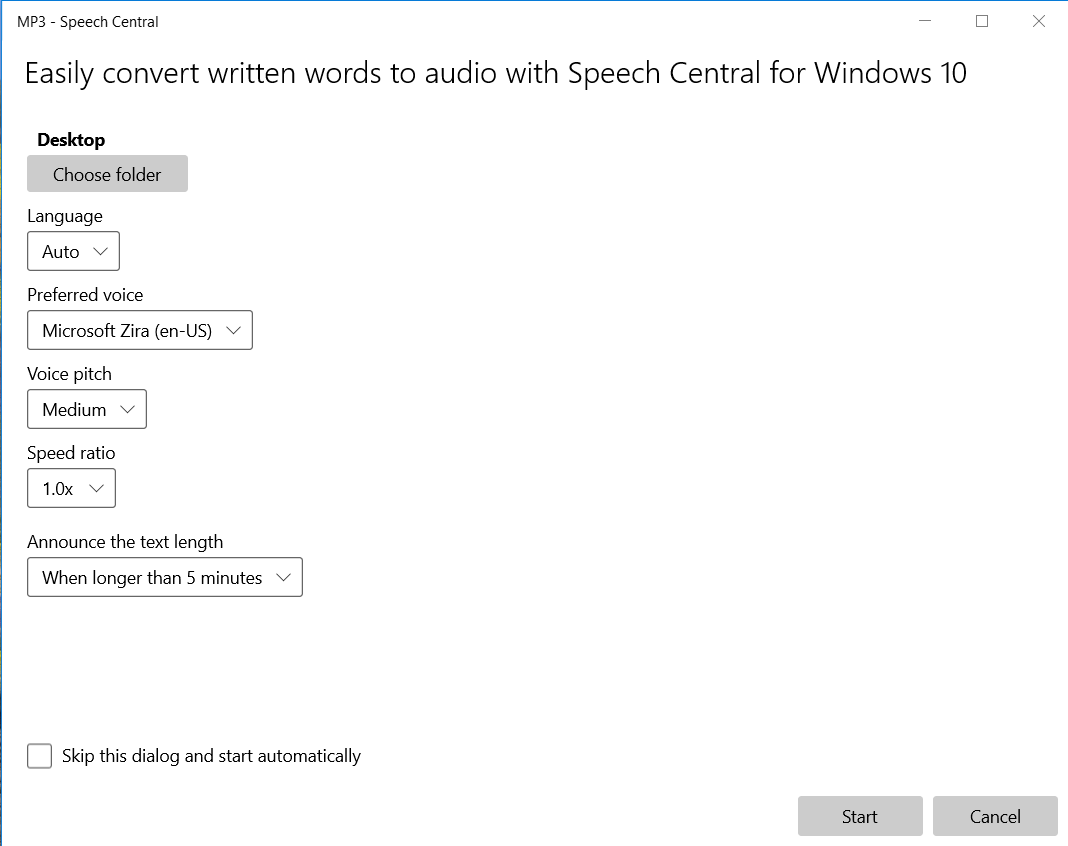
- Audio export options are basic
- Syncing across devices needs improvement