
- Category Productivity
- Developer AVbeam software
- Available on PC
- OS Windows 10 version 0.0 or higher
- Memory 4 GB
- languages English
A Seamless Transition from Speech to Text: An In-Depth Look at SpeechPulse Speech-to-Text for Windows
Imagine effortlessly transcribing lengthy meetings, lectures, or brainstorming sessions with just a few clicks—SpeechPulse Speech-to-Text for Windows intends to make this a reality. With the proliferation of remote work and digital collaboration, reliable speech recognition tools are more valuable than ever. Here, we delve into this application's core features, user experience, and how it stands out in the crowded landscape of productivity apps.
About SpeechPulse Speech-to-Text for Windows
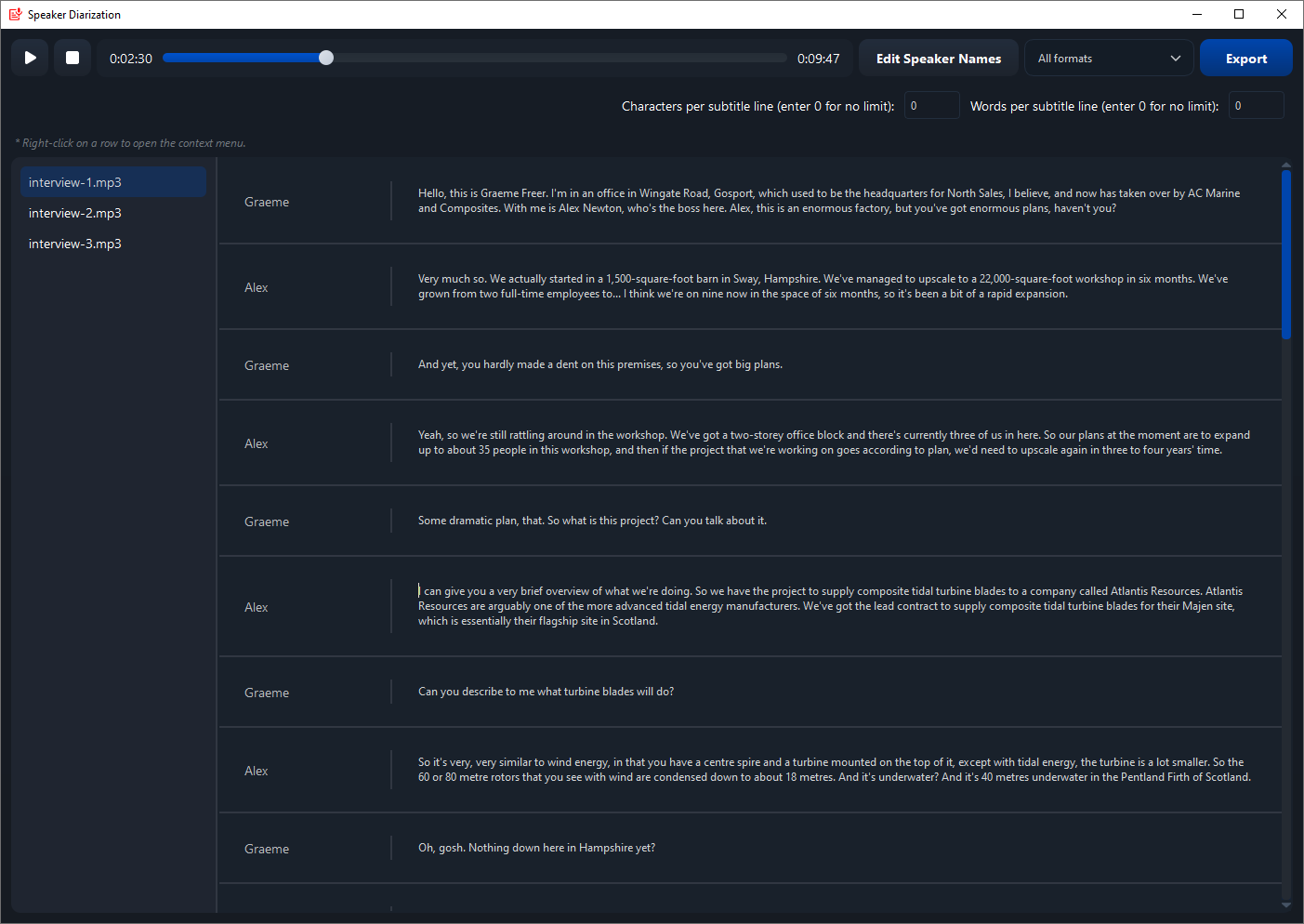
SpeechPulse Speech-to-Text for Windows is a dedicated transcription tool designed to simplify converting spoken language into written text. Developed by AVbeam Software, this app aims to enhance productivity and accuracy in transcription tasks within a Windows environment.
Developer: AVbeam Software
Publisher: AVBeam
Main Highlights:
- High-precision real-time speech recognition using advanced algorithms
- Support for multiple languages and accents to cater to diverse users
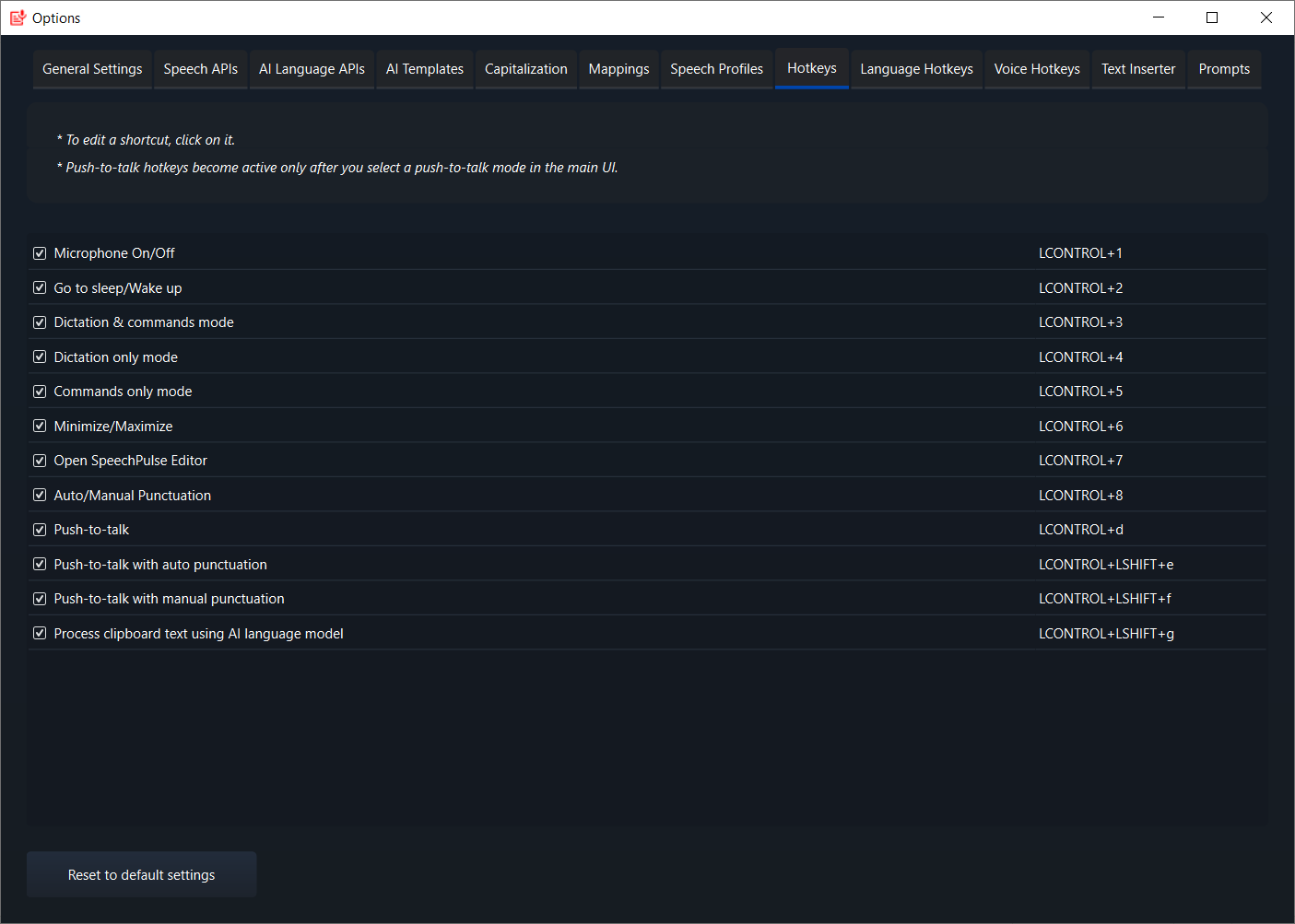
- Easy integration with Windows applications and workflows
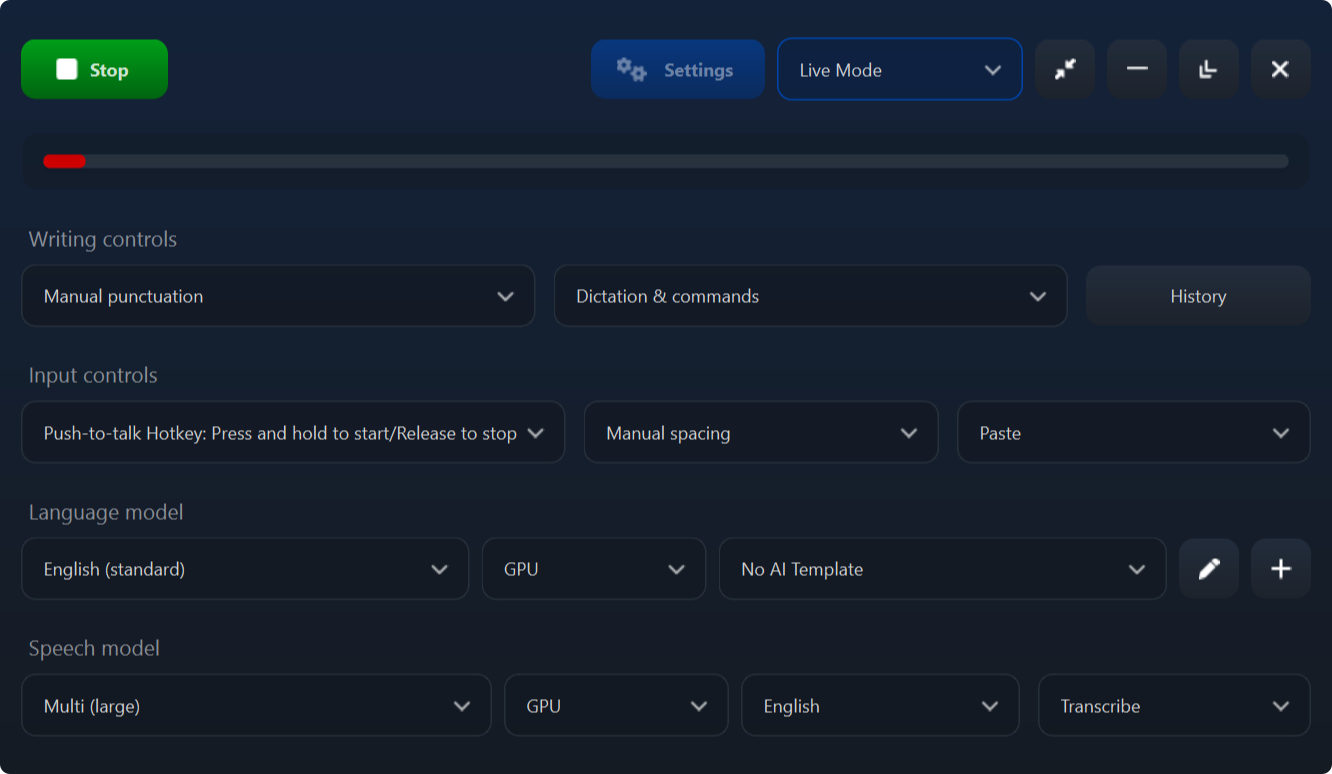
- User-friendly interface geared toward quick learning and minimal setup
- High Accuracy in Transcription
- Real-time Transcription Capability
- Multi-language Support
- User-Friendly Interface
- Cloud-based Processing for Scalability
- Limited Offline Functionality
- Occasional Recognition Errors with Accents
- Battery Consumption During Continuous Use
- Interface Customization Limitations
- Delayed Updates for New Languages
Target Audience: Professionals, students, journalists, content creators, and anyone needing efficient voice-to-text solutions for Windows.
A User-Friendly Gateway to Accurate Transcriptions
Transcription can often feel like trying to find your way through a labyrinth—complex, confusing, and discouraging. SpeechPulse aims to be the friendly guide, transforming a potentially tedious task into a straightforward process. Its clean interface and intuitive controls make it accessible for users of all experience levels. Whether you're a tech novice or a seasoned professional, you'll find the learning curve gentle, akin to flipping a switch rather than decoding an ancient manuscript. The app's real-time recognition engine is like having a sharp-eyed stenographer sitting right beside you, capturing every nuance of speech with remarkable clarity.
Core Features That Elevate Your Transcription Game
1. Precision Real-Time Transcription
The flagship feature of SpeechPulse is its high fidelity in converting speech to text live. Powered by sophisticated recognition algorithms, it captures multiple accents and dialects, making it ideal for international teams or diverse speech patterns. This means you no longer need to spend hours editing muddled, error-prone transcripts. Imagine conducting a global Zoom meeting, knowing all spoken words are accurately and instantly captured for later review—SpeechPulse makes this possible.
2. Multi-Language and Custom Vocabulary Support
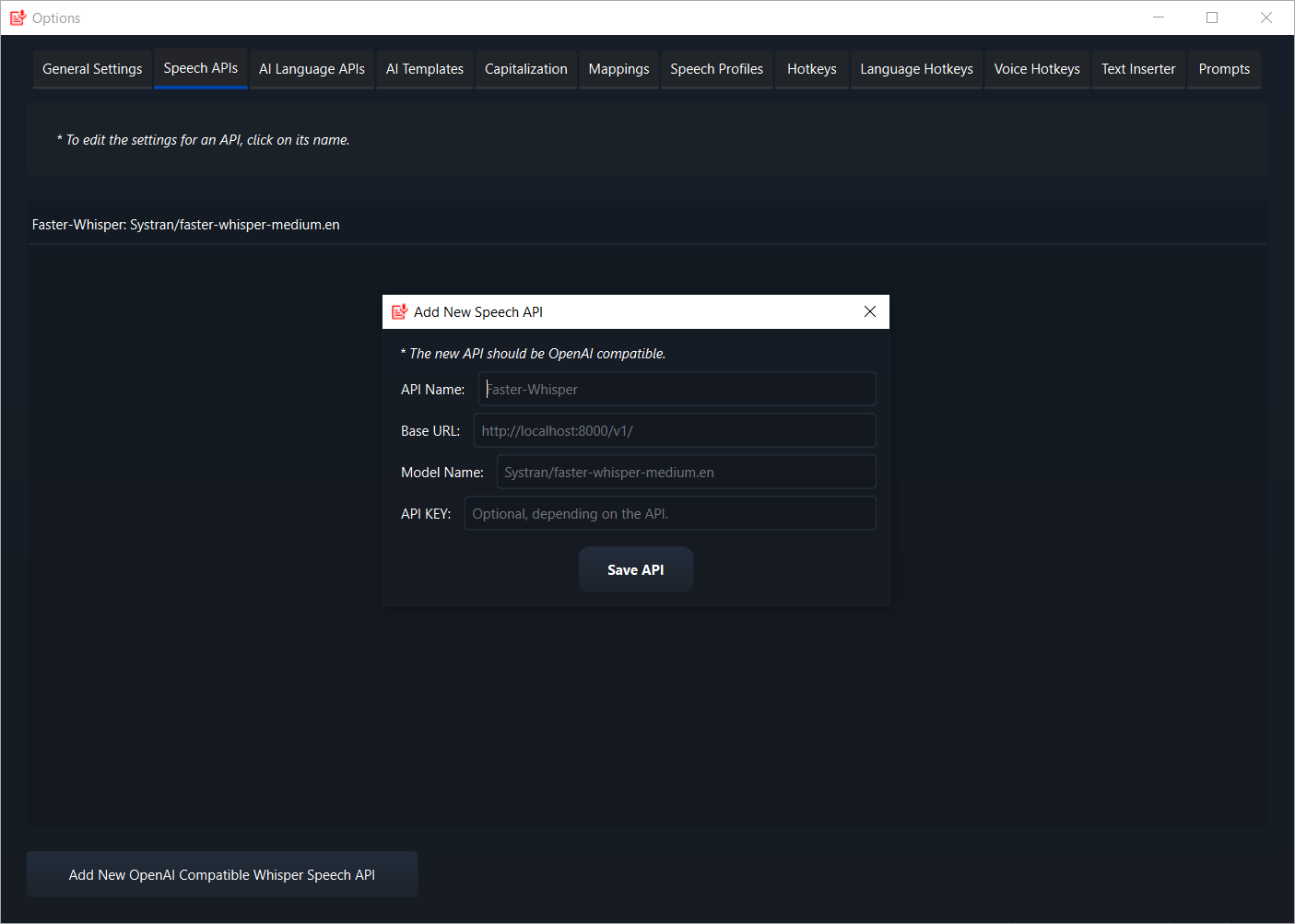
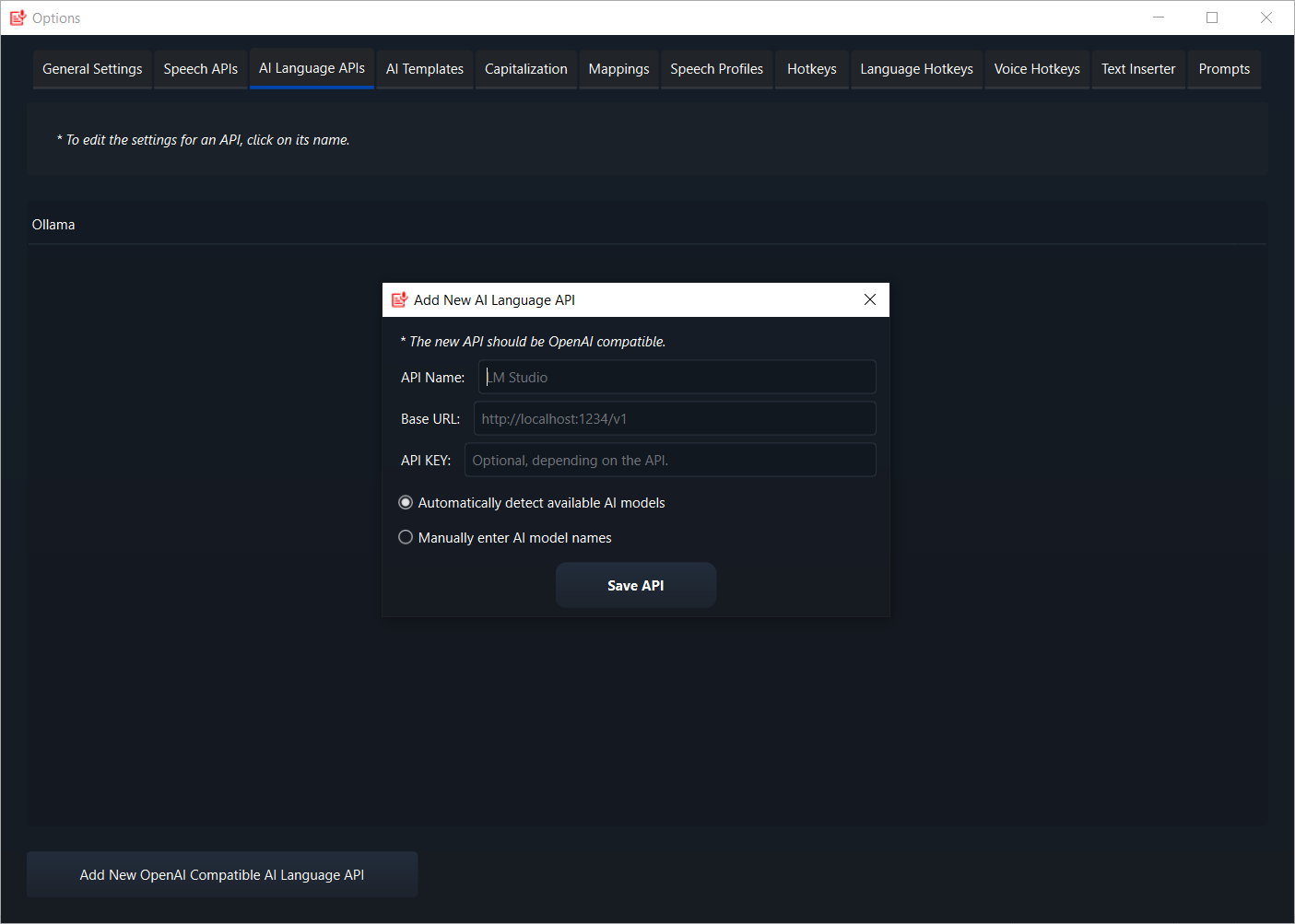
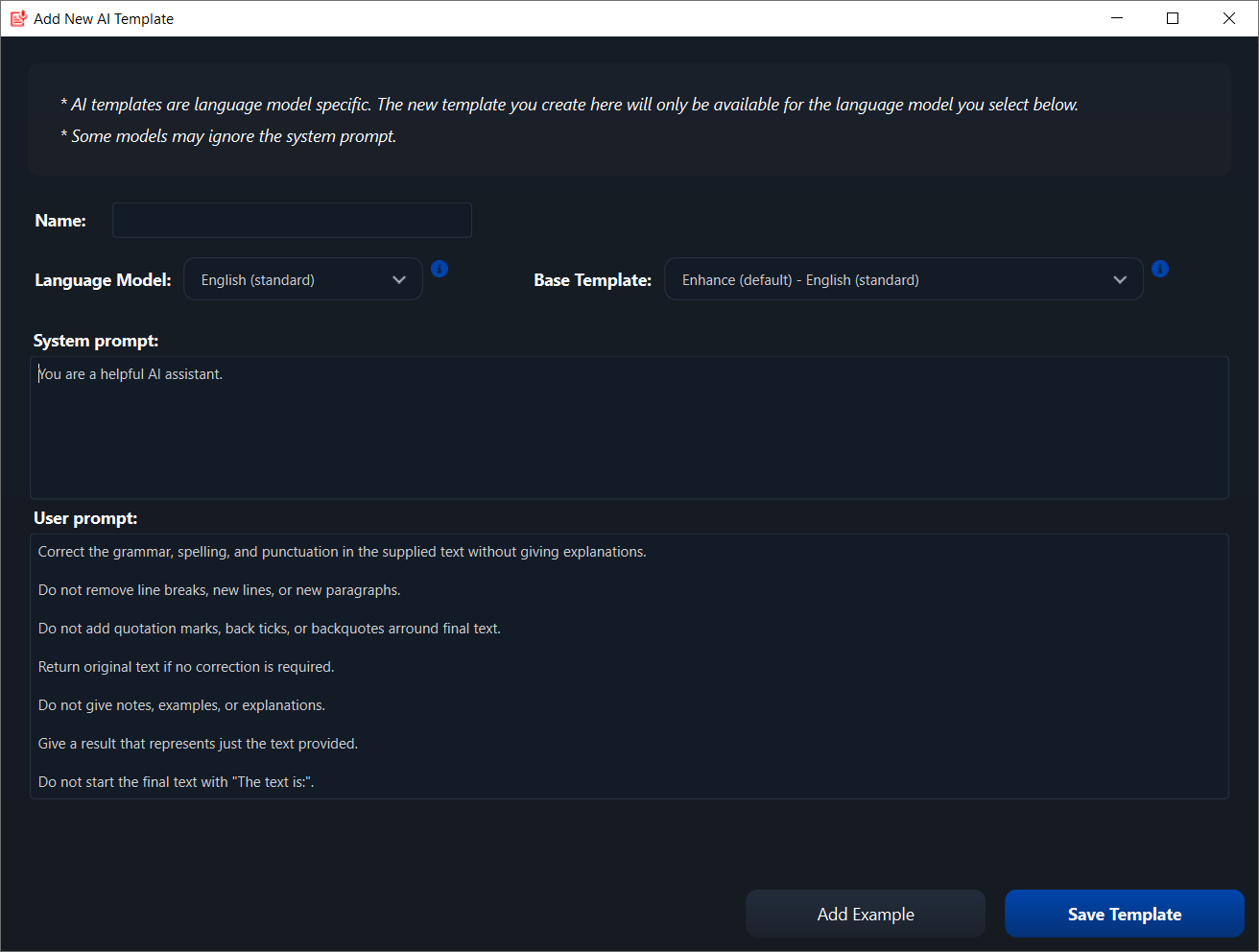
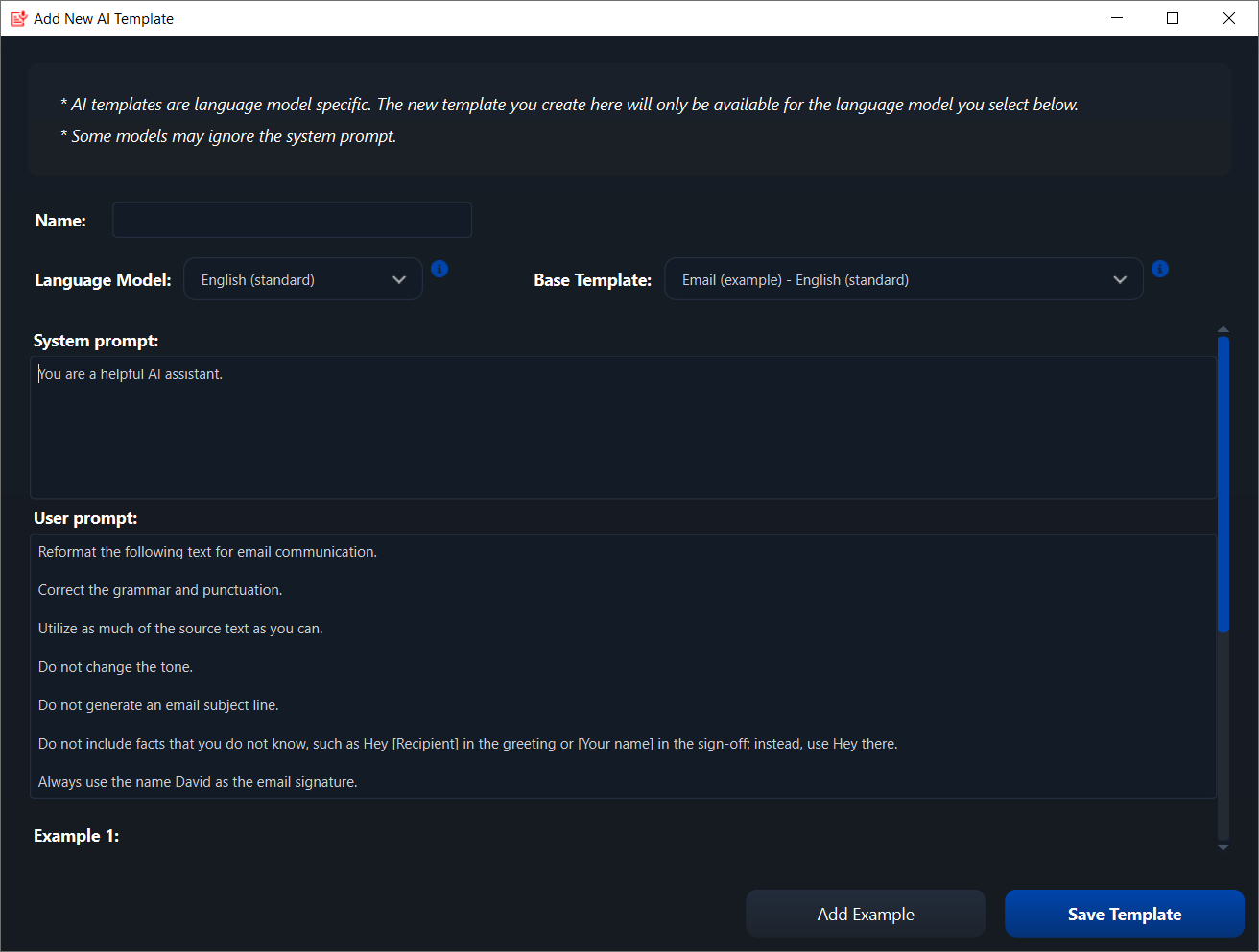
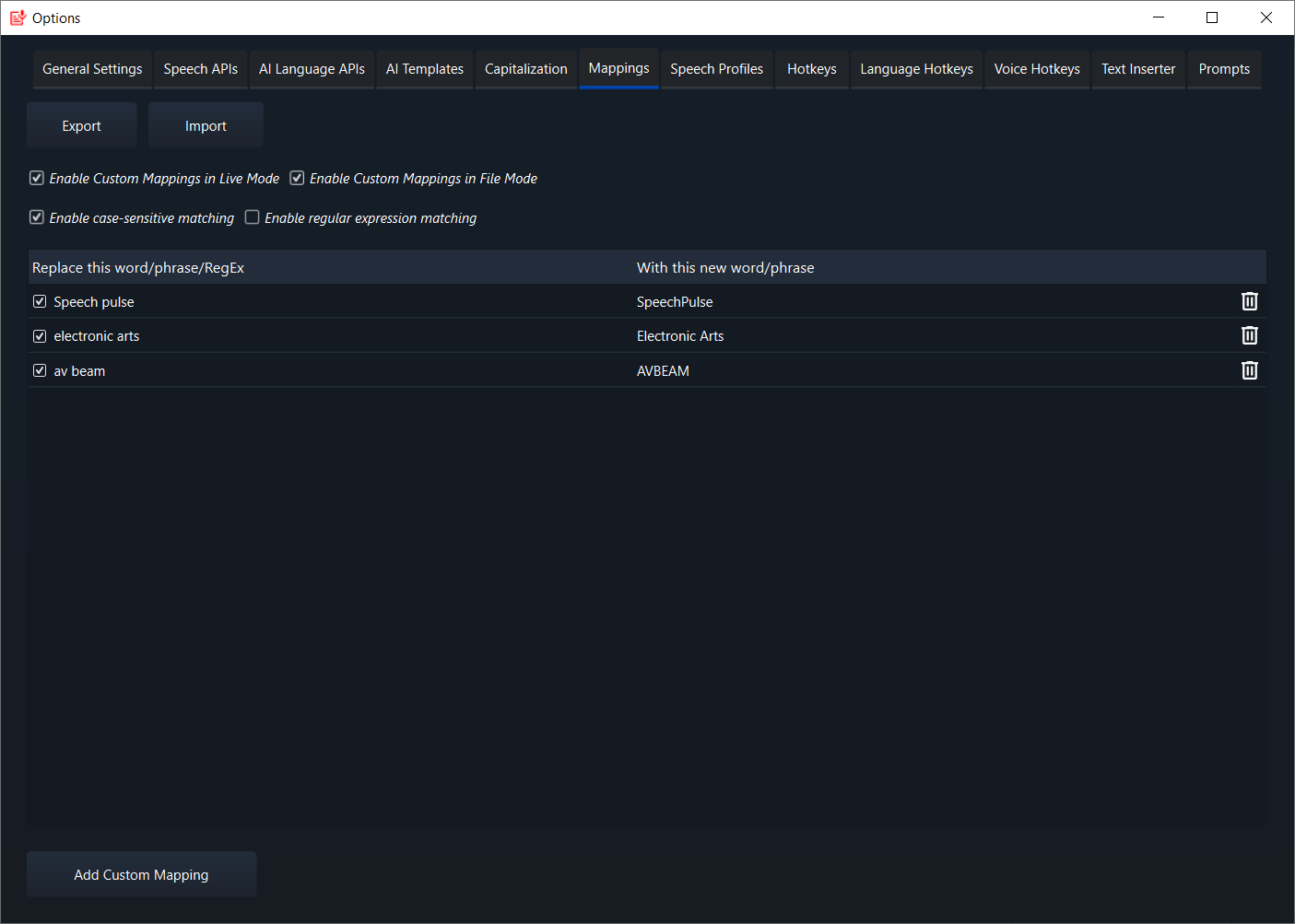
Recognizing that communication isn't one-size-fits-all, SpeechPulse supports multiple languages and allows users to add custom vocabularies. This feature ensures technical terms, names, or industry jargon are correctly transcribed, reducing the cognitive load on users to proofread or correct mistakes. For example, a legal firm working with specialized terminology can personalize their settings, streamlining their workflow significantly.
3. Seamless Workflow Integration
What truly sets SpeechPulse apart from many standalone transcription tools is its ability to integrate smoothly into existing Windows workflows. It can be used alongside word processors, note-taking apps, or project management tools without disruption. This integration minimizes the "context switching" burden—think of it as the difference between juggling multiple balls and effortlessly passing one baton after another. For busy professionals, this efficiency can translate into significant time savings and reduced cognitive effort.
Design, Performance, and User Experience
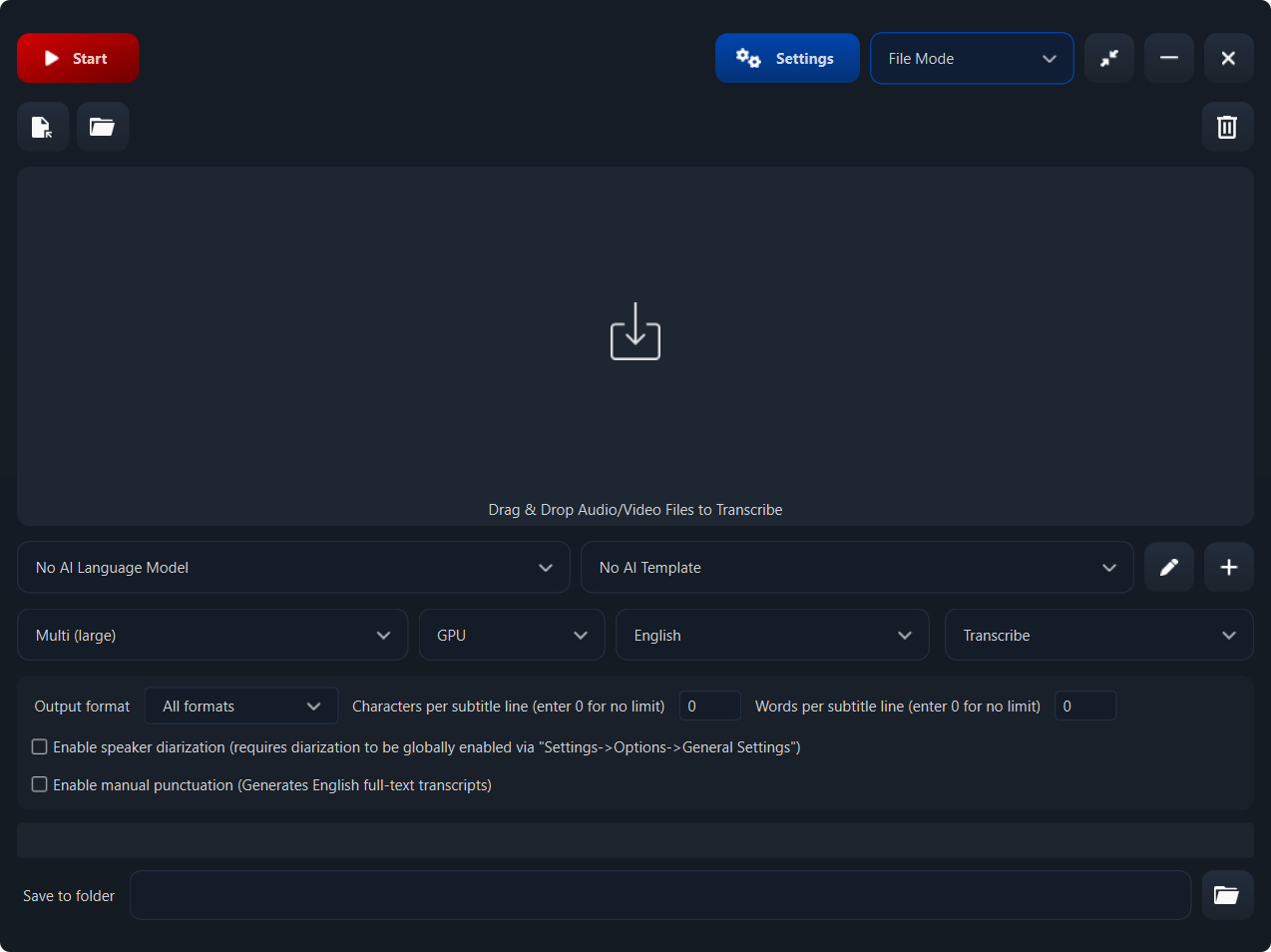
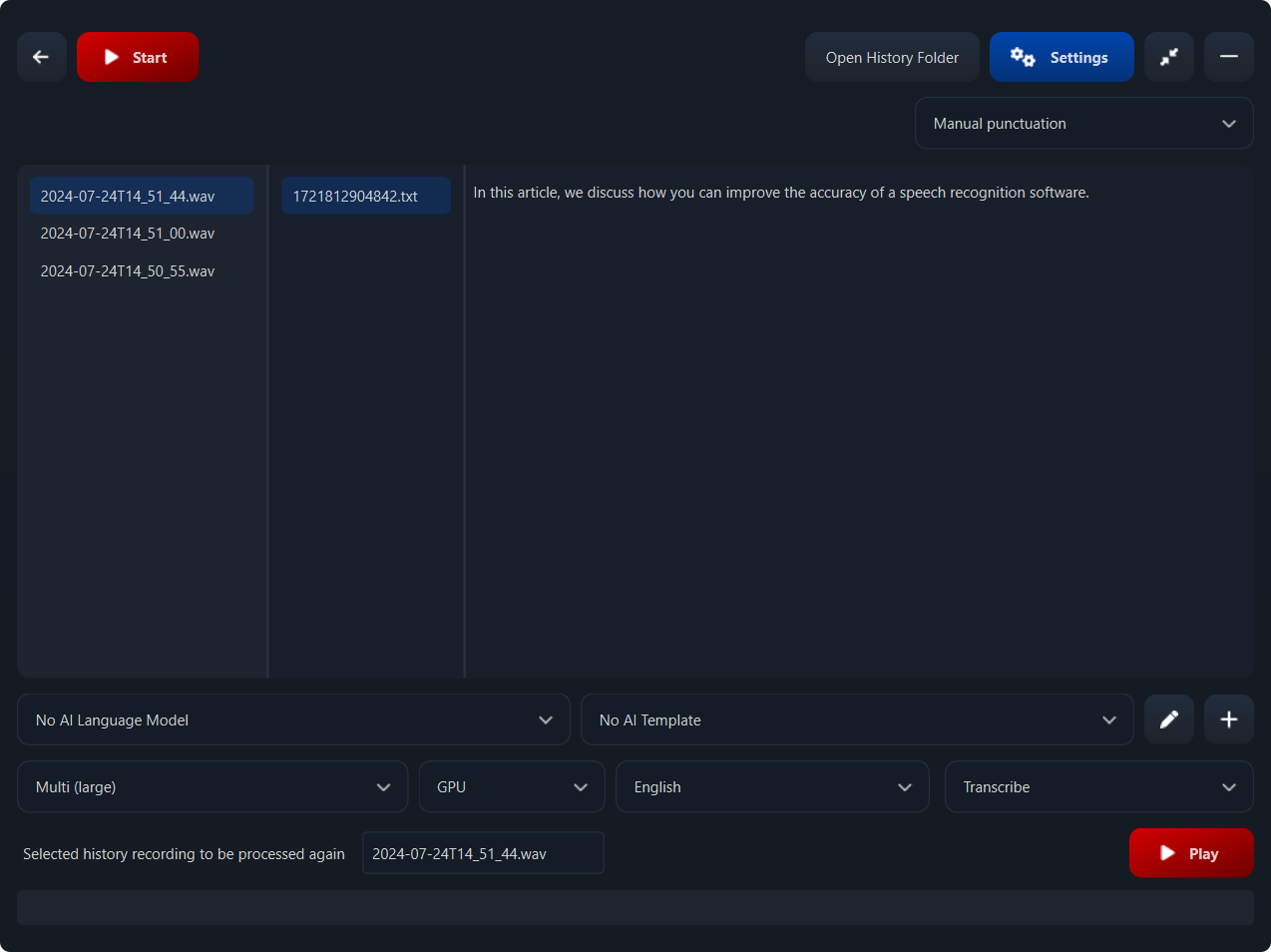
The app features a sleek, minimalistic interface, much like a well-organized workspace—crisp, uncluttered, and inviting. Its operation is notably smooth; speech recognition feels immediate, almost like conversing with an attentive listener. Setup is swift, with straightforward instructions guiding users through microphone selection and language preferences. The app's responsiveness ensures that even long recording sessions don't cause lag or frustration, which can often be a stumbling block in similar tools. Overall, the user experience is refined—designed to reduce frustration rather than introduce complexity, making it feel more like a helpful assistant than a cumbersome software hurdle.
What Makes SpeechPulse Special?
Beyond its core transcription features, the app's real standout is its focus on workflow efficiency. Unlike many competing products that load users down with voluminous options and settings, SpeechPulse prioritizes effortless accuracy and minimal cognitive load. Its ability to support multi-language transcription and customize vocabularies means users can tailor the tool to their specific professional or personal needs, truly making it a versatile workspace companion. By integrating seamlessly into Windows workflows, it reduces the need to switch between applications, thus optimizing productivity and focus.
Final Verdict and Recommendations
For anyone seeking a reliable, straightforward speech-to-text application that integrates effortlessly into their existing workflow, SpeechPulse Speech-to-Text for Windows deserves serious consideration. Its primary strengths lie in high accuracy, ease of use, and workflow-centric design. I recommend it especially for professionals who rely heavily on transcription but are wary of overly complex or intrusive software. Beginners will find it friendly and approachable, while experienced users will appreciate the precision and customization options helping to streamline their productivity.
In summary, SpeechPulse is a practical, efficient, and user-centric tool that can be a valuable addition to your digital toolkit. It's not about flashy features but about reliably turning your spoken words into written gold—making your workflow smoother and your focus sharper. If you're tired of manual transcription drudgery, give SpeechPulse a try; it may just become your new indispensable assistant in the digital age.











