
- Category Card & board
- Developer GASP Mobile Games Inc
- Available on PC, Mobile, Surface Hub, HoloLens
- OS Windows 10 version 10240.0 or higher
- languages English (United States)
Introduction to Spider (Free) for Windows
Imagine a digital web that effortlessly connects you with a variety of card and board games—Spider (Free) for Windows is exactly that, offering a seamless and engaging platform for tabletop game enthusiasts. Developed by GASP Mobile Games Inc., this app aims to bring classic card gameplay straight to your desktop without any cost, making it an inviting portal for both casual players and seasoned strategists. Its clean interface and user-friendly design promise an accessible experience, whether you're a newbie or a veteran of digital card games.
Crafting a Digital Spider: Main Features and Highlights
Classic Solitaire with a Twist
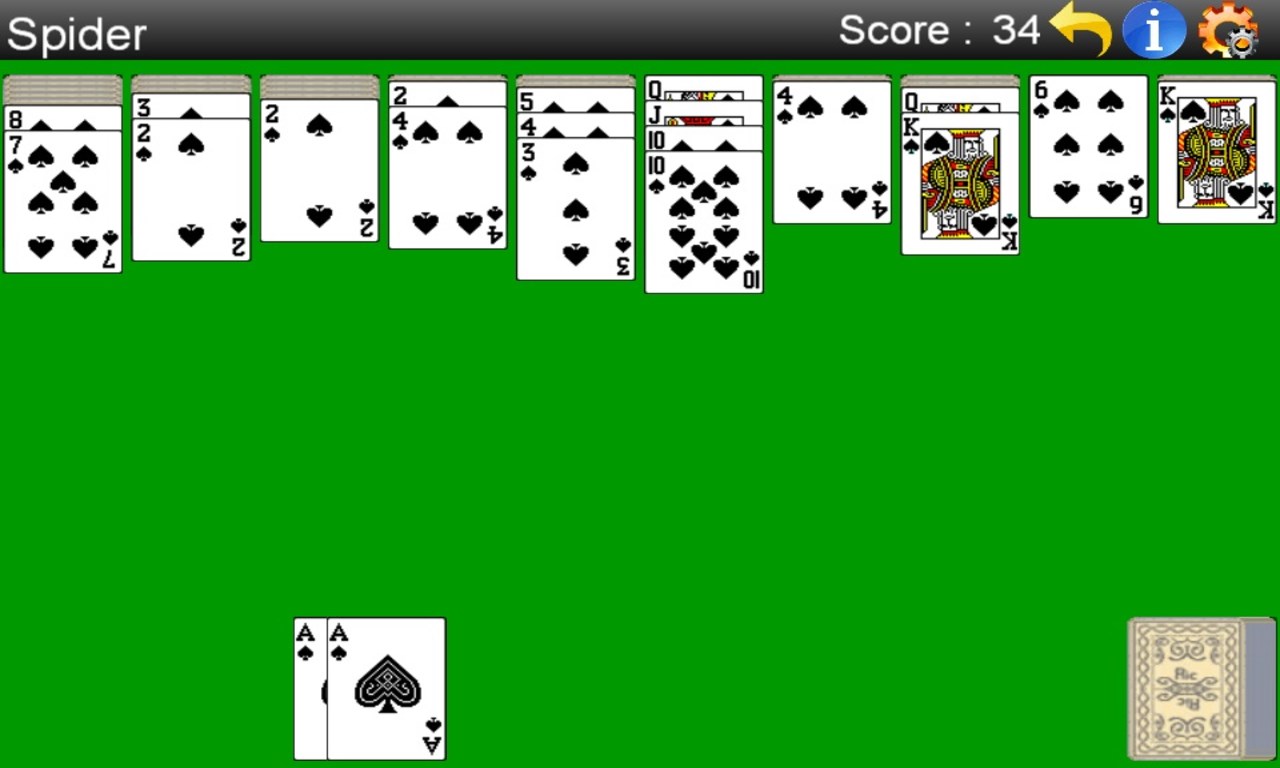
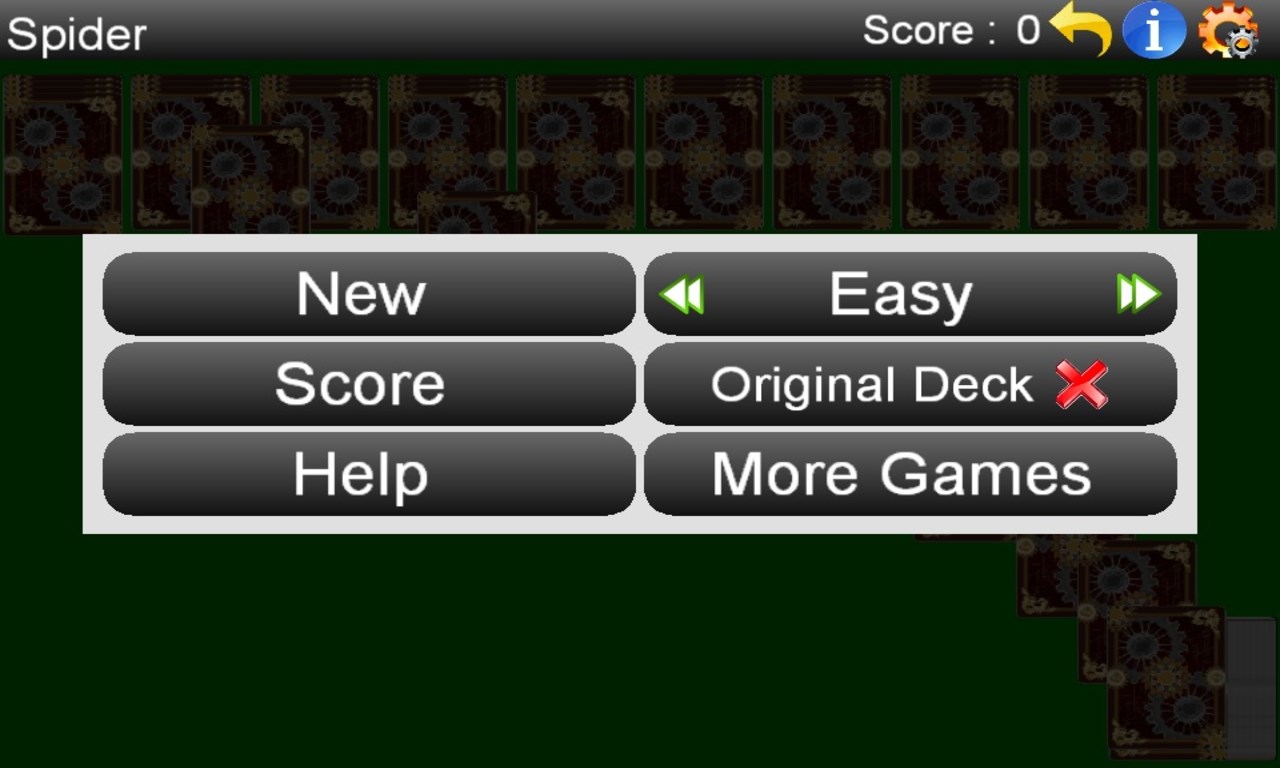
At its core, Spider (Free) faithfully recreates the beloved solitaire card game, but with enhancements that keep the experience fresh and engaging. Its smooth drag-and-drop mechanics and intuitive layout allow players to focus on strategy rather than fiddly controls. The game offers adjustable difficulty levels and various game modes, including the well-known single and multi-deck options, catering to diverse skill levels and preferences.
Customizable Gameplay Experience
One of the standout strengths of Spider (Free) is its flexible customization options. Users can tailor the game's appearance by choosing different card back designs and background themes, creating a personalized environment that feels just right. Moreover, the app supports different scoring modes and undo options, enabling players to experiment and improve without the frustration of strict limitations. This adaptability ensures each player can mold the experience to suit their style and mood.
Seamless User Interface and Performance
Navigation within Spider (Free) is remarkably intuitive—like flipping through the pages of a well-organized book. The interface's minimalistic design minimizes clutter, allowing focus on gameplay. Performance is smooth; transitions are quick, and there's no noticeable lag, which is crucial when trying to maintain flow during an intense card session. The learning curve is gentle; new users can start playing within minutes, guided by simple on-screen prompts and tooltips that ease the onboarding process.
Unique Selling Points and Differentiation
While many card games on the market offer similar experiences, Spider (Free) distinguishes itself with its combination of traditional gameplay and modern customization features. The most notable aspect is its flexibility—both in terms of game modes and visual personalization—that gives players a sense of ownership and tailored experience. Unlike some counterparts that lock features behind paywalls or present cluttered interfaces, this app maintains a clean, efficient, and free environment that appeals to purists and casual gamers alike.
Overall Recommendation and Usage Tips
Spider (Free) for Windows is a commendable digital recreation of a classic game, made even more appealing by its ease of use and customization options. It's a great choice for those who enjoy solitary strategic play or want a relaxing way to pass time. I'd recommend it to anyone looking to experience traditional solitaire with a modern, user-friendly twist. For optimal enjoyment, start by exploring the different themes and game modes—this will help you discover which settings enhance your strategic flow. Given its performance and rich feature set, this app deserves a spot on your desktop, especially if you appreciate quality casual gaming without intrusive ads or paywalls.
Pros
- User-friendly interface
- Free to download and use
- Regular updates improve functionality
- Engaging gameplay with challenging levels
- Supports multiple language options
Cons
- Occasional ads that disrupt gameplay
- Limited customization options
- High resource usage on some devices
- In-app purchase prompts
- Lack of detailed tutorials











