

- Category Card & board
- Available on PC, Mobile, Surface Hub, HoloLens
- OS Windows 10 version 10240.0 or higher
- languages Chinese (Simplified), English (United States)
Introduction: A Classic Card Game Reimagined for Windows
Spider Solitaire 2020 Classic for Windows is a digital take on the timeless patience game, offering a straightforward yet engaging experience. Developed by Piano Music Studio, this app aims to bring the classic card game to Windows users with smooth gameplay and user-friendly features. Whether you're a seasoned Solitaire player or a casual gamer seeking a relaxing pastime, this app strives to deliver a familiar, clutter-free experience right on your desktop.
Key Features That Make It Stand Out
Authentic Classic Experience with Modern Touch
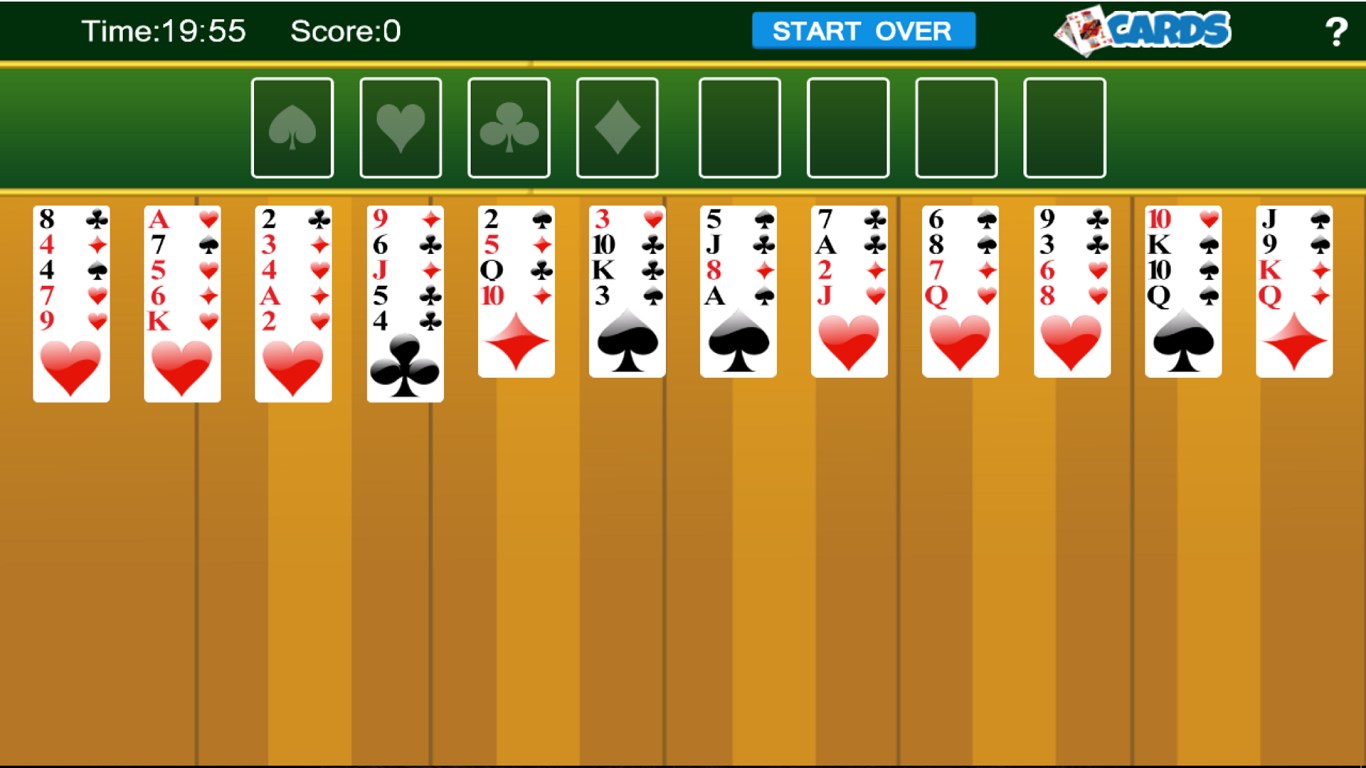
The core appeal of Spider Solitaire 2020 Classic lies in its faithful recreation of the traditional game. Rendered with clean, simple interfaces, it captures the essence of Windows' classic Solitaire while integrating subtle modern enhancements that avoid overwhelming the user. Smooth animations and a responsive layout make gameplay feel natural, mimicking the tactile sensation of handling real cards—except you can enjoy it from the comfort of your seat with just a click.
Intuitive User Interface and Seamless Gameplay
The game's interface is thoughtfully designed with user experience in mind. Large, clear buttons and uncomplicated menus reduce learning time, making it accessible for players of all ages. The smoothness of card movements, minimal loading times, and consistent responsiveness create an immersive gaming environment. Even first-time players can jump right in without the frustration of steep learning curves, thanks to helpful hints and straightforward controls.
Additional Features and Personalization Options
Spider Solitaire 2020 Classic offers various customization options, including different deck themes and background images—allowing players to personalize their game environment. The app provides adjustable difficulty levels and move hints, catering both to casual players seeking relaxation and to more competitive users aiming to beat their high scores. Its built-in timer and move counter help players track progress and improve their strategies over time.
Design and User Experience: Navigating the Digital Deck
The overall interface is clean and unobtrusive, akin to laying out a well-organized card table. The minimalistic aesthetic keeps focus on the game without unnecessary visual clutter. Navigation is straightforward: menus are simple, with easy access to game settings. The game responds swiftly to user inputs, with card animations fluid enough to mimic real-life card movements, enhancing engagement without causing distractions or delays. The learning curve is gentle; most players will quickly grasp how to shuffle, deal, and move cards as if handling a physical deck—making it inviting for new players yet satisfying for veterans.
What Sets It Apart? The Unique Spiders in the Game
Where Spider Solitaire 2020 Classic truly shines is its commitment to authenticity paired with a set of distinct features that elevate its appeal. Unlike many mobile-focused solitaire apps that clutter the interface or skew towards flashy effects, this app maintains a pure card game environment. Its most unique aspect is the way it balances simplicity with depth—allowing players to choose different difficulty levels by increasing the number of suits used or the complexity of dealing. This flexibility caters to both beginners and advanced players seeking a real challenge. Furthermore, the app's performance is impeccable, even on less powerful systems, avoiding lag or crashes that sometimes mar other apps in this genre.
Final Verdict: A Solid Choice for Solitaire Enthusiasts
If you're looking for a trustworthy, no-frills digital version of Spider Solitaire that respects the classic gameplay while providing a smooth user experience, this app is highly recommended. Its intuitive design, realistic card movements, and customizable options make it a versatile choice for daily relaxation or honing your solitaire skills. While it may lack some of the bells and whistles found in more elaborate card games, its focus on core gameplay mechanics sets it apart. Whether you are a longtime fan or new to the game, Spider Solitaire 2020 Classic for Windows is a dependable companion for those quiet moments of strategic thinking. Overall, I'd suggest giving it a try—you might find yourself captivated by the simple joy of stacking cards again and again.
Pros
- Intuitive Gameplay
- Classic Design
- Multiple Difficulty Levels
- Smooth Performance
- No Ads or In-App Purchases
Cons
- Limited Customization Options
- Lack of Hint Feature
- Basic Sound Effects
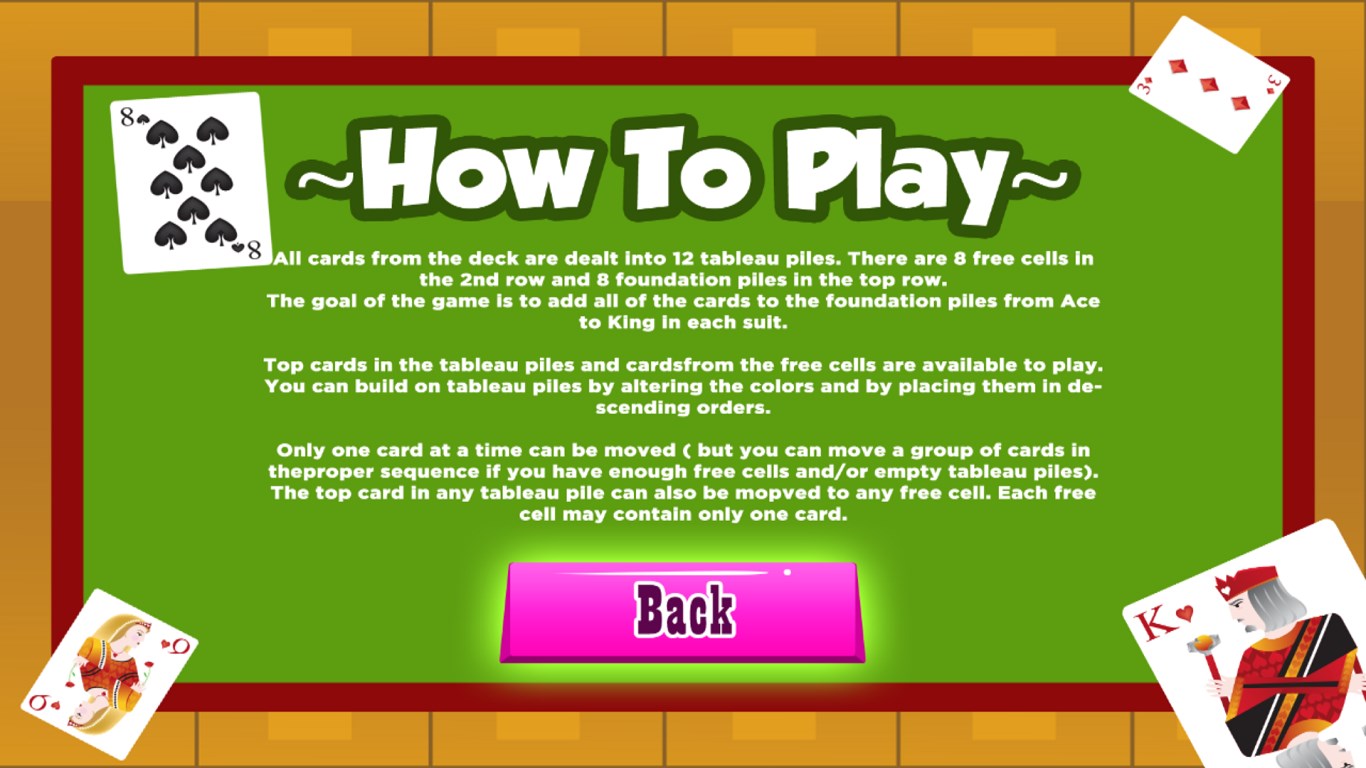
- No Tutorial or Help Section
- Limited Accessibility Features











