

- Category Strategy
- Developer Klondike Solitaire Game
- Available on PC, Mobile, Surface Hub, HoloLens
- OS Windows 10 version 10240.0 or higher
- DirectX Version 10
- languages English (United States)
An Elegant Digital Solitaire Experience for Windows
Spider Solitaire Classic! for Windows offers a timeless card game experience that blends classic gameplay with modern finesse, making it an appealing choice for both casual players and dedicated card enthusiasts alike.
Developer and Core Features
Who's Behind the Game
Developed and published by Klondike Solitaire Game, a team renowned for creating accessible and user-friendly digital card games tailored to a broad audience.
Key Highlights of Spider Solitaire Classic!
- Authentic Classic Gameplay: Emulates the traditional Spider Solitaire mechanics that fans cherish, with smooth animations and intuitive controls.
- Customizable Decks and Themes: Offers various visual themes and card styles, allowing personalized aesthetics for players who enjoy visual diversity.
- Difficulty Settings & Variations: Includes multiple difficulty levels, accommodating both beginners and seasoned players seeking a more challenging experience.
- Progress Tracking & Achievements: Keeps track of your wins and milestones, providing motivation and a sense of progression over time.
This suite of features aims to enhance engagement and allow players to tailor their experience without sacrificing the core challenge of the game.
Deep Dive into User Experience and Functionality
Vivid Interface and Intuitive Design
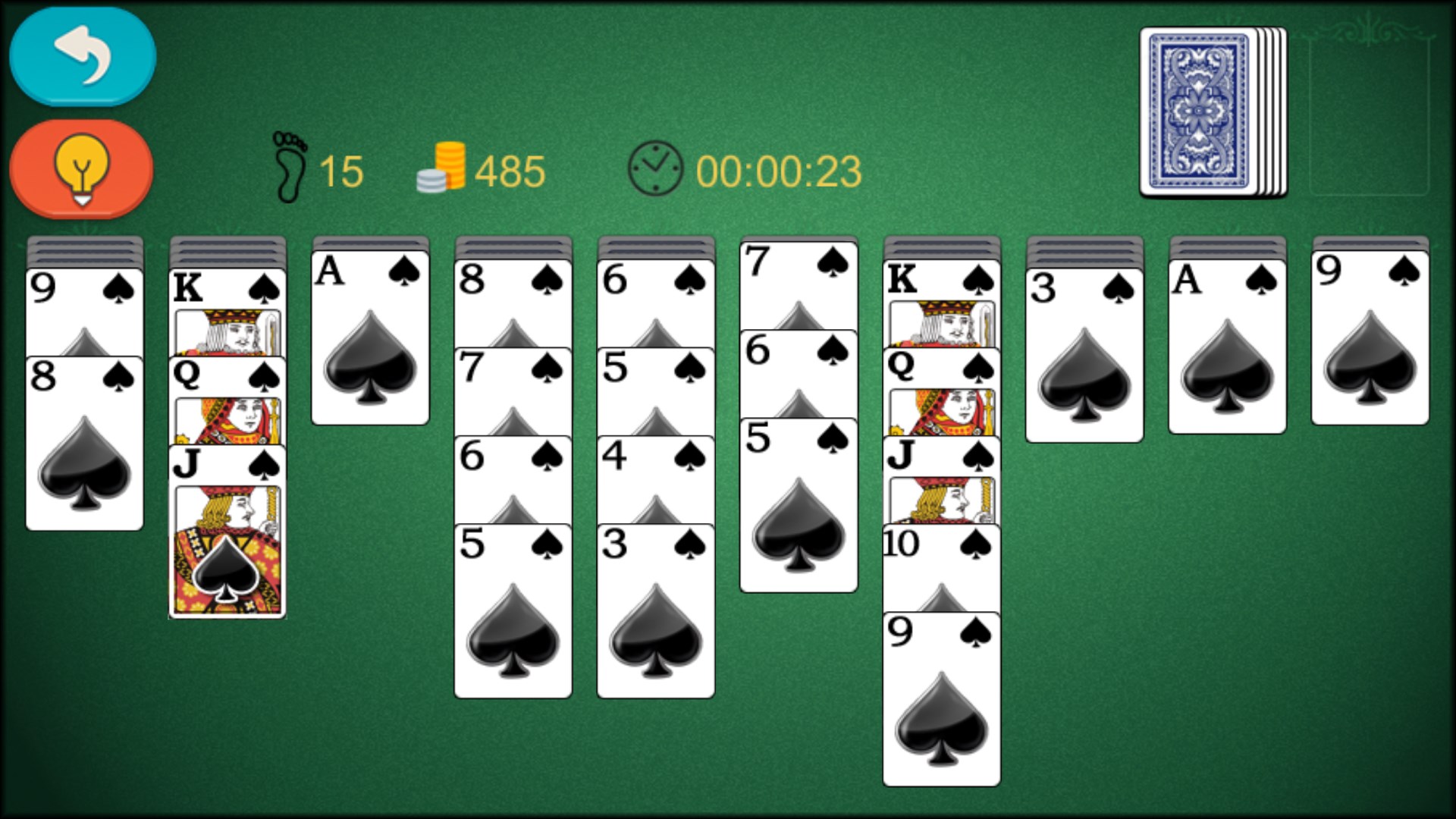
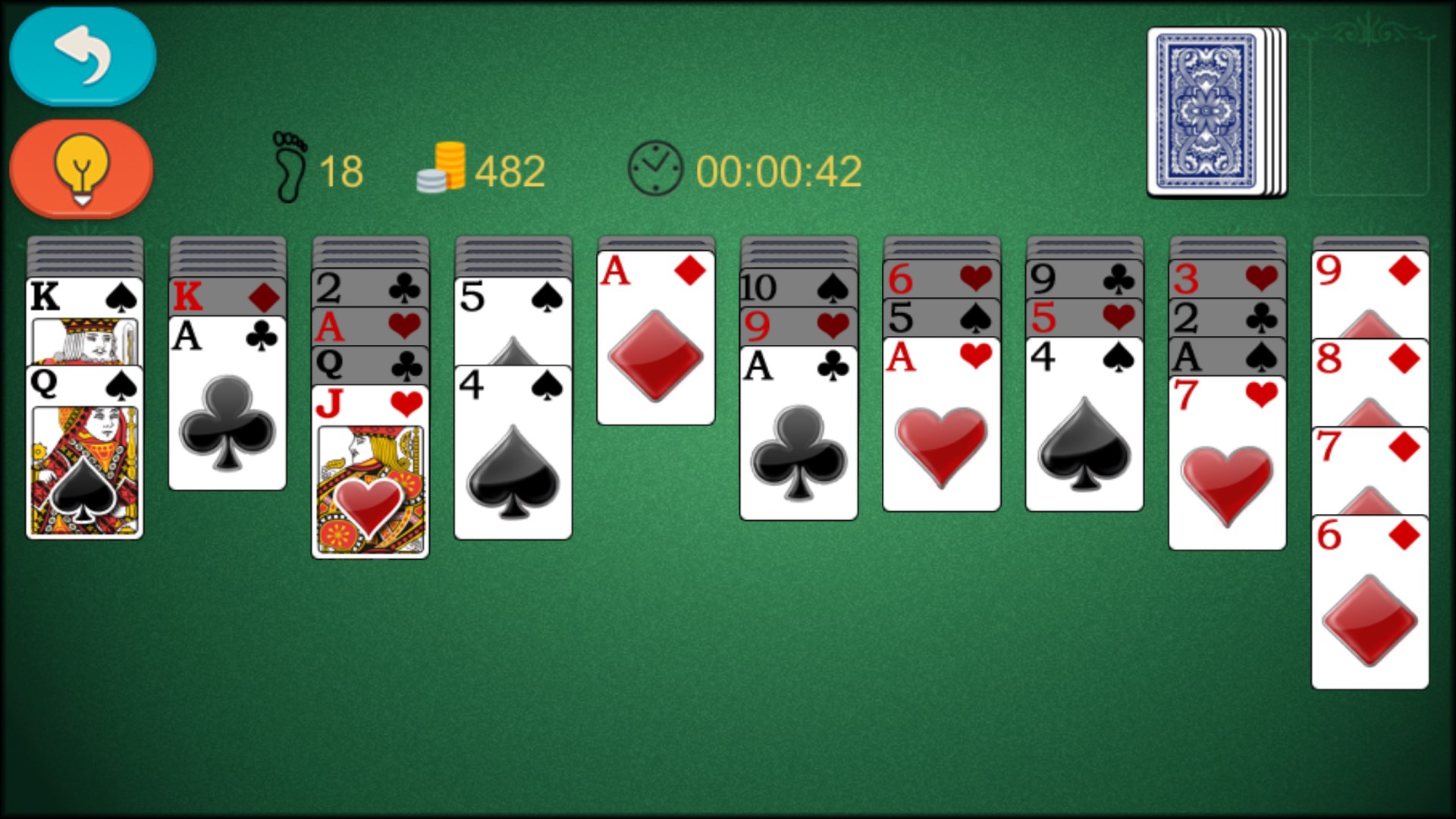
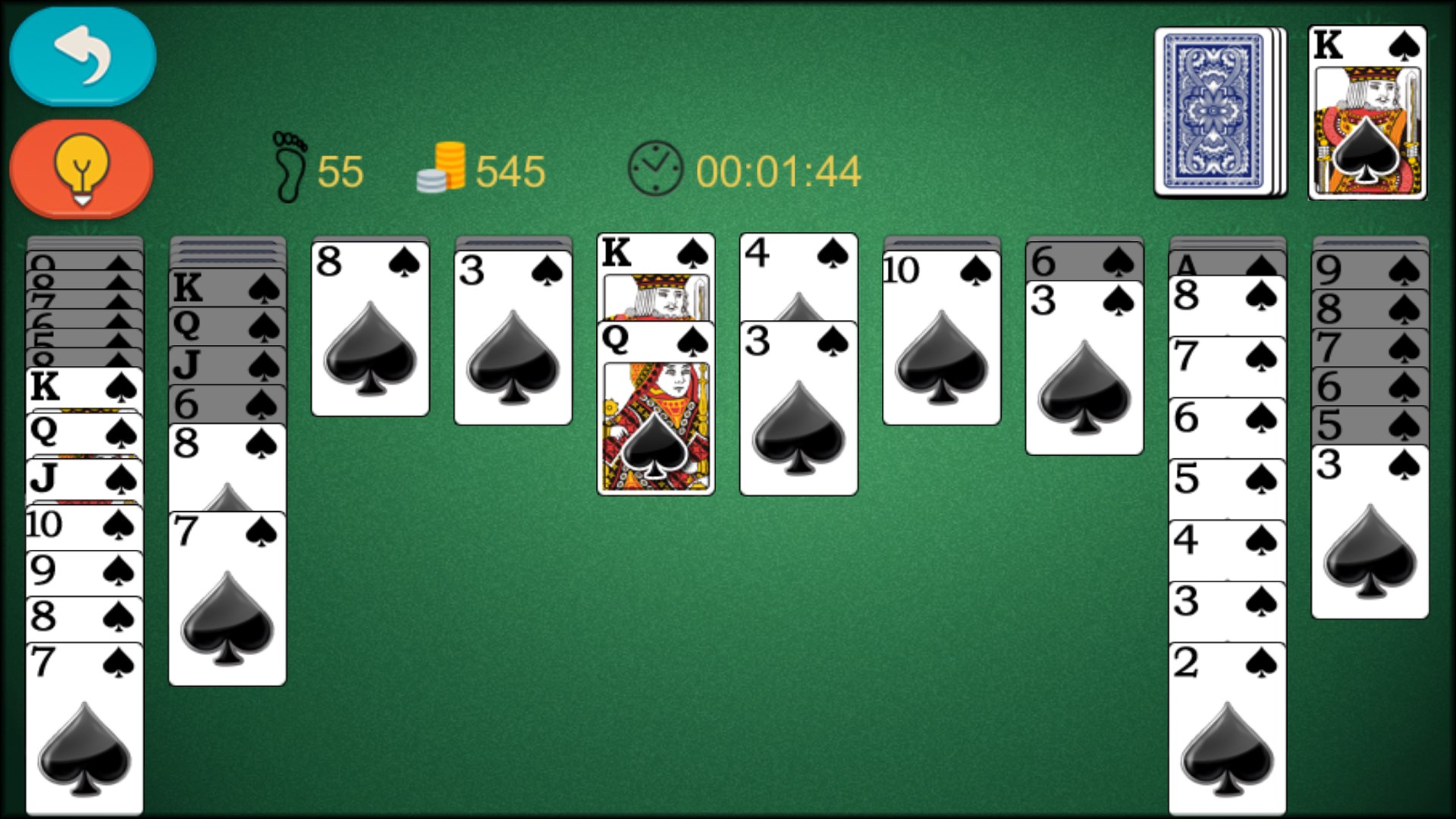
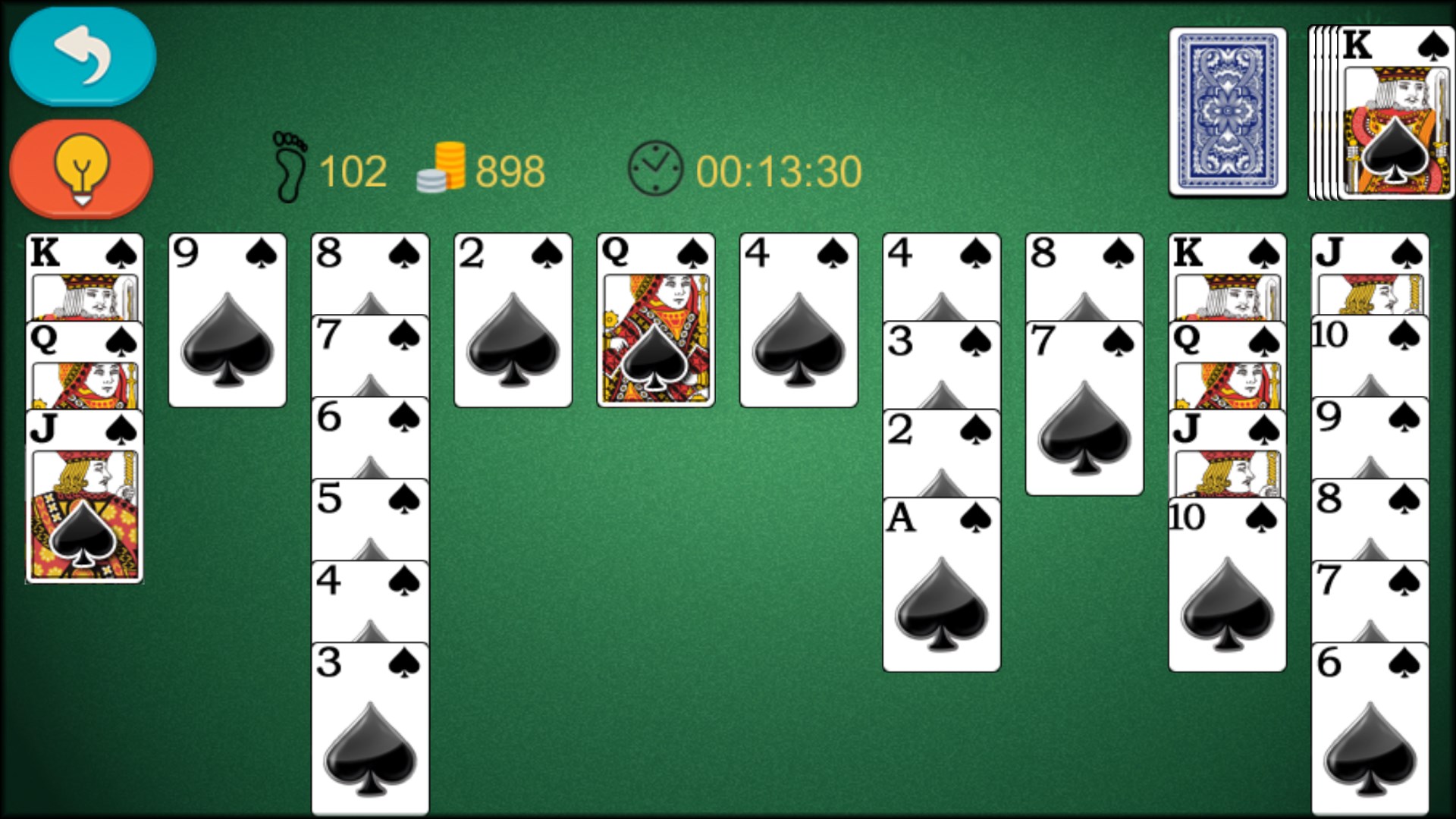
From the moment you open Spider Solitaire Classic!, the interface welcomes you with a clean, clutter-free layout resembling a real-world card table. The rich, but not overwhelming color palette offers a cozy yet stimulating environment. Navigating through menus feels like flipping through a well-organized deck — simple, direct, and satisfying. With crisp animations that mirror real card movements, the game exudes a tactile authenticity that makes every move gratifying.
Performance and Playability
The game runs seamlessly on Windows devices, with no noticeable lag or hiccups. The controls are responsive; clicking or dragging cards feels natural, akin to shuffling a deck in your hands. The game's smooth operation invites players to immerse themselves in the solitaire world without frustration or technical distractions. Learning curve? Minimal — even newcomers can quickly pick up the rules thanks to helpful hints and an accessible interface. Veteran players, meanwhile, will appreciate the nuanced difficulty options and strategic options available.
Strategic Depth and Differentiating Aspects
What sets Spider Solitaire Classic! apart from other digital variants is its thoughtful approach to managing decision-making visibility. The game excels at “analyze decision consequence visibility,” letting players anticipate outcomes of their moves through subtle visual cues. For instance, revealing hidden cards or offering hints without cluttering the screen mirrors a seasoned player's mental strategy. Additionally, the game handles “evaluate information overload management” beautifully — presenting enough options to challenge without overwhelming the user, ensuring a smooth learning curve while still offering strategic depth.
Unlike many free-to-play versions that clutter the interface with ads or intrusive features, this app maintains a focused, distraction-free environment. Its careful balance of visual clarity and information availability promotes thoughtful gameplay, encouraging players to consider their options and plan ahead effectively.
Final Thoughts and Recommendations
Spider Solitaire Classic! for Windows truly captures the essence of the classic card game with a modern, user-centered design. It's especially well-suited for players who value clarity, smooth performance, and subtle strategic cues — making it a reliable, enjoyable choice for both quick sessions and long-term engagement.
Based on its features and user experience, I recommend this app to casual players seeking a traditional solitaire experience, as well as strategic minds looking for a game that rewards thoughtful planning. Whether you're revisiting a childhood favorite or discovering Spider Solitaire anew, this app offers a polished and thoughtfully curated environment that's worth trying out.
Pros
- Intuitive User Interface
- Smooth Gameplay
- Multiple Difficulty Levels
- Ad-free Experience
- Auto-Save Functionality
Cons
- Limited Customization Options
- Lack of Achievement System
- Minimal Tutorial for Beginners
- Limited Accessibility Features
- No Cloud Sync Support










