

- Category Strategy
- Developer Klondike Solitaire Game
- Available on PC, Mobile, Surface Hub, HoloLens
- OS Windows 10 version 10240.0 or higher
- DirectX Version 10
- languages Chinese (Simplified), English (United States)
A Closer Look at Spider Solitaire Classic 2022 for Windows
Spider Solitaire Classic 2022 offers a familiar yet refined take on the classic card game, blending straightforward mechanics with thoughtful design, making it an engaging choice for both casual players and dedicated enthusiasts alike.
Basic Information and Developer Insights
In a nutshell, this application is a digital reimagining of the timeless Spider Solitaire, optimized for the Windows platform to deliver a seamless and enjoyable gameplay experience. Developed and published by Klondike Solitaire Game, the app emphasizes tradition with a touch of modern polish.
- Core Features Highlights:
- Multiple difficulty levels catering to both beginners and veterans
- Smooth, customizable interface with various skins and themes
- Helpful gameplay hints and undo options to assist new players
This game targets a broad spectrum of users—from casual puzzle solvers to seasoned card game fans—seeking a relaxing yet challenging experience on their Windows devices.
A Playful Dive into the Game's World
Picture yourself sinking into a cozy afternoon, a steaming cup of coffee at your side, ready to shuffle the virtual deck. Spider Solitaire Classic 2022 is not just a game; it's a companion for moments of leisurely escape. With its familiar layout and intuitive controls, you'll find yourself quickly immersed, each move offering a satisfying blend of strategy and intuition.
Core Functionalities That Make a Difference
Intuitive Interface and Customizable Themes
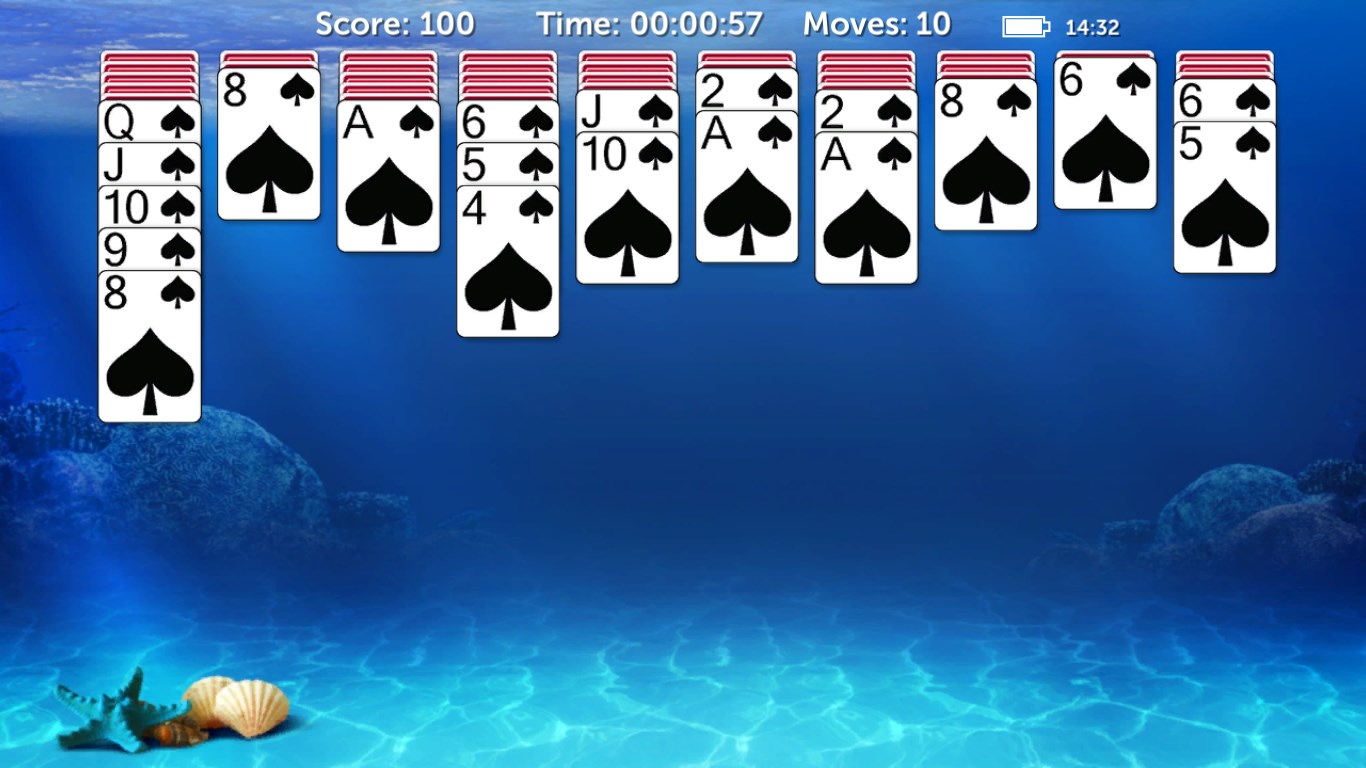
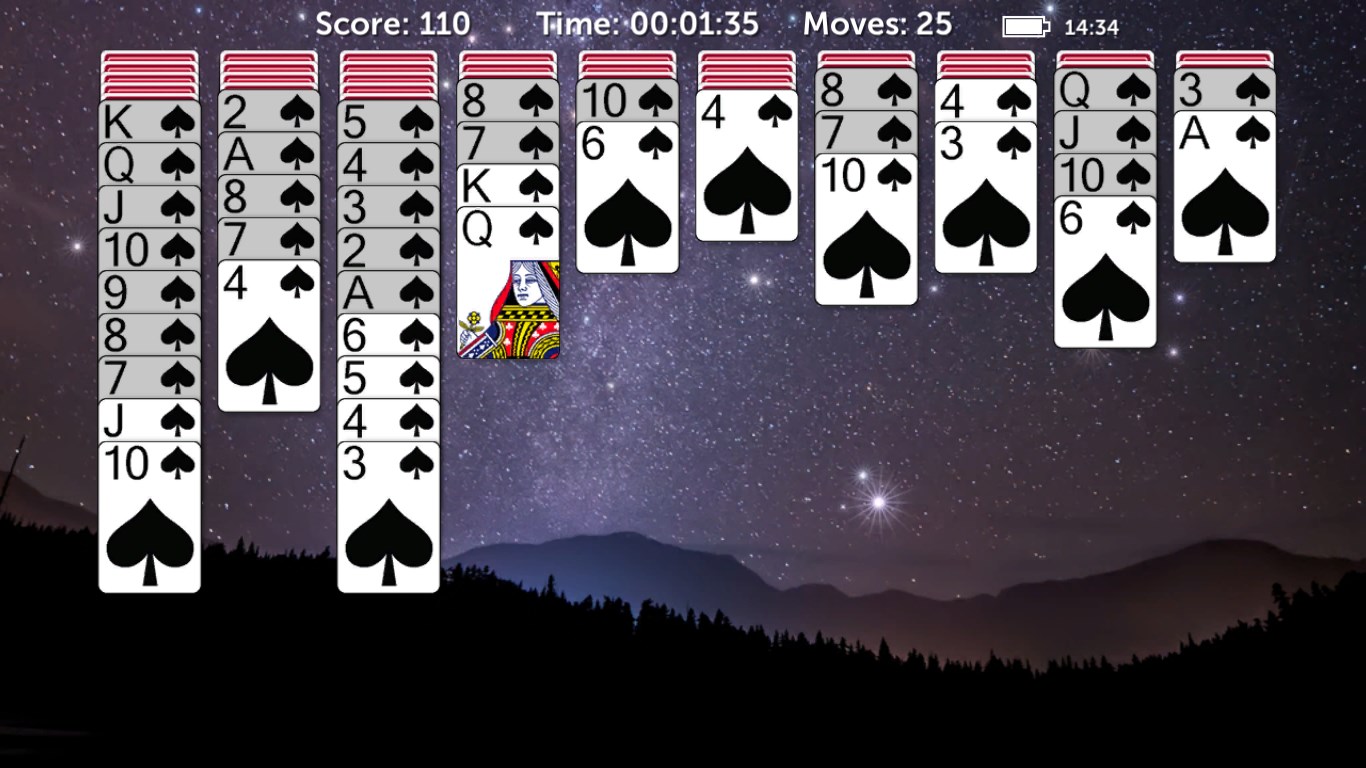
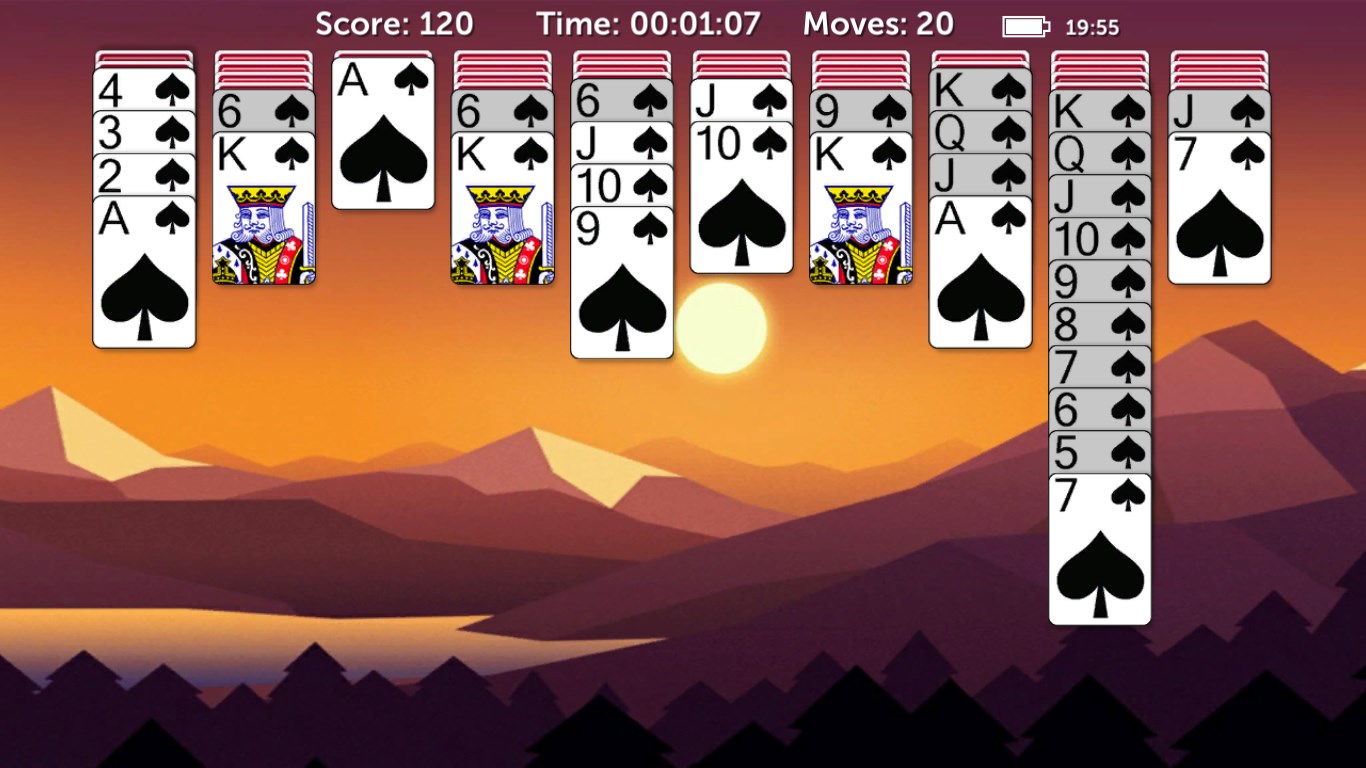
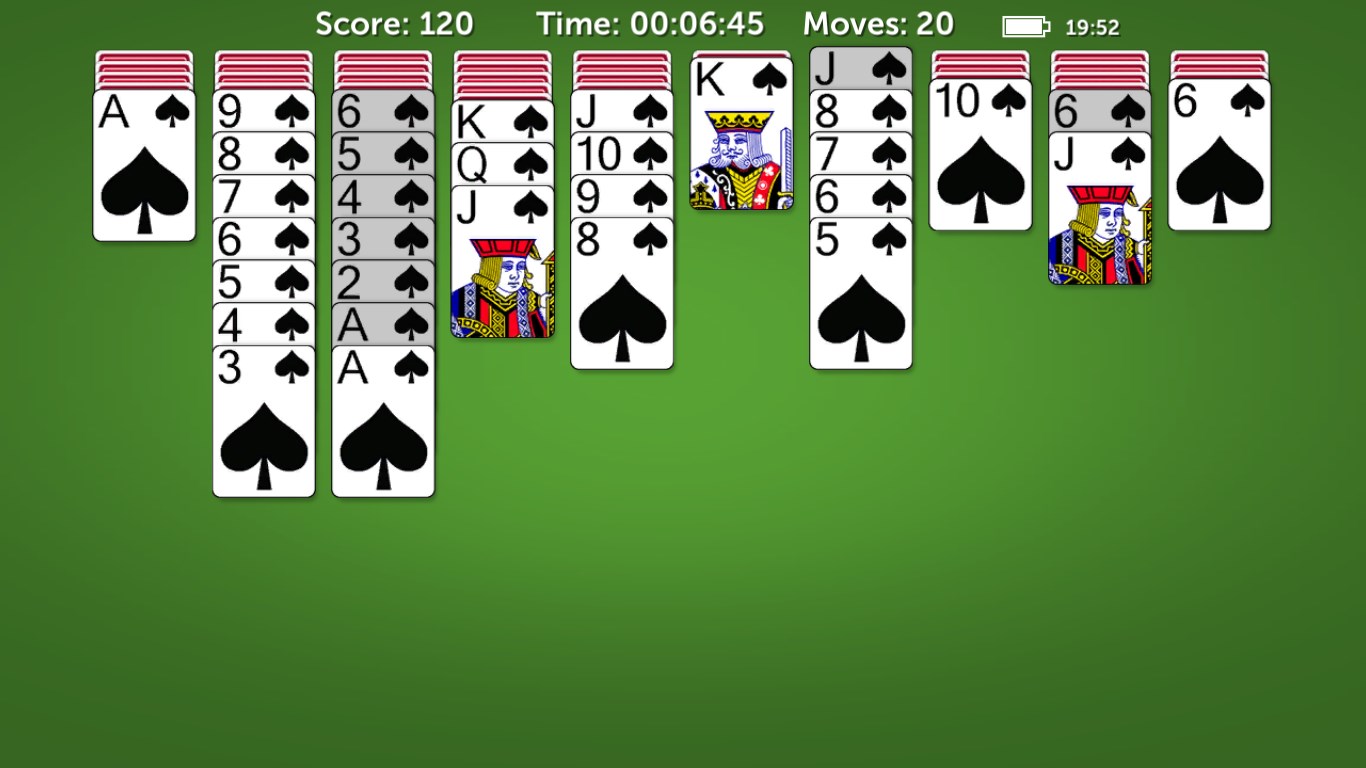
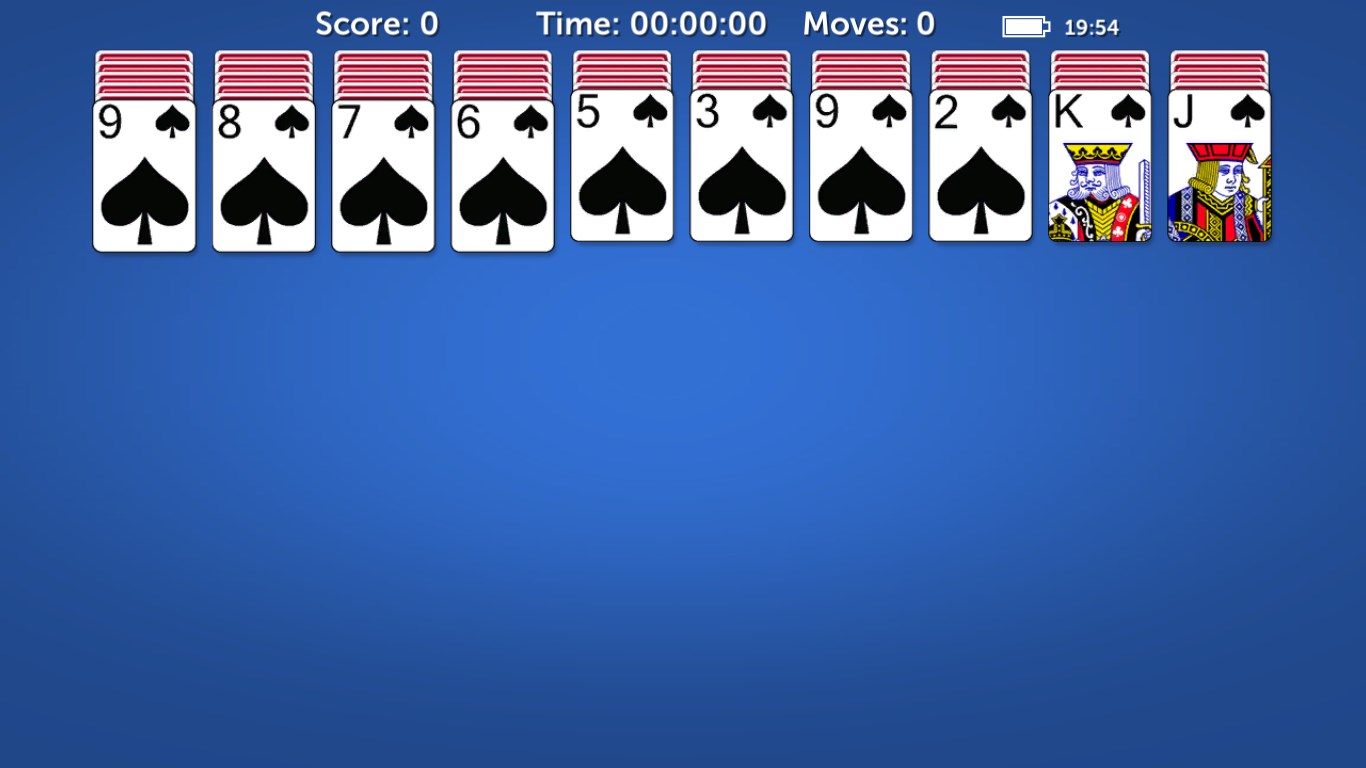
The game's interface strikes a balance between minimalism and visual appeal—think of it as a well-organized workspace where everything is just where you need it. Players can personalize their experience with multiple themes and card backs, making each game feel uniquely theirs. Navigation is fluid; clicking, dragging, and undoing moves are buttery-smooth, thanks to thoughtful optimization designed to minimize lag. This thoughtful design ensures the experience remains enjoyable without annoying delays or convoluted menus, making it welcoming to all levels of players.
Advanced Decision Visibility and Overload Management
As a standout feature, Spider Solitaire Classic 2022 provides clear visual cues for game state and move options—akin to having your game master guide your hand. The app excels at "analyze decision consequence visibility," allowing players to see the potential outcomes of their moves before committing, which boosts strategic confidence. Additionally, the game manages "information overload" elegantly by highlighting viable moves and hiding unnecessary clutter. Unlike many similar card games that drown players in options, this implementation respects the player's need for clarity, enabling smarter, less stressful decision-making.
Difficulty Settings and Progress Tracking
With multiple difficulty modes, the game adapts to your skill level—from simple, fewer decks to complex, multi-suit challenges. Progress tracking and achievement systems motivate continued play, and undo features foster learning without fear of errors. These elements create a balanced environment that supports both relaxation and skill development.
Comparison and Unique Selling Points
While many digital Solitaire versions tend to look and feel similar, Spider Solitaire Classic 2022 distinguishes itself through its focus on decision analysis and overload management. Its clear visual pathways and move suggestions transform it into a thoughtful, almost strategic puzzle—more than just a time-killer. The interface's sleek simplicity complements these features, making the game less of a cluttered desktop distraction and more of an elegant mental refresh.
Should You Give It a Go?
Absolutely. For players looking for a straightforward, polished Solitaire experience filled with smart design choices that enhance strategic clarity, this game is a solid choice. Its balance of accessibility and depth makes it suitable for quick breaks or extended play sessions. I recommend it to anyone wanting to sharpen their card-playing skills or simply unwind with a classic game made modern—and thoughtfully so.
Pros
- Intuitive interface designed for seamless gameplay
- Classic spider solitaire gameplay with various difficulty levels
- Smooth graphics and animations
- Auto-undo and hints feature
- Free to download and play with optional in-app purchases
Cons
- Limited customization options for themes and backgrounds
- Occasional minor bugs affecting card animations
- Ads can interrupt gameplay during sessions
- Lack of multiplayer or social features
- Limited sound customization options










