

- Category Card & board
- Developer TreeCardGames
- Available on PC
- OS Windows 10 version 17763.0 or higher
- languages Chinese (Simplified), Chinese (Traditional Chinese), Czech, Danish, Dutch, English, English (United States), Finnish, French, German, Greek, Hebrew, Hindi, Hungarian, Italian, Japanese, Norwegian (Bokmål), Polish, Portuguese (Brazil), Portuguese (Portugal), Russian, Spanish, Swedish, Thai, Turkish, Ukrainian
Introduction: A Classic Card Game Redesigned for Your Windows Desktop
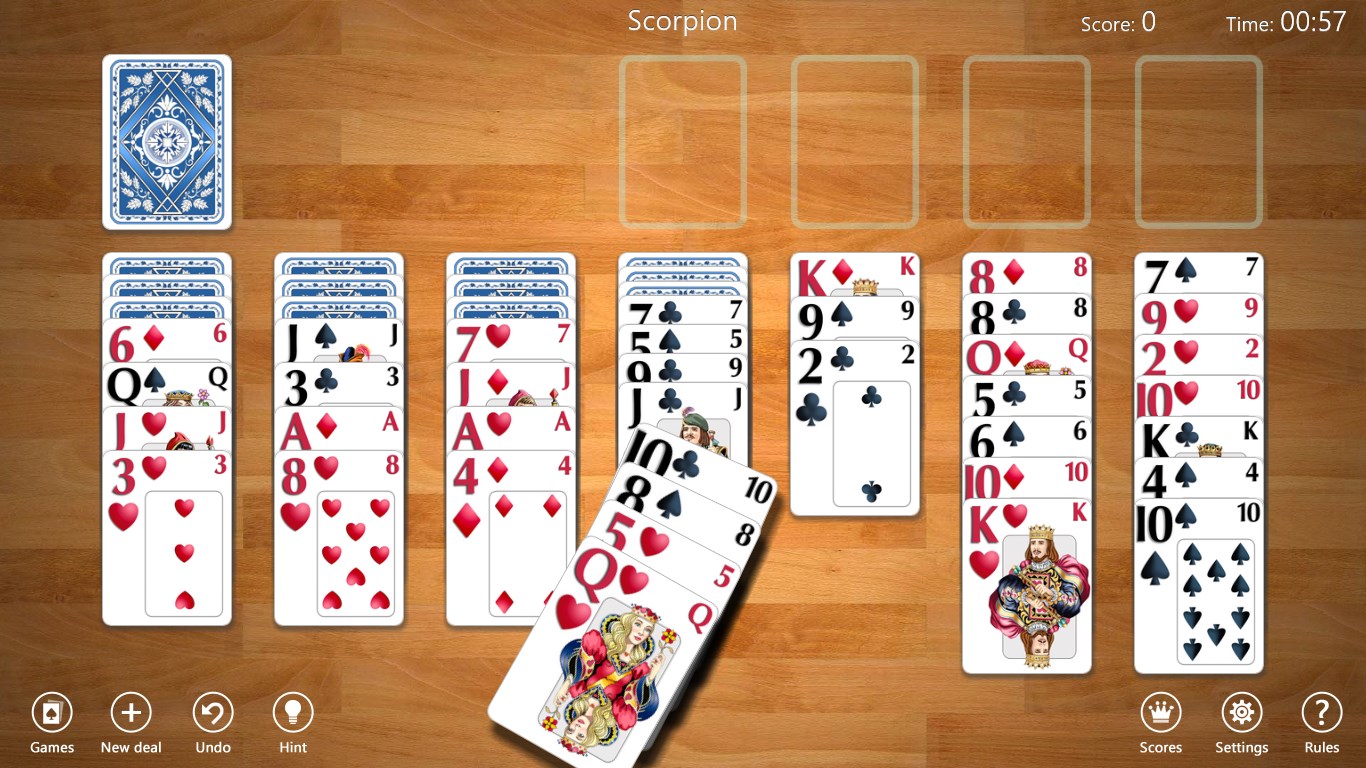
Spider Solitaire Collection Free for Windows by TreeCardGames offers a traditional, yet modernized version of the beloved card game, promising hours of strategic fun for casual players and seasoned solvers alike. Its straightforward design combined with thoughtful features makes it a compelling download for anyone seeking a relaxing yet mentally stimulating experience on their computer.
About the Developer and Core Features
Who's Behind This Deck? – Developer & Publisher
Developed and published by TreeCardGames, a studio renowned for creating user-friendly digital card games that lean on classic gameplay mechanics while integrating subtle modern touches. Their focus is to deliver accessible and enjoyable card experiences across various platforms.
What Makes It Stand Out? – Main Highlights
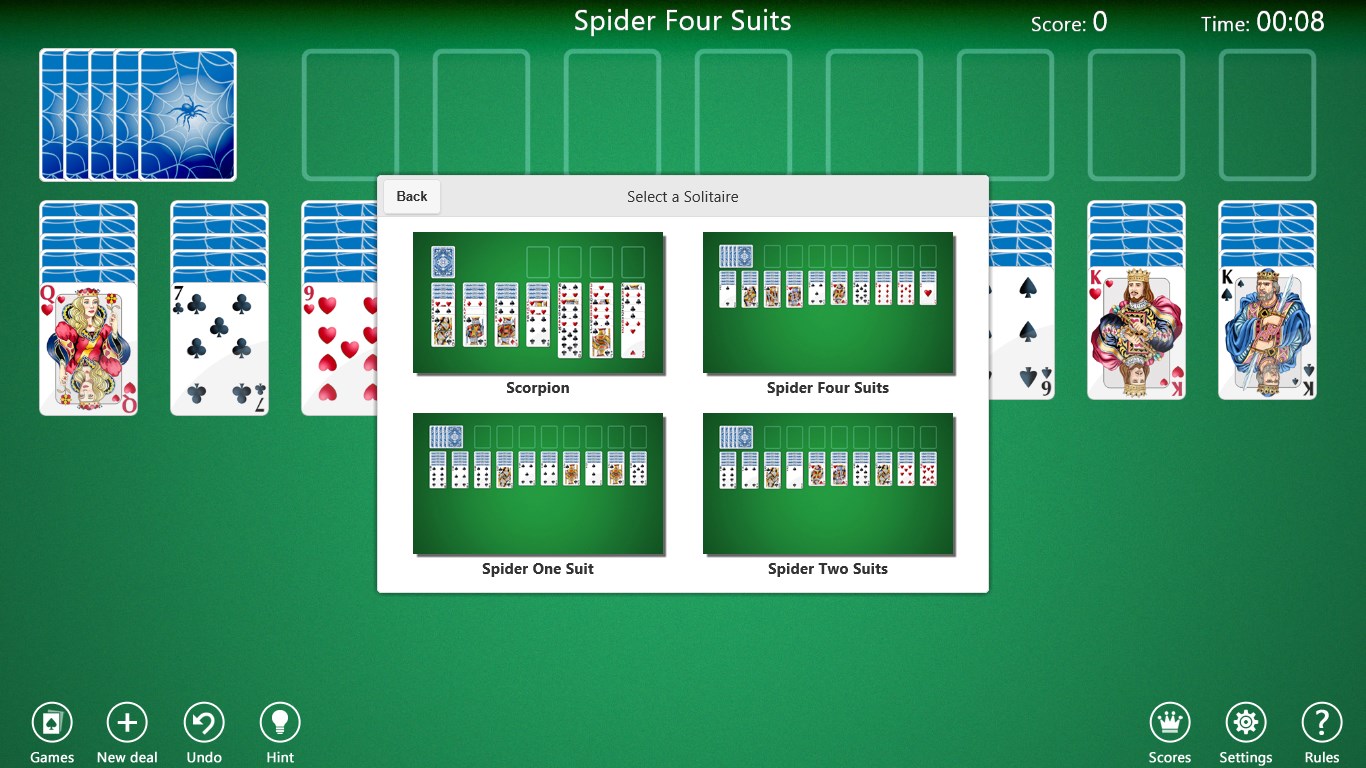
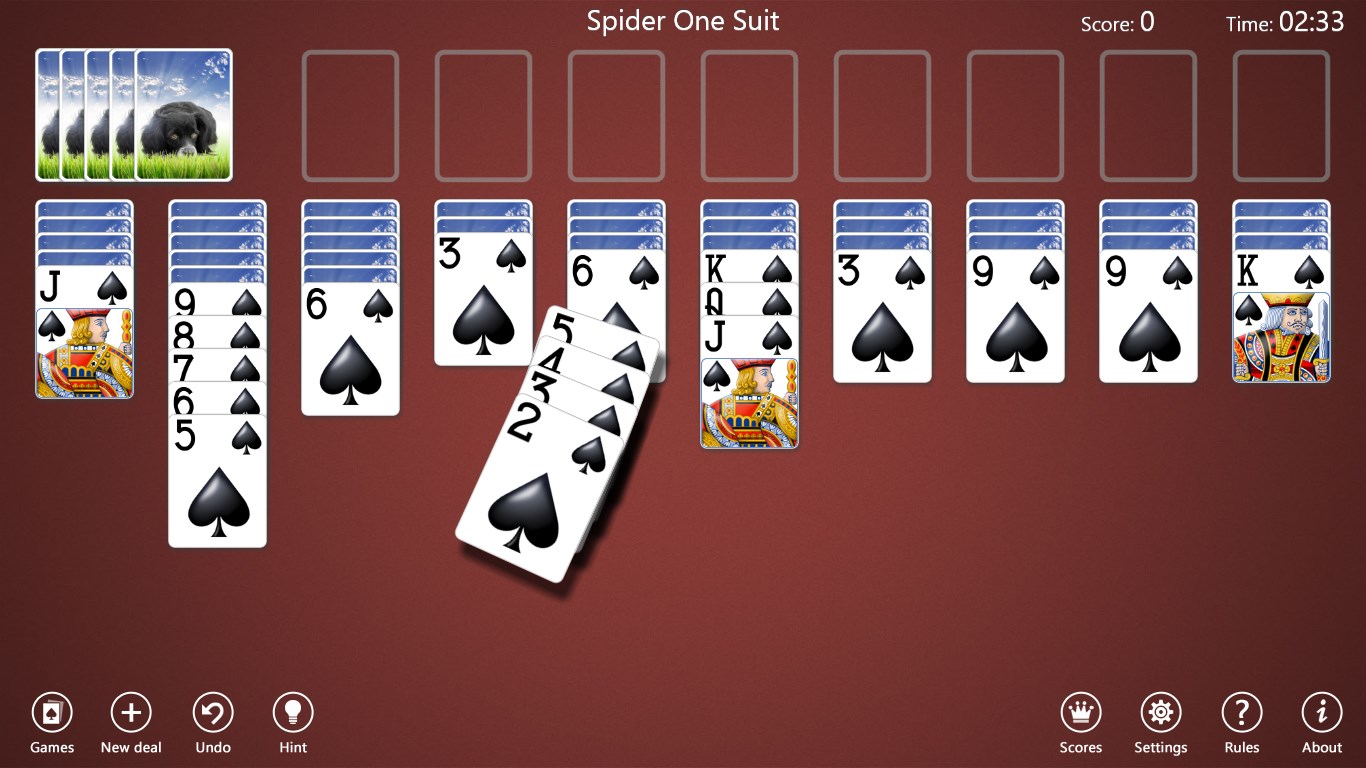
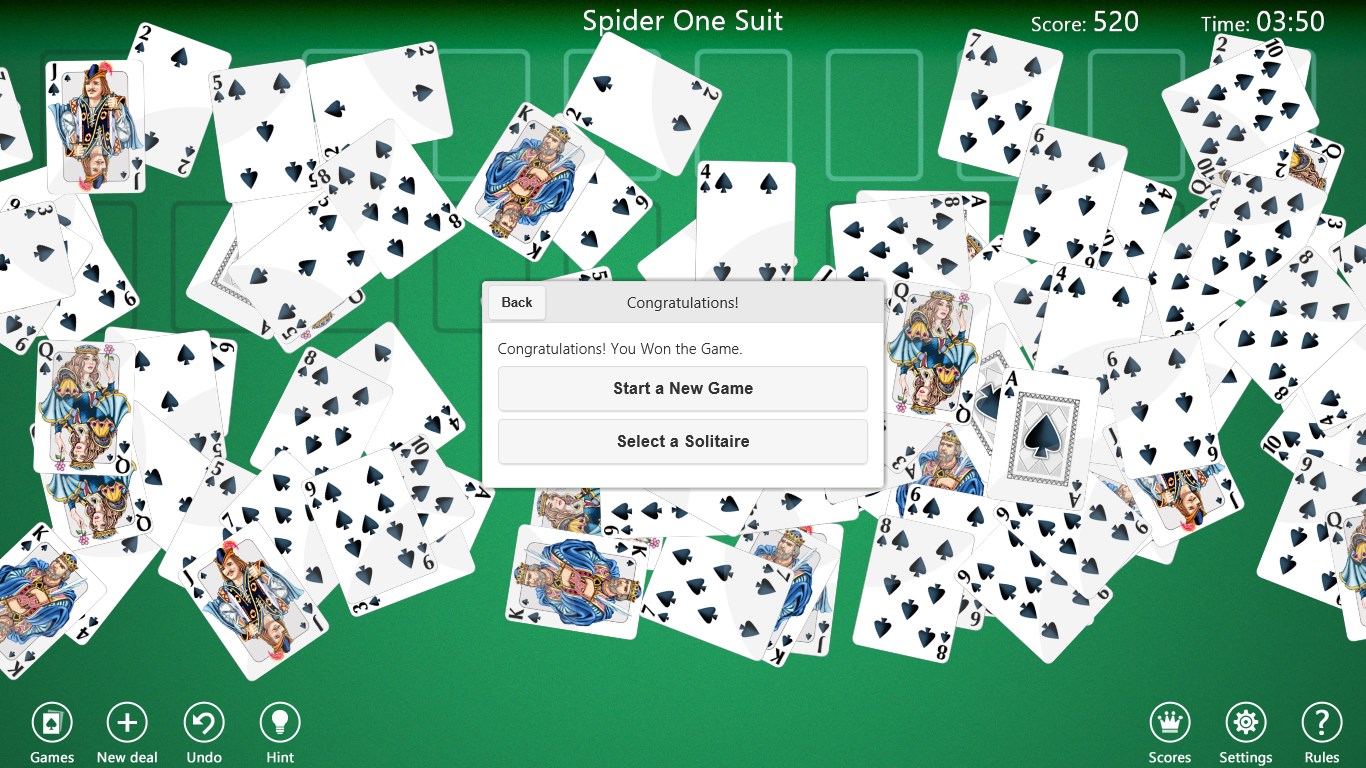
- Multiple Difficulty Levels & Variations: Offers standard Spider Solitaire along with different difficulty settings, including one, two, or four suits, catering to novices and experts alike.
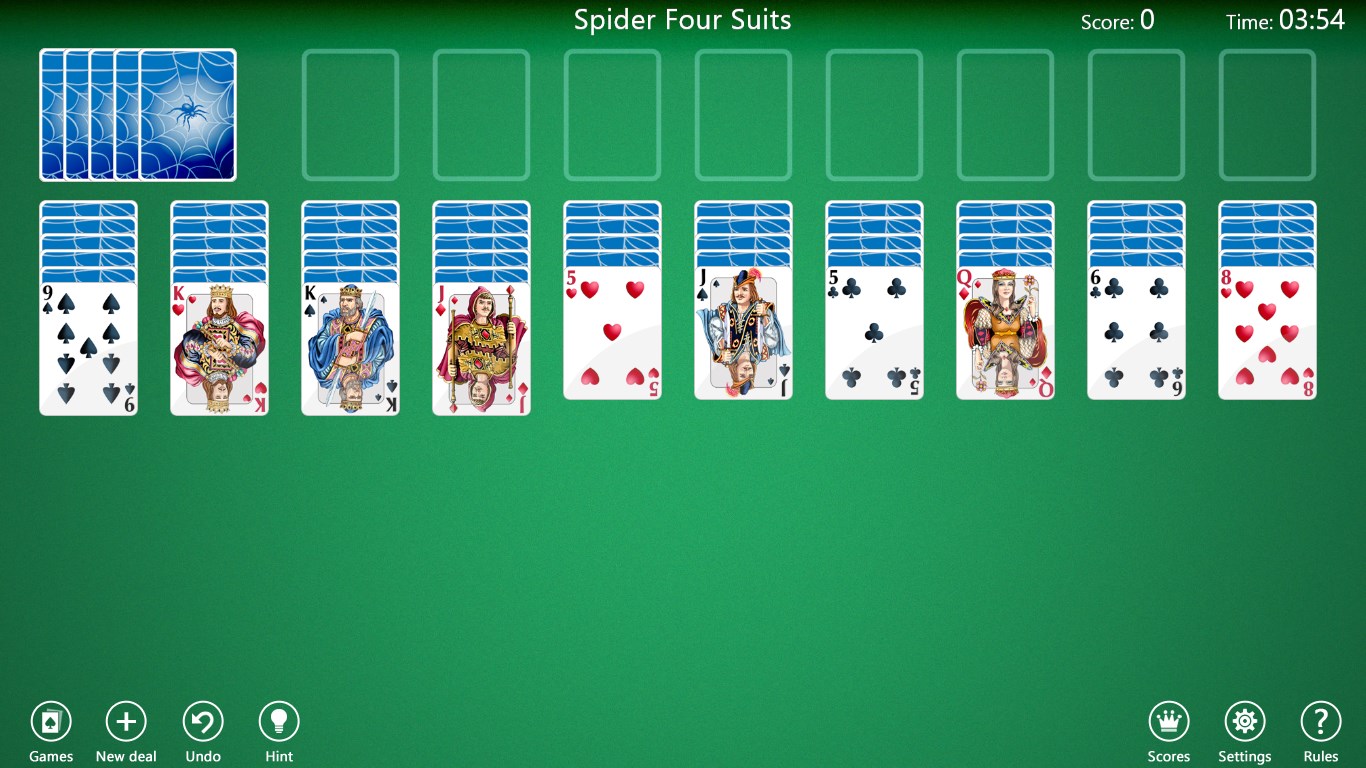
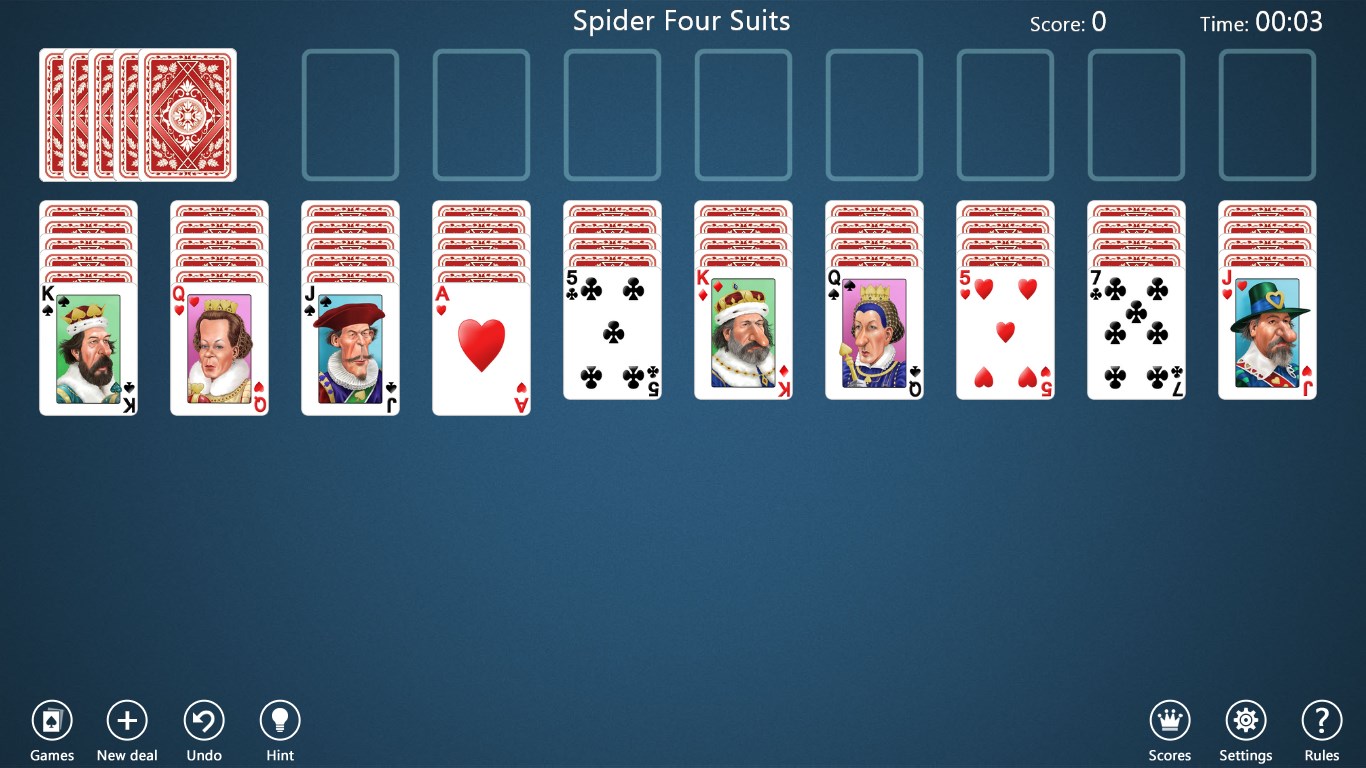
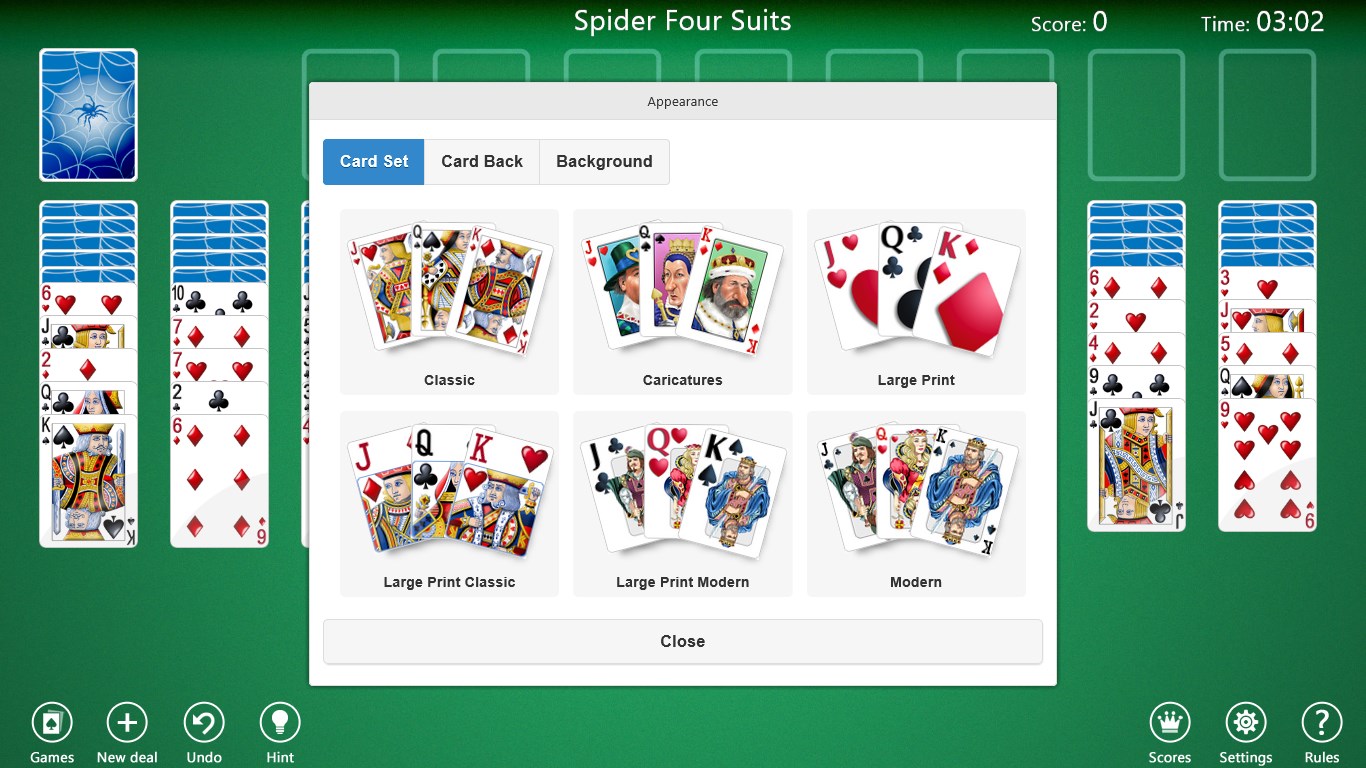
- Customizable Card Styles & Themes: Users can personalize the game's appearance with a range of card backs and table backgrounds, enhancing visual appeal and comfort.
- Intuitive User Interface & Smooth Gameplay: Designed for easy navigation, with responsive controls and minimal lag, making gameplay seamless even on modest machines.
- Additional Features: Includes undo options, hints, and auto-complete to assist learning and maintain engagement without frustration.
Deep Dive into the Game Experience
A Fresh Spin on a Timeless Classic
Imagine settling into your favorite armchair after a long day, opening the Spider Solitaire Collection, and being greeted by a sleek, clean interface that immediately puts your focus on the cards. The game preserves the charm and challenge of traditional Spider Solitaire, yet elevates it with crisp visuals and thoughtful enhancements. It's like finding a well-worn deck of cards that's been thoughtfully cleaned and reshuffled for modern players.
User Interface & Visual Design
The app sports a minimalist yet stylish aesthetic, with clear, high-quality card graphics that are easy on the eyes. The interface boasts logical menus and accessible controls, reducing the learning curve. Whether you're a beginner or a seasoned player, navigating through options like deal, undo, or change themes feels natural—clicking is smooth, and transitions are fluid. This attention to detail makes for an engaging experience that feels as effortless as shuffling a deck.
Gameplay & User Experience
Gameplay responds promptly to user inputs, with animations that add a touch of elegance without bogging down performance. The game's adaptability shines here—players can choose difficulty modes that scale the complexity of cards and suit combinations, making it suitable for casual mornings or competitive afternoons. The learning curve is gentle; even those unfamiliar with Spider Solitaire will find it straightforward to pick up, with hints and undo options providing gentle guidance. The auto-complete feature is particularly appreciated, saving time and allowing players to focus on strategic decisions rather than mechanics.
What Sets It Apart? – Unique Selling Points
Compared to other digital card games, the Spider Solitaire Collection distinguishes itself through its focus on customizability and clarity. Its ability to switch between difficulty levels, combined with the visual personalization options, offers a tailored experience that feels both personal and challenging. Unlike more cluttered or overly complicated versions, this app embraces simplicity and elegance—an approach that respects the game's tradition while making it relevant for today's users.
Final Verdict & Recommendations
Overall, the Spider Solitaire Collection Free for Windows by TreeCardGames provides a polished, accessible, and satisfying take on the classic game. Its user-friendly design and thoughtful features make it ideal for casual players who want a quick mental workout or dedicated solitaire enthusiasts looking for a reliable digital partner. I recommend giving it a try if you enjoy logical puzzle games that can be played in short bursts or long sessions alike. Its versatility and clean interface make it a solid addition to any Windows game collection, especially for those who value a straightforward, beautiful rendition of Spider Solitaire without unnecessary frills.
Pros
- Intuitive User Interface
- Variety of Game Modes
- Free to Play
- Regular Updates
- Offline Access
Cons
- Limited Customization Options
- Occasional Ads Interruptions
- No Tutorial for Beginners
- Graphics Could Be More Visual
- Limited Score Tracking










