
- Category Strategy
- Available on PC, Mobile, Surface Hub, HoloLens
- OS Windows 10 version 10240.0 or higher
- languages English (United States)
Effortless Card Play with a Classic Twist
Spider Solitaire Free!! for Windows by Dots2line offers a familiar yet refreshed take on a timeless card game, perfect for those seeking casual mental stimulation without the clutter of complex features.
Sleek Interface and Intuitive Gameplay
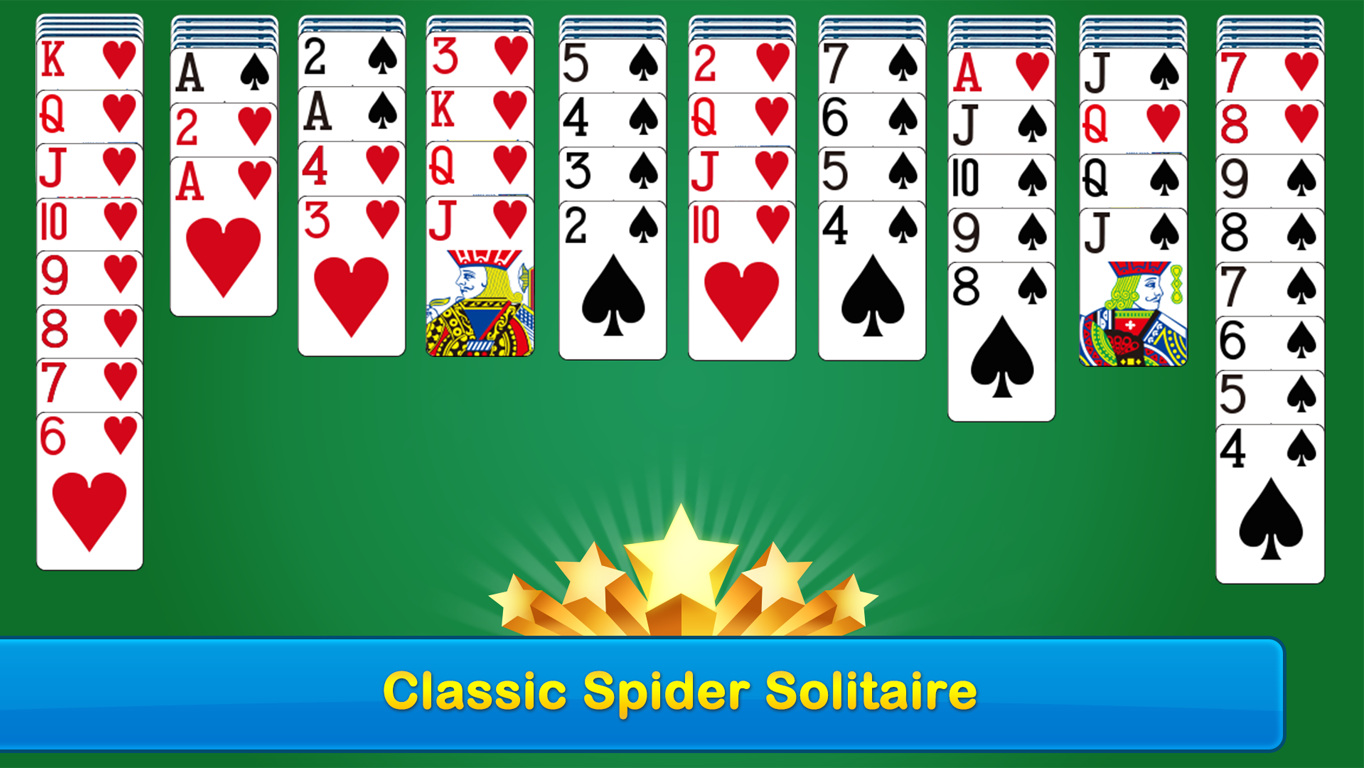
From the moment you launch the app, you're greeted with a clean, unobtrusive design that mimics the traditional card table, making it easy for both newcomers and seasoned players to jump straight into the game. The interface minimizes distractions, focusing your attention purely on the cards and strategic moves. Navigation feels smooth and responsive, thanks to well-optimized controls that feel natural and effortless. Whether you're swiping to deal cards or dragging them into sequences, the experience feels seamless, encouraging longer, more engaging play sessions.
Powerful Core Features That Elevate Your Experience
Smart Card Arrangement & Multiple Decks
This app supports multiple deck configurations, allowing players to customize difficulty levels to their liking. The intelligent card arrangement system ensures that each deal is fair yet challenging, providing enough complexity to keep you engaged without feeling overwhelming. The game also offers an undo feature, giving you the confidence to experiment with different strategies without penalty.
Enhanced Decision-Making & Visibility
One of the standout features is its focus on transparent decision consequences. The game visually highlights potential moves or available sequences, helping players assess options quickly. Unlike many digital solitaire variants, Spider Solitaire Free!! emphasizes clear visibility of your choices, which not only speeds up gameplay but also helps players develop better strategic thinking. This transparency makes it particularly friendly for beginners or casual players eager to improve their skills.
Managing Complexity & Reducing Overload
Another notable feature is its intelligent management of game complexity. It systematically reduces information overload by providing clean, uncluttered visuals and optional hints. Players can toggle guidance modes that gently expose safe moves or suggest strategies, streamlining the learning curve. Such thoughtful design ensures that new players won't feel overwhelmed while still offering depth for more experienced users.
Comparison and Unique Selling Points
While many digital solitaire platforms focus solely on simple gameplay mechanics, Spider Solitaire Free!! distinguishes itself through its emphasis on decision transparency and complexity management. Its visual cues for potential moves provide clarity that helps players understand the impact of each step—an aspect often overlooked in similar apps. Additionally, its adaptable difficulty settings and support for multiple decks make it versatile enough to remain challenging over time. This app particularly suits players who appreciate a strategic approach, rather than mere chance-based gameplay, making it a standout choice among free solitaire options.
Final Thoughts and Recommendations
If you're hunting for a classic card game with modern touches—smooth playing experience, thoughtful design, and strategic clarity—Spider Solitaire Free!! is a commendable choice. Its careful balance of simplicity and depth makes it accessible to beginners yet engaging enough for seasoned players. I recommend this app to anyone wanting a relaxing yet mentally stimulating activity that mimics the traditional solitaire experience with smarter features. Perfect for quick breaks or longer gaming sessions, it deserves a spot on your Windows device.
Pros
- Intuitive user interface
- Smooth gameplay experience
- Free to download and play
- Regular updates and bug fixes
- Offline mode support
Cons
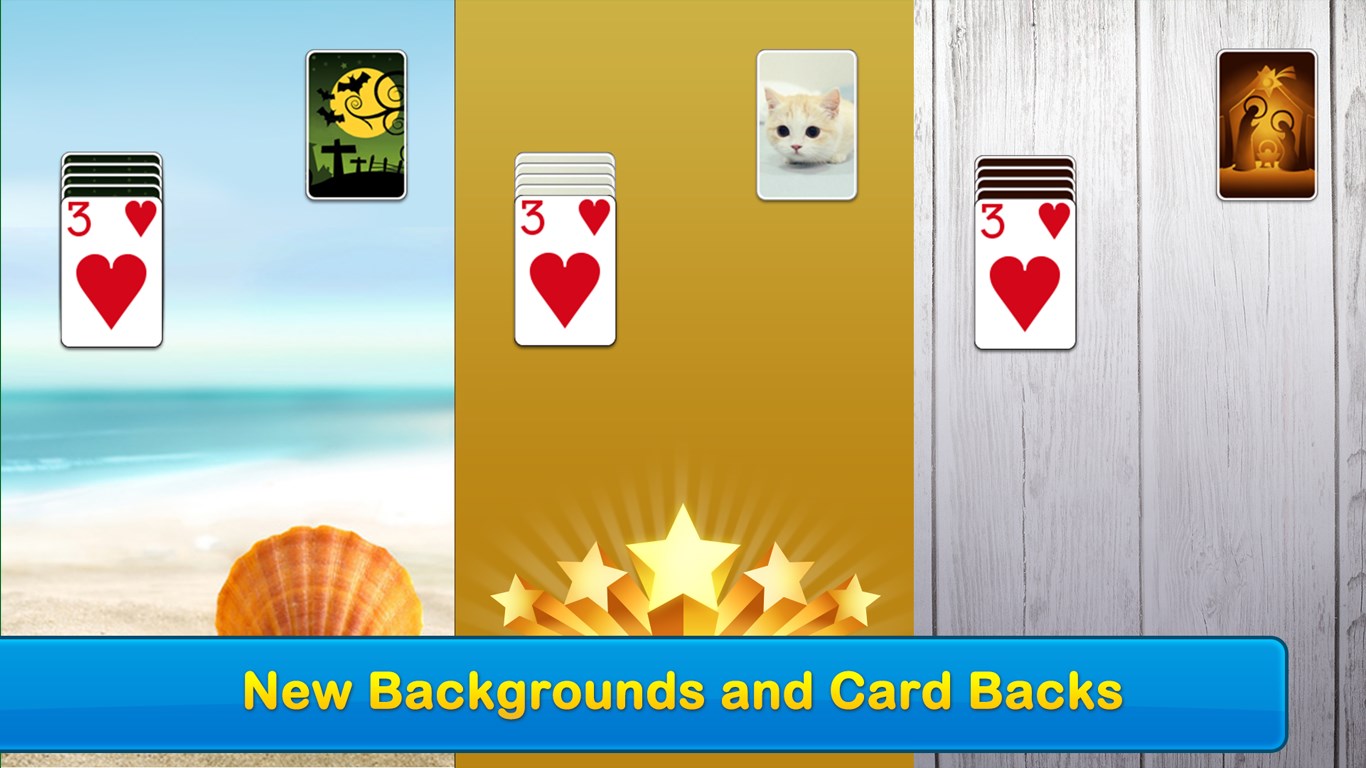
- Limited customization options
- Advertisements occasionally interrupt gameplay
- Lack of detailed tutorials
- Limited scoring features
- Battery consumption can be high during prolonged play











