

- Category Card & board
- Available on PC, Mobile
- OS Windows 10 version 17763.0 or higher
- languages English (United States)
Overview: A Smooth and Classic Take on Solitaire for Windows
Spider Solitaire HD for Windows offers a polished digital rendition of the beloved card game, blending nostalgic gameplay with modern aesthetics. Designed by Bernardo Zamora, this app aims to provide casual players and Solitaire enthusiasts alike with a seamless and engaging experience right from their desktop. With its straightforward interface and intuitive mechanics, it stands as a compelling option for those seeking relaxation or a quick mental challenge without unnecessary frills.
Clear Layout and Elegant Design
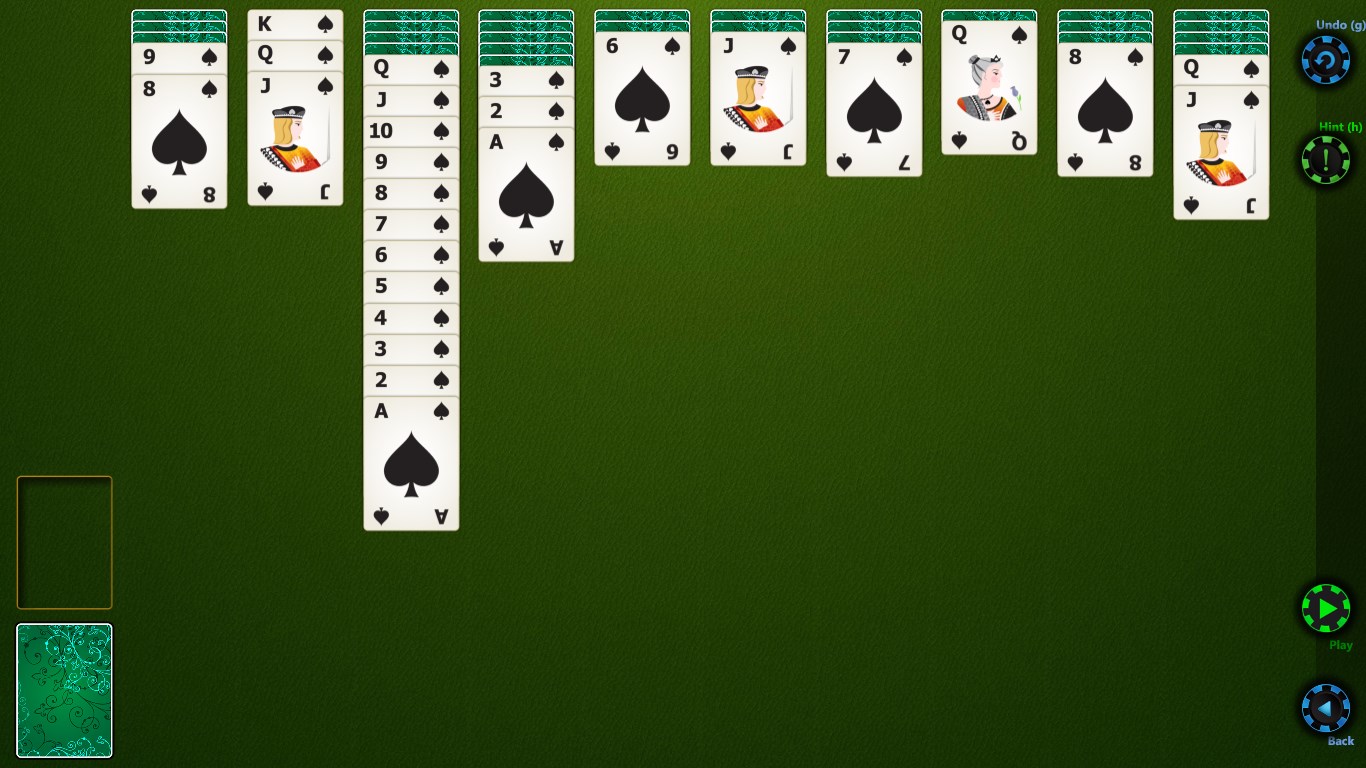
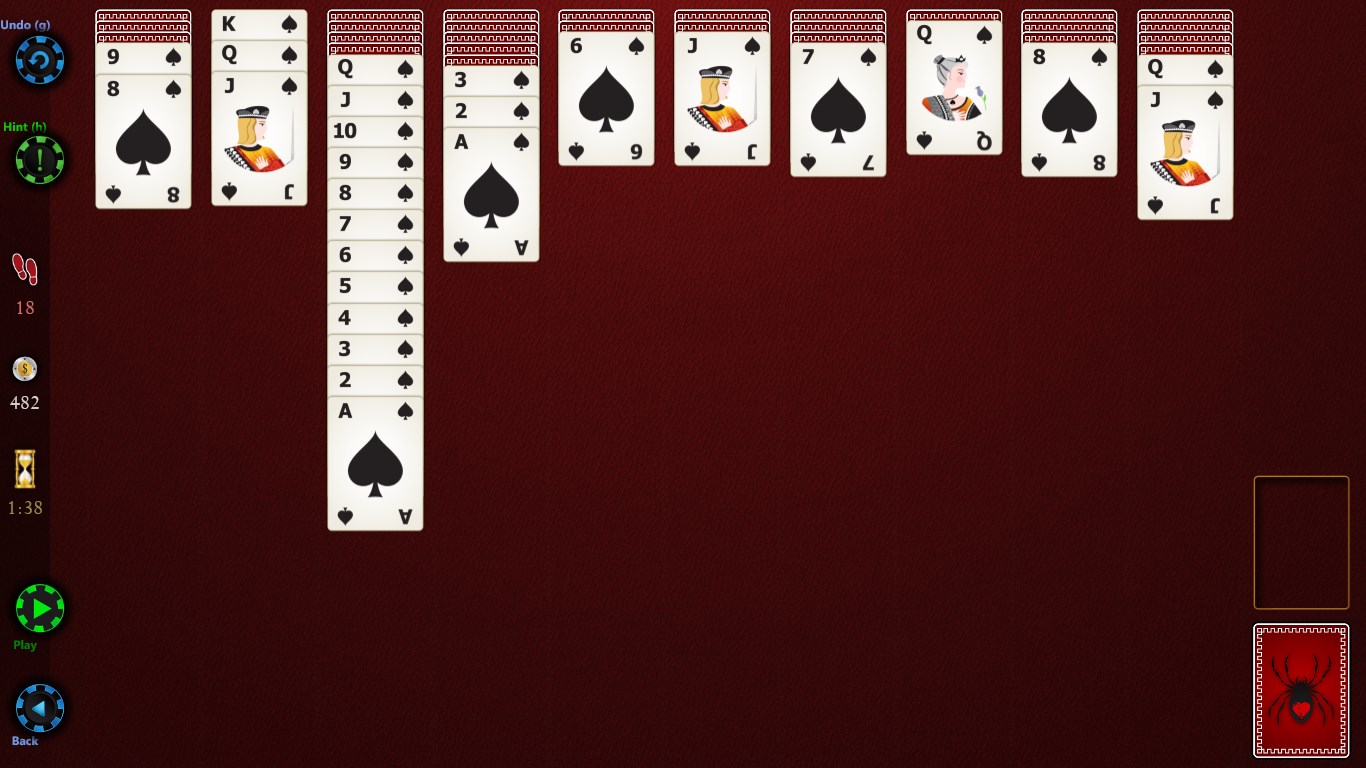
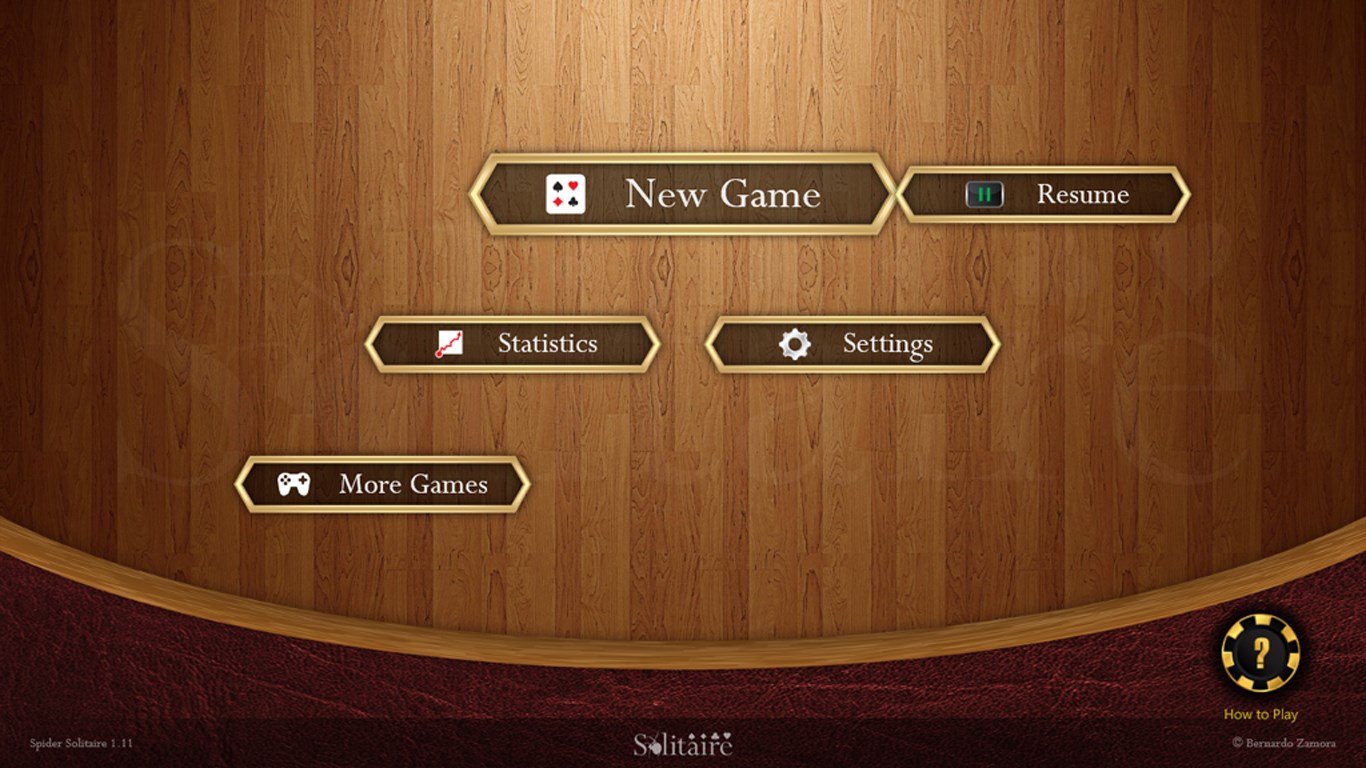
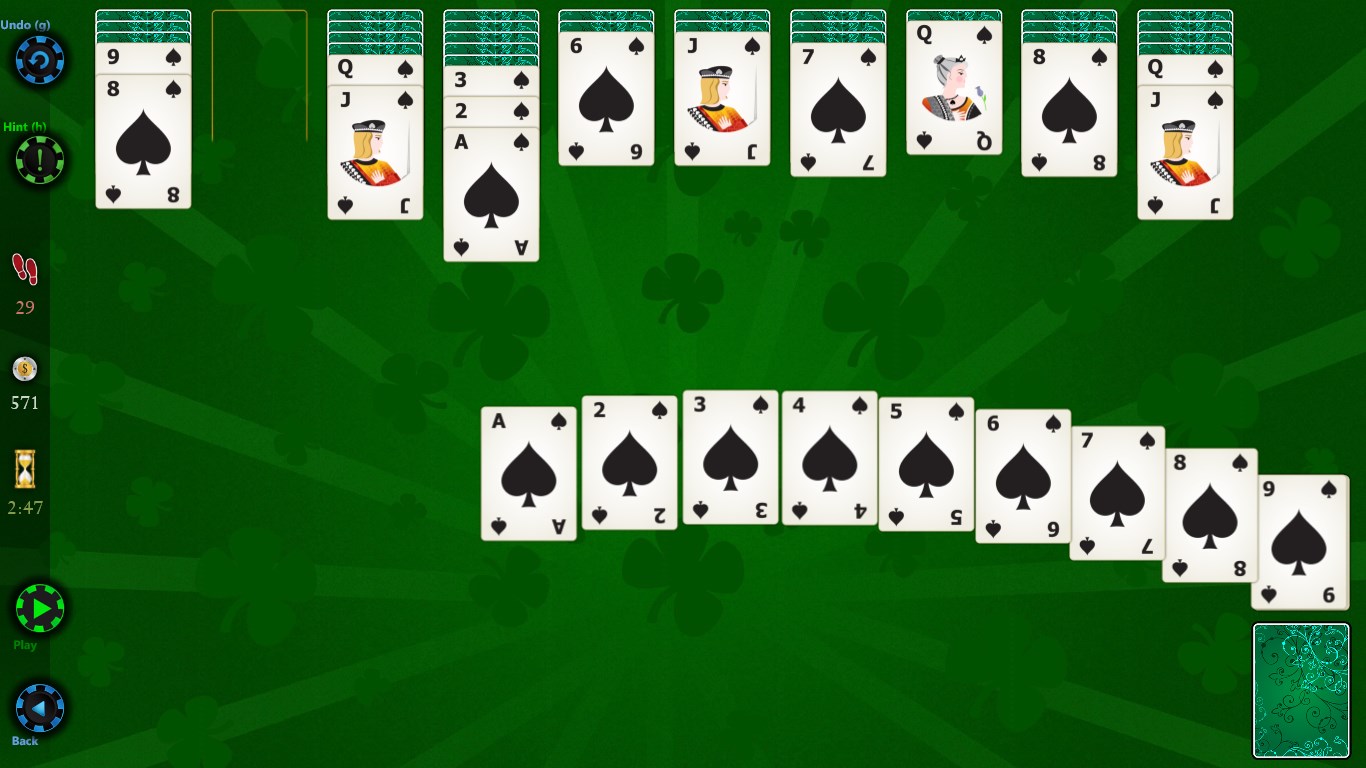
The first thing you'll notice upon launching Spider Solitaire HD is its clean, well-organized interface. The visual theme adopts a classic deck of cards aesthetic, complemented by subtle backgrounds that avoid distraction but lend a premium feel. Navigating across different game modes and settings is smooth, thanks to responsive controls that feel natural and fluid, even on less powerful machines. The design strikes a balance between simplicity and elegance—it's like holding a beautifully crafted playing card in your hand, with responsive textures and crisp animations that make every move satisfying.
Sophisticated Core Features: How It Elevates the Card Game
Multiple Game Variants and Difficulty Levels
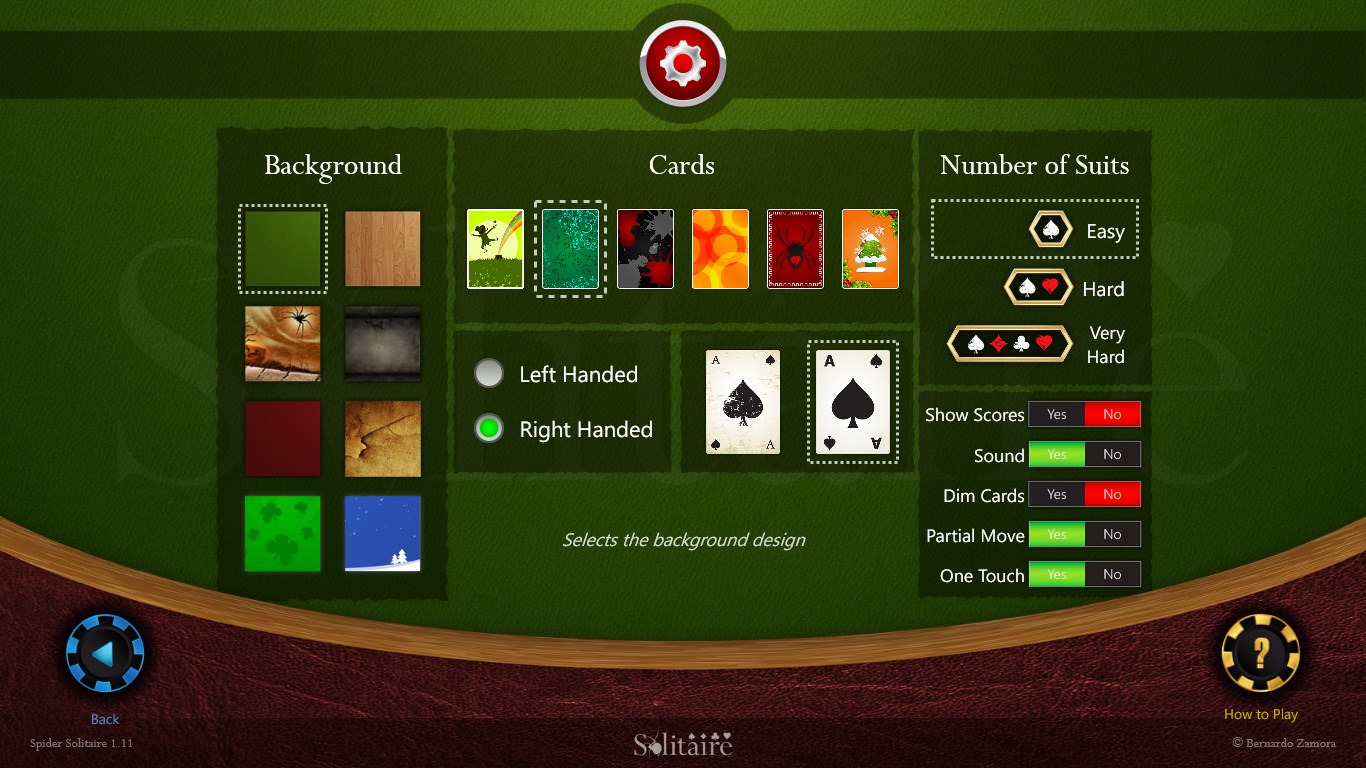
One of Spider Solitaire HD's standout features is its offering of various game modes, including the traditional Single Suit, Two Suits, and Four Suits options. This variety caters to a broad range of skill levels—from casual players just learning the ropes to seasoned solvers craving an extra challenge. The game also incorporates adjustable difficulty settings, allowing you to tweak the game's pace and complexity, and thus keep the experience fresh and engaging every time.
Smart Assistance and Undo Options
While the game's core appeal is strategic play, some thoughtful features enhance user experience without undercutting the game's challenge. An optional hint system can guide you if you're stuck, and an undo button allows for a bit of trial-and-error—much like having a helpful friend sitting beside you while you're figuring out that tricky move. These features make it accessible for beginners and forgiving for more casual players, fostering a less frustrating learning curve.
Progress Tracking and Customization
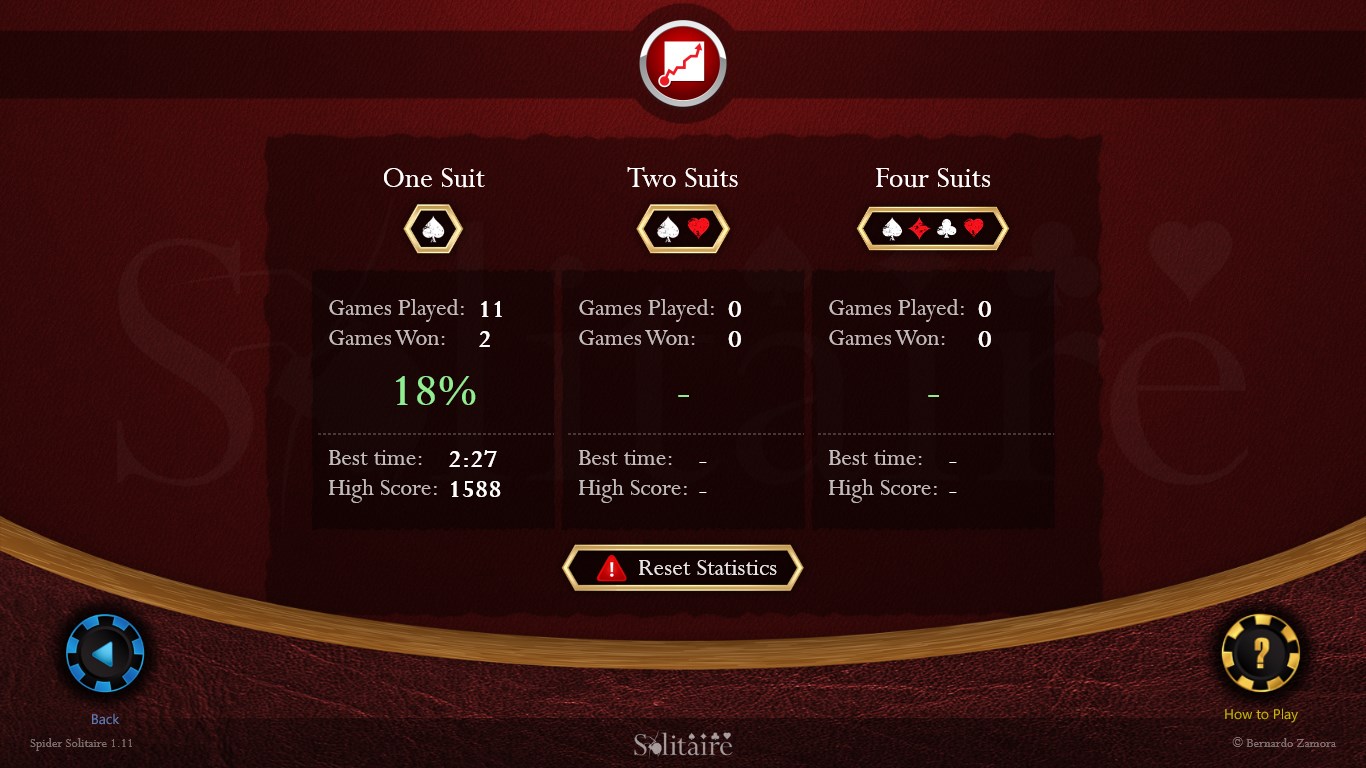
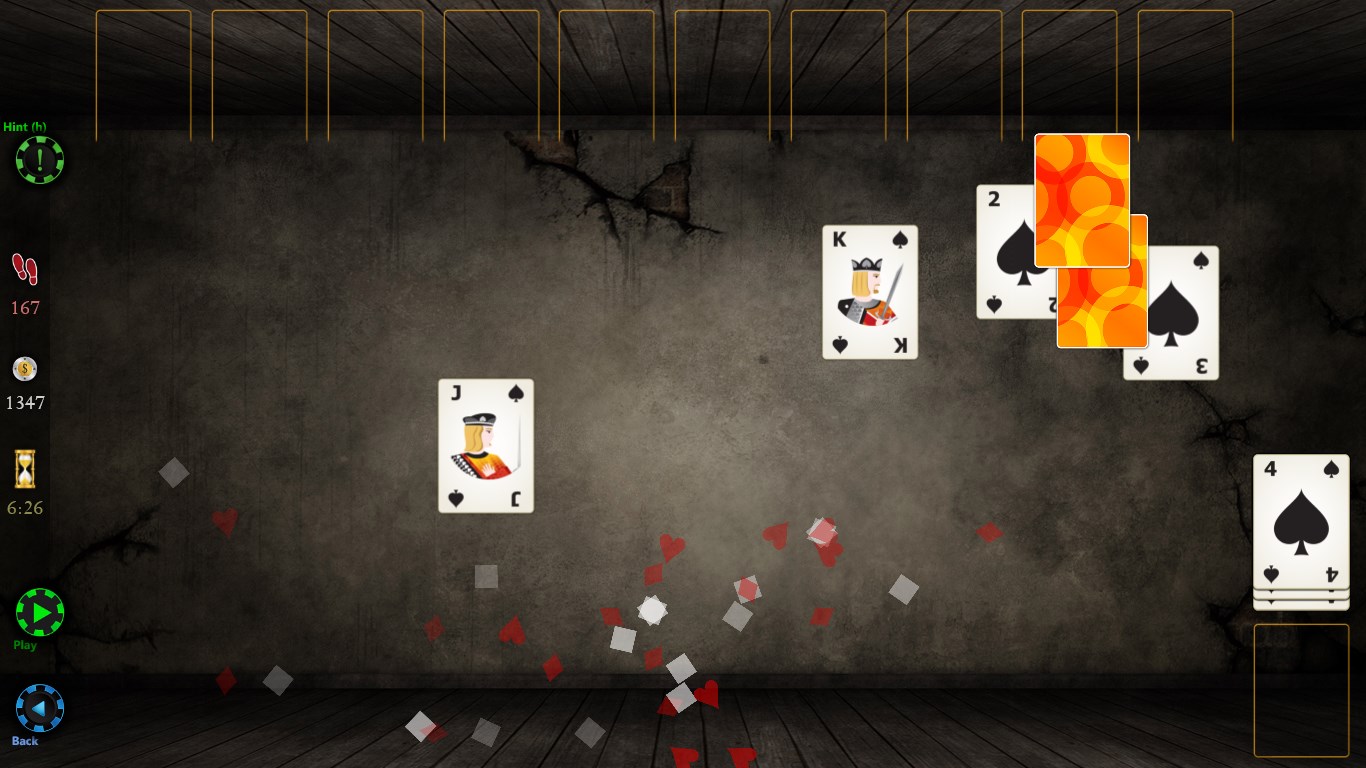
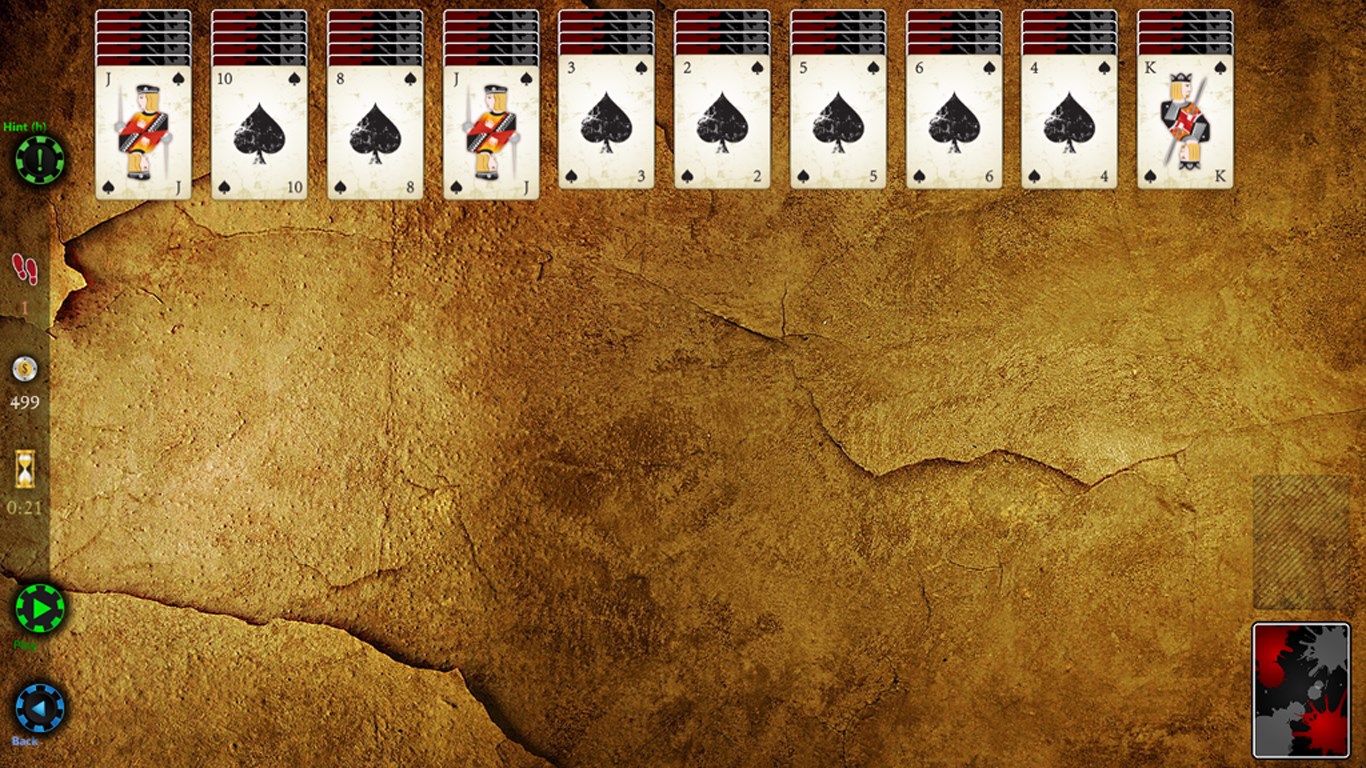
The app also provides a progress tracking system, where you can view your completed games and achievements, adding motivational milestones alongside classic gameplay. Customization options include selecting different card backs and background themes, allowing players to tailor the visual ambiance to their preference—imagine customizing your own cozy reading nook, but for digital card gameplay.
Experience and Unique Advantages
Compared to other digital Card & Board applications, Spider Solitaire HD stands out due to its focus on refined simplicity combined with thoughtful user-centric features. Its interface is as smooth as silk, with animations that don't distract but instead enhance the tactile feel of the game—much like shuffling real cards on a velvet cloth. The game's design philosophy emphasizes ease of use, making it approachable yet satisfying for both beginners and veteran players.
Unlike some apps that bombard users with clutter or unnecessary complexity, this version keeps the core experience pure and engaging. Its adaptability through multiple difficulty levels and optional hints means it can grow with your skill or serve as a relaxing way to wind down. Additionally, the ability to customize visual aspects subtly shifts the mood, personalizing gameplay to your liking.
Final Verdict and Recommendations
Spider Solitaire HD for Windows is a well-crafted digital card game that reimagines a timeless classic with finesse. Its intuitive controls, attractive design, and thoughtful features make it highly accessible, yet sufficiently challenging to retain interest over time. I would recommend it to casual gamers, Solitaire fans, or anyone looking for a straightforward yet refined mind-teaser during a break.
If you appreciate a clean interface, reliable performance, and a variety of gameplay modes, this app is definitely worth trying. It's like having a familiar card game at your fingertips, presented with modern polish—perfect for those quiet moments when you want to enjoy a classic with a fresh twist.
Pros
- Intuitive User Interface
- High-Quality Graphics and Sounds
- Multiple Game Modes and Difficulty Levels
- Auto-Save and Resume Features
- Free to Download and Play
Cons
- Limited Customization Options
- Occasional Ads Interrupt Gameplay
- Performance Fluctuations on Some Devices
- Basic Tutorial Availability
- Limited Social Features











