

- Category Card & board
- Available on PC, Mobile
- OS Windows 10 version 10240.0 or higher
- languages English (United States)
Overview of Spider Solitaire HD Free for Windows
Spider Solitaire HD Free for Windows is a polished, classic card game app that brings the timeless allure of spider solitaire to your desktop with a modern, crisp design. Developed by Enless Soft Ltd., this application aims to deliver a smooth and engaging solo card-playing experience with an emphasis on visual clarity and user accessibility. It caters to casual players, solitaire enthusiasts, and those looking for a relaxing mental diversion, offering a straightforward yet enriching card game environment.
A Captivating Introduction to an Iconic Card Game
Imagine unwinding after a long day by sifting through a deck of virtual cards that shuffle seamlessly in your hands—Spider Solitaire HD Free captures this soothing ritual right on your Windows device. Its interface is akin to slipping into a well-worn, favorite deck, inviting both newcomers and seasoned players into a world of strategic stacking and pattern recognition. Whether you're an experienced solitaire aficionado or a curious newcomer, this app promises a satisfying blend of challenge and relaxation, set amidst a sleek, well-crafted digital environment.
Intuitive Interface and Visual Design
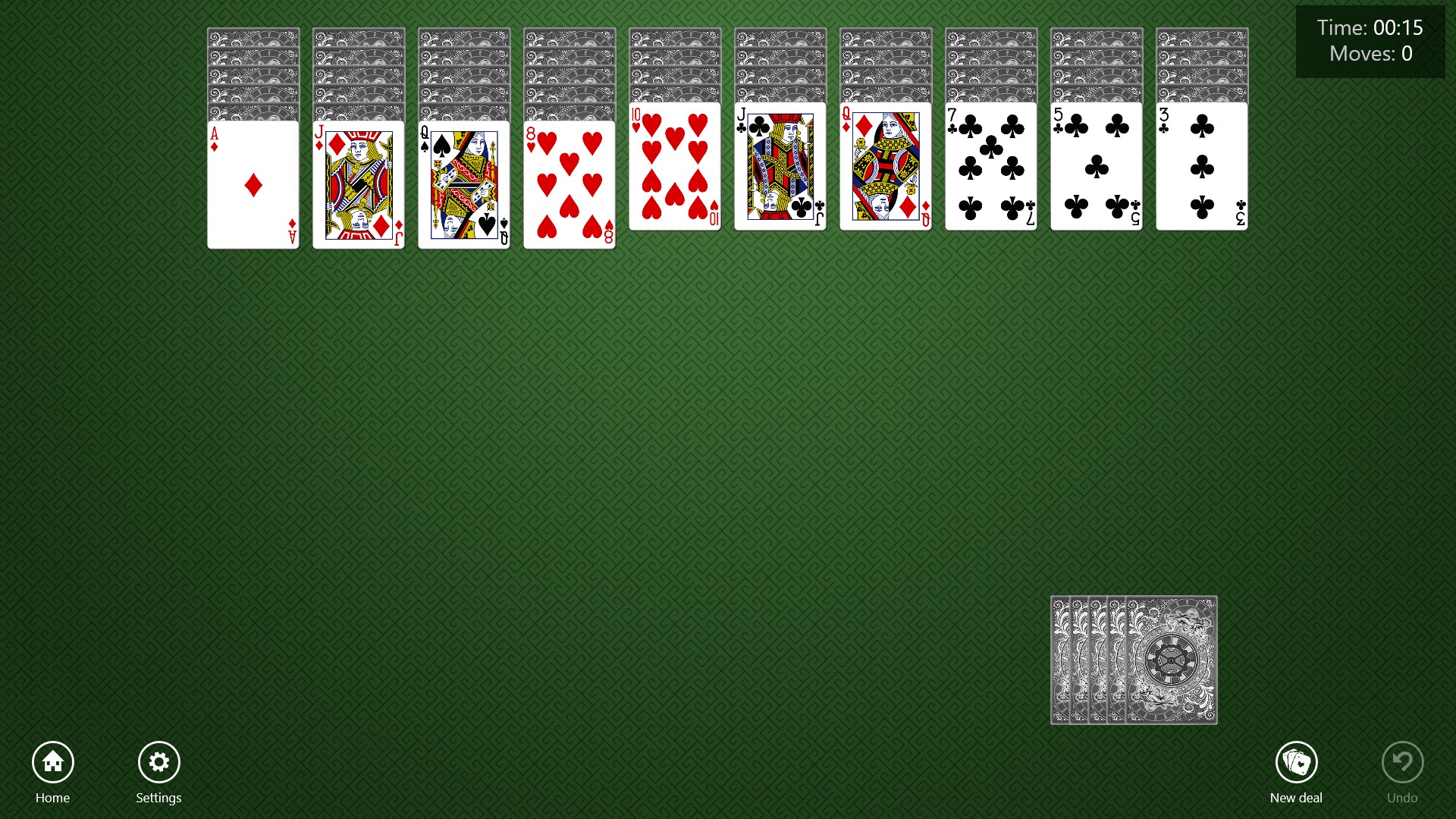
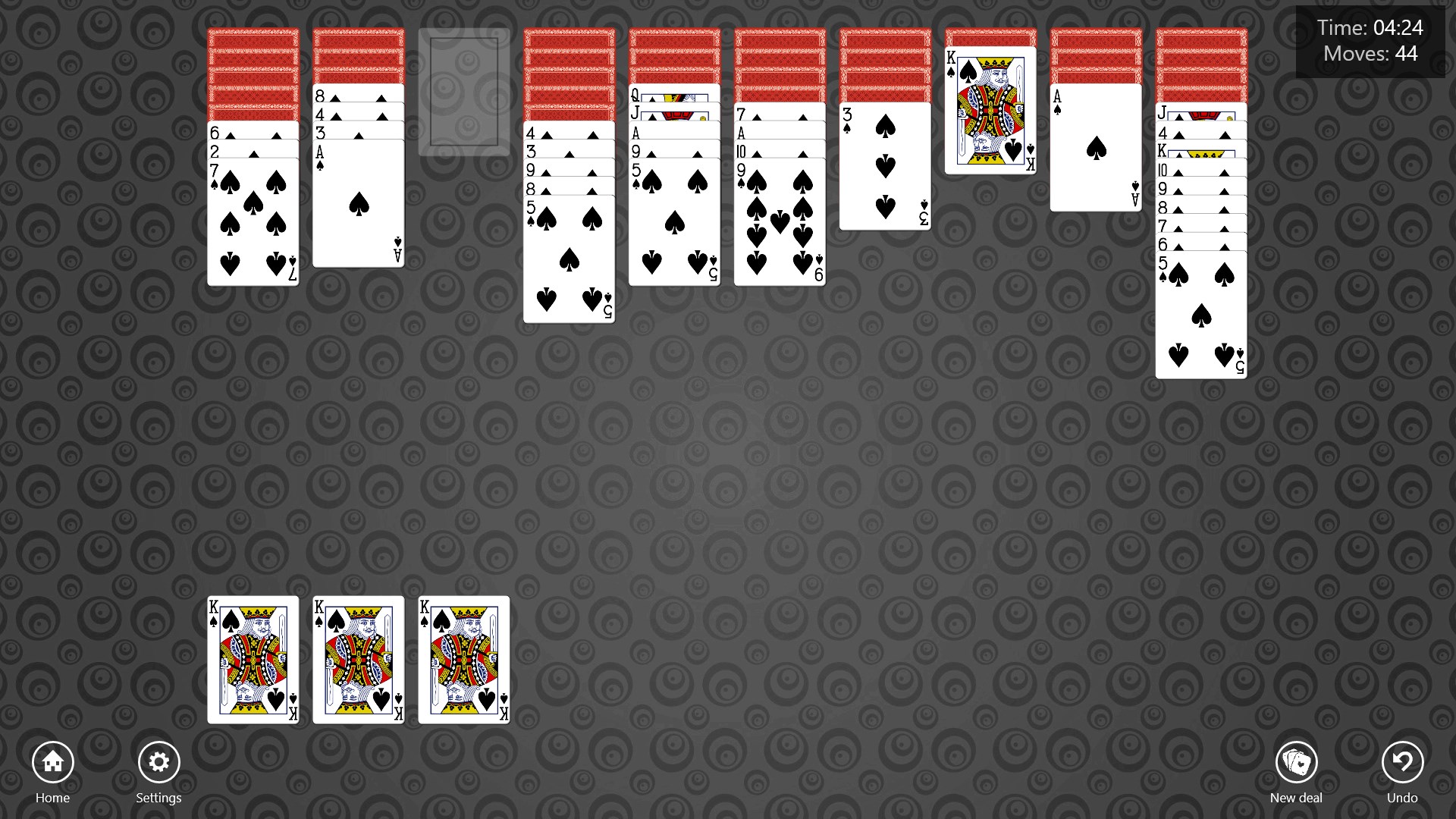
One of the application's most compelling highlights is its clean, streamlined interface. The design employs a dark-themed backdrop with contrasting, sharp card graphics that resemble real paper, making each card easy to distinguish—a crucial element for prolonged sessions. The layout is thoughtfully arranged, featuring simple drag-and-drop controls that mimic the physical act of moving cards, fostering an intuitive experience. Navigation is smooth; the transitions between game states are seamless, ensuring players remain immersed without frustrating lag or ambiguity.
Core Functionalities and Gameplay Mechanics
The heart of Spider Solitaire HD Free lies in its core features designed to replicate the traditional solitaire experience with a few enhancements for digital play. The game offers multiple difficulty levels, with the classic one-suit and more complex multi-suit modes, catering to both beginners and advanced players seeking a challenge. The option to undo moves provides a safety net for strategic experimentation, encouraging players to take risks without heavy penalties. Additionally, a game history feature allows players to review their previous moves, fostering a learning curve that enhances skill development over time.
Performance and User Experience
The app performs fluidly across a range of Windows devices, from traditional desktops to tablets, thanks to optimized code that minimizes lag and crashes. The controls are responsive—dragging cards feels natural, almost as if manipulating physical cards on a felt table. The learning curve is gentle, making it accessible for beginners, yet the multi-suit modes introduce enough complexity to keep seasoned players engaged. The game's subtle animations and sound effects, such as shuffling and laying down cards, add a touch of realism without overwhelming the senses—making for a calm, contemplative gaming atmosphere.
What Sets It Apart from Other Card & Board Games?
While many digital card applications exist, Spider Solitaire HD Free distinguishes itself primarily through its commitment to visual authenticity and user-focused design. Unlike other apps that may prioritize flashy gimmicks, this game emphasizes a faithful virtual rendition of the classic game, with high-quality graphics and meticulously crafted animations. The multi-suit gameplay mode stands out as a particular strength—offering a richer, more challenging experience that appeals to players seeking a genuine test of their strategic prowess. Moreover, its lightweight and unobtrusive UI makes it less cluttered and more relaxing than some overly complex counterparts, ensuring that players can focus solely on strategizing with minimal distractions.
Final Recommendations and Usage Scenarios
Spider Solitaire HD Free for Windows is a solid choice for anyone looking to enjoy a familiar, calming card game without unnecessary frills. Its intuitive controls, high-quality visuals, and faithful game mechanics make it suitable for casual play during breaks or long sessions of mental exercise. I recommend it especially to lovers of classic solitaire who appreciate a clean aesthetic and straightforward gameplay. For players seeking a more challenging experience, the multi-suit mode provides a satisfying escalation in difficulty. Overall, if you enjoy classic card games and value quality design coupled with smooth performance, this app is definitely worth trying out.
Pros
- User-friendly interface
- High-quality graphics
- Offline mode available
- Multiple game modes
- Customizable settings
Cons
- Limited tutorial for new players
- Occasional ads interrupt gameplay
- Lack of daily challenges or rewards
- Limited social features
- Battery consumption seems high on some devices











