

- Category Card & board
- Developer © 2012-2022 G Soft Team. All rights reserved.
- Available on PC, Mobile, Surface Hub, HoloLens
- OS Windows 10 version 10240.0 or higher
- languages English
A Serene, Classic Card Game at Your Fingertips
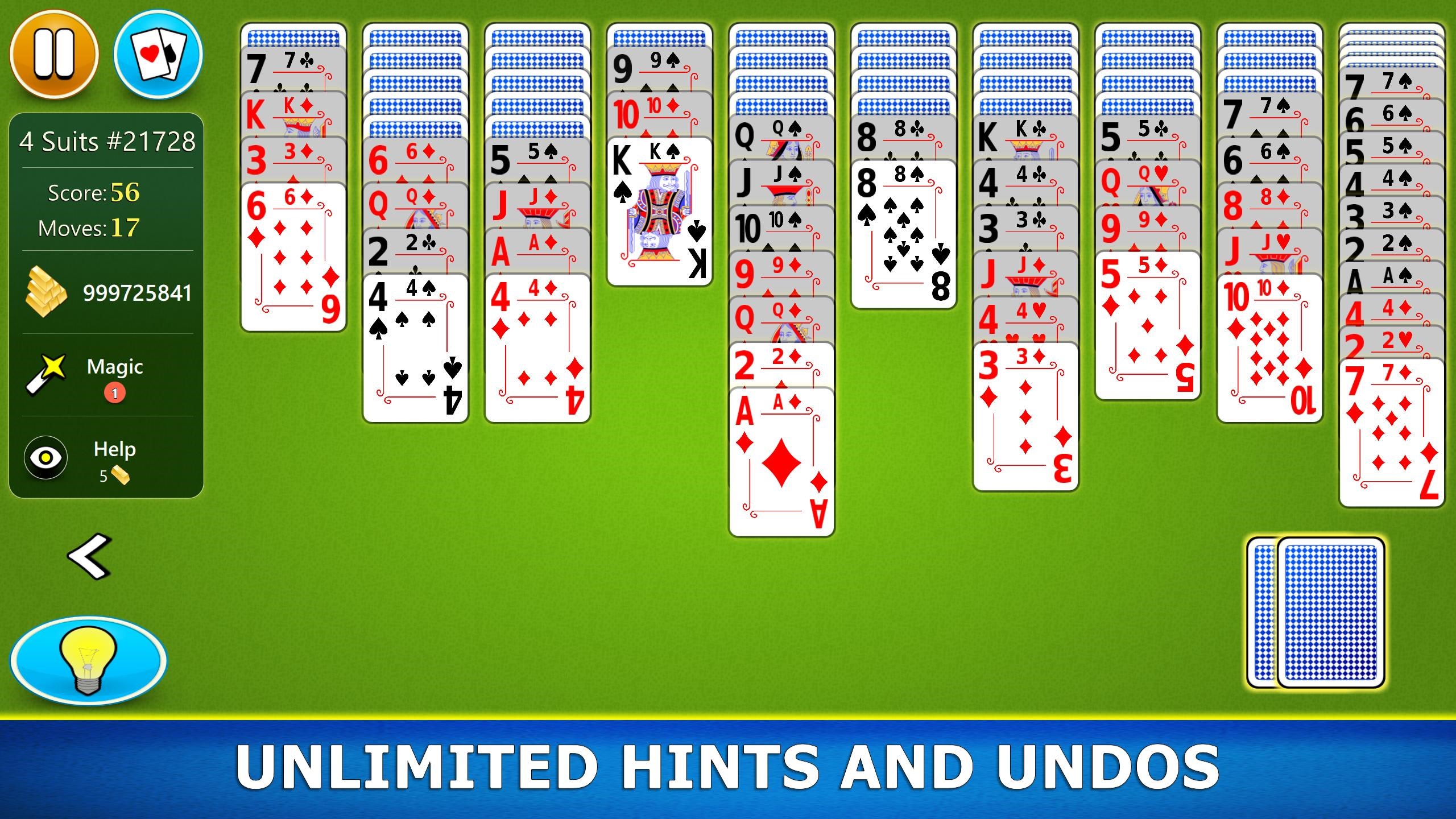
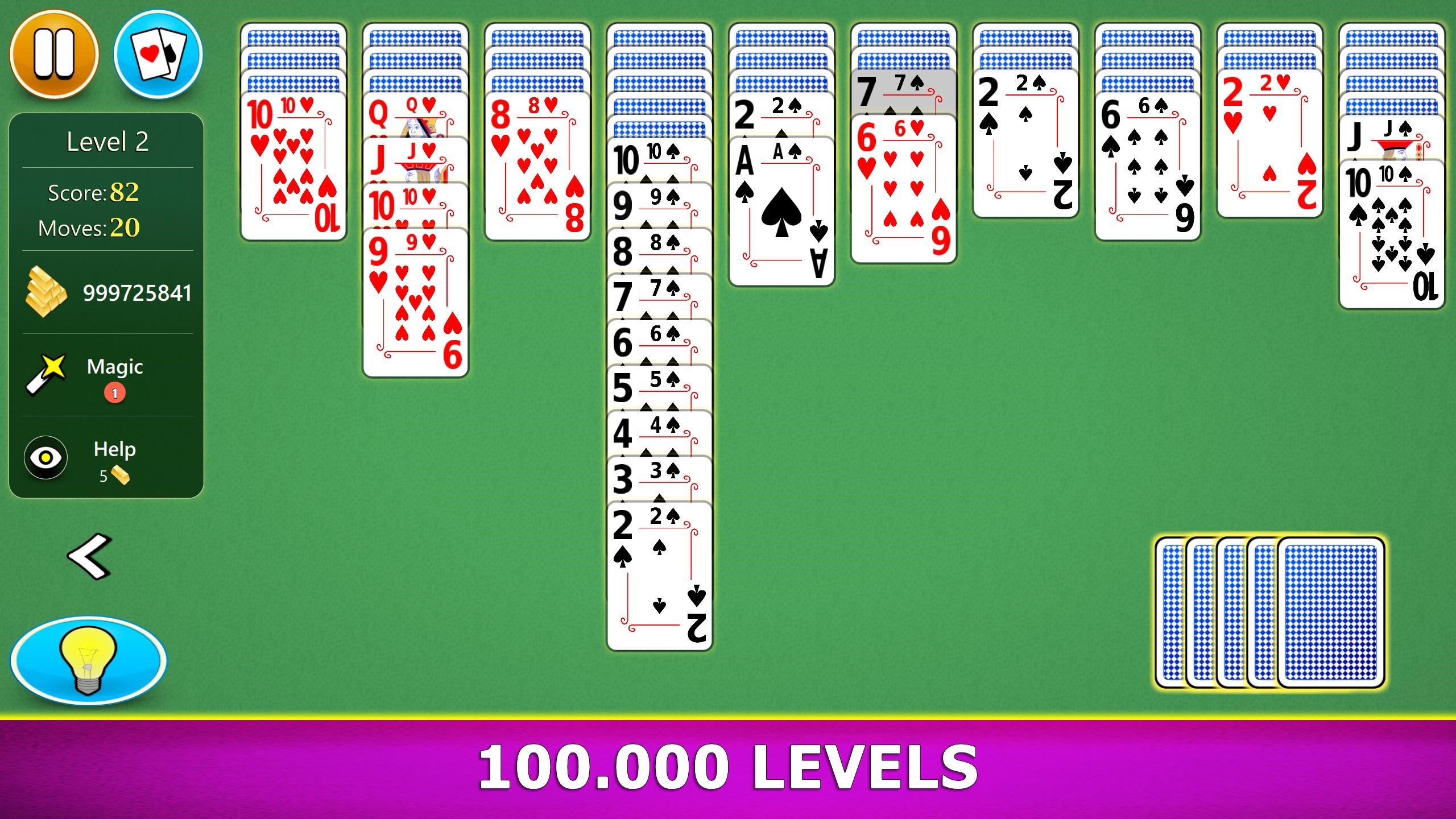
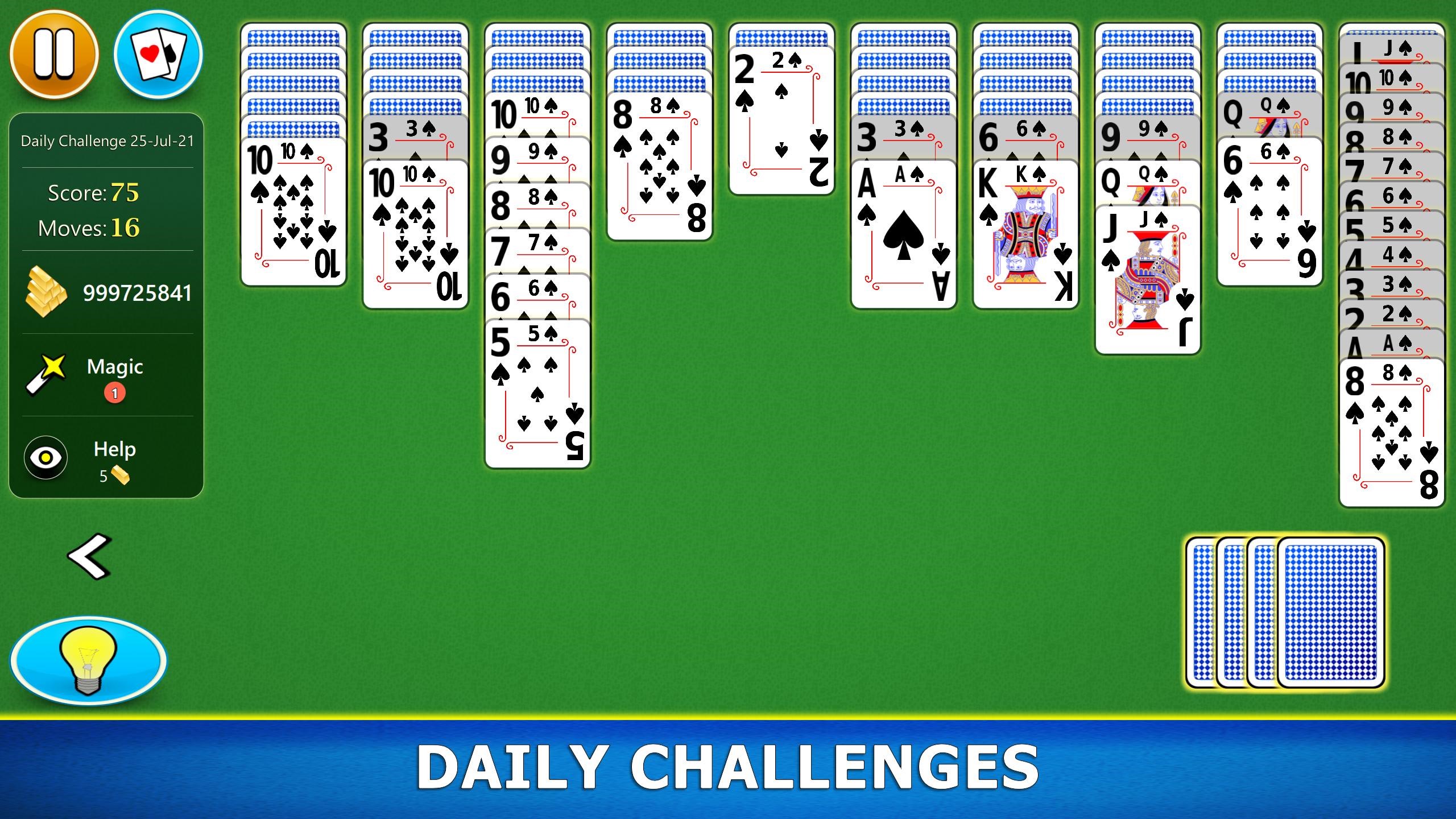
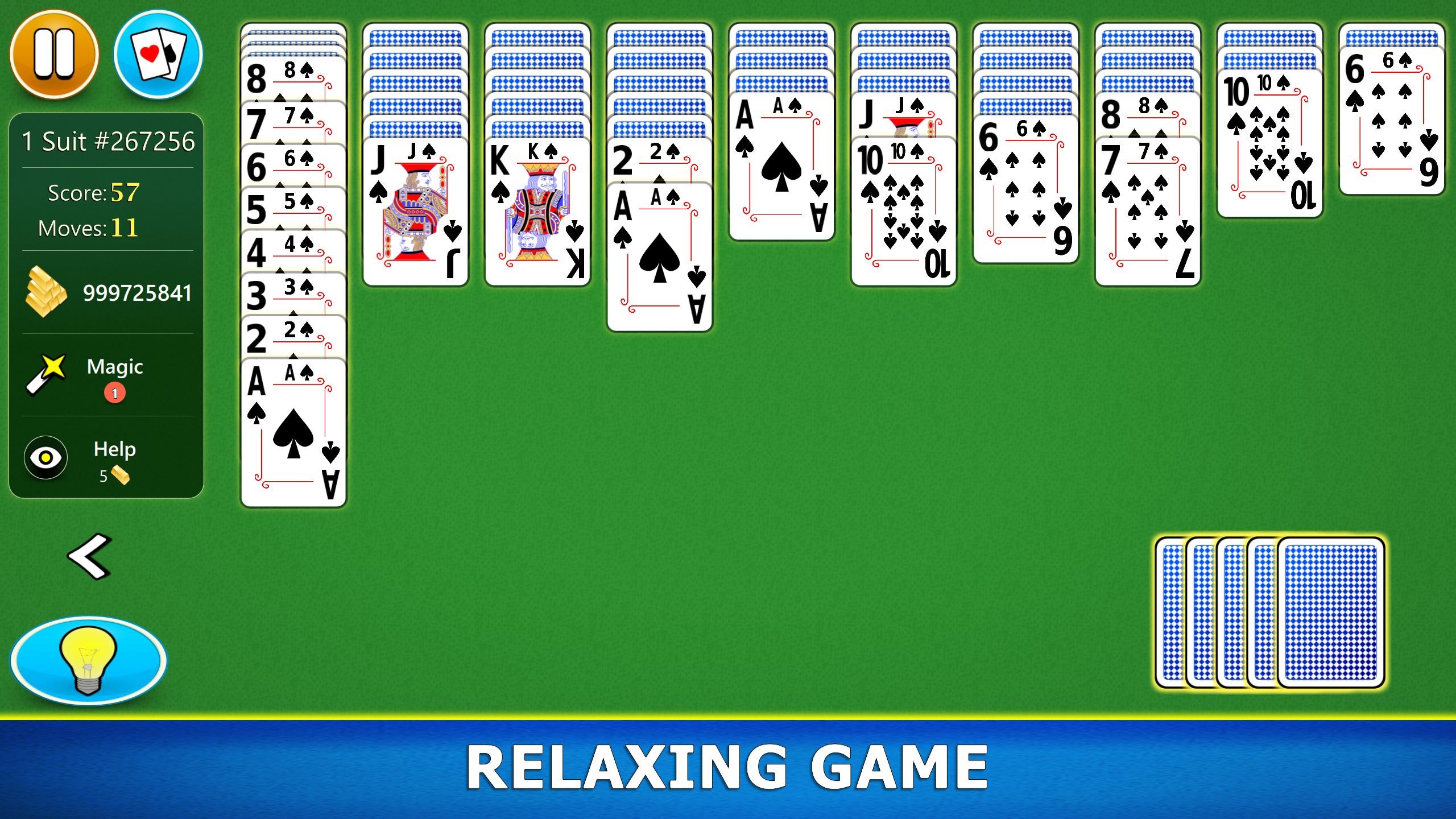
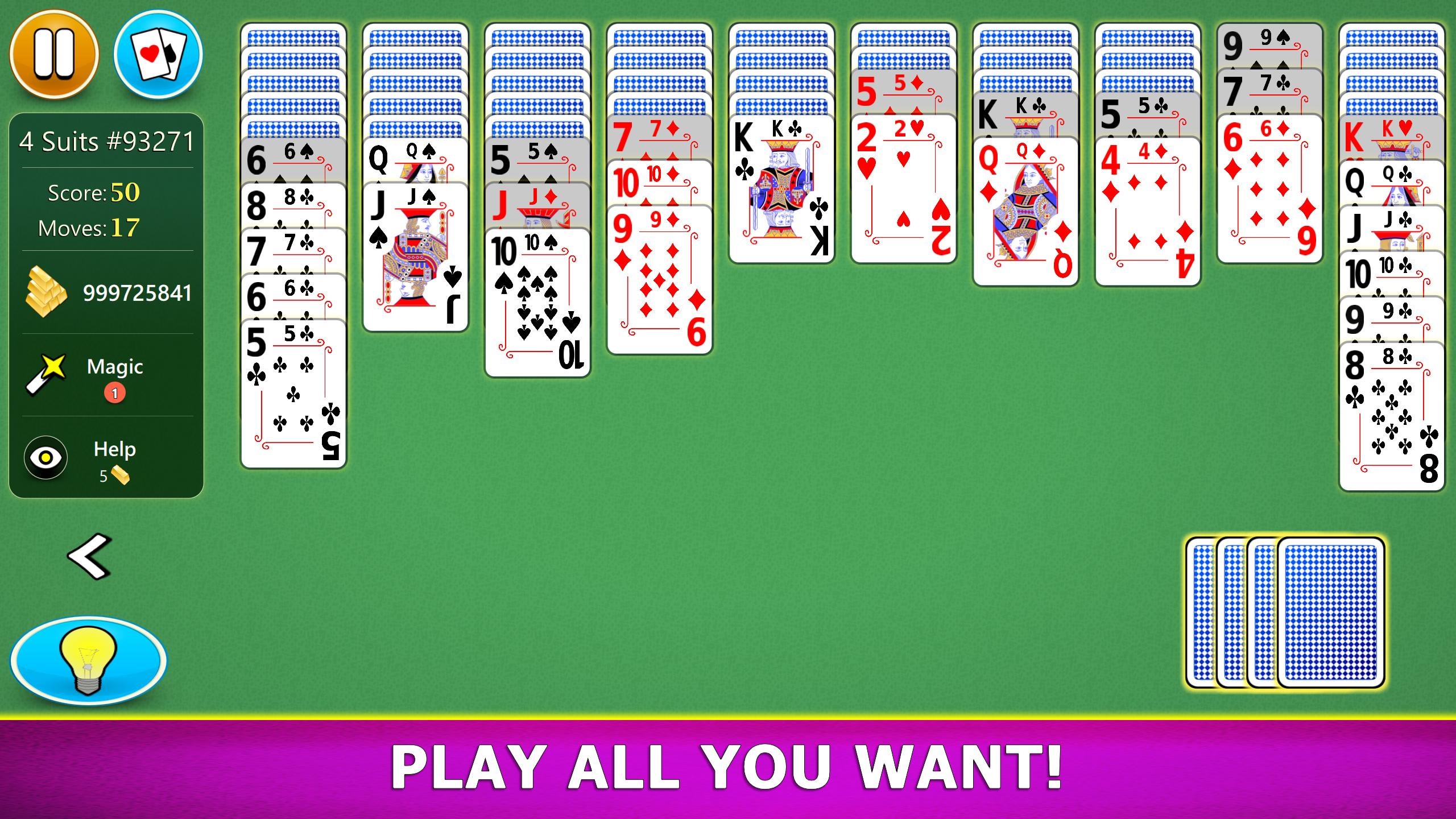
Spider Solitaire Mobile for Windows offers a modern digital take on a timeless card game, blending nostalgia with sleek functionality for casual players and enthusiasts alike.
Developed by a Dedicated Team with a Passion for Card Games
Produced by G Soft Team, a reputable developer specializing in classic card and board game apps, the application benefits from years of experience in creating enjoyable and user-friendly digital card experiences.
Key Features That Stand Out
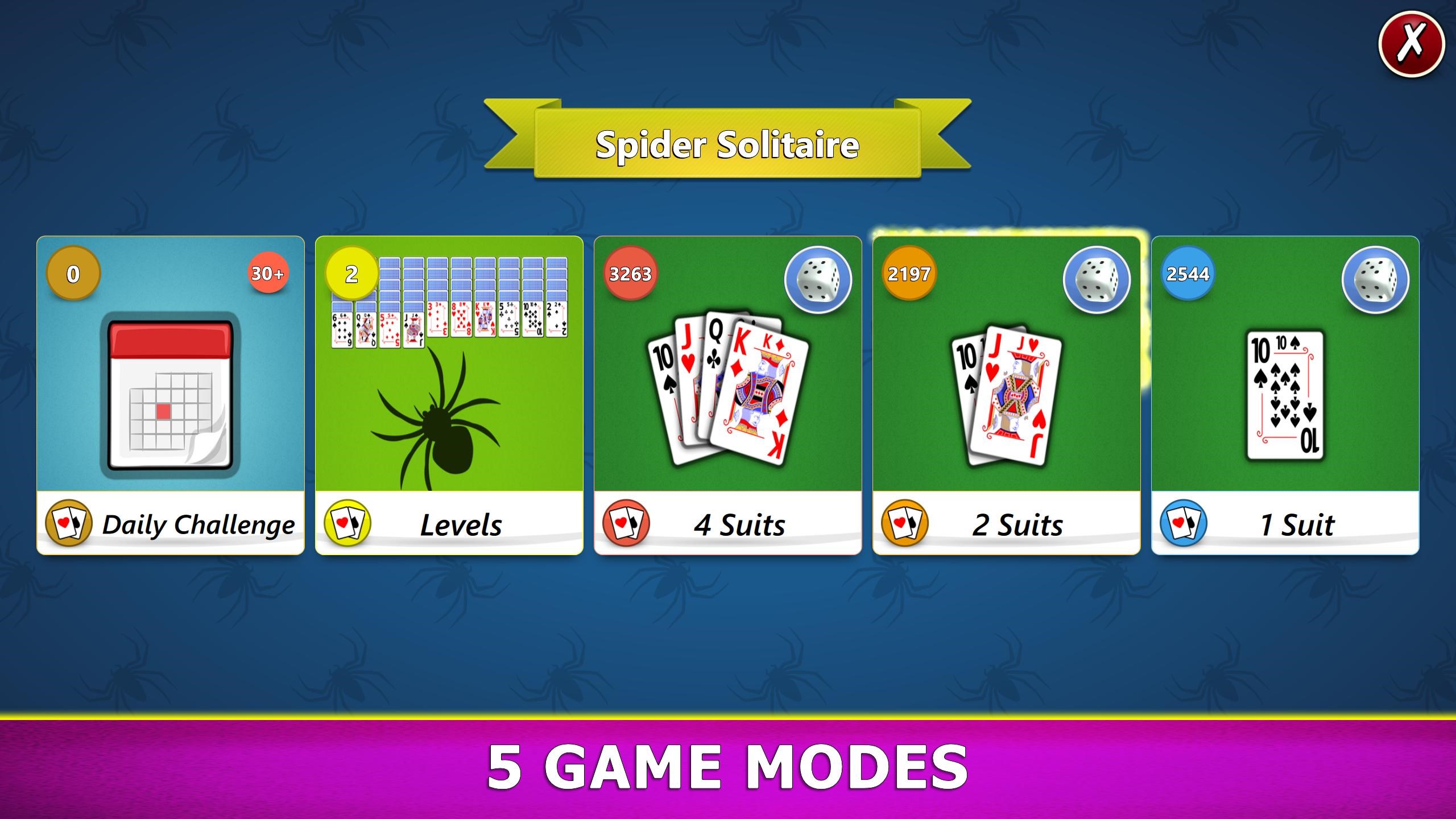
- Multiple Difficulty Levels: Catering to both beginners and expert solvers, allowing gradual skill advancement.
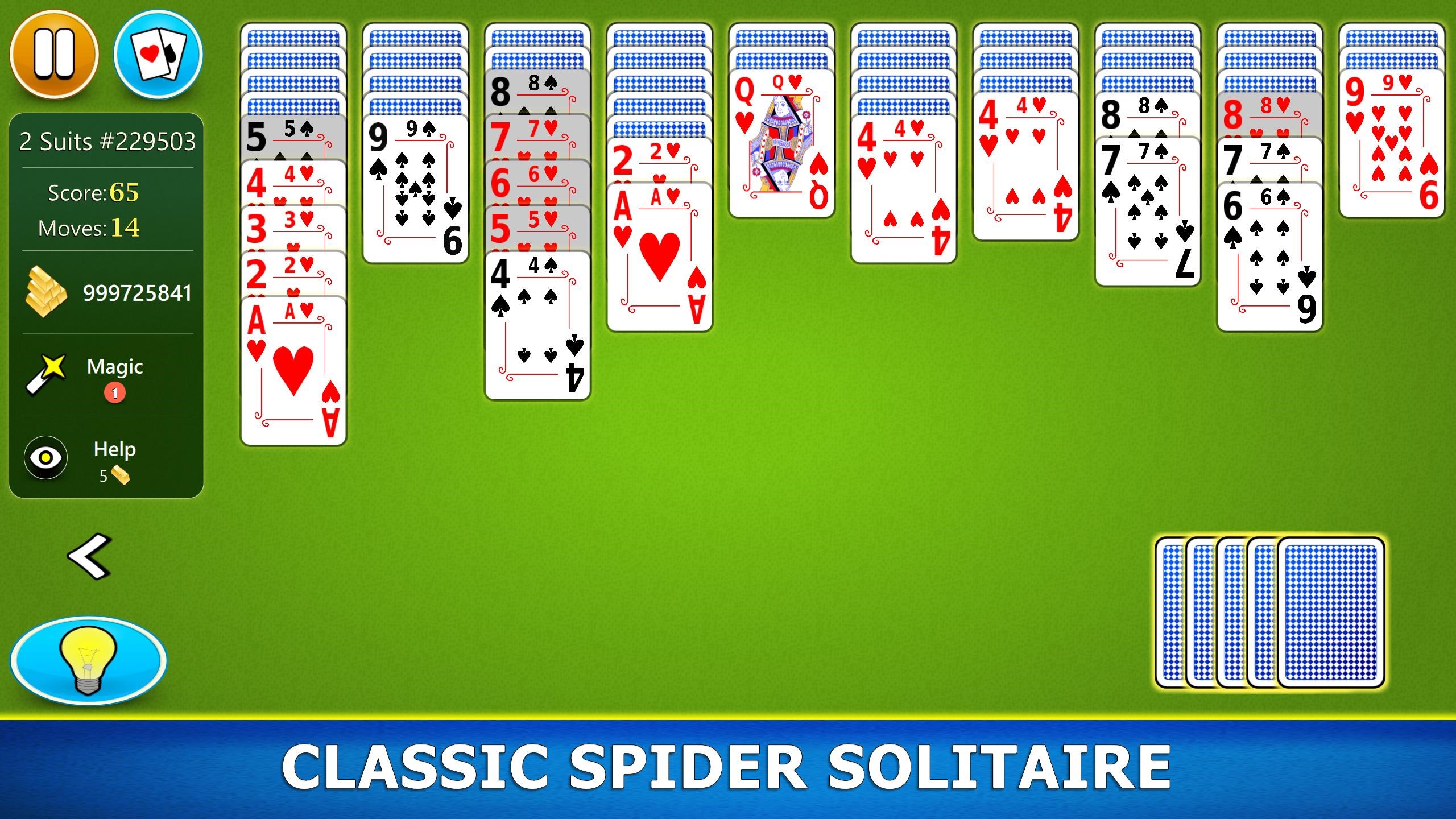
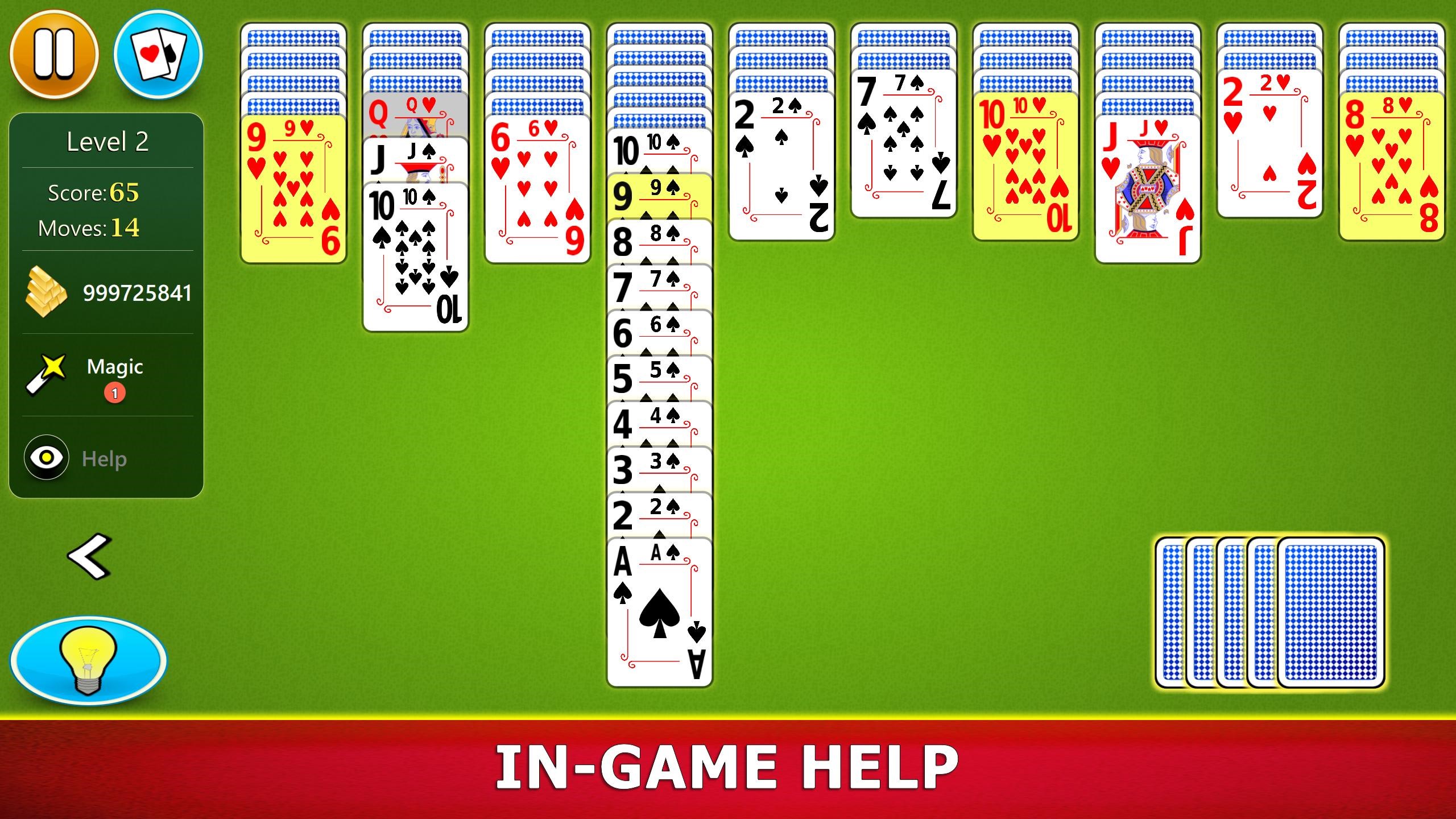
- Clean and Intuitive User Interface: Minimalist design that emphasizes gameplay without distractions.
- Touch and Mouse Compatibility: Seamless controls whether using a touchscreen or traditional mouse, enhancing versatility.
- Auto-Complete and Hint Functions: Helpful features that assist in gameplay, making it accessible for new players while still challenging for veterans.
Engaging Gameplay and User Experience
Imagine settling into a cozy corner after a long day, your favorite beverage nearby, as you shuffle through the virtual suits—this app captures that calming solo card-playing vibe perfectly. The game mechanics are straightforward yet challenging enough to keep you engaged for hours, like a familiar rug you can't help but keep returning to.
Sleek, User-Friendly Interface and Smooth Operations
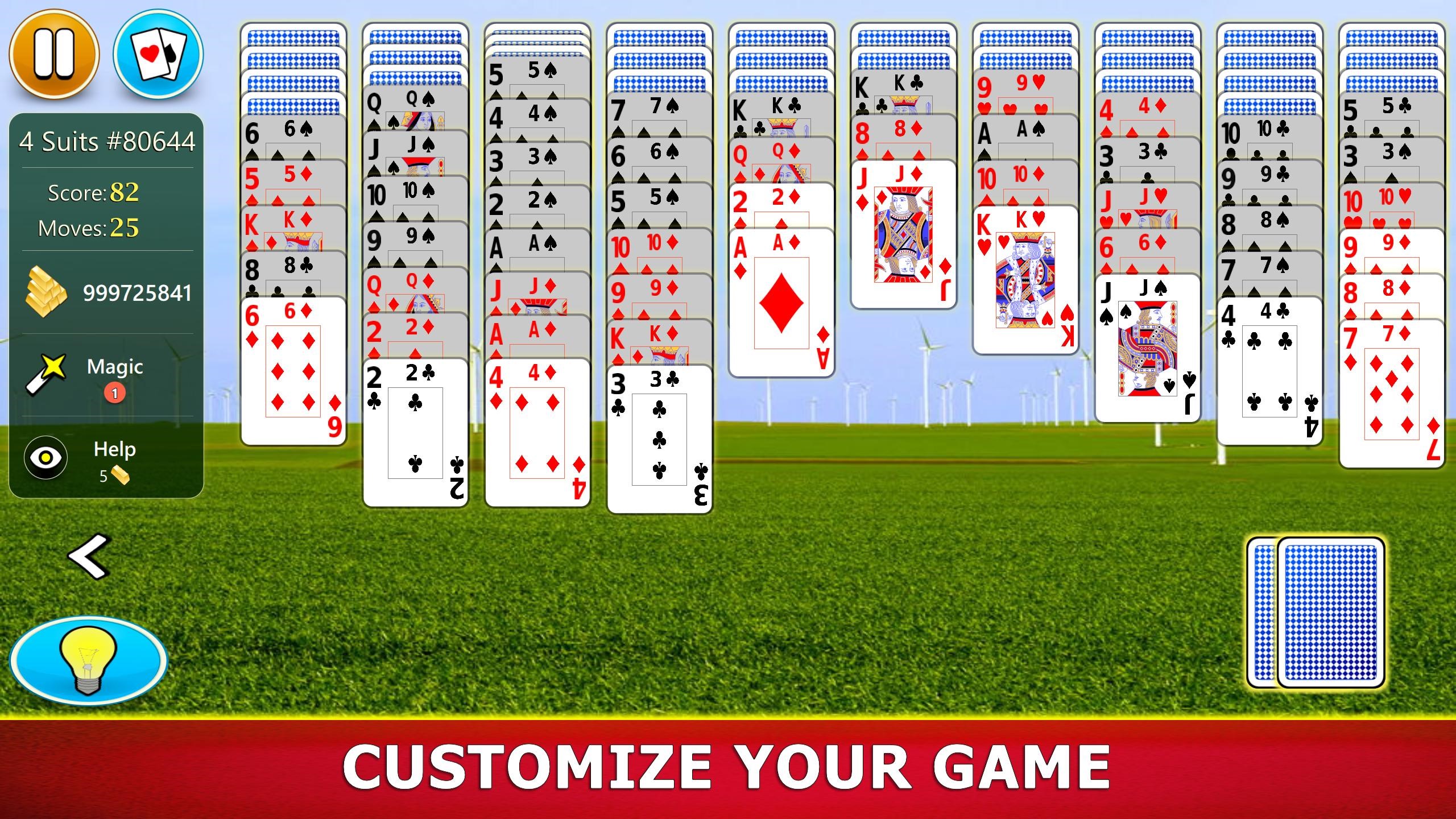
The design strikes a harmonious balance—simple yet elegant, reminiscent of a well-organized deck of cards spread out on a clean table. The interface's clarity means no unneeded clutter, allowing players to concentrate purely on the game. Navigating menus and transitioning between game states is refreshingly fluid, with animations that are gentle and unobtrusive. Whether you're a veteran or a newcomer, the learning curve is gentle; just a few moments are needed to grasp all the controls and features.
Unique Selling Points: How It Differentiates from Similar Apps
What sets Spider Solitaire Mobile apart are its thoughtful, user-focused enhancements and its ability to adapt to various playing styles. The multiple difficulty levels allow for gradual mastery, while the auto-complete feature offers a safety net that encourages players to experiment without fear of making irreversible mistakes. Unlike many other digital versions that stick rigidly to the classic format, this app offers a balanced blend of traditional gameplay with modern conveniences—making life easier without sacrificing the game's integrity. Its clean design and adjustable difficulty levels make it ideal for anyone seeking a relaxing yet mentally stimulating pastime.
Final Verdict and Recommendations
Overall, Spider Solitaire Mobile for Windows exemplifies a well-crafted digital adaptation of a beloved classic. Its outstanding UI, smooth gameplay, and thoughtful features make it a recommended choice for players of all levels. Whether you're looking to unwind after work, sharpen your strategic thinking, or just enjoy a timeless pastime, this app provides a reliable and pleasantly engaging experience. I'd encourage casual players and seasoned solvers alike to give it a try—it's like having a trusty deck of cards always ready to entertain.
Pros
- Intuitive Touch Controls
- Clean and User-Friendly Interface
- Auto-Save Feature
- Adaptive Difficulty Levels
- Offline Mode Available
Cons
- Limited Customization Options
- Ads Interrupt Gameplay
- Lack of Multiplayer Feature
- Performance Slightly Laggy on Older Devices
- Limited Hint System











