


- Category Music
- Available on PC
- OS Windows 10 version 17763.0 or higher
- Keyboard Not specified
- Mouse Not specified
- languages Afrikaans, Amharic, Arabic, Arabic (Egypt), Arabic (Morocco), Azerbaijani (Latin), Bangla, Basque, Bosnian (Latin), Bulgarian, Catalan, Chinese (Simplified), Chinese (Traditional Chinese), Chinese (Traditional), Chinese (Traditional) (Hong Kong), Croatian, Czech, Danish, Dutch, English (United Kingdom), English (United States), Estonian, Filipino, Finnish, French, French (Canada), Galician, German, Greek, Gujarati, Hebrew, Hindi, Hungarian, Icelandic, Indonesian, isiZulu, Italian, Japanese, Kannada, Kiswahili, Korean, Latvian, Lithuanian, Macedonian, Malay, Malayalam, Marathi, Nepali, Norwegian (Bokmål), Odia, Persian/Farsi, Polish, Portuguese (Brazil), Portuguese (Portugal), Punjabi (India), Romanian, Russian, Serbian (Latin), Slovak, Slovenian, Spanish, Spanish (Argentina), Spanish (Latin America), Spanish (Mexico), Swedish, Tamil, Telugu, Thai, Turkish, Ukrainian, Urdu, Vietnamese
Spotify for Windows: A Fresh Take on Music and Podcasts
Spotify's Windows app offers a seamless gateway to an expansive universe of music and podcasts, tailored for users seeking personalized listening experiences on their desktops. Developed by Spotify AB, this application aims to deliver high-quality audio consumption combined with user-friendly features, making it a versatile entertainment tool for a broad audience.
Basic Information
Spotify for Windows is a digital music and podcast streaming platform designed to provide users with instant access to millions of tracks and episodes. Developed by Spotify AB, a global leader in music streaming, the app emphasizes ease of use and rich content delivery.
- Main Features:
- Personalized playlists and recommendations powered by sophisticated algorithms
- High-resolution audio streaming for a richer listening experience
- Seamless podcast integration with curated content
- Cross-device sync ensuring your music follows you everywhere
- Target Audience: Music enthusiasts, podcast lovers, casual listeners, and audiophiles who prefer an intuitive desktop app to manage their audio content effortlessly.
Engaging the Listener: A Vibrant Intro
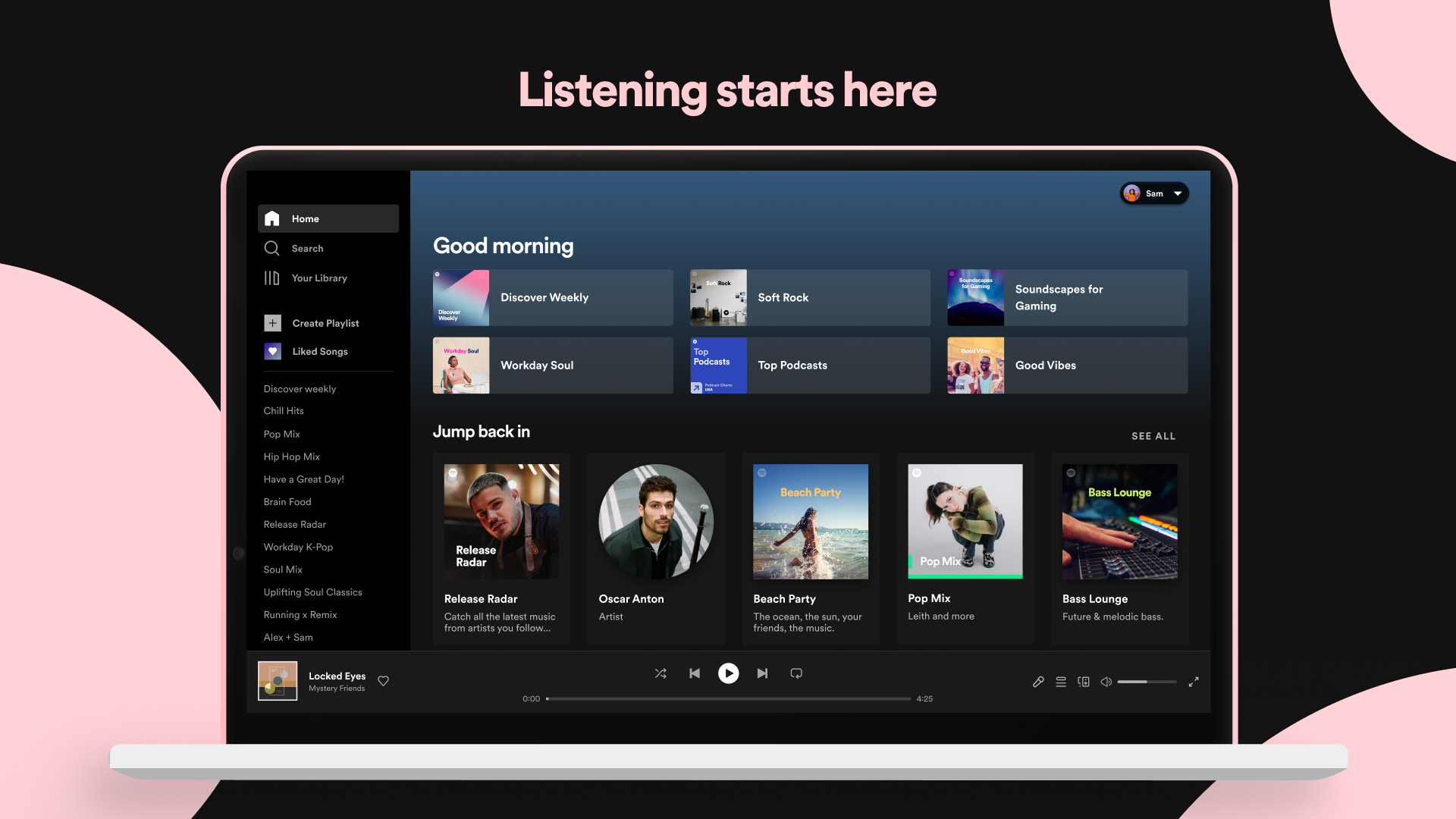
Imagine a day where your favorite tunes and podcasts practically read your mind—Spotify's Windows app brings this fantasy to life with a silky-smooth interface and intelligent personalization. Whether you're working, relaxing, or commuting, this app promises to turn your computer into a personal concert hall or radio station, all with a few clicks. It's like having a musical compass that guides your mood, with playlists and stories tailored just for you.
Core Features That Hit the Right Notes
Personalized Playlists and Recommendations
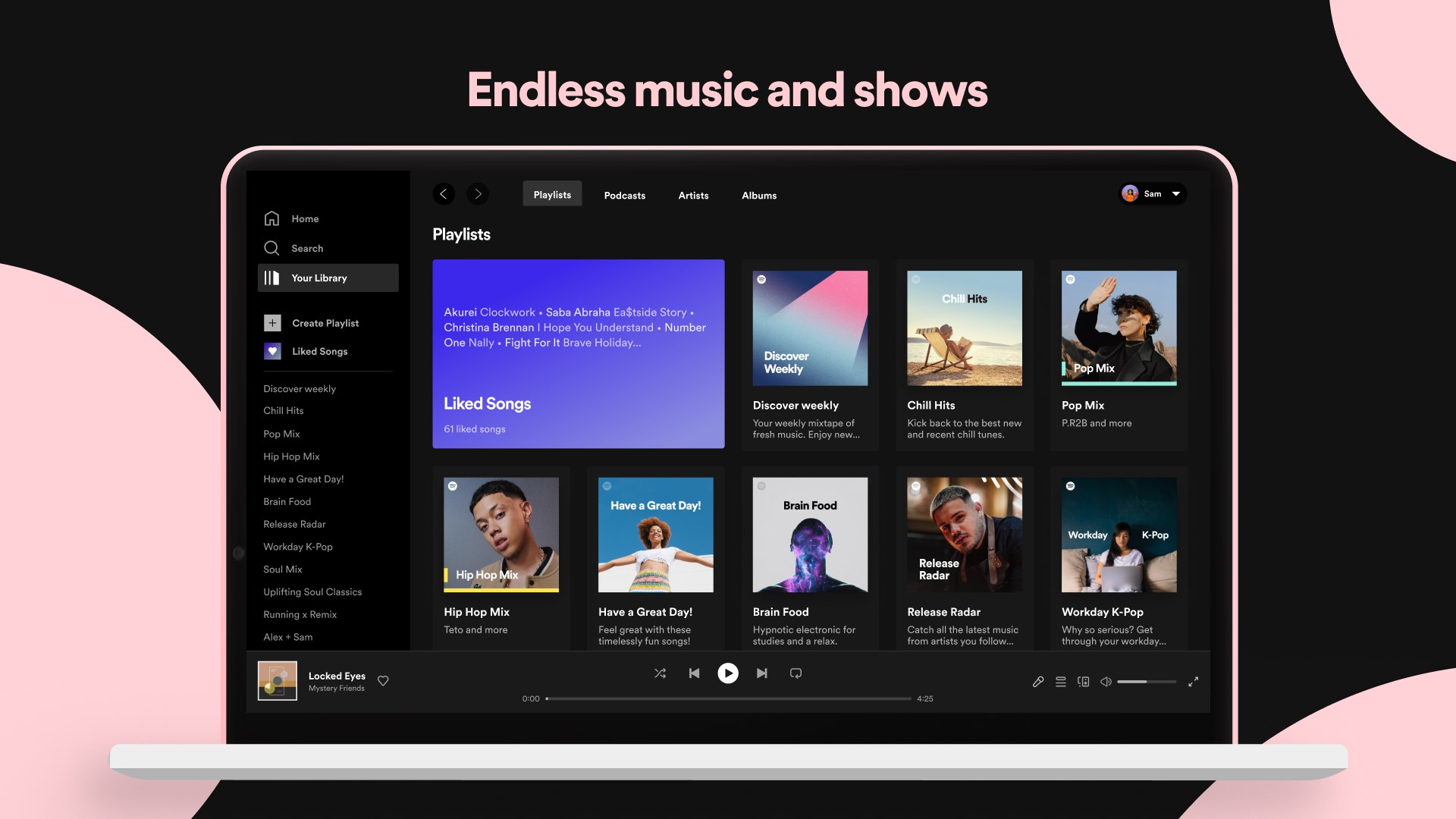
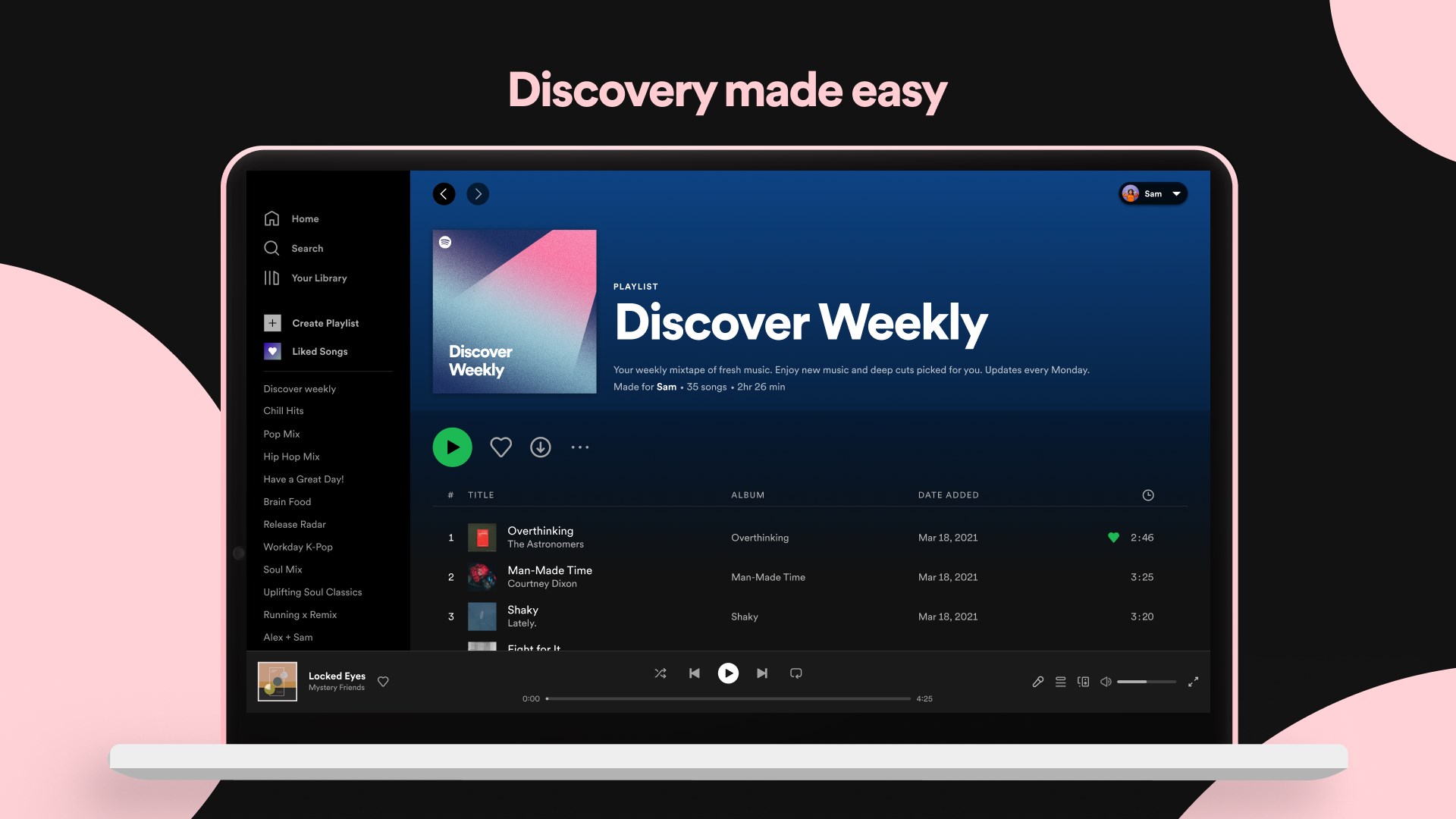
One of Spotify's standout strengths is its ability to learn from your listening habits. The app features powerful recommendation algorithms that curate playlists based on your mood, activity, or genre preferences. It's like having a musical sommelier suggesting new tracks tailored precisely to your taste. The “Discover Weekly” and “Release Radar” playlists are your reliable companions for discovering new music, constantly refreshed to keep your playlist fresh and engaging.
Exceptional Podcasts and Content Organization
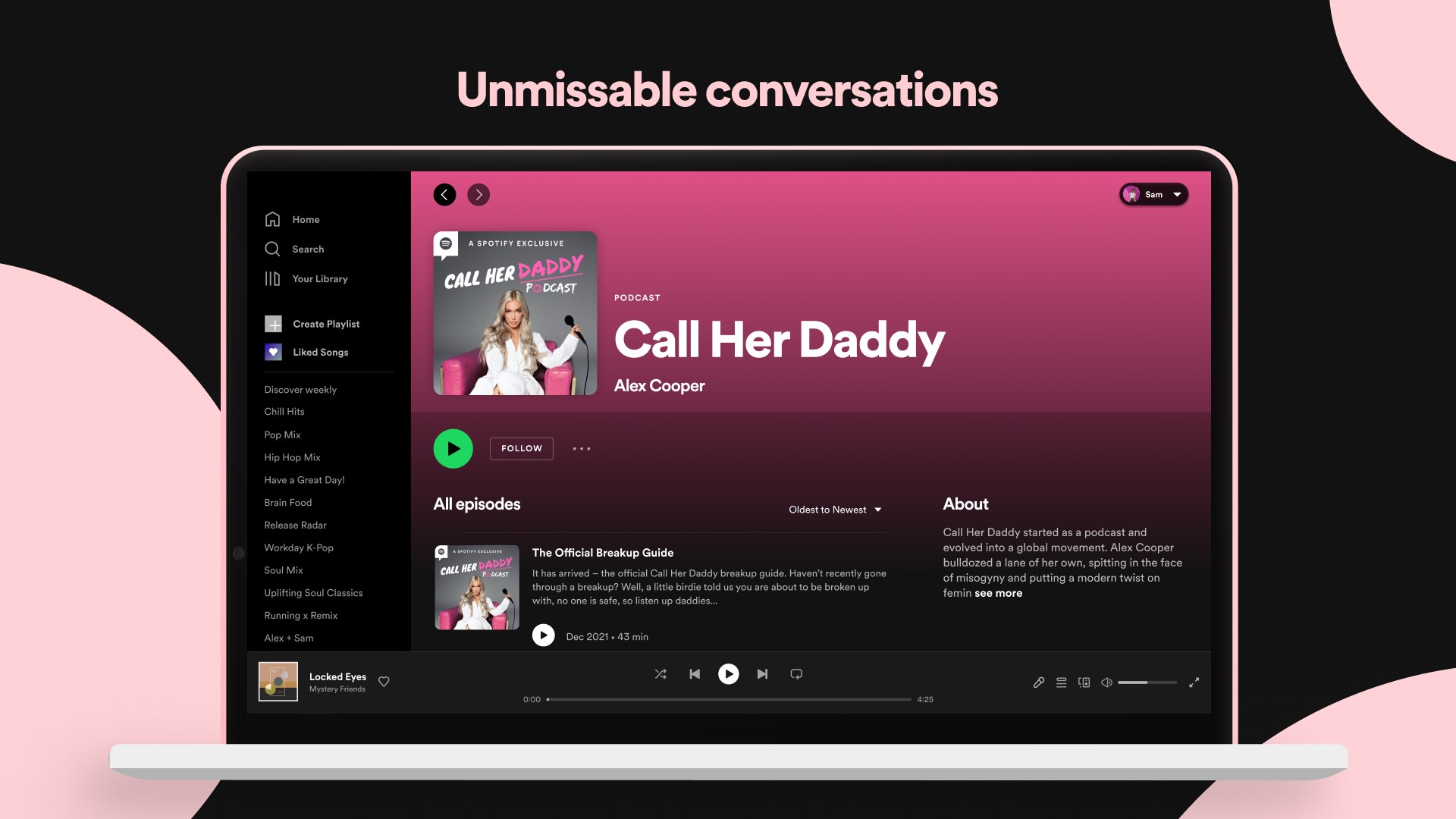
Podcasts are integrated seamlessly into Spotify's platform, allowing users to toggle effortlessly between music and spoken-word content. The app's podcast library is extensive, featuring a wide range of genres from true crime to technology. The intuitive interface makes subscribing, downloading, and managing podcasts straightforward. The flexibility ensures you can curate your personal audio library just the way you like it, making it perfect for multi-tasking or winding down.
Audio Quality and Syncing Across Devices
With support for high-resolution streaming, the app guarantees crisp, clear sound quality whether you're on wired headphones or Bluetooth speakers. Plus, Spotify's cross-device sync feature means your listening session can seamlessly move from your Windows PC to your phone or tablet, without missing a beat. This fluidity is akin to switching seamlessly between different scenes in a play, maintaining immersion at every step.
User Experience: Flow and Fascination
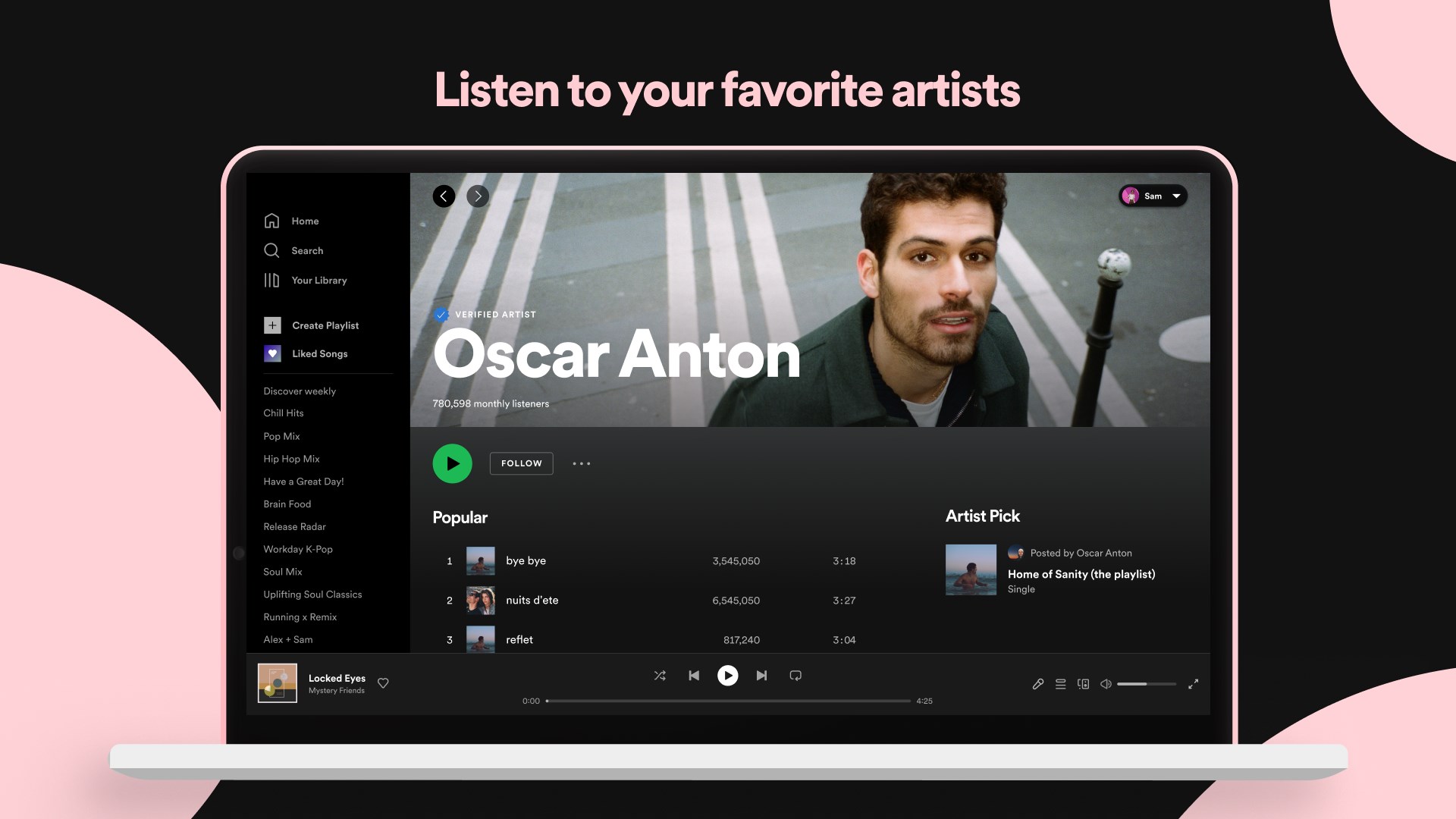
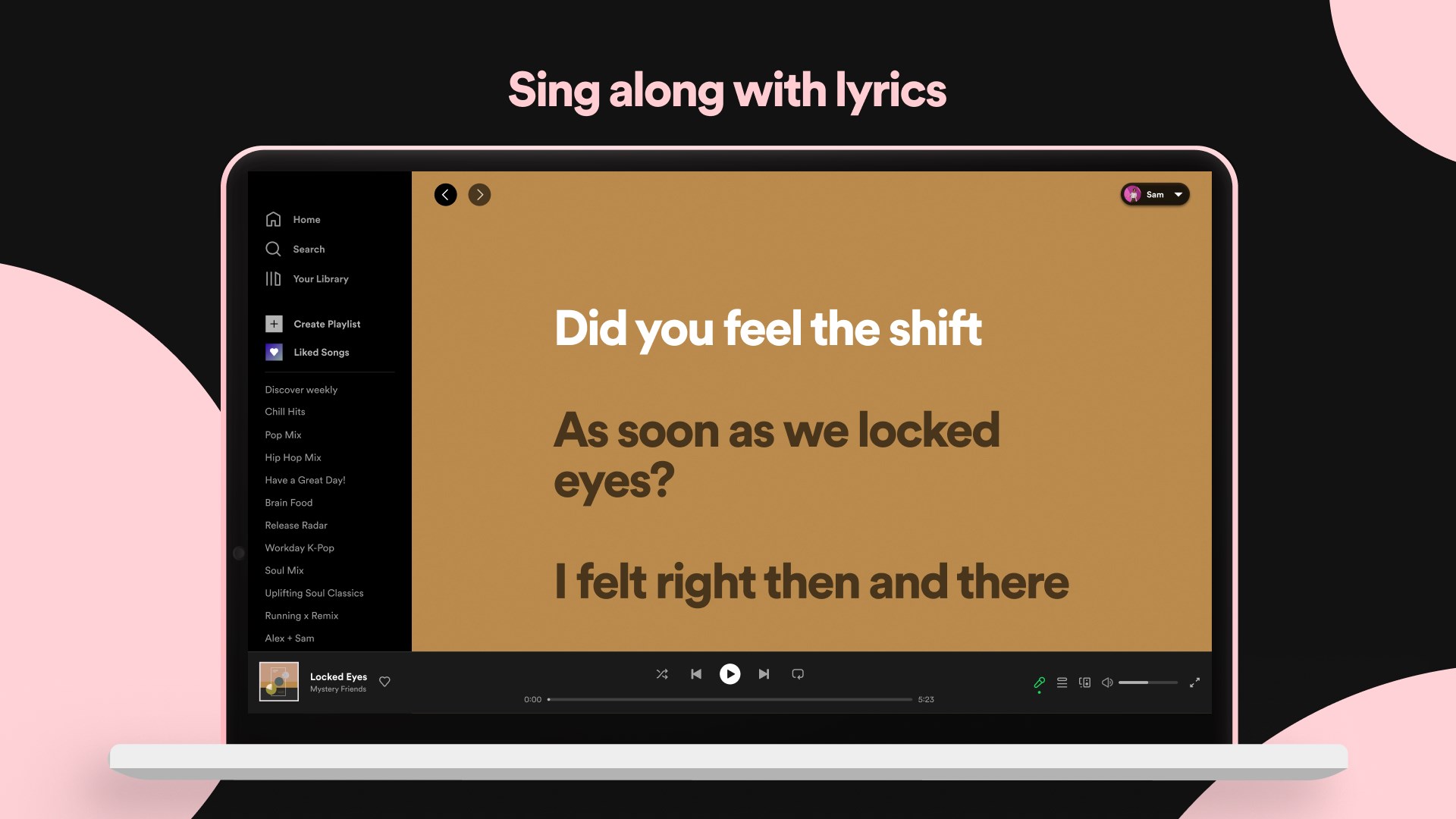
The app's interface is modern yet straightforward—akin to a well-organized music library, inviting exploration without overwhelming. Navigation feels intuitive; playlists, albums, and podcasts are all just a click away. Responsiveness is notably smooth, with minimal lag—especially important for users who dislike waiting. The learning curve is gentle: even newcomers can swiftly grasp essential functions, and seasoned users will appreciate advanced options like playlist editing or queue management.
What Sets Spotify Apart: Rhythm and Response
Compared to other music apps, Spotify's unique edge lies in its balanced focus on both rhythm pattern variety and input latency tolerance. Unlike platforms that might stagger in recognizing user commands or playback errors, Spotify maintains a robust and responsive interface—think of it as a well-conducted orchestra, where every note and movement is in harmony. Its ability to assess rhythm pattern diversity ensures that playlist recommendations aren't just based on simple genre tags but also on nuanced listening habits, offering a personalized and dynamic experience.
Final Recommendations
All considered, Spotify for Windows is a highly versatile and thoughtfully designed application. It's especially suitable for users who value personalized content and seamless multi-device integration. Its standout features—particularly the intelligent recommendation system and high-quality audio streaming—are compelling reasons to consider it as your primary music and podcast hub. I recommend it for anyone seeking a reliable, user-friendly, and rich media experience on their desktop, whether casually listening or deeply exploring new content.
Pros
- Extensive Music Library
- Personalized Recommendations
- High-Quality Streaming
- Offline Listening
- Cross-Platform Compatibility
Cons
- Limited Free Features
- Occasional App Crashes
- Battery Consumption
- Limited Podcast Discovery Filters
- UI Complexity for New Users











