

- Category Music
- Developer StaffPad Ltd
- Available on PC, Surface Hub
- OS Windows 10 version 18362.0 or higher
- Memory 2 GB
- languages Arabic, Chinese (Simplified), Chinese (Traditional), English (United States), French, German, Italian, Japanese, Korean , Norwegian (Nynorsk), Polish , Portuguese (Portugal), Russian, Spanish (Spain)
Discover the Perfect Digital Staff Paper Experience with StaffPad for Windows
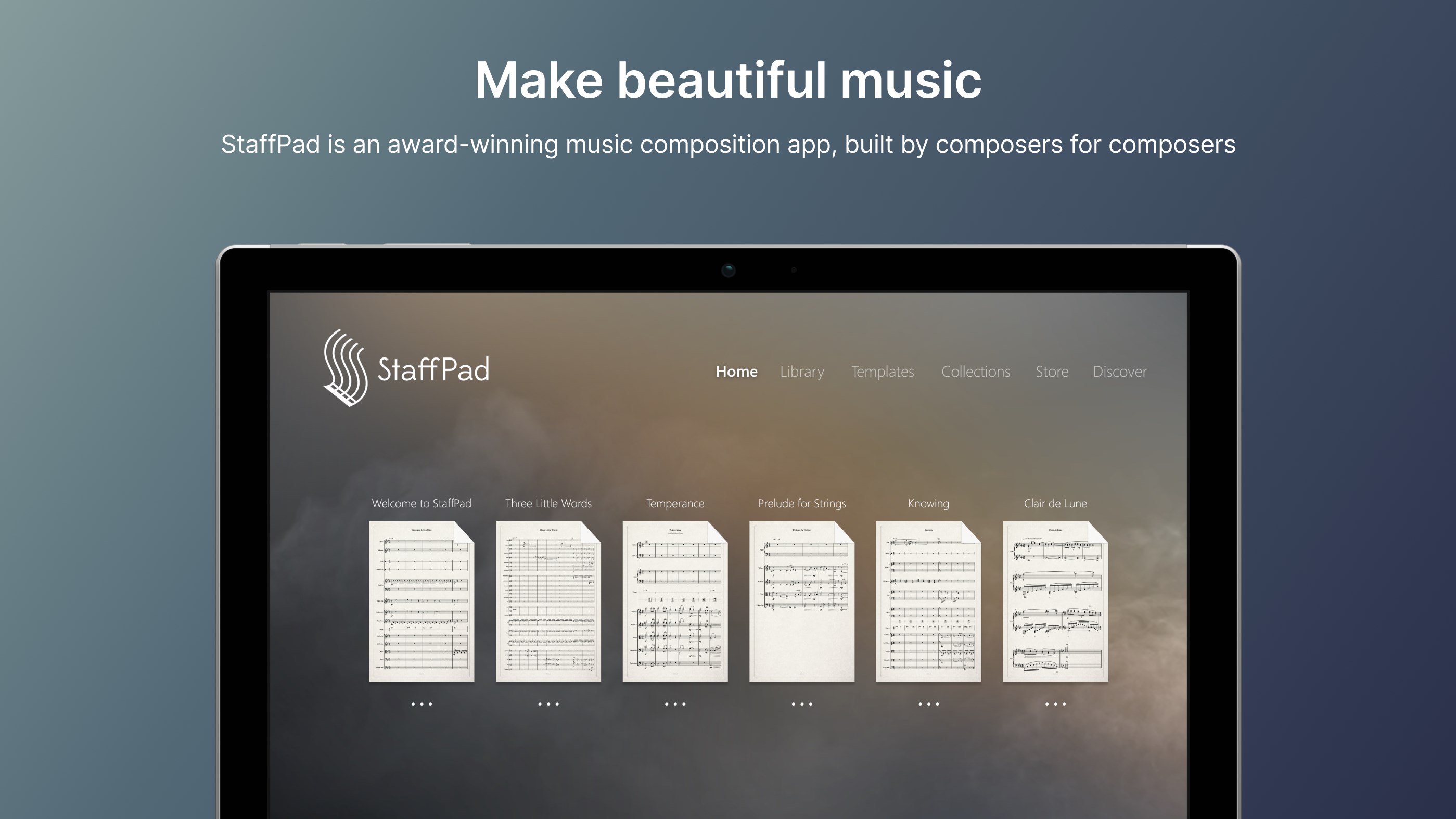
Imagine a world where your handwritten musical compositions come alive instantly on your screen—intuitive, fluid, and beautifully arranged. StaffPad for Windows seamlessly bridges traditional music notation with modern technology, offering a sophisticated tool tailored for composers, arrangers, and music educators alike. Developed by StaffPad Ltd, this app transforms your Windows device into a creative studio where your ideas flow as effortlessly as pen on paper.
Empowering Creativity Through Innovation
StaffPad for Windows stands out as a comprehensive digital notation app that combines handwriting recognition with intelligent playback. Its core features revolve around efficient transcription, expressive performance, and an intuitive interface, making composing both inspiring and accessible. Whether you're sketching a new melody or refining complex arrangements, StaffPad adapts to your workflow, empowering musical minds of all levels.
Seamless Handwriting Recognition and Notation Input
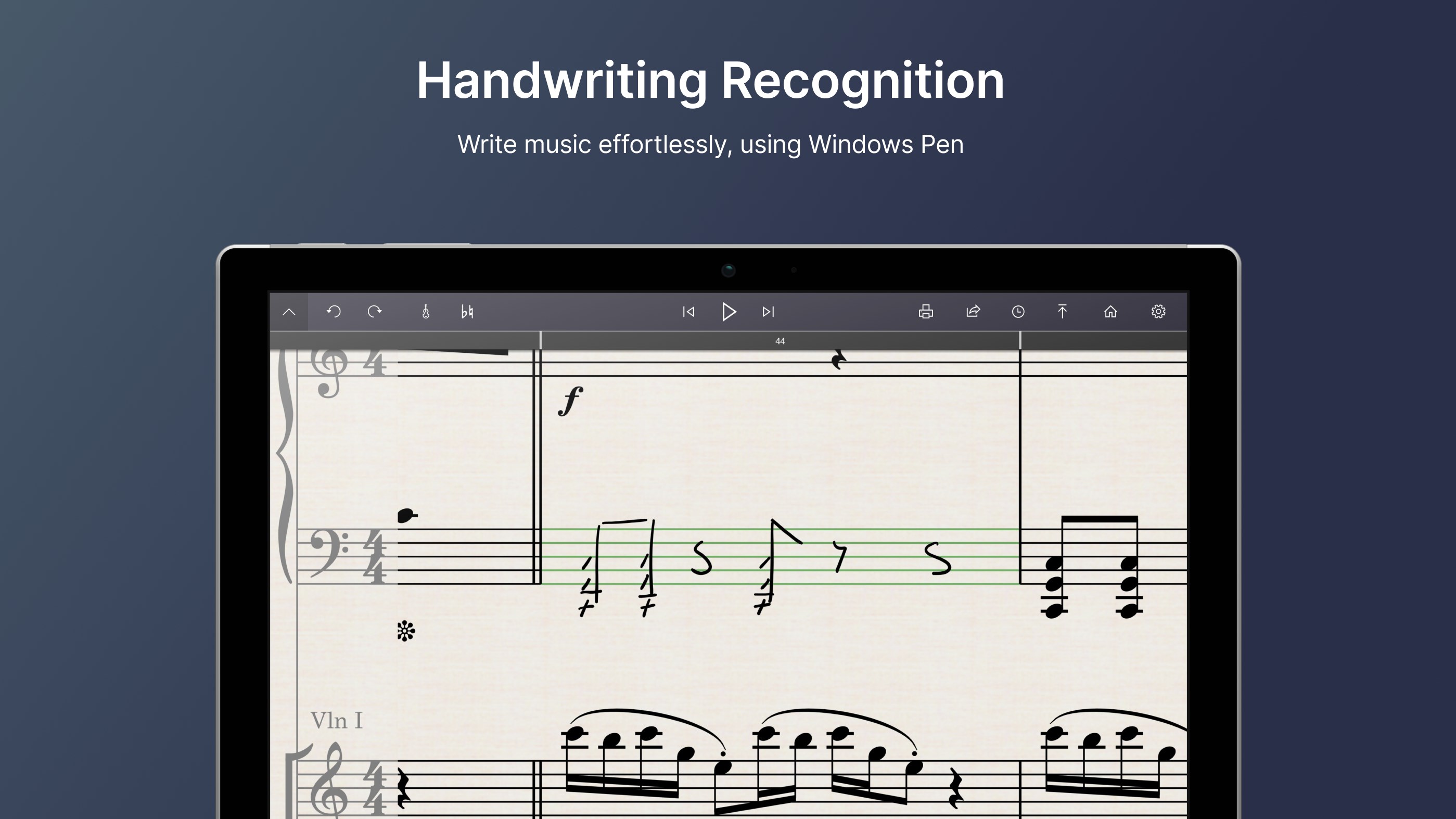
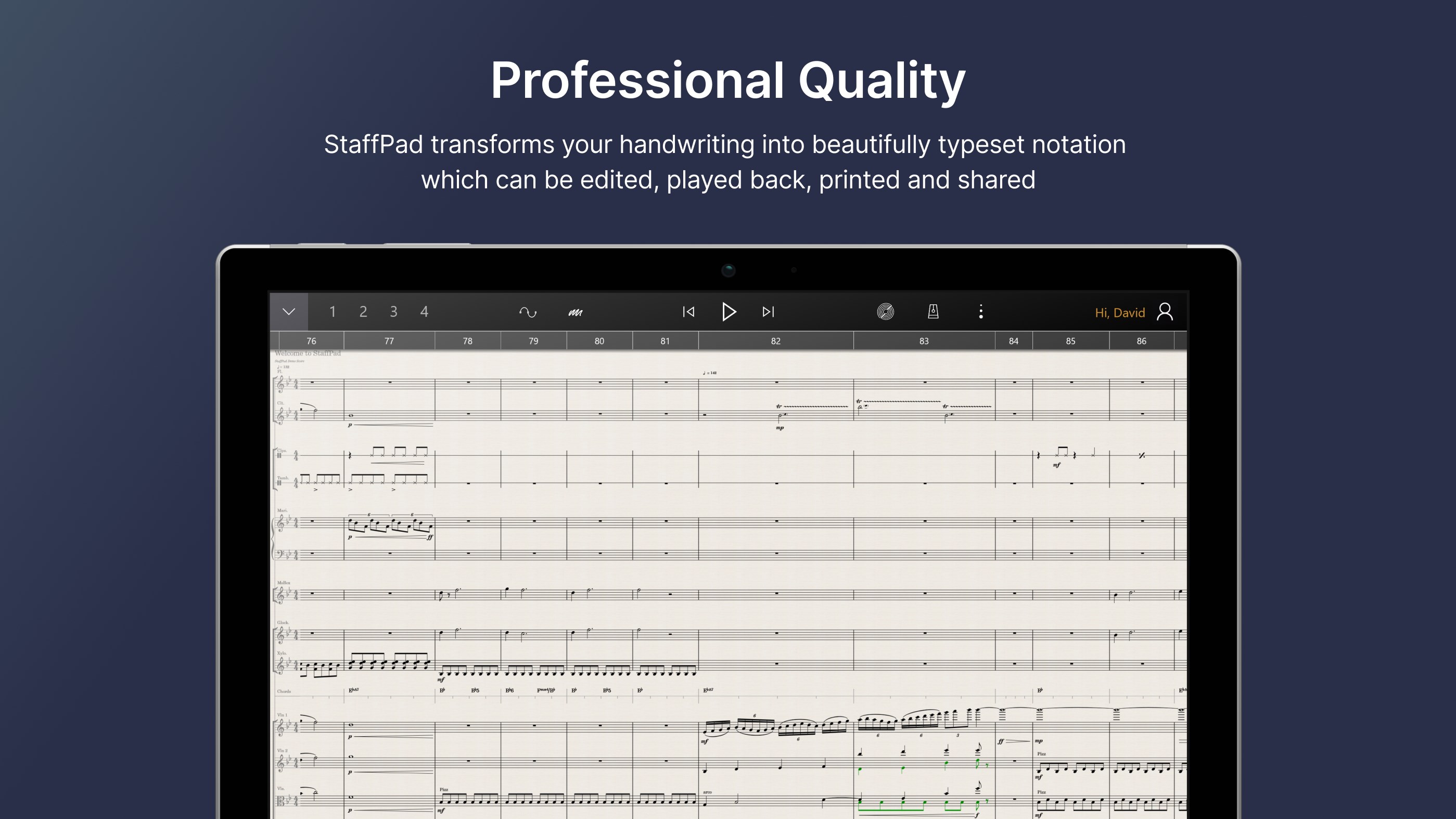
The hallmark feature of StaffPad is its remarkable handwriting recognition technology. Like having a digital musical confidant, this function accurately interprets your handwritten notes and symbols directly on the staff. The result is a natural, fluid input method—no more toggling between mouse and keyboard—allowing you to focus solely on your musical ideas. The app intelligently converts your scribbles into clean, professional notation, saving time and enhancing creativity. This makes it particularly appealing for composers who prefer pen and paper but want the convenience of digital editing and playback.
Expressive Playback with Intelligent Dynamics and Rhythm
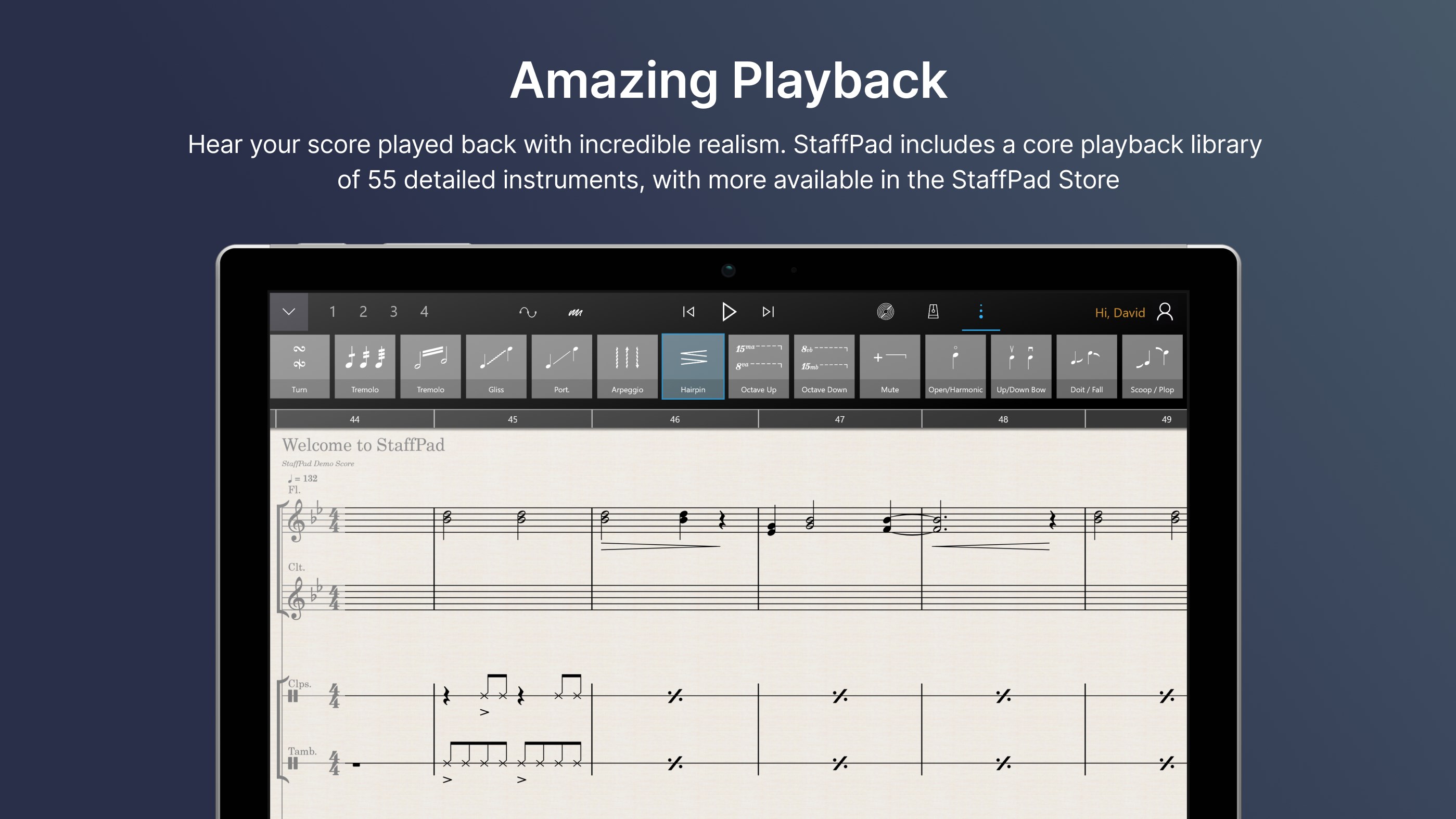
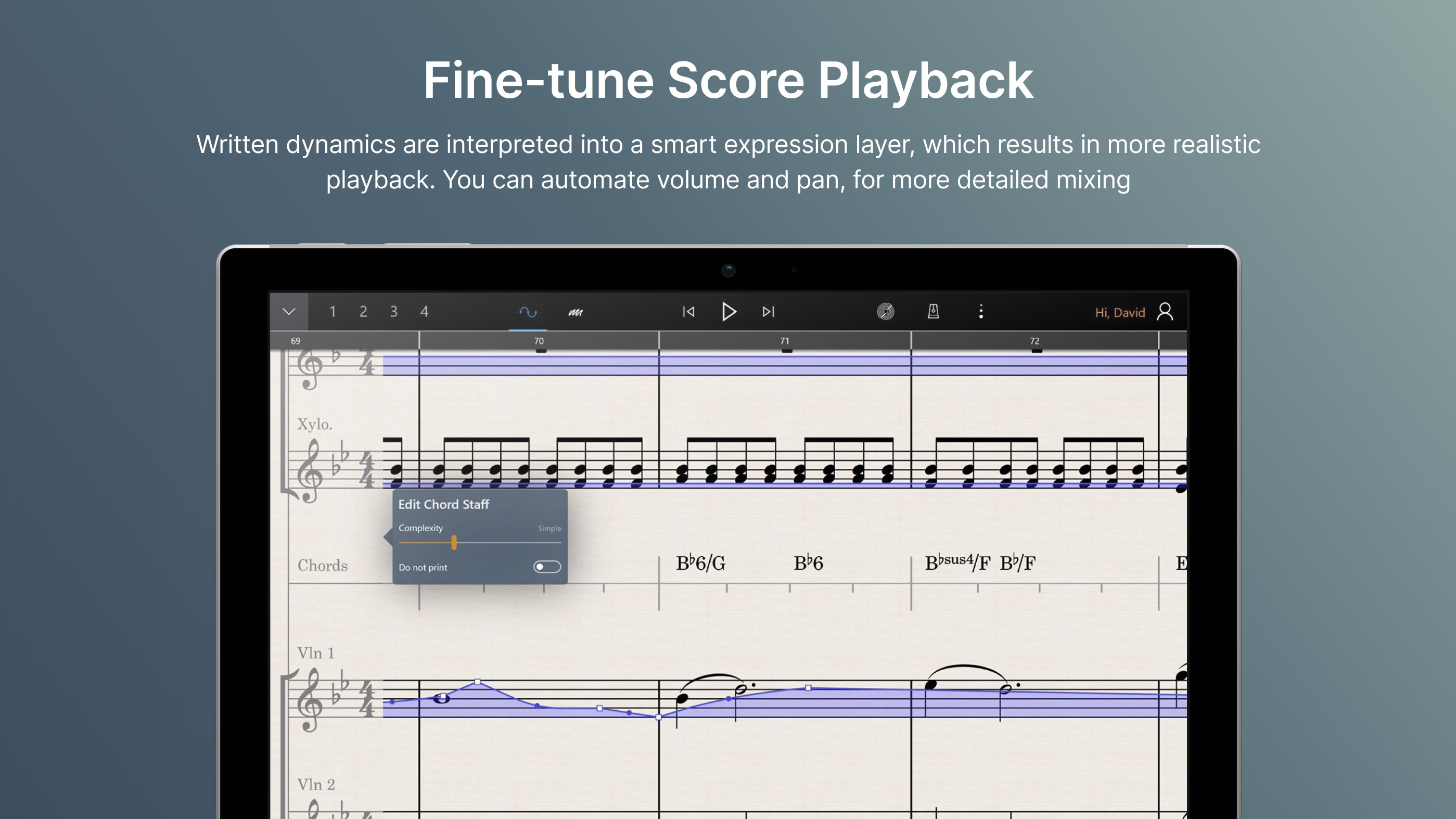
Another standout feature is StaffPad's expressive playback system. Unlike other notation apps that simply read back notes mechanically, StaffPad offers nuanced performance simulations that reflect your intended dynamics, articulations, and rhythm patterns. Unique to this app is its assessment of rhythm pattern variety, which ensures the playback remains lively and authentic, capturing the subtlety of human performance. This clarity helps composers hear their music as it might sound with real musicians, a crucial aspect when refining intricate pieces or teaching students about expressive performance nuances.
User Experience: Intuitive Design, Smooth Operation, and Learning Ease
The interface of StaffPad is thoughtfully crafted, akin to flipping through a beautifully organized music journal. Simplistic yet elegant, it provides easy access to tools without overwhelming the user. The app operates smoothly, with minimal lag—especially impressive given the complex real-time handwriting recognition involved—which makes it feel almost like writing on actual staff paper. Onboarding is straightforward; the learning curve is gentle, thanks to clear icons and contextual tips, perfect for both seasoned musicians and beginners venturing into digital composition.
What Makes StaffPad Truly Stand Out?
While many music notation applications focus on basic editing and playback, StaffPad elevates your experience through its ability to tolerate handwriting input latency—meaning your strokes feel natural and responsive without frustrating delays. Additionally, its robust assessment of rhythm pattern variety ensures your music maintains a dynamic, realistic feel during playback. These features make StaffPad not just a notation tool, but a creative companion that encourages improvisation and expressive detail, setting it apart from competitors like Finale or Sibelius that primarily rely on traditional input methods.
Final Verdict: A Worthwhile Tool for Innovative Musicians
If you're a composer looking for an intuitive way to capture your handwritten ideas into polished scores or an educator seeking an engaging method to teach music notation and rhythm, StaffPad for Windows offers compelling advantages. Its combination of natural handwriting recognition and expressive playback makes it unique in the digital music realm. While the app might require some initial familiarization, its seamless operation and creative potential make it a recommended choice for those eager to blend tradition with technology. Whether you're drafting a quick melody or developing a complex arrangement, StaffPad can be a valuable addition to your musical toolkit.
Pros
- Intuitive notation input
- High compatibility with Microsoft Surface devices
- Real-time playback features
- Supports various music notation symbols
- Cloud integration for sharing
Cons
- Limited export formats
- Learning curve for new users
- Occasional lag with complex scores
- Limited editing tools compared to desktop software
- Subscription pricing model











