
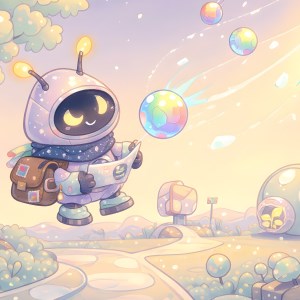
Frequently Asked Questions
How do I set up the Starlight Courier app for the first time?
Download and install the app, then open it and follow the on-screen instructions to customize your desktop theme in Settings > Personalization.
Can I change the theme images or colors on my desktop?
Yes, navigate to Settings > Themes, then select or customize your desired images, colors, and effects easily.
What are the main features of this cosmic-themed wallpaper app?
It offers a calming space scene with soft pastel backgrounds, glowing stars, floating creatures, and dynamic animations to personalize your desktop ambiance.
How can I customize the floating creatures or star effects?
Go to Settings > Effects, then toggle or adjust the floating creatures and star animations according to your preferences.
Does the app support multiple themes or is it limited to four images?
Currently, it provides a single theme with four images to create a calming universe; additional themes may be available in future updates.
Is there a free version, and what features does it include?
Yes, the free version includes the four-image space theme and basic customization options; premium features require subscription.
How do I upgrade to the premium version or access additional themes?
Navigate to Settings > Subscription or Purchase, then follow the prompts to subscribe and unlock extra themes and effects.
What payment methods are accepted for subscription?
Payments are processed through your app store's secure system, supporting credit cards, PayPal, or other accepted methods.
Can I cancel my subscription if I no longer want it?
Yes, go to Settings > Account > Subscriptions, select your plan, and follow the cancellation instructions provided.
What should I do if the app crashes or isn't working properly?
Try restarting your device, updating the app to the latest version, or reinstalling it from your app store for optimal performance.
You May Like

Blooming Dimensions
for Windows
5
Monotype Handwriting Font Pack
for Windows
5
Hues of Nature
for Windows
5
Dreamscapes
for Windows
5
Tales of the Teenage Mutant Ninja Turtles Theme
for Windows
5
Neon Dreams
for Windows
4.9
Cats Anytime
for Windows
4.9
Japanese Landscapes
for Windows
4.9
Sun and Sand
for Windows
4.9
Live Wallpaper Engine Plus
for Windows
4.8
Chicks and Bunnies
for Windows
4.8
Mountain Dwellings
for Windows
4.8