


- Category Personalization
- Available on PC
- OS Windows 10 version 14951.0 or higher
- languages English (United States)
Introducing Stars at Night for Windows: A Cosmic Personalization Tool
Stars at Night for Windows is a thoughtfully crafted application designed to bring the serene beauty of a starry night to your desktop. By blending aesthetic customization with interactive celestial visuals, it aims to transform your digital environment into a tranquil stargazing experience.
About the Developer and Core Features
Developed by Microsoft Corporation, a leader in software innovation, Stars at Night offers a user-centric approach to desktop personalization. The application's key features include stunning animated night sky scenes, customizable star arrangements, and seamless theme integration, making it stand out among similar personalization apps. Its target audience encompasses astronomy enthusiasts, digital art lovers, and anyone seeking a peaceful, customizable desktop ambiance.
Experience a Tranquil Night Sky on Your Desktop
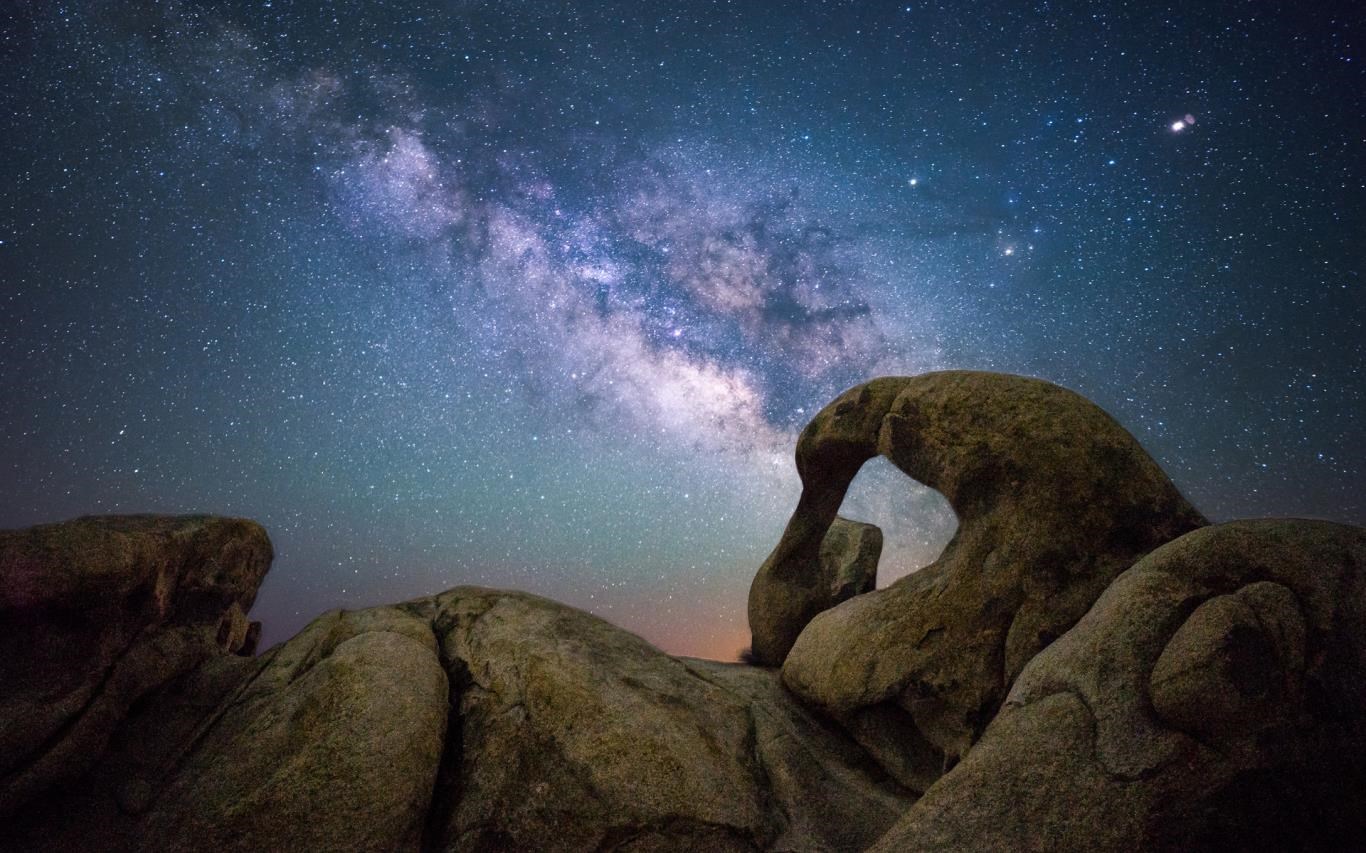
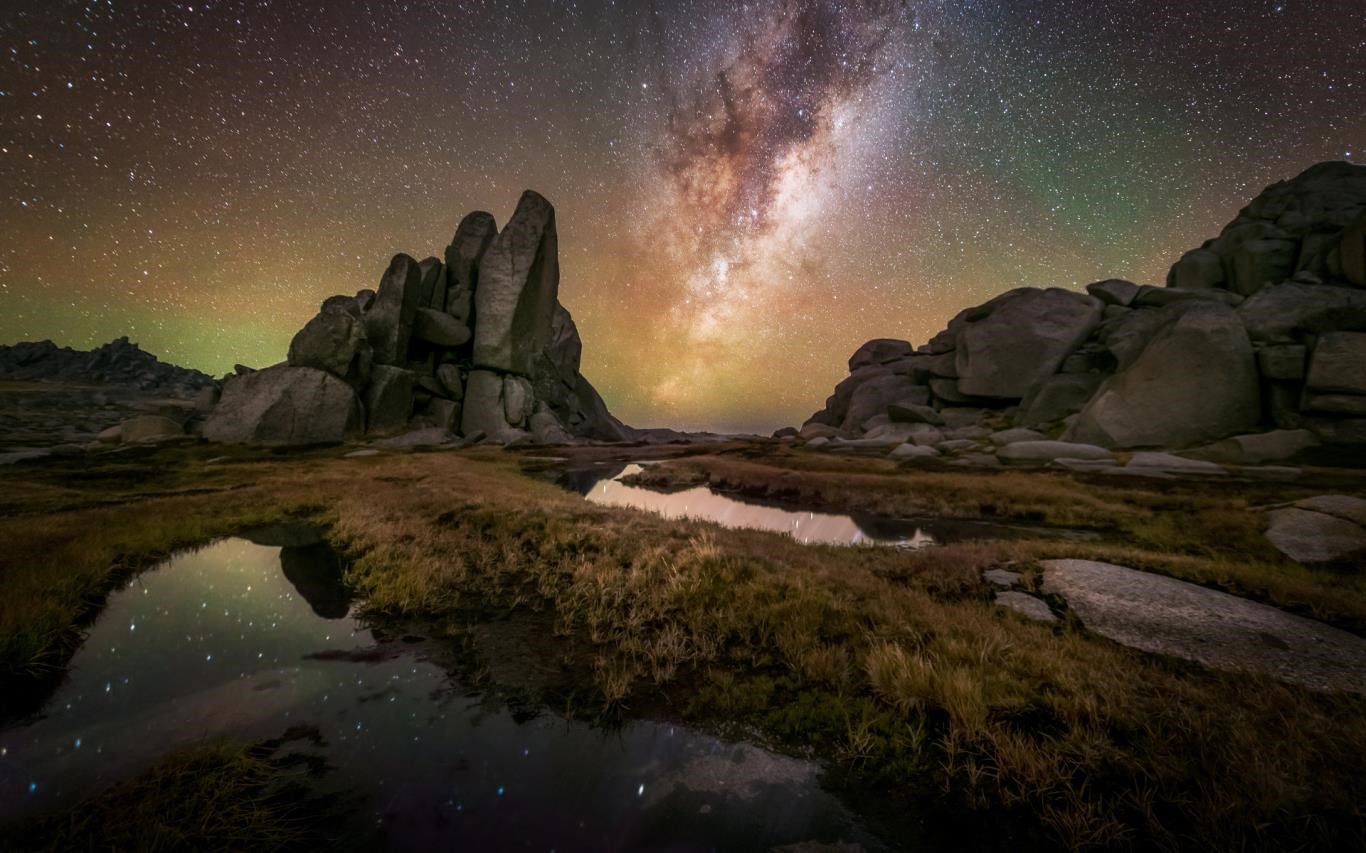
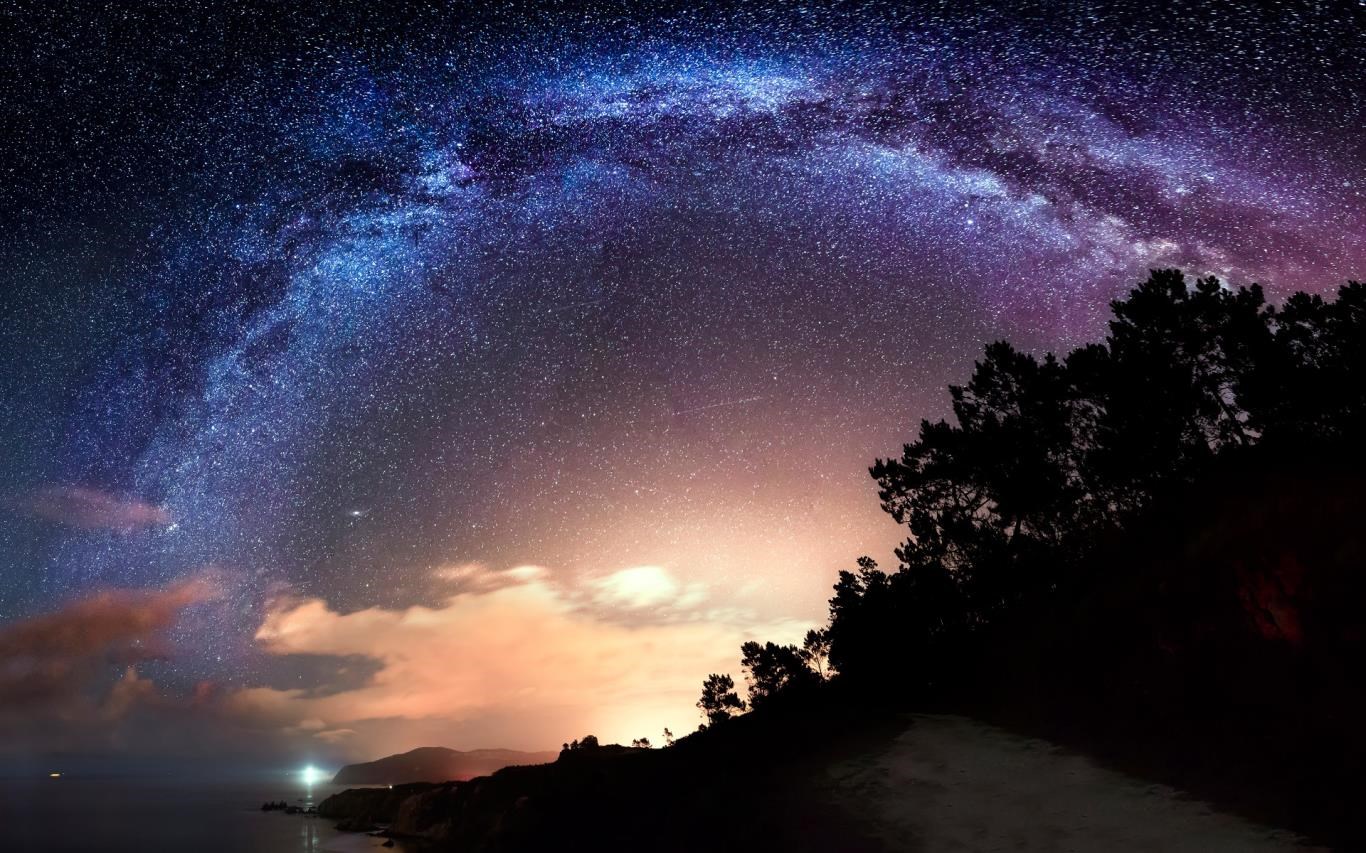
Imagine sitting by a quiet window, gazing up at a clear night filled with shimmering stars—this app aims to recreate that peaceful moment right on your computer. The first time you launch Stars at Night, you're greeted with an inviting interface that feels like a portal to a cosmic backyard. The visuals are calm yet captivating, with twinkling stars slowly drifting across the screen, evoking a sense of wonder and relaxation. As a user, you'll find yourself unwinding while exploring the app's features, making it more than just a decoration—it's a mini escape from daily hustle.
Stunning Animations and Rich Customization Options
The core attraction lies in its animated night sky scenes. The app offers a wide array of themes—rural star fields, urban nightscapes, and even fantasy-inspired skies—that are smooth and immersive. These animations are crafted with care, ensuring fluid motion that simulates real star movements without taxing system resources, thanks to optimized rendering.
One particularly remarkable aspect is the extensive customization options. Users can modify the density and brightness of stars, select different celestial phenomena like shooting stars or rockets, and even add personal touches such as overlaying constellations or tailored background images. Compared to other personalization tools, Stars at Night shines by offering a richer tapestry of creative control, allowing users to craft a truly unique celestial environment. The app's theme compatibility means it integrates seamlessly with your existing desktop themes, ensuring a harmonious visual experience.
User Interface and Overall Experience
The design of Stars at Night is intuitive and inviting, much like flipping through a beautifully illustrated star atlas. Navigating the settings is straightforward; sliders, toggles, and preview windows help you fine-tune your celestial scene without a steep learning curve. The responsiveness is commendable—adjustments happen instantly, adding to the satisfaction of customization. Even for users new to desktop personalization, it offers a gentle learning curve and enjoyable setup process.
Compared to other apps in its niche, Stars at Night strikes a good balance between functionality and ease of use. Its sleek interface and smooth animations contribute positively to user engagement, making it accessible yet versatile for various skill levels. It feels like the app was designed by someone who understands both technology and aesthetic sensibilities, ensuring a relaxing yet engaging experience.
Is It Worth Your Space on the Desktop?
Overall, Stars at Night for Windows earns a solid recommendation. It excels in creating a peaceful, visually appealing environment with its particular emphasis on animation quality and customization depth. Its unique ability to blend theme compatibility with extensive personalization makes it a standout choice for those looking to add a touch of cosmic beauty to their daily digital routine.
If you're a user who appreciates a personalized aesthetic that's both calming and dynamic, this app could become a beloved part of your desktop. However, if you prefer minimalistic setups or less interactive backgrounds, you might find it a bit more than you need. Still, for anyone curious about exploring a beautiful universe right on your computer, Stars at Night offers a delightful, unobtrusive experience worth trying out.
Pros
- Stunning Night Sky Visuals
- User-Friendly Interface
- Accurate Astronomical Data
- Customizable Viewing Options
- Educational Content Integration
Cons
- Limited Offline Access
- Battery Consumption
- Learning Curve for Advanced Features
- Device Compatibility Limited
- Occasional Lag or Glitches











