
- Category Photo & video
- Developer Cateater, LLC
- Available on PC, Mobile, Surface Hub, HoloLens
- OS Windows 10 version 18362.0 or higher
- languages Chinese (Simplified), Czech, Danish, Dutch, English (United States), French, German, Italian, Japanese, Korean , Polish , Portuguese (Portugal), Russian, Spanish (Spain), Swedish, Turkish, Ukrainian
Introducing Stop Motion Studio Pro for Windows: Your Creative Animation Companion
Stop Motion Studio Pro for Windows stands out as a dedicated tool designed to simplify and elevate the process of creating charming stop-motion animations, whether you're a hobbyist or aspiring filmmaker. With its intuitive interface and robust feature set, this app aims to transform your visual storytelling into some delightful animated masterpieces.
About the Developer and Core Highlights
- Developer: Cateater, LLC
- Main Features:
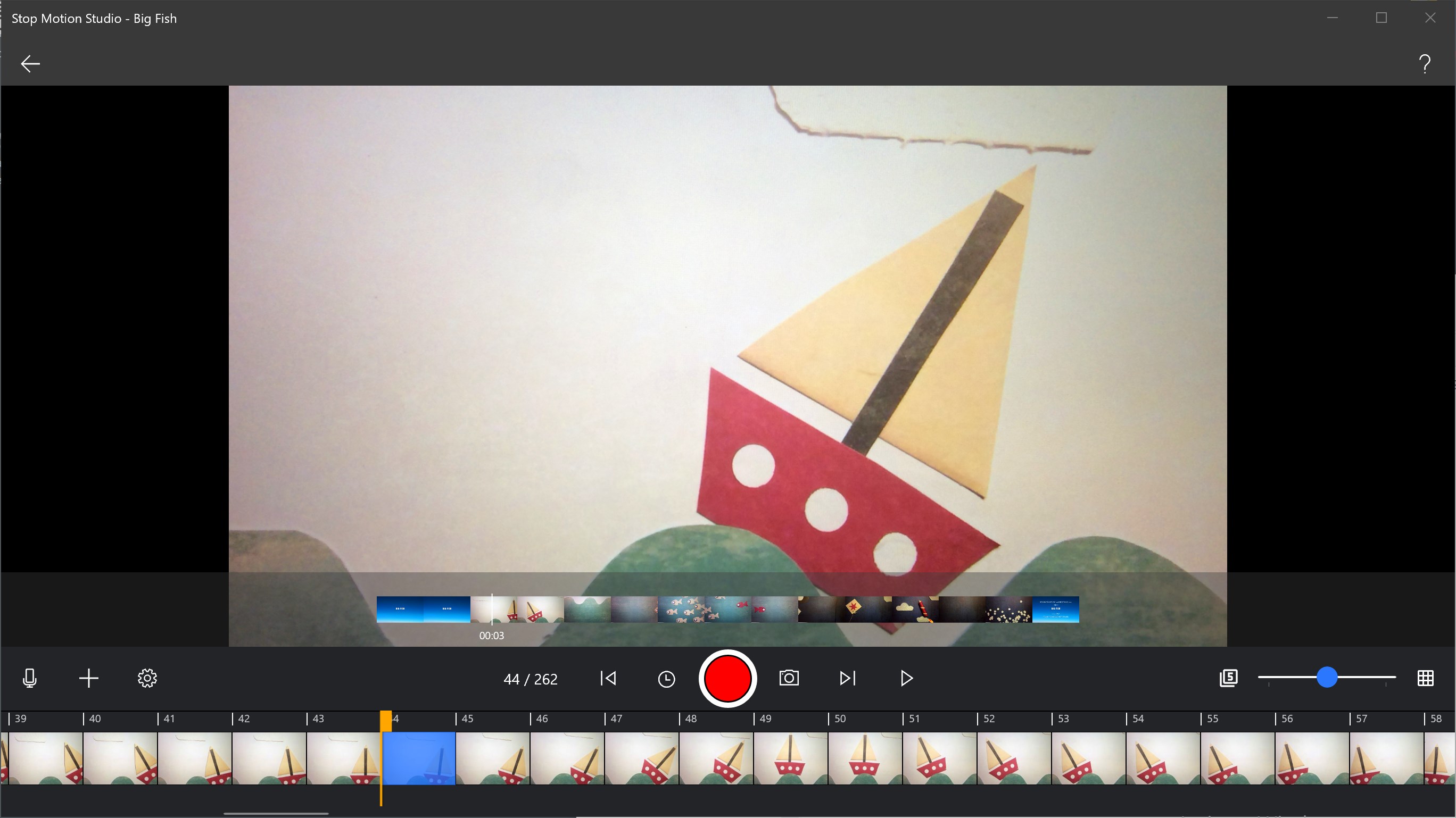
- Intuitive timeline-based editing for precise frame control
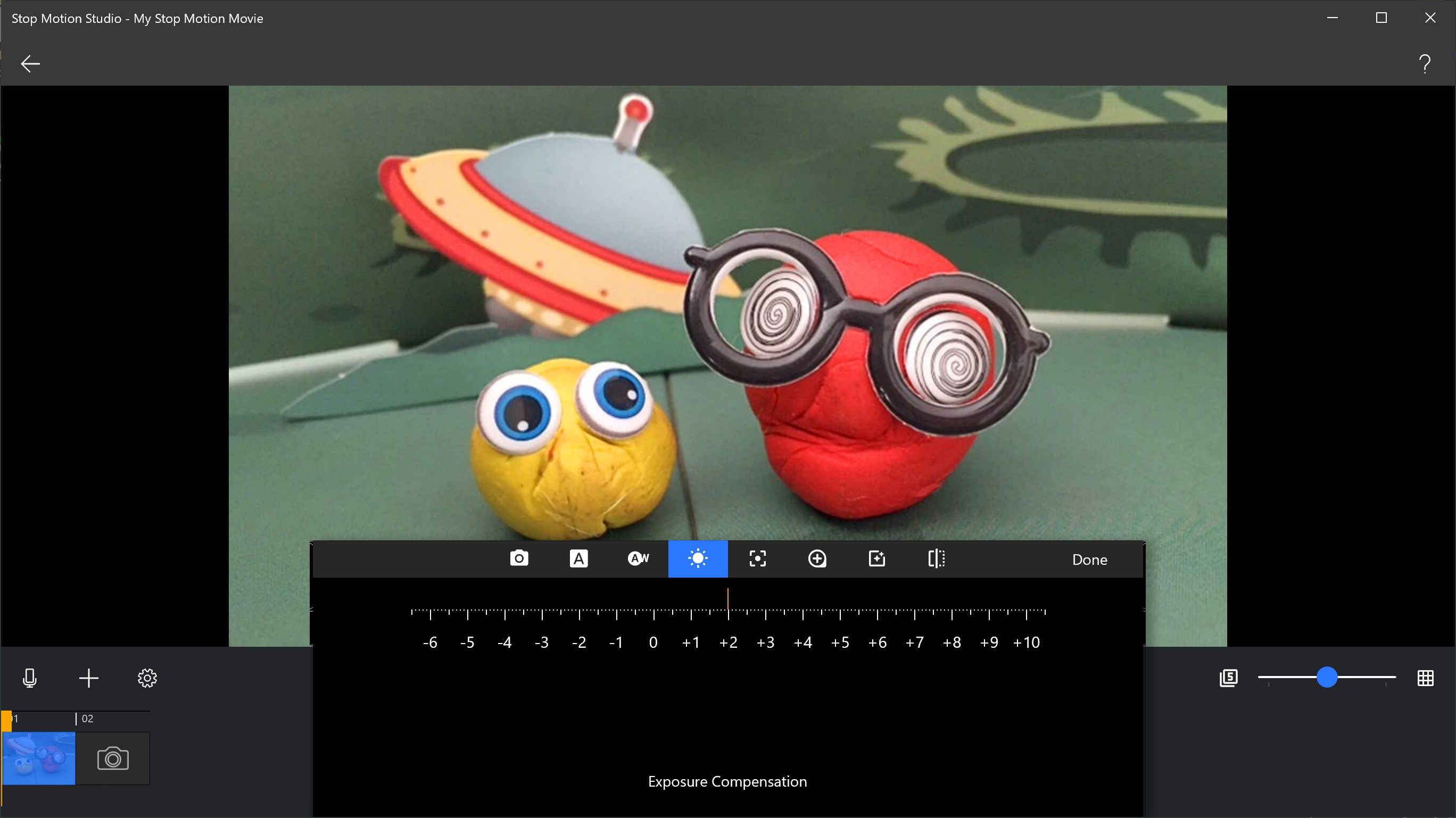
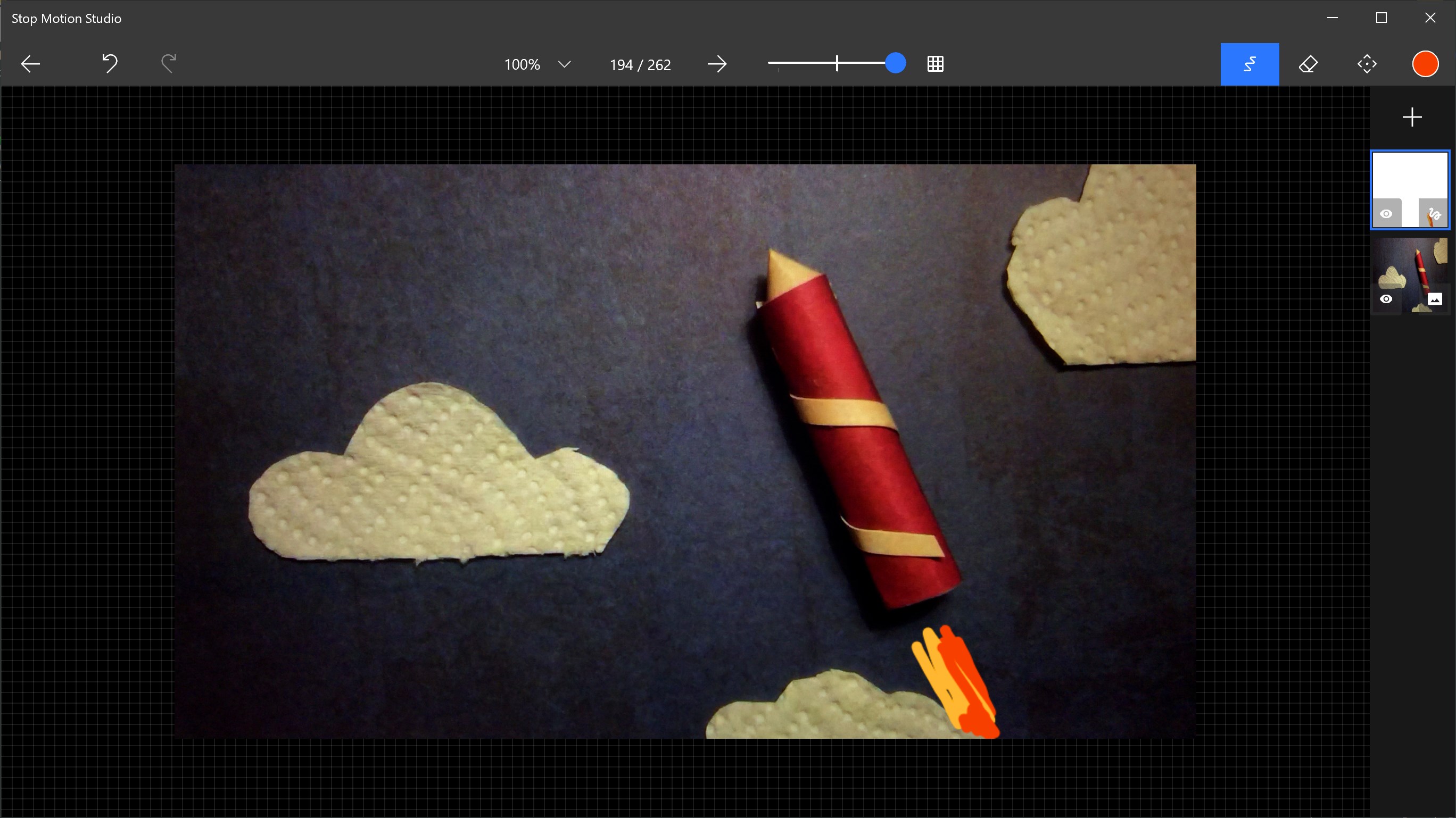
- Advanced masking and overlay tools to create complex scene effects
- Built-in green screen (chroma key) feature for background customization
- Export options supporting high-quality video formats for sharing and publishing
The target audiences include educators, students, content creators, and animation enthusiasts wanting an accessible yet professional-level stop-motion app.
Spice Up Your Creativity: Fun and Easy Animation in Action
Imagine transforming a pile of clay or a collection of tiny toys into a lively story that unfolds frame by frame—it's magic, but with Stop Motion Studio Pro, it's also straightforward and fun. This app feels like having a mini animation studio right on your Windows device, ready to turn your everyday objects into captivating visual tales. Whether you're crafting short snippets for social media, classroom projects, or just exploring your creative side, you're in for a smooth, engaging experience.
Powerful Tools at Your Fingertips
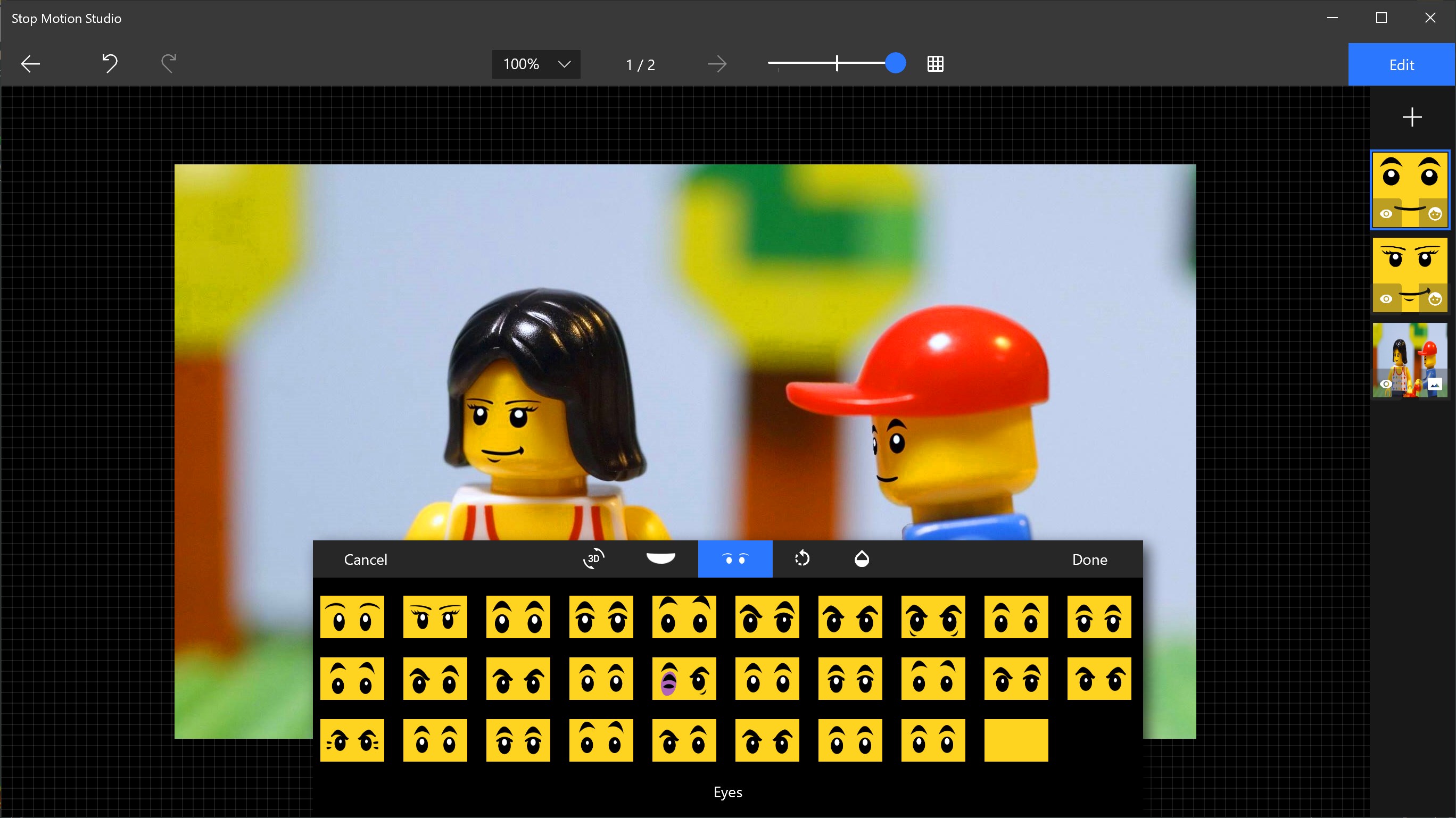
The core strength of Stop Motion Studio Pro lies in its powerful editing capabilities. The timeline editor provides a clear overview of each frame, allowing for precise adjustments—think of it as your storyboard, but interactive. The app's frame-by-frame control ensures that even subtle movements are captured perfectly. Additionally, the overlay mode assists you in maintaining consistency across frames—imagine tracing or aligning objects effortlessly, reducing those frustrating "off" moments in your animation. The built-in green screen feature opens up endless background possibilities, making scenes more immersive without expensive equipment or complex software. These tools are accessible yet professional, offering an impressive balance for beginners eager to learn and more seasoned users seeking control.
Design, Usability, and Learning Curve
Upon launching the app, you're greeted with a clean, straightforward interface reminiscent of a friendly editing workspace—no overwhelming menus here. The controls are logically organized, and guided prompts help new users get started swiftly. Drag-and-drop features for importing images or footage, along with simple touch and click interactions, deliver a smooth operational flow. The app's responsiveness is commendable; rendering previews and exporting works happen seamlessly, which is vital during creative sessions. For those new to stop-motion, the learning curve is gentle—many features are self-explanatory, complemented by tutorials and hints that ease the journey from novice to creator.
What Sets It Apart from Other Media Apps?
Unlike general photo and video editing apps, Stop Motion Studio Pro is tailored specifically for frame-by-frame animation, and this focus infuses it with unique advantages. Its dedicated green screen and overlay functionalities stand out, providing filmmakers with professional-level tools without the complexity. The app's timeline-based editing system fosters a more intuitive understanding of motion and sequencing, a stark contrast to the linear clip editing in traditional video editors. Moreover, the integration of scene management—saving multiple projects within the interface—makes it versatile for multi-episode storytelling or classroom projects. In essence, it's not trying to be all things to all users but excels in its niche, making creation accessible without sacrificing depth or quality.
Final Thoughts and Recommendations
Overall, Stop Motion Studio Pro for Windows earns a solid recommendation for anyone interested in exploring animation—be it for education, entertainment, or professional storytelling. Its user-friendly design, coupled with powerful features like green screen and overlay tools, makes it stand out from generic photo/video editors. While it may not boast the extensive effects of high-end animation software, it strikes a perfect balance between simplicity and professional capability.
For beginners, I suggest diving in with some small projects and utilizing the tutorials to grasp the core features. More experienced users will appreciate the control and export options, making it suitable for professional or semi-professional work. Whether you're creating a whimsical cartoon prototype or a classroom presentation, Stop Motion Studio Pro is a handy, reliable tool—an animation buddy that's just a click away from transforming your ideas into motion.
Pros
- Intuitive Timeline Editing
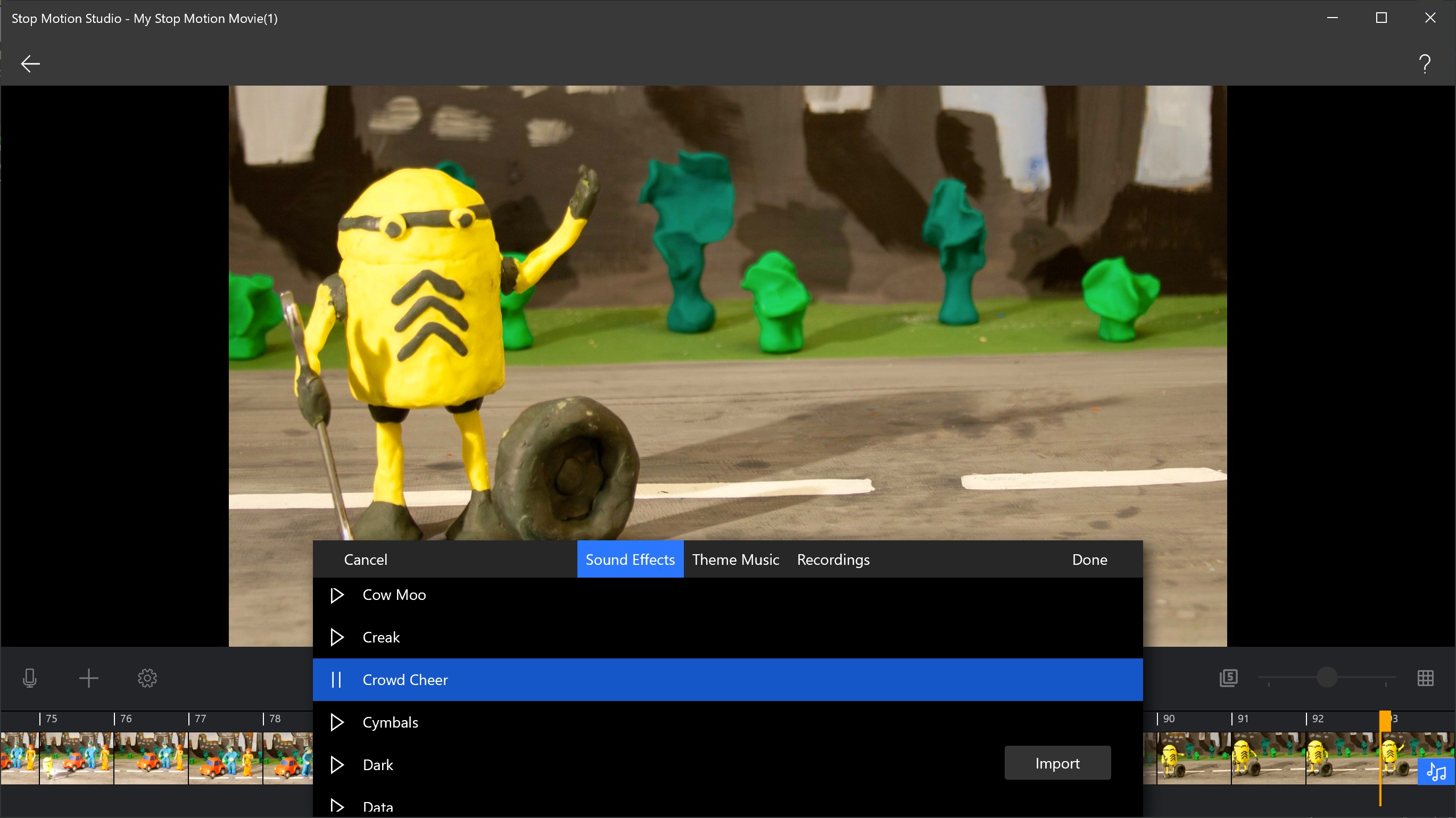
- Comprehensive Audio Tools
- Built-in Drawing Features
- High-Quality Export Options
- User-Friendly Interface
Cons
- Limited Free Features
- Occasional Export Bugs
- High App Size
- Limited Preview Options
- Requires Learning Curve for Advanced Features











