

- Category Productivity
- Developer LM Soft
- Available on PC, Mobile, Surface Hub, HoloLens
- OS Windows 10 version 17763.0 or higher
- languages English (United States)
Stream Games Launcher SLM for Windows: A Fresh Approach to Game Management
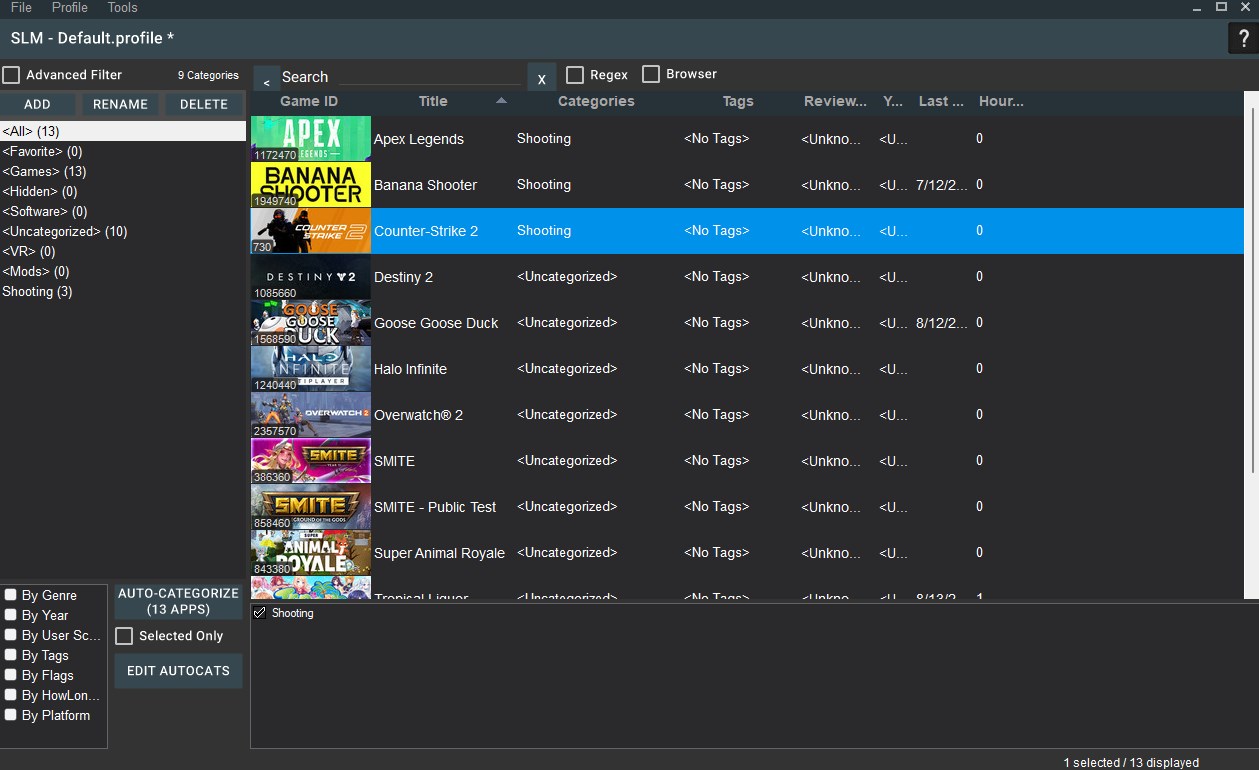
Stream Games Launcher SLM for Windows emerges as a lightweight yet powerful tool designed to streamline your gaming experience. Developed by LM Soft, this application aims to simplify game organization and launch processes, all wrapped in a user-friendly interface. If you're tired of juggling multiple launchers or cluttered desktops, SLM might just be the minimalist solution you need.
Meet LM Soft: The Brain Behind the Innovation
Developed and published by LM Soft, a team known for crafting efficient and intuitive software solutions, SLM for Windows reflects their commitment to enhancing user workflow. Their expertise in productivity tools is evident in the application's sleek design and thoughtful feature set, targeting gamers and enthusiasts seeking a streamlined gaming experience without unnecessary bloat.
Core Features That Make SLM Stand Out
- Unified Game Library Management: Organize all your games—regardless of platform—in one centralized launcher, reducing desktop clutter and switching hassle.
- Quick Launch & Customization: Efficiently launch your favorite titles with minimal clicks, plus customize profiles and shortcuts for a personalized setup.
- Lightweight & Resource-Friendly: Unlike bulky multi-platform launchers, SLM is designed to consume fewer system resources, ensuring your gaming performance remains unaffected.
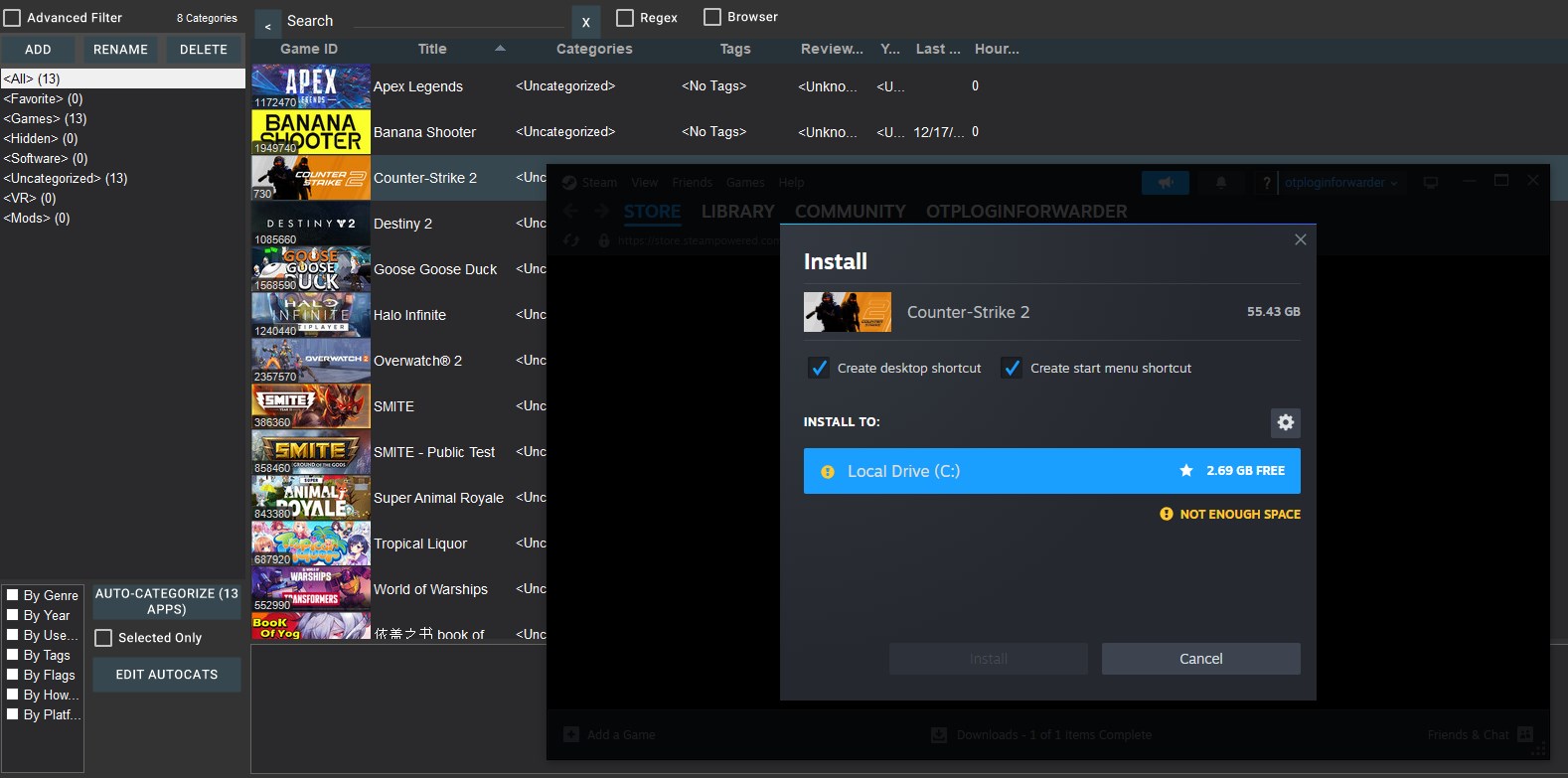
- Seamless Integration: Supports multiple game sources, making your gaming ecosystem more cohesive, without the need to open separate apps.
Delving into the User Experience
Imagine launching your game library as effortlessly as flipping through a well-organized comic book—bright, attractive, and instinctively navigable. SLM's interface achieves this with a clean, minimalistic design that feels both modern and cozy. Transitioning between functions is smooth, with logical menu placement, making tasks feel almost intuitive.
Operationally, the app responds swiftly; clicking on a game icon results in immediate action, with no lag or stutter—crucial for gamers eager to jump straight into action. Learning the ropes is straightforward thanks to clear icons and guided setup options, even for those less tech-savvy. Overall, SLM offers a seamless experience, reducing cognitive load and removing the frustration often associated with managing multiple launchers.
Unique Selling Points: Simplicity Meets Efficiency
What truly elevates SLM above many competitors is its emphasis on workflow integration efficiency. Unlike bulky platforms packed with features that can drown users in complexity, SLM strips away the unnecessary, fostering a quicker, more focused environment. Its core strength lies in reducing the mental effort needed to organize and launch games, enabling gamers to spend less time navigating menus and more time gaming.
This focus on minimizing cognitive load, paired with a straightforward feature set, makes SLM a compelling choice for those who value simplicity and speed. Its ability to serve as a central hub without the overwhelming presence of additional features is a distinct advantage, especially for users who prefer lean but effective tools.
Should You Give It a Try?
Considering all aspects, my recommendation for Stream Games Launcher SLM for Windows is a confident "lightly recommended." It's particularly well-suited for gamers who want a straightforward, resource-light launcher that integrates seamlessly into their existing workflow. If managing multiple game platforms has become a chore or if you seek a distraction-free launch environment, SLM offers a pragmatic solution.
For those who appreciate minimalist design, efficient use of system resources, and a focus on reducing cognitive load, this application deserves a shot. Keep in mind, though, that its simplicity might lack some of the advanced features found in more comprehensive launchers—so evaluate your specific needs before switching.
Pros
- Smooth game launching experience
- Intuitive user interface
- Wide game library support
- Cloud sync features
- Regular updates and bug fixes
Cons
- Limited customization options
- Occasional connection issues during updates
- Lack of advanced filtering for game categories
- Performance drops on low-end devices
- Limited offline features











