

- Category Personalization
- Available on PC, Mobile, Surface Hub, HoloLens
- OS Windows 10 version 17763.0 or higher
- languages English (United States)
Stream IPCAM to PC for Windows: Your Wireless Surveillance Companion
Imagine being able to effortlessly transform your IP camera footage into a live view on your Windows PC—no hassle, no complex setup—just seamless streaming. That's exactly what the Stream IPCAM to PC app by PixelPilot offers, providing an efficient bridge between your IP cameras and your desktop environment.
Basic Information: Clear, Focused, and User-Friendly
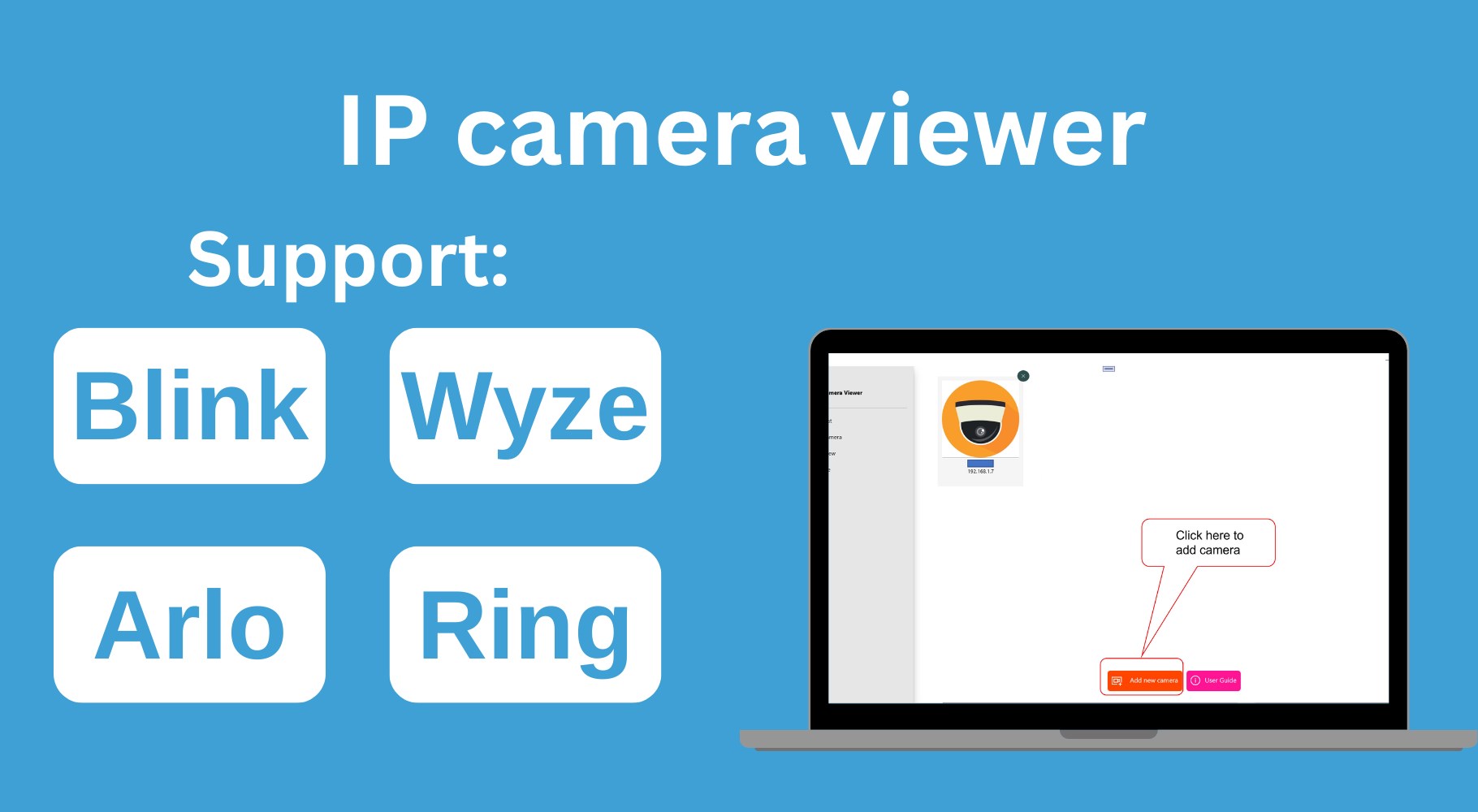
Stream IPCAM to PC for Windows is a straightforward application designed to stream live video feeds from IP security cameras directly onto your PC screen. Developed by PixelPilot, a reputable team known for creating intuitive multimedia tools, this app aims to simplify remote camera monitoring for users of all levels.
- Main Features Highlights:
- Real-time live video streaming from multiple IP cameras.
- Support for various camera brands and models, ensuring broad compatibility.
- User-friendly interface designed for quick setup and easy navigation.
- Optional recording and snapshot functionalities for surveillance archiving.
- Target Users: Home security enthusiasts, small business owners, tech-savvy individuals looking for a simple surveillance setup, and anyone seeking an affordable way to view IP cameras on their Windows PC.
Engaging the Viewer: Connecting Cameras with Ease and Clarity
Imagine setting up your security cameras, then sitting back as the app does the heavy lifting, pouring a clear video stream directly onto your desktop. Stream IPCAM to PC takes the complexity out of remote viewing, turning what could be a technical maze into a straightforward experience. Whether you're monitoring a cozy home or a small store, this app makes surveillance feel almost as simple as checking your email.
Core Functionality Deep Dive
Multiple Camera Stream Management
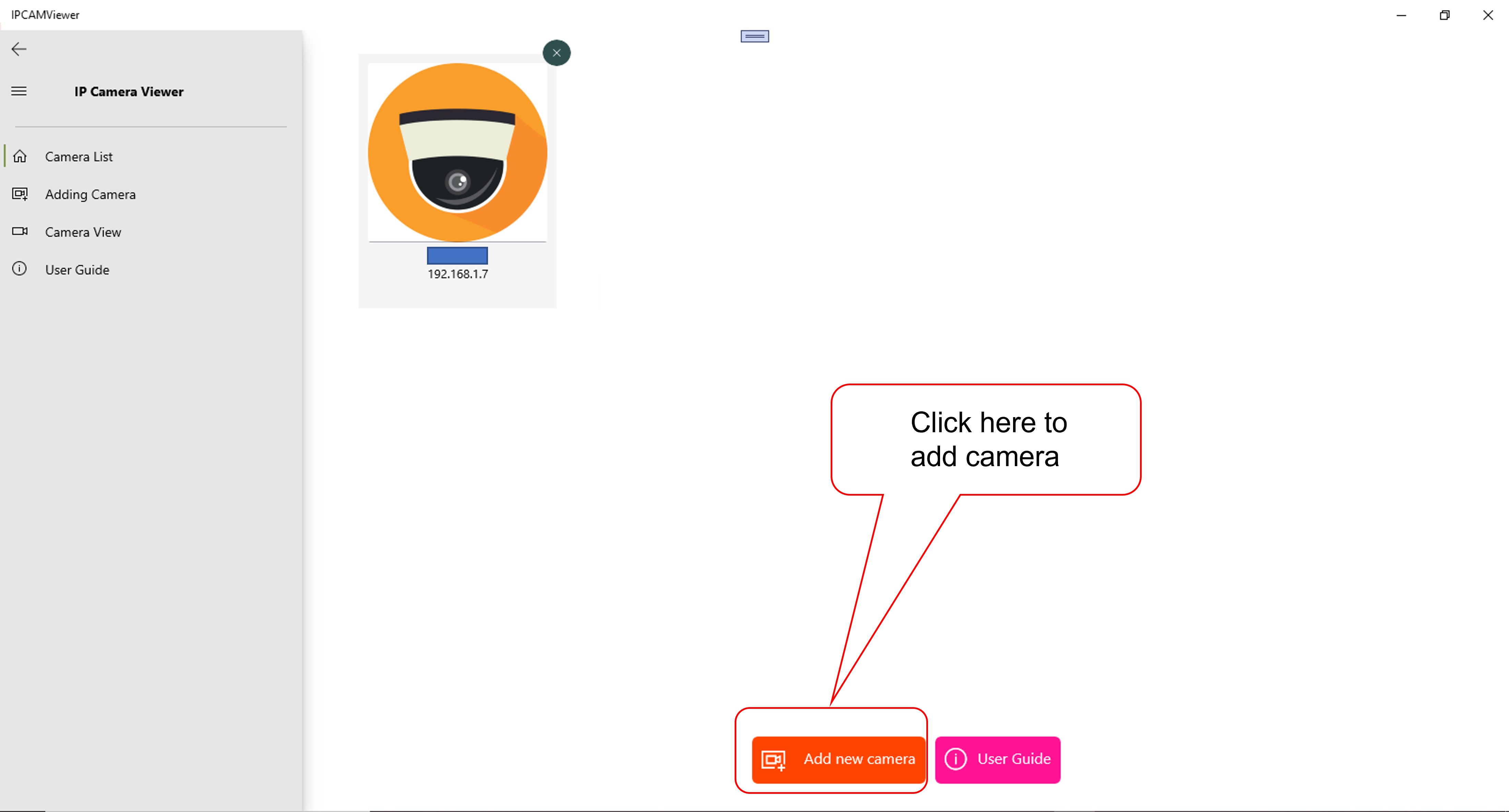
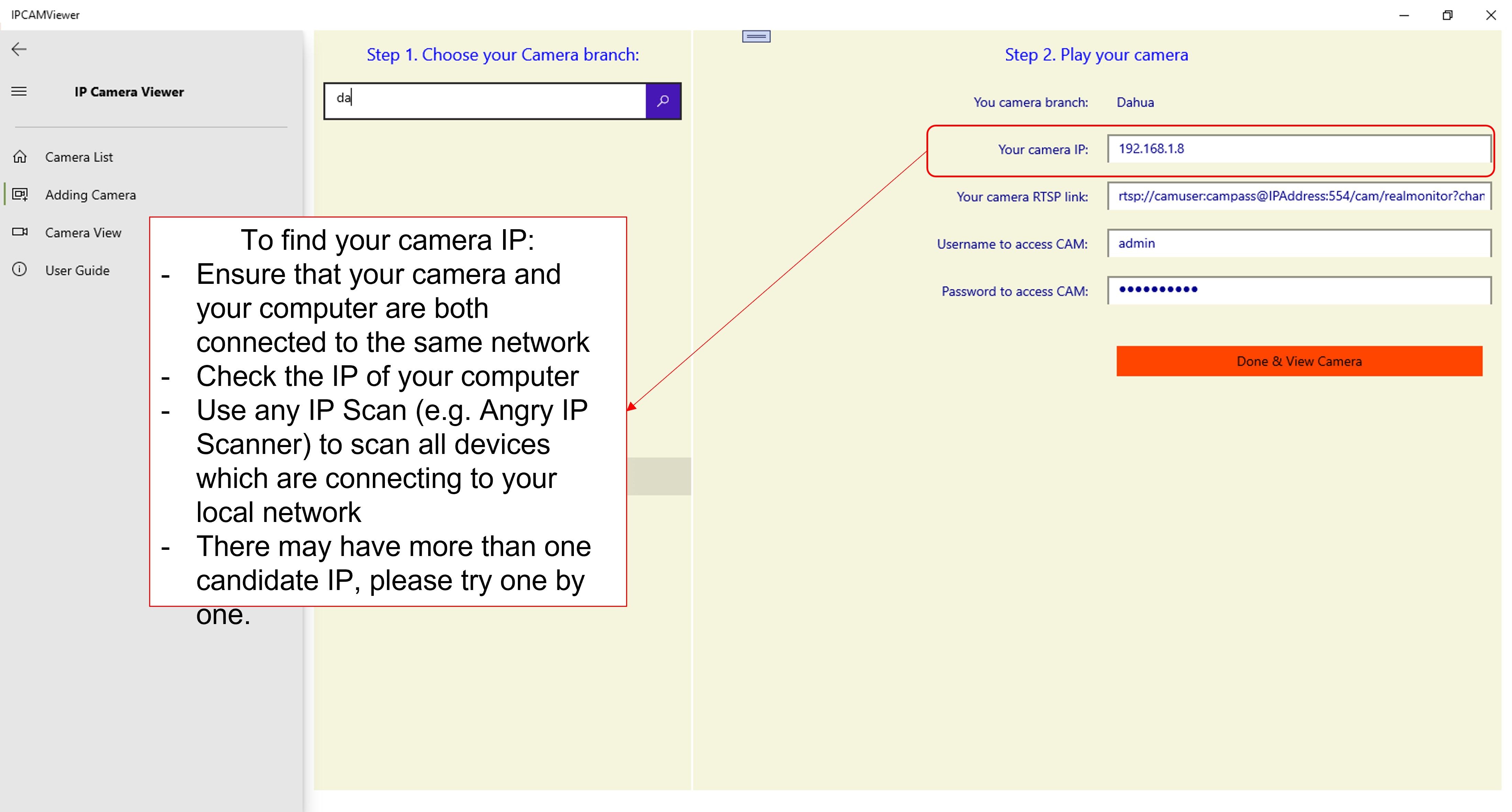
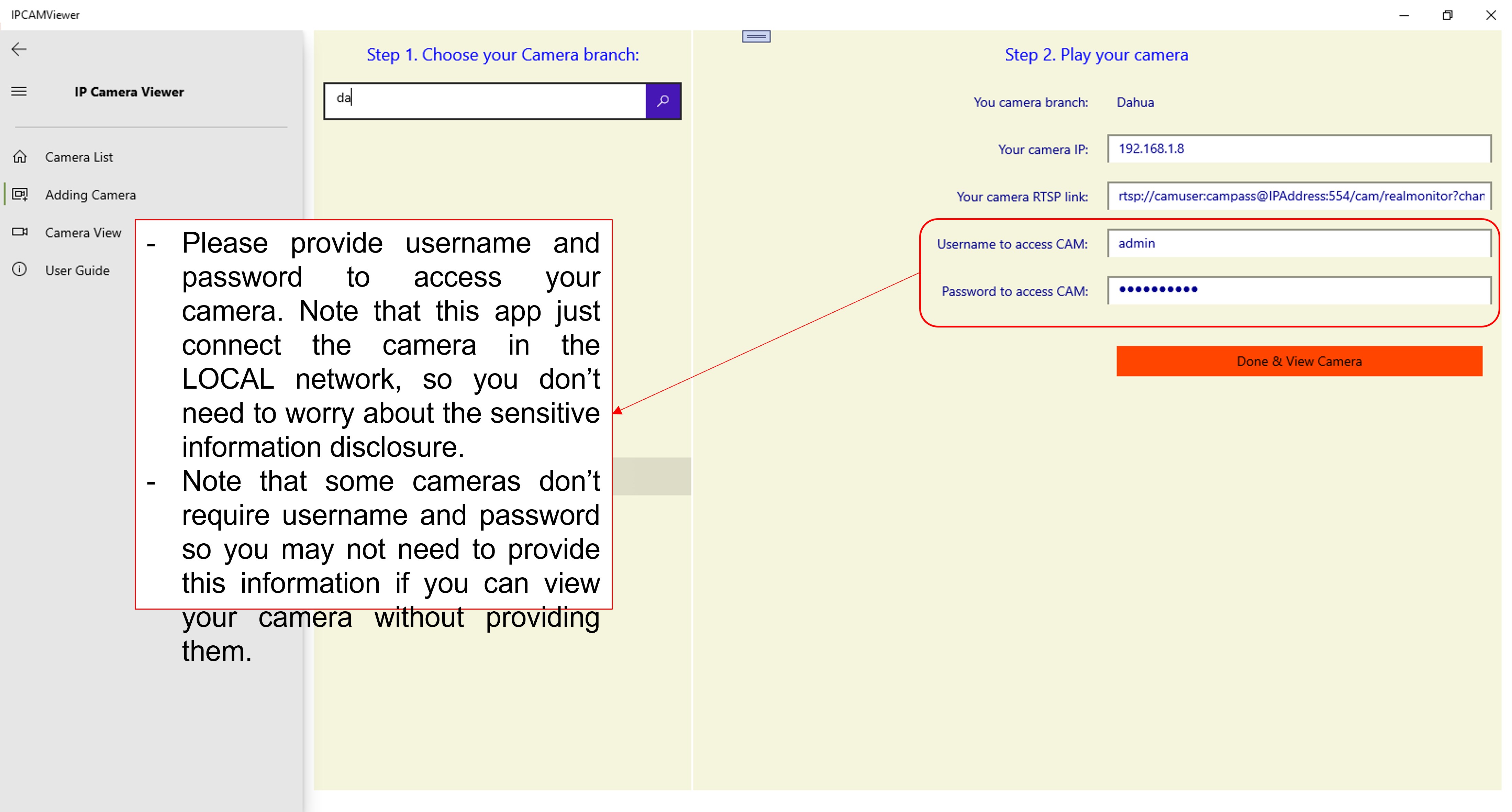
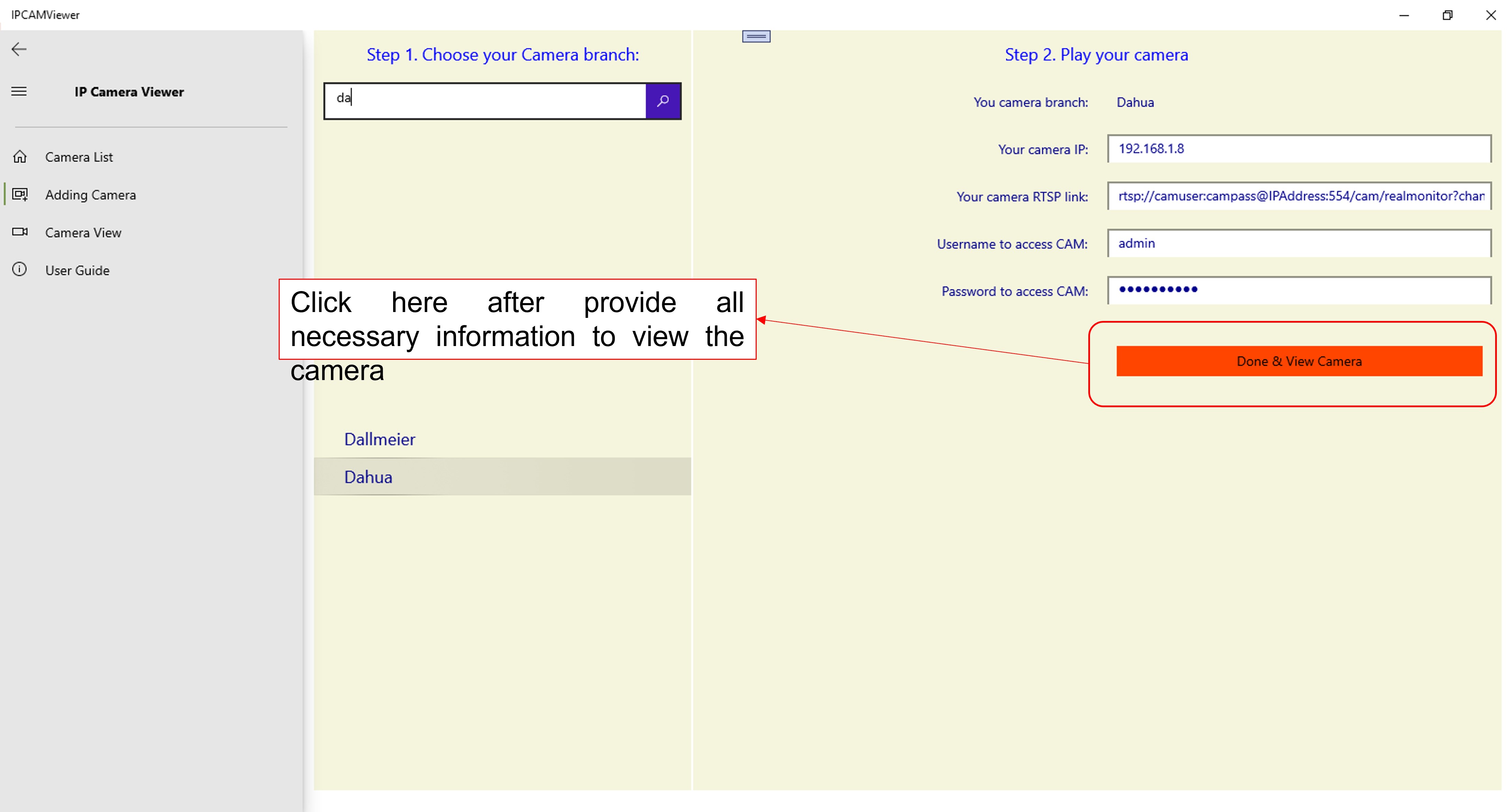
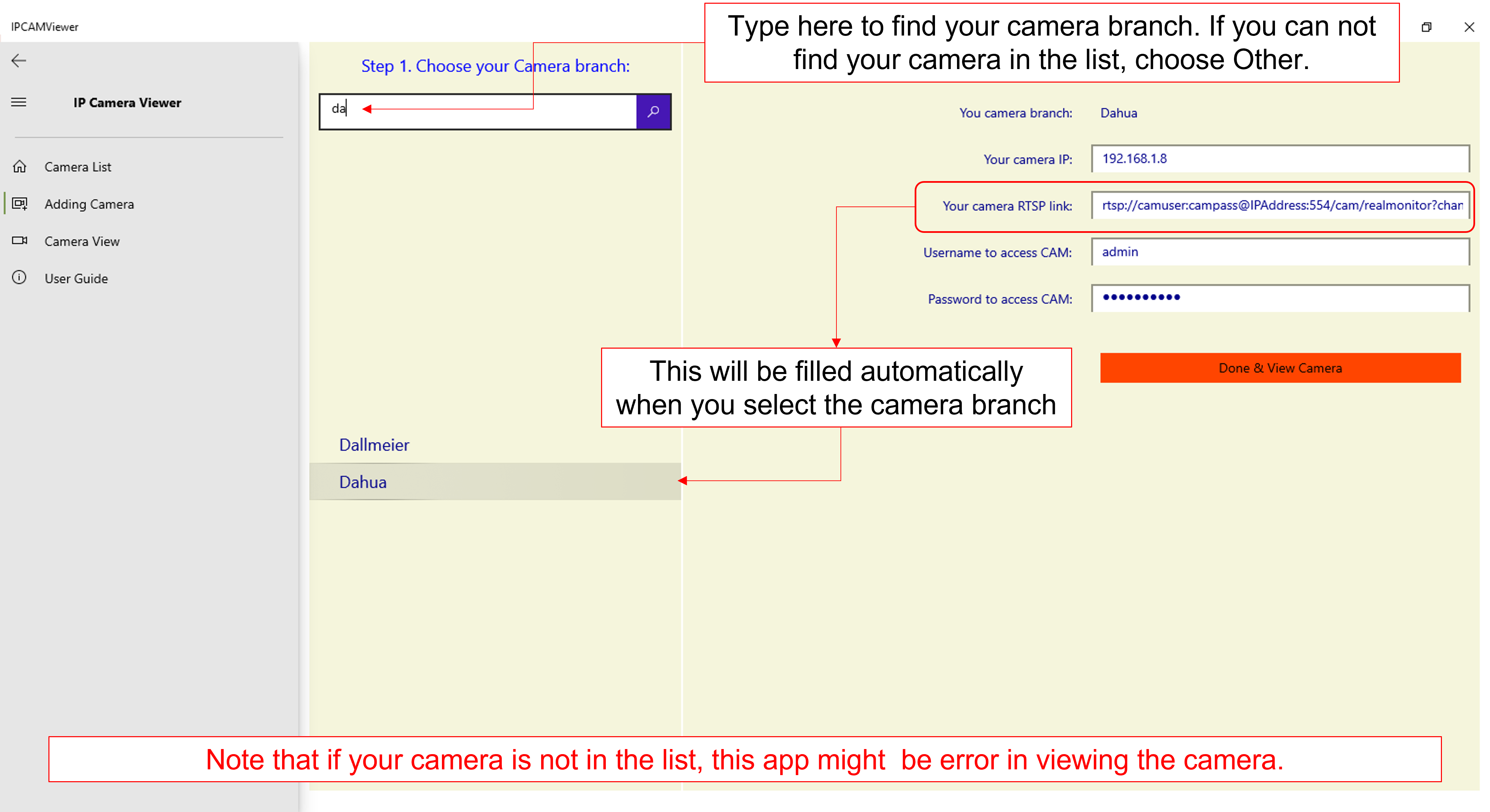
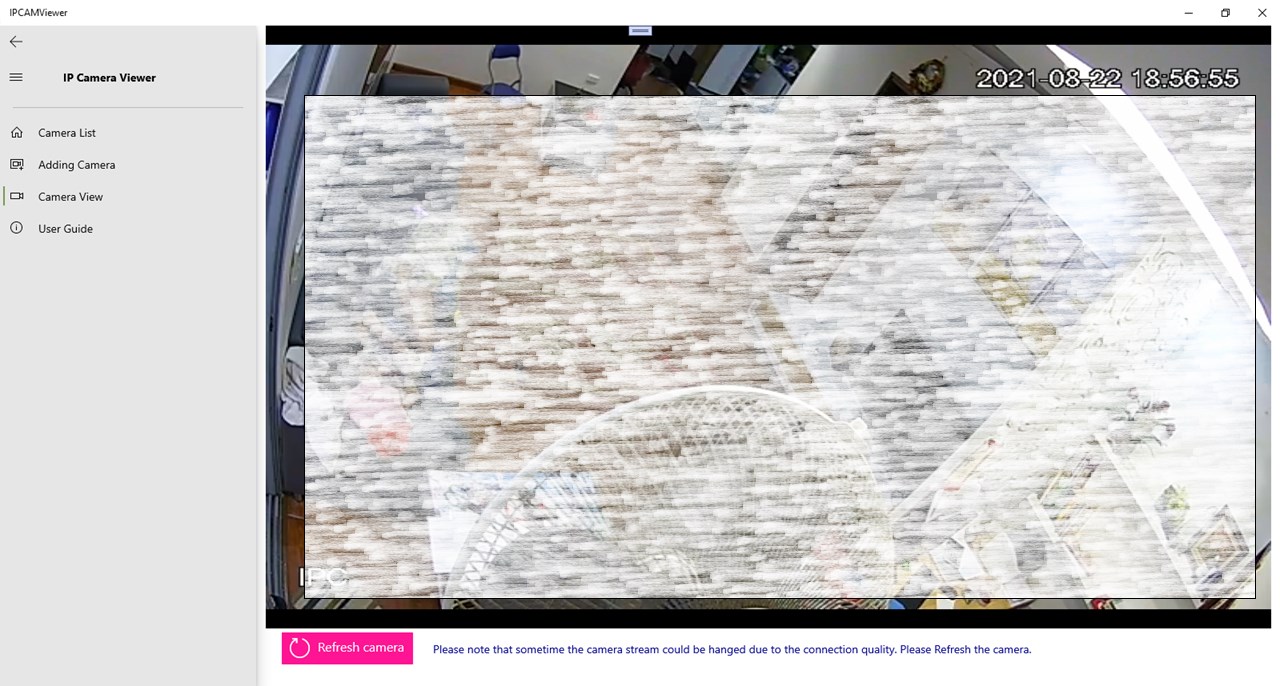
The standout feature of this app is its ability to handle multiple streams simultaneously without breaking a sweat. It's like having a security command center right on your desktop, with each camera feeding in crisp live footage. The setup involves entering the camera's IP address and credentials, after which the app seamlessly connects, allowing you to view multiple feeds side by side. This functionality is ideal for users managing several security points, ensuring no corner is left unmonitored.
Intuitive Interface and Smooth Operation
From the moment you open the application, you're greeted with a clean, minimalistic layout—think of it as the cockpit of a well-designed airplane: everything is within easy reach, visually uncluttered, and logically organized. Navigating between streams, adjusting settings, or capturing snapshots feels intuitive. During testing, the app responded swiftly to user commands, offering a lag-free viewing experience—an essential trait when real-time security monitoring is at stake. The learning curve is gentle, making it suitable for users of varying tech skills.
Customization and Theme Compatibility: Unique Benefits
One of the app's notable strengths is its approach to personalization. Unlike many similar tools, Stream IPCAM supports theme customization, allowing users to tailor the visual appearance to match their desktop environment or personal preferences. Whether you fancy a sleek dark mode or a brighter, modern look, this flexibility enhances user comfort. Furthermore, its compatibility with Windows themes is pristine, avoiding clashes or visual inconsistencies. This attention to detail makes the app not just a surveillance tool but a part of your digital workspace aesthetic.
Final Verdict: Is It Worth Your While?
All things considered, Stream IPCAM to PC for Windows offers a balanced combo of functionality, ease of use, and customization—particularly shining in its multi-camera streaming and user interface adaptability. For anyone seeking a reliable, straightforward way to monitor their IP cameras on a Windows PC, this app is a worthy contender. It's best suited for users who prioritize practicality and a clutter-free experience over overly complicated setups or flashy features.
While it may not boast the most advanced AI features or extensive customization options of more high-end software, its simplicity and core strengths make it highly recommendable for everyday surveillance needs. If seamless streaming and a pleasant user interface resonate with you, give this app a try—you might find it's just the right fit for your security setup.
Pros
- Easy remote viewing
- Intuitive interface
- Low latency streaming
- Supports multiple cameras
- Stable connection
Cons
- Limited customization options
- Occasional lag during high network traffic
- Compatibility issues with certain camera models
- Lack of advanced recording features
- Limited support resources











