

- Category Multimedia design
- Developer StylusX
- Available on PC
- OS Windows 10 version 14393.0 or higher
- DirectX Version 11
- Memory 8 GB
- Keyboard Not specified
- Mouse Not specified
- languages English (United States)
StylusX for Windows: A Sleek Companion for Your Creative Workflow
StylusX for Windows is a versatile application designed to enhance creative projects through intuitive stylus input and multimedia editing, making it an appealing tool for artists, designers, and content creators alike.
Meet the Developer and Core Features
Developed and published by StylusX, this application aims to streamline the digital art and media editing experience. Its main highlights include:
- Advanced Stylus Integration: Precise and customizable stylus support for natural drawing and writing experiences.
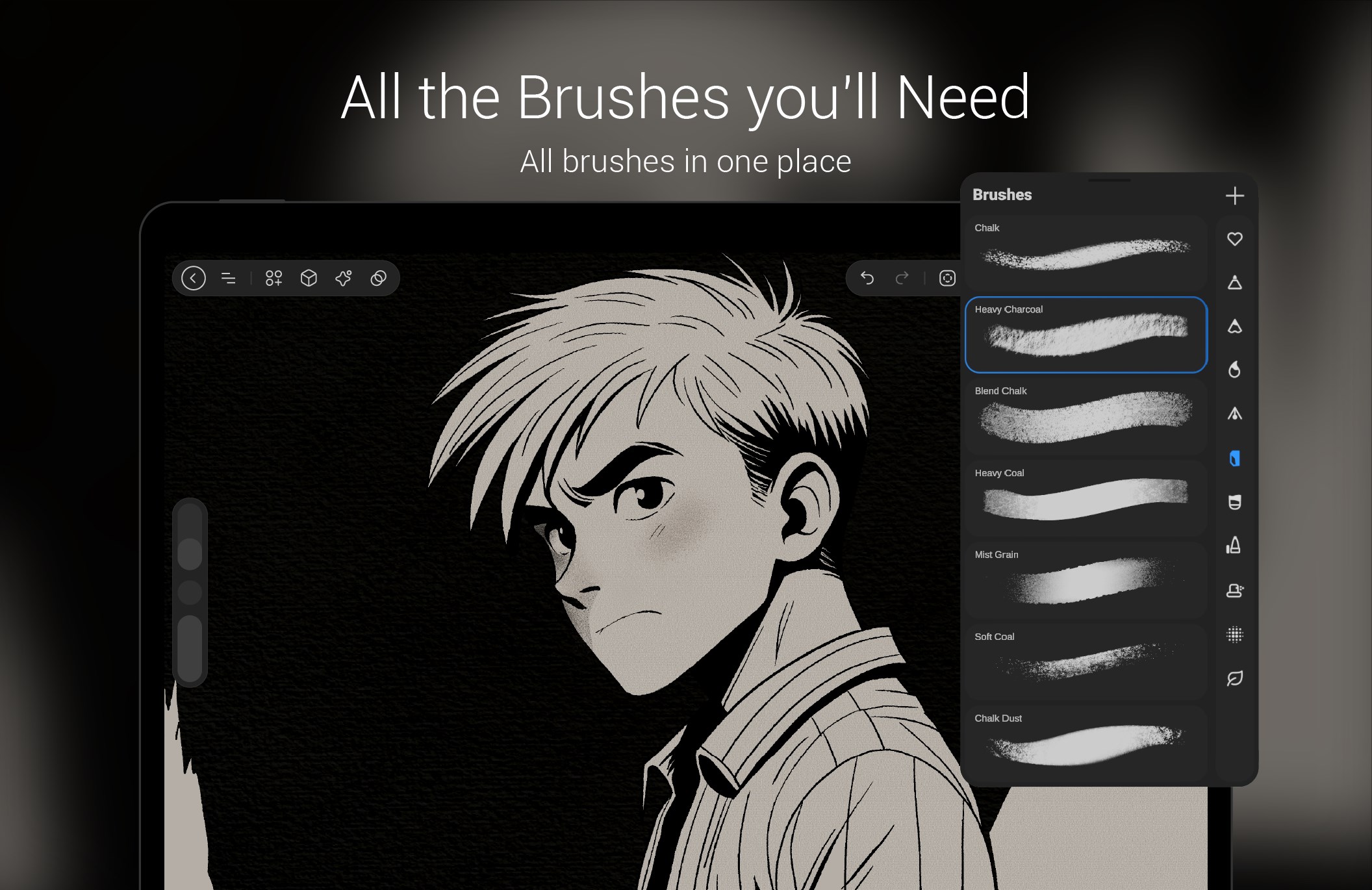
- Robust Media Editing Tools: An array of editing functions tailored for quick annotations, sketches, and multimedia adjustments.
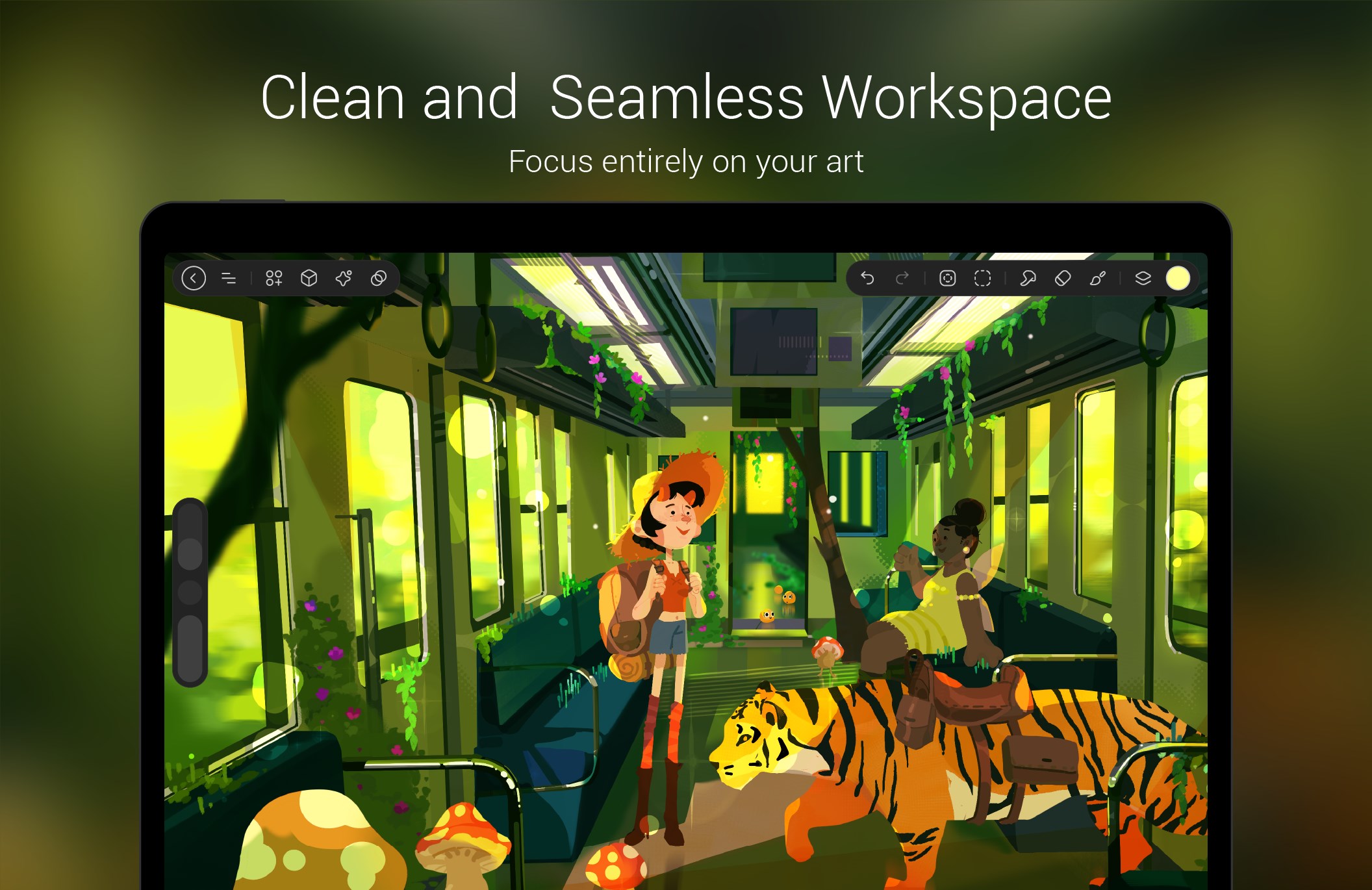
- User-Friendly Interface: Clean, modern design that caters to both beginners and seasoned professionals.
- Multi-Device Compatibility: Seamless work across various Windows devices, enhancing flexibility and productivity.
The app targets digital artists, designers, students, and professionals who seek an efficient and straightforward multimedia tool on Windows platforms.
A Creative Spark in Your Digital Toolbox
Imagine sitting at your desk, a crisp digital canvas in front, ready to bring your ideas to life with just a stylus in hand—that's the core promise StylusX delivers. Its intuitive approach transforms complex media editing into a smooth and enjoyable experience, akin to sketching on paper but with the benefits of digital precision.
Precise and Customizable Stylus Support
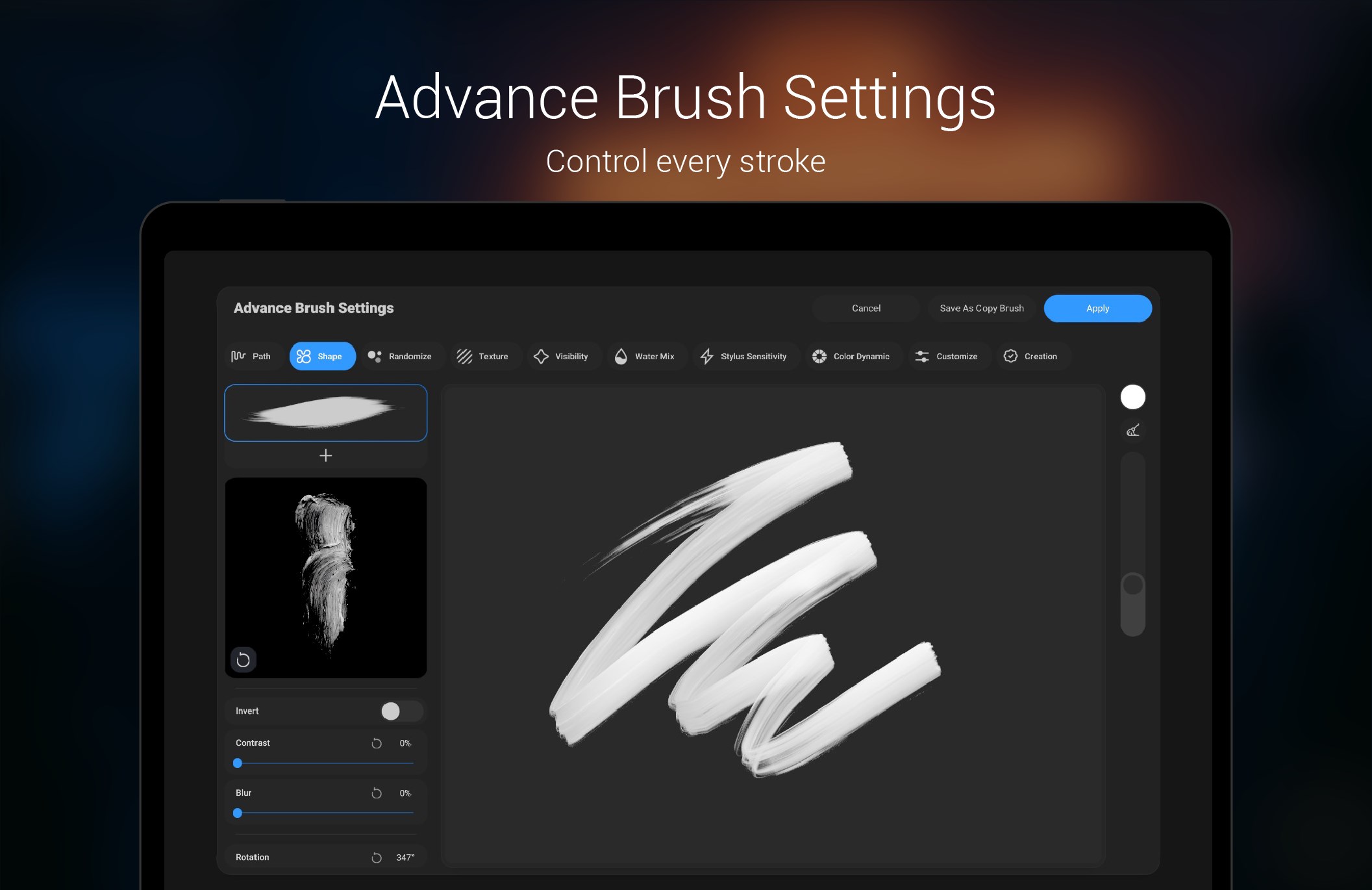
One of StylusX's standout features is its sophisticated stylus integration. Think of it as having an extension of your hand, where pressure sensitivity, tilt recognition, and palm rejection work harmoniously. Whether you're sketching delicate lines or writing notes, the app offers a high degree of customization, letting you set sensitivities and shortcuts that align with your workflow. This level of control feels akin to using a traditional pen but amplified with digital finesse, making each stroke feel natural and responsive.
Efficient Multimedia Editing Made Simple
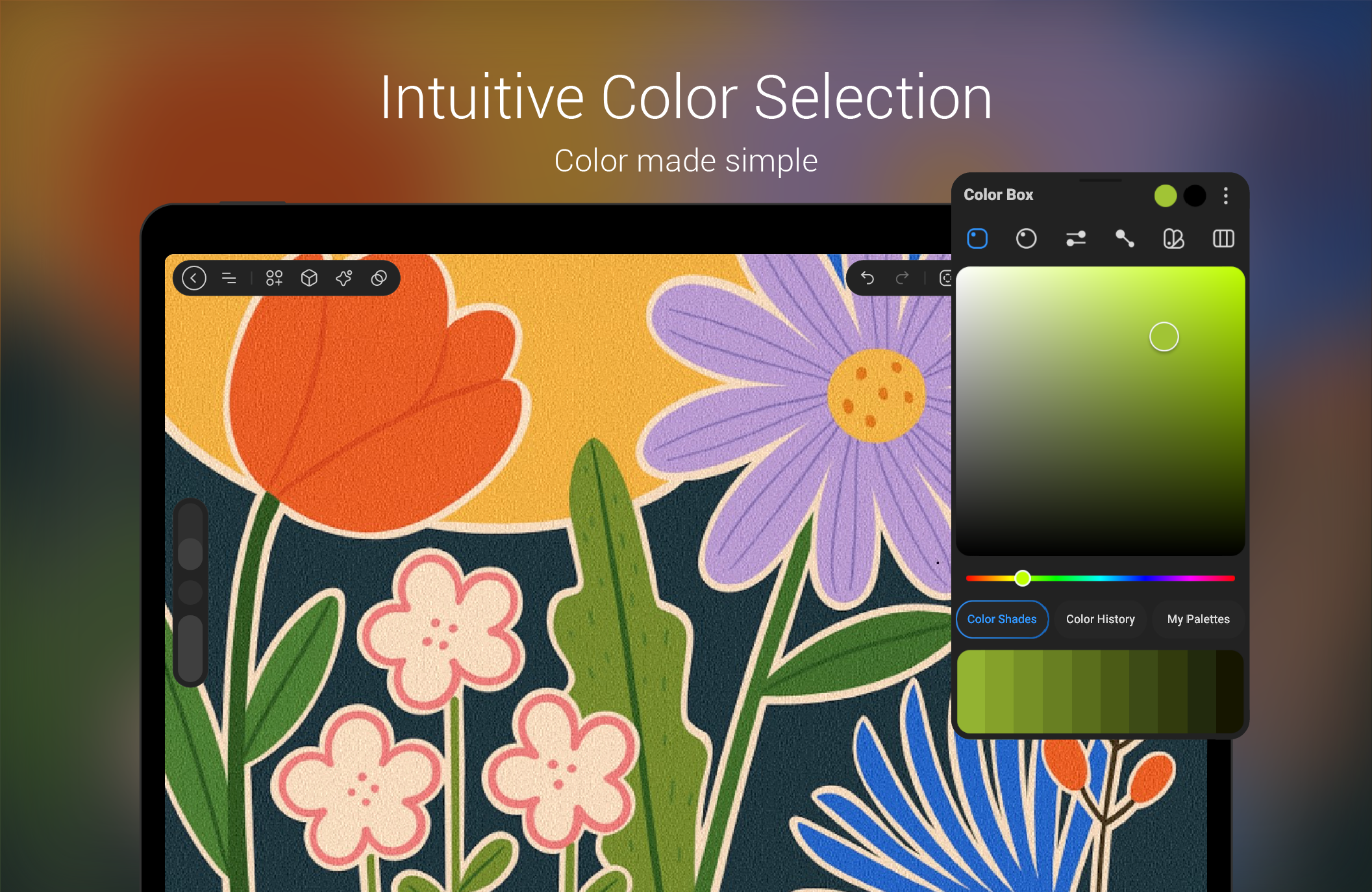
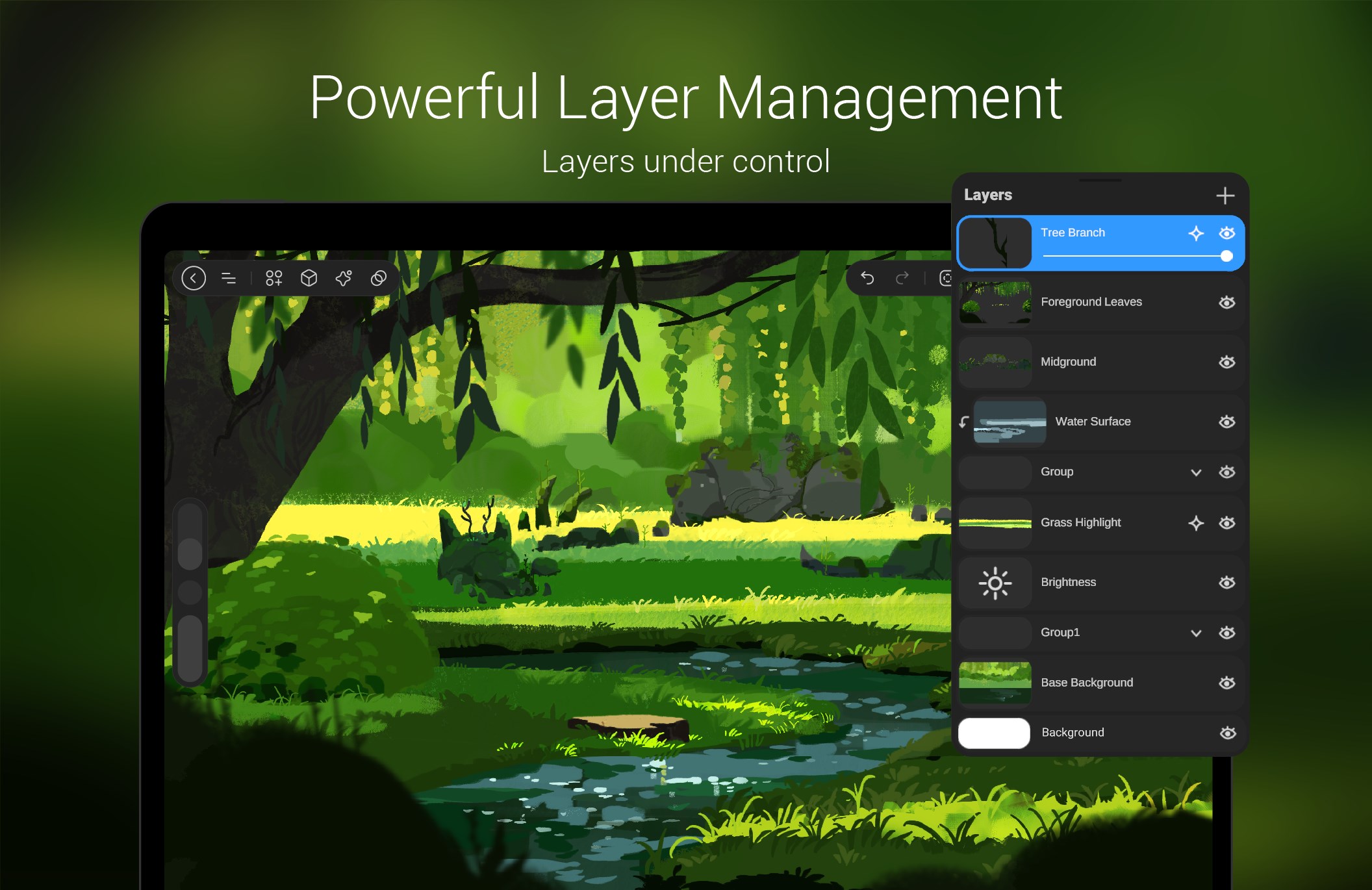
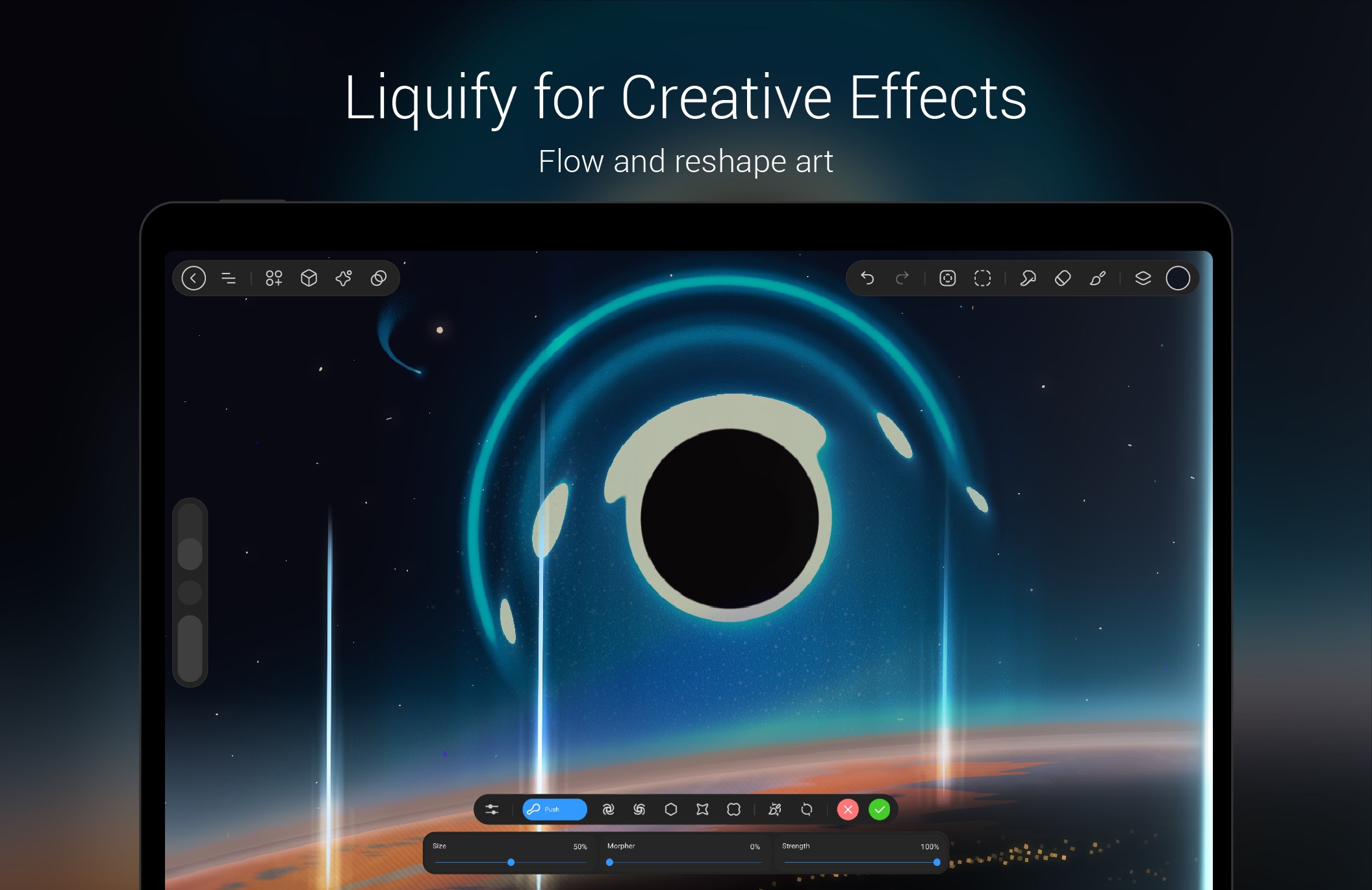
The app's media tools are surprisingly powerful yet approachable. From quick annotations on images and PDFs to creating expressive sketches, StylusX streamlines the creative process. Its layered interface allows you to work on multiple elements without clutter, and real-time preview options help you see changes instantly. The editing experience is fluid, with minimal lag—whether you're adjusting colors, erasing, or adding effects—making it feel as if you're working directly on a physical canvas.
Design and User Experience: Elegant and Intuitive
StylusX sports a sleek, minimalistic interface that resembles a well-organized artist's workspace—clean, unobtrusive, and inviting. Navigation is smooth, with a gentle learning curve that welcomes newcomers but also offers depth for seasoned users. Transitioning between modes and tools feels seamless, thanks to thoughtful UI design. The app responds swiftly to input, reinforcing a sense of reliability, which is crucial when you're in the zone creating.
What Sets StylusX Apart from the Crowd?
Compared to other multimedia design tools, StylusX's key differentiator lies in its emphasis on stylus precision combined with a straightforward editing environment. While many applications bombard users with feature overload or complex interfaces, StylusX strikes a balance—offering powerful capabilities without sacrificing simplicity. Its standout feature is the **highly customizable stylus support**, which allows artists to tailor their input experience precisely, making it feel both natural and productive. Additionally, its focus on smooth, real-time editing sets it apart from more cumbersome alternatives that may produce lag or require extensive setup.
Final Thoughts: Is It Worth a Try?
StylusX for Windows is a commendable tool for anyone looking to enhance their digital creation process with minimal fuss. Its core strengths—stylus responsiveness and easy multimedia editing—make it particularly appealing to artists and students seeking a reliable yet approachable application. While it might lack some advanced features of high-end design suites, it compensates with its focus on precision and user comfort. I recommend it for casual creators and professionals alike who want an efficient, enjoyable way to work on multimedia projects. For those who prioritize stylus accuracy and straightforward editing, StylusX is a solid choice worth exploring.
Pros
- Intuitive Drawing Interface
- Excellent Stylus Compatibility
- Customizable Tools and Features
- Fast Response Time
- Cloud Sync and Saving Options
Cons
- Limited Advanced Features
- Occasional Stability Issues
- Basic Export Options Only
- No Custom Shortcut Support for Power Users
- Interface Could Be More Customizable










