

- Category Puzzle & trivia
- Developer Fons Sonnemans
- Available on PC, Surface Hub, HoloLens
- OS Windows 10 version 17763.0 or higher
- Keyboard Not specified
- Mouse Not specified
- languages English (United States)
A Closer Look at Sudoku for Windows: A Classic Puzzle with a Modern Spin
Sudoku for Windows, developed by Fons Sonnemans and published by Reflection IT, offers a refined and accessible take on the timeless number puzzle. Designed for players seeking mental stimulation and relaxation, this app emphasizes simplicity paired with thoughtful features, making it a compelling choice in the crowded puzzle app landscape.
Core Functionality Highlights: Simplicity Meets Depth
Intuitive Puzzle Interface
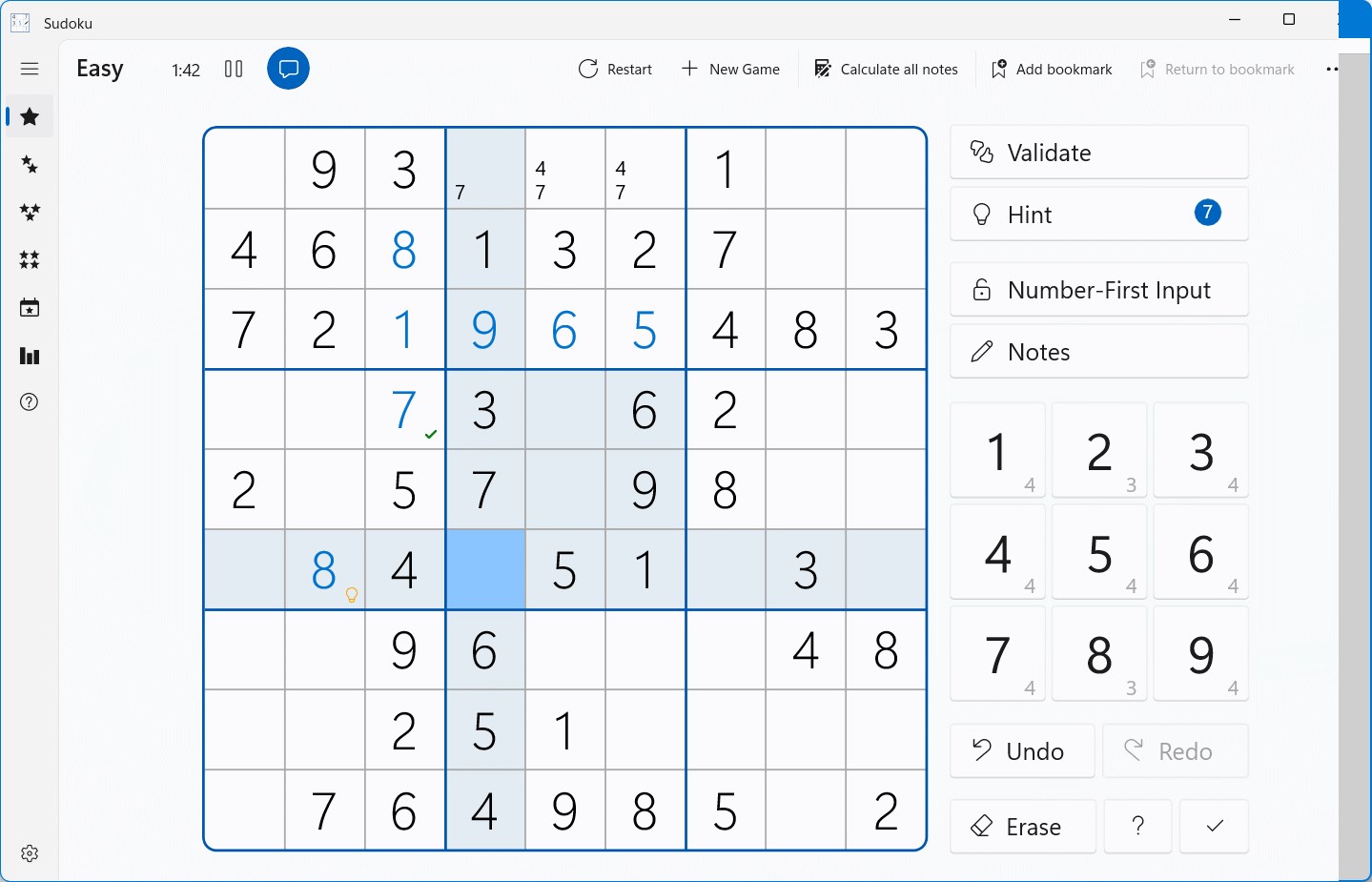
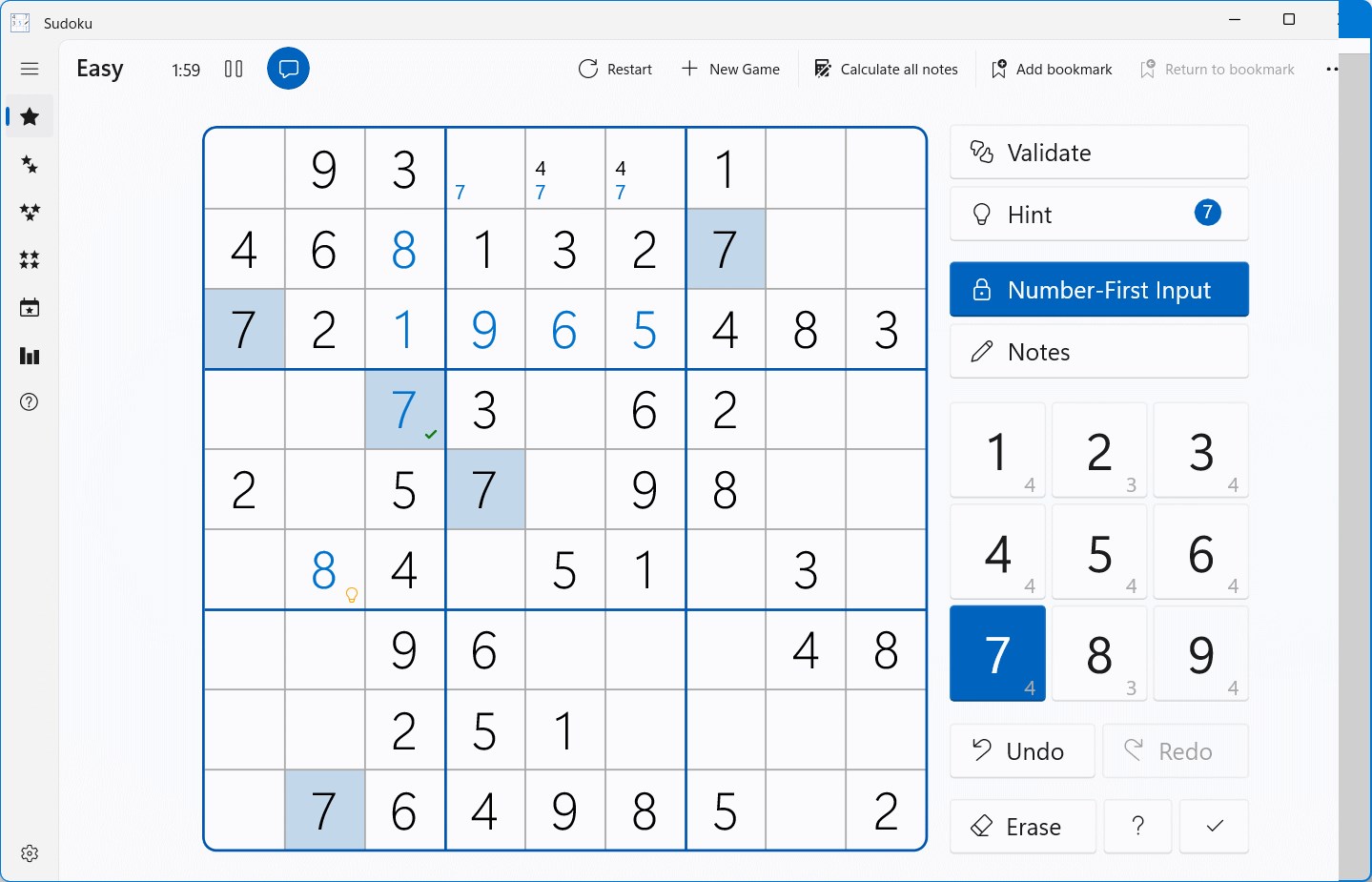
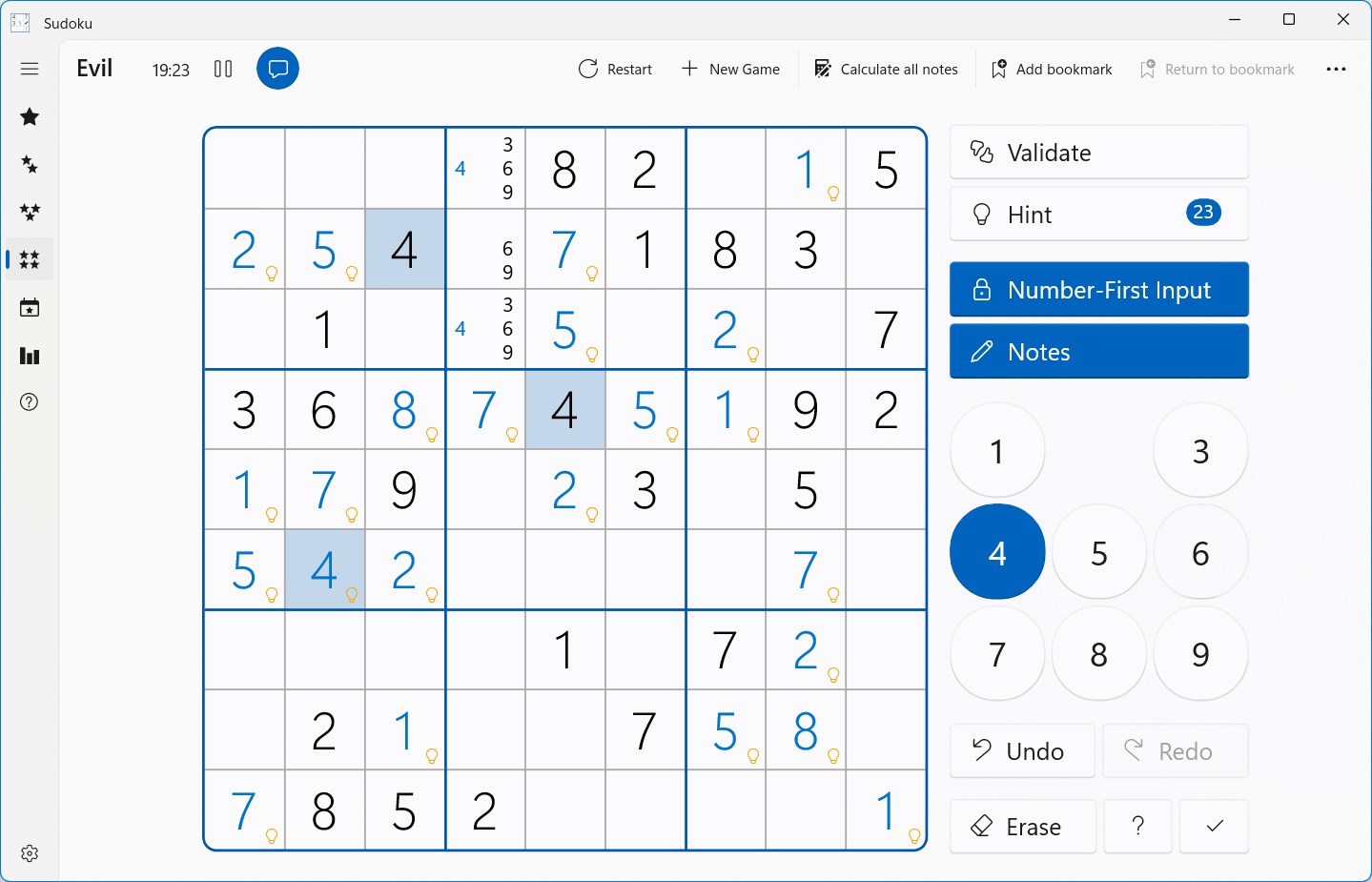
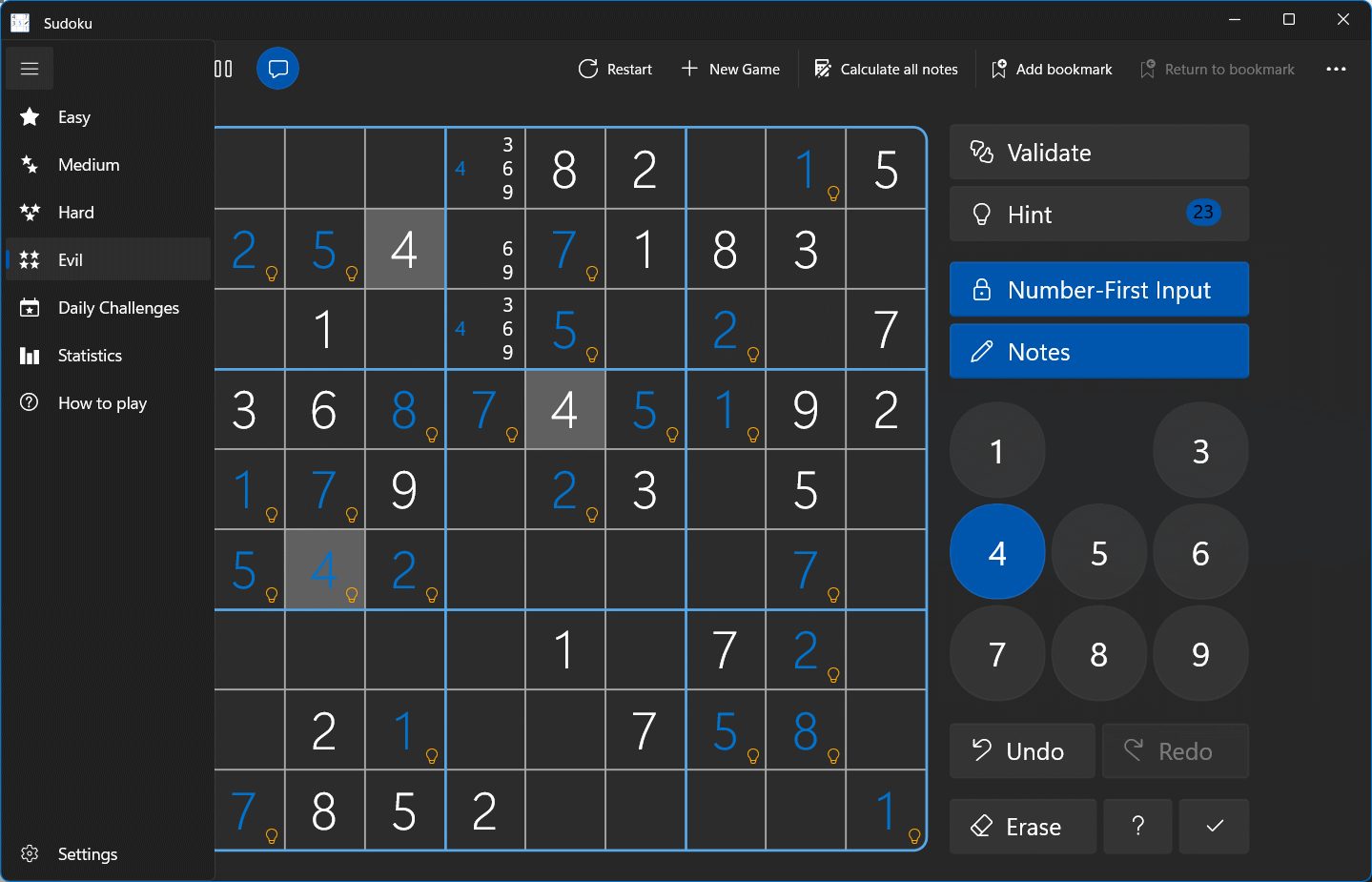
The app sports a clean, uncluttered interface that mirrors the classic Sudoku grid, yet adapts seamlessly to the digital environment. Users can easily select difficulty levels, with a straightforward menu structure that invites both newcomers and seasoned players. The visual presentation is smooth and sharply rendered, turning what could be a daunting grid into a welcoming playground for logic and pattern recognition.
Multiple Puzzle Difficulty Levels
Sudoku for Windows caters to a wide spectrum of skill levels—from gentle beginner puzzles to challenging expert grids. Each level offers a well-balanced difficulty curve, with the app subtly guiding players through hints and error notifications. This layered approach ensures prolonged engagement without overwhelming new users or frustrating veterans.
Helpful Hints and Error Prevention
One of this app's most appreciated features is its intelligent hint system and error checking. When stuck, players can opt for hints that highlight possible numbers, enhancing learning and reducing frustration. The app also prevents inadvertent mistakes by indicating conflicts instantly, fostering a learning environment while keeping the game flowing efficiently.
Design & User Experience: Seamless, Friendly, and Efficient
The interface design is reminiscent of a well-organized desktop puzzle—bright, clear, and minimalistic—making it easy on the eyes. Navigating between puzzles feels smooth thanks to responsive controls, and the app's performance remains stable even during complex, time-consuming grids. The learning curve is gentle; a first-time user can find their footing within a few minutes, thanks to guided tutorials and thoughtfully placed buttons. Overall, the user experience strikes a perfect balance—engaging without being overwhelming, making it suitable for quick sessions or extended playtimes.
Unique Selling Points: What Sets It Apart
Focus on Accessibility and Progress Tracking
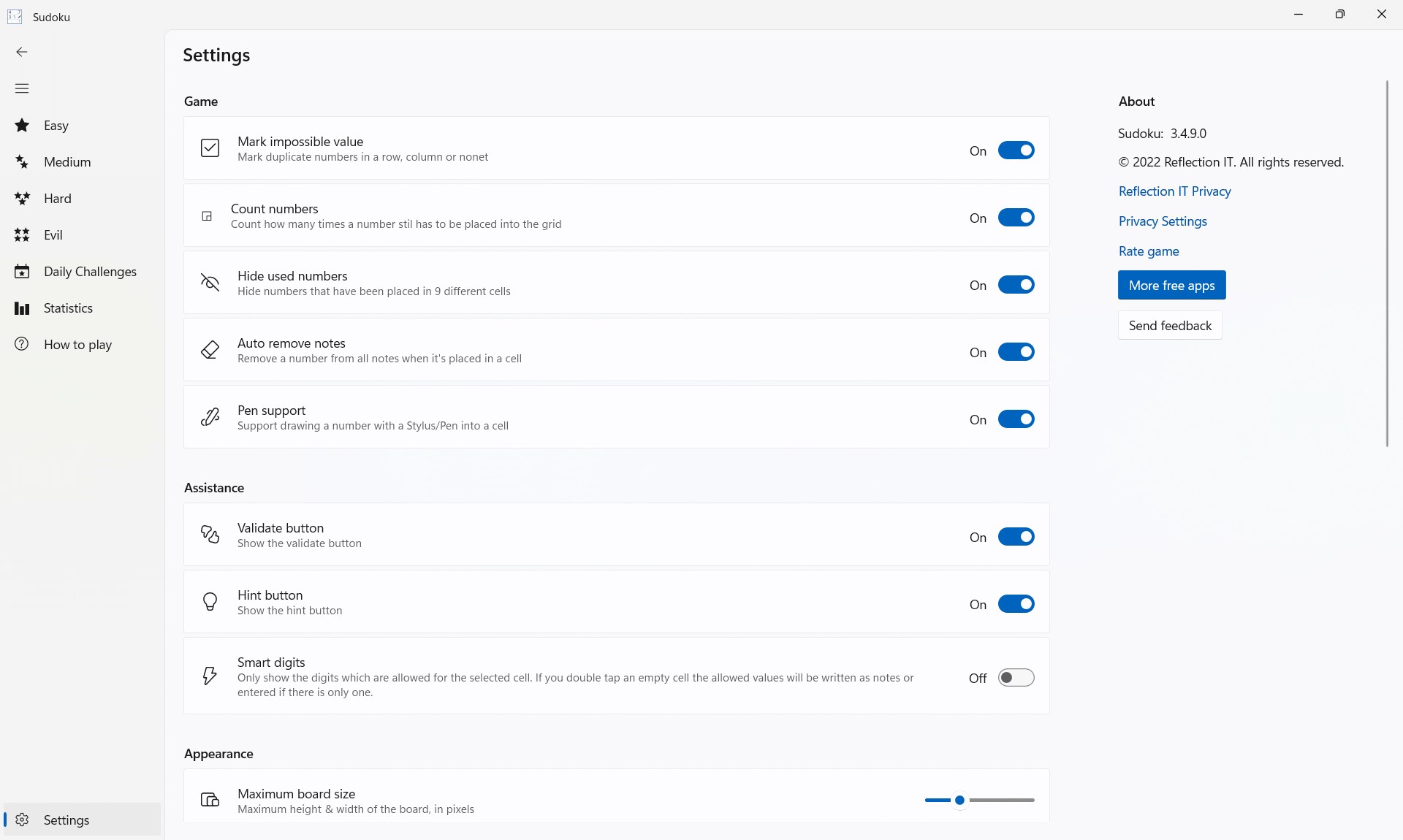
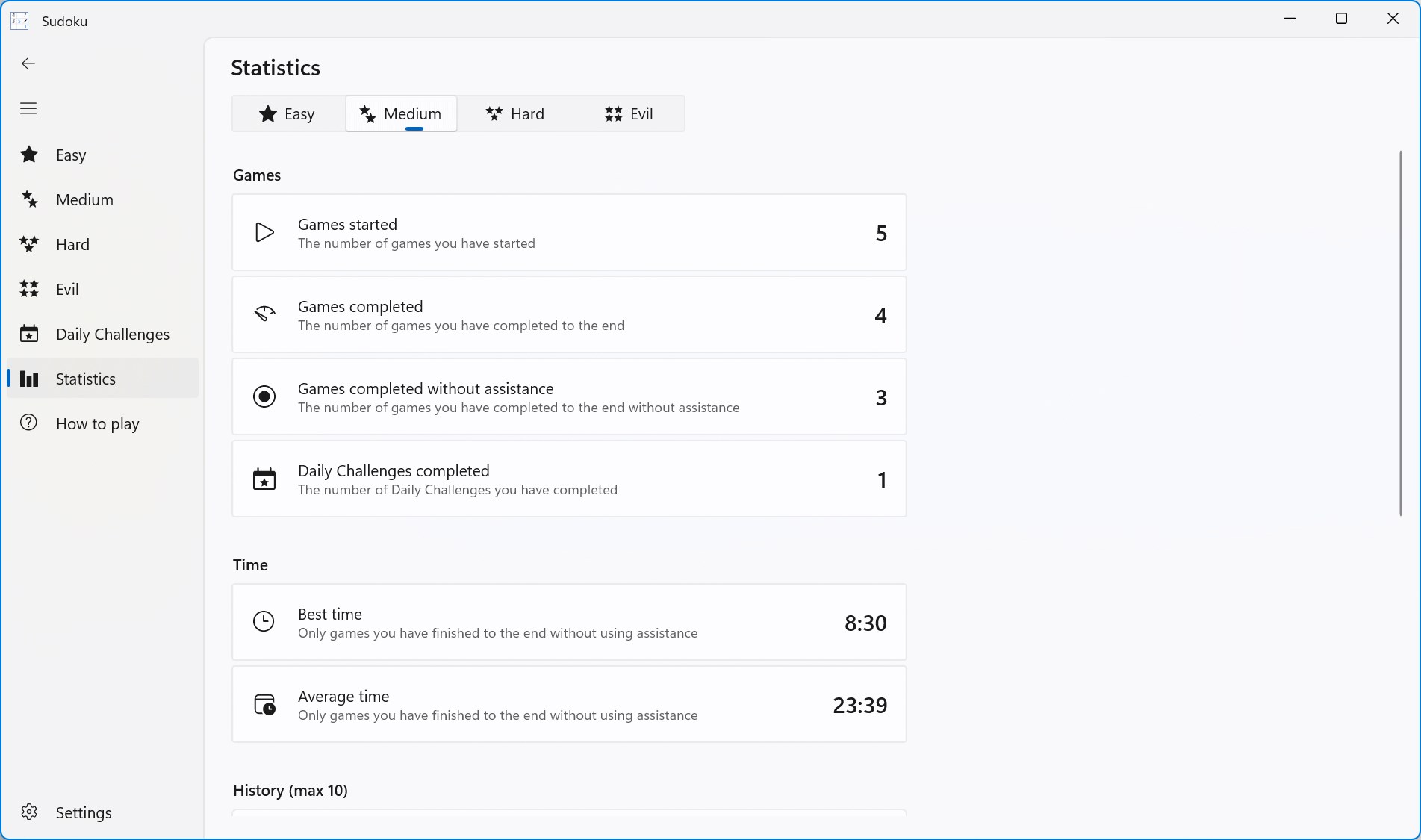
Unlike many Sudoku apps that bombard players with numerous bells and whistles, this application prioritizes accessibility and progression. The simplicity of navigation combined with features like automatic save and progress tracking ensures players can pick up where they left off without hassle. It's like having a friendly puzzle companion that always remembers your last move.
Elegant Hint System that Promotes Learning
The app's standout feature is its intelligent hint system, which strikes a fine balance between aiding players and encouraging independent problem-solving. Instead of revealing outright solutions, hints guide users to the right numbers subtly, nurturing their Sudoku skills over time.
Final Verdict: A Recommended Companion for Puzzle Enthusiasts
Based on the overall experience, Sudoku for Windows shines as a well-crafted, user-friendly puzzle app that respects both newbies and seasoned players. Its elegant design, smooth operation, and thoughtful features—particularly the adaptive hints and difficulty levels—make it a reliable choice for anyone looking to sharpen their logic skills or enjoy a relaxing mental challenge. We recommend it to puzzle lovers seeking a straightforward but thoughtfully developed Sudoku experience. Whether you're commuting, taking a break, or settling in for a dedicated session, this app offers a calm, engaging, and well-paced journey into the world of Sudoku.
Pros
- User-friendly interface
- Multiple difficulty levels
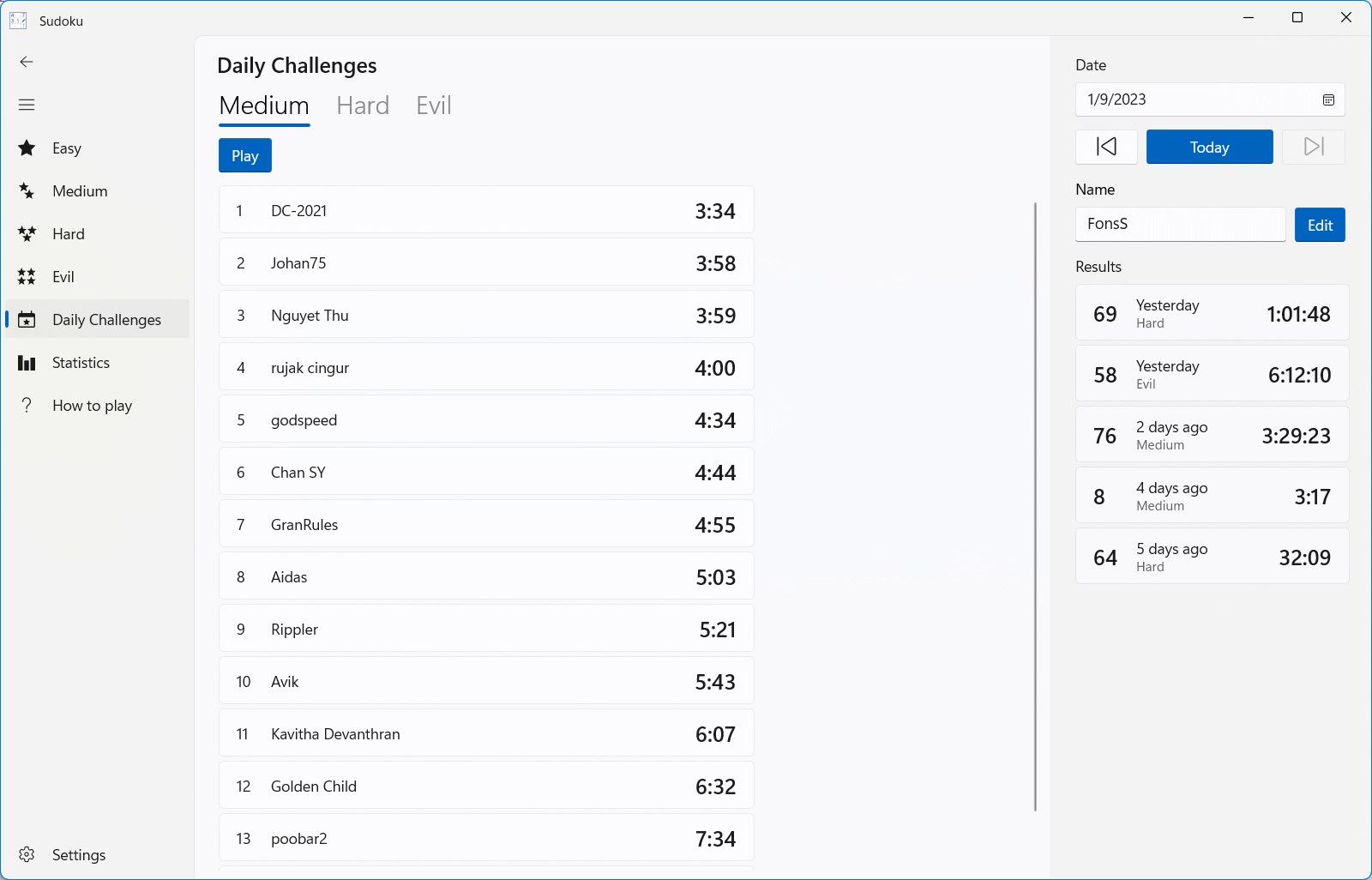
- Daily challenges and rewards
- Offline mode available
- Regular updates and new puzzles
Cons
- Limited customization options
- Ads occasionally disrupt gameplay
- Lacks built-in hint system
- Performance on older devices is sometimes sluggish
- Difficulty settings could be more granular










