

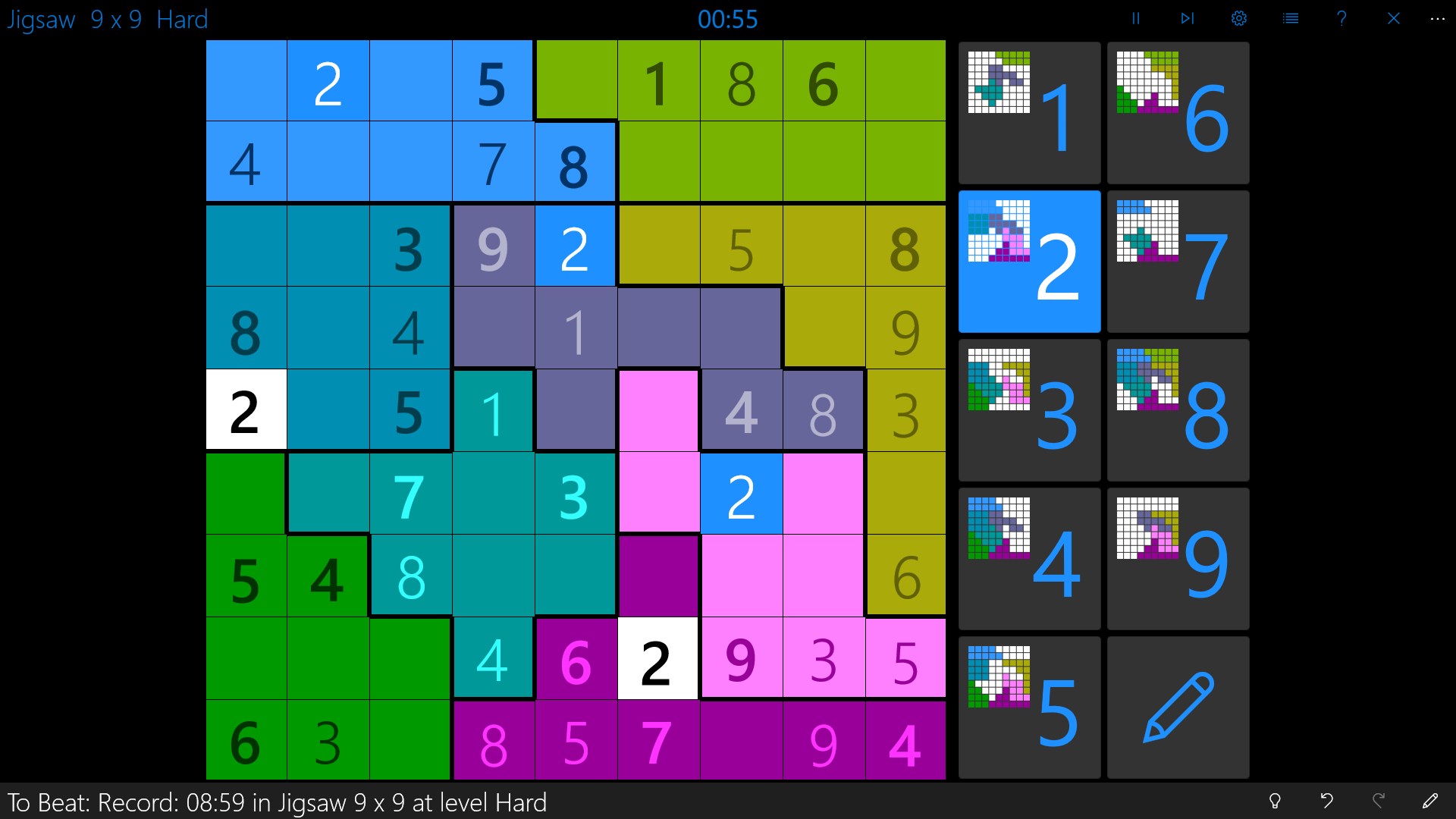
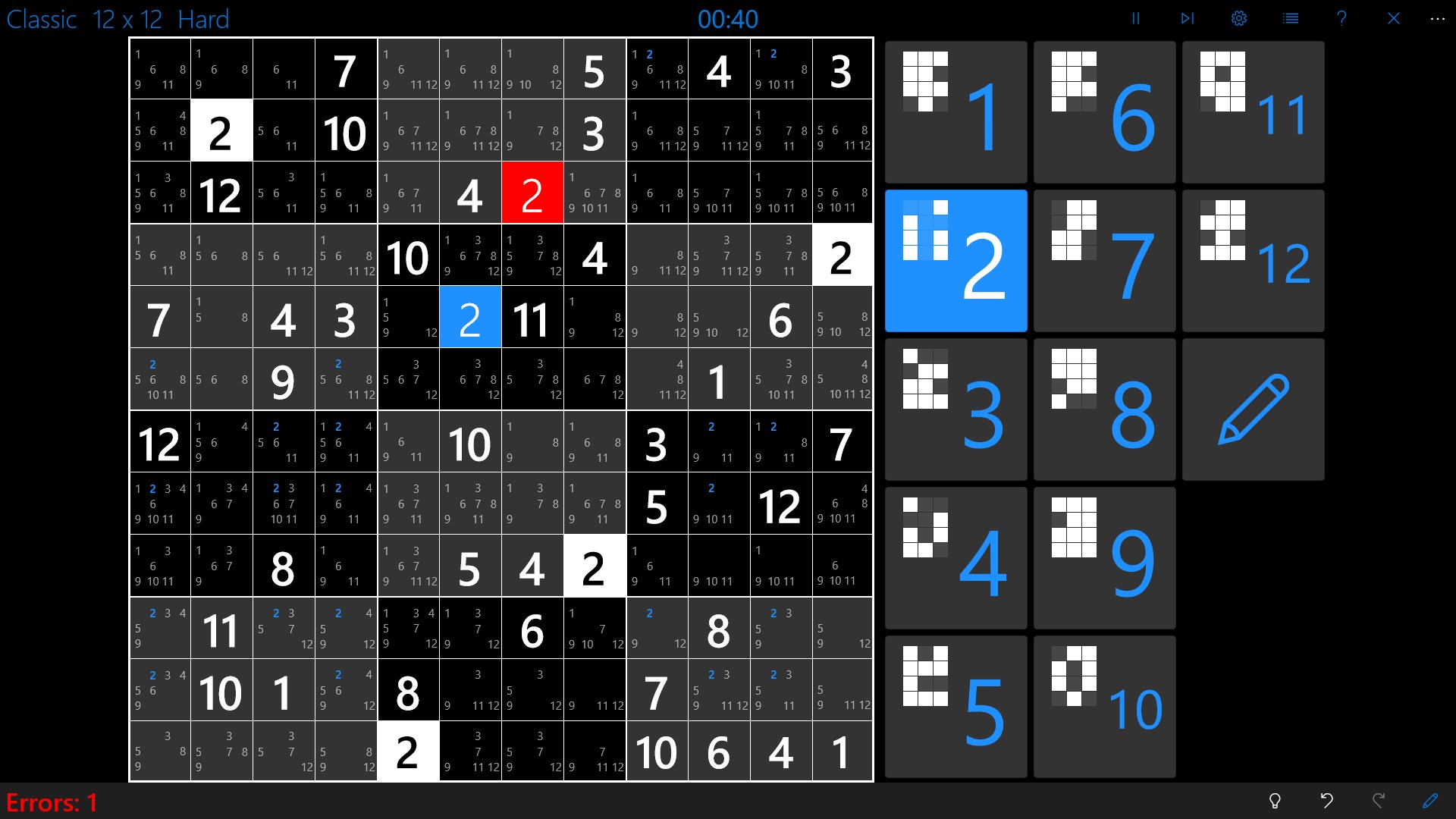
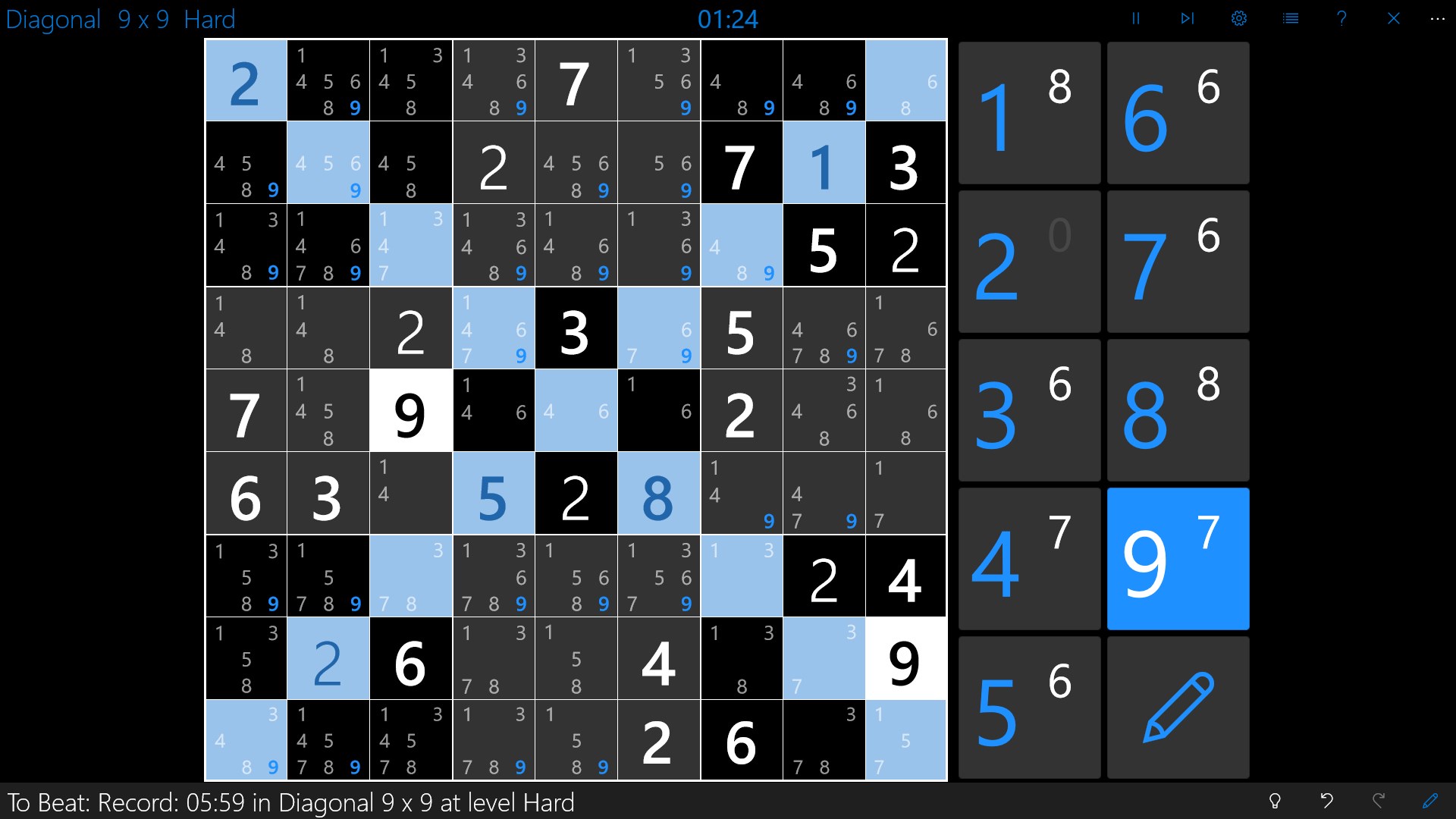
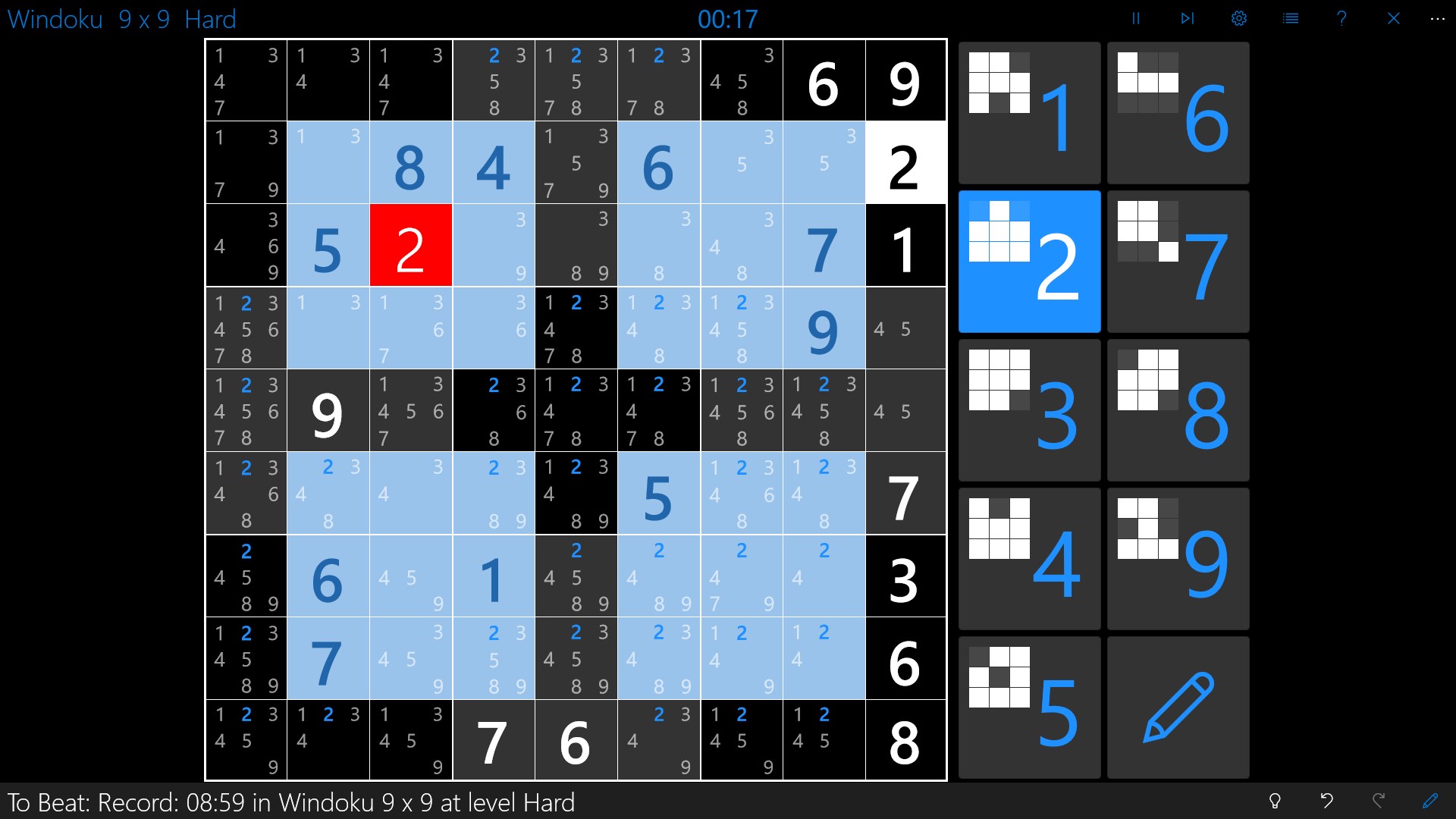
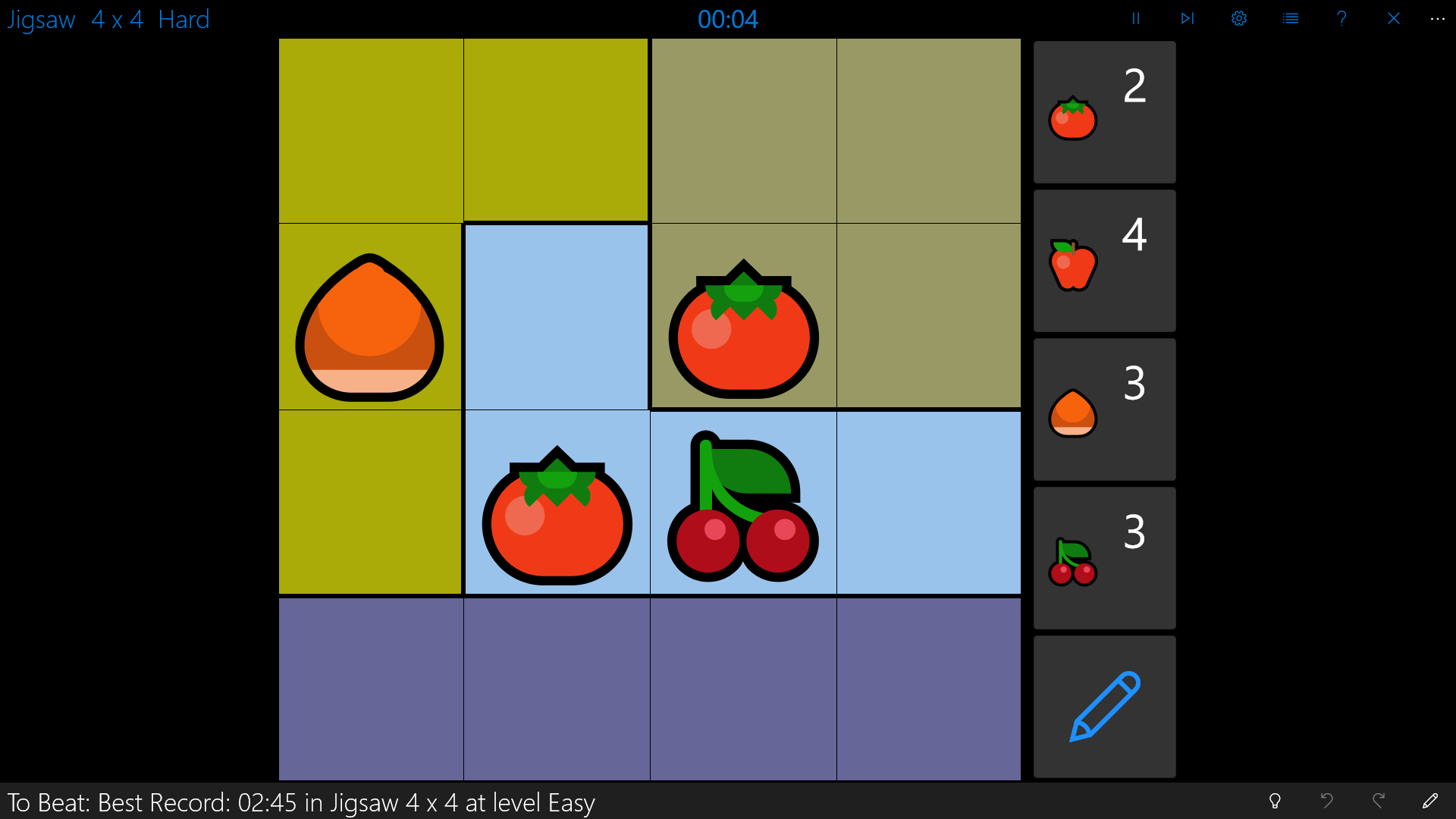
- Category Card & board
- Available on PC, Mobile, Surface Hub, HoloLens
- OS Windows 10 version 16299.0 or higher
- languages English (United States), Spanish (Spain)
Introducing Sudoku Central for Windows: A Fresh Spin on Classic Puzzle Fun
Sudoku Central for Windows is designed as an engaging and user-friendly platform for sudoku enthusiasts of all levels, blending classic logic puzzles with modern interface design to enhance your mental workout.
Developed by Fasung Design
The innovative team at Fasung Design has crafted this application to cater to puzzle lovers seeking both challenge and simplicity, ensuring a seamless experience for both new and seasoned players.
Key Features That Stand Out
- Intuitive Puzzle Interface: The clean and minimalistic design makes navigating through different difficulty levels effortless, providing a distraction-free puzzle experience.
- Adaptive Difficulty Levels: Ranging from beginner to expert, the app offers a tailored experience that adapts to your skill progression, keeping the challenge fresh and engaging.
- Guided Hints System: For players who get stuck, an intelligent hints feature offers intuitive assistance without spoiling the entire solution, fostering learning and confidence.
- Custom Puzzle Creation: A standout feature allowing users to craft and share their own puzzles, cultivating a vibrant puzzle community.
Engaging and Friendly User Experience
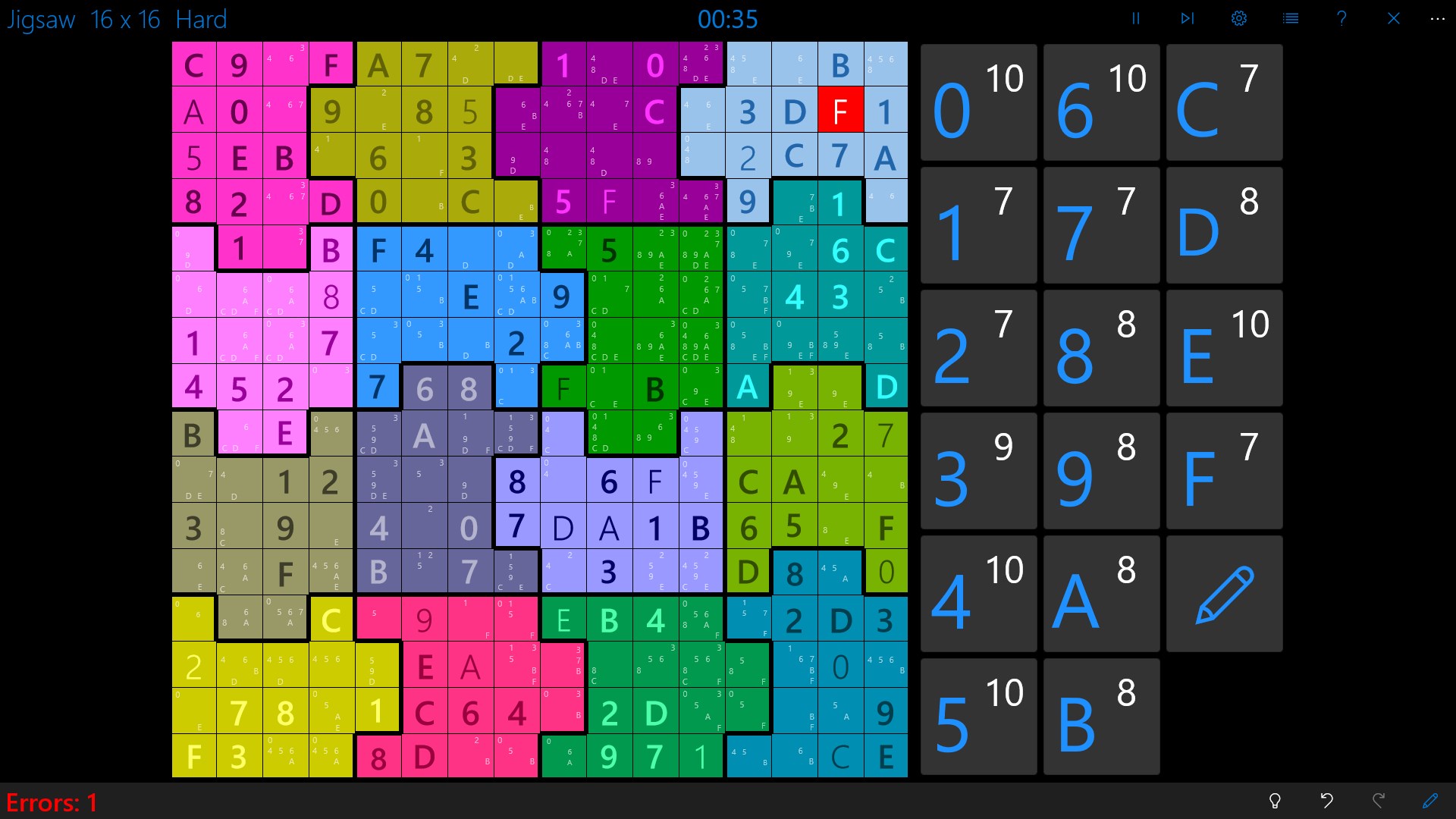
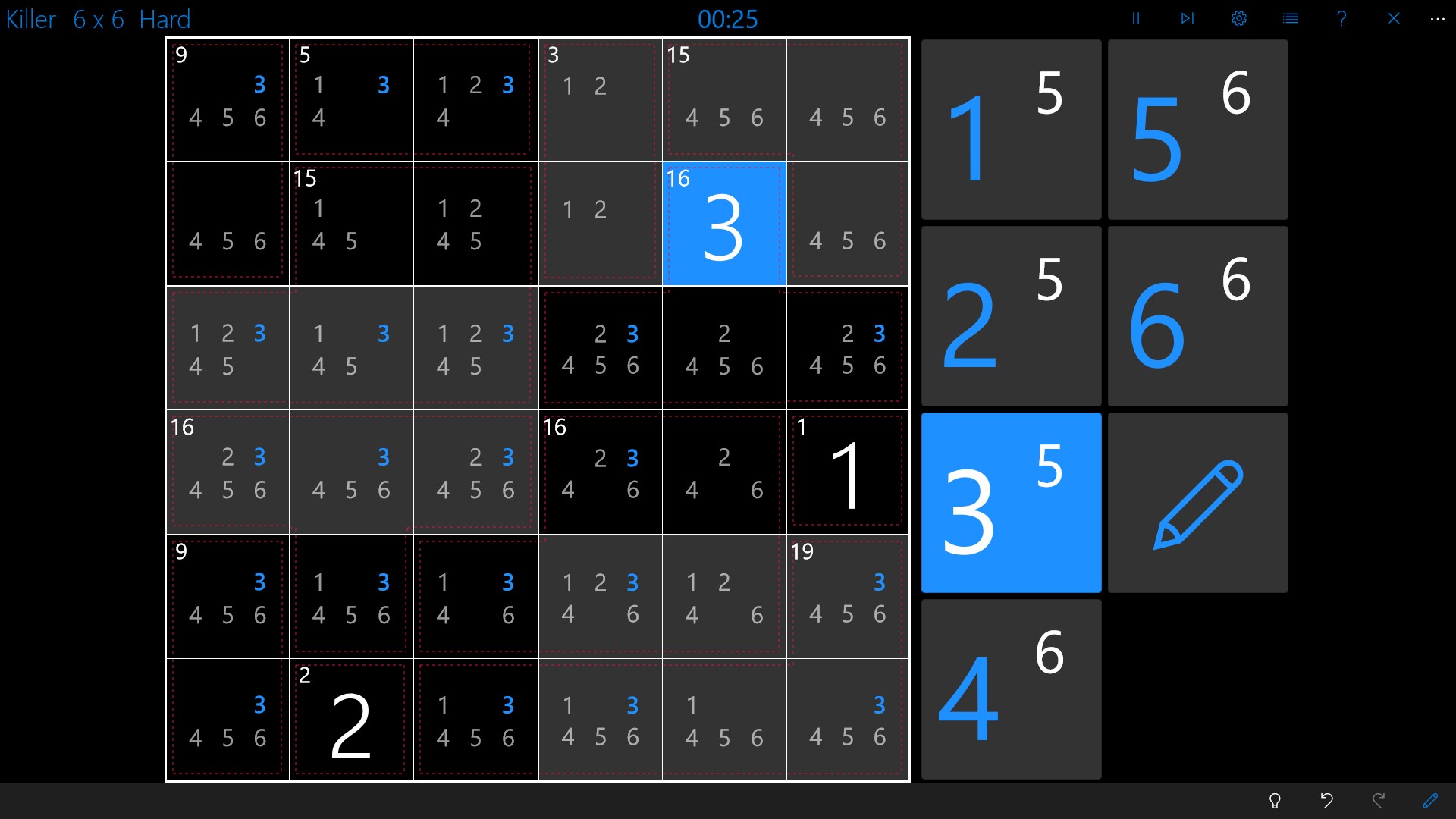
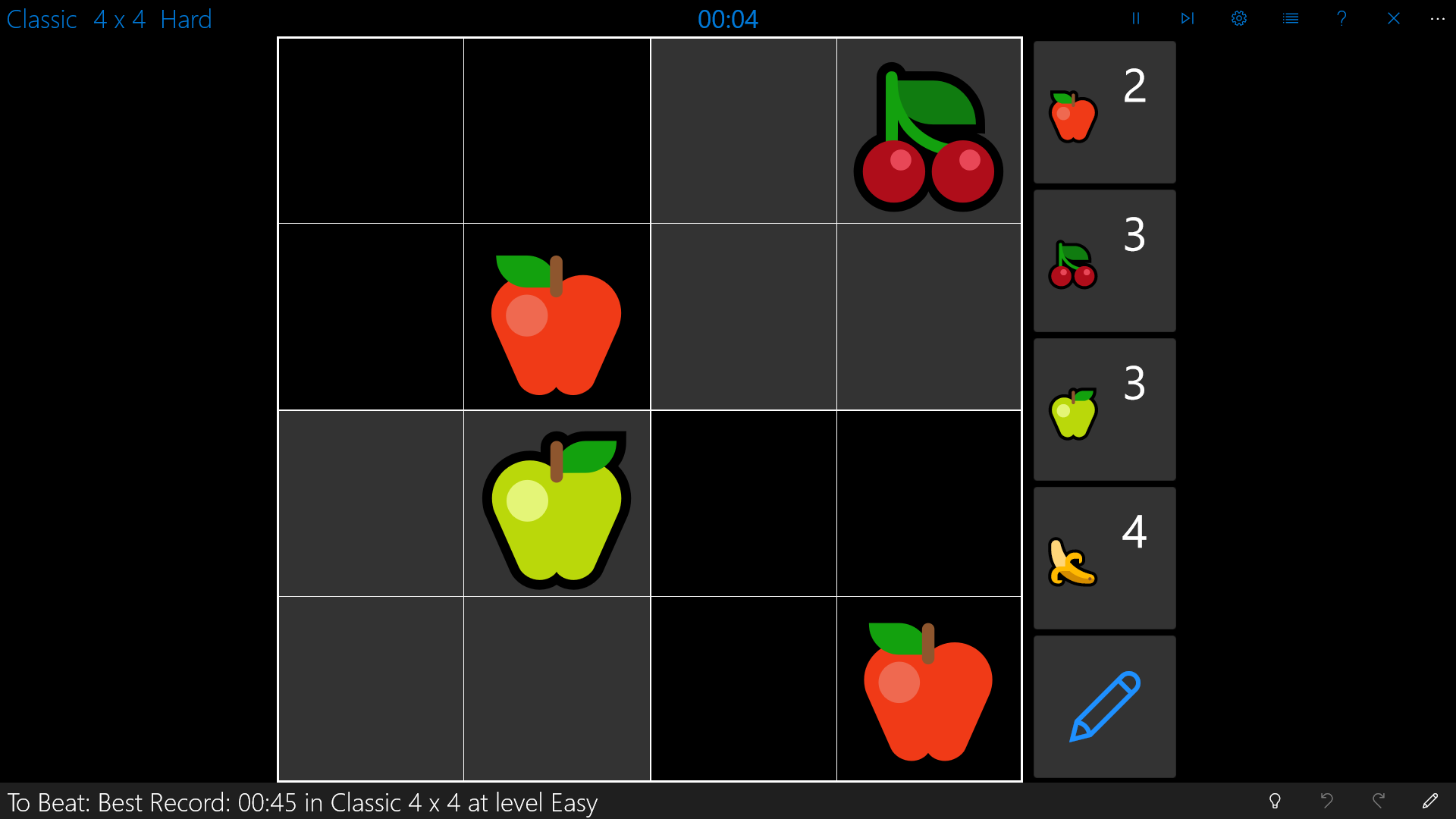
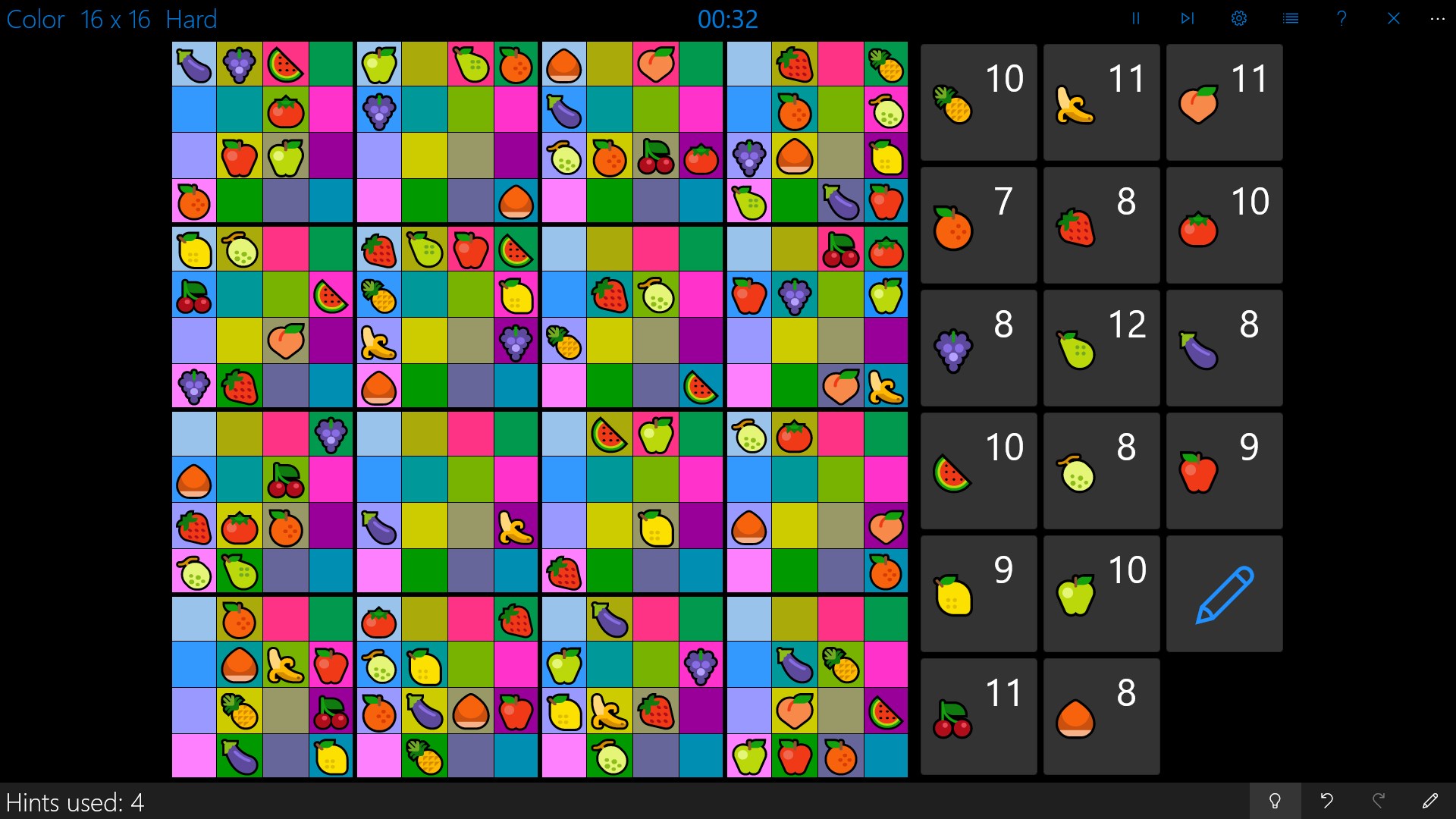
Jumping into Sudoku Central feels like slipping into a cozy puzzle den—calm, organized, and inviting. The vibrant yet simple interface uses soft colors and clear fonts, making it easy to focus on solving your sudoku without visual fatigue. Navigating through various modes and difficulty levels is akin to flipping through a well-laid puzzle book—smooth and intuitive.
The app's responsiveness on Windows devices ensures that each tap and swipe is fluid, creating a satisfying puzzle-solving rhythm. For newcomers, the learning curve is gentle; guided hints and progressive difficulty levels help build confidence without overwhelm. Experienced players will appreciate the challenge options and custom puzzle creation, giving this app depth beyond basic sudoku puzzles.
What Sets Sudoku Central Apart?
While many sudoku apps tend to focus solely on delivering puzzles, Sudoku Central stands out with its user-centric design and community features. Its custom puzzle creator transforms the app from a simple game into a platform for sharing and challenging friends, much like swapping hand-written puzzles with neighbors. The hints system, built with thoughtful simplicity, helps players learn solving strategies naturally, making it more than just a game—it's a learning tool.
Compared to generic puzzle apps cluttered with unnecessary features or ads, Sudoku Central keeps things straightforward but enriched with meaningful functionalities. Its emphasis on a clean, distraction-free environment combined with adaptive difficulty and puzzle sharing creates a balanced experience that appeals both to casual players and sudoku aficionados.
Final Thoughts and Recommendations
All in all, Sudoku Central for Windows emerges as a polished, approachable, and versatile sudoku app. If you're someone who enjoys mental challenges but prefers a smooth, visually pleasant environment, this app deserves a prominent spot on your desktop. Whether you're looking to kill a few minutes, sharpen your mind, or share puzzles with friends, Sudoku Central offers the right tools without unnecessary frills.
We recommend it without hesitation for users seeking a reliable, user-friendly sudoku experience with those extra touches—like customizable puzzles and a supportive hints system—that elevate it above typical offerings. Dive in, and enjoy a world of logic and fun right at your fingertips.
Pros
- Intuitive and user-friendly interface
- Wide variety of difficulty levels
- Daily challenge feature
- Offline mode availability
- Helpful hints and solutions feature
Cons
- Limited puzzle customization options
- Lack of social sharing features
- Occasional minor crashes on older devices
- No undo button for previous moves
- Limited instructional guidance for beginners










