

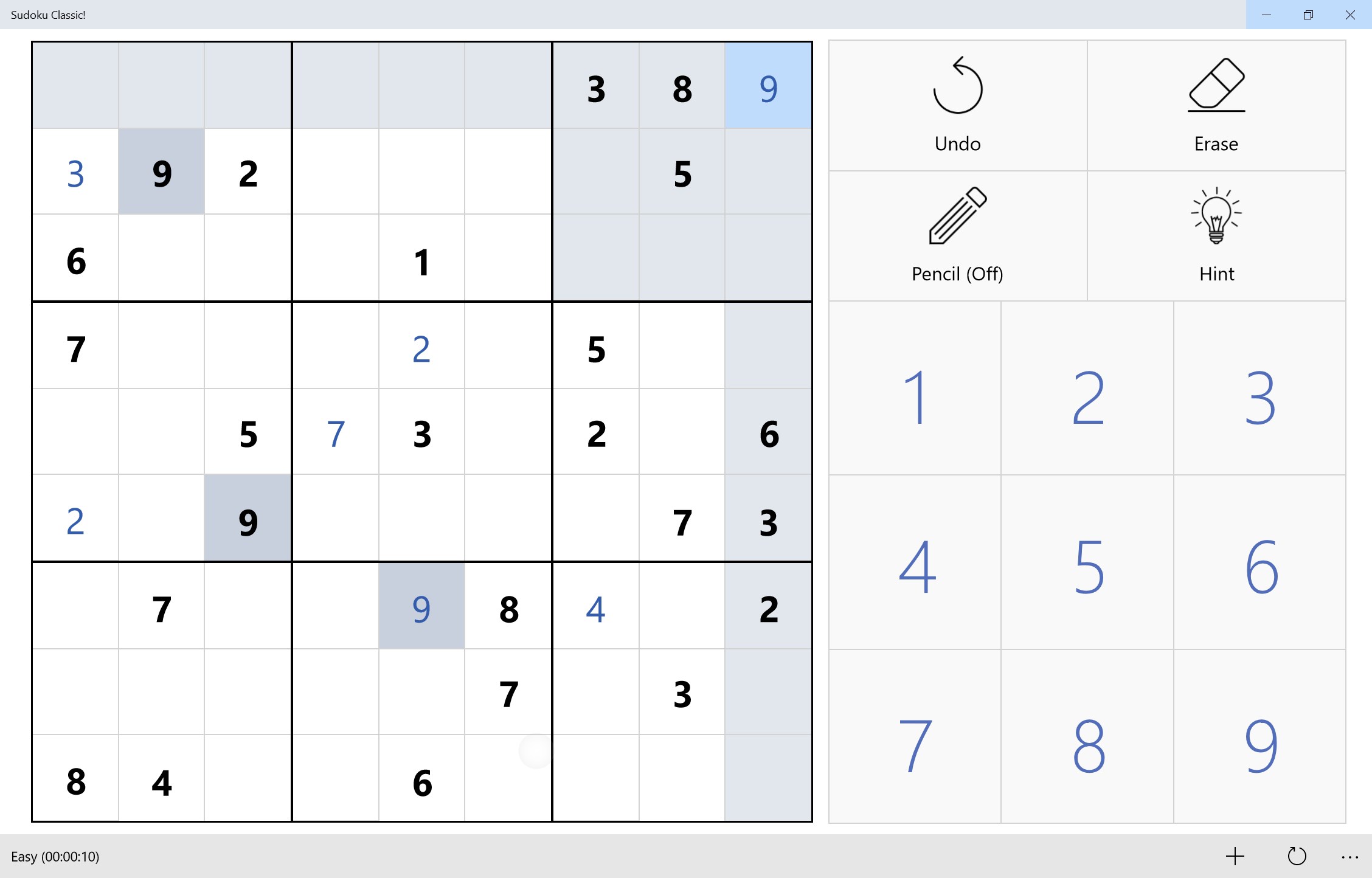

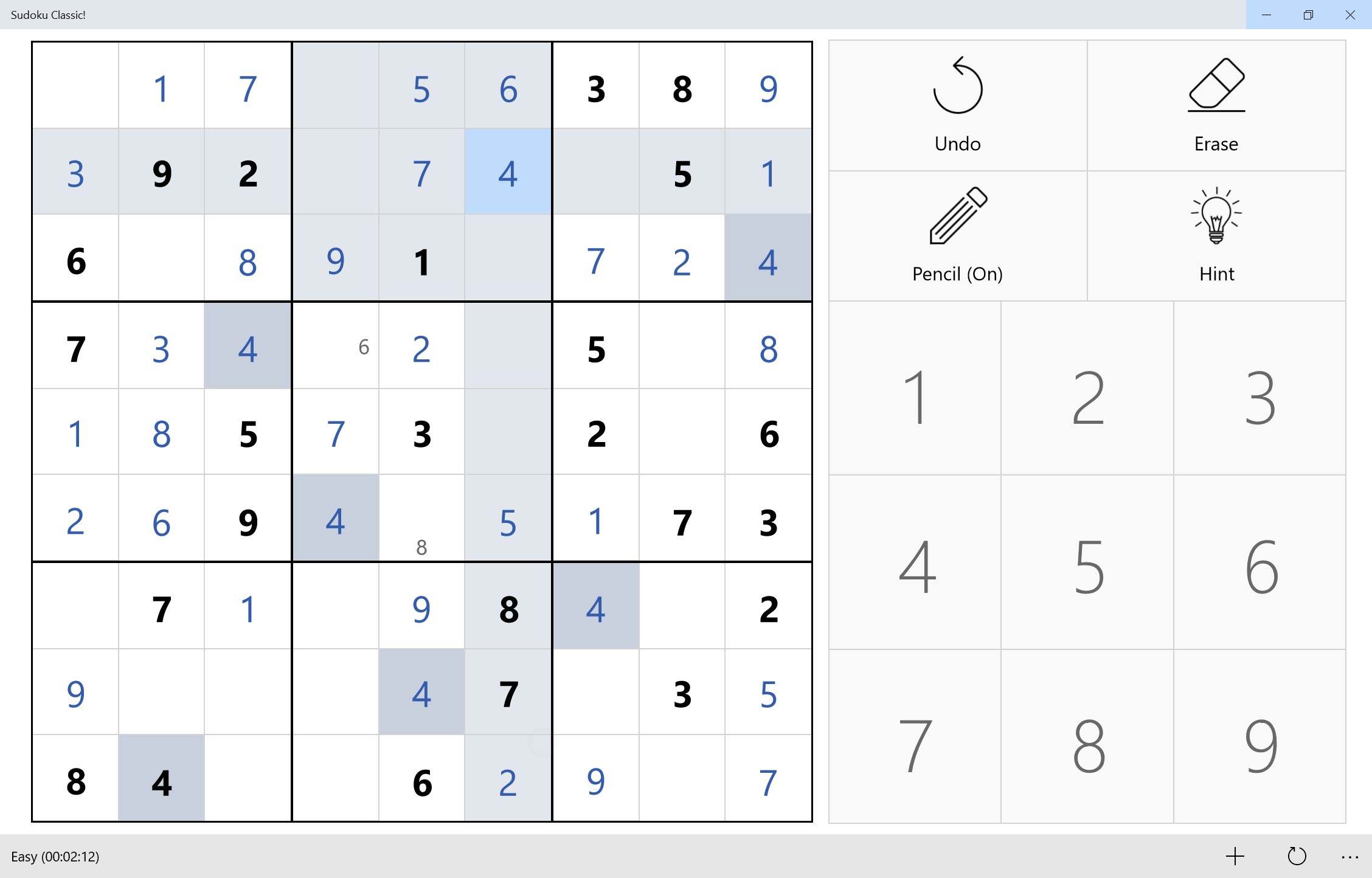


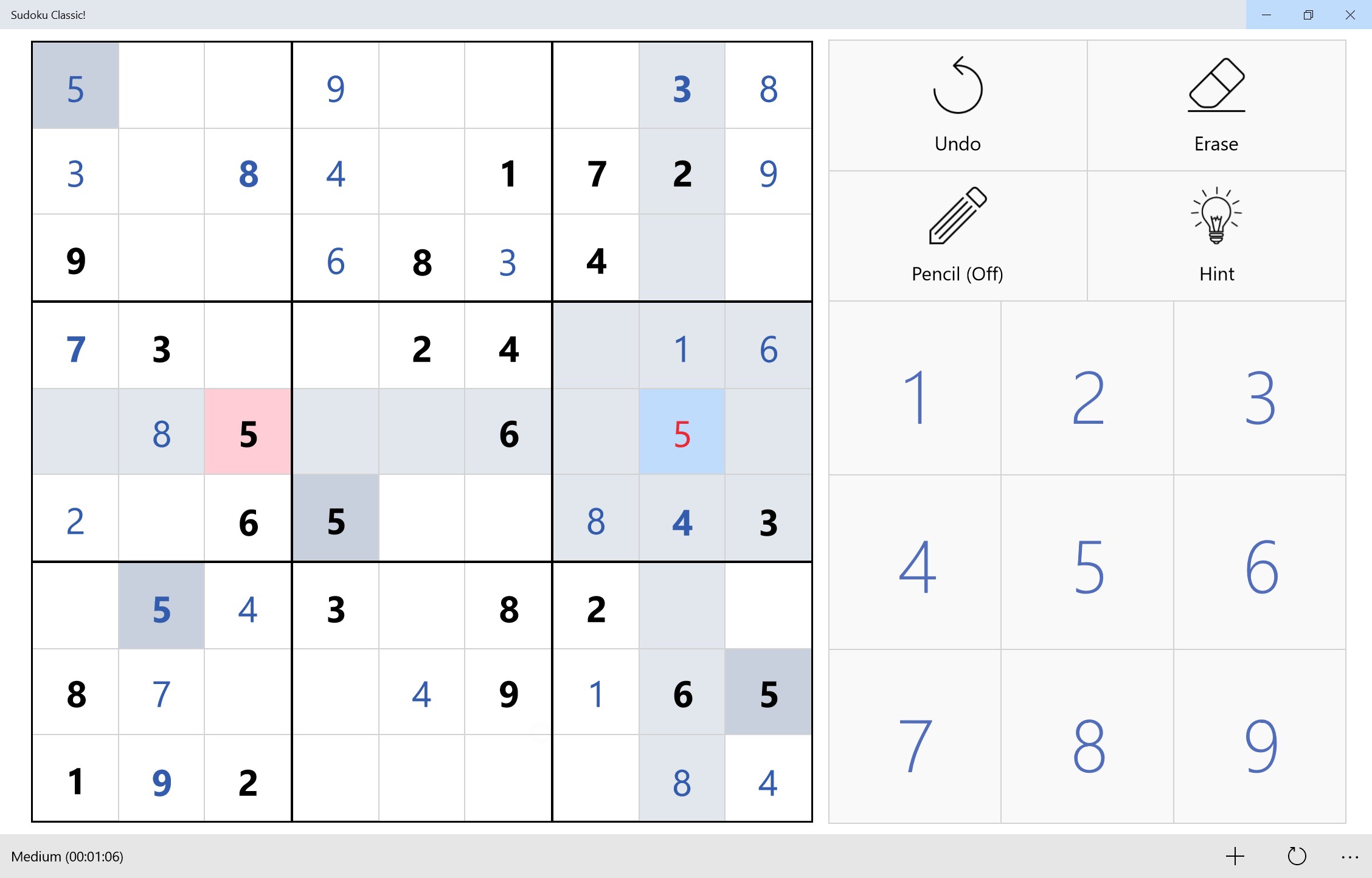
- Category Card & board
- Available on PC, Mobile, Surface Hub
- OS Windows 10 version 16299.0 or higher
- languages English (United States)
An Elegant and Engaging Classic Sudoku Experience for Windows
Sudoku Classic! for Windows offers enthusiasts an immersive, user-friendly platform to enjoy the timeless logic puzzle. It combines straightforward gameplay with thoughtful design, making it a reliable choice for both casual players and seasoned Sudoku fans seeking mental stimulation on their desktops.
About the App: Simple yet Sophisticated Sudoku Entertainment
Developed by Riz, Sudoku Classic! positions itself as a clean and accessible version of the beloved puzzle game, designed to bring clarity and focus amidst a cluttered digital landscape. Its core features include multiple difficulty levels (from easy to expert), customizable grid sizes, and an intuitive interface that caters to a wide audience. Whether you're relaxing after work or sharpening your mind during a break, this app promises a smooth and satisfying experience.
The target users span a broad spectrum—from newcomers curious about Sudoku to veteran players seeking a dependable digital version to hone their skills and enjoy a timeless game conveniently on their Windows device.
A Captivating Puzzle Journey: Dive into the Heart of Sudoku Classic!
Imagine sitting comfortably at your desk, a steaming cup of coffee beside you, as you explore the intricate dance of numbers within Sudoku's grid—challenging yet calming. From the moment you launch Sudoku Classic!, it feels like stepping into a well-maintained puzzle sanctuary where every tap and swipe is fluid, making the game genuinely engaging without the frustration of lag or confusing menus.
Core Functionality That Keeps You Coming Back
One of the standout features is the adaptive difficulty levels, which cater from complete beginners to expert solvers. This spectrum of challenges ensures that users won't outgrow the game; instead, they can progressively develop their skills. The game also boasts a "Hint" feature that offers gentle nudges, transforming potential frustration into learning moments—perfect for players who want to improve without feeling stuck.
Furthermore, the app provides a customizable grid size—ranging from the classic 9x9 to more complex variants—adding a layer of variety that invigorates regular gameplay. This flexibility makes it not just a puzzle app but also an intriguing space to explore different Sudoku formats.
Design, Responsiveness, and User Experience
The interface design is minimalistic yet sleek, akin to a well-organized library where every book has its place. Clear lines and well-contrasted colors keep your focus on solving puzzles rather than navigating menus. The controls are responsive; tapping, erasing, or entering numbers feels seamless, mimicking the satisfaction of filling in a real paper grid. For new players, the learning curve is gentle—thanks to intuitive icons and helpful hints—while seasoned players can quickly jump into challenging puzzles without fuss.
Overall, the user experience is smooth, encouraging repeated play and exploration without the common frustrations of clunky controls or confusing layouts seen in some competitors.
What Makes Sudoku Classic! Stand Out?
While many Sudoku applications exist, this app's most distinctive advantage lies in its focus on simplicity and polish. Unlike some counterparts that overload users with unnecessary features or ads, Sudoku Classic! maintains a clean, distraction-free environment. Its ability to adapt difficulty seamlessly and provide supportive hints distinguishes it as an educational yet engaging tool.
Additionally, Riz's dedication to regular updates and user feedback shows in the app's refined interface and performance. These small but meaningful details contribute to a more satisfying experience, setting it apart from more cluttered or less responsive alternatives.
Final Verdict: A Trustworthy Companion for Puzzle Enthusiasts
If you're seeking a well-crafted Sudoku app that balances challenge with accessibility, Sudoku Classic! for Windows merits a strong recommendation. It's particularly suitable for players who appreciate straightforward design combined with thoughtful features designed to support learning and enjoyment. For those who want a reliable, distraction-free game that respects their time and intellect, this app is definitely worth a try. Whether as a daily mental workout or a relaxing pastime, Sudoku Classic! delivers a disciplined yet friendly puzzle experience that can become a go-to on your desktop.
Pros
- Intuitive interface
- Variety of difficulty levels
- Offline access
- Daily challenges and rewards
- Auto-save feature
Cons
- Limited puzzle variety
- Lack of customization options
- Absence of hints feature
- Advertisements in free version
- Performance issues on older devices











