

- Category Puzzle & trivia
- Developer Arkadium Inc
- Available on PC
- OS Windows 8 or higher
- languages English (United States)
An Entertaining Spin on Classic Sudoku for Windows
Sudoku For Free for Windows offers puzzle enthusiasts a fresh take on the beloved number game, combining simplicity with engaging features designed to sharpen your mind in a delightful way. Developed and published by Arkadium Inc., this app aims to bring the timeless puzzle into your daily routine without overwhelming complexity or unnecessary frills.
Meet the Minds Behind the Brain Teasers
Arkadium Inc. is renowned for creating engaging, accessible digital entertainment across various platforms. With a focus on quality and user-friendly experiences, this team is dedicated to delivering puzzles that appeal to a broad audience—from casual players seeking a quick mental reset to seasoned puzzle solvers eager to challenge their wits.
Key Features That Keep Your Brain Busy
1. Multiple Difficulty Levels for Every Brain Type
Whether you're a beginner just dipping your toes into Sudoku waters or a seasoned solver tackling expert puzzles, this app offers a range of difficulty settings. This layered approach ensures a gradual progression that keeps the experience fresh and challenging without causing frustration, making it perfect for both quick breaks and extended puzzle sessions.
2. Intuitive Interface with Smart Assistance
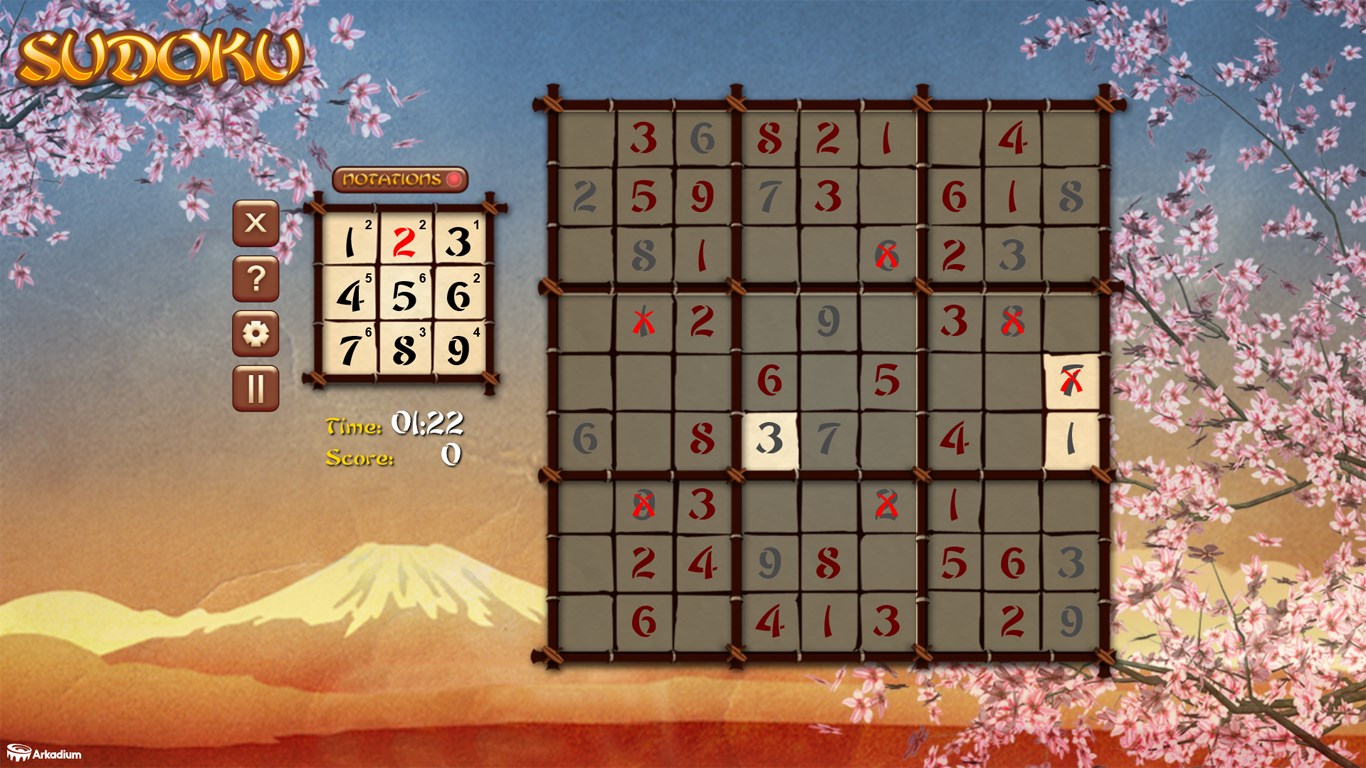
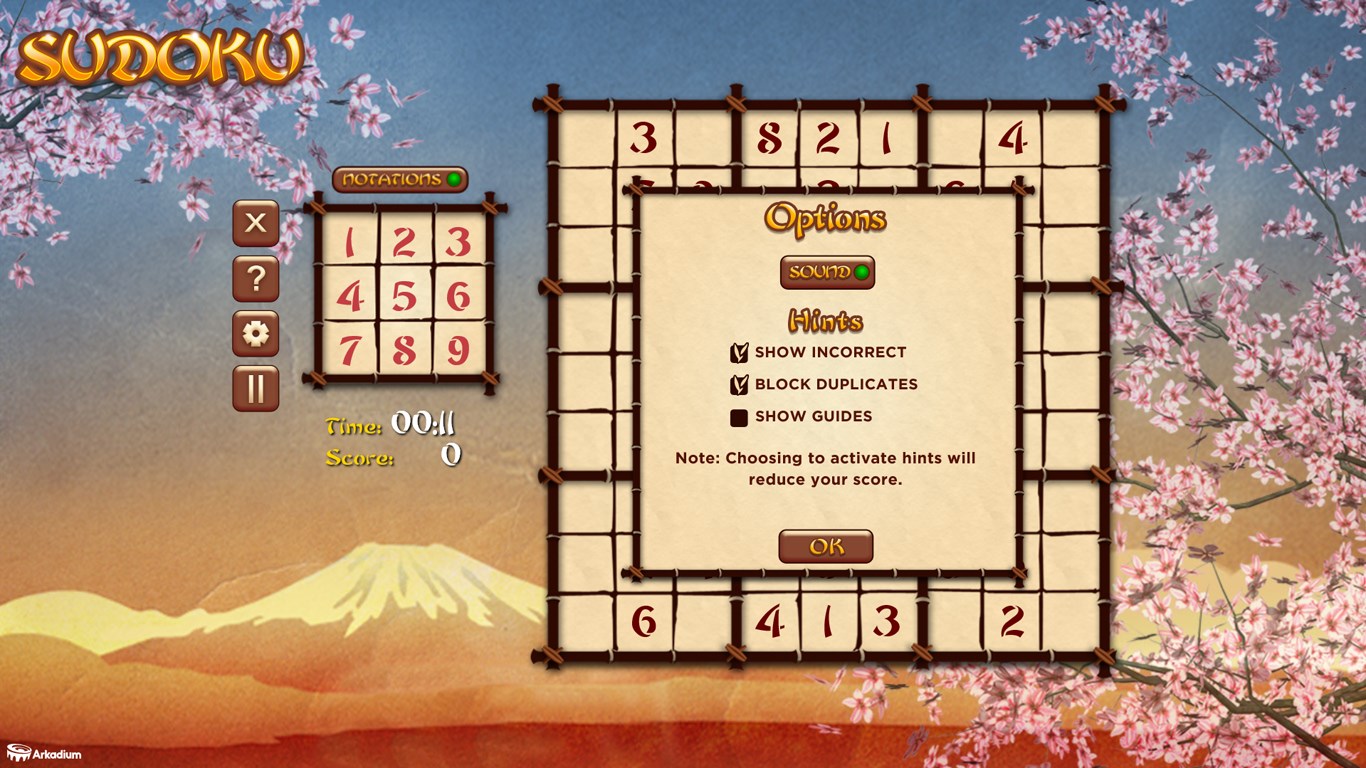
The app's clean and thoughtfully designed interface makes navigation effortless—think of it as having a neatly organized desk where everything has its place. Additionally, smart hints and an undo function serve as friendly assistants, helping you navigate tricky spots without ruining the flow or losing confidence in your problem-solving skills.
3. Play Modes and Personal Customization
From classic timed challenges to relaxing untimed puzzles, the variety of modes caters to different moods. Plus, customizable themes and grid styles allow you to personalize your experience—much like decorating your own puzzle den—adding a layer of comfort and familiarity each time you open the app.
User Experience: Seamless, Engaging, and Friendly
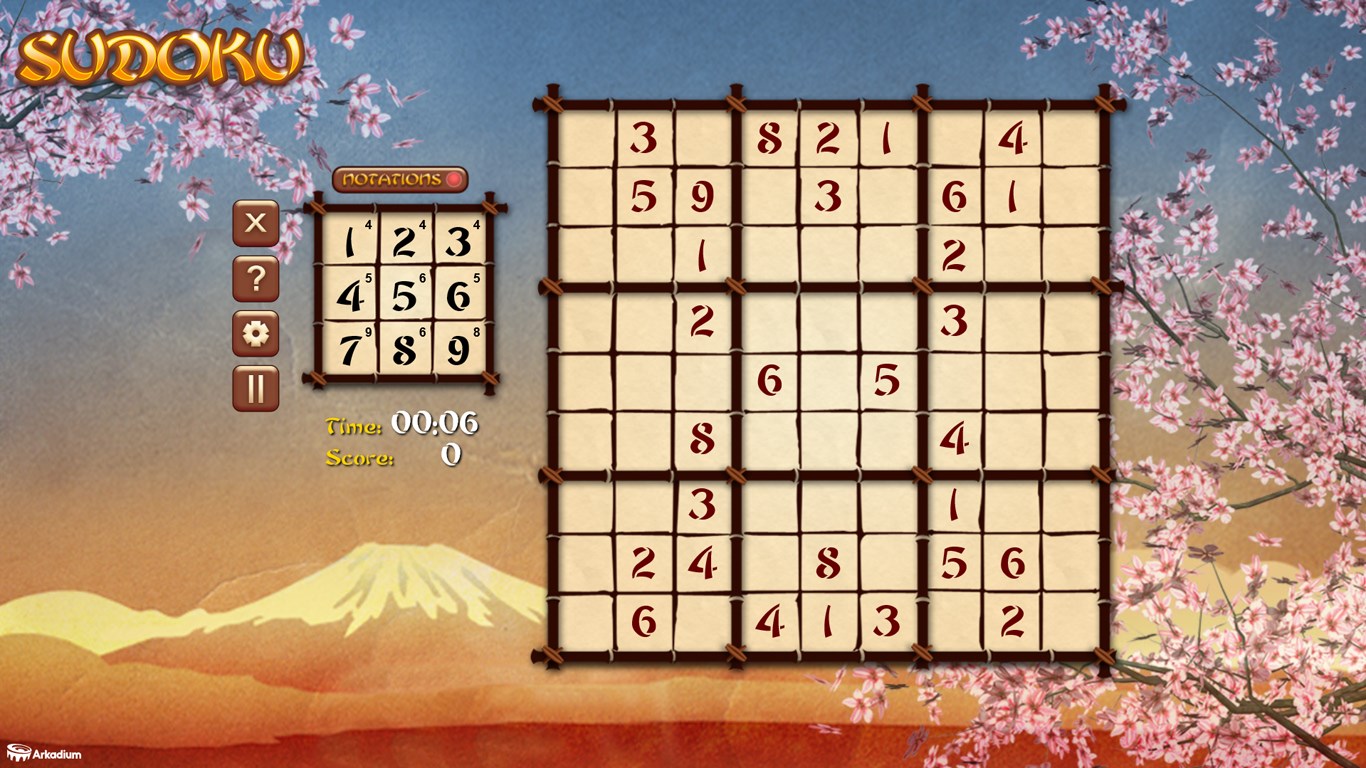
The interface of Sudoku For Free strikes a balance between minimalism and utility. With its crisp visuals and straightforward layout, you can jump straight into solving without a steep learning curve. The responsiveness of the app is commendable; puzzles load swiftly, and interactions such as tapping or dragging numbers feel smooth—no lags or hiccups interrupting your concentration.
Learning how to navigate the app is intuitive; even first-time users find the options and settings readily understandable. The overall experience feels polished—like flipping through a well-designed puzzle book that invites age-old curiosity while embracing modern convenience.
What Sets It Apart from Other Puzzle Apps?
Among countless Sudoku apps available, this one's standout features are its adaptable difficulty modes and the seamless integration of hints and undo options. Unlike other apps that might overwhelm with cluttered interfaces or lack flexibility, Sudoku For Free offers a streamlined experience that respects both casual players and hardcore solvers. Its focus on user comfort, combined with a variety of game modes, makes it akin to having a personalized puzzle coach quietly guiding your journey.
Final Words: A Solid Choice for Puzzle Lovers
Overall, Sudoku For Free for Windows is a well-crafted, approachable app that strikes a fine balance between challenge and accessibility. I recommend it to anyone looking to keep their brain sharp without sacrificing fun or ease of use. Whether you have a few spare minutes or want to enjoy longer puzzle sessions, this app provides a reliable, friendly environment for your Sudoku adventures. Just like discovering a favorite café that feels like your second home, this game offers a comforting yet stimulating escape into the world of numbers.
Pros
- Intuitive User Interface
- Multiple Difficulty Levels
- Free Access with No Ads Interruptions
- Auto-Save Functionality
- Hints and Tips Available
Cons
- Limited Puzzle Variations
- Lack of Dark Mode
- Minimal Customization Options
- No Offline Mode Announcement
- Basic Sound Effects











