

- Category Puzzle & trivia
- Developer Fons Sonnemans
- Available on PC
- OS Windows 10 version 17763.0 or higher
- languages Dutch, English (United States), French, Spanish, Spanish (Spain)
A Sharp and Relaxing Puzzle Experience for Windows: Sudoku Free
If you're craving a timeless logic challenge with a sleek and user-friendly interface, Sudoku Free for Windows offers an engaging way to sharpen your mind without the clutter. Developed by Fons Sonnemans and published by Reflection IT, this app presents the classic number puzzle in a fresh light, making it suitable for both newcomers and seasoned Sudoku enthusiasts alike.
Meet the Minds Behind the Puzzle
Fons Sonnemans, a dedicated developer passionate about creating simple yet compelling logic games, brings Sudoku Free to life. Reflection IT, a publisher known for delivering straightforward and polished apps, ensures that the game maintains a smooth experience across various Windows devices. Their focus on quality and usability shines through in this adaptation of a universally beloved puzzle.
Highlights That Make Sudoku Free Stand Out
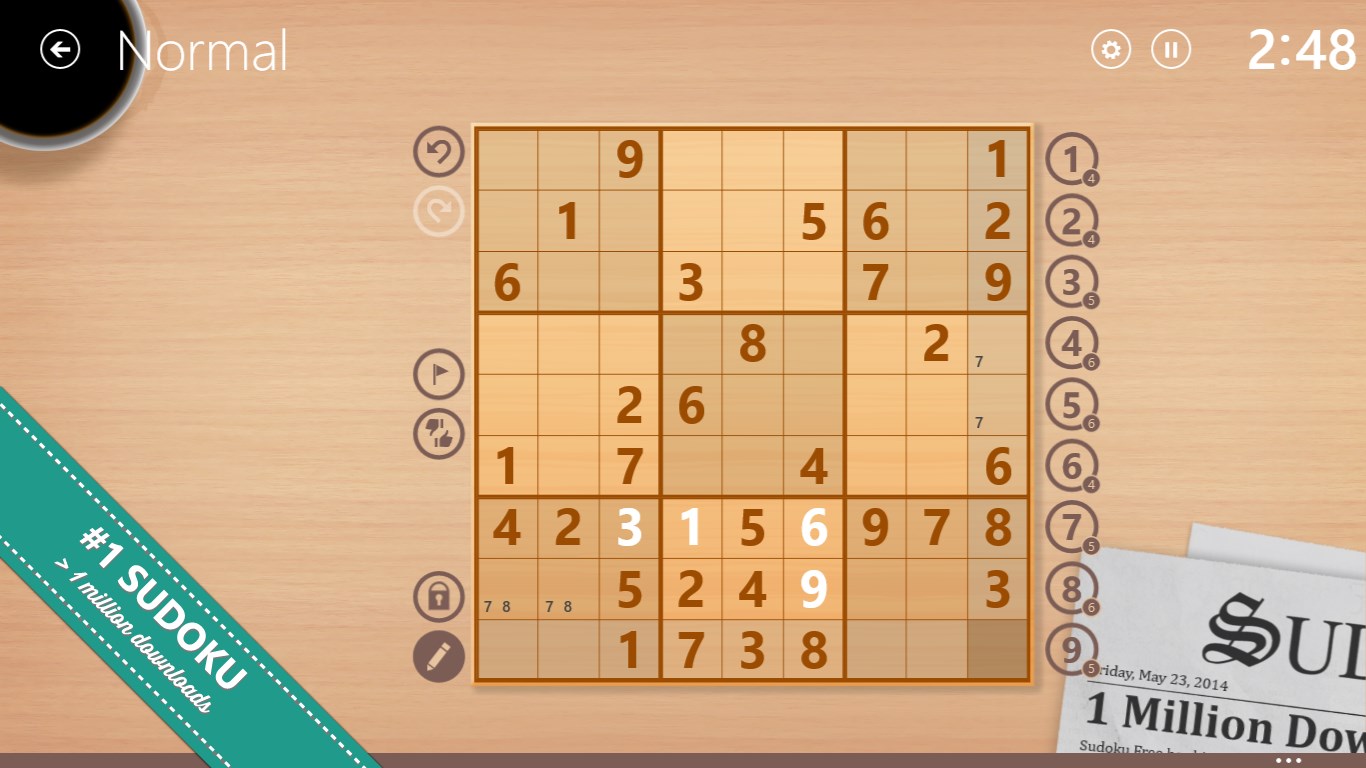
- Pure Classic Sudoku Gameplay: This app sticks to the timeless 9x9 grid, challenging players with logic-based puzzles that stimulate the brain without unnecessary distractions.
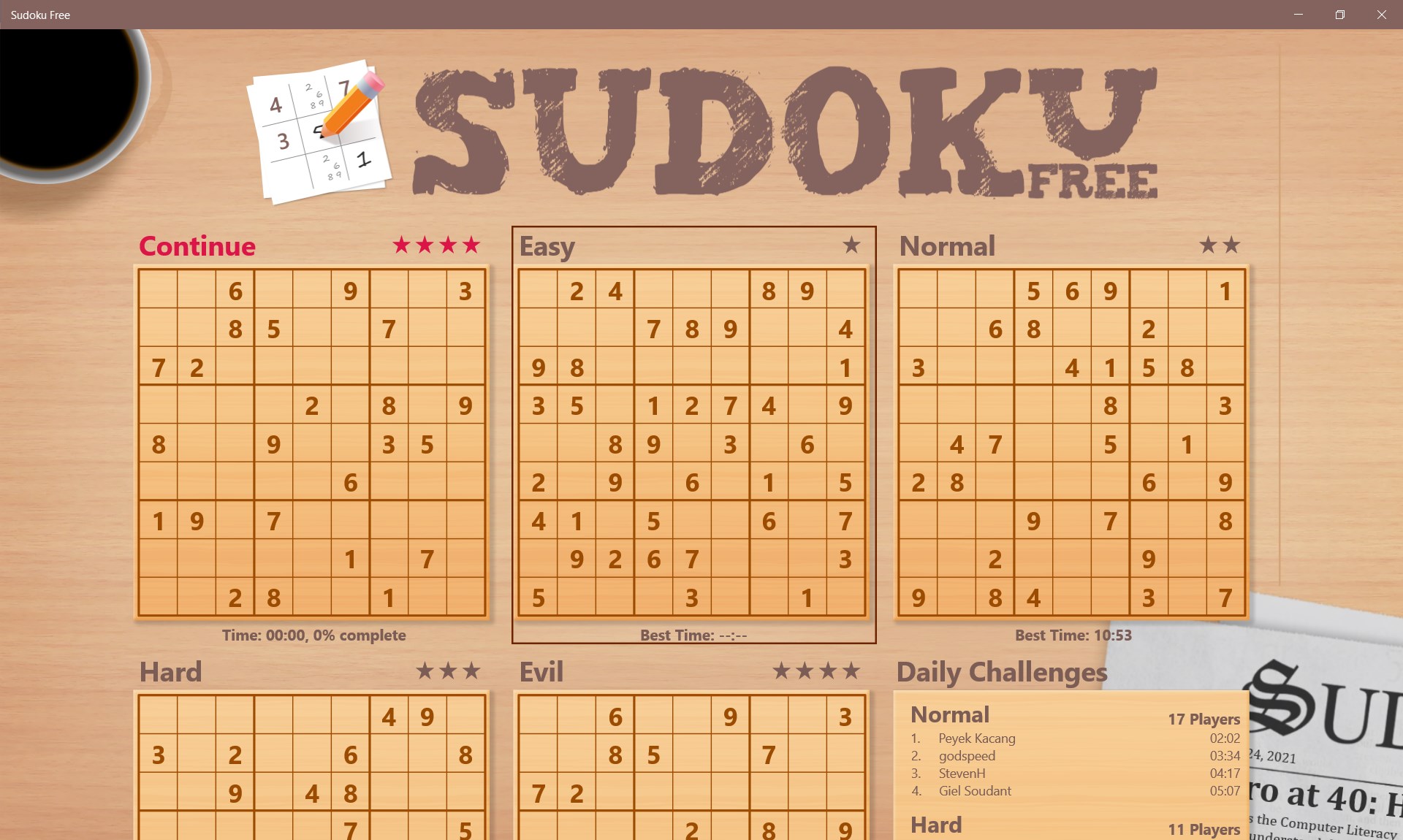
- Multiple Difficulty Levels: Ranging from easy to expert, it caters to all skill levels, allowing beginners to learn the ropes while veterans can test their mettle.
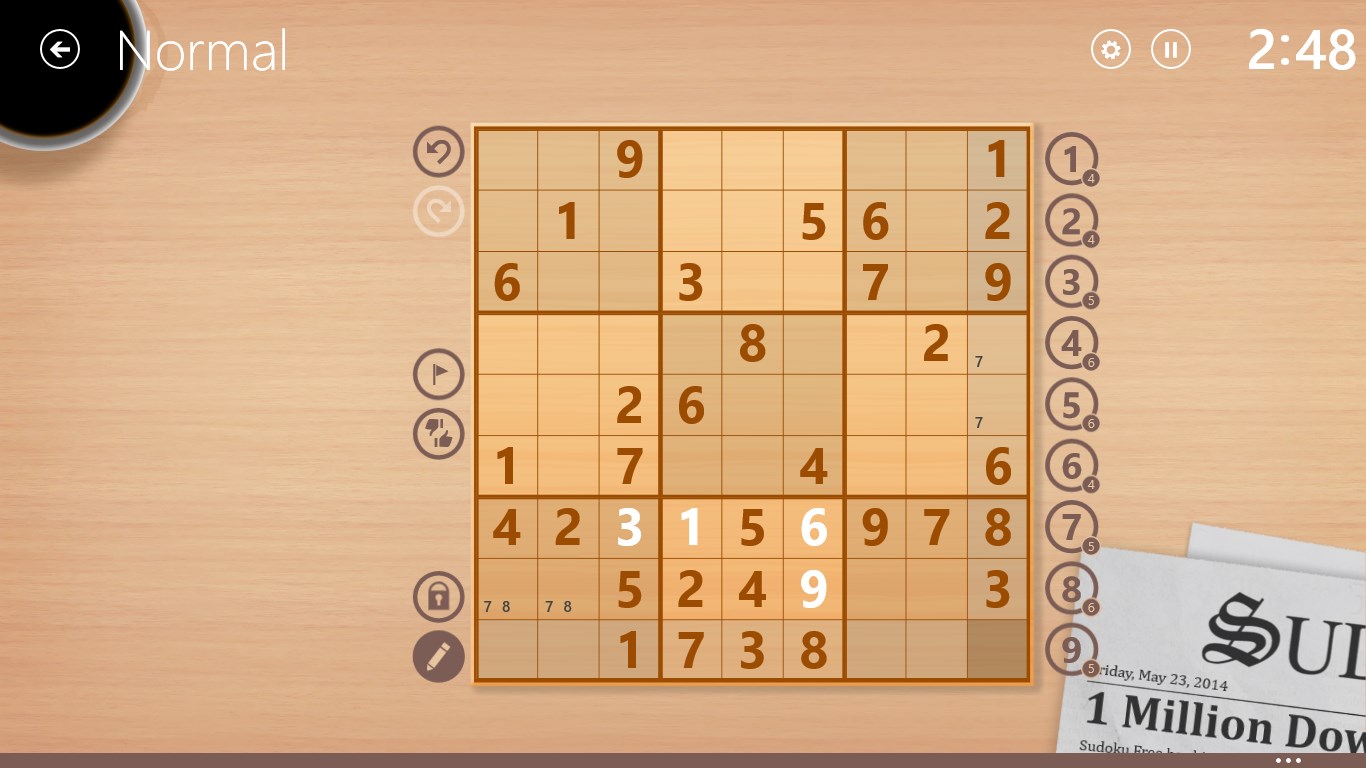
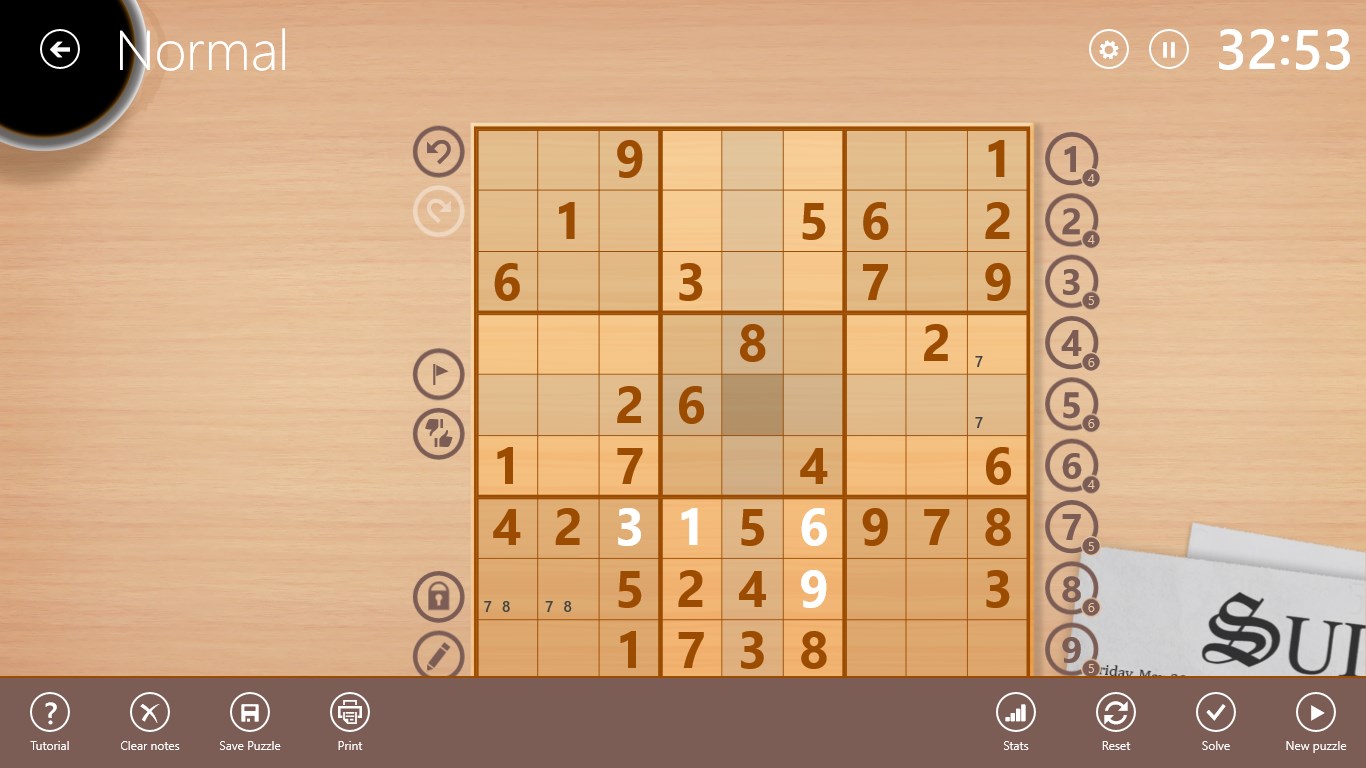
- Clean and Minimalist Interface: The design is unobtrusive, emphasizing clear number placement and intuitive navigation for a seamless gaming experience.
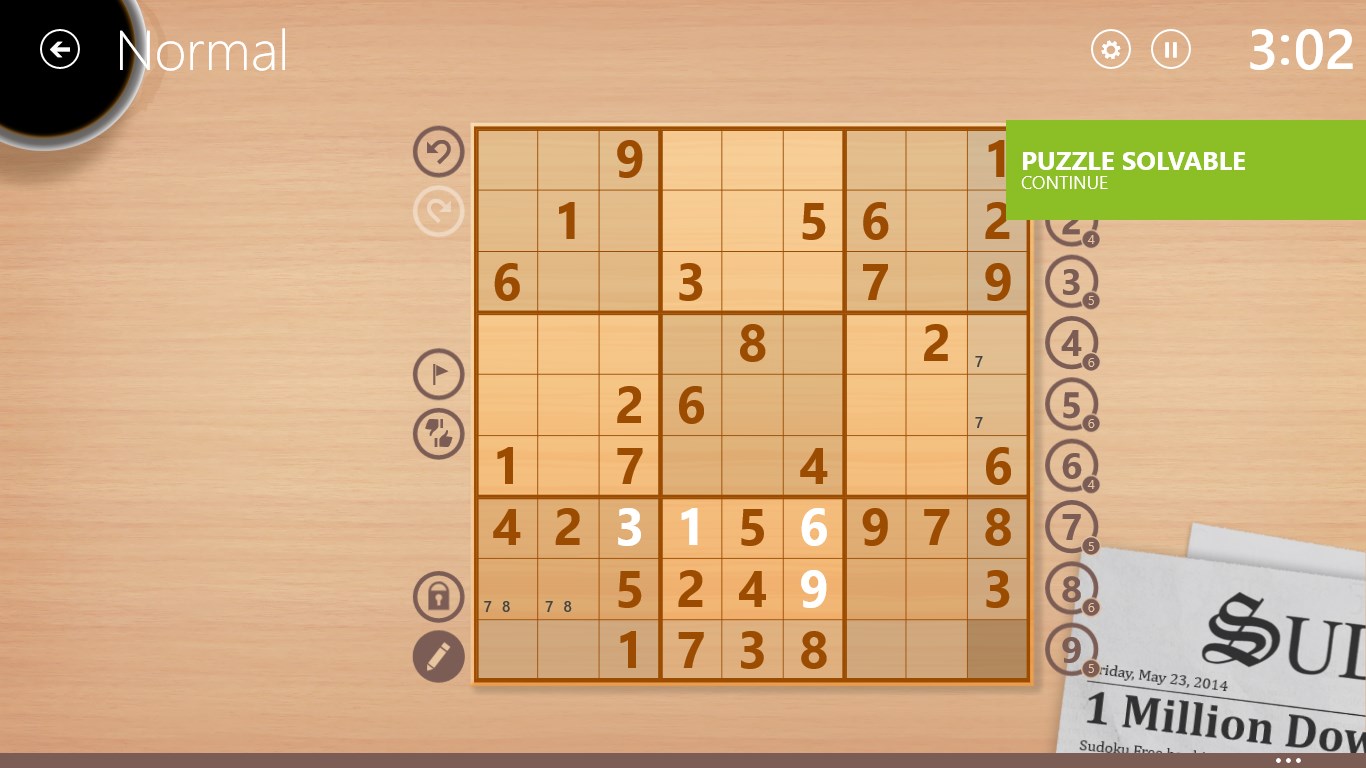
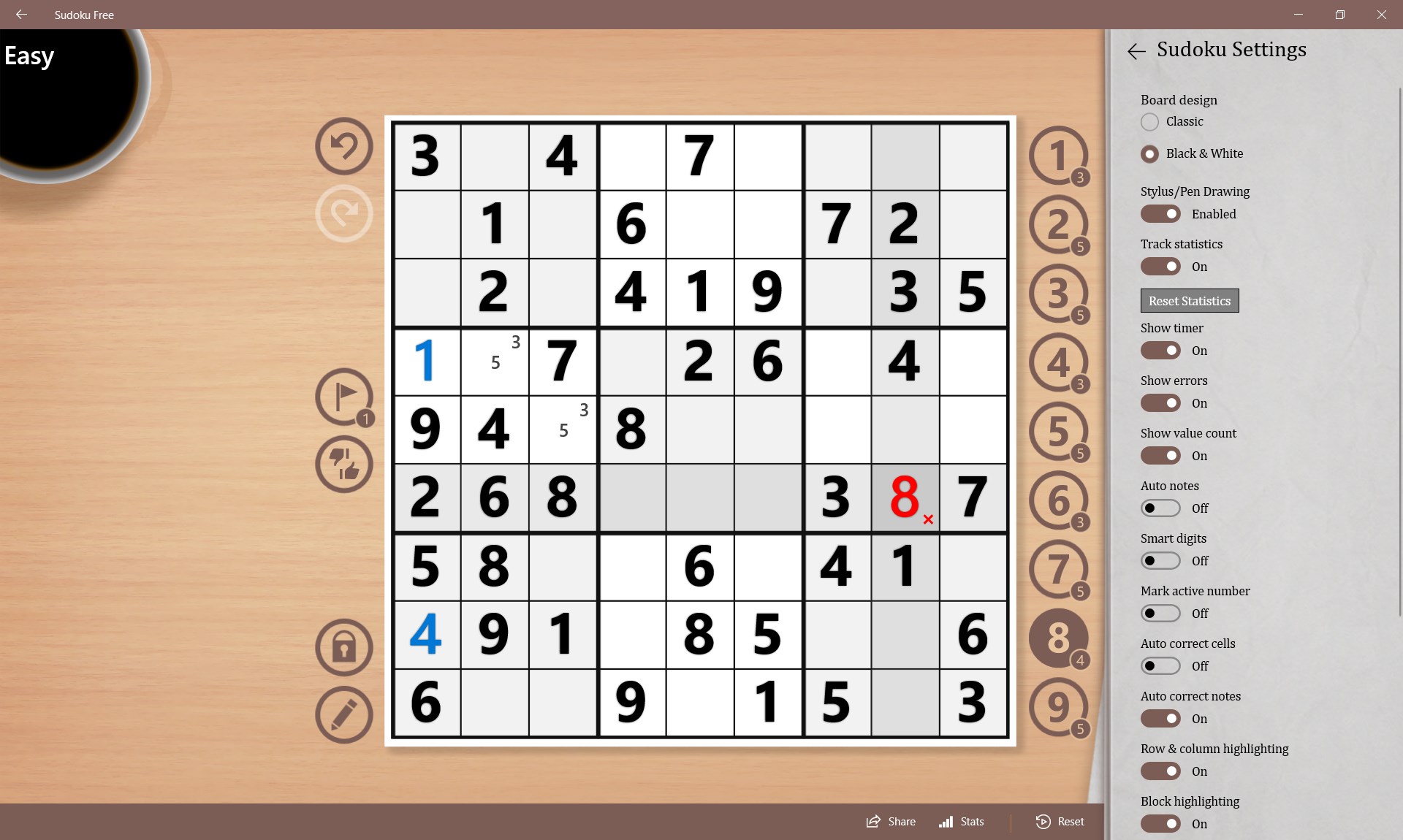
- Optional Features for Enhanced Play: Features like hints, auto-check, and a note-taking mode support different playing styles and help prevent frustration.
Immersive and Intuitive User Experience
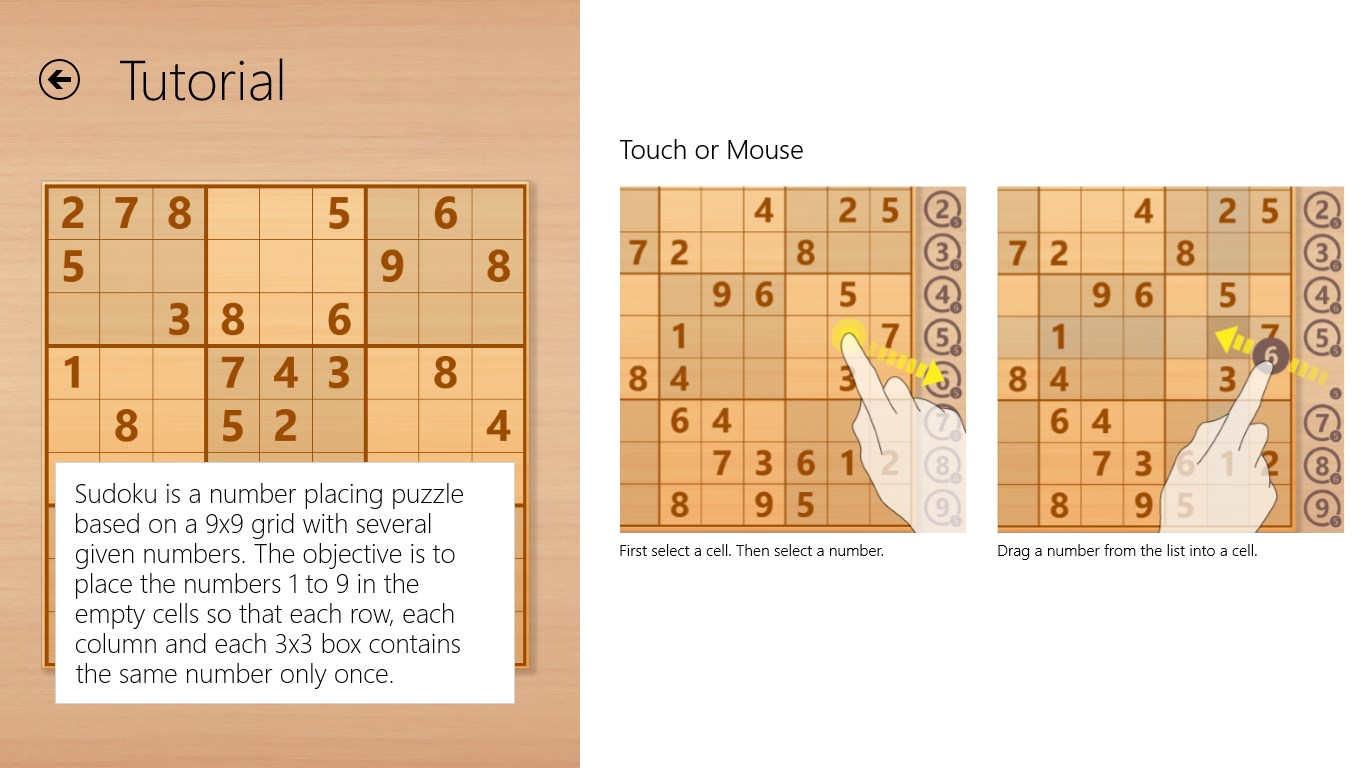
From the moment you open Sudoku Free, the interface welcomes you like a well-organized puzzle room—clean, uncluttered, and inviting. Navigation is straightforward: swipe, tap, and tap again—all responses are immediate, ensuring no hiccups in your thought process. The minimalist aesthetic doesn't just look good; it reduces visual noise, allowing you to focus solely on the numbers and logic.
Its learning curve is gentle, perfect for those new to Sudoku or returning players. Beginners will appreciate the hints and auto-check features, which function as friendly tutors guiding you without giving away solutions. Experienced players, on the other hand, can disable assists to amp up the challenge, or use the higher difficulty settings to truly test their skills.
Unique Edge: Mode Flexibility and User-Centric Features
What makes Sudoku Free really stand out among the myriad of puzzle apps is its thoughtful approach to user needs. Unlike many Sudoku apps that adhere strictly to the traditional format, it offers options like pencil mode for jotting down potential candidates, a quick reset button, and an auto-save feature that ensures your progress isn't lost. The inclusion of different difficulty settings with transparent progress indicators helps users gauge their skill growth over time.
Additionally, the app's simplicity shines as a significant advantage—fast load times, responsive controls, and a distraction-free environment make it feel like you're sitting at an elegant desk with a physical Sudoku puzzle in front of you, rather than wrestling with a clunky digital interface.
Final Thoughts: A Highly Recommended Logical Companion
If you're seeking a beautifully crafted, easy-to-navigate Sudoku experience that respects your time and skill level, Sudoku Free for Windows is a solid choice. While it may not boast overly flashy features or gamified layers, its focus on core gameplay excellence and thoughtful user experience make it a trustworthy companion for daily mental exercise.
We recommend this app to casual puzzle solvers looking for a relaxing mental workout, as well as more dedicated Sudoku fans who want a dependable, distraction-free version on their Windows PC. Whether you're brushing up your skills or simply want a peaceful way to pass the time, Sudoku Free offers a well-balanced, thoughtfully designed environment that respects the traditional charm of Sudoku while optimizing it for modern digital tastes.
Pros
- Intuitive interface
- Variety of difficulty levels
- Ad-free experience
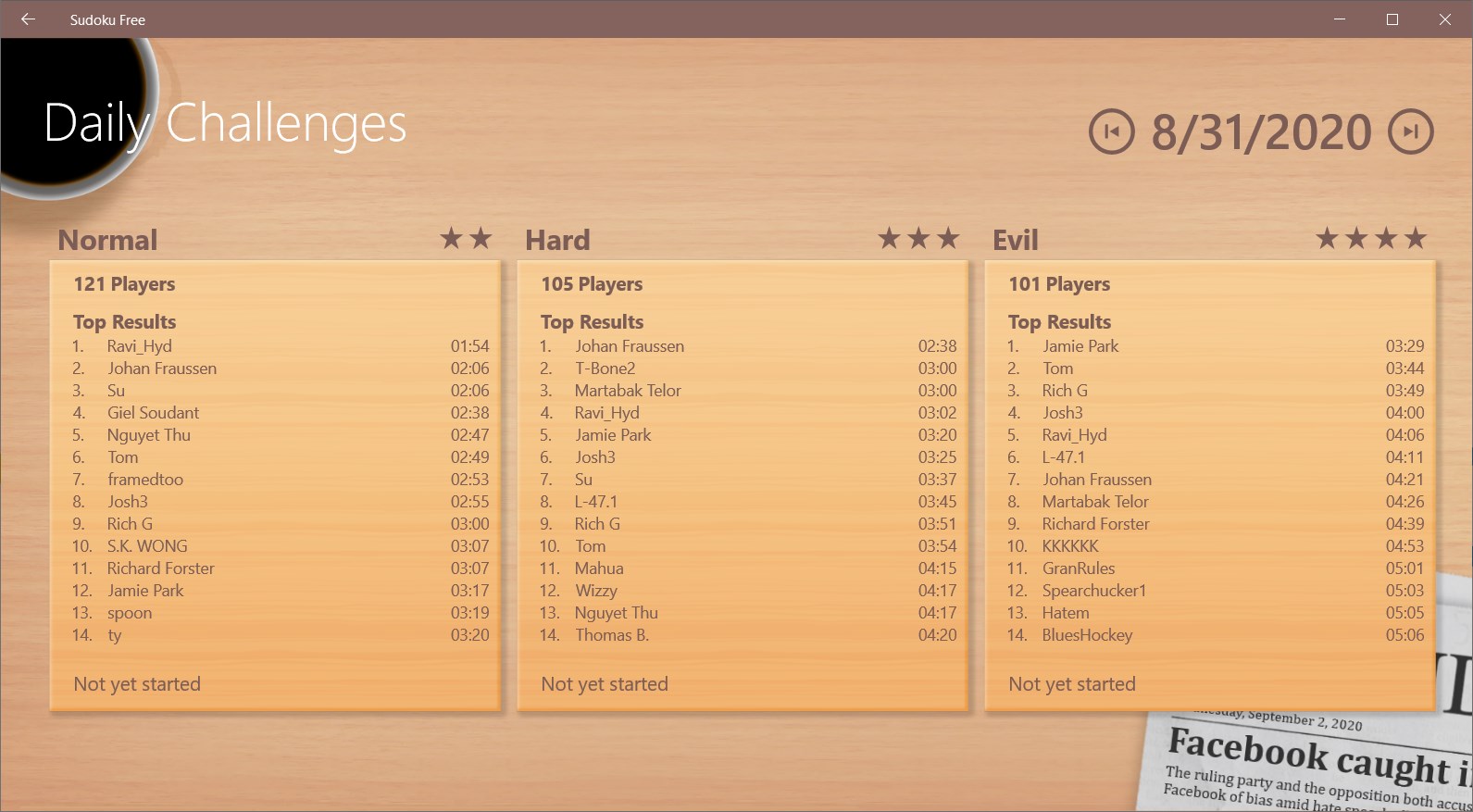
- Daily puzzles feature
- Lightweight and fast loading
Cons
- Limited puzzle variety
- Lack of hints for difficult puzzles
- No offline mode for some regions
- Minimal customization options
- No multiplayer or social sharing features











