

- Category Lifestyle
- Developer Space Mushrooms
- Available on PC
- OS Windows 10 version 17763.0 or higher
- Mouse Integrated Mouse
- languages Bulgarian, Chinese (Simplified), Chinese (Traditional), Czech, Dutch, English, Finnish, French, German, Greek, Hungarian, Italian, Japanese, Polish, Portuguese, Russian, Spanish, Swedish, Turkish, Vietnamese
Sweet Home 3D: A User-Friendly Interior Design Solution for Windows
Sweet Home 3D is a versatile interior design application that allows users to create detailed home layouts and visualize interior spaces in 3D. Developed by Space Mushrooms, it brings a balance of simplicity and powerful features suitable for both beginners and hobbyists looking to experiment with home decoration ideas.
About the App and Its Core Features
Clean and Purposeful Design for Home Visualization
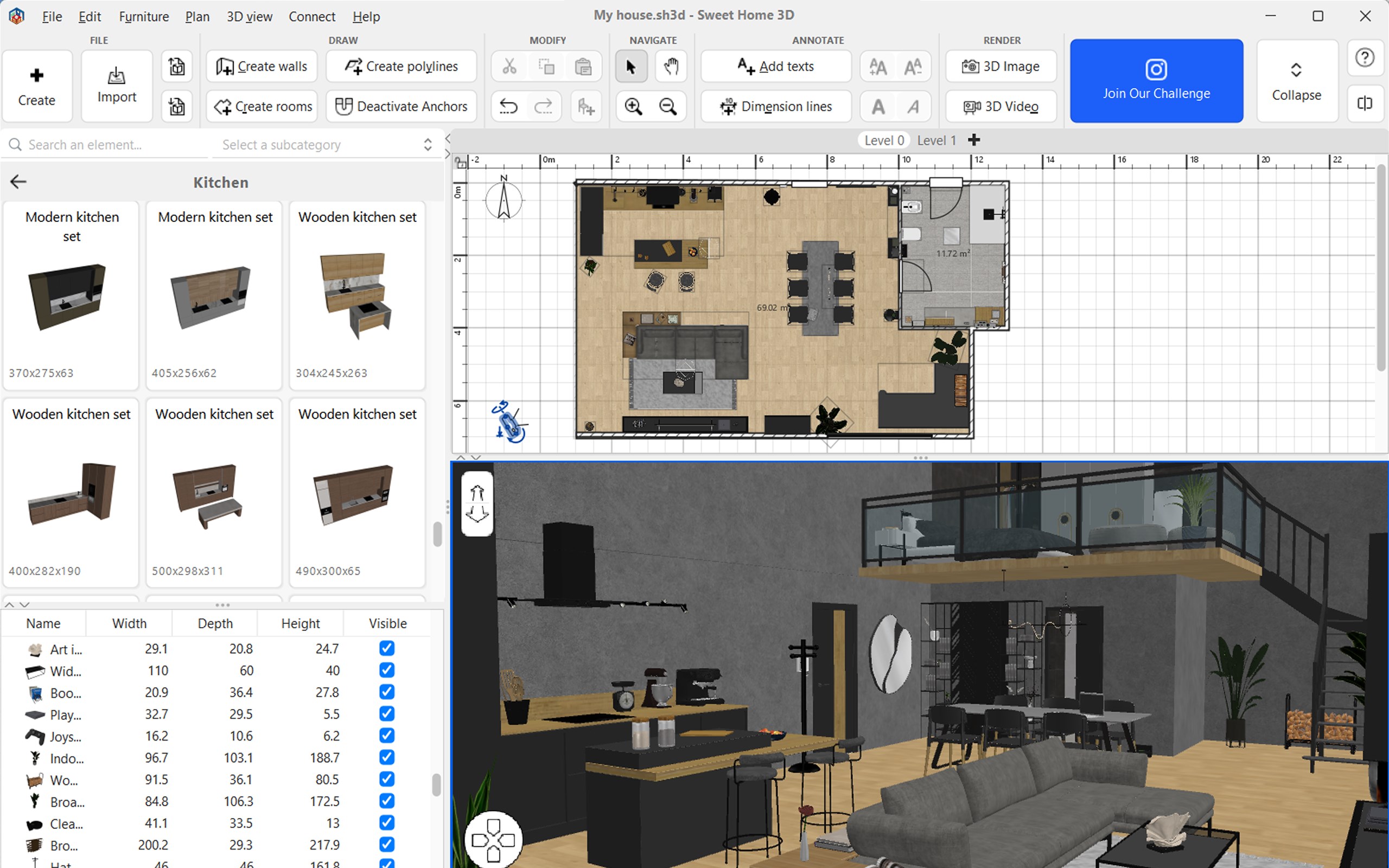
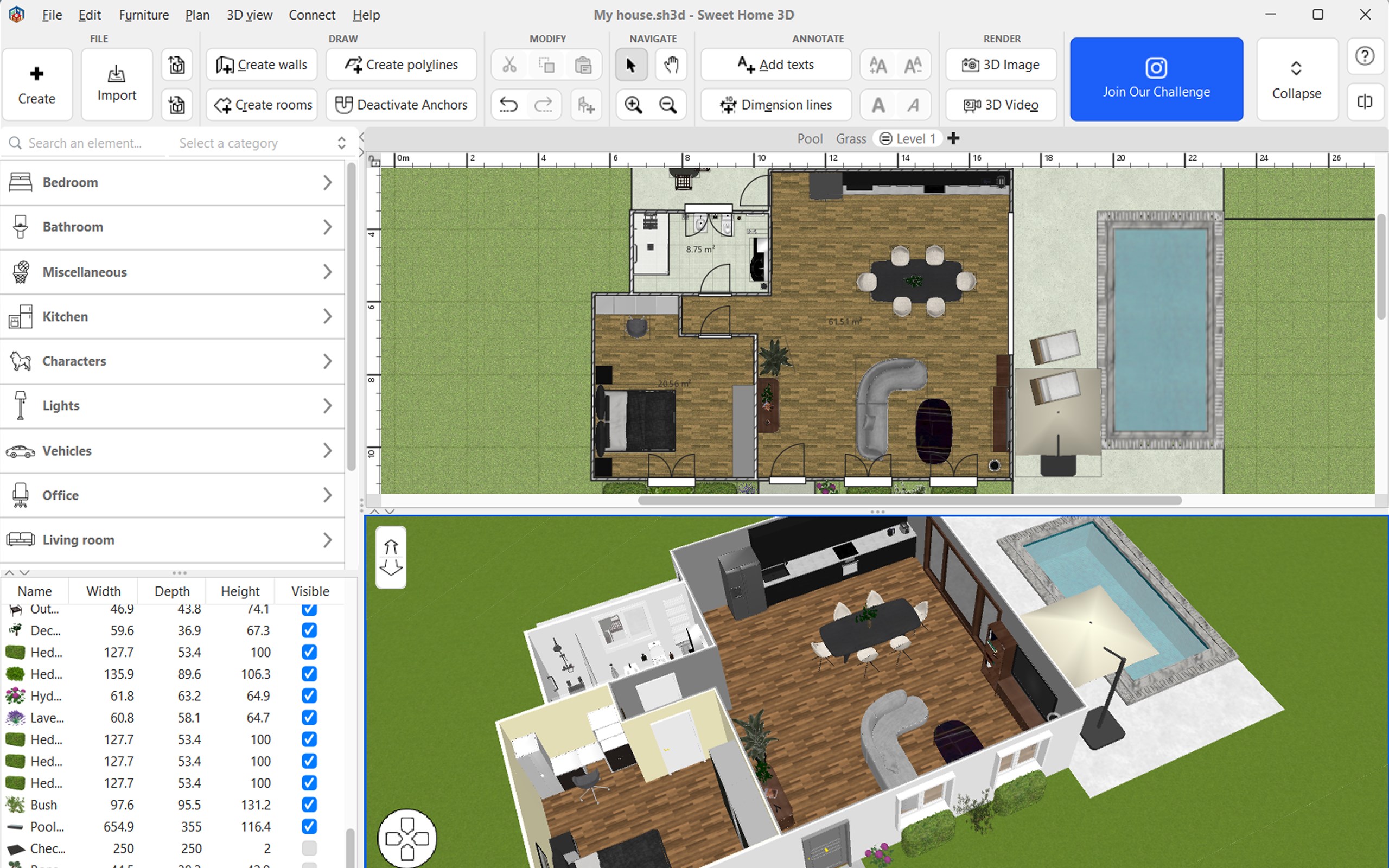
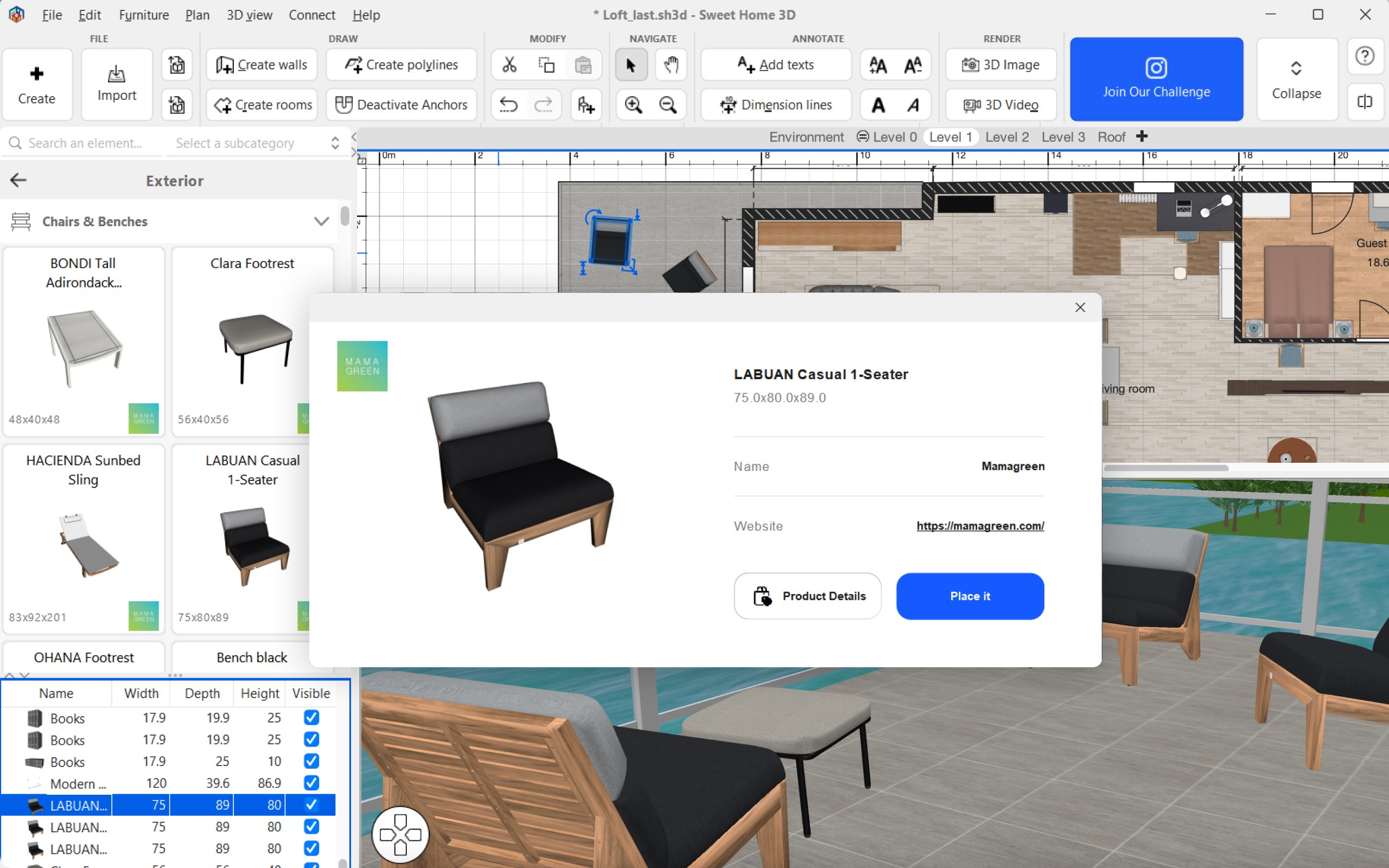
Sweet Home 3D functions as an intuitive platform for designing and planning interior spaces, offering a straightforward approach to laying out rooms and placing furniture. Its primary strength lies in providing a visual interface that makes home planning accessible to users without professional CAD experience.
Developer and Main Highlights
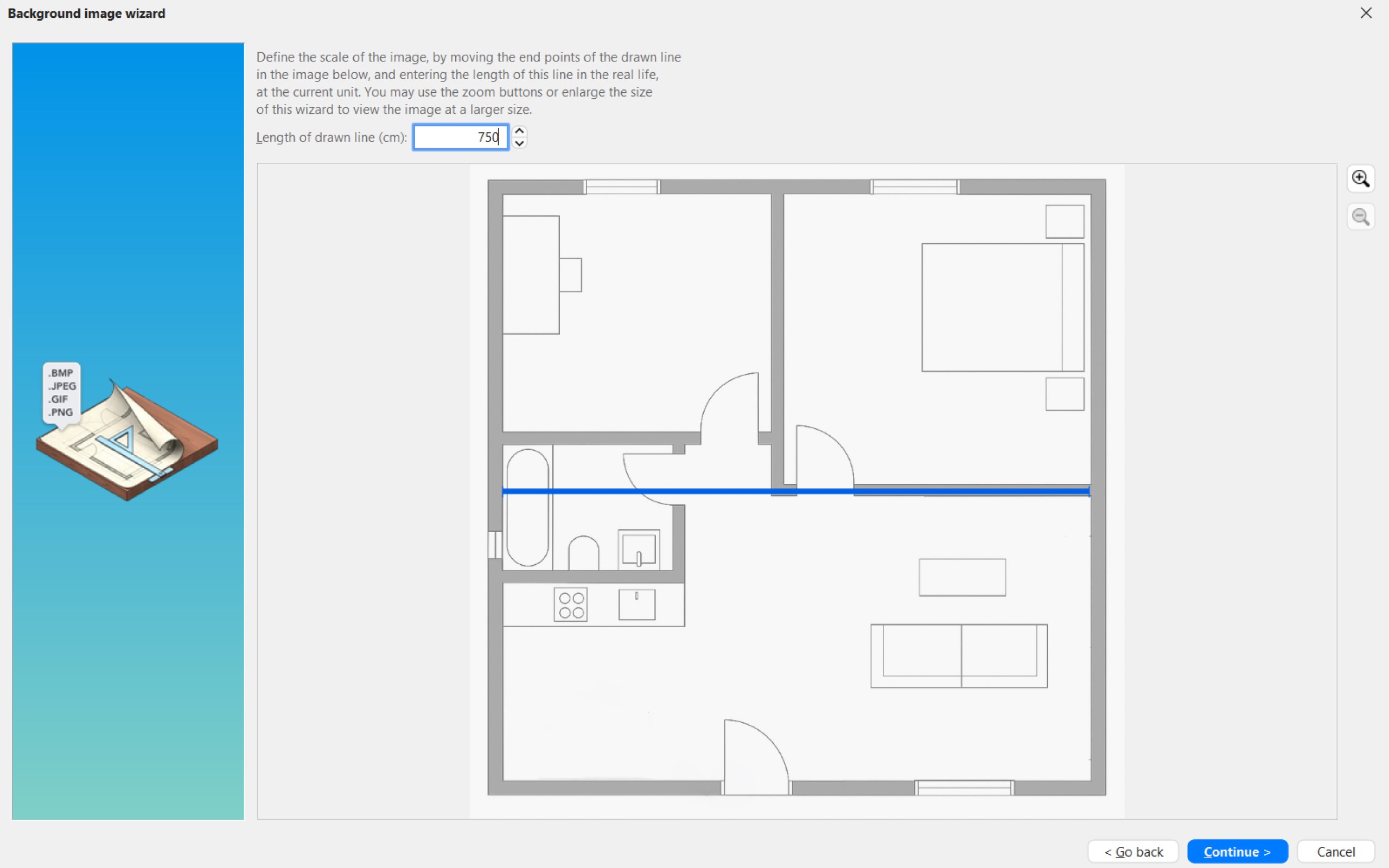
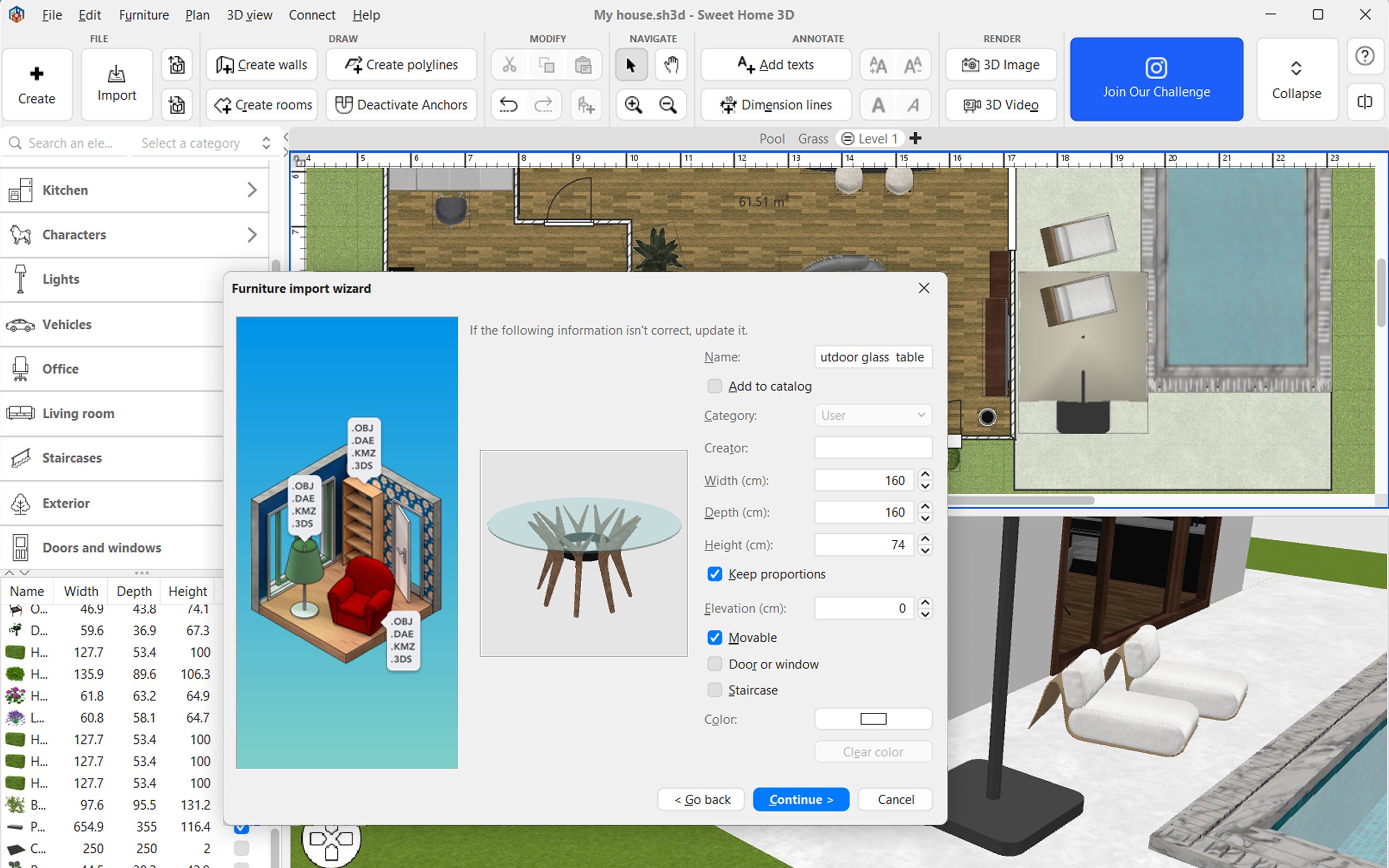
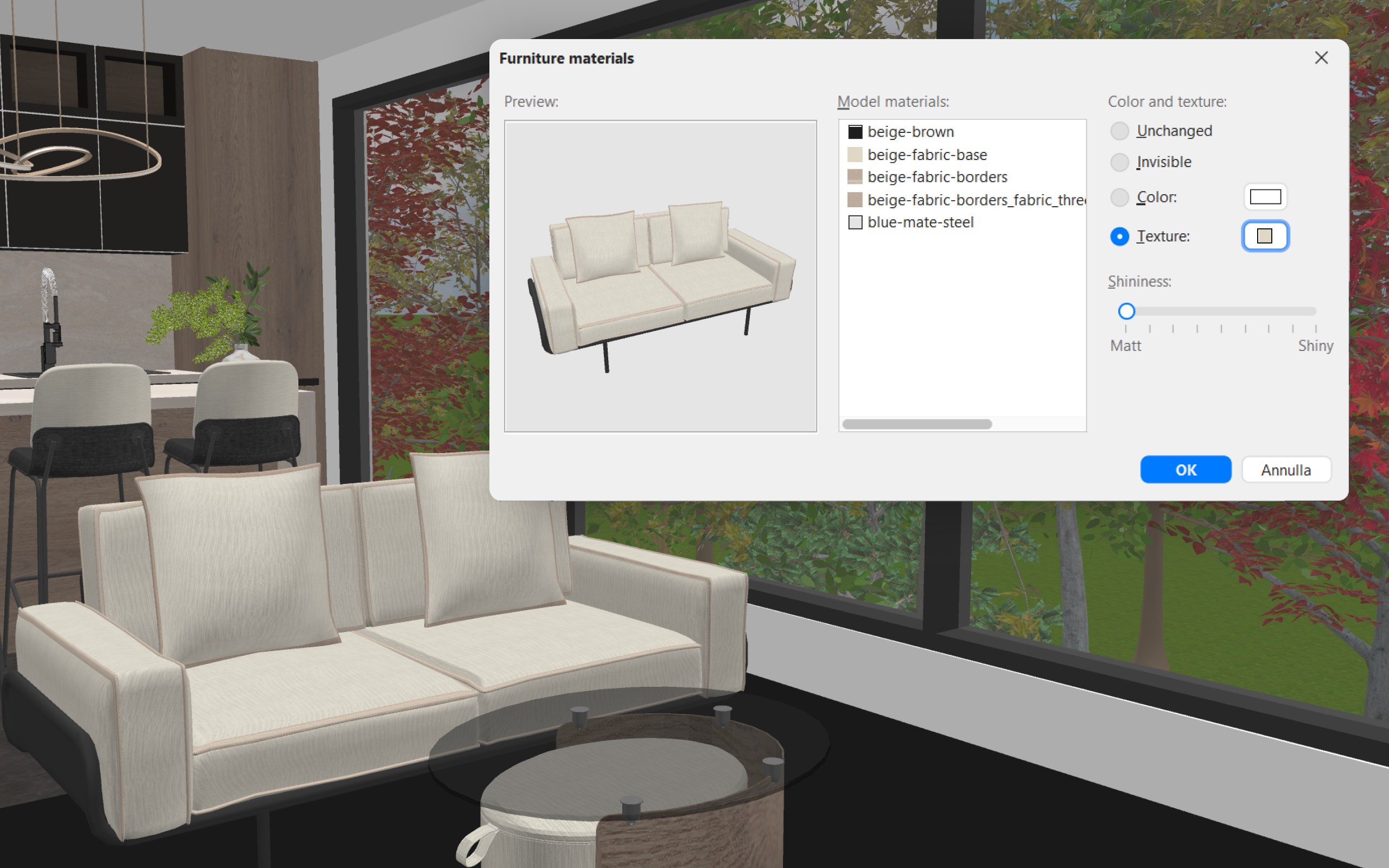
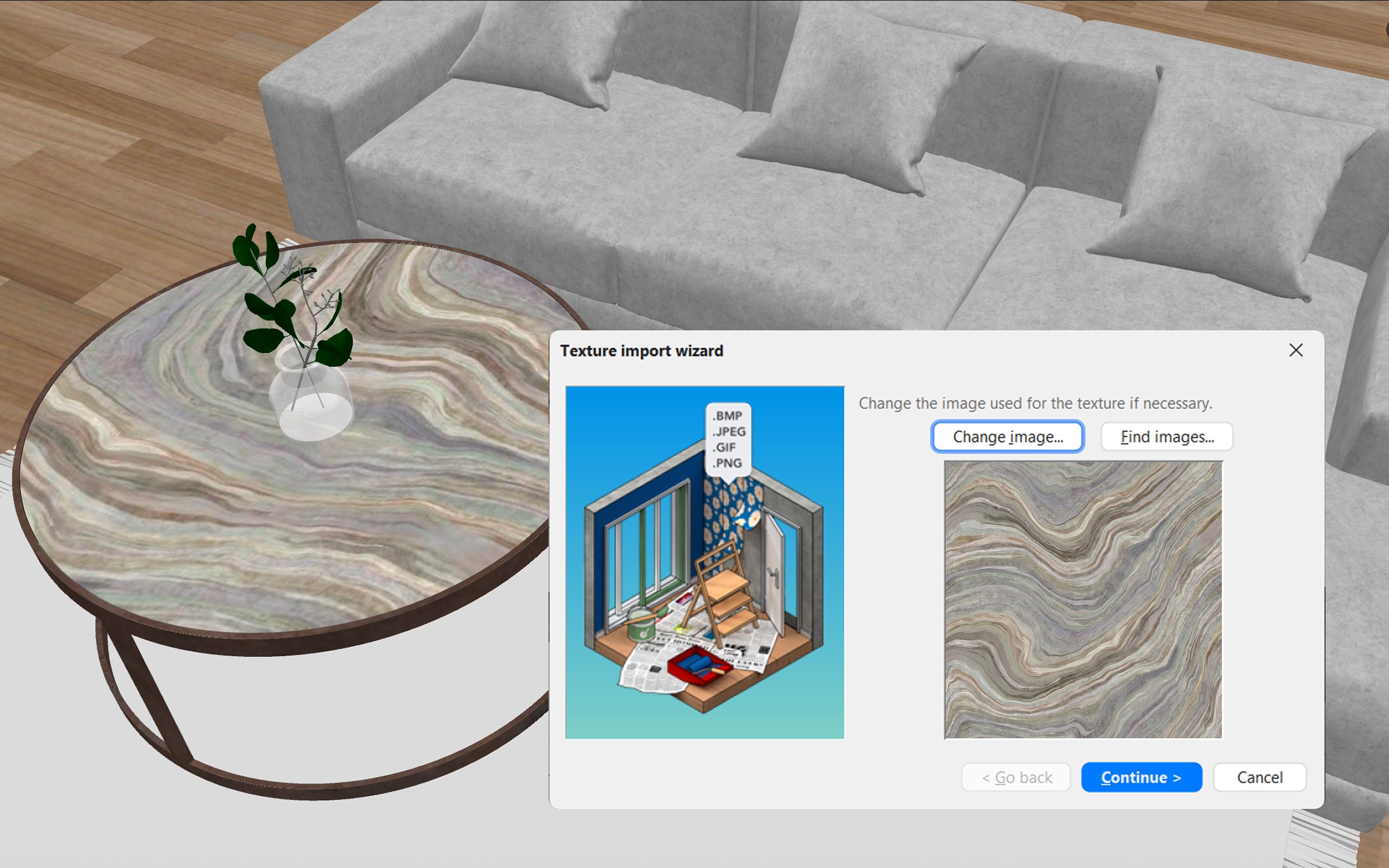
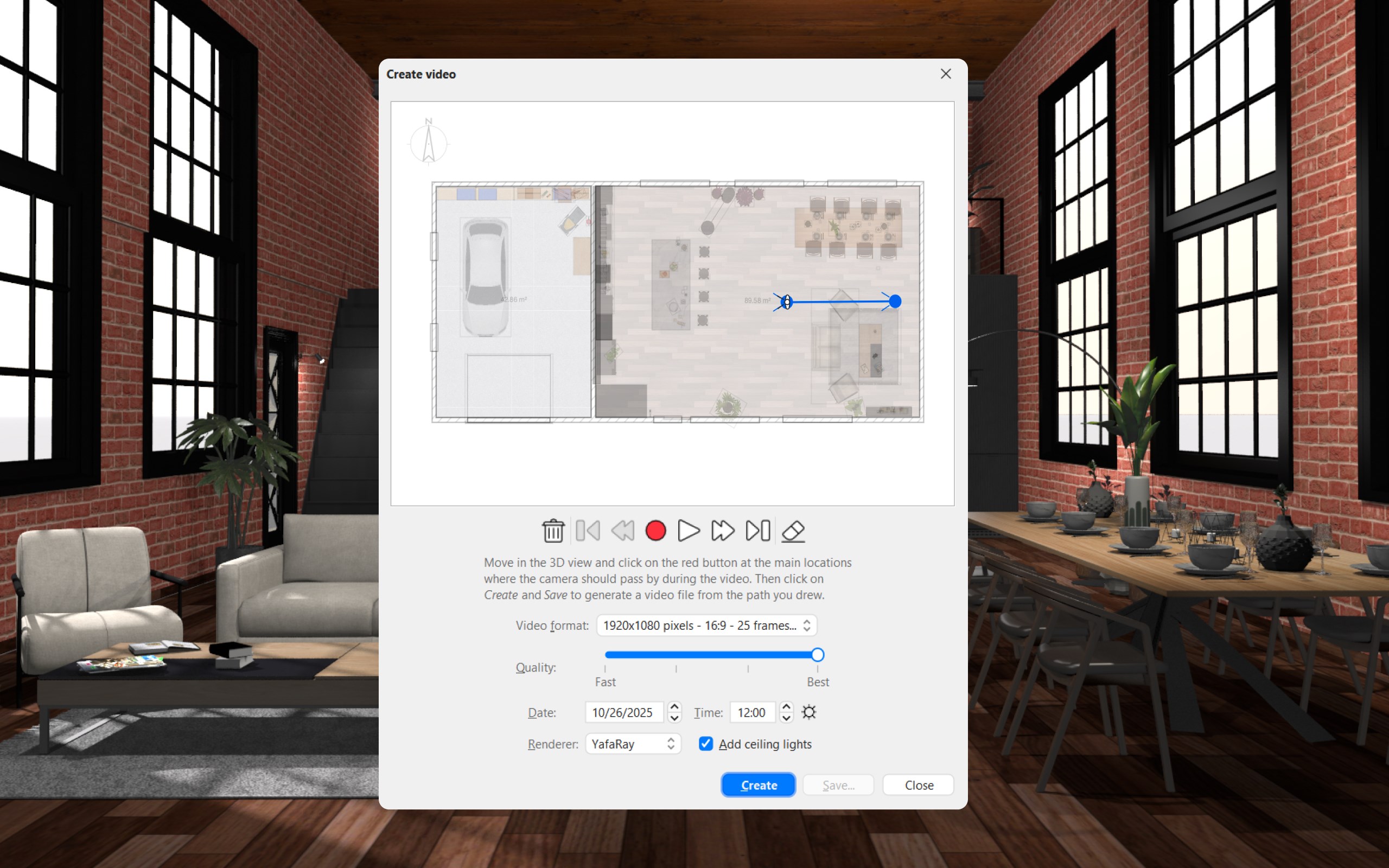
Developed and published by Space Mushrooms, this app emphasizes ease of use and customization. Its key features include drag-and-drop furniture placement, real-time 3D preview, and detailed material and texture adjustments. Additionally, the software supports importing custom models, enabling users to personalize their designs further.
Target Audience
This application is ideal for homeowners, interior design enthusiasts, students, and DIY remodelers who want to experiment with home layouts and aesthetics. Its user-friendly interface also makes it suitable for hobbyists with little technical background in architecture or 3D modeling.
Engaging Design and User Experience
An Inviting Interface That Simplifies Creativity
Imagine stepping into a digital drawing board where everything is laid out like a cozy workspace—Sweet Home 3D's interface embodies this notion. It features a clean, logically organized layout with accessible toolbar icons and a drag-and-drop mechanism that feels as smooth as flipping through a well-organized sketchbook. The visual cues and straightforward controls lower the barrier for newbies, making interior design feel less daunting and more like an engaging creative activity.
Performance and Learning Curve
The app runs smoothly on Windows devices, with quick rendering even for complex room layouts. The learning curve is gentle; most users can become proficient within a few sessions. The combination of visual feedback in real time and step-by-step tutorials (available both within the app and online) empowers users to dive into their design projects without feeling overwhelmed.
Distinctive Features That Stand Out
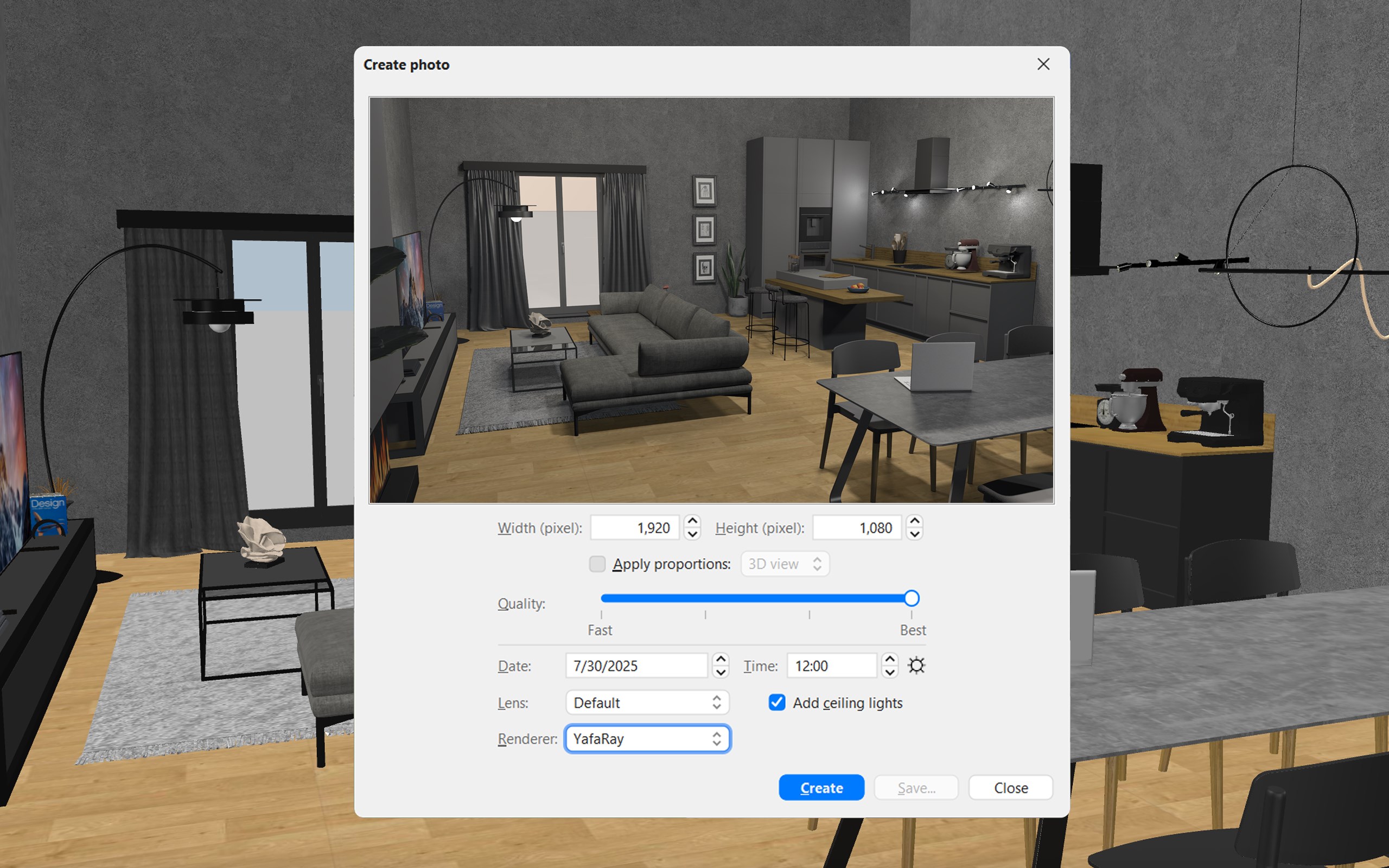
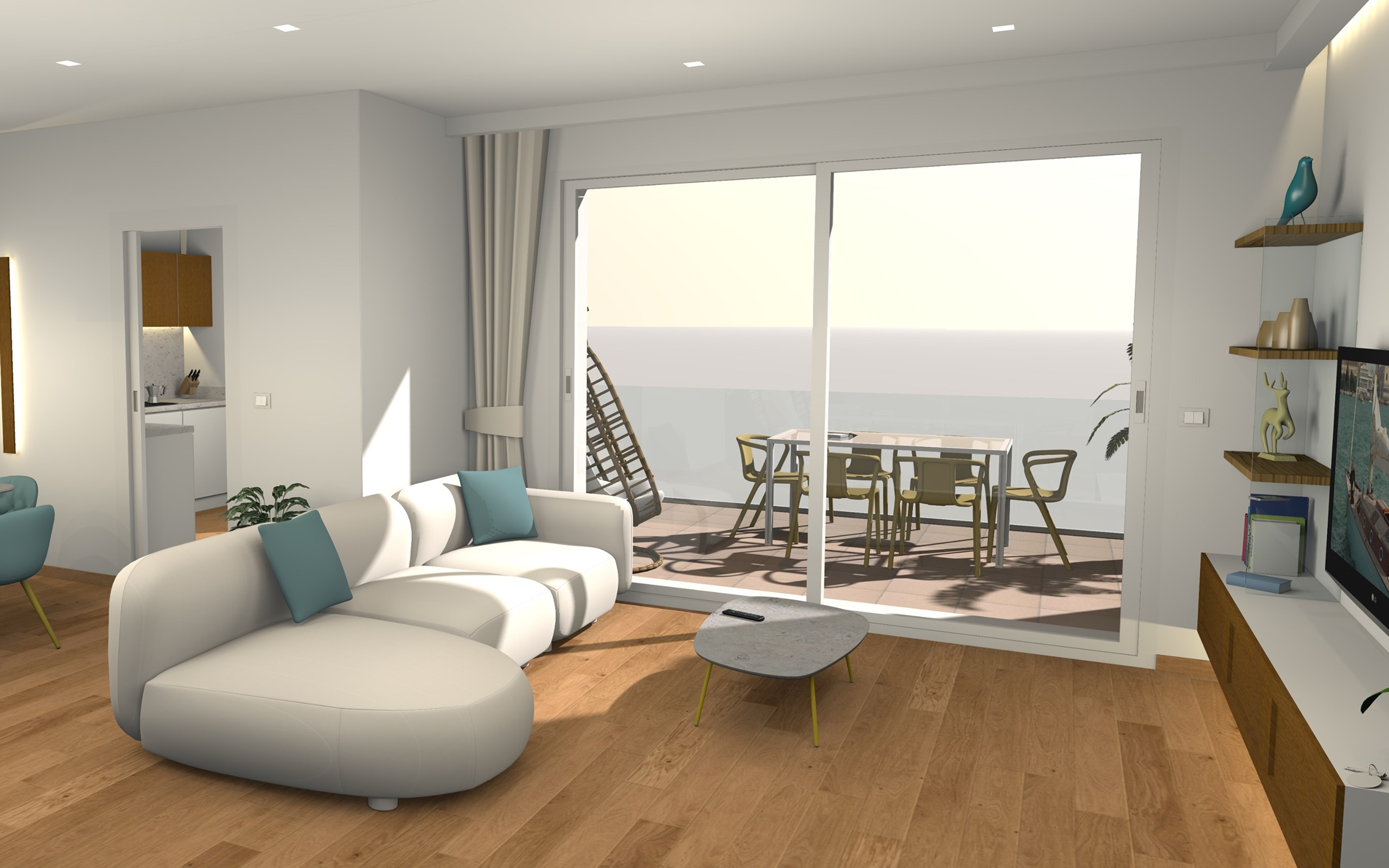
Compared to other lifestyle and home design apps, Sweet Home 3D's **most compelling feature is its real-time 3D visualization**, which allows users to instantly see how their changes impact the space. This dynamic preview capability is akin to having a miniature virtual walk-through, providing confidence in design choices before actual implementation. Another noteworthy aspect is its open-source philosophy combined with the ability to import custom furniture models, offering a level of flexibility that's often missing in more closed platforms.
Final Verdict and Recommendations
All things considered, Sweet Home 3D offers a balanced blend of simplicity, customization, and visual clarity. It's not as exhaustive as high-end professional design software but excels in making interior planning accessible and enjoyable. For anyone looking to visualize home improvement ideas, experiment with layouts, or simply indulge in creative pursuits, this app is a solid choice.
We recommend it especially for personal projects and amateur hobbyists. If your focus is professional interior design or highly detailed architectural modeling, more advanced software might be necessary. Nonetheless, for everyday use and exploratory interior design, Sweet Home 3D stands out as a user-friendly, credible, and creatively inspiring tool.
Pros
- Intuitive drag-and-drop interface
- Rich library of furniture and decor items
- Supports detailed 2D and 3D views
- Compatibility with multiple platforms
- Free and open-source core features
Cons
- Limited rendering quality
- Steep learning curve for advanced features
- Occasional stability issues with large projects
- Limited support for real-time collaborative editing
- Basic material and texture options










