
- Category Photo & video
- Developer Tangra AI
- Available on PC, Mobile, Surface Hub, HoloLens
- OS Windows 10 version 17763.0 or higher
- languages English (United States)
Introducing Tangra AI Photo Editor for Windows: A Fresh Take on Photo Enhancement
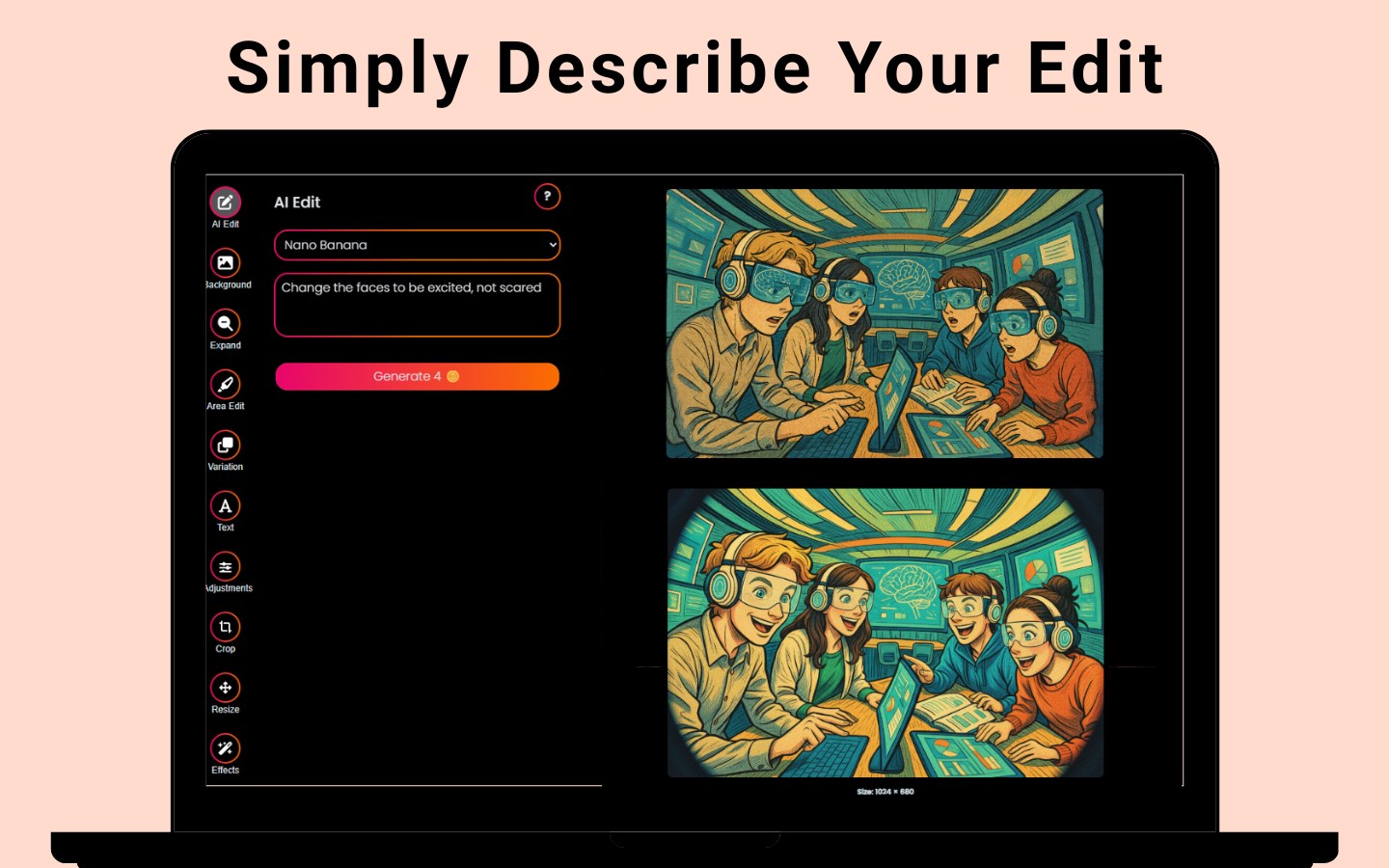
In the rapidly evolving world of photo editing software, Tangra AI Photo Editor stands out as a sleek and intelligent tool designed to elevate your images with minimal fuss. Whether you're a casual user seeking quick beautification or a semi-professional looking to add artistic flair, this app promises a user-friendly experience backed by powerful AI technology.
Who's Behind It? The Team and Core Features
Developed by Tangra AI, a team dedicated to integrating advanced artificial intelligence into accessible creative tools, this application is published under Simply Flows. Their goal appears to be bridging the gap between complex editing suites and simple, intuitive apps. The main highlights include:
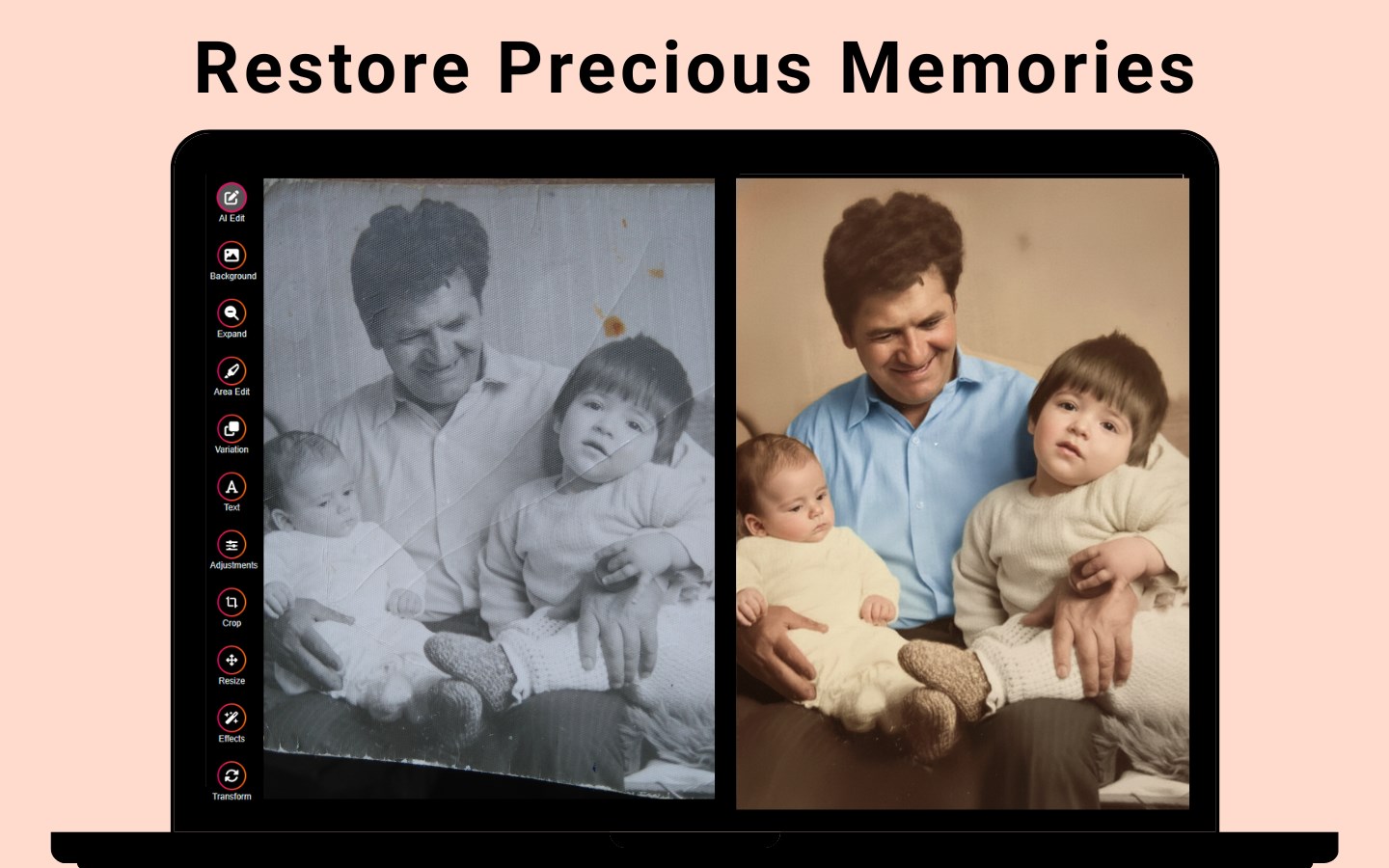
- AI-Driven Auto Retouching: Effortlessly enhances portraits by smoothing skin, correcting lighting, and refining facial features.
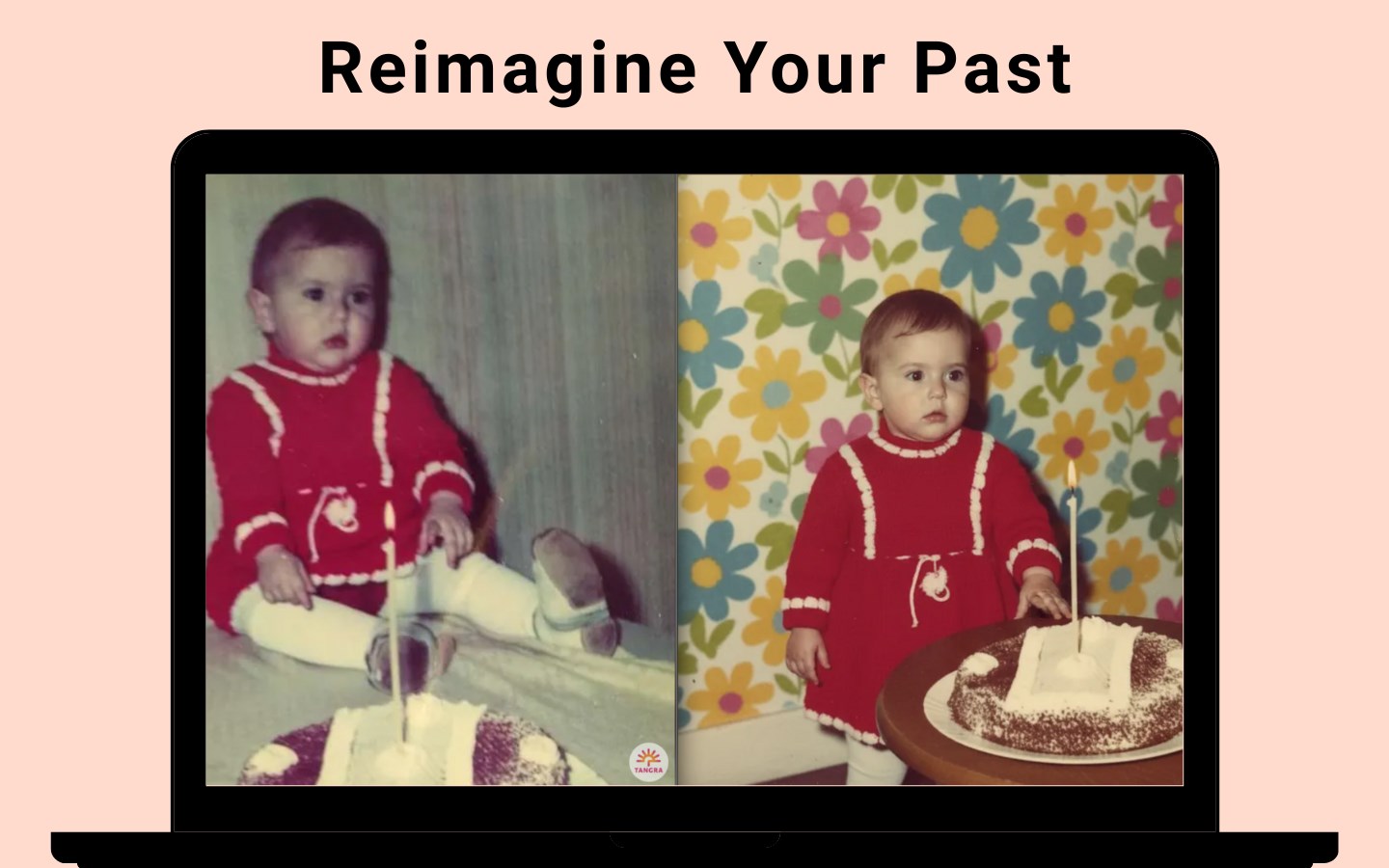
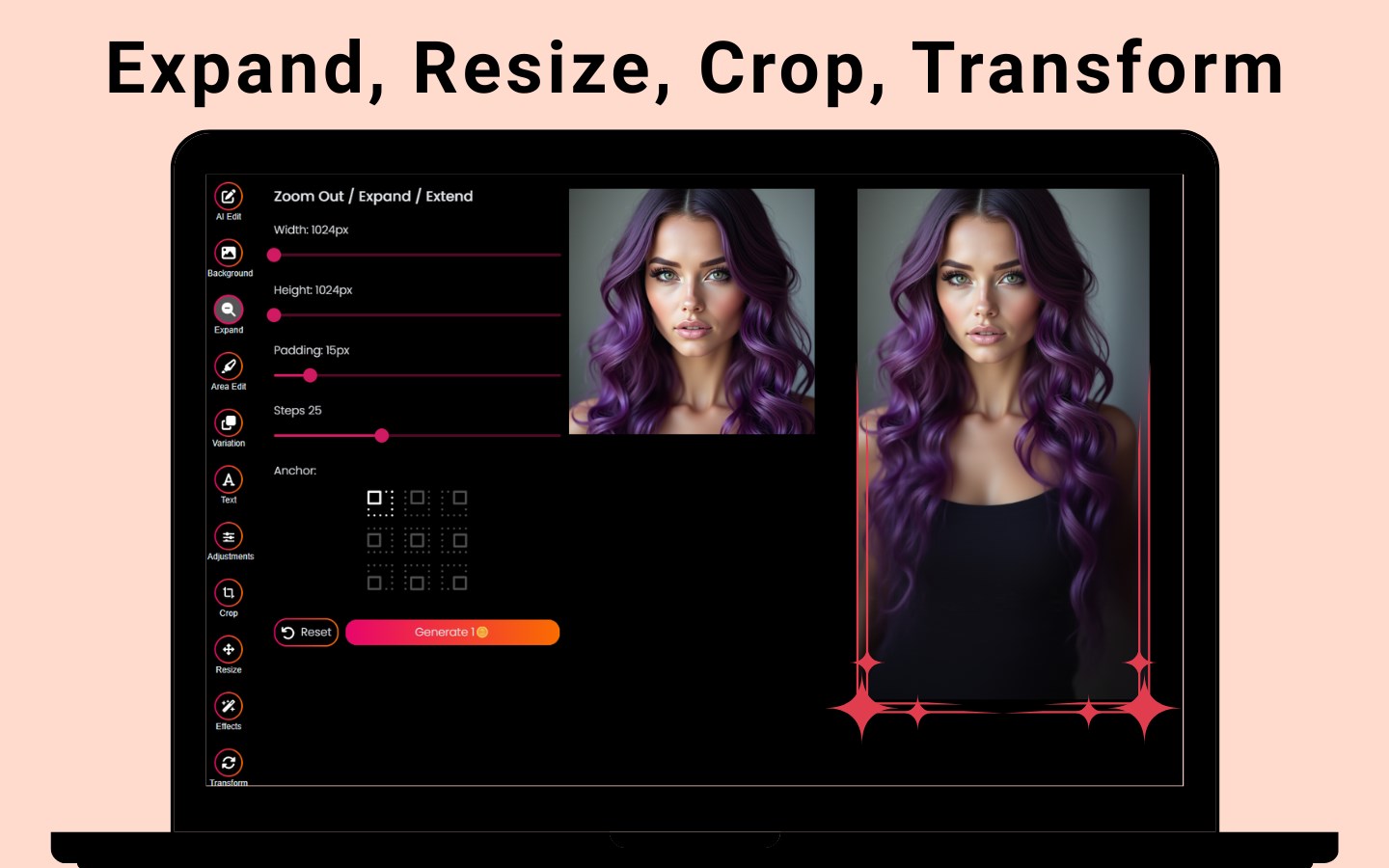
- Background Removal & Replacement: Seamlessly isolates subjects from their backgrounds, allowing for creative scene swaps or transparent images.
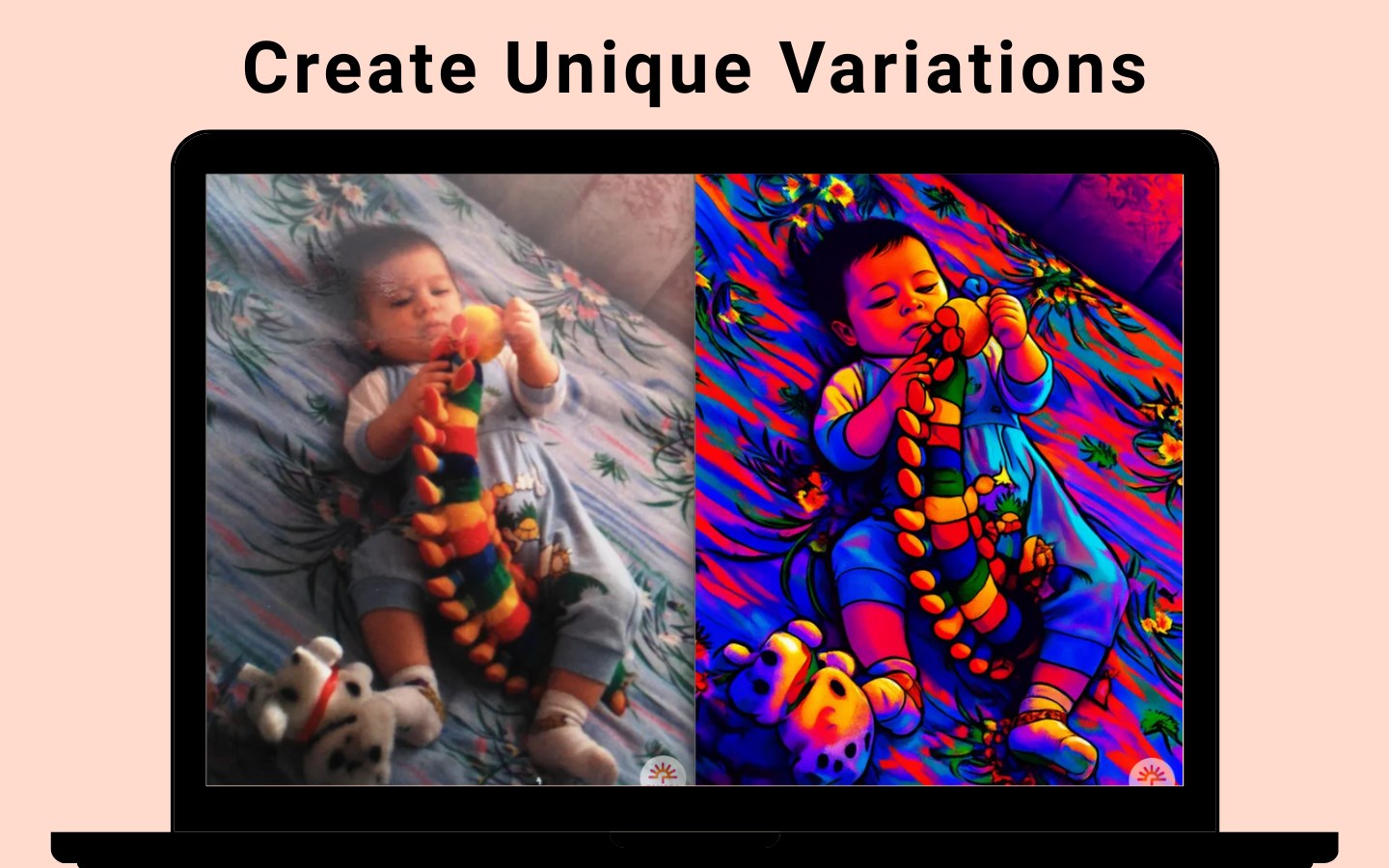
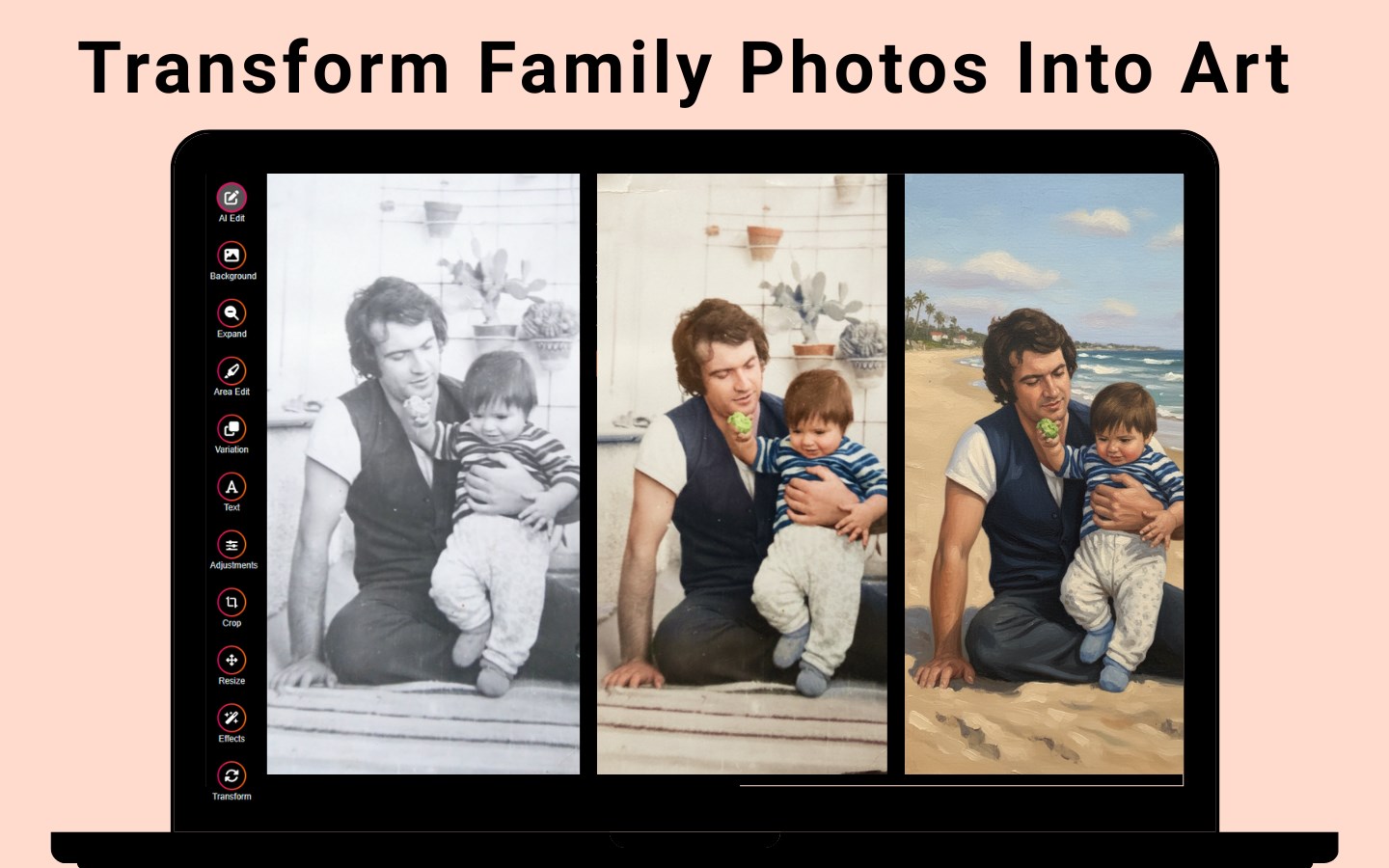
- Artistic Style Transfer: Transforms ordinary photos into artistic masterpieces inspired by famous painting styles.
- Batch Processing Capabilities: Enhances multiple images simultaneously, saving time for users with larger editing needs.
The app targets a broad audience—from hobbyist photographers and social media enthusiasts to small business owners needing quick visual content.
A Dynamic and Intuitive Editing Experience
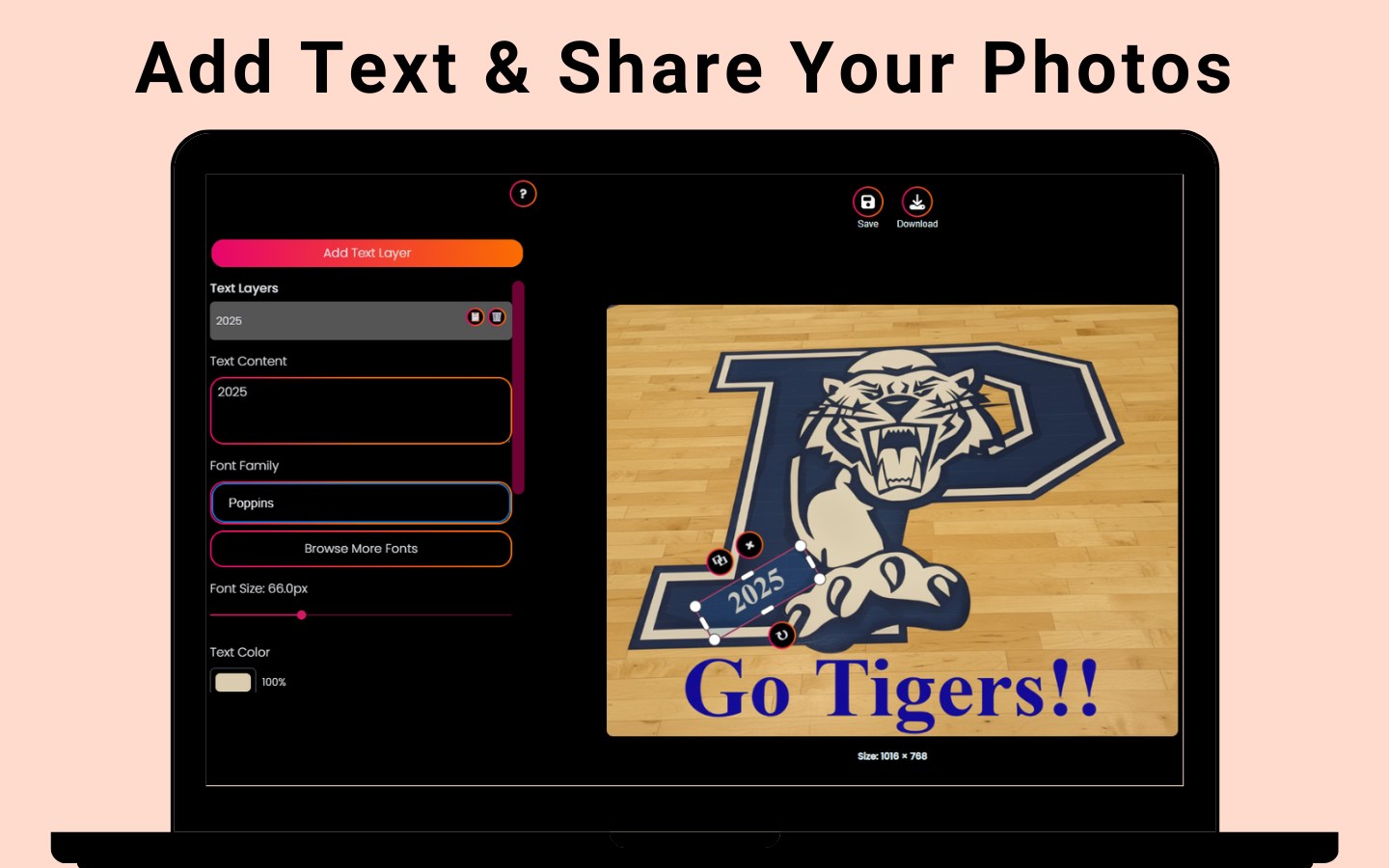
Imagine sitting down with your favorite photo, and Tangra AI Photo Editor acts like a friendly assistant, quickly highlighting flaws and suggesting enhancements. Its interface is clean and uncluttered, akin to a well-organized art studio, making it approachable even for newcomers. Navigation feels smooth, with responsive controls and real-time previews that let you see changes unfold as you tweak settings.
Core Functionality with a Creative Twist
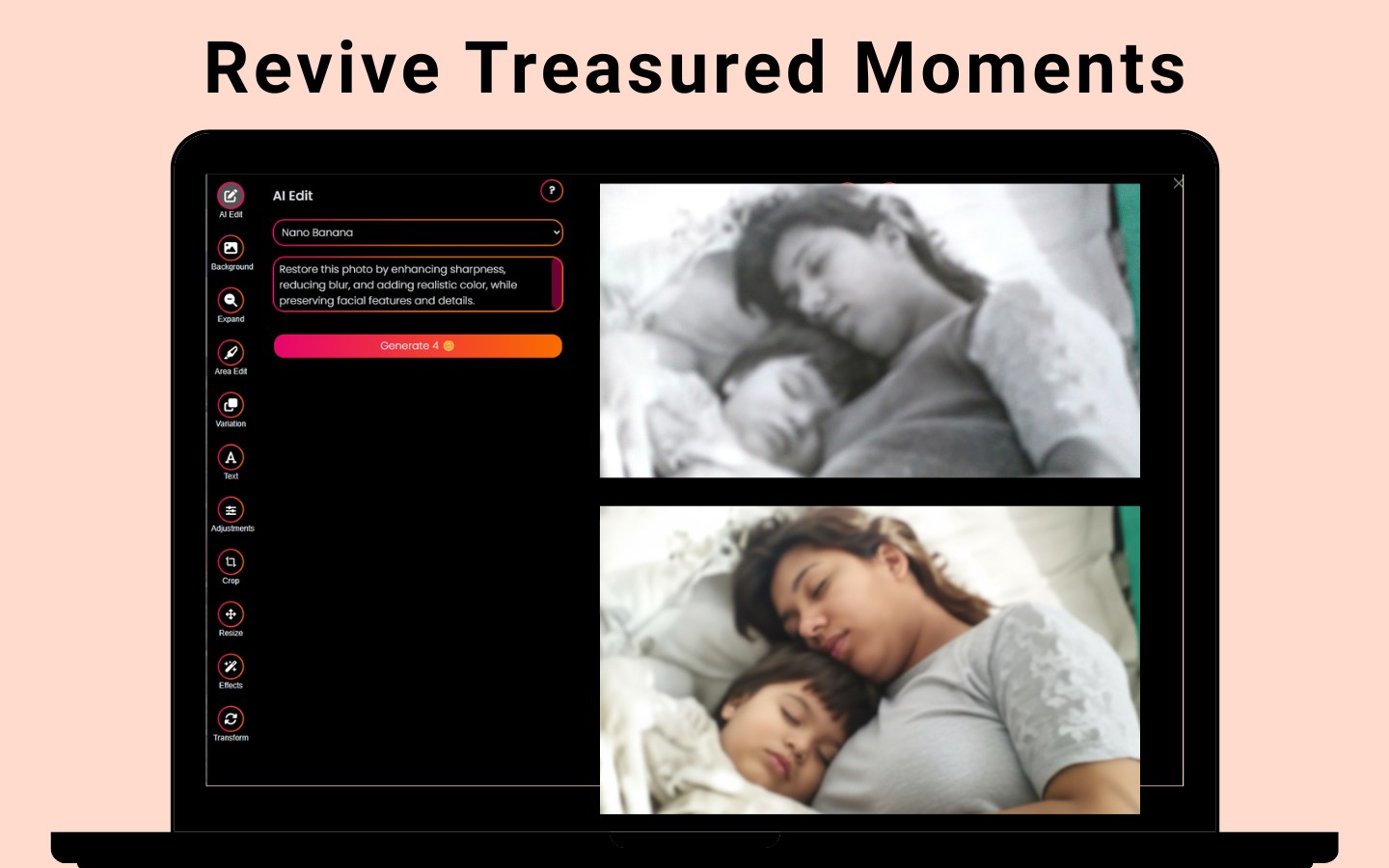
The AI auto retouching feature is like having a seasoned portrait photographer at your side, subtly smoothing away blemishes and enhancing features without losing natural expression. Unlike many traditional tools that require manual masking and adjustments, Tangra AI automates this process expertly, delivering results that feel polished yet authentic.
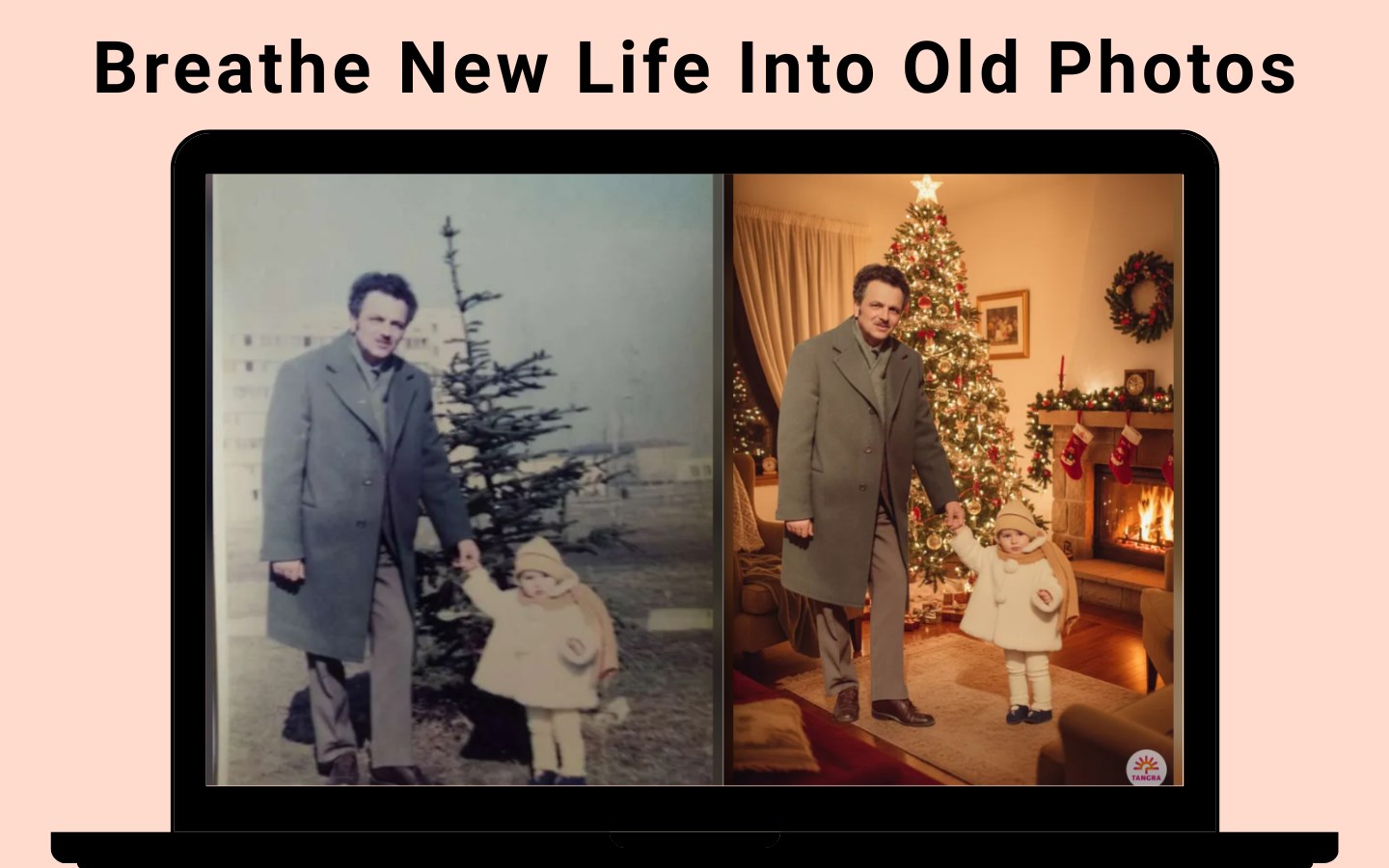
Background removal is another highlight that sets it apart. Imagine popping your subject into an entirely different scene without the hassle typically associated with cutouts and masking. This feature is particularly useful for creating promotional images or preparing content for social media. Its accuracy balances gently between precision and ease of use, making it accessible for users who may not have advanced Photoshop skills.
The artistic style transfer adds a splash of creativity; turn your everyday candid shot into a Van Gogh-esque painting or a pop art piece. This feature, powered by deep learning, offers an artistic dimension that elevates simple images into conversation starters.
User Experience and Unique Differentiators
The app's user interface feels akin to a trusted digital canvas—intuitive, uncluttered, and designed to minimize learning curves. Users report that getting started takes only minutes, with a gentle onboarding that guides you through each core feature. Its responsiveness and stability make it a pleasure to experiment without frustration.
Compared to other photo editors like Adobe Photoshop Express or Luminar, Tangra AI Photo Editor's most unique advantage is its combination of automated AI features that deliver quick, high-quality results without the need for extensive manual adjustments. The AI background removal, in particular, rivals dedicated tools like remove.bg but integrates seamlessly within the app's workflow, saving users from multiple software toggles.
Final Verdict: A Handy Companion for Creative Editing
If you're searching for an app that bridges advanced AI capabilities with simplicity and speed, Tangra AI Photo Editor is a commendable choice. Its standout features—especially auto retouching and background removal—make it a versatile tool suitable for various creative ambitions. While it may lack some of the granular control offered by high-end software, its ease of use and intelligent automation make it a valuable addition to your digital toolkit.
We recommend this app for casual users, content creators, and small business owners who need fast, reliable editing without a steep learning curve. For those who want a straightforward, AI-enhanced editing experience that combines artistic potential with practicality, Tangra AI Photo Editor deserves a solid try.
Pros
- Intuitive AI-powered editing tools
- High-quality image output
- Rich variety of filters and effects
- Fast processing speed
- User-friendly interface
Cons
- Limited free features
- Occasional AI inaccuracies
- Heavy app size
- Limited support for very high-resolution images
- Some features require internet connectivity











