

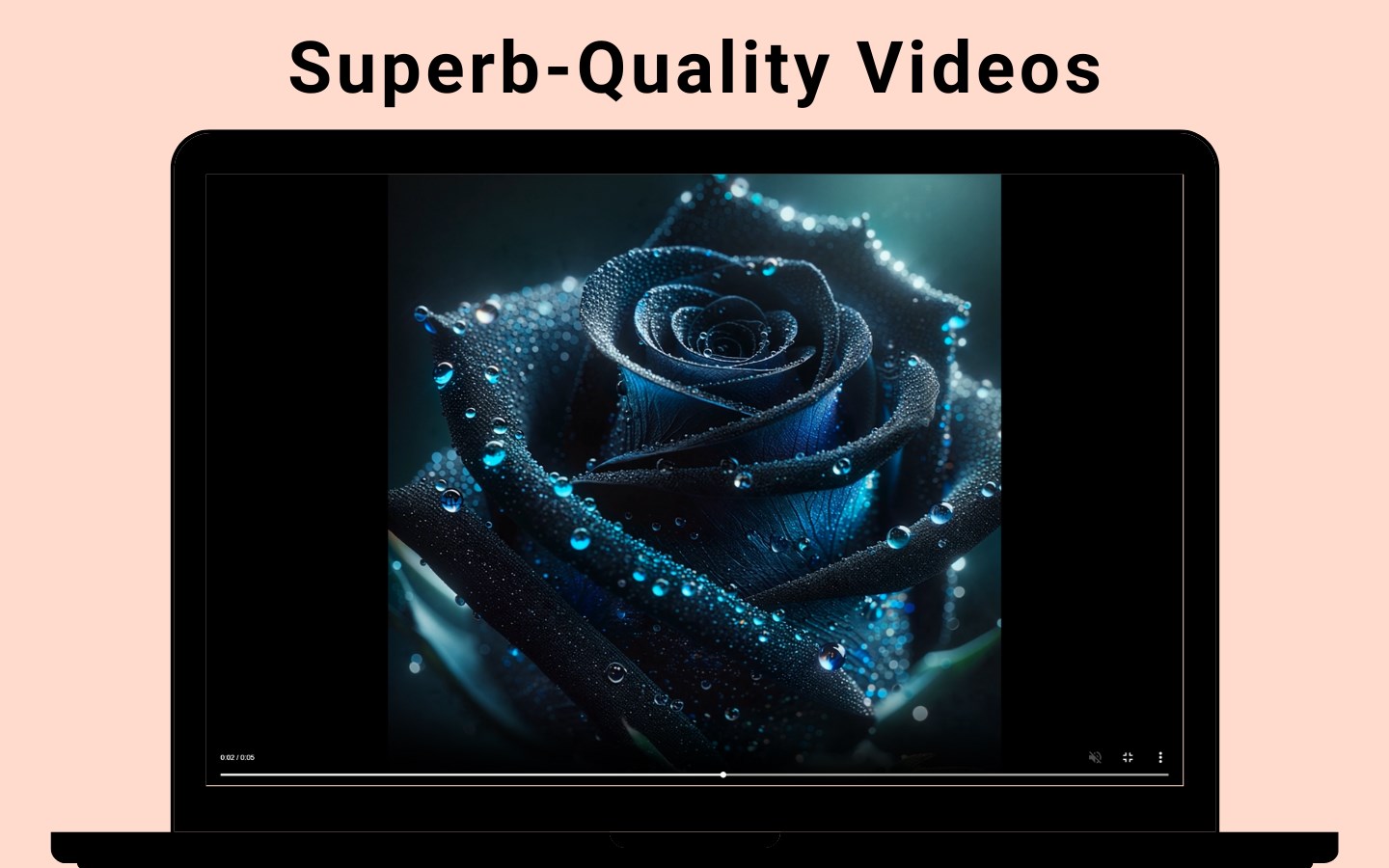

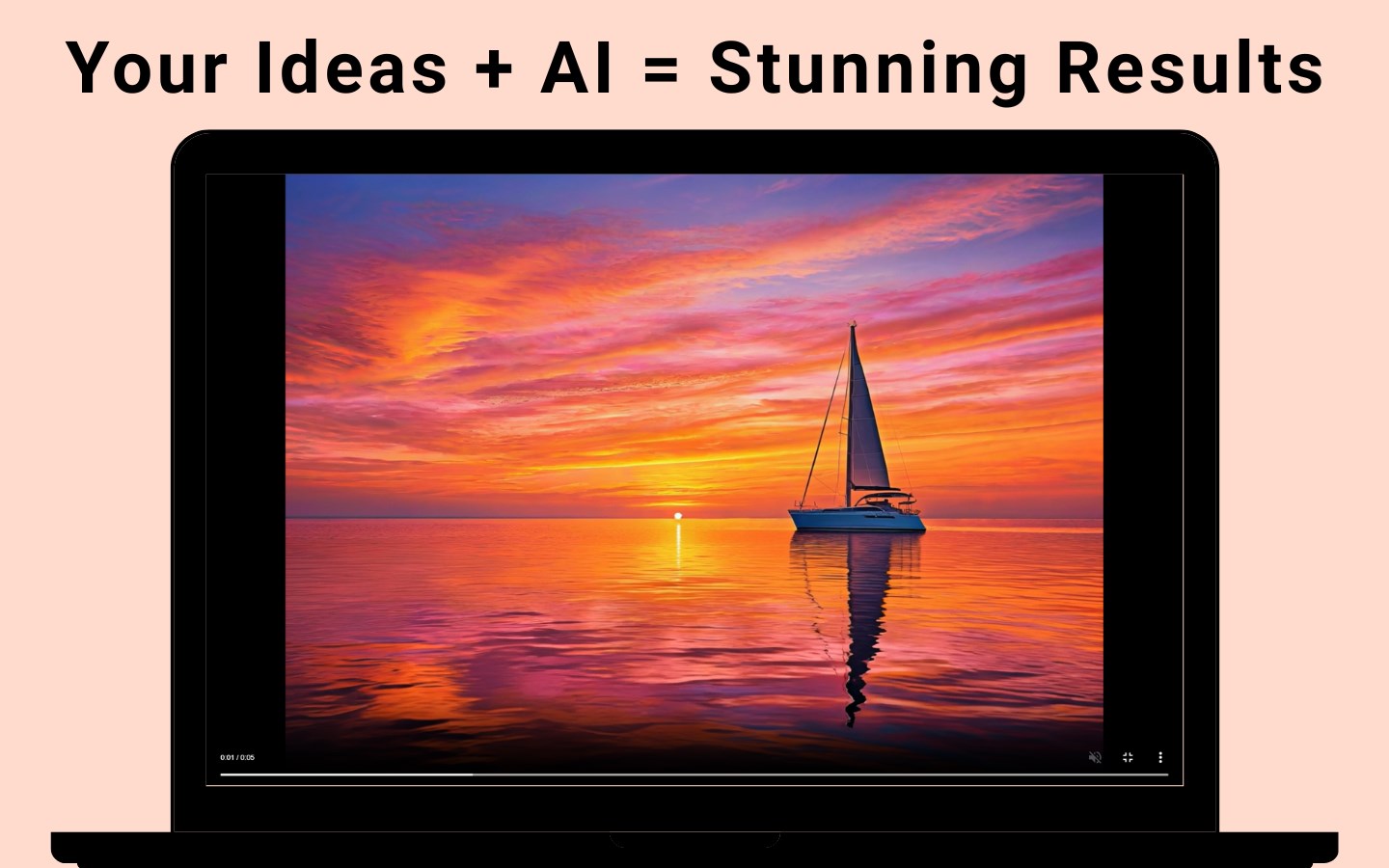
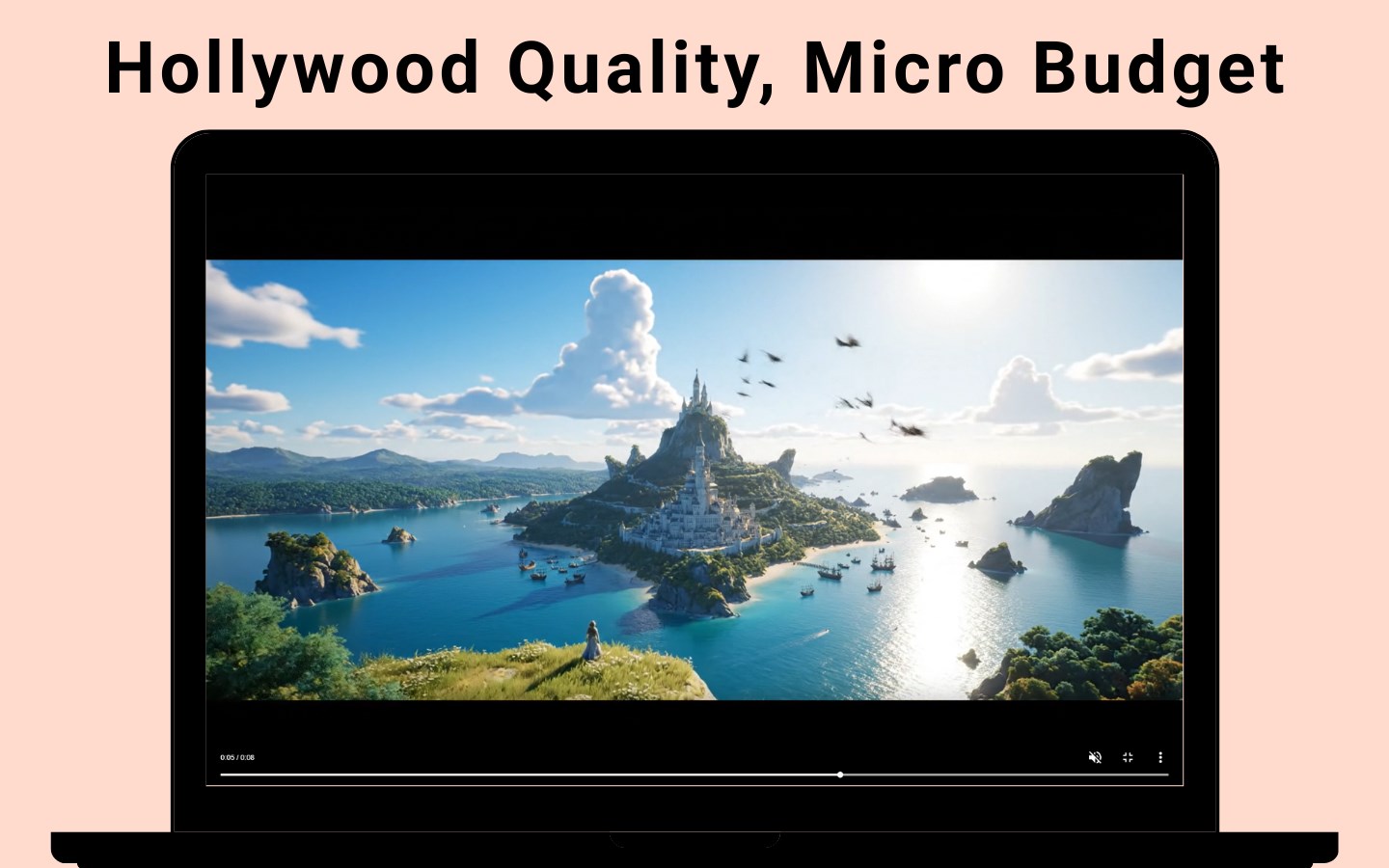
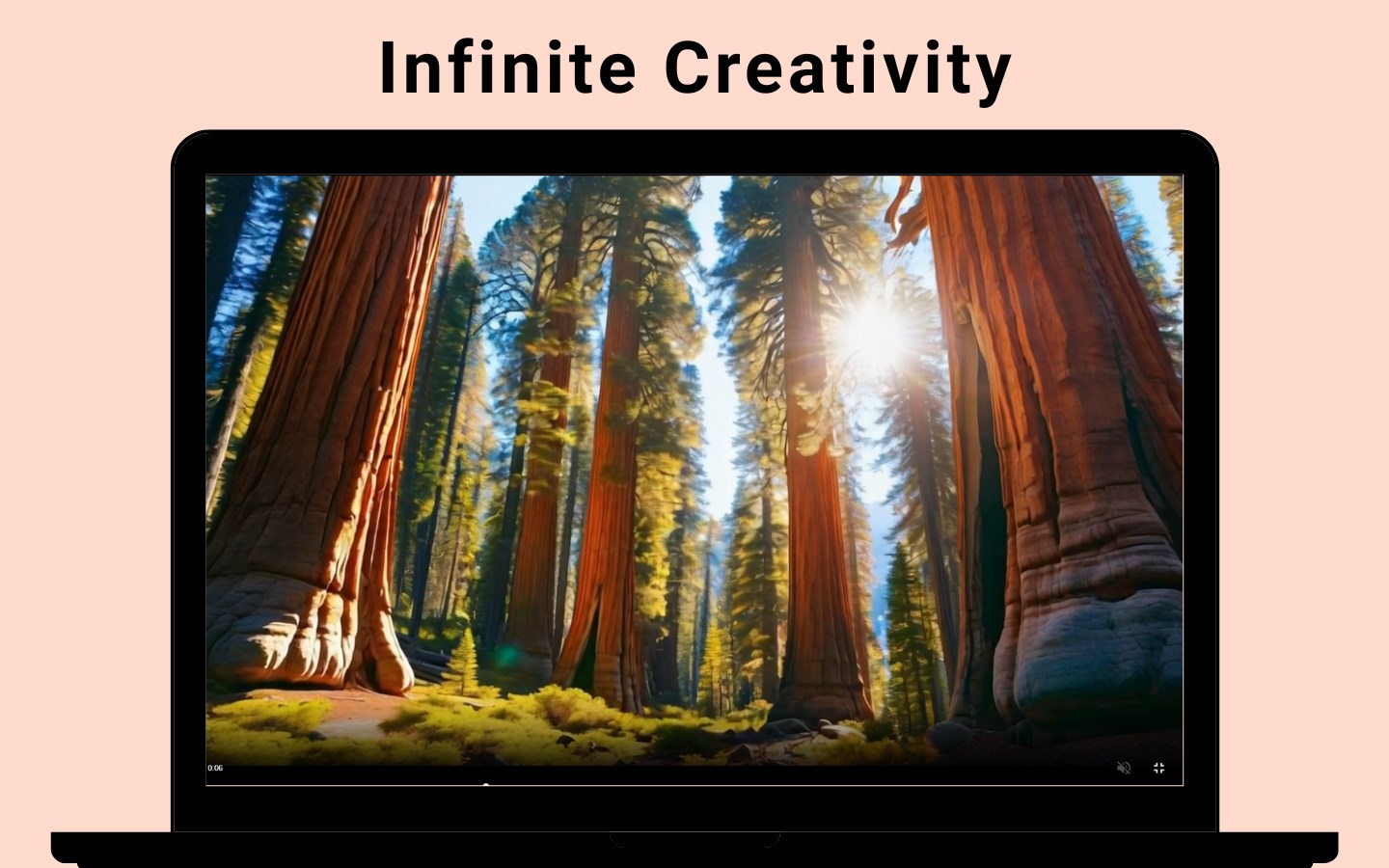
- Category Photo & video
- Developer Tangra AI
- Available on PC, Mobile, Surface Hub
- OS Windows 10 version 17763.0 or higher
- languages English (United States)
Transforming Video Creation with Tangra AI Video Generator for Windows
Imagine having a creative assistant that effortlessly turns your ideas into engaging videos—that's exactly what Tangra AI Video Generator offers. Designed for both novices and experienced content creators, this Windows application leverages artificial intelligence to streamline the video production process, making professional-looking videos accessible to everyone.
About Tangra AI Video Generator
Developed by Tangra AI and published by Simply Flows, this application stands out as an innovative tool in the realm of AI-powered video creation. Its core mission is to simplify and accelerate the process of producing captivating videos by harnessing the power of advanced AI models.
- Key Features:
- AI-driven automatic video generation from simple text prompts or images
- Intuitive interface with step-by-step guidance
- Customizable templates and scene transitions for professional polish
- Fast rendering speeds optimized for Windows systems
Target Audience: Content creators, marketers, educators, and hobbyists seeking quick, impactful video production without extensive technical know-how.
An Engaging Start: Unveiling the Power of AI Creativity
Imagine telling your story in a language only an artist understands—Tangra AI Video Generator acts as that multilingual artist, translating your ideas into visual narratives with remarkable ease. Whether you're looking to craft promotional videos, educational content, or just have fun with visual storytelling, this app makes the complex process feel like a walk in the park.
Core Functionality That Stands Out
1. AI-Powered Video Generation from Text and Images
This feature is the heart of Tangra AI's innovation. You input a simple description or upload images, and the AI works behind the scenes to generate a cohesive, visually appealing video. It's akin to having a virtual director who understands your vision and brings it to life without you needing to master complex editing software. This capability minimizes the need for manual editing and dramatically cuts down production time.
2. Customizable Templates and Transition Effects
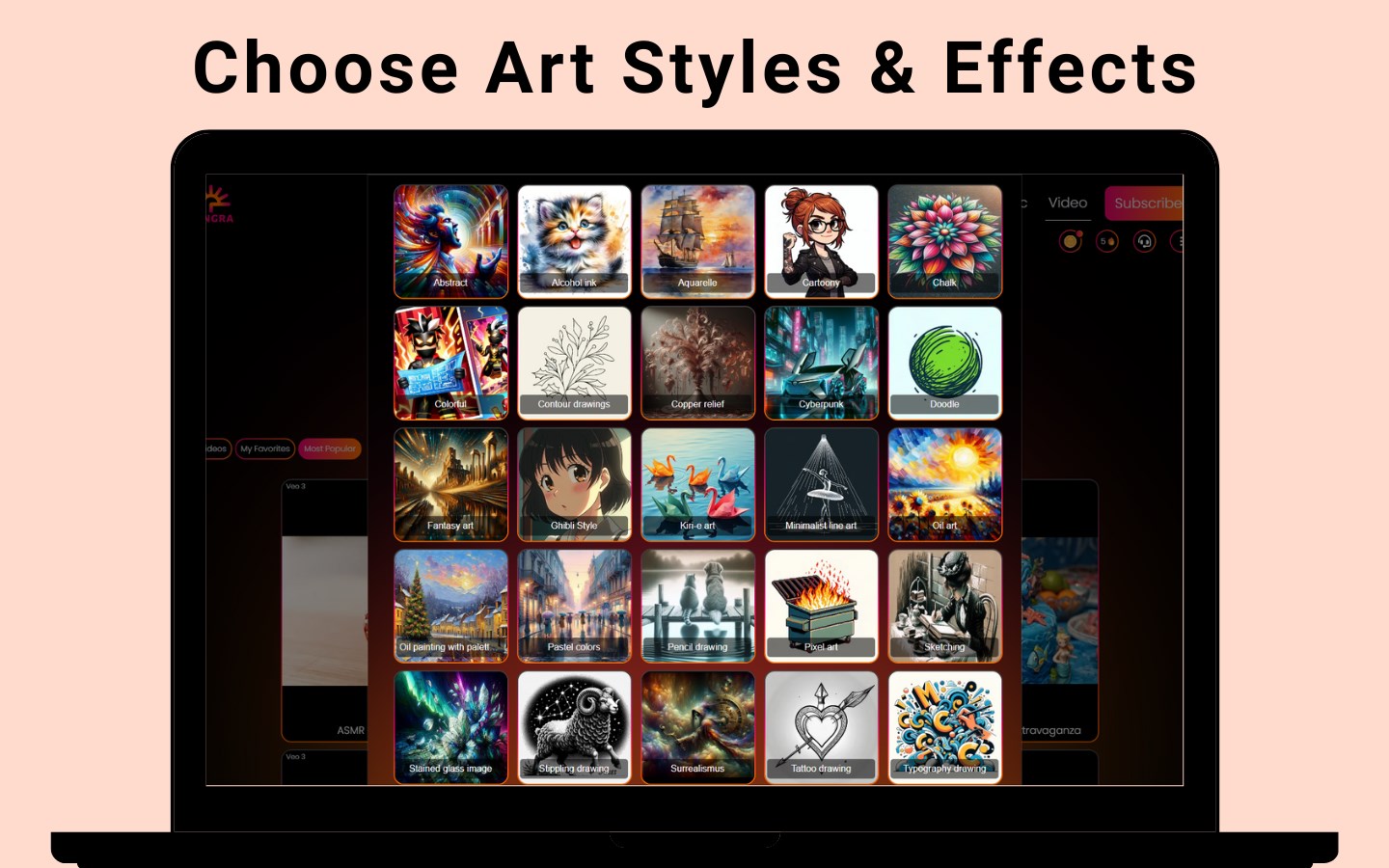
While automation is impressive, Tangra AI doesn't leave you in the lurch—its rich library of templates and scene transitions allow you to personalize your videos effortlessly. You can choose different styles, adjust timings, and embed text—imagine it as giving your video a designer's touch while the AI handles the heavy lifting. This adaptability ensures your videos are not only quick to produce but also uniquely tailored to your brand or message.
3. User-Friendly Interface and Smooth Workflow
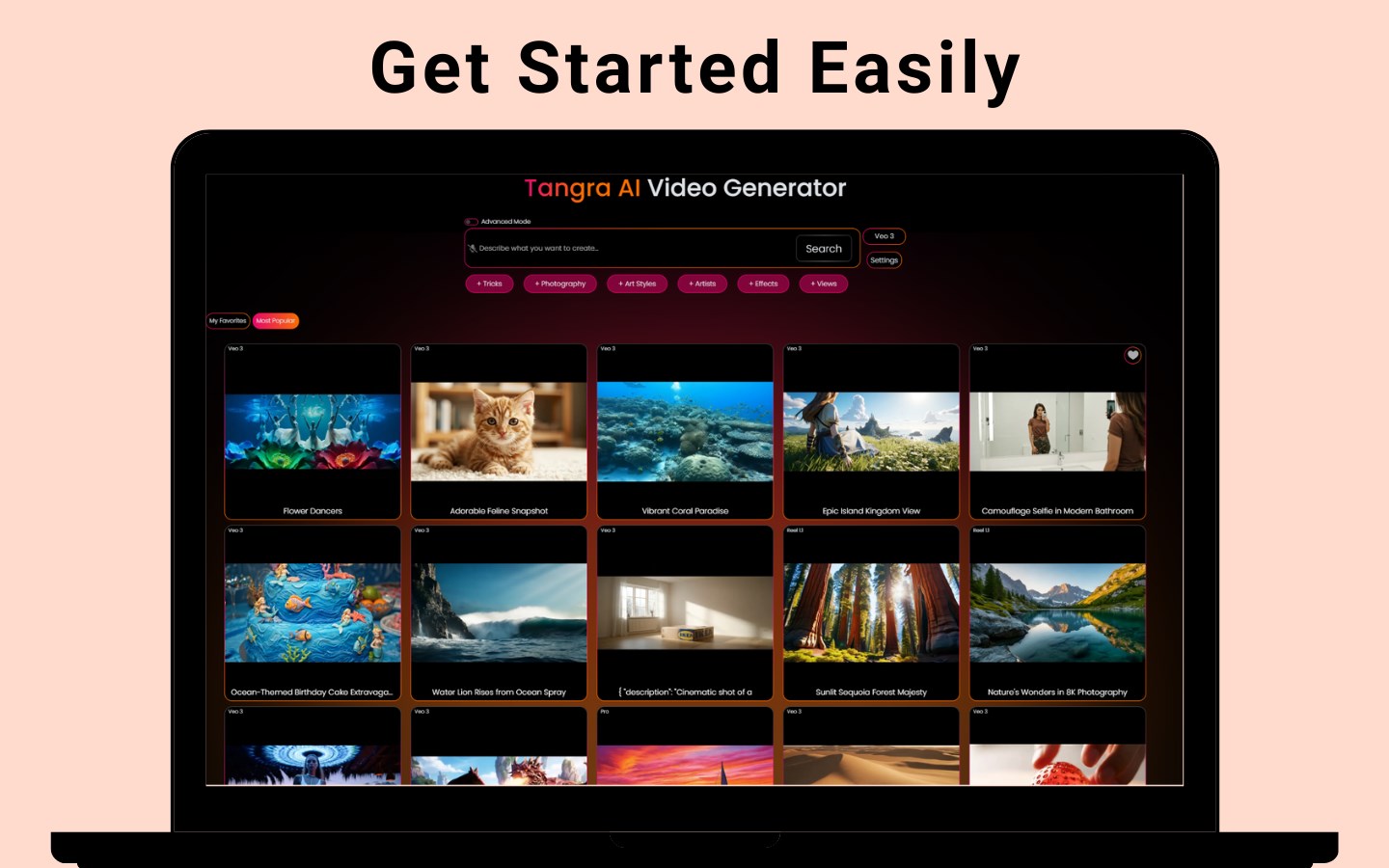
From the moment you launch the app, its clean, modern interface guides you smoothly. The steps are intuitive: input your content, select a template or style, and preview the result. The responsiveness and minimal lag between actions make the entire process enjoyable, even for beginners. The learning curve is gentle—think of it as a friendly language that you quickly pick up, making video creation almost as natural as telling a story to a friend.
What Sets Tangra AI Apart?
Compared to traditional video editing tools or other AI video generators, Tangra AI excels in its balance of automation and customization. Its unique selling point is the seamless integration of AI-driven content creation with user-friendly controls, making the process accessible without sacrificing control. Moreover, its speed and efficiency mean you spend less time on technical tweaks and more on perfecting your message. Developers have optimized it specifically for Windows, ensuring stable performance on a familiar platform.
Additionally, its ability to generate videos directly from text makes it highly versatile for various creative needs—from quick social media clips to more polished presentations. Unlike more cluttered or complex tools, Tangra AI provides a clean, focused environment, which is like having a neat workshop where everything is within easy reach.
Final Thoughts and Recommendations
Overall, Tangra AI Video Generator for Windows earns a strong recommendation for anyone looking to quickly produce professional-quality videos without diving into complicated editing software. Its standout features—particularly AI-based video synthesis from simple prompts—are powerful enough to save time and inspire creativity. Whether you're a marketer juggling multiple campaigns, a teacher preparing engaging lessons, or just a hobbyist having fun with visuals, this app can be a valuable addition to your toolkit.
For users new to AI video creation, a bit of experimentation with templates and settings will unlock its full potential. For seasoned creators, the automation allows for rapid prototyping and idea testing. Given its intuitive interface, speedy performance, and innovative features, Tangra AI Video Generator is well worth exploring—think of it as your new digital assistant in the world of video storytelling.
Pros
- User-friendly interface
- High-quality AI-generated videos
- Wide variety of templates and styles
- Fast rendering speeds
- Regular updates and improvements
Cons
- Limited customization options in some templates
- Occasional bugs during exporting process
- Dependency on internet connection for AI processing
- Content library can be somewhat limited in certain categories
- Pricing may be high for casual users











