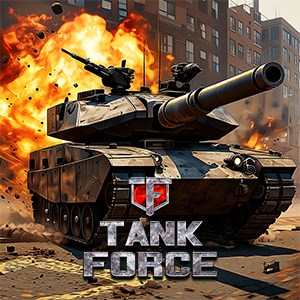
Tank Force: War game online, battle on modern tanks
- score
- 4.3
- DirectX
- Version 10
- DirectX
- Version 11
- Memory
- 4 GB

Download and install the game from the official platform, create an account, and follow the tutorial to learn basic controls and gameplay mechanics.
The game features team battles, one-on-one duels, and survival mode, which you can select from the main menu under 'Modes'.
In-game, visit the 'Upgrade' section where you can enhance armor, weapons, and engine based on earned points or resources collected during battles.
Yes, go to the 'Customization' menu to change skins, decals, and other visual features to personalize your tanks before battles.
Select the 'Battle' option from the main menu, then choose the desired mode or arena to match with other players worldwide.
Yes, you can buy in-game currency, premium tanks, and upgrades via the store; go to Settings > Store to view options and make purchases.
Navigate to Settings > Account > Subscription to select and subscribe to available premium packages for additional benefits.
Try restarting the game, update your graphics drivers, or reinstall the game. For persistent issues, contact support via Settings > Help & Support.
Tank Force is an online multiplayer game, so an active internet connection is required to play the game and access online battles.
for Windows
4.4for Windows
4.3for Windows
4.1for Windows
2.3