

- Category Personalization
- Developer PeroSoftware.com
- Available on PC
- OS Windows 10 version 18362.0 or higher
- languages Chinese (Simplified), Chinese (Traditional), English (United States), German, Indonesian, Japanese, Korean , Russian, Spanish (United States), Turkish, Ukrainian
A Fresh Take on Windows Taskbar Customization
Taskbar+ for Windows stands out as a versatile tool designed to elevate your desktop experience through personalized and functional enhancements. Developed by PeroSoftware.com, this app promises to bring new life to the often-overlooked taskbar with a suite of thoughtful features aimed at power users and casual users alike.
Meet the Makers: Who's Behind Taskbar+?
Created by the dedicated team at PeroSoftware.com, Taskbar+ reflects a commitment to improving Windows user experience through intuitive design and robust functionality. Their focus is to provide users with tools that seamlessly integrate into their daily workflows without the clutter or complexity often associated with customization apps.
Key Features that Make a Difference
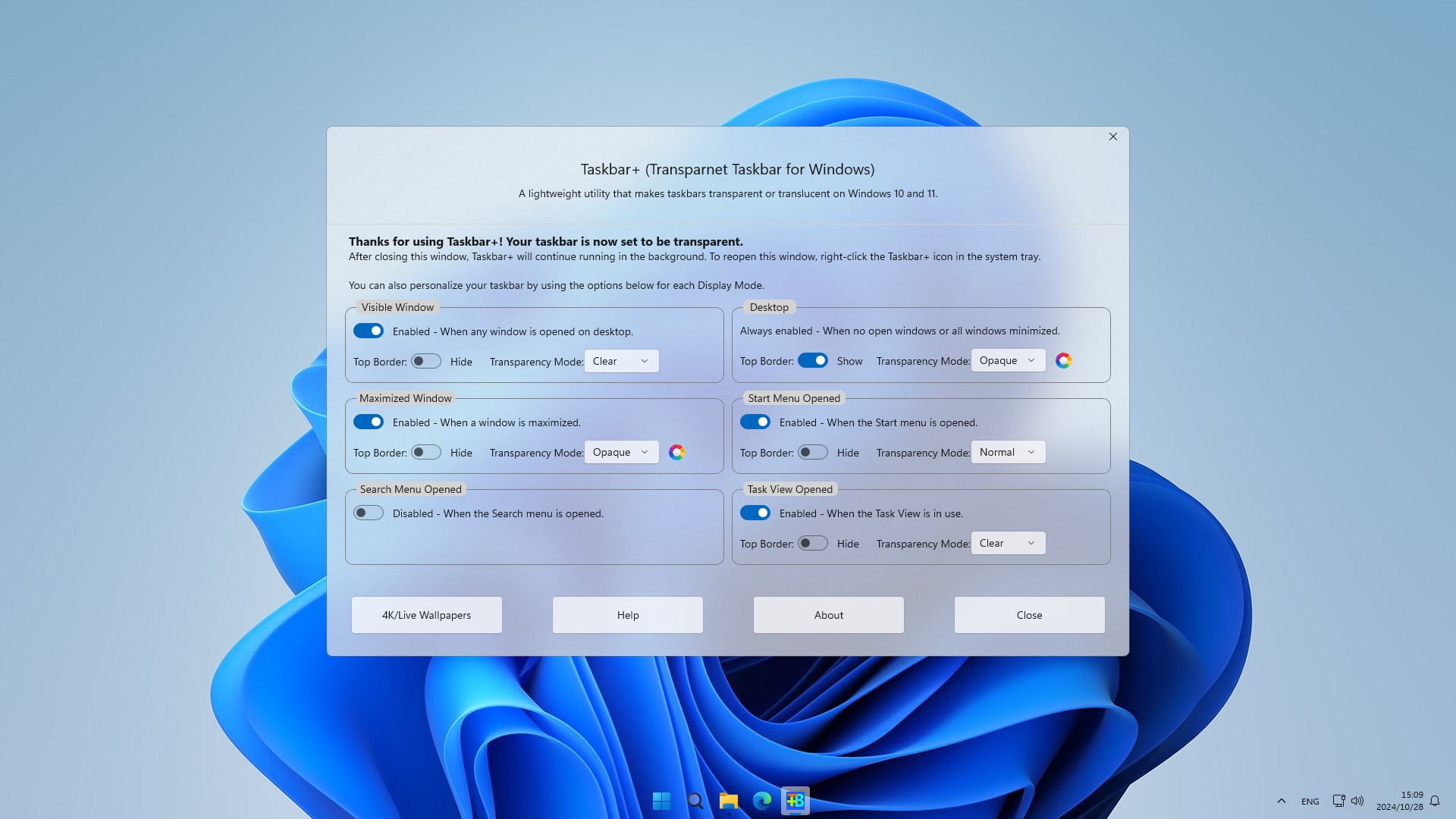
- Dynamic Customization Options: Users can tailor the taskbar's appearance with a wide variety of themes, icons, and layout tweaks, creating a personalized workspace that feels uniquely theirs.
- Enhanced Functionality Widgets: Integrate useful widgets directly into the taskbar — such as weather, calendar, or system stats — providing quick access to essential info without disrupting workflow.
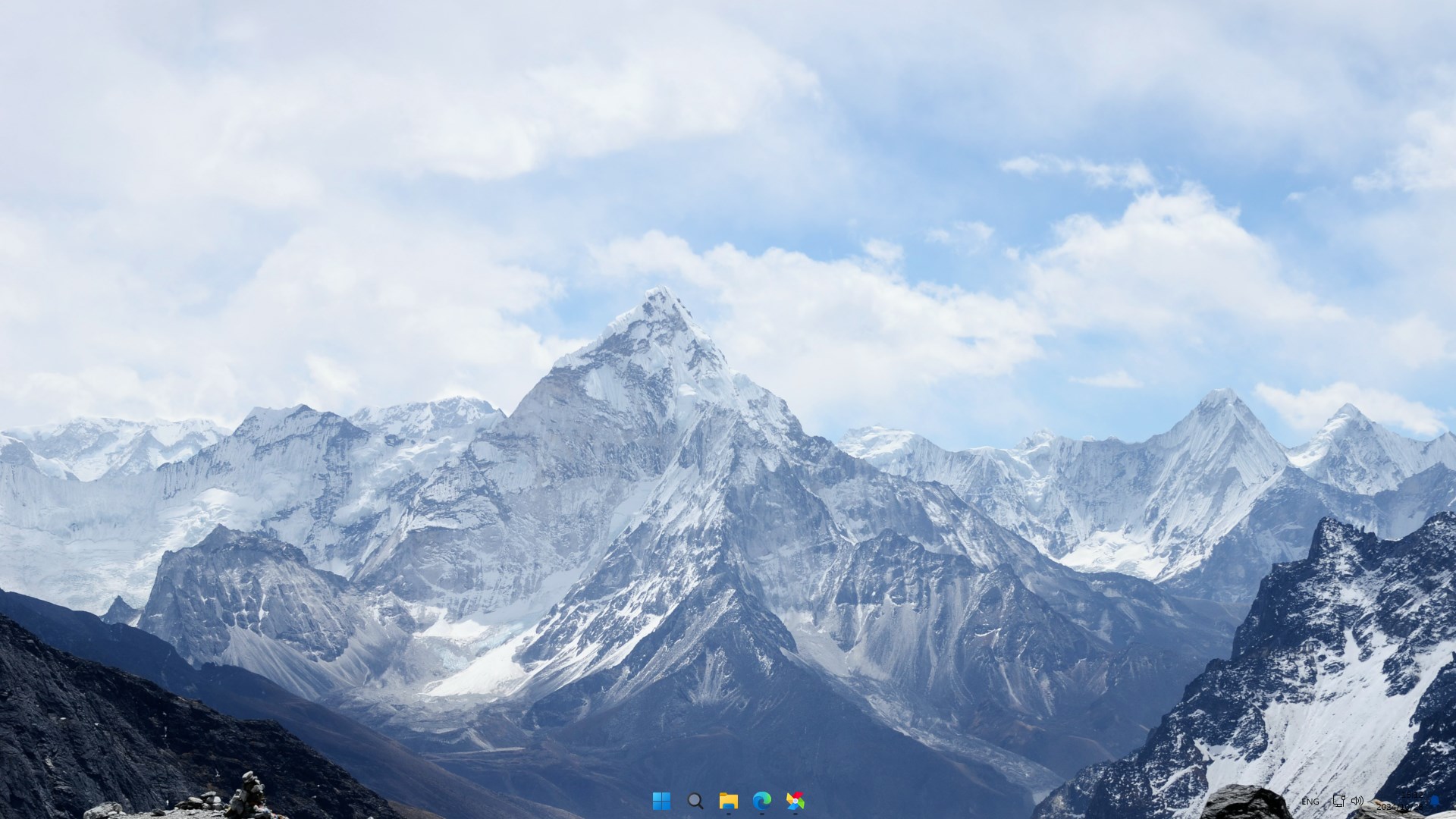
- Theme Compatibility with Windows Aesthetic: Taskbar+ seamlessly blends with Windows' native themes and supports custom color schemes, ensuring a natural, harmonious look across the desktop environment.
- Productivity Boosters: Features like customizable shortcuts and quick-launch capabilities help streamline your tasks, whether you're managing multiple projects or just trying to open apps faster.
The focus here is on creating a harmonious balance between aesthetic flexibility and practical utility, making it suitable for anyone from tech enthusiasts to everyday users seeking a smoother Windows experience.
Experience and Usability: Smooth, Friendly, and Intuitive
From the moment you install Taskbar+ for Windows, it greets you with a clean, thoughtfully designed interface that feels like chatting with a helpful friend rather than wrestling with a tech manual. Navigation is intuitive: toggle options, drag-and-drop features, and preview modes make customization feel almost tactile, like arranging physical stickers on a bulletin board.
The app's operation runs smoothly thanks to optimized performance—the transitions are seamless, and the app doesn't demand excessive system resources, preserving your PC's responsiveness. For newcomers, the learning curve is gentle; basic modifications can be made in minutes, while advanced features allow for deeper tinkering as you get more comfortable.
Compared to similar personalization apps, Taskbar+ distinguishes itself with its focus on theme compatibility. It doesn't just offer static options but actively ensures that your chosen styles integrate beautifully with Windows' native aesthetics, avoiding clunky mismatches or visual discord.
Highlighting the App's Most Unique Selling Points
Perhaps the most standout feature of Taskbar+ is its ability to perfectly synchronize themes across both the taskbar and desktop environment. Unlike many apps that provide generic skins, Taskbar+ emphasizes harmonious visual integration, elevating your workspace's overall coherence. Additionally, its widget system transforms the taskbar from a simple launcher into a mini-dashboard, keeping vital info within arm's reach without cluttering the screen.
These qualities, combined with straightforward customization options, set Taskbar+ apart from other personalization tools, turning the taskbar from a static bar into an engaging, functional centerpiece of your desktop.
Final Say: A Worthwhile Tool for Those Who Value Aesthetic and Function
If you're seeking a reliable app that enhances the look and feel of your Windows workspace without adding unnecessary complexity, Taskbar+ is worth trying. Its focus on theme harmony and widget integration makes it particularly appealing for users craving a personalized, yet cohesive environment. For casual users, it offers a straightforward way to refresh the desktop, while power users can appreciate the depth of customization available.
Overall, I recommend giving Taskbar+ a test run if you're eager to breathe new life into your Windows interface—it's like giving your desktop a tailored suit, elegant yet functional. Whether you stick to simple tweaks or explore advanced options, this app delivers a solid, polished experience that stands out in the realm of Windows personalization tools.
Pros
- Enhanced productivity with customizable taskbar features
- Intuitive user interface that is easy to navigate
- Seamless integration with Windows system
- Offers useful shortcuts for frequently used applications
- Lightweight and runs efficiently without significant system slowdown
Cons
- Limited customization options compared to other taskbar apps
- Occasional lag when managing multiple pinned items
- Some features require administrative permissions to function properly
- Limited support for multi-monitor setups
- Language options are somewhat limited in the current version











