
- Category Personalization
- Developer Chris Andriessen
- Available on PC
- OS Windows 10 version 17763.0 or higher
- languages English (United States)
Meet TaskbarX for Windows: Bringing Smooth Customization to Your Desktop
TaskbarX, developed by Chris Andriessen, is a Windows utility designed to elevate your taskbar experience through sleek animations and customizable behaviors. This tool aims to give your desktop a modern, polished look—making it more than just functional, but also visually appealing.
Core Features That Make a Difference
Centered Icon Arrangement with Elegant Animations
At the heart of TaskbarX is its ability to center your taskbar icons, transforming the traditional left-aligned layout into a stylish, balanced centerpiece. Coupled with smooth, fading animations that gently glide icons into position, it creates a visually satisfying effect—imagine your icons gracefully settling into a perfect dance formation every time you open or switch apps.
Deep Customization Options
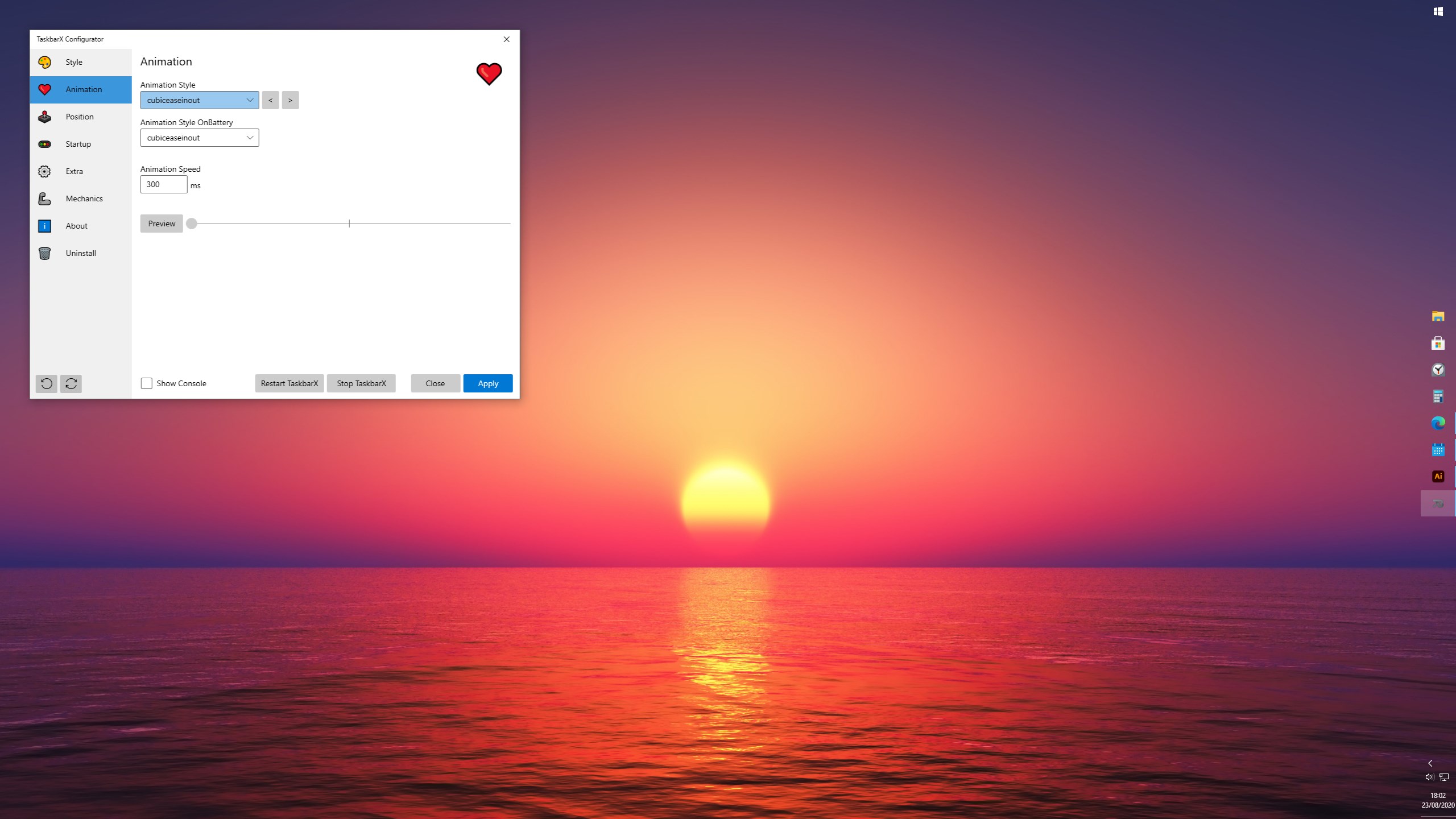
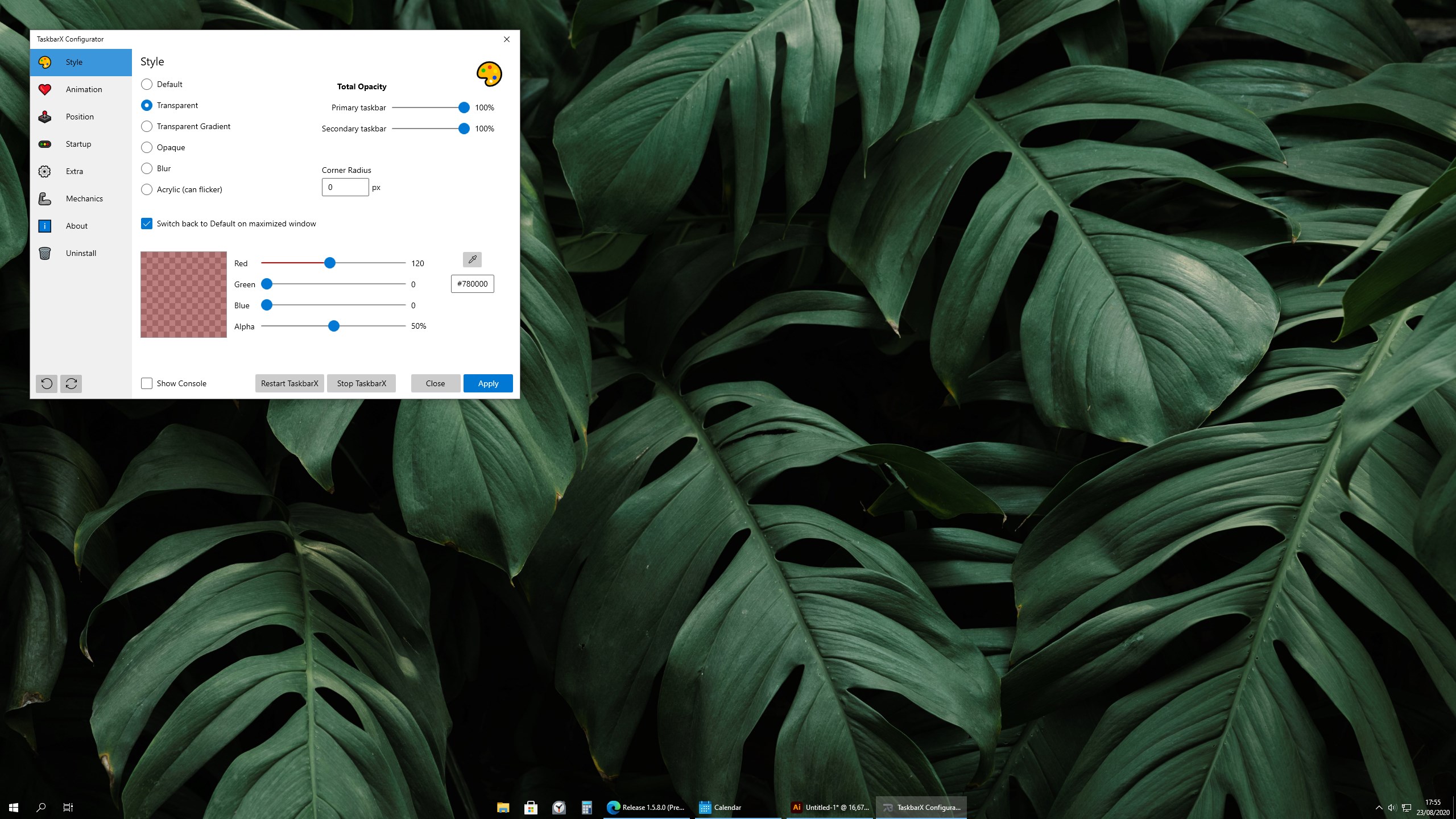
True to its name, TaskbarX offers extensive options for personalization. Users can adjust transparency levels, tweak the animation speed, and decide whether icons should remain centered or align to one side. The app supports a variety of themes, enabling seamless integration with your overall desktop aesthetic, whether minimalistic or vibrant.
Dynamic Behavior and Positioning Control
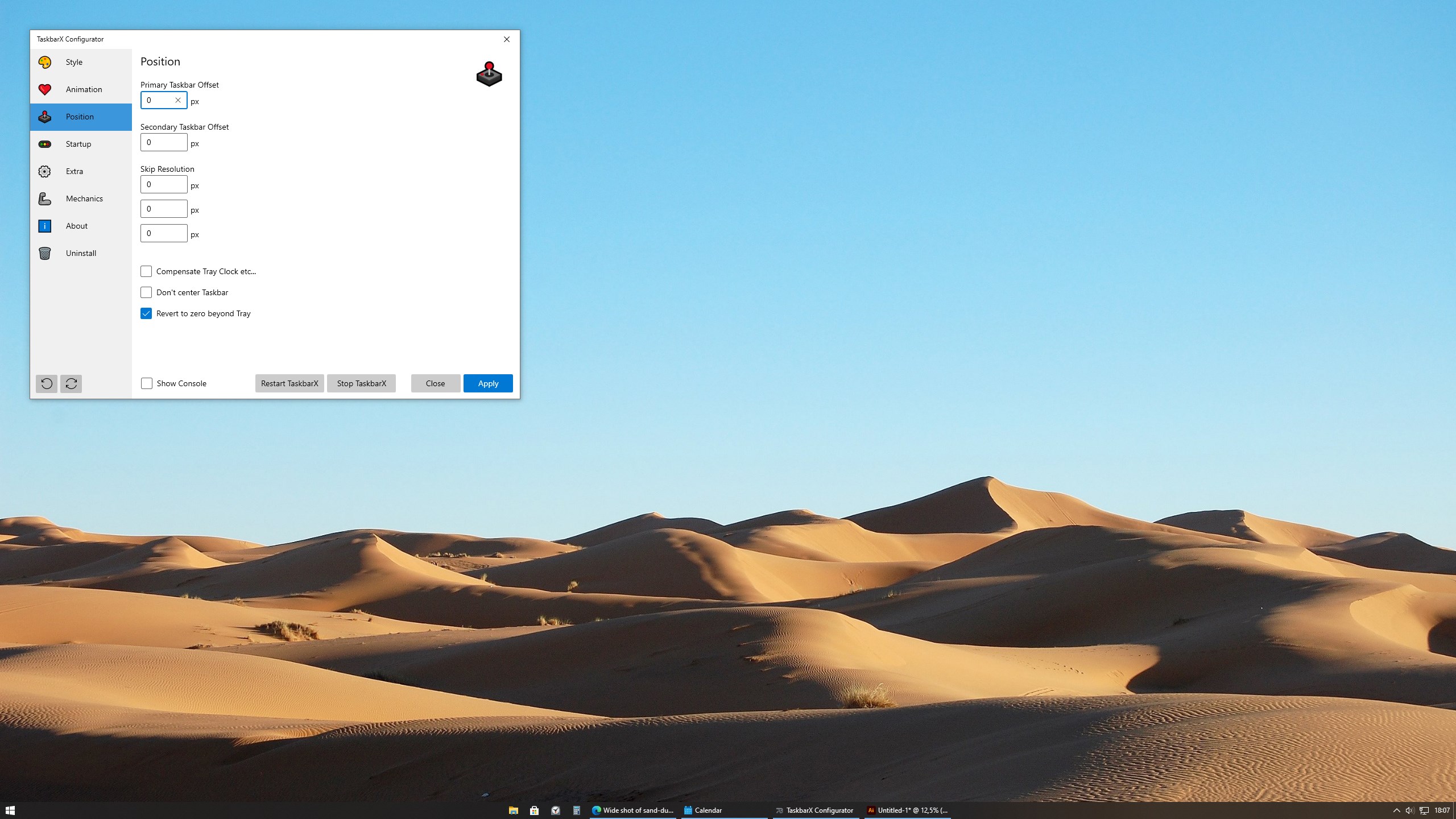
Beyond aesthetics, TaskbarX provides robust control over taskbar behavior. You can set specific profiles for different scenarios—such as a sleek, animated center for work, and a classic alignment for casual browsing. Additionally, it dynamically adjusts to resolution changes and multi-monitor setups, ensuring consistent presentation across your workspace.
Intuitive Design and User Experience
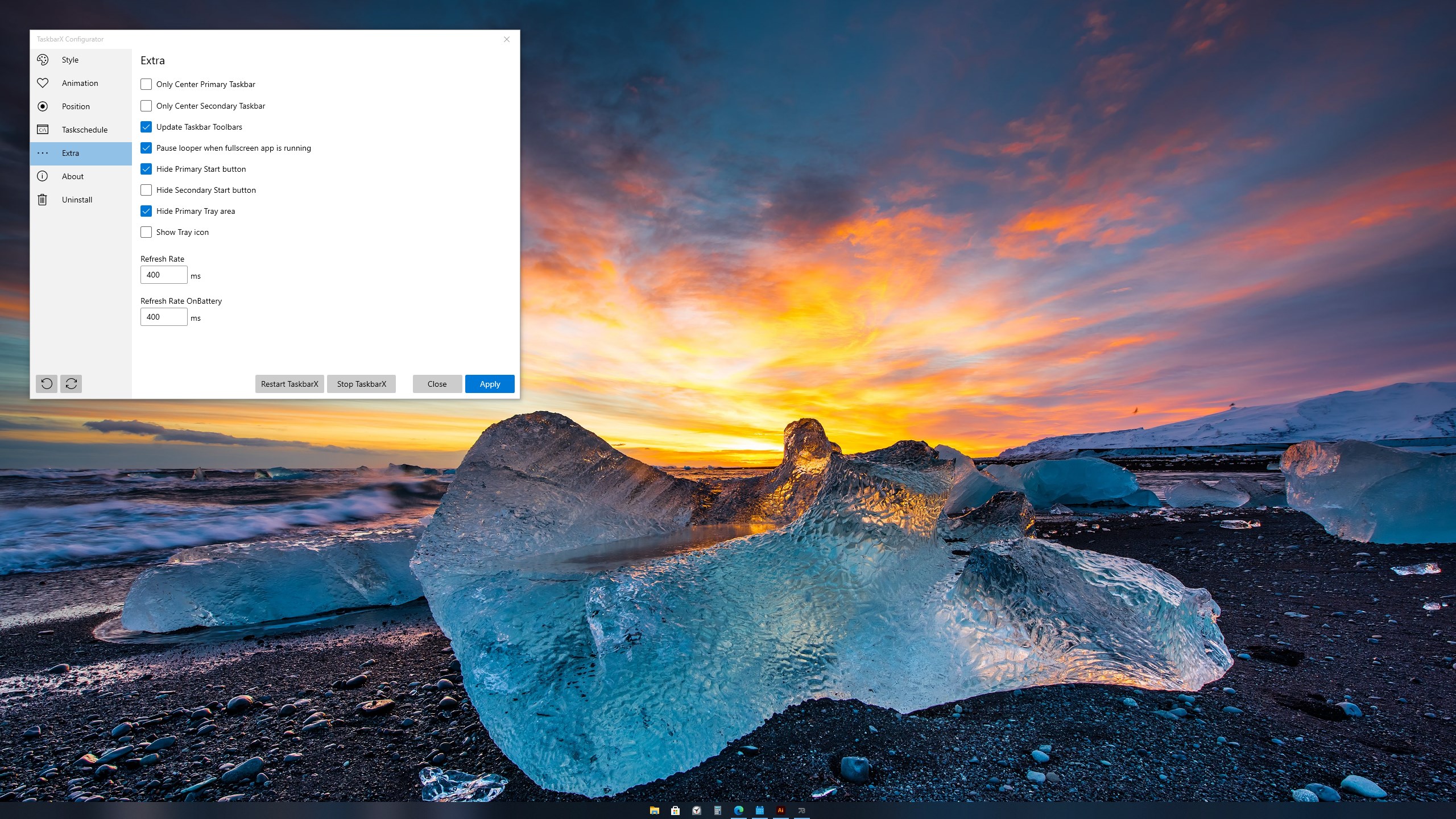
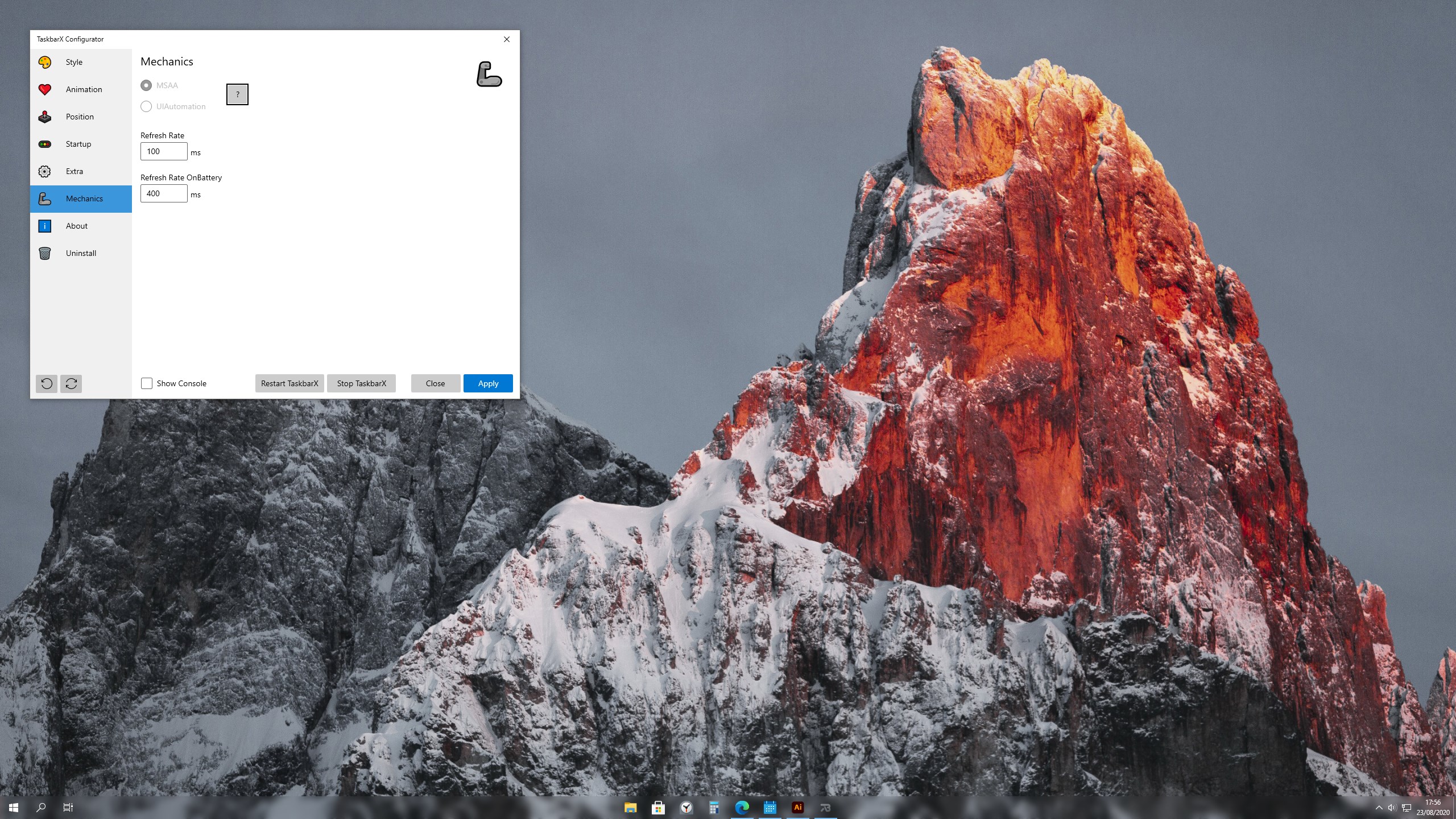
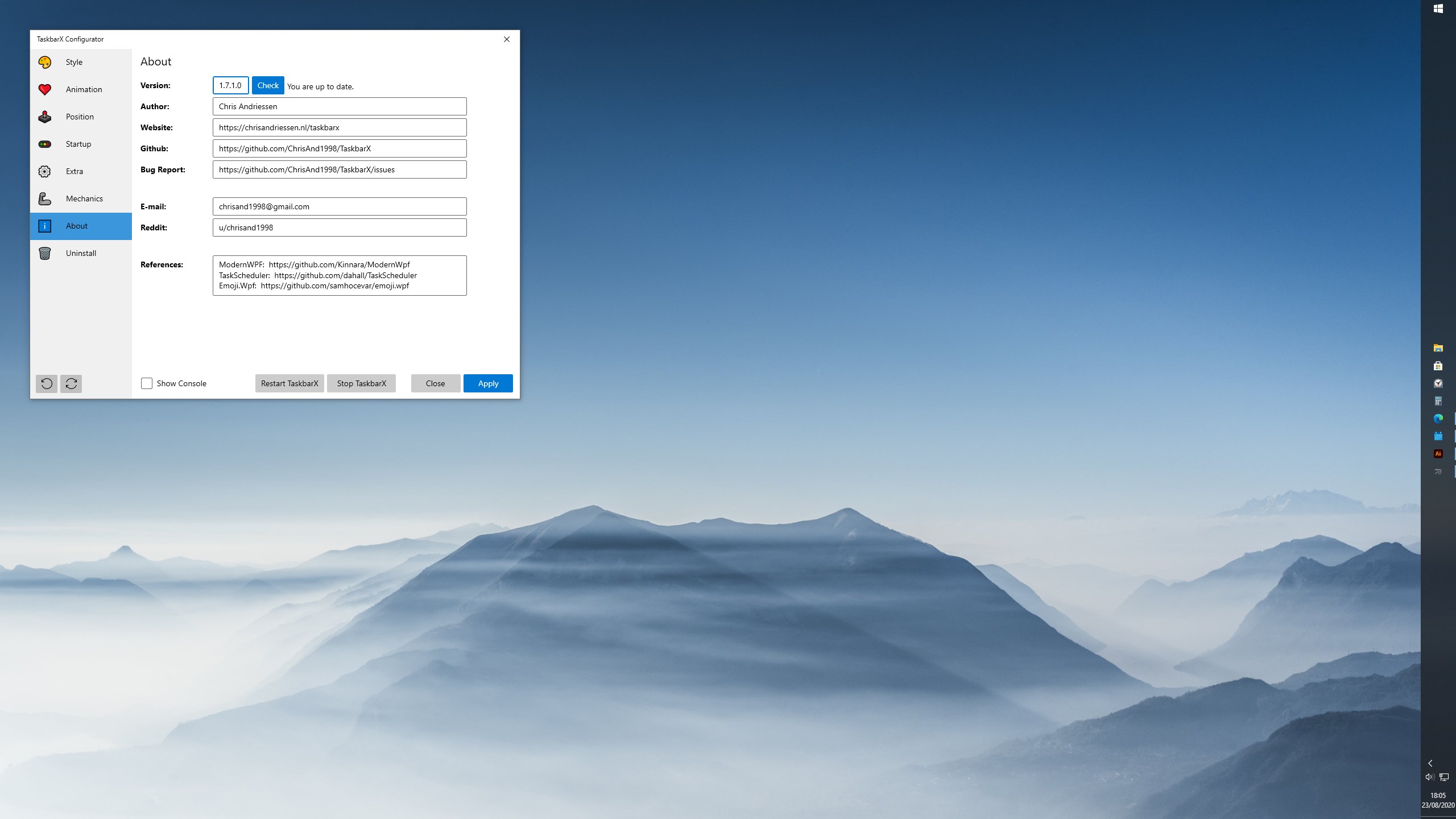
TaskbarX boasts a simple, lightweight interface that makes customization feel accessible even to newcomers. The configuration panel is straightforward, with toggle switches and sliders that provide immediate visual feedback. Operation is fluid—animations run smoothly without lag, enhancing the user experience rather than hindering it. Though some adjustment options may require a brief learning curve, overall, users can quickly grasp the core settings and experiment with different looks.
What Sets TaskbarX Apart from Similar Apps?
While many personalization tools focus on superficial tweaks, TaskbarX's standout feature is its harmonious blend of aesthetic finesse and functional flexibility. Its ability to seamlessly animate and center icons is not only visually appealing but also adds a sense of order and focus, akin to arranging furniture in a perfect layout. Compared to other customization apps that offer limited theme support or static modifications, TaskbarX excels in providing a dynamic, adaptable experience that can be tailored deeply to individual preferences—especially with its support for various themes and color schemes, making it highly compatible with existing desktop styles.
Final Verdict and Recommendations
Overall, TaskbarX is a well-crafted tool that transforms the mundane taskbar into a stylish showcase. It's particularly recommended for users who appreciate subtle visual enhancements and enjoy personalizing their workspace to reflect their tastes. If you're looking for a lightweight, non-intrusive application that offers both beauty and utility—without the overwhelm of complex settings—TaskbarX deserves a spot on your utility shelf. Just remember, the best results come from spending a few moments exploring its options to tune the look to your liking.
Pros
- Enhanced taskbar customization
- Smooth animation effects
- Lightweight and resource-efficient
- Easy to configure
- Supports multiple customization options
Cons
- Limited free features
- Occasional glitches with icon centering
- Compatibility issues with certain third-party themes
- Lack of extensive user documentation
- Potential conflicts with other taskbar modification tools











