


- Category Productivity
- Developer TeamViewer Germany GmbH
- Available on PC
- OS Windows 10 version 0.0 or higher
- languages English, German, German
Seamless Remote Access with TeamViewer Remote for Windows
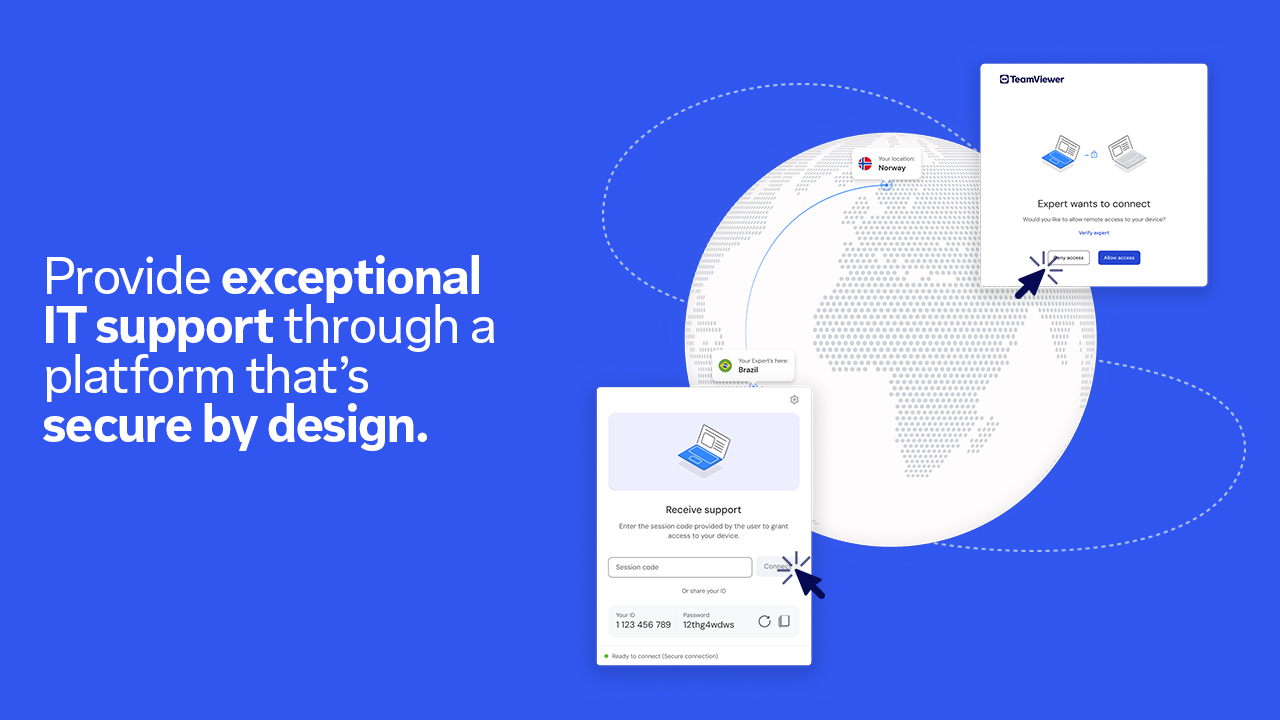
TeamViewer Remote for Windows stands out as a versatile remote control solution designed to bridge distances effortlessly. Whether you're troubleshooting a colleague's PC or accessing your home workstation from afar, this application promises reliable and secure connections with minimal fuss.
Developed by a Leader in Remote Connectivity
Created by TeamViewer Germany GmbH, a globally recognized pioneer in remote management and support solutions, this app embodies their commitment to innovative, user-friendly remote access technology. The developer's extensive experience shines through in the app's robust features and stability.
Key Highlights That Make Remote Management a Breeze
- Instant, Secure Remote Connection: Quickly connect to any device across platforms with end-to-end encryption, ensuring your data's safety during every session.
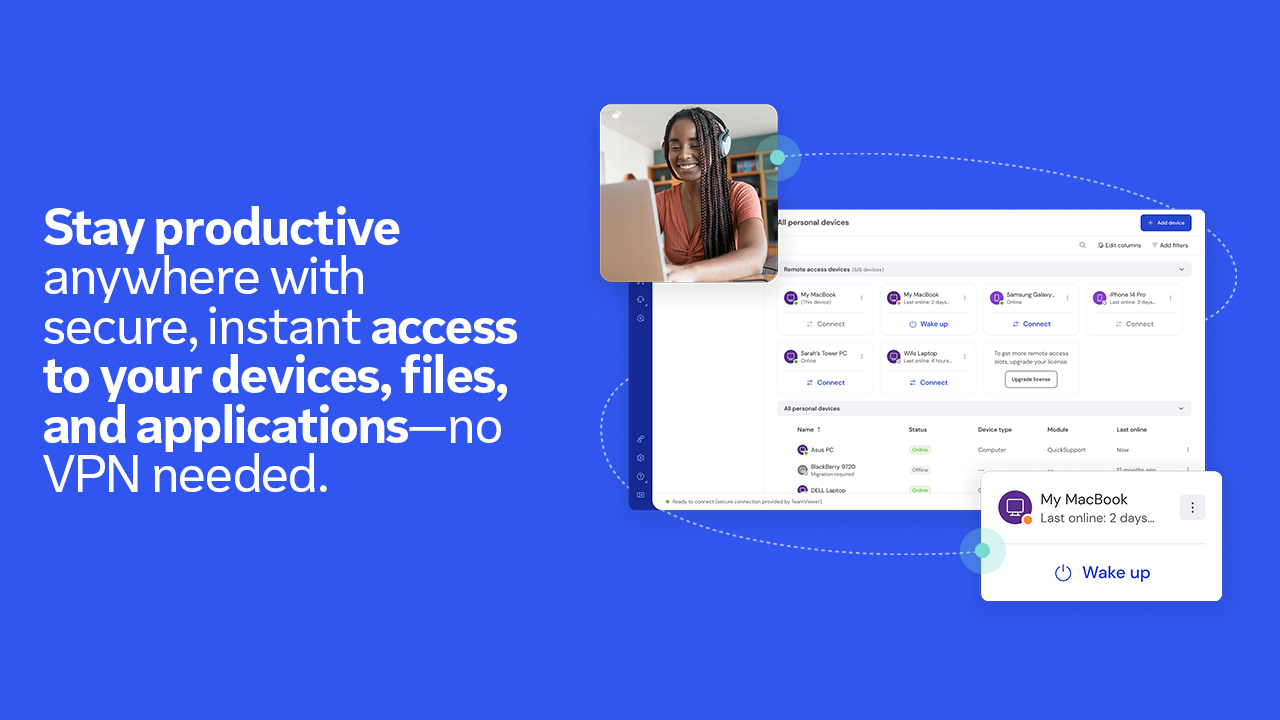
- Seamless Multi-Device Support: Manage multiple sessions simultaneously or switch effortlessly between devices, streamlining multitasking and support workflows.
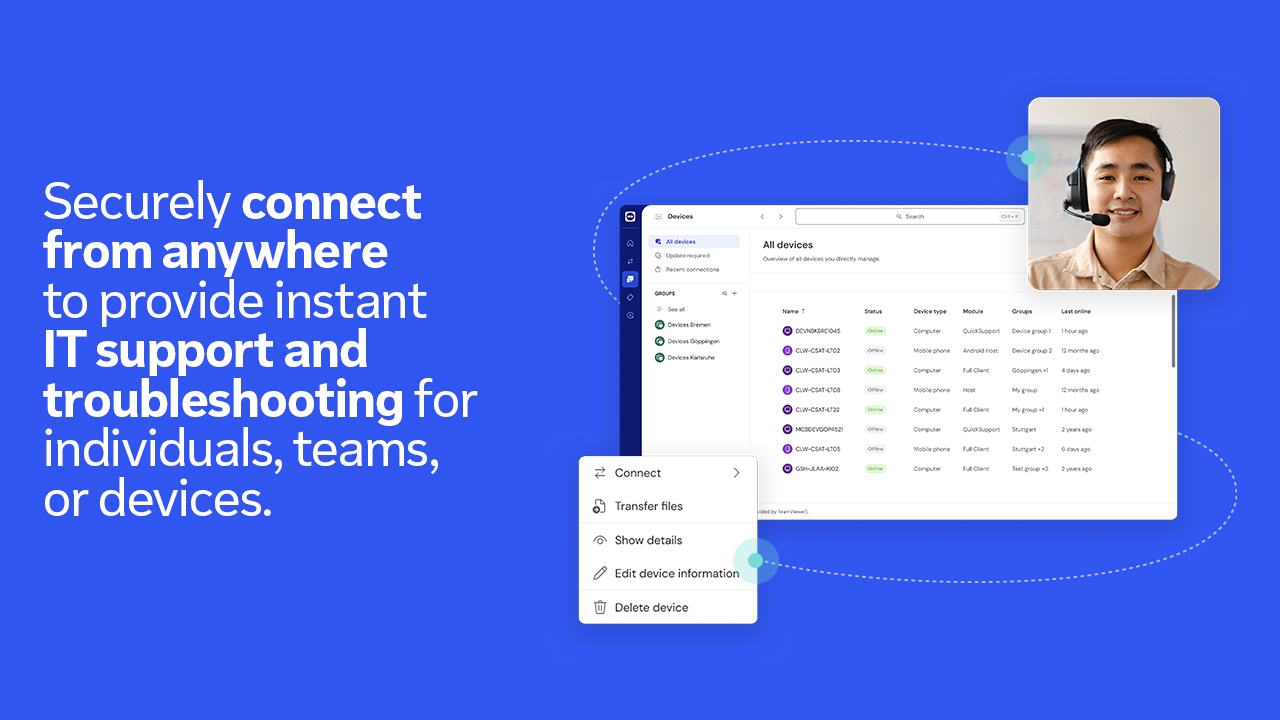
- File Transfer & Collaboration Tools: Transfer files directly during remote sessions, enabling smooth collaboration without resorting to third-party apps.
- Optimized for Windows Users: Specifically tailored for Windows, integrating smoothly into existing workflows with minimal setup.
Captivating and User-Friendly Interface
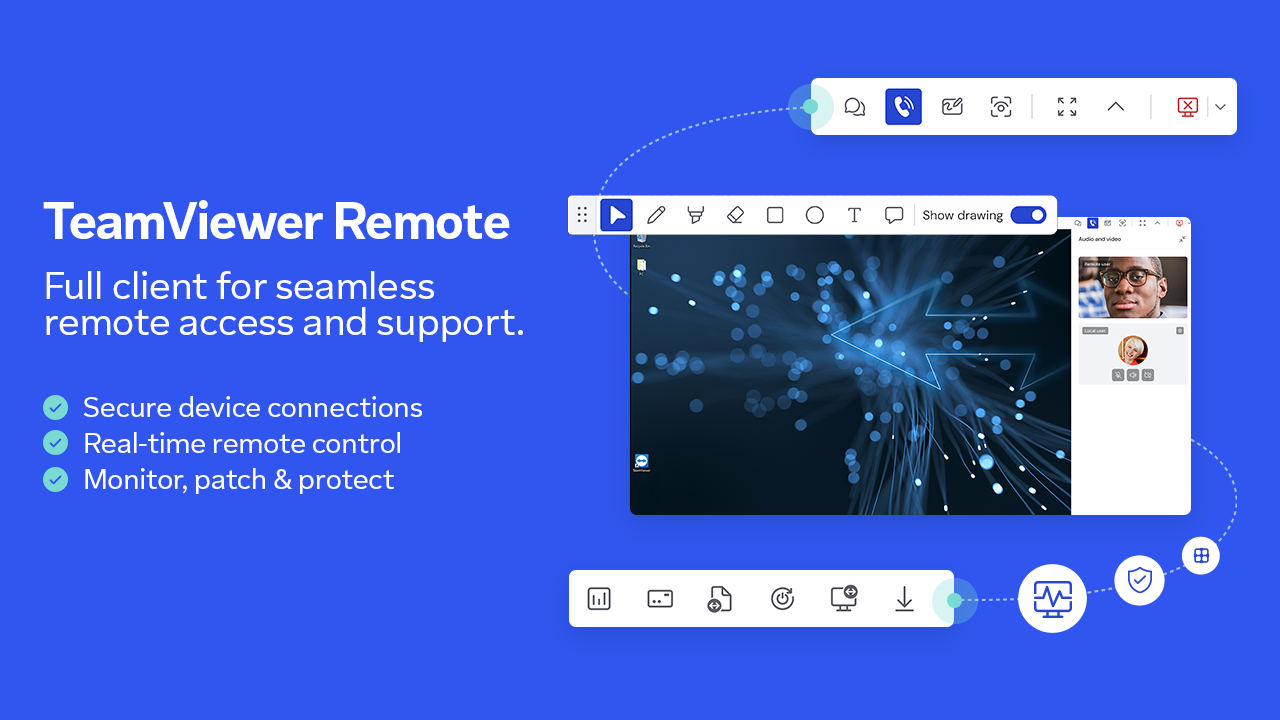
Launching TeamViewer Remote feels akin to stepping into a familiar control room, tidy and intuitive. The interface employs a clean layout with straightforward menu options, making it accessible even for first-time users. The design emphasizes clarity—large buttons, logical grouping—so navigating tasks like initiating a connection or transferring files doesn't require a steep learning curve.
Operationally, the app delivers impressive fluidity; connection establishment feels instantaneous, thanks to optimized network handling that adapts to varying bandwidth conditions. Users can expect smooth cursor movements and quick response times, making remote control akin to working locally. Learning curves are gentle, with in-app tutorials and contextual hints guiding novices without overwhelming them.
Distinctive Features that Elevate Productivity
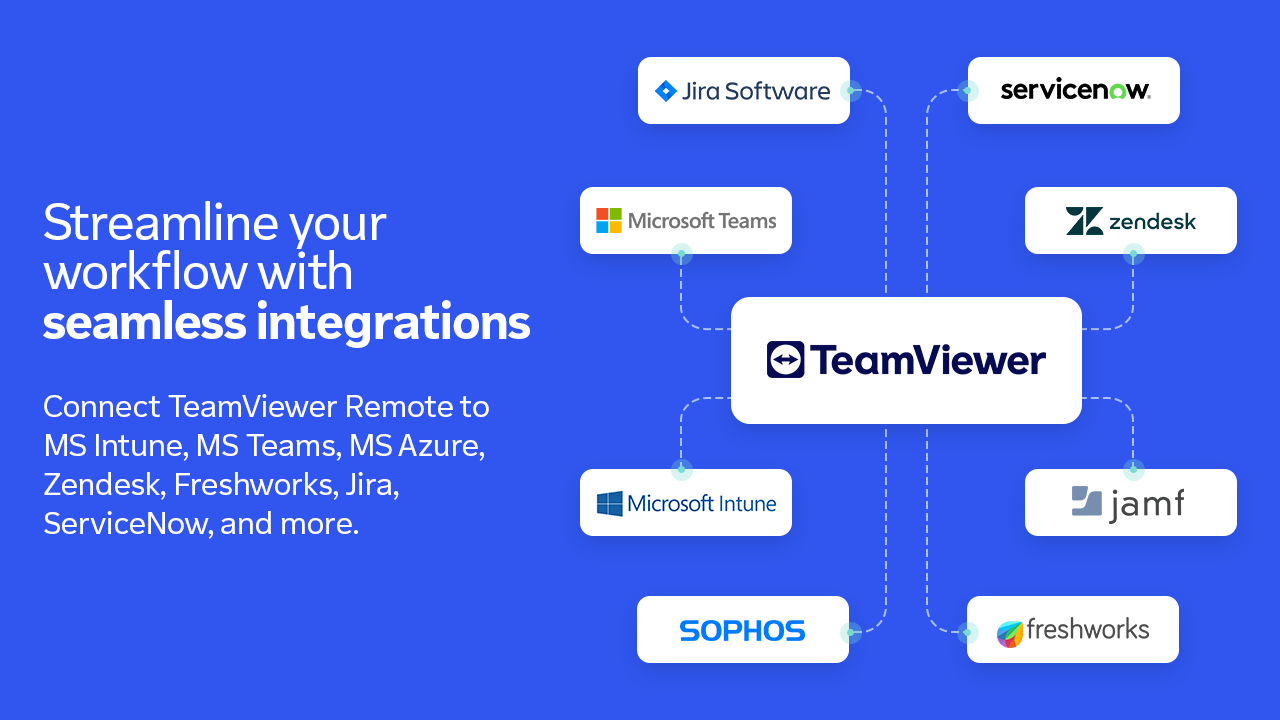
The two most distinctive features are its focus on workflow integration efficiency and cognitive load reduction. Unlike some remote tools cluttered with an array of options that can overwhelm users, TeamViewer Remote prioritizes core functionalities that streamline tasks. Its robust session management ensures minimal disruption—users can switch between connections effortlessly, akin to handling multiple open tabs without confusion.
Furthermore, the app reduces cognitive overload by simplifying user interactions: clear icons, minimal prompts, and reliable performance mean users spend less mental energy deciphering complex menus. This focus helps both IT professionals and casual users accomplish remote tasks faster, with less frustration—a true empowerment for productivity.
Recommendations and Use Cases
Considering its strengths, I recommend TeamViewer Remote for Windows to IT teams seeking reliable remote support, remote workers needing secure access to office resources, and hobbyists interested in managing personal devices from afar. The app's straightforward operation and solid security model make it a trustworthy tool without the fuss of overly complex features.
For those weighing alternatives, it offers a marked advantage in workflow integration and ease of use compared to more feature-heavy but cluttered remote solutions. It's particularly well-suited for users who value reliability and simplicity over an overwhelming suite of options.
In summary, TeamViewer Remote for Windows is like a trusted backup driver who's always ready to help—but with the added bonus of smoothly integrating into your digital workspace, making remote connectivity feel natural and almost effortless. It's a solid choice for anyone prioritizing straightforward, secure, and efficient remote access.
Pros
- User-friendly interface
- Strong security features
- Cross-platform compatibility
- High performance and reliability
- Additional features like file transfer and chat
Cons
- Limited free session time
- Occasional connection drops
- Steep learning curve for advanced features
- High system resource usage
- Pricing model can be expensive for businesses











