

- Category Social
- Available on PC
- OS Windows 10 version 14316.0 or higher
- Keyboard Not specified
- Mouse Not specified
- languages English (United States)
A Fresh Take on Messaging: Telegram Desktop for Windows Review
If you're searching for a messaging app that balances simplicity with robust features, Telegram Desktop for Windows offers an intriguing option to explore. It promises a seamless communication experience wrapped up in a familiar yet enriched interface, making staying connected both easy and enjoyable. Let's delve into what makes this app stand out in the crowded landscape of social messaging tools.
Basic Information: Your Desktop Companion for Efficient Messaging
This application positions itself as a powerful yet accessible desktop client that extends the core features of Telegram's popular mobile app. Developed by Telegram Messenger LLP, the team behind the globally renowned messaging platform, the desktop version aims to provide users with a consistent communication experience across devices.
- Main features include: Multidevice synchronization, secret chats with end-to-end encryption, integrated media sharing, and customizable UI options.
- Targeted users: Power users who prefer managing conversations on their PC, professionals requiring secure communication, and communities that rely heavily on group chats and media sharing.
Engaging and Intuitive: A User-Friendly Communication Hub
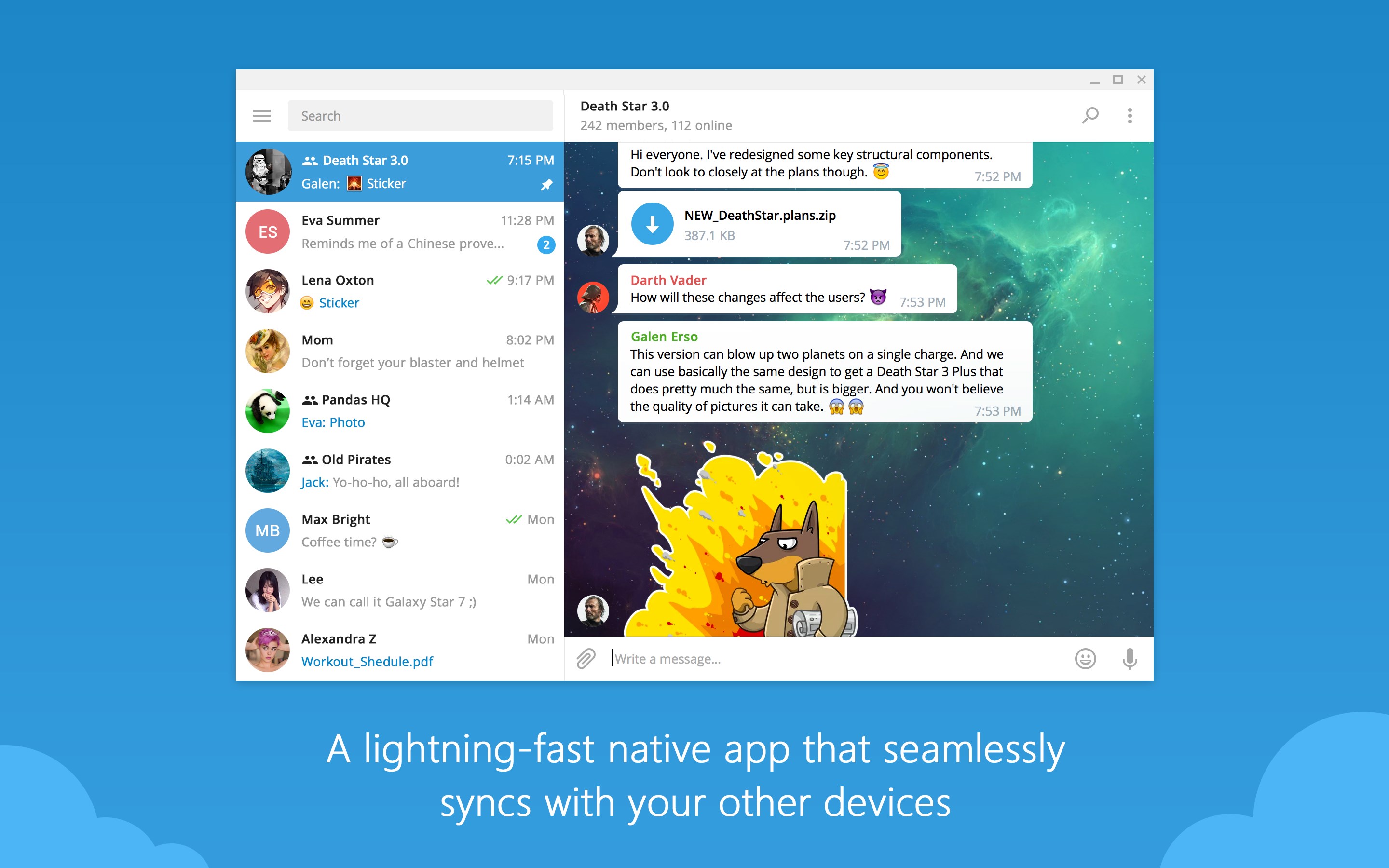
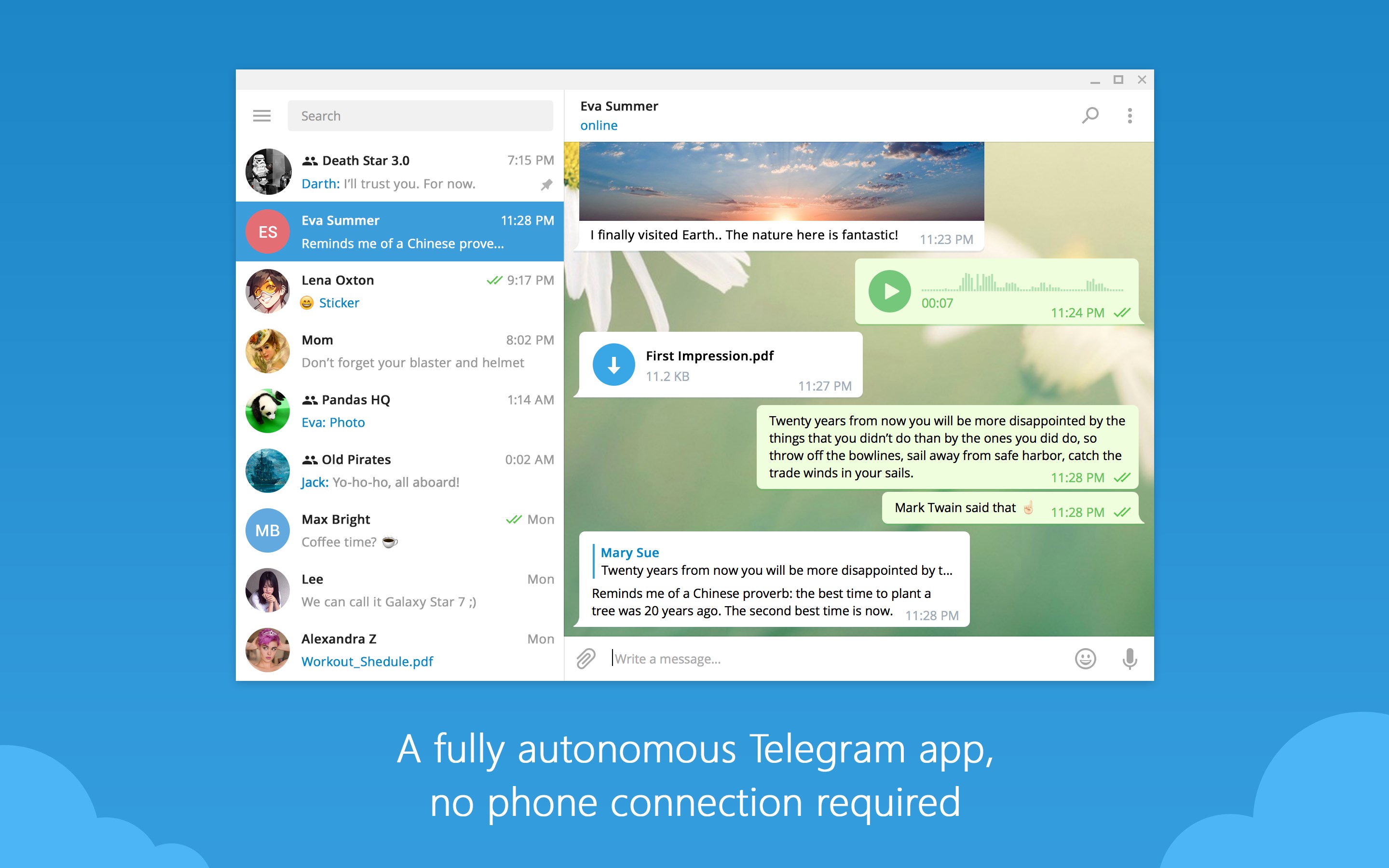
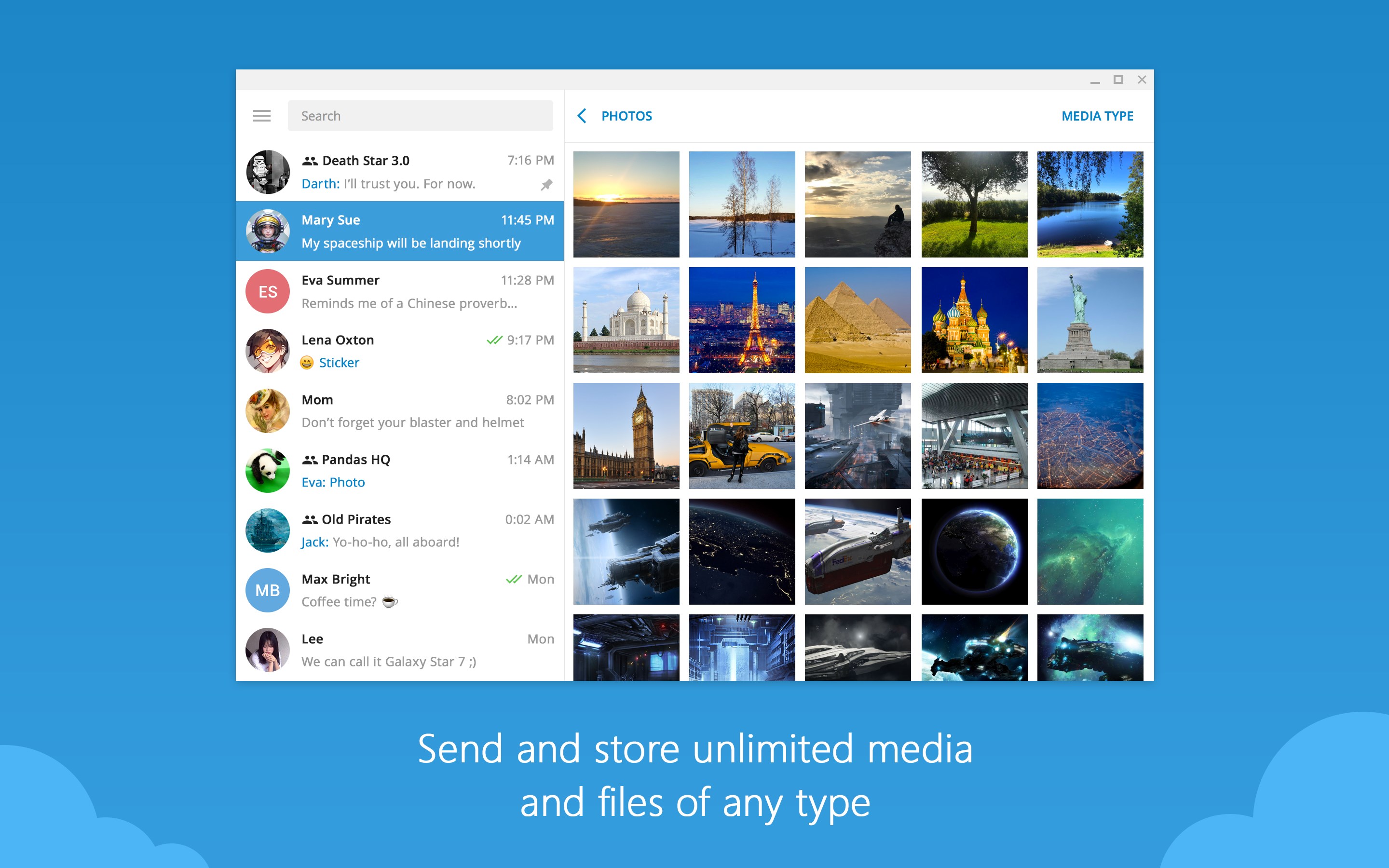
Uploading and chatting on Telegram Desktop feels like slipping into a well-tailored suit: comfortable yet sophisticated. The interface strikes a balance between minimalism and functional richness, making it friendly for newcomers while packing enough features for seasoned users. Navigating between chats, contacts, and media galleries is fluid and intuitive, thanks to thoughtfully designed icons and layout. The responsiveness is impressive, even when managing multiple chat windows or media heavy conversations. For those concerned about a steep learning curve, Telegram Desktop simplifies many complex operations, ensuring users are engaged rather than frustrated.
Core Features that Elevate the Experience
Multi-Device Synchronization and Cloud Storage
One of Telegram Desktop's standout features is its seamless synchronization across devices. Starting a chat on your phone and continuing effortlessly on your Windows desktop feels just natural—like picking up where you left off. Moreover, all media, documents, and chat histories are stored securely in the cloud, saving local space and ensuring access anytime, anywhere. This cloud-centric approach offers excellent convenience and peace of mind, especially compared to traditional chat apps that often rely heavily on device-specific storage.
Enhanced Security and Personalization
Security remains a core pillar here. The app supports secret chats with end-to-end encryption, ensuring sensitive conversations stay private. Additionally, Telegram's innovative approach to profile customization allows users to tailor their profile pictures, statuses, and bio sections, presenting their authentic selves in a digital environment. The app also offers profile verification features, adding an extra layer of authenticity—crucial for official accounts, influencers, or brand messages.
Connection Discovery and Community Engagement
What truly sets Telegram Desktop apart is its emphasis on connection discovery. The app enables users to find and join new groups or channels based on interests, making community-building straightforward and accessible. This feature encourages users to explore beyond their immediate contacts, fostering a vibrant environment for information exchange. The focus on authentic engagement and the ease of connecting with new communities make Telegram Desktop not just a chat tool but a platform for social discovery.
Final Thoughts: Is It Worth Your Time?
Overall, Telegram Desktop for Windows emerges as a reliable, feature-rich messaging solution that caters well to both individual users and groups. Its synchronization capabilities, robust security features, and emphasis on community connection make it a standout in the crowded messaging app space. While it maintains a gentle learning curve and user-friendly interface, its most compelling aspects are the emphasis on authenticity verification and effortless connection discovery—elements that deeply enhance user trust and engagement.
For those seeking a desktop app that balances security, customization, and social exploration without unnecessary complication, Telegram Desktop is highly recommended. If you already use Telegram on your mobile device, this desktop client acts as an excellent extension—making your digital conversations smoother and more integrated. For newcomers, it's a solid choice to experience a messaging platform designed with thoughtful features that cater to modern communication needs.
Pros
- User-Friendly Interface
- Fast Messaging and Synchronization
- Supports Secret Chats
- Multiple Account Support
- Customizable Themes and Stickers
Cons
- Limited Inline Search Capabilities
- Occasional Lag on Low-End Devices
- Missing Some Advanced Features
- Notification Management Can Be Improved
- Video Calls Are Not Fully Integrated










