

- Category Social
- Available on PC
- OS Windows 10 version 18362.0 or higher
- DirectX Version 9
- languages Arabic, Belarusian, Catalan, Chinese (Simplified), Chinese (Traditional Chinese), Croatian, Czech, Dutch, English, Finnish, French, German, Hebrew, Hungarian, Indonesian, Italian, Japanese, Korean, Malay, Norwegian (Bokmål), Persian/Farsi, Polish, Portuguese (Brazil), Russian, Serbian (Cyrillic), Slovak, Spanish, Swedish, Turkish, Ukrainian
Unigram: A Sleek Telegram Client for Windows
If you're a Telegram enthusiast seeking a feature-rich, user-friendly desktop experience, Unigram positions itself as a compelling choice tailored specifically for Windows users. Combining familiarity with innovative touches, this app aims to elevate your messaging game with a clean interface and smart functionalities.
Developed by Unigram, Inc.: A Focused Team for a Focused App
Created by Unigram, Inc., the development team has dedicated themselves to crafting a native Windows application that seamlessly integrates Telegram's core capabilities while introducing unique enhancements, making it stand out in a crowded social messaging landscape.
Key Features that Shine
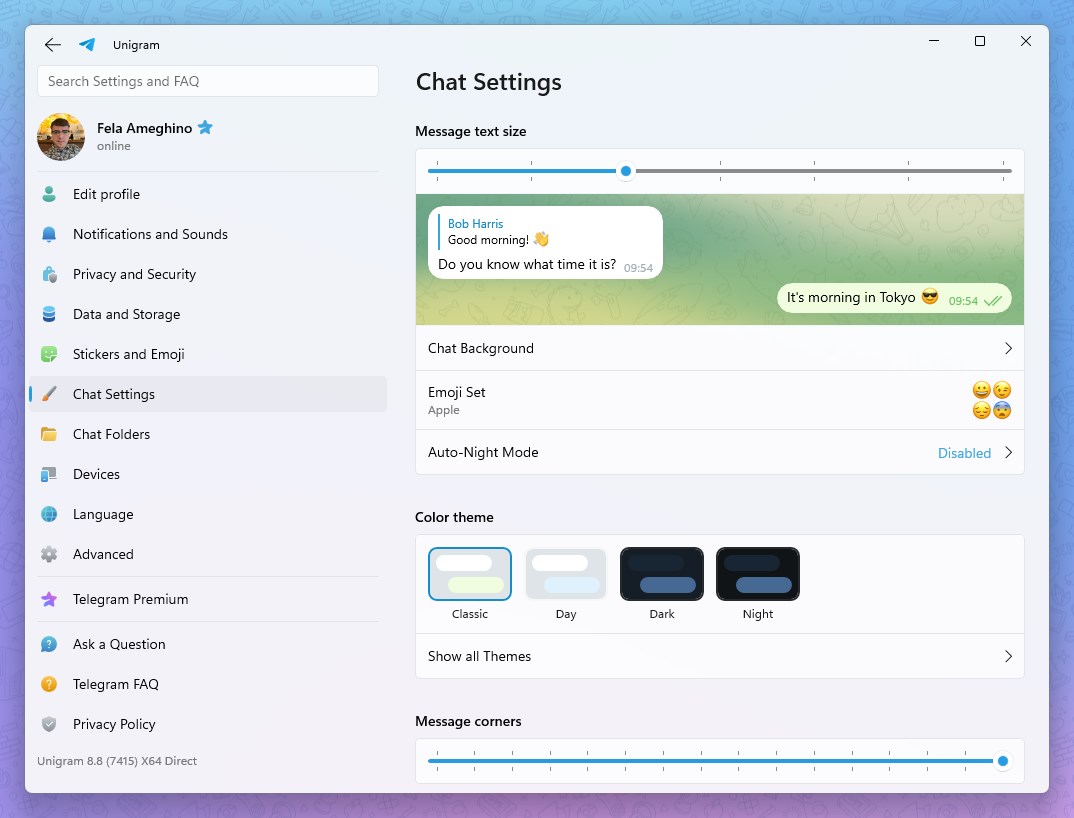
- Customizable User Profiles & Authenticity Verification: Unigram offers extensive options to personalize your profile while providing mechanisms to verify user authenticity, fostering a safer, more genuine community experience.
- Advanced Connection Discovery: The app simplifies finding new contacts or groups relevant to your interests through intelligent discovery algorithms, making social expansion effortless.
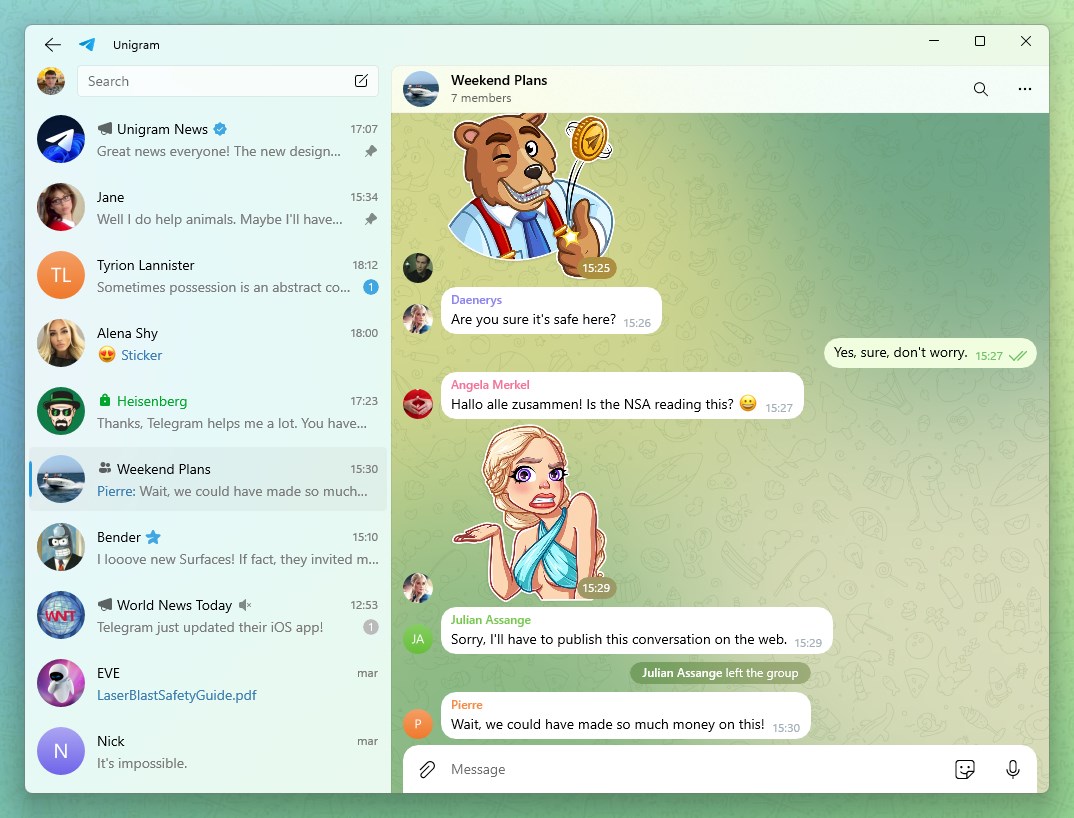
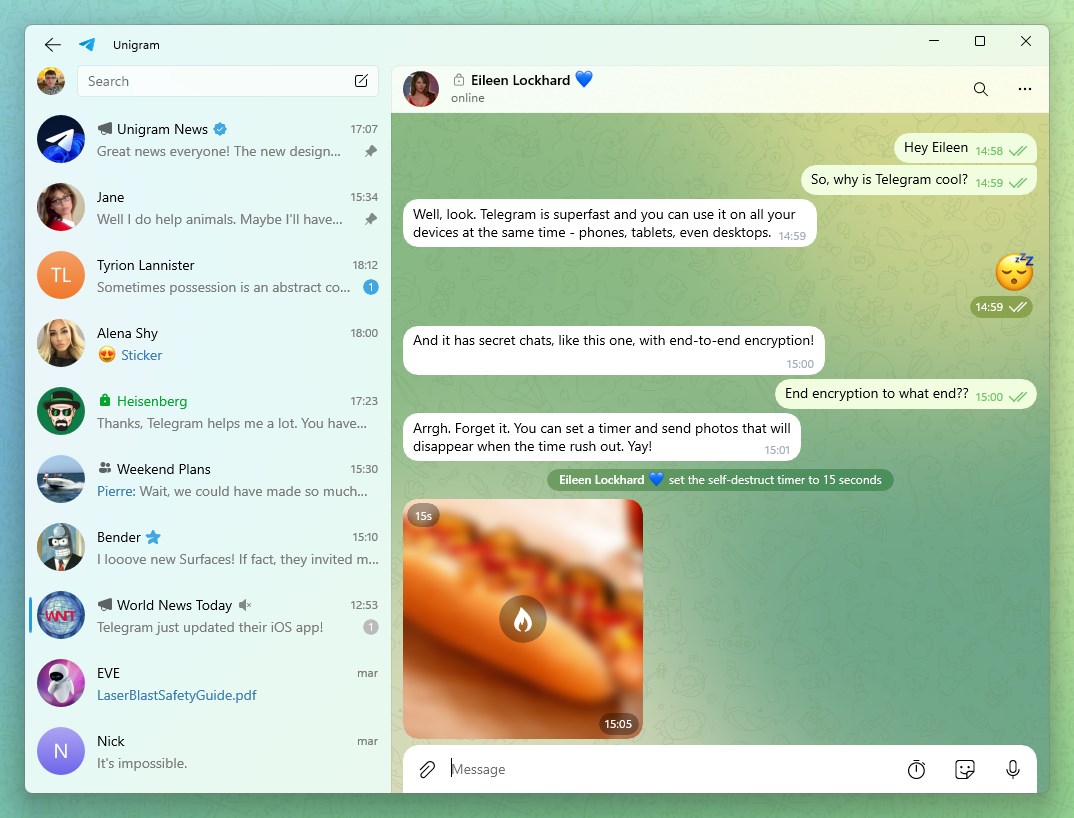
- Optimized User Interface & Intuitive Navigation: Designed with a sleek, modern aesthetic, the interface ensures that browsing chats, media, and settings feels fluid and natural, resembling the ease of flipping through a well-organized magazine.
Experience that Balances Power and Simplicity
Stepping into Unigram feels like entering a thoughtfully curated digital lounge—everything is where you expect it to be, yet the app introduces subtle innovations that keep the experience fresh. The interface adopts a clean, minimalist design, with vibrant icons and a color palette that's easy on the eyes. Navigation is snappy; switching from chats to media, or tweaking settings, is handled smoothly thanks to well-optimized performance. The learning curve is gentle—new users can quickly acclimate while power users will appreciate the depth of customization options available.
Unique Strengths: Standing Out in the Crowd
What truly sets Unigram apart are two standout features: its focus on user profile customization and authenticity verification. Unlike many generic Telegram clients, Unigram allows you to craft a detailed profile, showcase badges for verified users, and potentially help distinguish authentic contacts from imposters—an important factor in today's social media environment. Combined with the app's connection discovery function, which intelligently suggests relevant groups or people based on your interests and network behavior, Unigram offers a more personalized, trustworthy, and engaging social experience.
Final Verdict: A Worthwhile Companion for Windows Telegram Users
Overall, Unigram strikes a commendable balance between elegant UI design, powerful features, and user-centric enhancements. It's particularly recommended for those who value customization and safety in their messaging app. While it may not drastically overhaul your Telegram experience, it refines the core experience with thoughtful touches that make daily chatting more enjoyable and secure. If you're looking for a professional-grade desktop Telegram client that respects your need for personalization and authenticity, Unigram deserves a close look.
Pros
- User-friendly interface
- Fast performance
- Rich media support
- Cross-platform sync
- Customizable notifications
Cons
- Limited customization options
- Occasional sync delays
- Notification bugs on certain Windows versions
- Limited sticker and emoji selection
- Offline message management











