

- Category Productivity
- Available on PC, Mobile, Surface Hub, HoloLens
- OS Windows 10 version 14393.0 or higher
- languages English (United States)
Introducing Teleprompter Pro for Windows: Your Professional Script Companion
Teleprompter Pro for Windows is a thoughtfully designed application that transforms your desktop into a reliable teleprompter, streamlining your presentation or recording workflow with precision and ease. Developed by Purple Wizard, this tool caters to content creators, public speakers, educators, and business professionals seeking a seamless prompting experience directly on their Windows devices.
Core Features That Make It Stand Out
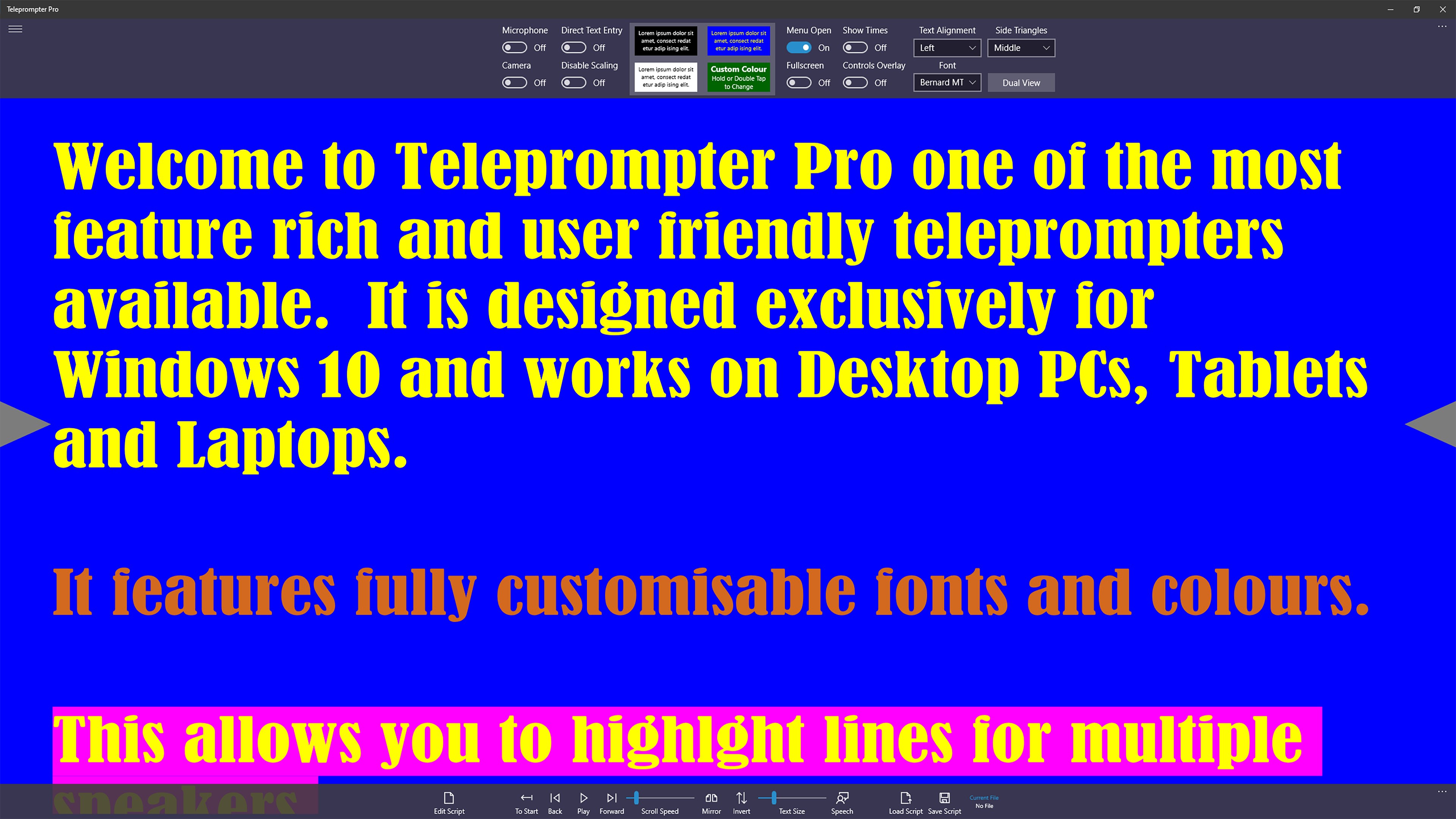
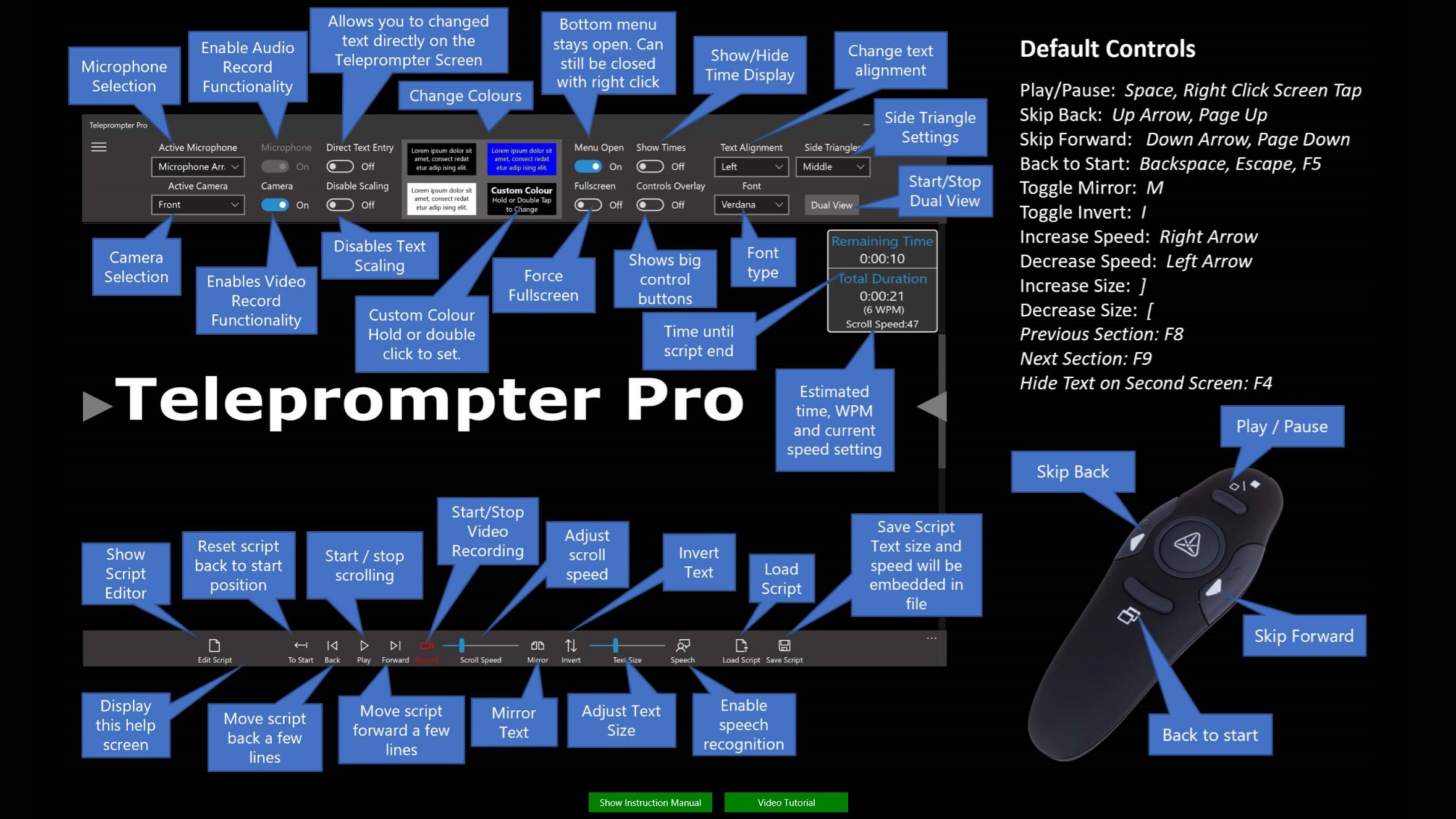
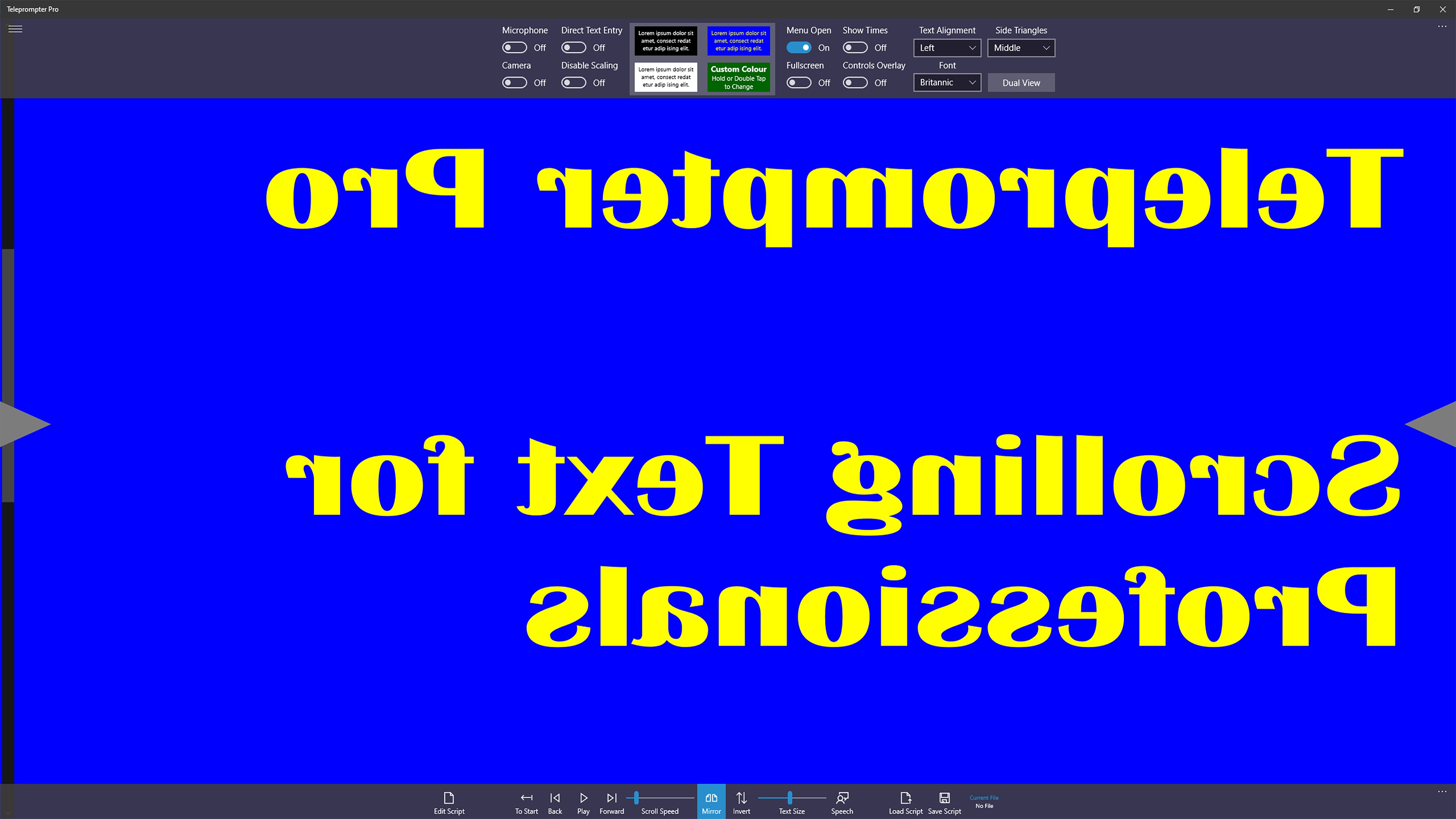
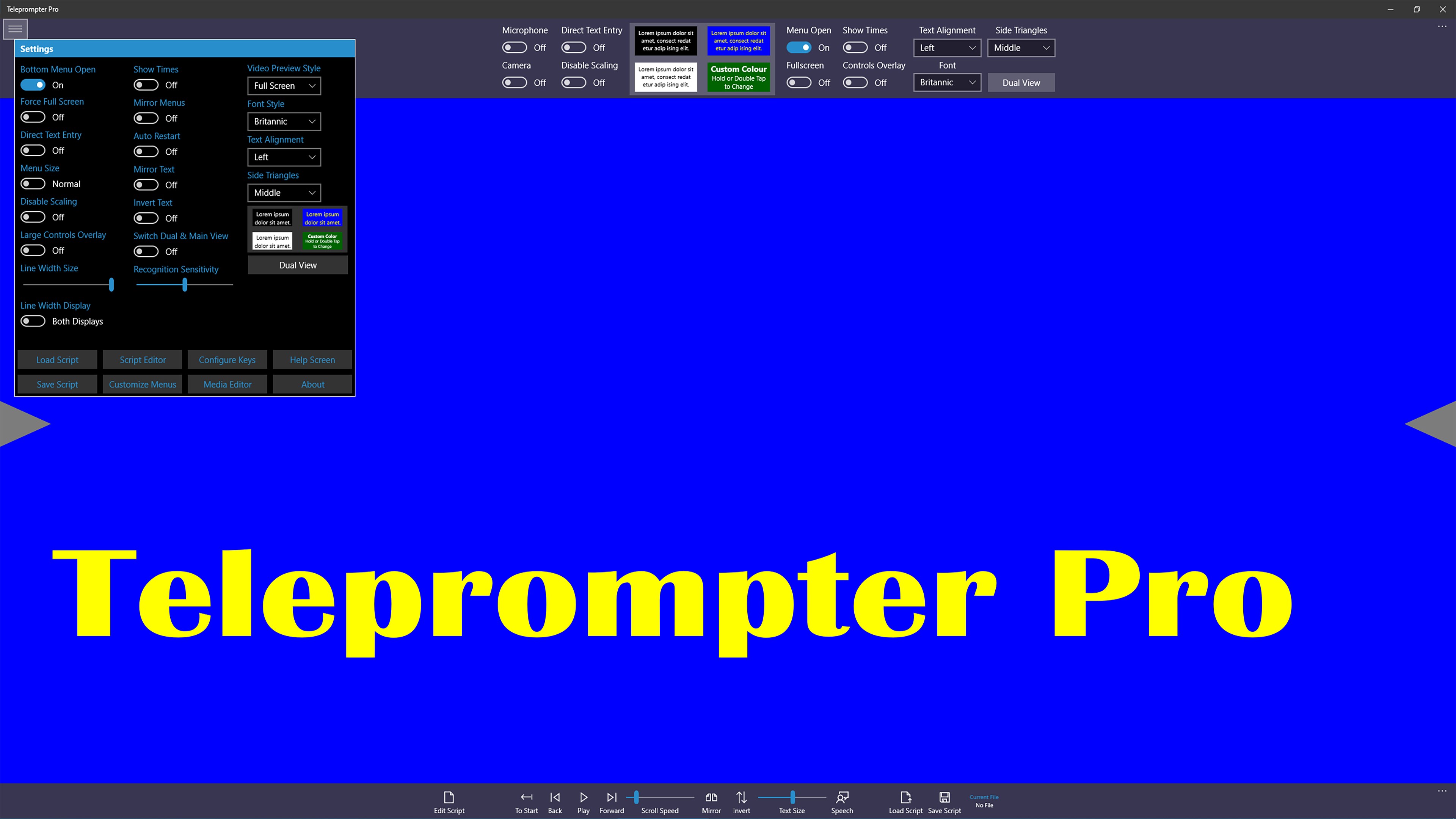
At its core, Teleprompter Pro offers a suite of features tailored to enhance your delivery, including customizable scrolling speed, multiple script management, and adjustable display settings. Its intuitive interface ensures users can quickly set up and start prompting without a steep learning curve. Plus, its ability to sync scripts from different sources and control via keyboard or remote provides versatile usability.
Engaging Overview: Why This App Will Become Your Go-To Prompting Tool
Imagine standing in front of your camera or audience, knowing your script dances smoothly alongside you—no more awkward pauses or frantic page turning. Teleprompter Pro transforms your Windows PC into a confident speaking partner, reducing cognitive load and allowing you to focus wholly on your message. Its sleek interface feels like a friendly dashboard—professional yet accessible—that helps you stay immersed in your content without distraction.
1. Customizable Scrolling and Script Management
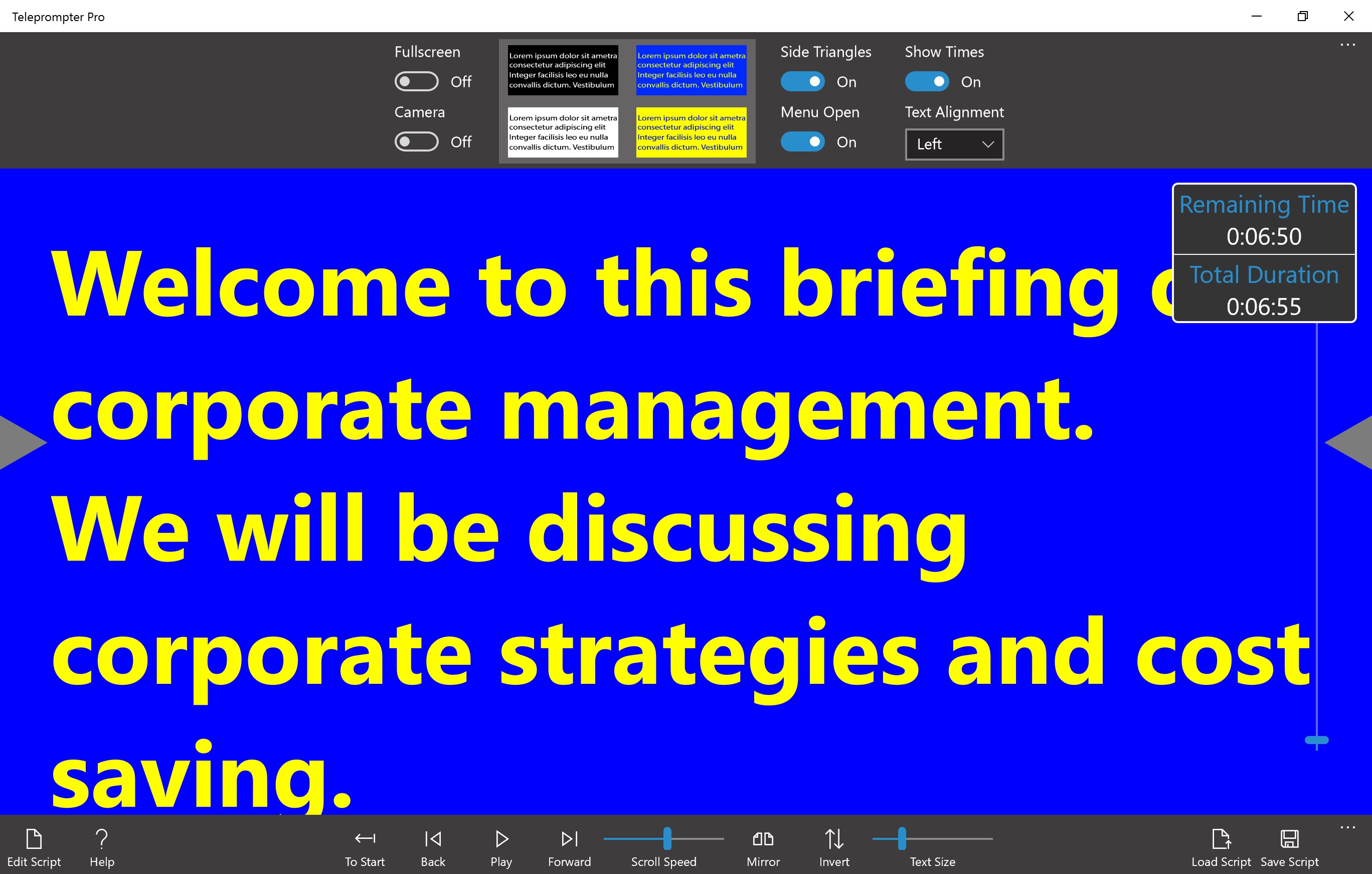
The heart of Teleprompter Pro beats in its flexible scrolling capabilities. Users can tailor the scroll speed to match their natural speech rhythm, even setting hotkeys to speed up or slow down on the fly—a handy feature during live presentations. Managing multiple scripts is made effortless through a clean file interface, enabling quick switching between projects without breaking the flow. This eliminates the hassle of juggling paper scripts or cumbersome software, akin to having a personal assistant ready with your next cue.
2. User-Friendly Interface and Fluid Experience
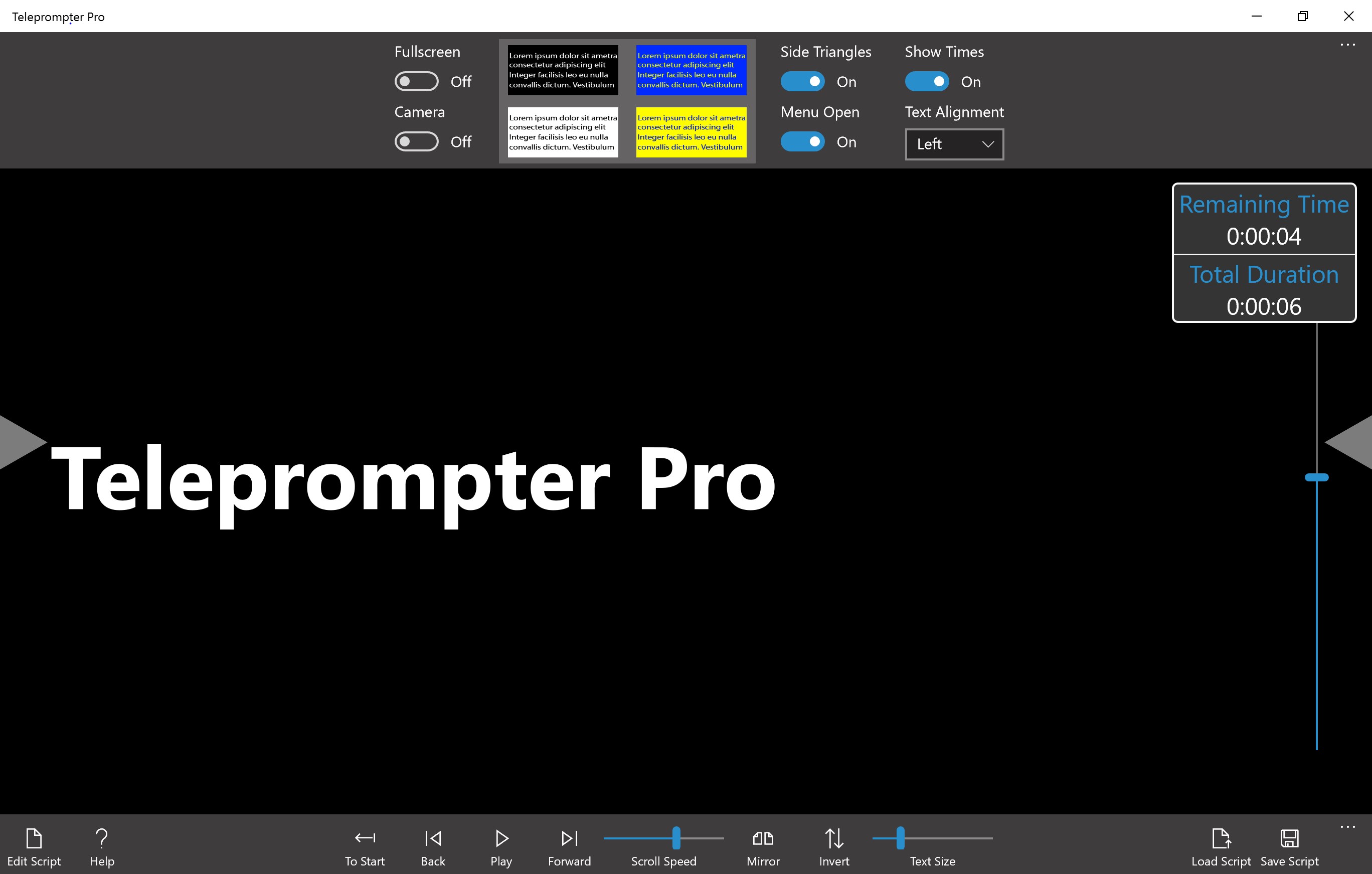
As a professional, you value efficiency—and here, Teleprompter Pro excels. Its interface sports a minimalist, distraction-free design resembling a sleek control panel, fostering focus. Navigating through settings takes seconds, thanks to clear icons and logical layout. During use, the scrolling remains smooth and responsive, even with large scripts, which ensures your eye is always on your audience rather than your screen. The learning curve is gentle: within minutes, you'll be prompting confidently, much like learning to ride a bike with a training wheel that's easy to remove as you grow comfortable.
3. Workflow Integration and Unique Advantages
Compared to other productivity apps, Teleprompter Pro's standout feature is how it minimizes cognitive load without overwhelming you with unnecessary complexity. Unlike more feature-rich, but cluttered alternatives, this app emphasizes streamlined prompting integrated into your workflow. For instance, its ability to sync scripts from cloud storage means you can prepare content beforehand and access it instantly—similar to having a notebook synced across devices. Its focus on reducing distraction and simplifying script management makes it ideal for busy professionals who need dependable prompting rather than a Swiss Army knife of features.
Recommendation and Usage Suggestions
Overall, Teleprompter Pro for Windows is a practical, efficient tool suited for anyone needing reliable script prompting—be it recording videos, delivering presentations, or teaching online. Its ease of use and emphasis on workflow integration make it stand out among similar productivity applications. I'd recommend giving it a try if you prioritize straightforward, customizable prompting that won't bog you down with excessive features. Whether you're a seasoned professional or a newcomer to public speaking, this app can support you in delivering polished, confident performances with minimal fuss.
Pros
- Intuitive User Interface
- Customizable Scrolling Speed
- Support for Multiple File Formats
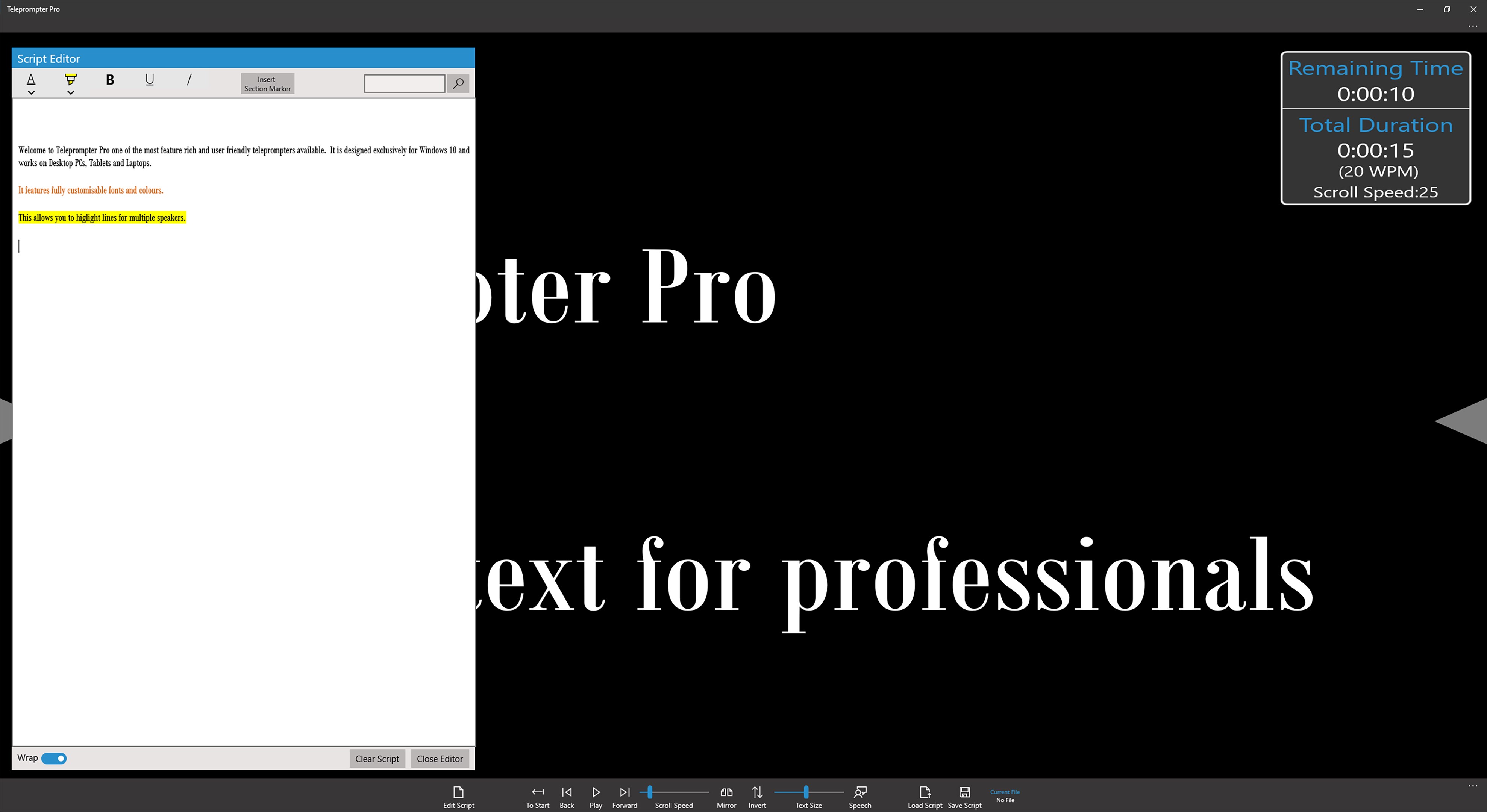
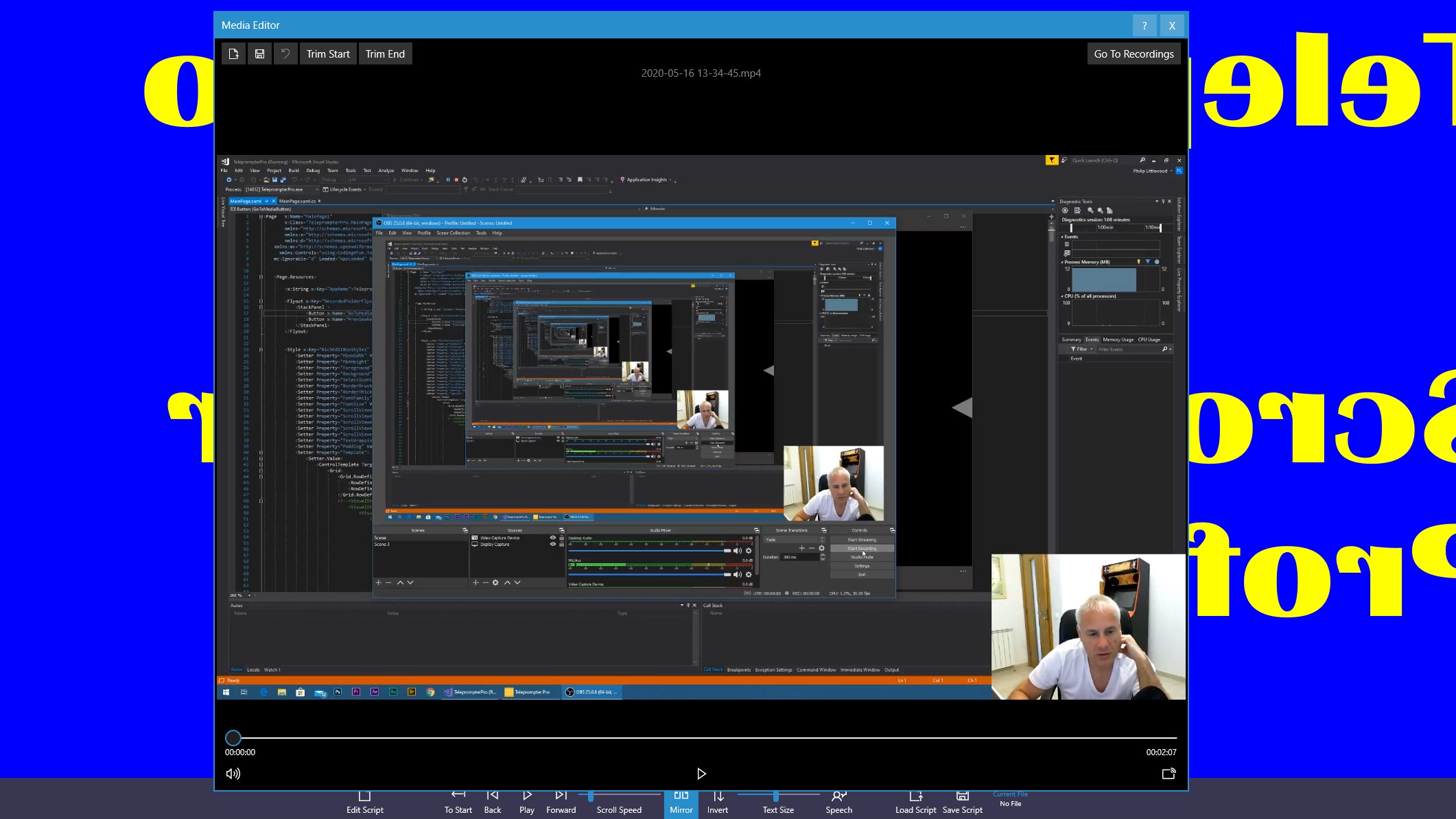
- Preview and Edit Functionality
- Bluetooth Remote Control Support
Cons
- Limited Font Customization Options
- Occasional Lag During Script Loading
- Basic Free Version with Splash Screen Ads
- No Cloud Sync Feature
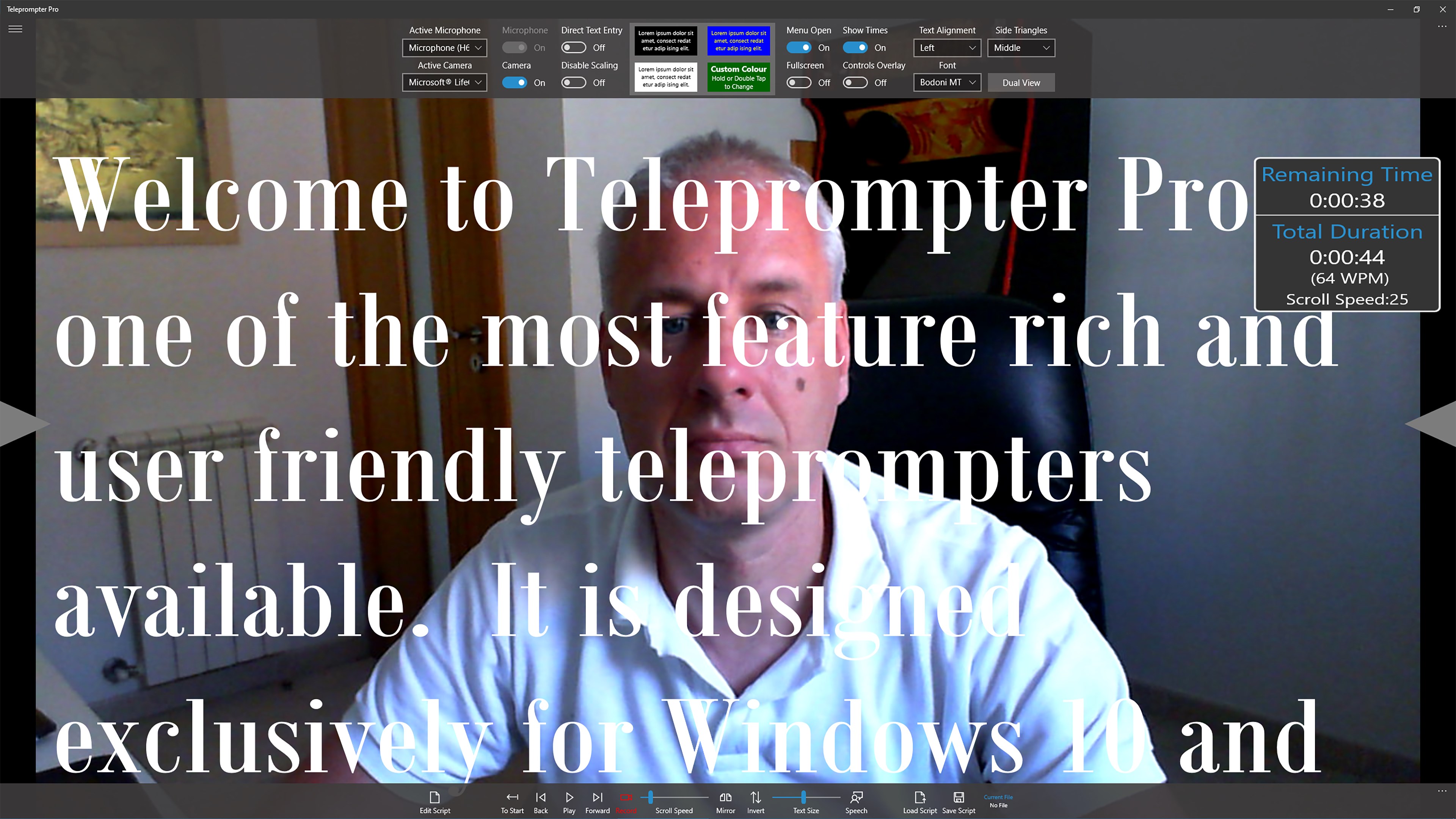
- Limited Video Recording Capabilities











