

- Category Education
- Developer Pearson Education Inc
- Available on PC
- OS Windows 10 version 14393.0 or higher
- Memory 2 GB
- languages English (United States)
An Efficient and User-Friendly Assessment Platform: TestNav for Windows
If you're seeking a reliable tool to streamline testing environments, TestNav for Windows offers an intuitive approach to digital assessments, making exam administration and student engagement more seamless than ever.
About the App: Basic Information at a Glance
TestNav for Windows, developed and published by Pearson Education Inc., is a dedicated assessment application designed to facilitate secure and flexible digital testing environments. It transforms traditional assessments into smooth, paperless experiences with features tailored for educational institutions.
- Core Features:
- Secure, lockdown testing environment to prevent cheating or distractions.
- Real-time monitoring and instant data collection for immediate insights.
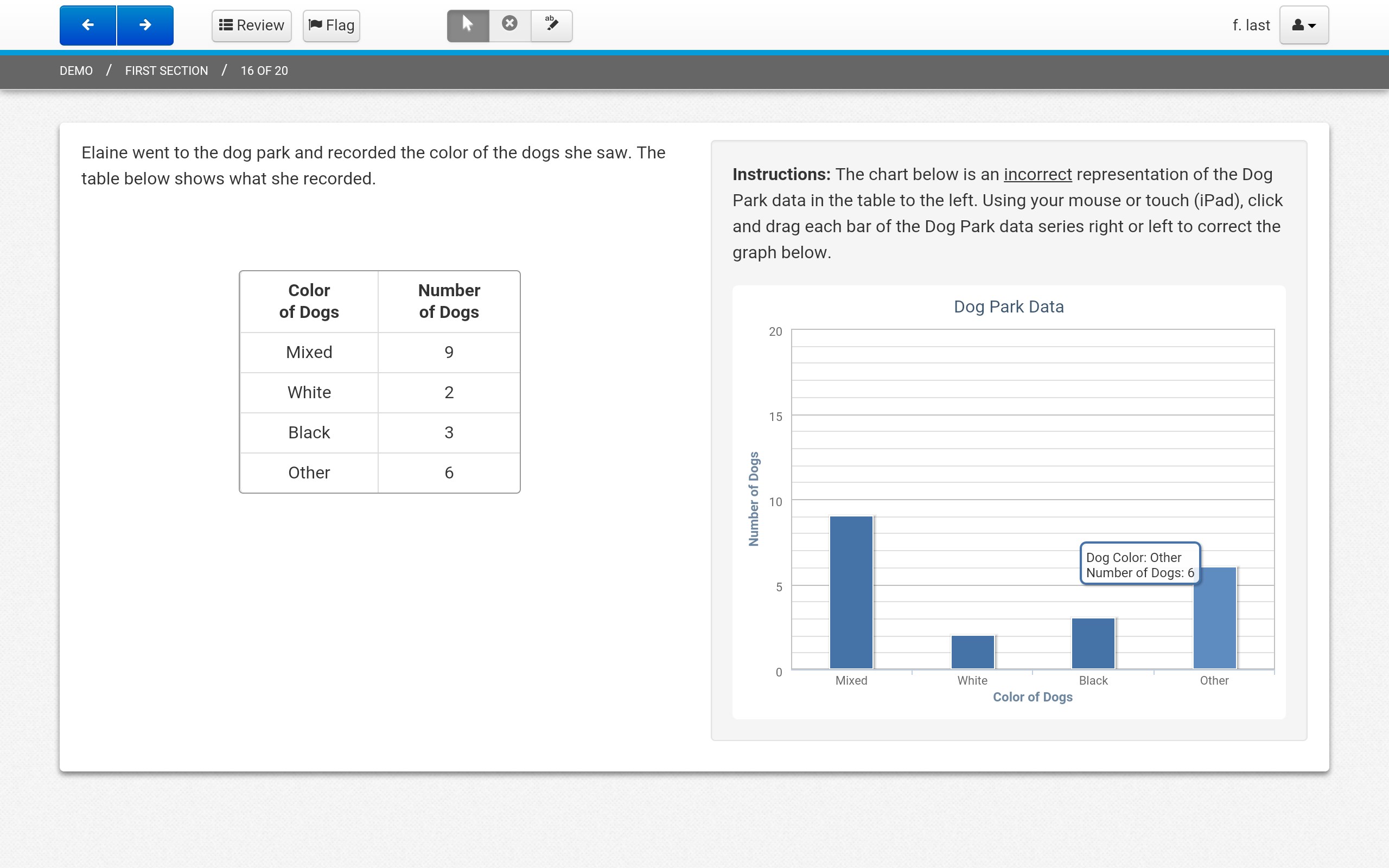
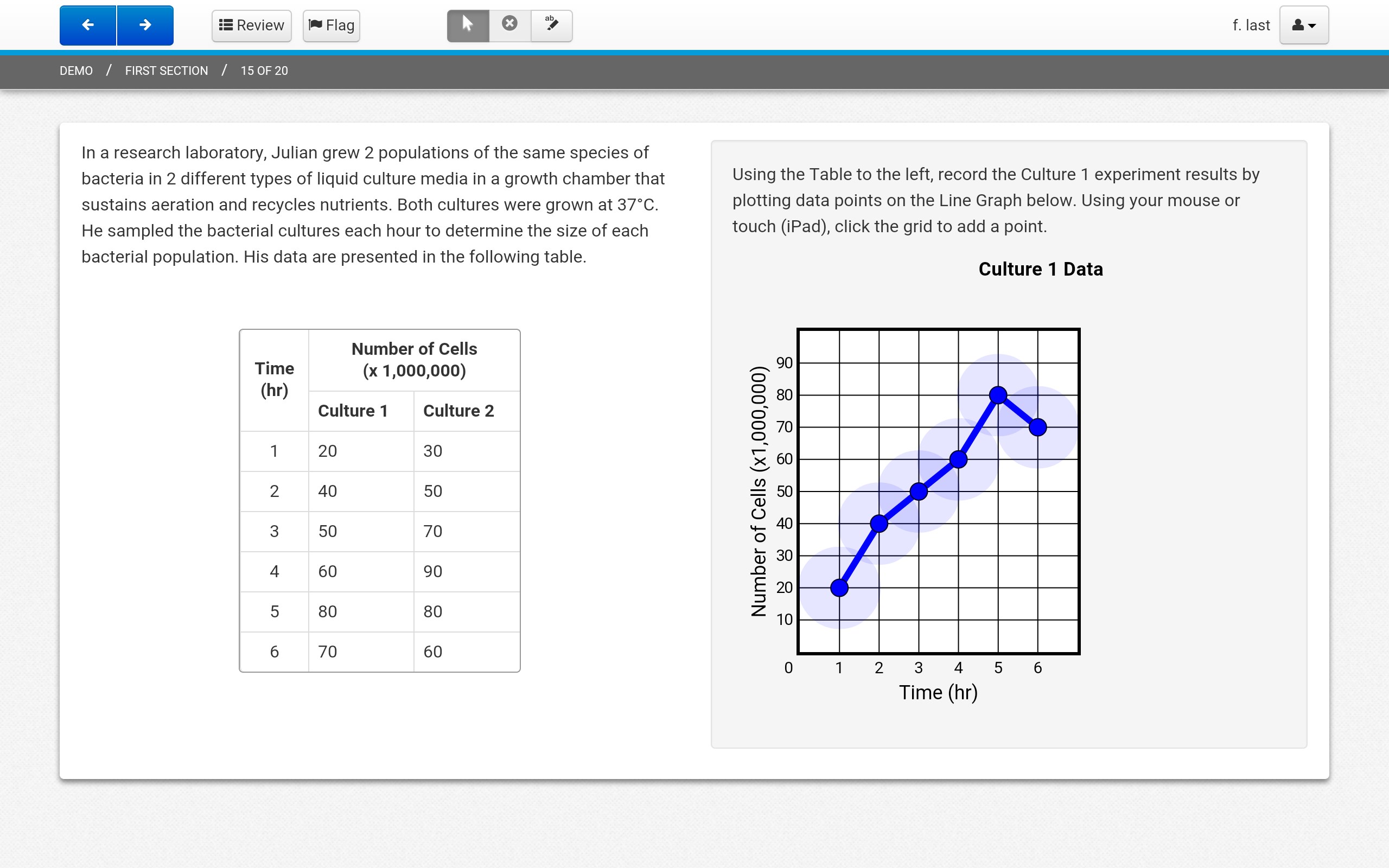
- Compatibility with various question formats, including drag-and-drop, multiple choice, and interactive items.
- Personalized learning pathways through adaptive assessment options.
- Target Users: Primarily designed for educators, school administrators, and students involved in digital testing initiatives, suitable for K-12 and higher education institutions aiming for a modern assessment solution.
Engaging Introduction: Ready, Set, Assess!
Imagine walking into a classroom where exams are no longer intimidating snarls of paper and invigilation; instead, you're greeted by a sleek app that feels like a friendly co-pilot during a high-stakes journey. TestNav transforms the assessment landscape, providing a calm, controlled environment that fosters honest and efficient testing. As you launch the app, it's akin to activating a mission control center—ready to guide students and teachers through a smooth, secure exam experience.
Core Features Unpacked: Empowering Assessments with Precision and Personalization
Secure Testing Environment and User Management
TestNav's standout feature is its robust security protocol, creating a lockdown atmosphere akin to sealing off a castle. Once an exam begins, students are restricted to the app's interface, preventing them from browsing other applications or web pages. This security is crucial for maintaining exam integrity, especially during remote assessment setups. Management tools enable educators to effortlessly assign exams, monitor progress, and ensure compliance—all within an easy-to-navigate dashboard. The app's stability ensures that technical glitches are minimized, reducing exam stress for both students and teachers.
Adaptive and Interactive Assessments
The app's ability to handle a variety of question formats—ranging from traditional multiple-choice to interactive tasks such as drag-and-drop—is akin to having a versatile assessment toolbox. This flexibility makes assessments more engaging, catering to different learning styles, and providing richer data on student understanding. Moreover, TestNav supports personalized learning paths; adaptive assessments can adjust difficulty based on student responses, creating a tailored testing experience that challenges students at their individual levels without causing undue frustration.
Intuitive User Experience with Clear Interface
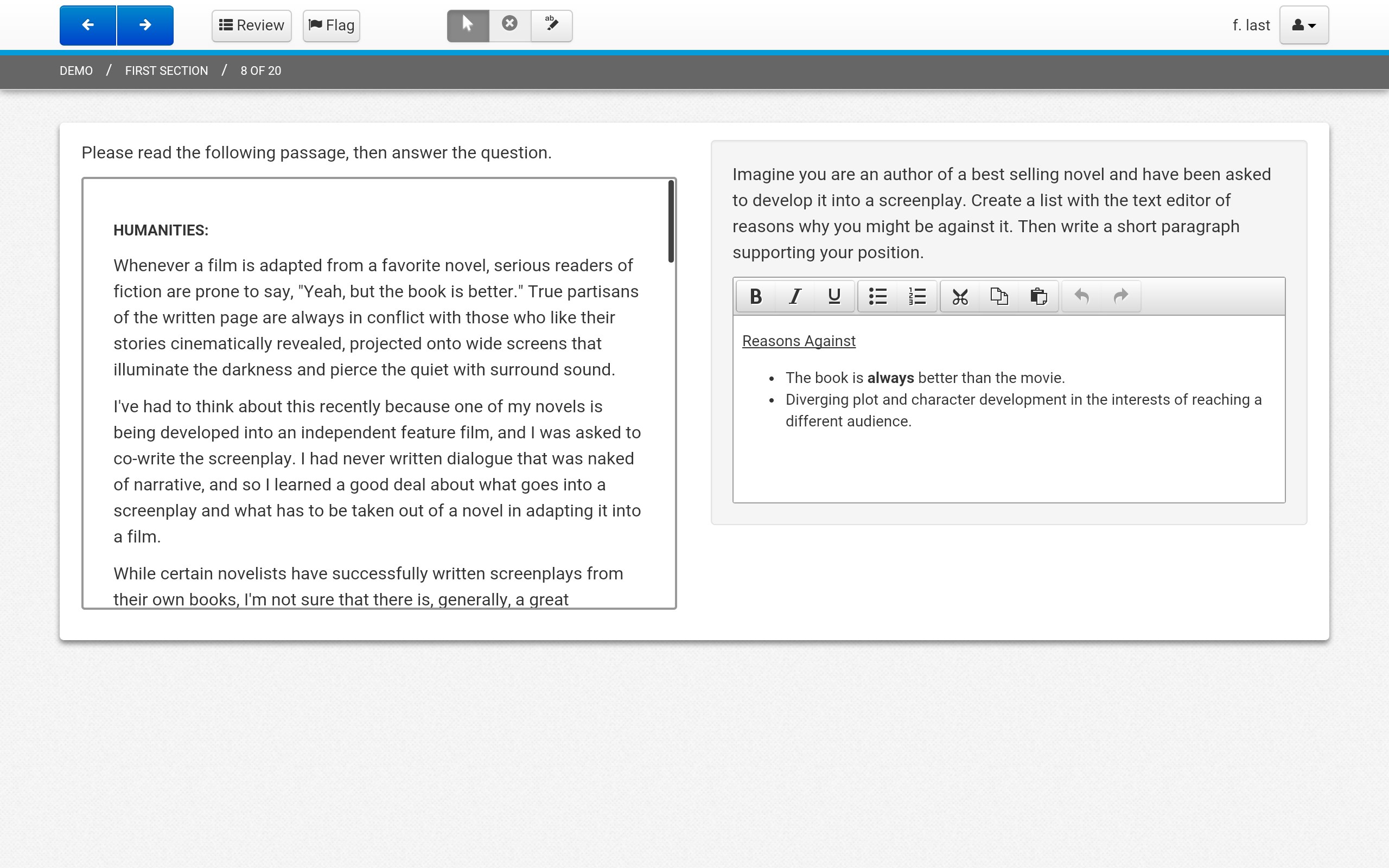
From the moment you open TestNav, its interface feels like a well-organized workspace—you're never lost in clutter or confusion. The clean layout, with logical navigation and unambiguous instructions, helps students focus on the task at hand. The app's responsiveness ensures smooth scrolling and swift question transitions, contributing to a distraction-free environment. Even first-time users find the platform approachable, thanks to its straightforward design and helpful onboarding prompts. Overall, TestNav offers a balance between functionality and simplicity, making digital assessments less intimidating.
What Sets TestNav Apart in the Education App Arena?
While numerous assessment tools promise convenience, TestNav's integration of content accuracy and authority—thanks to Pearson's extensive educational expertise—ensures test content is reliable and standards-aligned. Its capacity for personalized learning paths is particularly noteworthy; adaptive assessments dynamically tailor difficulty levels, giving each student a bespoke challenge and allowing educators to better identify individual strengths and weaknesses. This level of customization distinguishes TestNav from more generic testing platforms, fostering a more engaging and effective learning environment.
Final Verdict: Is It Worth Your Trust?
Based on its features, user-centric design, and secure environment, TestNav for Windows earns a strong recommendation for educational institutions seeking a dependable digital assessment platform. Its unique blend of flexibility, security, and adaptive assessment capabilities make it suitable for schools aiming to modernize their testing approach without sacrificing reliability.
If you're ready to embrace a professional-grade assessment solution that simplifies workflow and enhances test integrity, giving TestNav a try is a move in the right direction. Perfect for both teachers who want confidence in exam security and students who deserve a fair testing environment—this app is a practical, trustworthy choice.
Pros
- User-friendly interface
- Reliable exam delivery
- Comprehensive test security
- Compatibility with various devices
- Offline exam support
Cons
- Occasional performance lag
- Limited customization options
- Steep learning curve for new users
- Troubleshooting in network issues
- Limited support for older hardware











