

- Category Social
- Available on PC
- OS Windows 10 version 14316.0 or higher
- languages English (United States)
An Introduction to TextNow - Unlimited Texts + Calls for Windows
TextNow for Windows offers a seamless way to stay connected with unlimited texting and calling features, transforming your desktop into a portable communication hub. Perfect for users seeking a reliable communication app, it aims to replace or supplement traditional phone plans with affordable, flexible solutions.
Developer and Core Features
Who's Behind It?
Developed by TextNow Inc., a well-established company renowned for providing free and affordable communication services, they bring years of experience to the table in creating user-friendly messaging applications.
Highlighted Features
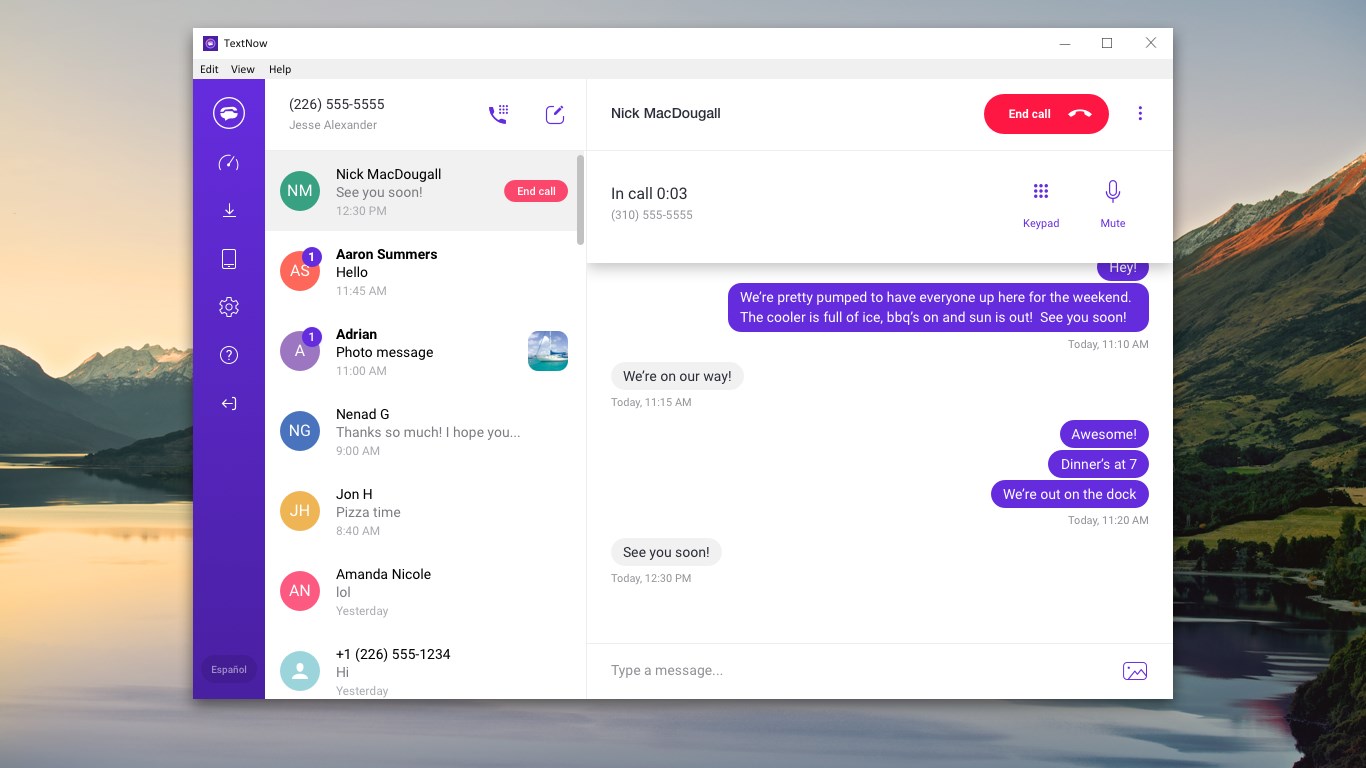
- Unlimited Texts and Calls: Make free unlimited text messages and voice calls within the US and Canada directly from your Windows PC.
- Integrated Phone Number: Obtain a dedicated phone number that can be used across devices, ensuring your communication remains consistent and accessible anywhere.
- Voicemail & Call Forwarding: Advanced call management features like voicemail transcription and the ability to forward calls to other numbers heighten usability.
- Sync Across Devices: Seamless synchronization with mobile apps allows you to switch between devices effortlessly, keeping your conversations in sync.
Deep Dive into the User Experience
Witty and Inviting Interface
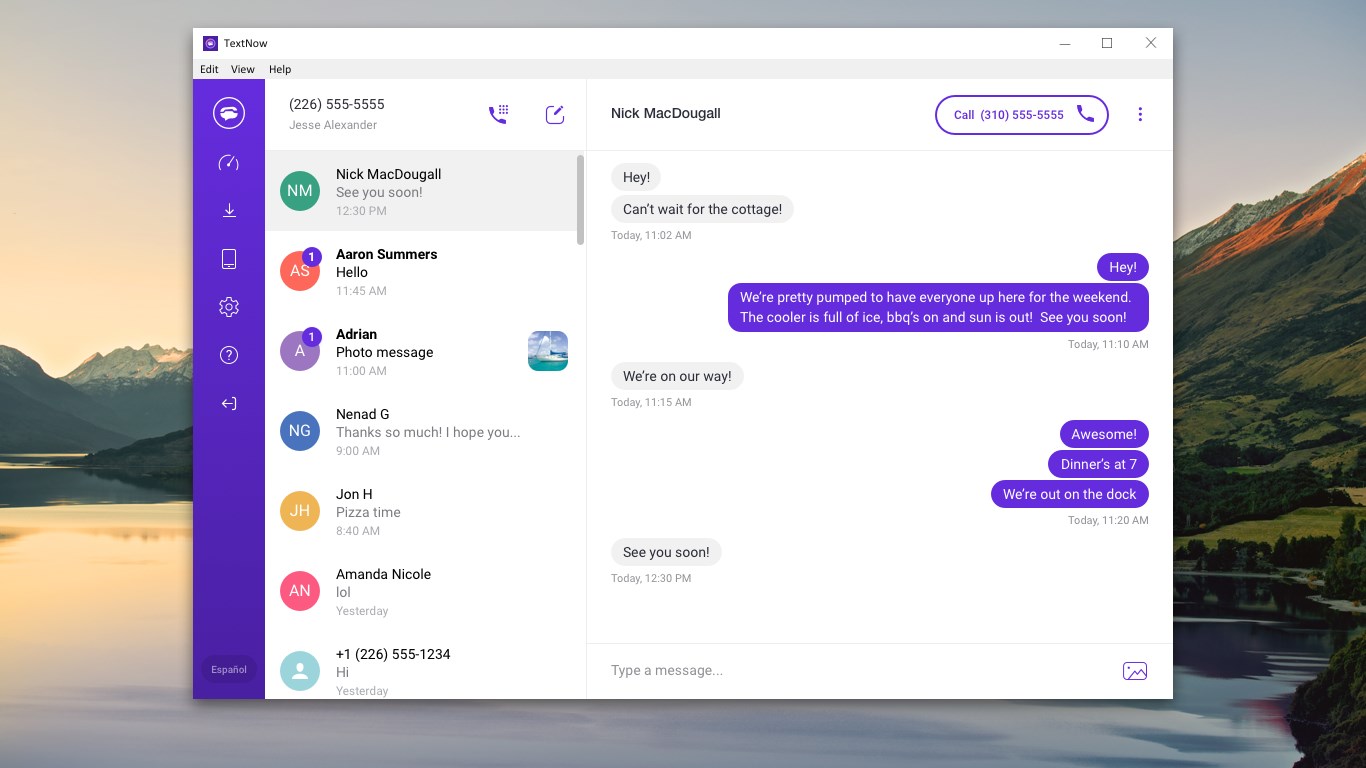
Imagine a tidy digital workspace that welcomes you as a friendly, familiar chat room—bright, intuitive, and clutter-free. The app's interface design is simple yet modern, with large, easily clickable icons that make navigation feel like a breeze on a sunny day. It's visually approachable, especially for those who might be overwhelmed by overly complex communication tools.
Performance and Learning Curve
Once you get started, the app operates with impressive responsiveness—messages send instantly, calls connect without noticeable delay, and switching between conversations is fluid. Its straightforward layout minimizes any steep learning curve, meaning even tech novices can master it quickly—think of it as learning to ride a bicycle where balance is automatic and intuitive.
Unique Selling Points: Connectivity and Personalization
What sets TextNow apart from other social or messaging apps are its unique features like user profile customization and authenticity verification, which foster a more genuine communication experience. Users can personalize their profiles with avatars and statuses, making interactions more relatable and true to life, rather than anonymous exchanges. The app's connection discovery function also helps you find friends or contacts who are already using TextNow, creating a sense of community—like bumping into friends at a cozy café rather than waiting for a stranger to say hi.
Should You Give It a Try?
In summary, TextNow for Windows is a reliable, user-friendly communication tool that excels in providing unlimited texting and calling without breaking the bank. Its standout features—particularly the user profile customization and connection discovery—bring a refreshing authenticity and community feel that many similar apps lack. If you're someone who communicates frequently and values a personalized touch, this app is definitely worth considering.
For casual users or those needing a straightforward desktop messaging service, I'd rate it as a solid "Recommended." Dive in and explore how it can streamline your communication, making staying connected more natural and enjoyable—like chatting with a friend in the cozy comfort of your own home.
Pros
- Free unlimited texts and calls
- Easy-to-use interface
- Supports multiple devices
- Reliable network connectivity
- No need for SIM card
Cons
- Limited international coverage
- Ads displayed during usage
- Occasional app crashes or lag
- Call quality varies depending on network
- Missing advanced messaging features











