
Frequently Asked Questions
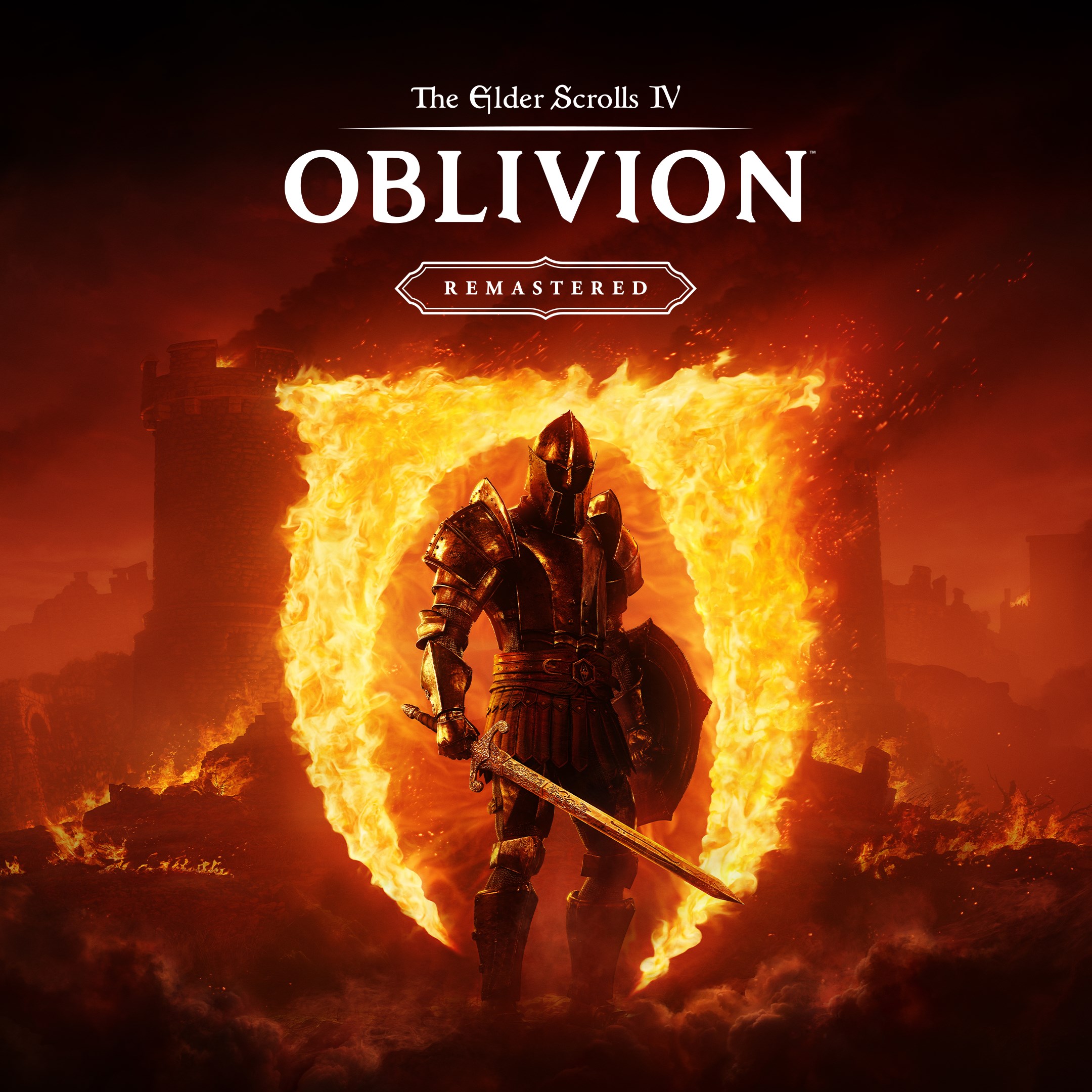
How do I start playing The Elder Scrolls IV: Oblivion Remastered for the first time?
Download and install the game from your app store, then open it and follow the on-screen prompts to begin your adventure.
Are system requirements required for running Oblivion Remastered?
Yes, ensure your device meets the minimum hardware specifications listed on the app store page for smooth gameplay performance.
How do I customize my character and choose my gameplay style?
Start a new game and select your character's race, class, and skills during character creation to tailor your experience.
What are the main features included in Oblivion Remastered?
It offers stunning remastered visuals, a vast open world, customizable characters, and includes DLCs like Shivering Isles and Knights of the Nine.
How do I access the additional downloadable content (DLCs)?
DLCs are integrated into the game automatically; just follow in-game prompts or check the 'Download Content' section in settings.
Can I play Oblivion Remastered offline without an internet connection?
Yes, after downloading and installing, you can enjoy the game offline without internet access.
Is there a subscription or in-app purchase required to enjoy all content?
The game includes all purchased DLCs; no ongoing subscription is needed once you buy the game and DLCs.
How do I upgrade to a premium version or buy additional content?
Visit the in-game store or app store listing, then select and purchase any available expansions or premium content.
What should I do if the game crashes or experiences bugs?
Restart your device, ensure your app is updated, and check for device software updates; contact support if issues persist.
How can I change game settings like graphics or controls?
Go to Settings > Graphics or Controls within the game menu to customize visual quality and control options to your preference.
You May Like

Persona 5 Royal
for Windows
4.9
Persona 3 Reload
for Windows
4.9
Stardew Valley
for Windows
4.8
Persona 4 Golden
for Windows
4.8
Undertale (PC)
for Windows
4.8
The Elder Scrolls V: Skyrim Special Edition (PC)
for Windows
4.7
Royal Revolt 2: Tower Defense
for Windows
4.6
Clair Obscur: Expedition 33
for Windows
4.6
Fallout: New Vegas Ultimate Edition
for Windows
4.6
Warhammer: Chaos & Conquest
for Windows
4.6
FINAL FANTASY
for Windows
4.5
The Elder Scrolls V: Skyrim Anniversary Edition (PC)
for Windows
4.4