
Frequently Asked Questions
How do I install and start playing Skyrim Anniversary Edition on PC?
Download it from your chosen platform (e.g., Steam), then follow the installation prompts and launch the game from your library.
What are the minimum system requirements for running Skyrim Anniversary Edition on PC?
Ensure your PC meets the minimum specs: Windows 7/8.1/10, Intel i5 or AMD equivalent, 8GB RAM, NVIDIA GTX 660 or AMD Radeon HD 7870, and 6GB storage space.
How can I customize my character and gameplay in Skyrim Anniversary Edition?
Start a new game or load an existing save, then customize your character using the character creation menu, choosing weapons, spells, and abilities to suit your style.
What content is included in the Skyrim Anniversary Edition?
It includes the core game, all three official add-ons (Dawnguard, Hearthfire, Dragonborn), and Creation Club content released before Nov 11, 2021.
How do I access and enable the Creation Club content in the game?
In-game, go to the main menu, select 'Extras,' then 'Download Content' to view and activate Creation Club items you'd like to use.
Are there any in-game purchases or subscriptions required for Skyrim Anniversary Edition?
No, the base game and included content are purchased upfront; additional paid DLC or Creation Club items are optional.
Can I upgrade or transfer my save data from Skyrim Special Edition to the Anniversary Edition?
Save data is compatible; simply locate your save files in the game's folder and load them in the Anniversary Edition to continue your adventure.
What should I do if the game crashes or performance is poor?
Update your graphics drivers, reduce in-game settings, and ensure your PC meets the recommended specs; verify game files also helps resolve issues.
How do I troubleshoot audio or graphics issues in Skyrim Anniversary Edition?
Check your sound and display settings in the game's menu and update your GPU drivers to ensure compatibility and optimal performance.
How can I access the game's settings and customize controls?
Pause the game, go to 'Settings,' then 'Controls' to adjust key bindings, difficulty, and other gameplay preferences.
You May Like

Persona 5 Royal
for Windows
4.9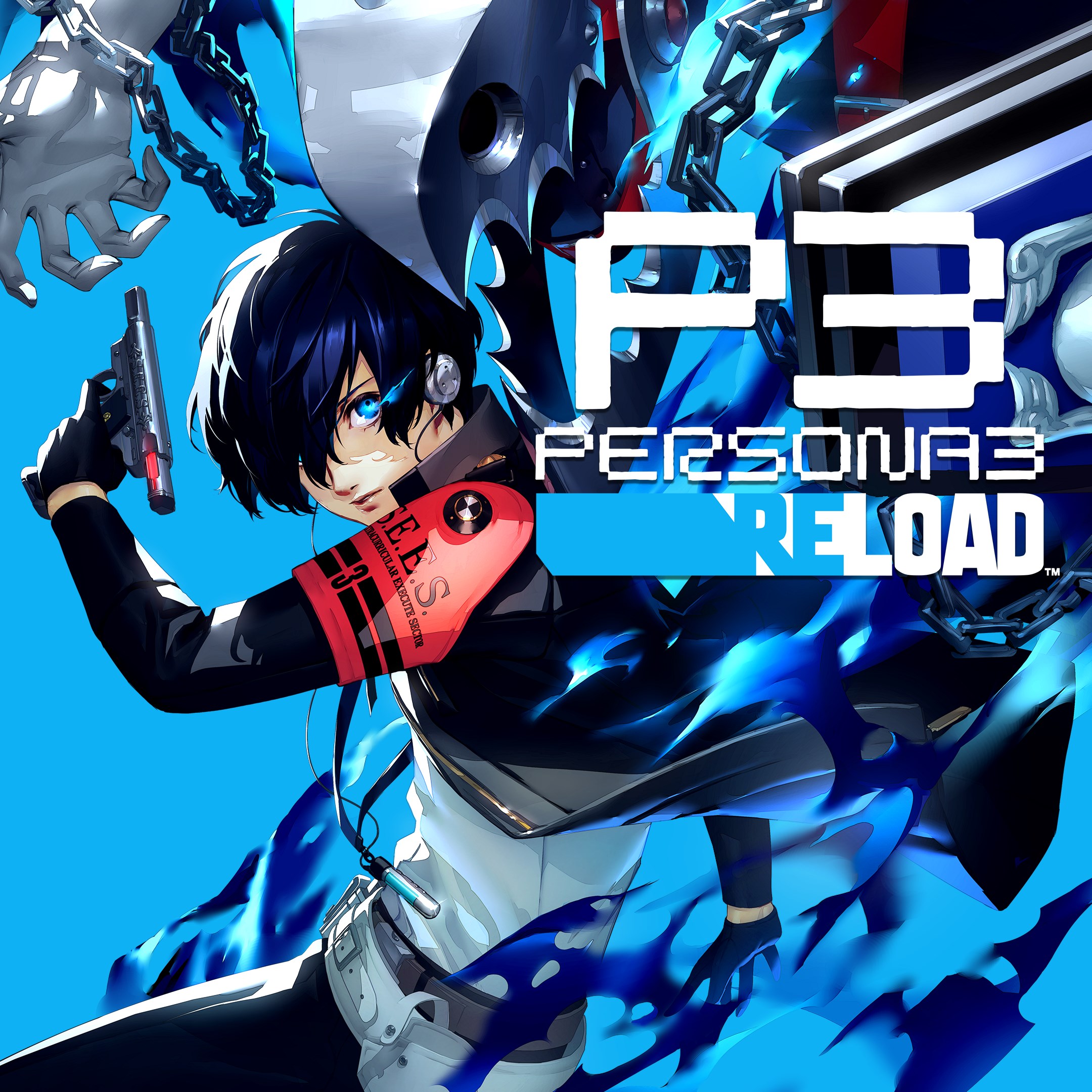
Persona 3 Reload
for Windows
4.9
Stardew Valley
for Windows
4.8
Persona 4 Golden
for Windows
4.8
Undertale (PC)
for Windows
4.8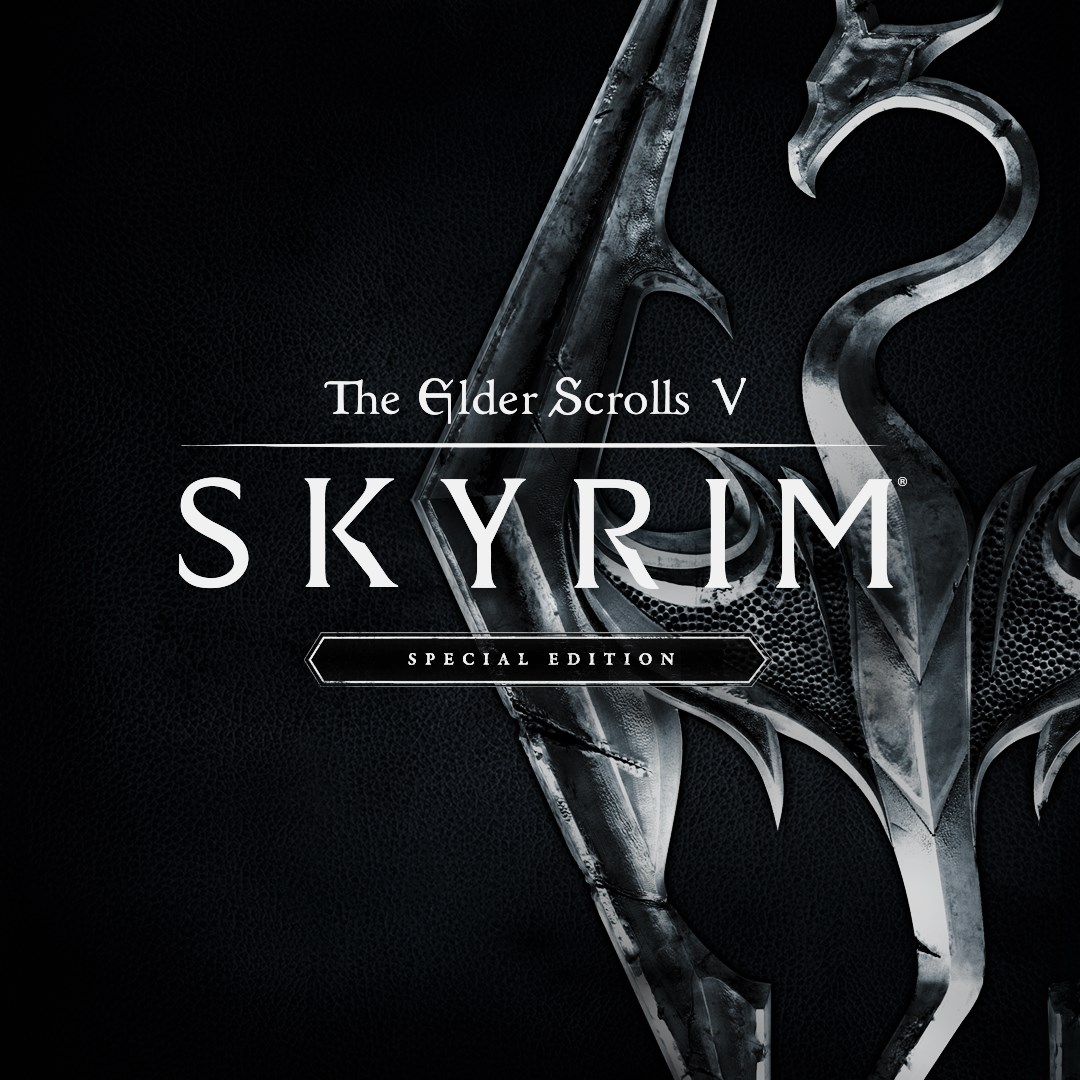
The Elder Scrolls V: Skyrim Special Edition (PC)
for Windows
4.7
Royal Revolt 2: Tower Defense
for Windows
4.6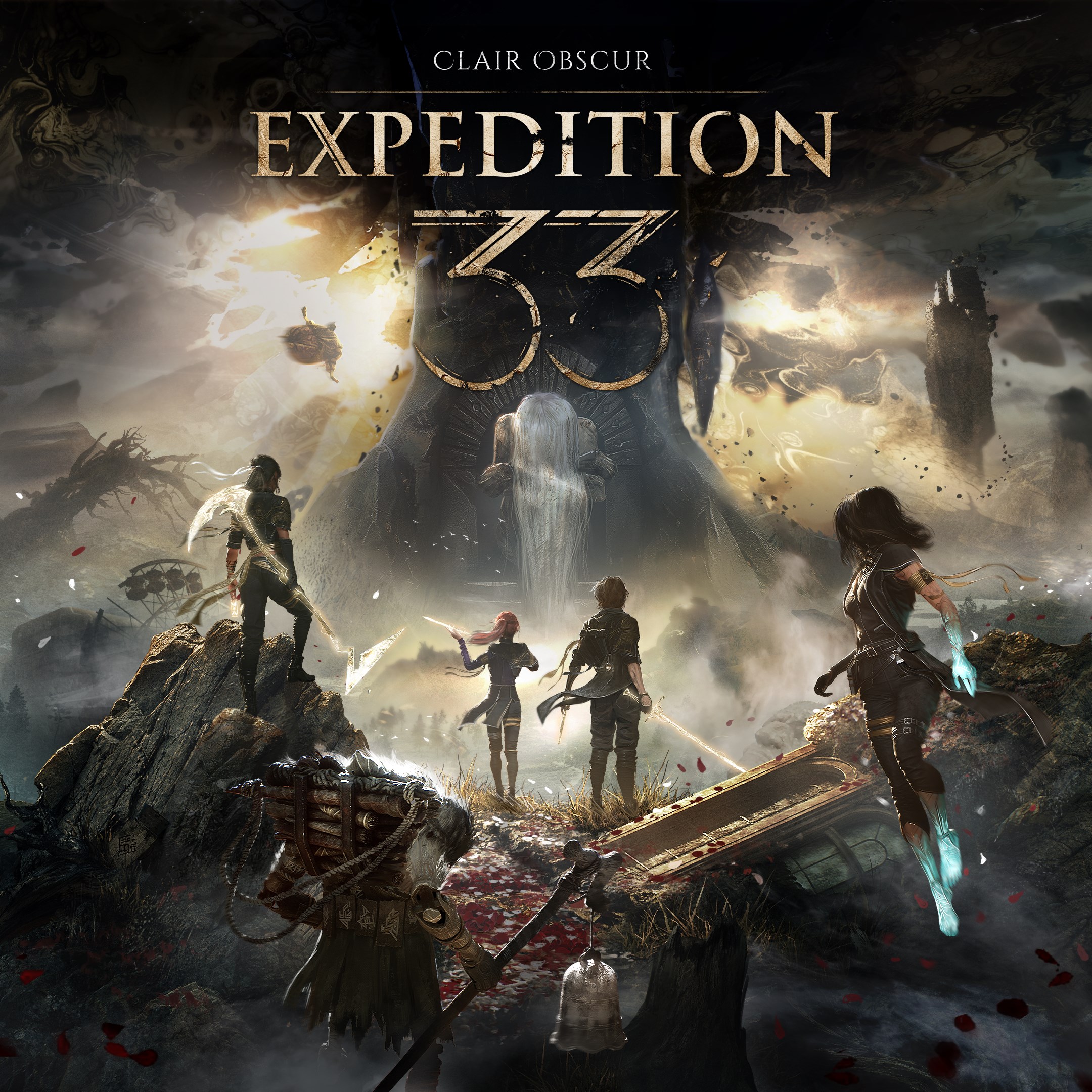
Clair Obscur: Expedition 33
for Windows
4.6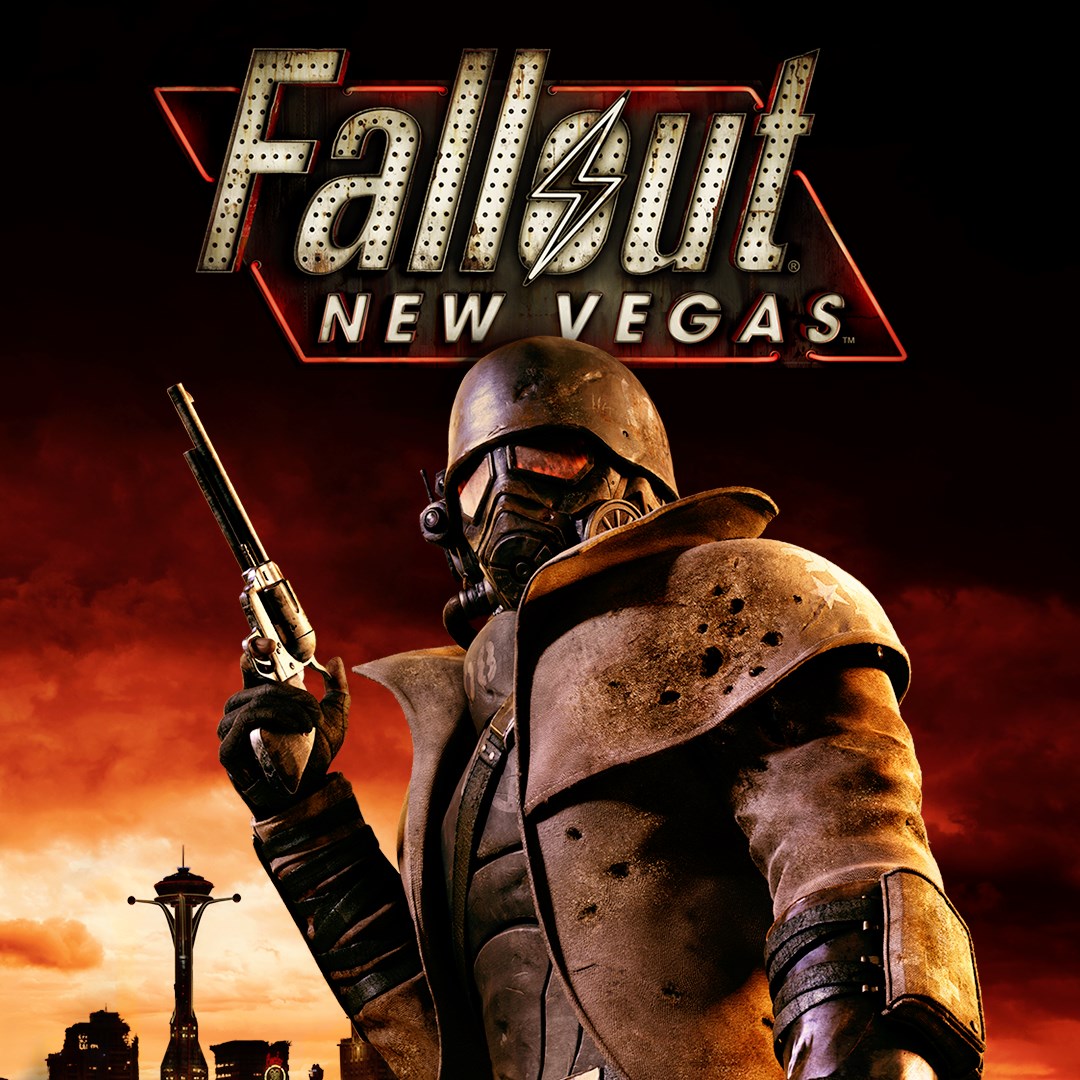
Fallout: New Vegas Ultimate Edition
for Windows
4.6
Warhammer: Chaos & Conquest
for Windows
4.6
FINAL FANTASY
for Windows
4.5
The Elder Scrolls V: Skyrim Anniversary Edition (PC)
for Windows
4.4