



- Category Personalization
- Available on PC
- OS Windows 10 version 14951.0 or higher
- languages English (United States)
Overview of The Northern Lights for Windows
The Northern Lights for Windows is an immersive desktop customization app designed to bring the mesmerizing beauty of the aurora borealis directly to your screen, creating a relaxing and visually stunning environment. Developed by Microsoft Corporation, this application aims to transform your Windows experience with dynamic light displays that evolve seamlessly with your actions and system settings.
Developer: Microsoft Corporation
Main Features Highlights:
- Dynamic Aurora Visualizations that adapt to time and system activity
- Highly customizable light themes and color schemes
- Seamless integration with Windows desktop and lock screen
- Low system resource consumption for smooth performance
Target Audience: Enthusiasts of visual customization, users seeking relaxing or aesthetic desktop environments, and anyone interested in bringing a touch of nature's wonder to their computer experience.
Captivating Visuals and Relaxing Atmosphere
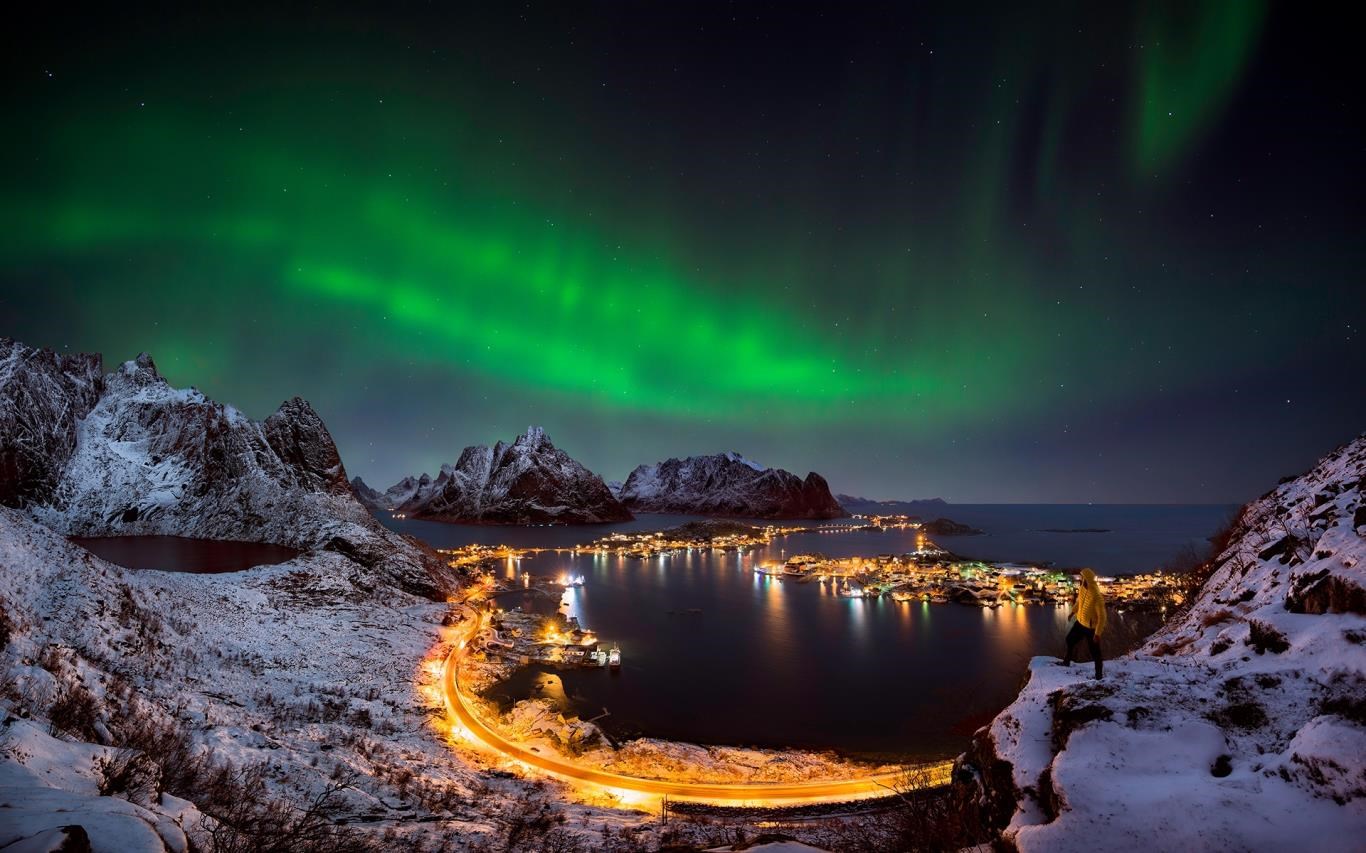
Imagine sitting by a window on a cold winter night, watching shimmering curtains of green, purple, and pink dance across the sky. Now, imagine replicating that serene, awe-inspiring spectacle right on your desktop. The Northern Lights for Windows does precisely that—offering a calming, dynamic visualization that transforms your boring static wallpaper into an ever-changing display of nature's magic. Its high-quality animations and gentle color transitions create an ambiance that feels both relaxing and captivating, making your workspace a sanctuary of tranquility.
Core Features that Make a Difference
Dynamic Aurora Visualizations
The standout feature of this app is its ability to generate beautiful, realistic aurora borealis effects that respond subtly to your system's time of day or activity. The visuals are crafted with attention to detail, with flowing light patterns that mimic real auroras. Unlike traditional wallpapers or static themes, these light displays breathe life into your desktop, providing an ever-changing scenery. The app also allows users to customize the intensity and movement speed, tailoring the display to individual preferences for a more personalized experience.
Extensive Customization Options
One of the most unique aspects of The Northern Lights for Windows is its rich set of customization options. Users can choose from a variety of color palettes, modify light behaviors, and even synchronize the aurora's movements with system sounds to enhance immersion. The app offers preset themes for quick setup while also allowing users to craft their unique light shows from scratch. This flexibility ensures that even the most picky aesthetic enthusiasts can create a desktop environment that perfectly matches their mood and decor.
Seamless Integration and User Experience
Installing and operating the app is straightforward, with an intuitive user interface that guides you through setup without overwhelm. The controls are well-organized, and the app runs smoothly in the background without noticeable lag or resource drain. The design aligns with Windows' aesthetic, ensuring compatibility and cohesive visual experience—think of it as a whispering northern breeze that complements your existing setup rather than disrupting it. The learning curve is gentle, making it accessible even for beginners in customization.
Unique Selling Points and Differentiation
Compared to other desktop personalization apps, The Northern Lights for Windows excels in its focus on natural, calming visuals without overwhelming the user. Its key differentiator lies in its highly realistic aurora animations and extensive customization options, allowing users to imitate the celestial display precisely as they wish. Moreover, its efficient system resource management ensures that these stunning visuals do not compromise performance—making it suitable for everyday use on a variety of hardware setups. Its theme compatibility ensures it integrates seamlessly with existing Windows themes and wallpapers, offering a cohesive aesthetic experience.
Recommendation and Usage Suggestions
Overall, I would rate The Northern Lights for Windows as a strong recommendation for users who value visual personalization and seek a tranquil desktop atmosphere. It's particularly suited for those who want to add a touch of natural wonder to their daily computing without sacrificing performance. For casual users and professionals alike, this app can serve as a mood setter, focus enhancer, or simply a decorative element that transforms routine tasks into a more inspiring experience.
However, if you prefer highly interactive or fully animated 3D environments with more complex effects, you might find this app slightly restrained in scope. Still, for its purpose—delivering a beautiful, relaxing aurora display—it hits the mark perfectly.
Pros
- Stunning Visual Effects
- User-Friendly Interface
- Customizable Viewing Options
- High-Quality Graphics
- Multi-Device Compatibility
Cons
- Limited Free Content
- Battery Usage Fluctuations
- Occasional Lag During Transitions
- Lack of Sound Effects
- Limited Language Support











