

- Category Card & board
- Available on PC
- OS Windows 10 version 14393.0 or higher
- languages English, English (United States)
Introducing The Spades for Windows: A Fresh Take on Classic Card Gaming
For fans of strategic card games seeking a sleek, intuitive digital experience, The Spades for Windows offers a modernized approach to the timeless game of Spades. Developed by UNBALANCE corp., this app aims to blend classic gameplay with streamlined design, making it accessible for new players and satisfying for seasoned pros alike.
Core Features That Make The Spades Stand Out
1. Intuitive and Elegant User Interface
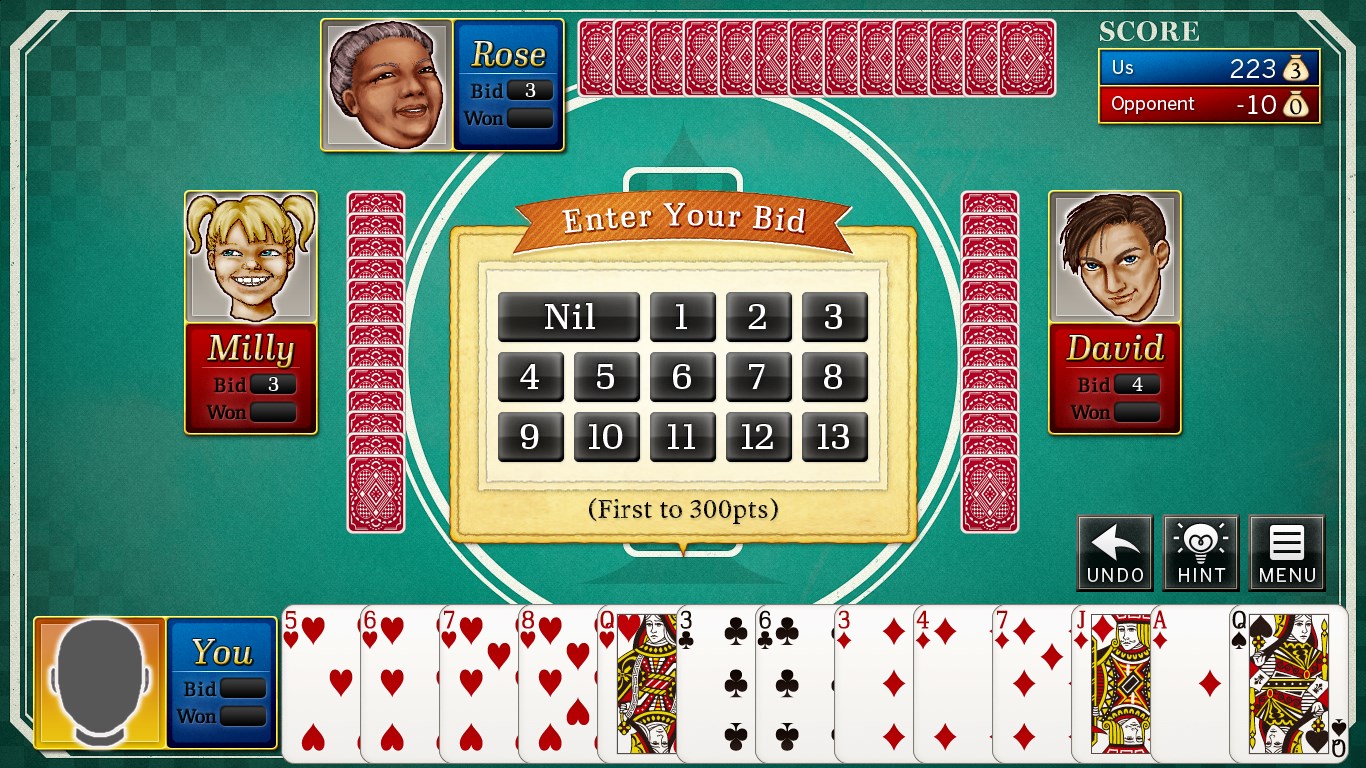
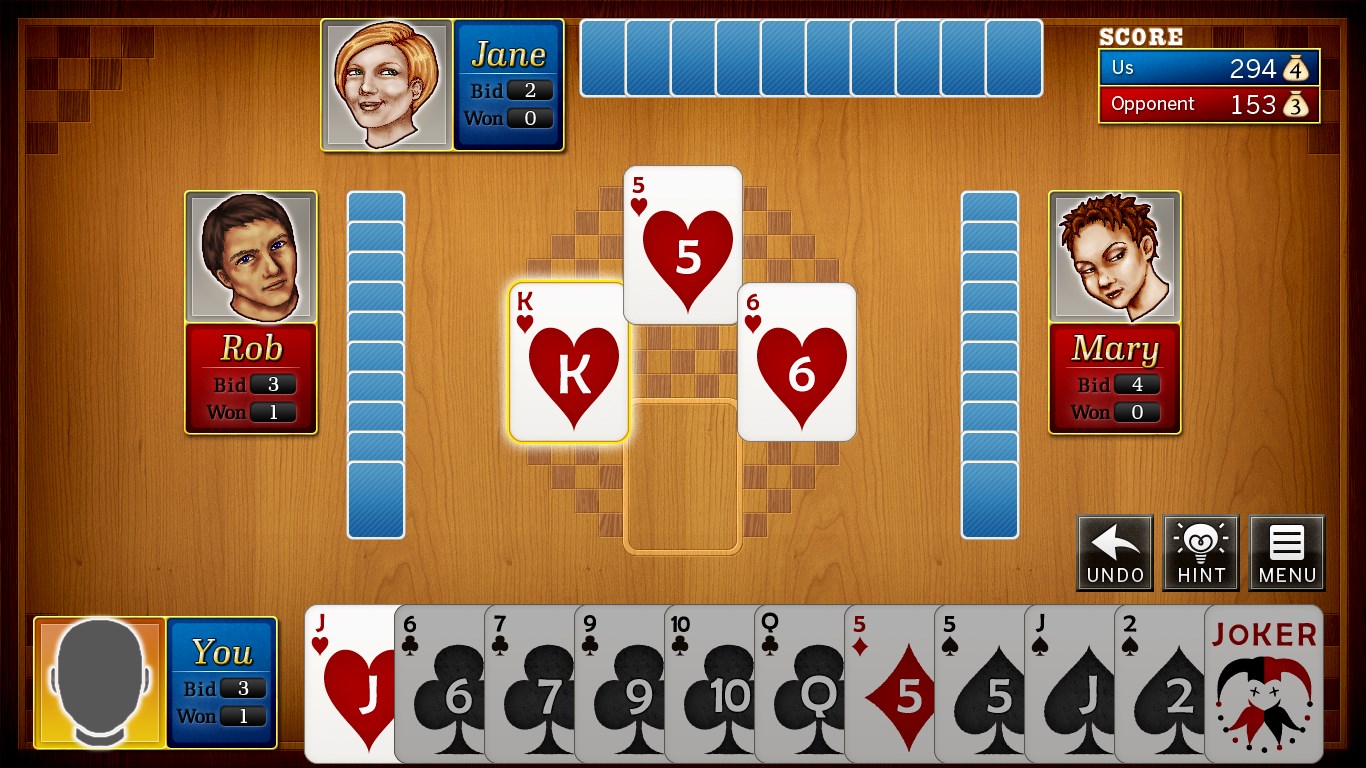
From the moment you launch the app, you'll notice its clean, minimalistic design that feels both familiar and fresh. The interface employs bright, contrasting colors and clear icons, making navigation straightforward even for first-time users. The game layout mimics a real card table, creating a cozy, immersive environment that beckons you to dive right in.
2. Sophisticated AI and Multiplayer Modes
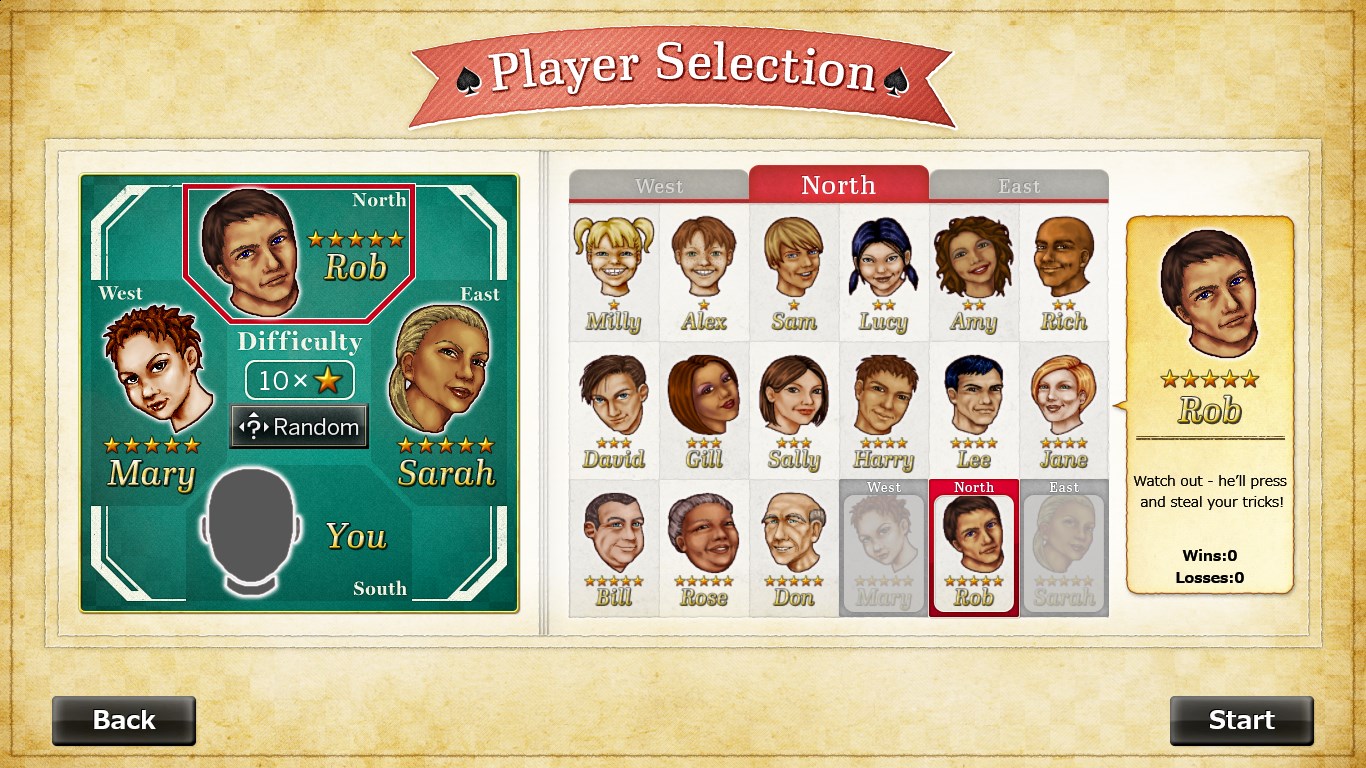
The Spades for Windows impresses with its dual-mode gameplay. The AI opponents are surprisingly smart—adapting to your strategies and providing a challenging experience that prevents predictability. For social gamers, the multiplayer mode supports real-time online play, allowing you to compete against friends or global players, fostering a lively gaming community.
3. Customizable Rules and Card Bidding
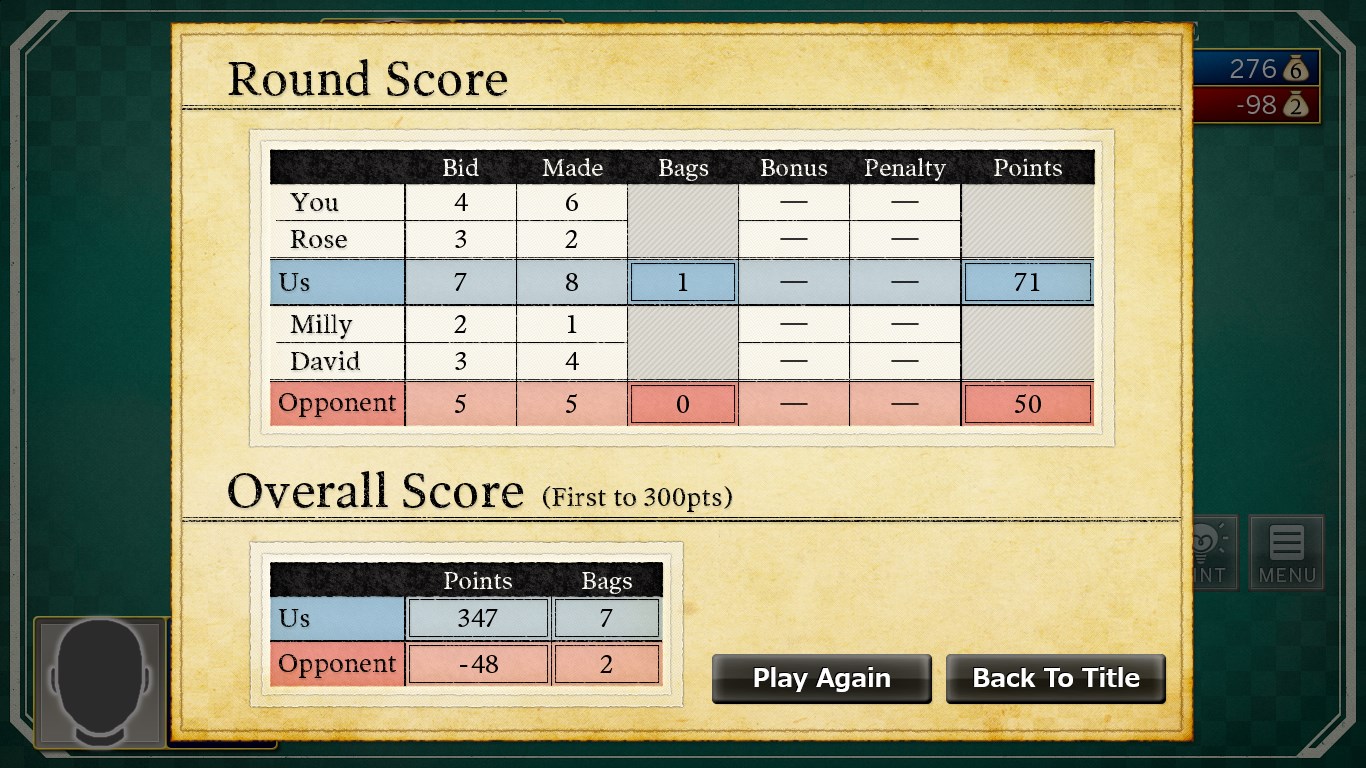
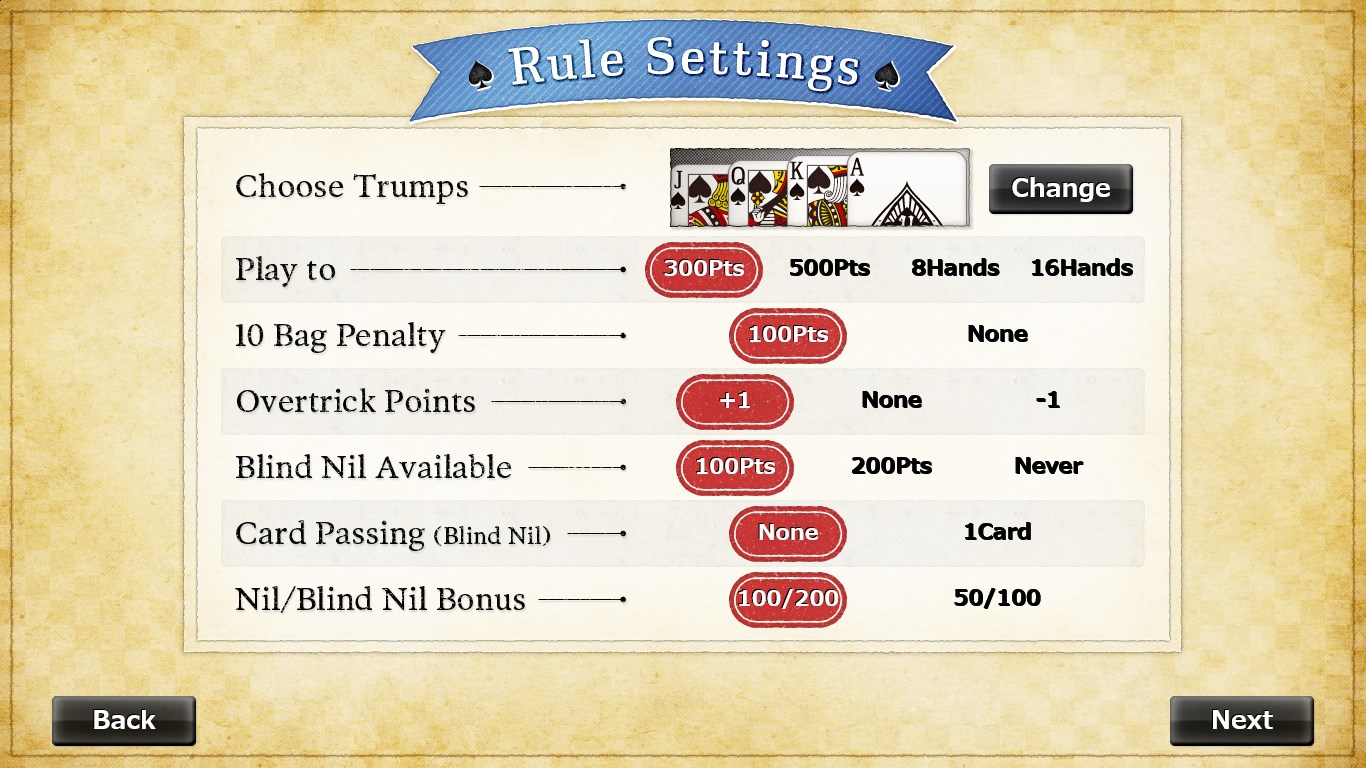
This app allows players to tailor game settings—such as bidding rules, nil options, and deck configurations—catering to diverse preferences and regional variants. The bidding process is streamlined, with clear prompts and real-time feedback, enhancing strategic depth without sacrificing ease of play.
User Experience and Gameplay Dynamics
Imagine sitting at a virtual card table where each tap feels like dealing cards at your favorite local game night. The app's responsiveness is impressive; animations are smooth, giving a tactile feel that rivals physical cards. Learning curve is gentle—an intuitive onboarding tutorial introduces core mechanics step-by-step, making it accessible to newcomers, yet layered enough to challenge veterans.
Playing The Spades for Windows feels like engaging in a friendly yet competitive game with friends around a well-loved table. Its thoughtful design ensures that you spend less time fumbling with options and more time deliberating your moves, whether you're bidding strategically or trying to outsmart opponents with clever tricks.
What Sets The Spades Apart from Other Card Apps?
While many digital card games focus solely on gameplay, The Spades for Windows emphasizes community and customization, setting it apart from generic counterparts. Its remarkable adaptability in rules and bidding options gives it a personalized feel, almost like a bespoke game night tailored to your style. Moreover, the AI's advanced logic and the smooth multiplayer experience make it not just a casual pastime but a robust platform for serious card enthusiasts.
Final Thoughts and Recommendations
Overall, I would rate The Spades for Windows as highly recommended for both casual players and avid card game lovers. Its most compelling features—the polished interface and adaptable gameplay—are particularly notable. If you're seeking an app that respects the integrity of traditional Spades while modernizing the experience with crisp visuals and smart technology, this app deserves a spot on your device.
Whether you're looking to sharpen your bid or just enjoy a laid-back game with friends, The Spades offers a well-rounded, engaging platform. My suggestion: give it a try and see how it transforms your digital card nights into a delightful and strategic experience. It's a solid choice for anyone craving a clean, fun, and thoughtfully designed card game app on Windows.
Pros
- Intuitive User Interface
- Engaging Gameplay Mechanics
- Rich Visuals and Graphics
- Offline Play Support
- Regular Content Updates
Cons
- Limited Multiplayer Options
- In-App Purchase Pricing
- Tutorial Clarity
- Ads Interruptions
- Device Compatibility











