

- Category Music
- Developer TIDAL Music AS
- Available on PC
- OS Windows 10 version 14316.0 or higher
- languages Bulgarian, Croatian, Danish, English (United States), French, German, Italian, Norwegian (Bokmål), Polish , Portuguese (Brazil), Portuguese (Portugal), Serbian (Latin), Slovenian (Slovenia), Spanish (Mexico), Spanish (Spain), Swedish, Turkish
An In-Depth Look at TIDAL - Music Streaming for Windows
For audiophiles and casual listeners alike, TIDAL's Windows app offers a compelling streaming experience with a focus on sound quality and curated content – making it a noteworthy choice in the crowded music app landscape.
About the App and Its Makers
Developed and published by TIDAL Music AS, this Windows application aims to deliver high-fidelity music streaming directly to your desktop. The developer team behind TIDAL is renowned for their dedication to superior audio quality and exclusive content, positioning the platform as a premium service for discerning listeners.
Key features include lossless CD-quality streams, exclusive artist content, curated playlists, and seamless integration with your Windows environment. These highlights make TIDAL stand out among other streaming services.
Designed primarily for audiophiles, music enthusiasts, and everyday users seeking richer sound, the app caters to a broad spectrum of users, from casual background listeners to serious audio purists.
Immersive Sound Quality: The Heart of TIDAL
Imagine sitting in a cozy chair, headphones on, as your favorite song envelops you with vivid clarity—that's the experience TIDAL's high-fidelity streaming aims to deliver. The app's most compelling feature is its TIDAL Lossless tier, enabling CD-quality audio that preserves the artist's original intent. This is a game-changer for users who value every nuance of sound, from the subtle reverb in vocals to the punch of a bass drum.
Compared to competitors like Spotify or Apple Music, which often compress audio to save bandwidth, TIDAL's commitment to lossless streaming sets it apart, providing a more authentic listening experience especially suited for high-end audio setups.
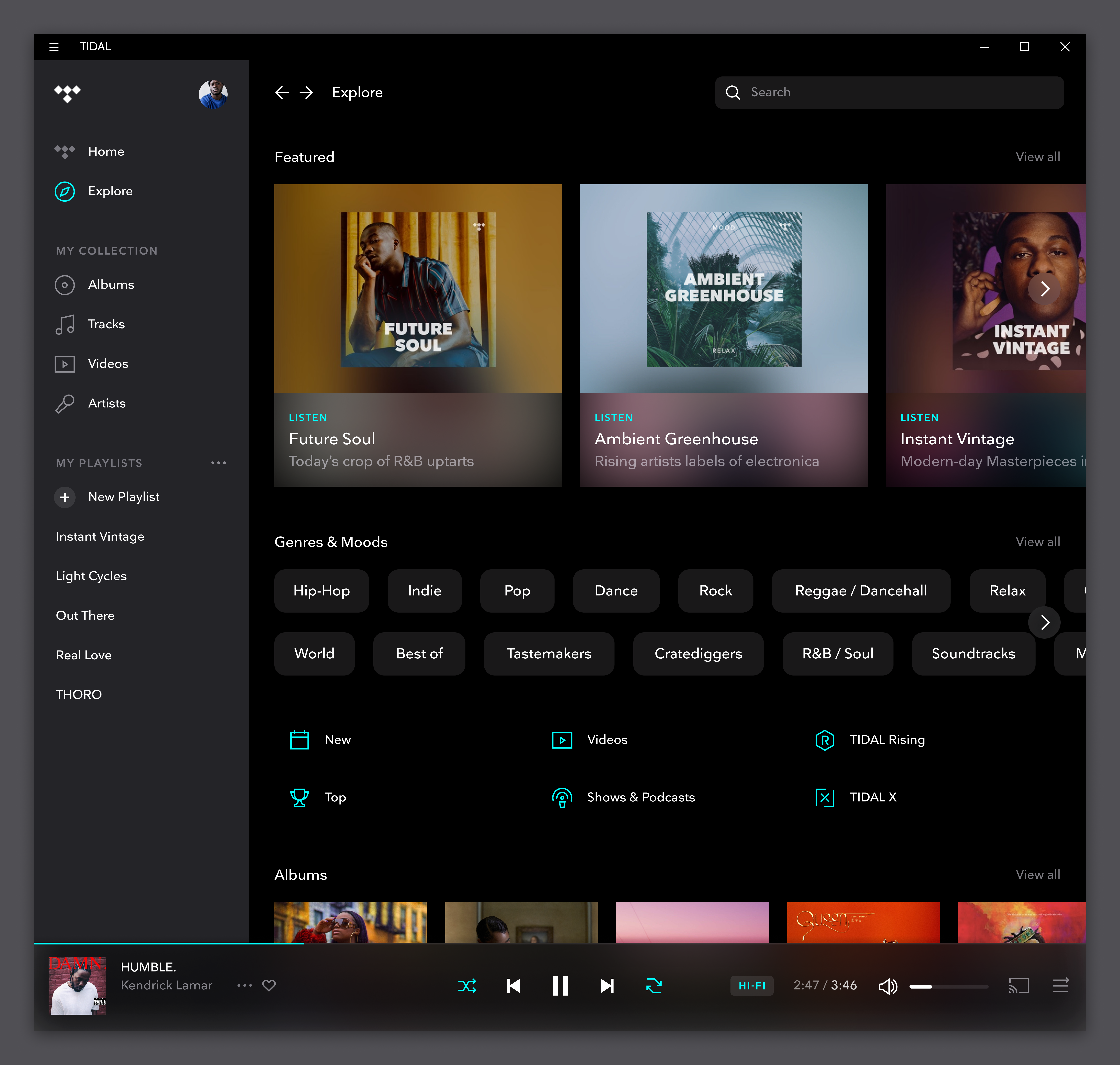
Curated Content and Personalization: Dive Deeper into Music
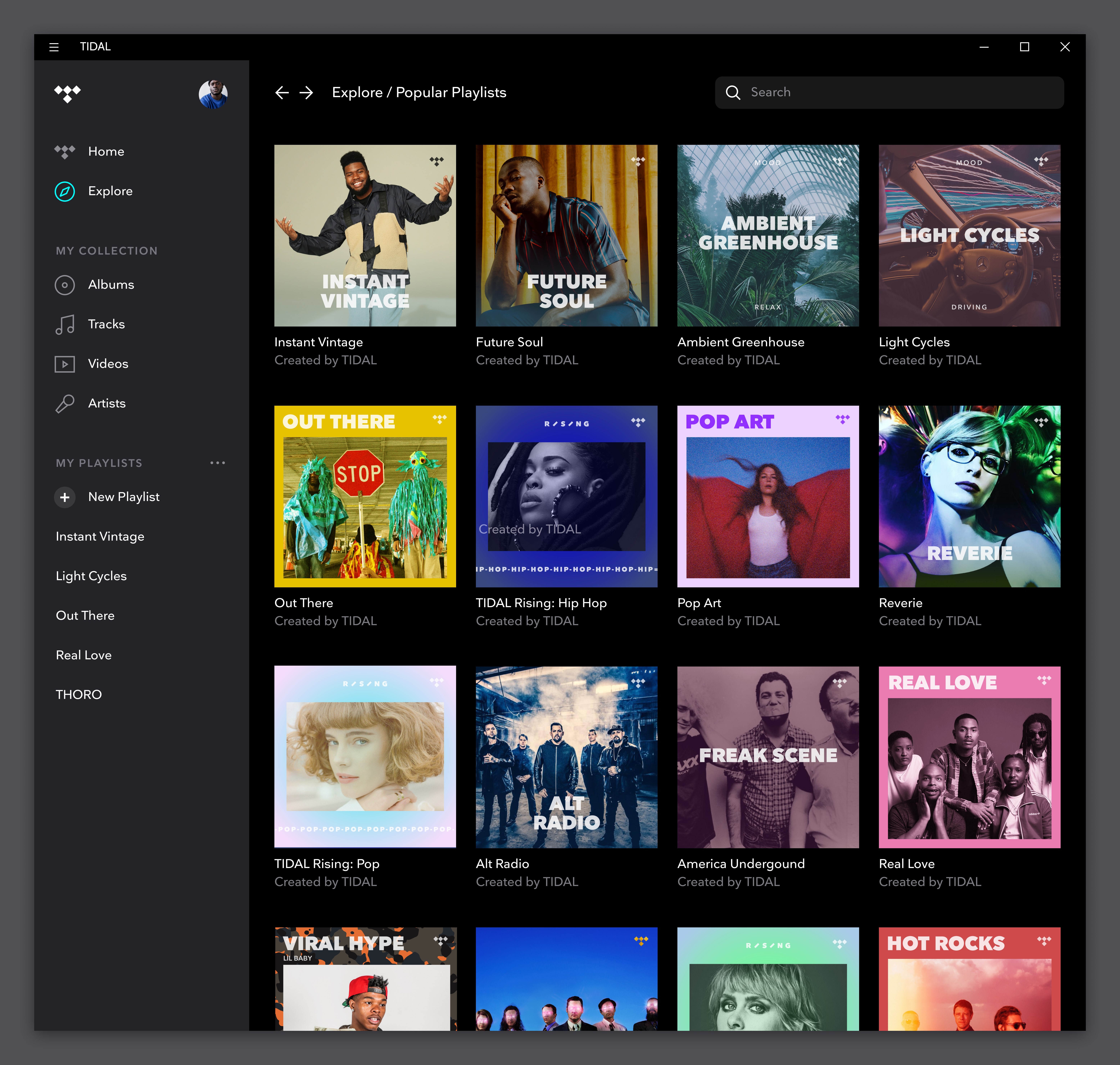
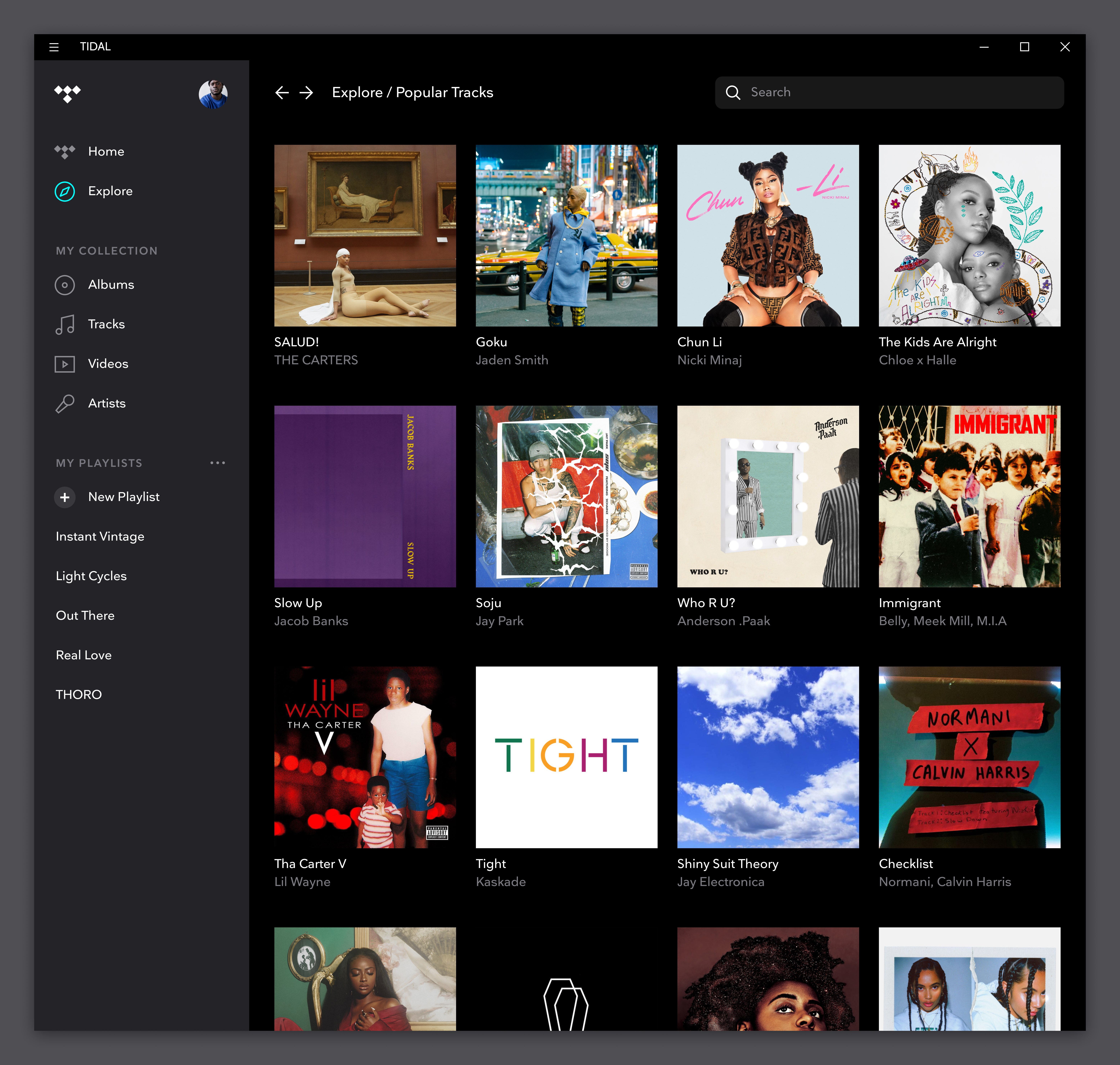
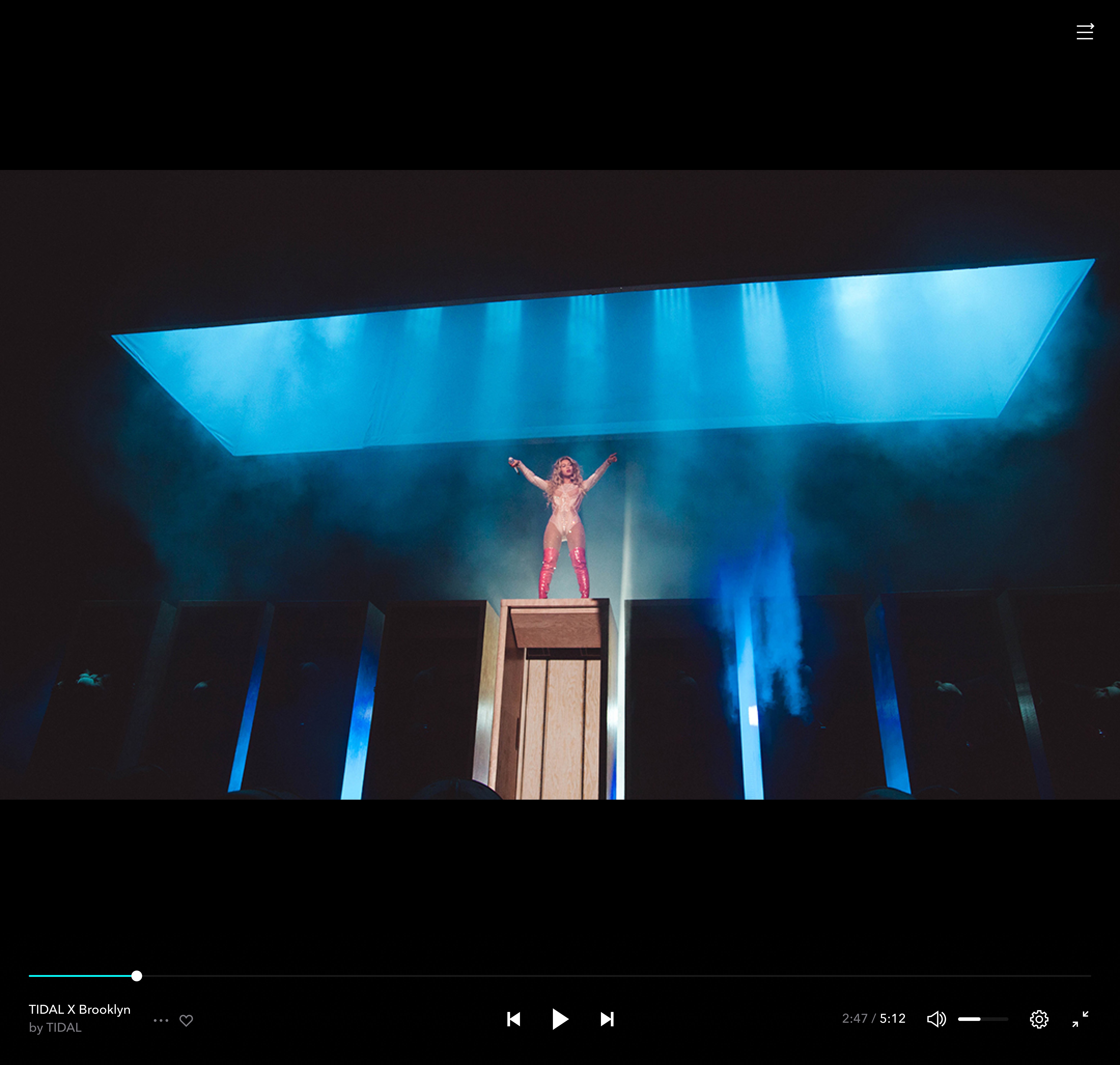
Beyond streaming, TIDAL excels in delivering exclusive content—think early releases, artist interviews, and behind-the-scenes footage—that's accessible only on its platform. Its curated playlists and personalized recommendations are designed with an intuitive algorithm that captures your musical preferences, making discovery effortless. For the rhythm enthusiasts, TIDAL offers a diverse variety of rhythm pattern assessments, aiding users in exploring complex beats and genres that might otherwise go unnoticed.
This depth of curated content and personalized experience is particularly valuable for users who see music as a journey rather than just background noise. It transforms passive listening into active exploration, like uncovering secret passageways in a familiar house.
User Experience: Design, Performance, and Learning Curve
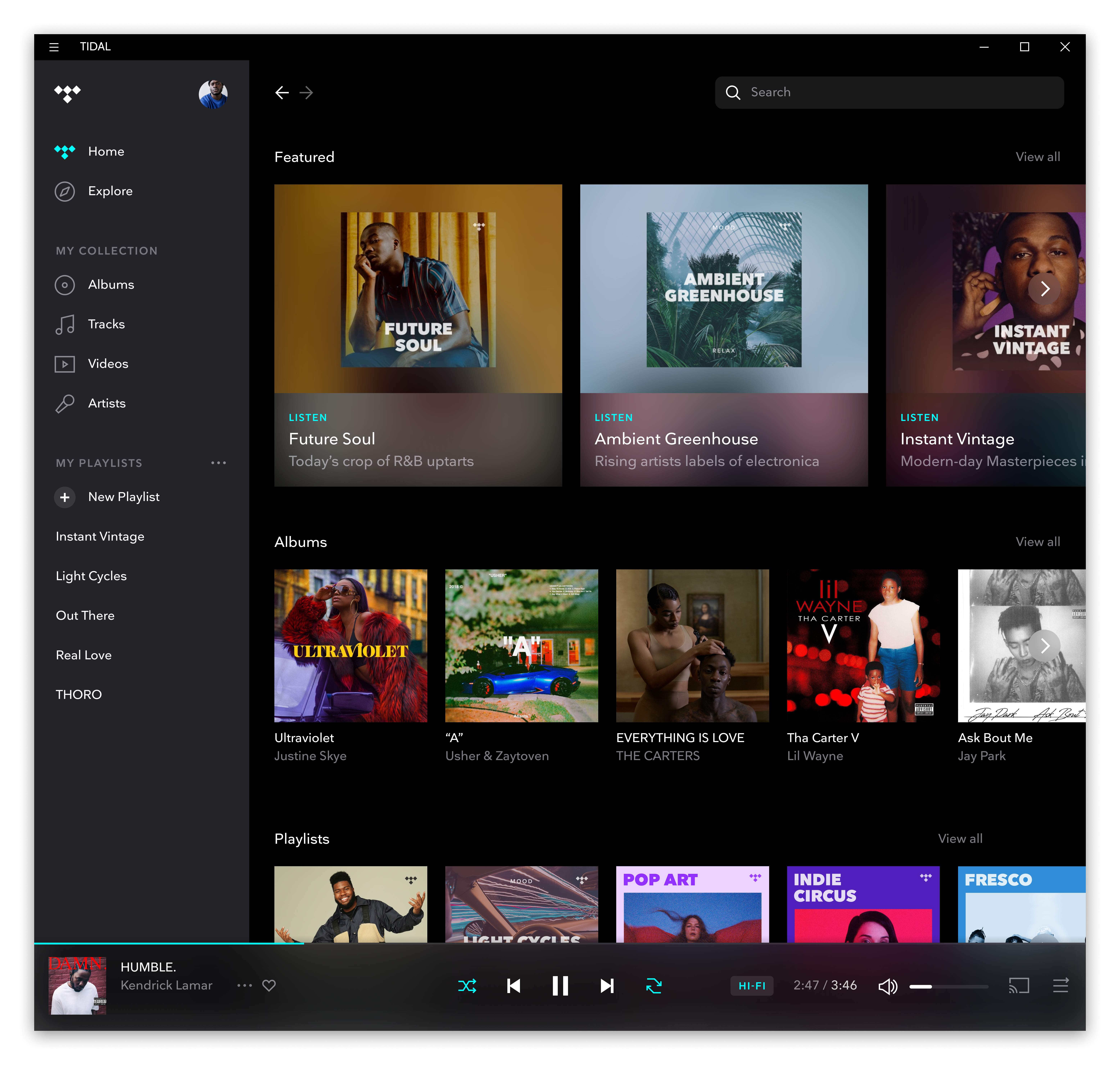
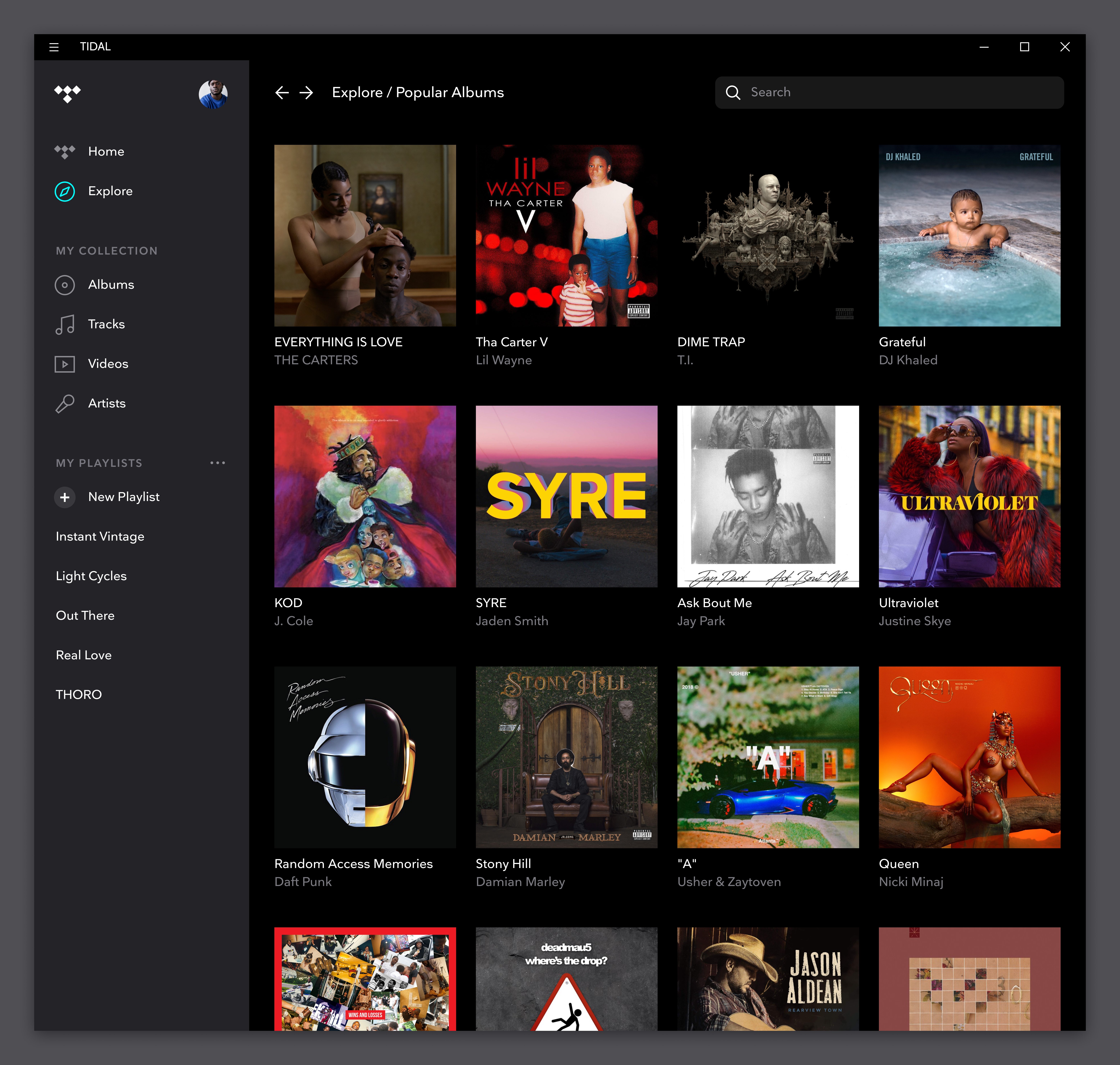
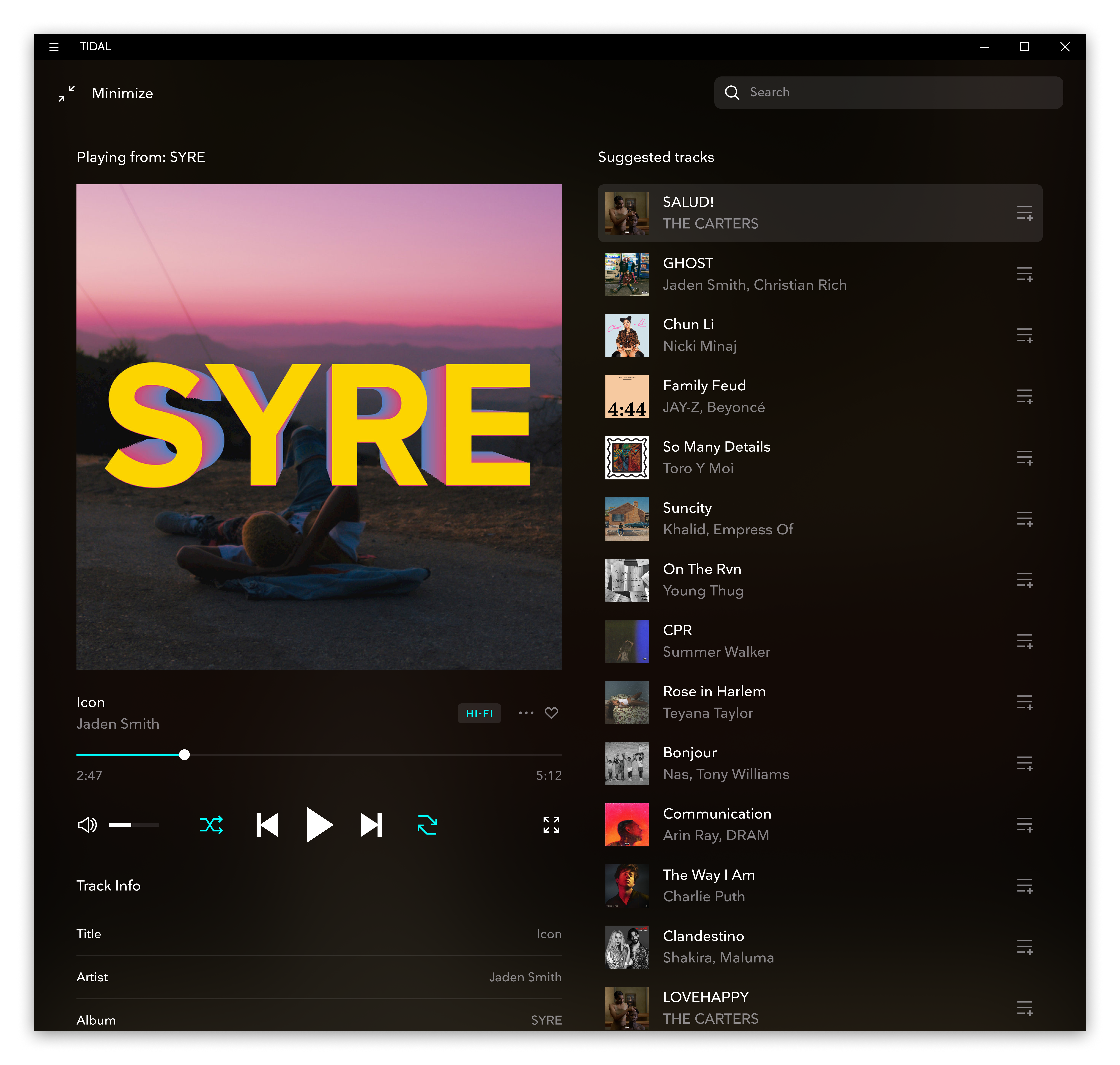
The user interface of TIDAL's Windows app is sleek yet approachable, reminiscent of a well-organized music library—think of it as a vinyl collection updated for the digital age. Navigating through genres, playlists, and artist pages feels smooth and intuitive, thanks to responsive controls and minimal clutter. Some users may find the initial setup and feature exploration require a short learning curve; however, overall, the app balances depth and simplicity well, making onboarding fairly straightforward.
Performance-wise, TIDAL maintains a steady stream without noticeable buffering or lag, even at higher quality settings, ensuring a seamless listening session. The app's responsiveness and stability reflect good optimization for Windows, akin to a finely tuned musical instrument.
Unique Selling Points: What Makes TIDAL Truly Different?
While many streaming apps focus on vast catalogs and social sharing, TIDAL's key differentiators lie in its commitment to sound fidelity and exclusive content. Of particular note are its assessments of rhythm pattern variety, which help users appreciate and analyze complex beats—a feature that appeals strongly to musicians and rhythm enthusiasts. Moreover, its tolerances for input latency—meaning minimal delay between user commands and playback response—make for an engaging and precise control experience.
This focus on audio quality and rhythm analysis continues to set TIDAL apart in a market increasingly dominated by compression and general playlists. If you're someone who values the subtle textures in music and appreciates a platform that prioritizes sound authenticity, TIDAL's Windows app is worth exploring.
Final Thoughts and Recommendations
Overall, TIDAL's Windows application offers a robust, enjoyable, and high-quality streaming experience. Its standout features—particularly lossless audio streaming and rich exclusive content—make it a top-tier choice for audiophiles. The interface is user-friendly enough for newcomers but provides enough depth for seasoned listeners.
For those who prioritize sound fidelity and seek a platform that treats music as an art form, I recommend giving TIDAL a try. It's especially suitable if you have high-end audio equipment or are keen on exploring complex rhythms and detailed recordings. For casual listeners content with standard quality, other services might be more cost-effective, but for purists, TIDAL's premium offerings are hard to beat.
Pros
- Excellent sound quality
- Extensive music catalog
- Offline listening feature
- Personalized playlists and recommendations
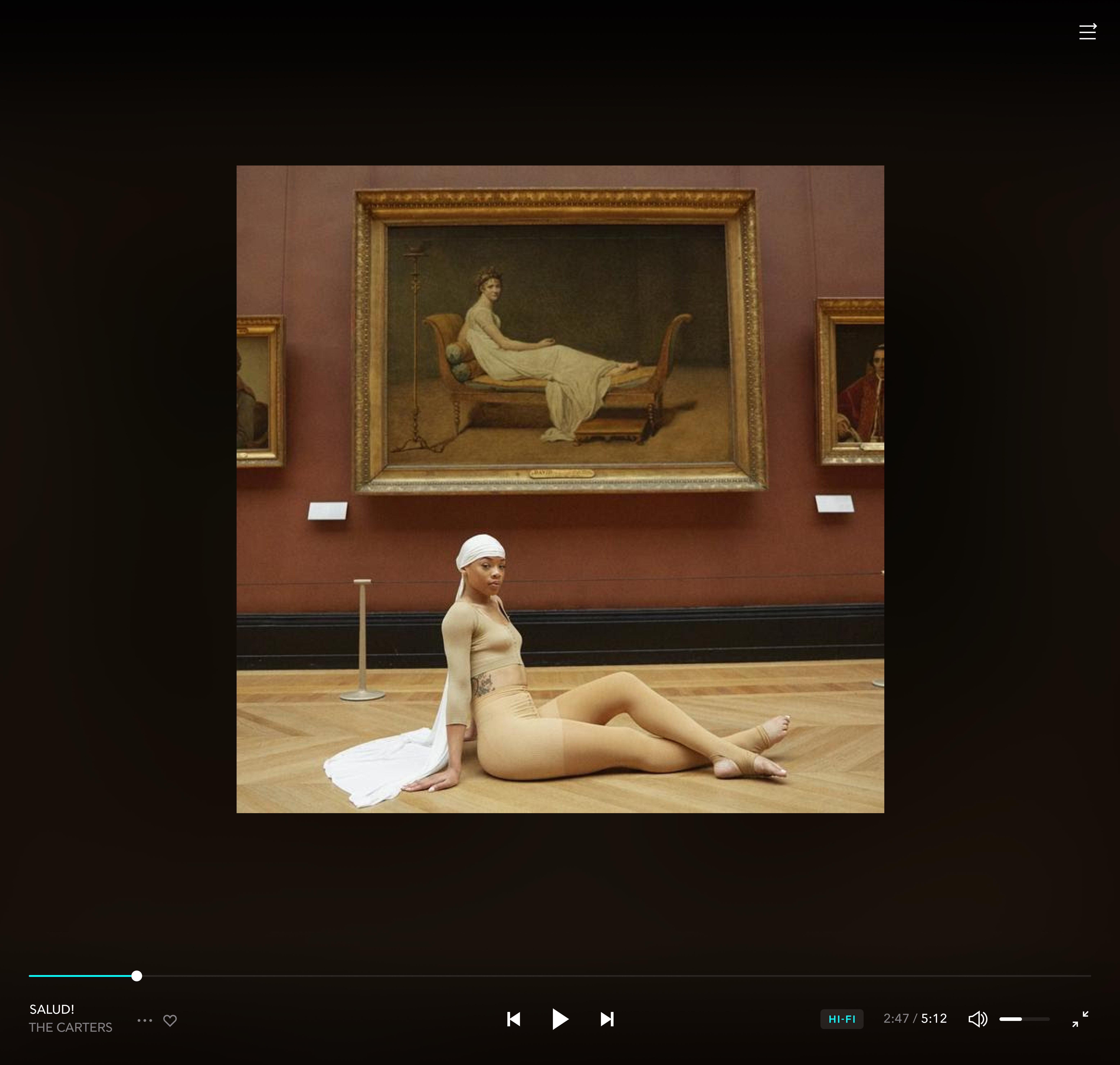
- High-resolution artwork and interface
Cons
- Subscription pricing could be high for casual users
- Some features are limited on the mobile app
- Offline mode may require frequent re-authentication
- Interface customization options are limited
- Podcast and video content are not as extensive as some competitors











