

- Category Entertainment
- Available on PC, Mobile, Surface Hub, HoloLens
- OS Windows 10 version 19041.0 or higher
- languages English (United States)
An In-Depth Look at TikTok for Windows: Your Entertainment Companion
TikTok for Windows is a desktop extension of the popular social media app, designed to bring the vibrant world of short-form videos directly to your PC. Seamlessly bridging mobile entertainment with desktop convenience, this application aims to keep users connected to trending content without the need to switch devices.
Basic Information: What is TikTok for Windows?
Positioned as a lightweight, user-friendly platform for browsing TikTok videos on desktop, it offers a full-fledged experience tailored for Windows users. Developed by TikTok Pte. Ltd., the app leverages the company's expertise in content discovery and personalized recommendations.
- Main Features Highlights:
- Full access to TikTok's content library with optimized viewing experience on larger screens.
- Enhanced navigation and search capabilities tailored for desktop use.
- Background playback and video controls for a seamless watching experience.
- Notification integration to stay updated with trending videos and interactions.
- Target Audience: Primarily TikTok enthusiasts who prefer browsing videos on a larger screen, content creators looking for an easier interface to manage videos, and casual users seeking quick access to trending content on their PCs.
Vivid First Impressions: Does it Spark Joy or Fall Flat?
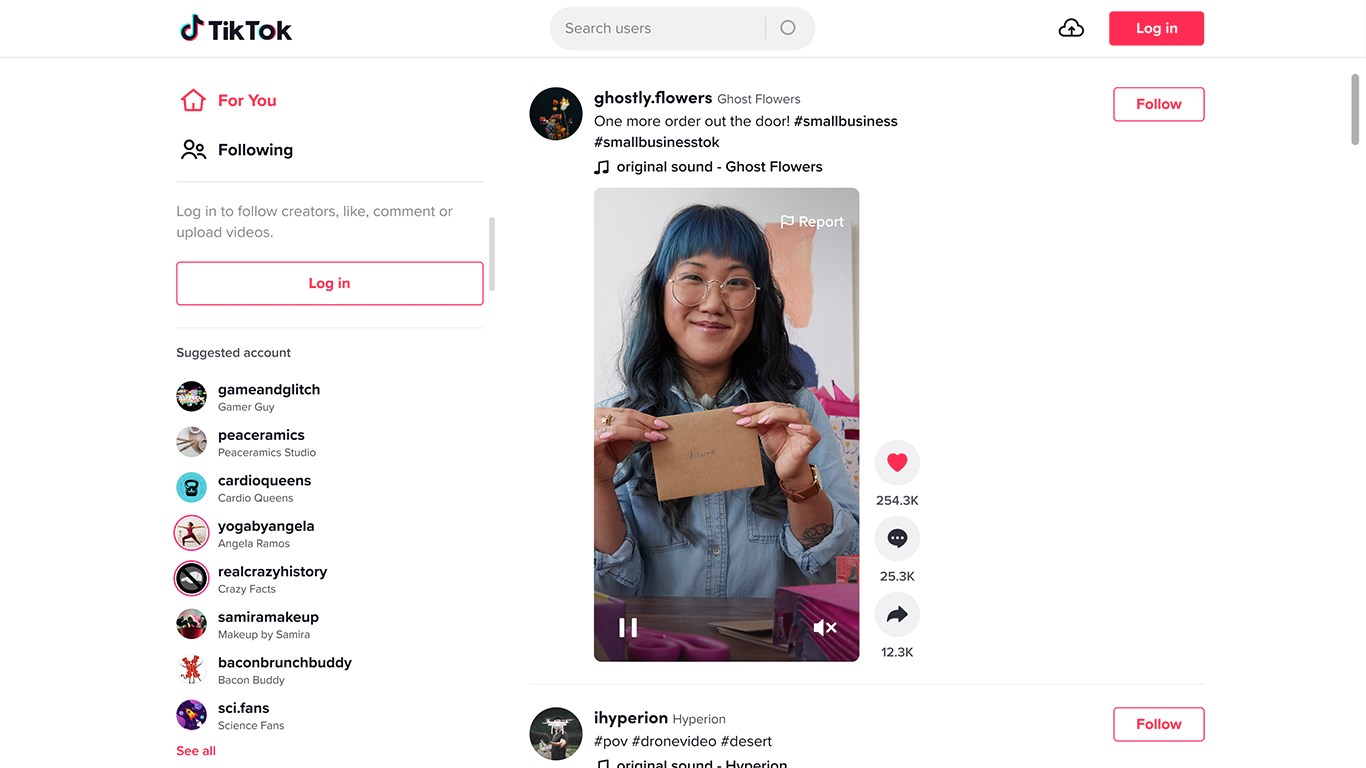
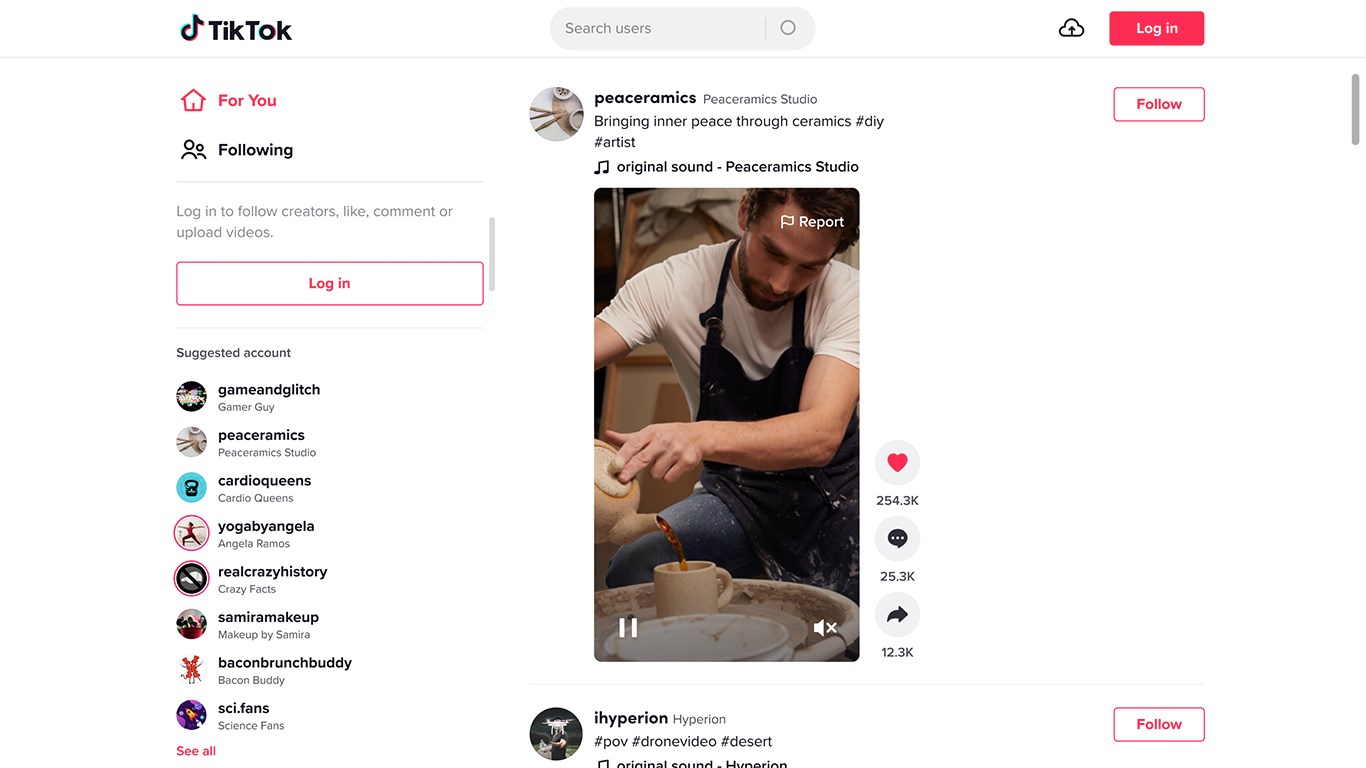
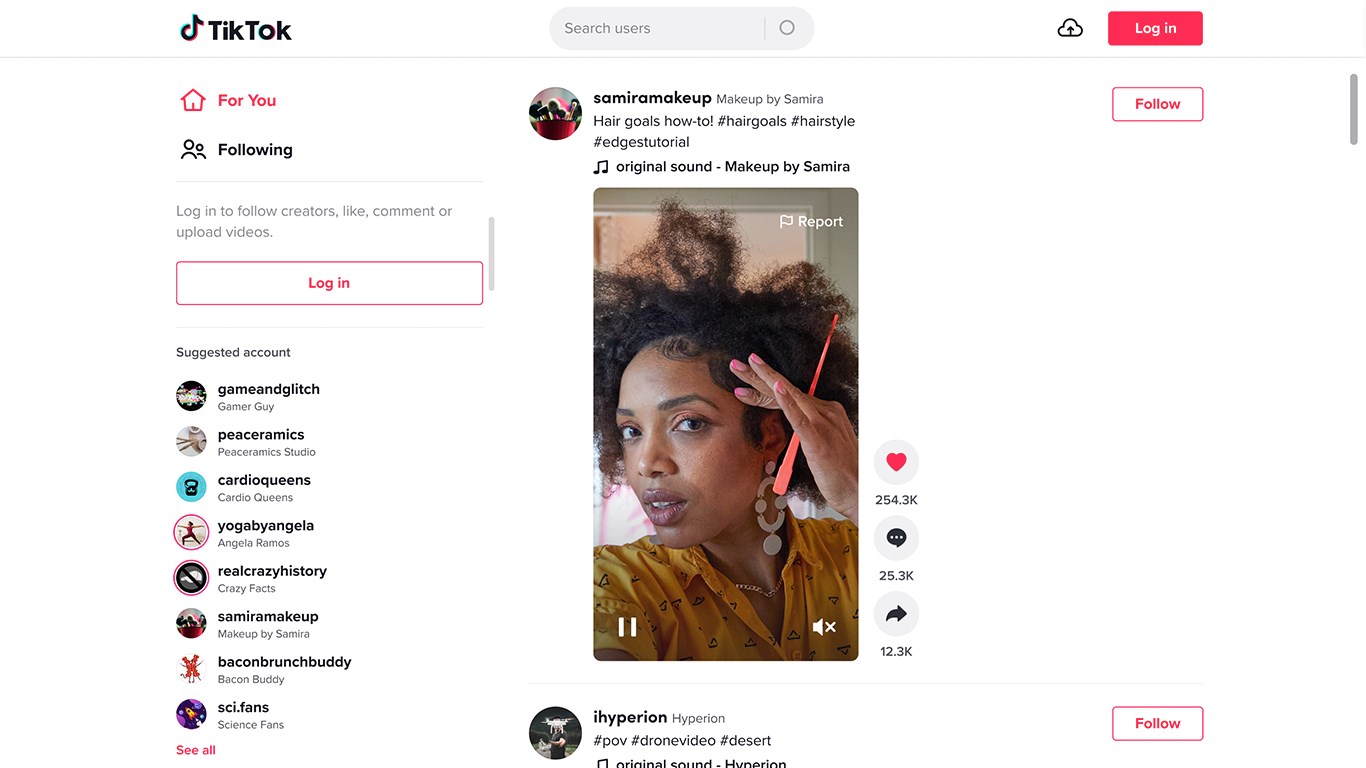
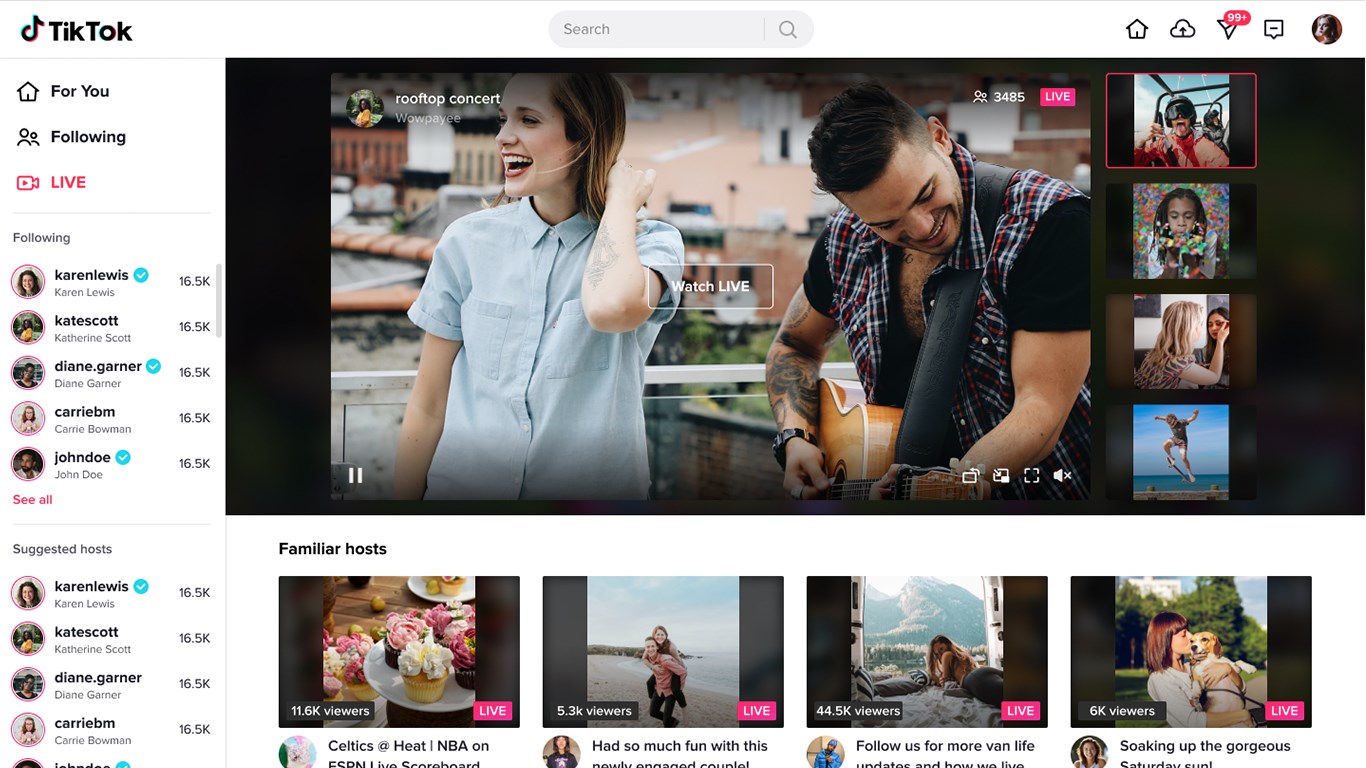
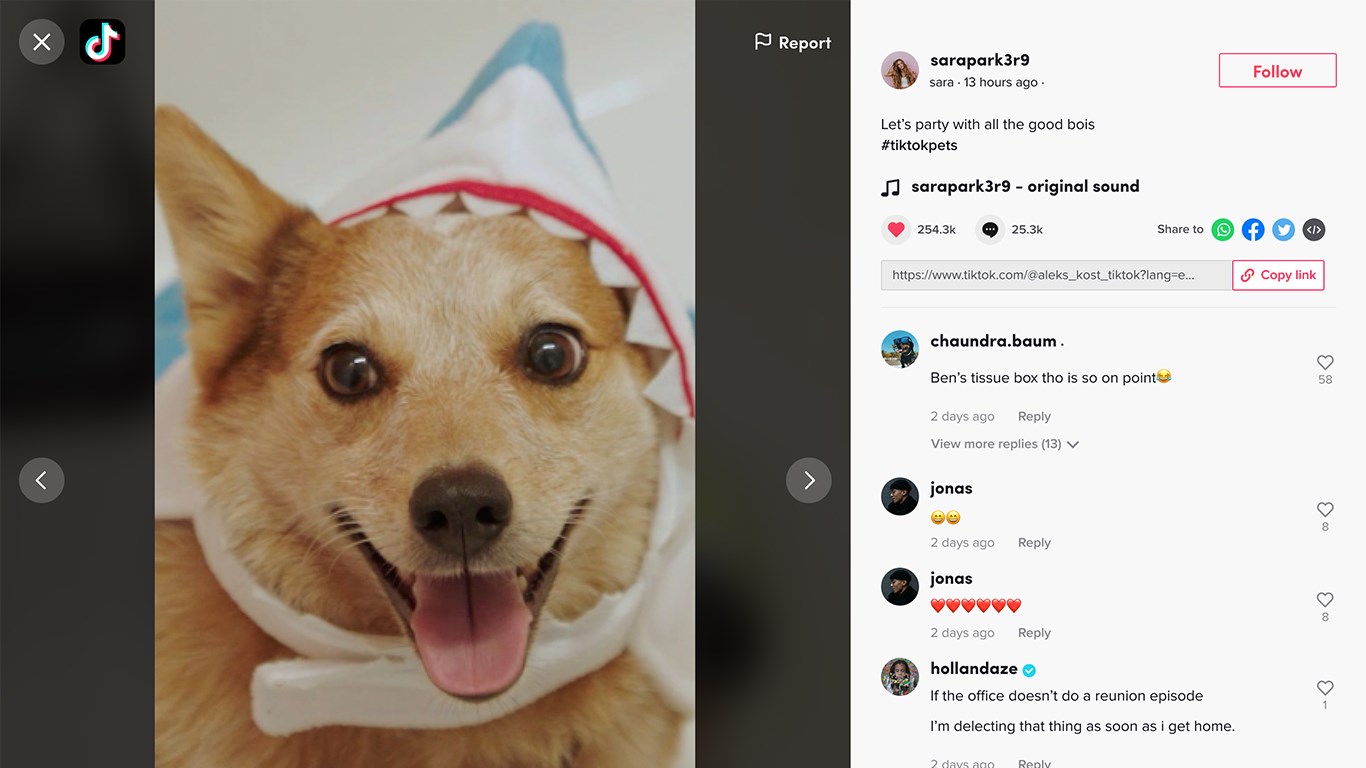
Imagine flicking open the app in the quiet of your home office — the interface greets you with the familiar lively vibe of TikTok, but tuned for the desktop. It's like having your favorite entertainment corner set up right in your workspace, inviting you to dip into videos between tasks. The app's sleek design and intuitive layout make browsing feel like flipping through a well-curated magazine, all while the crisp visuals and smooth transitions turn casual scrolling into a delightful mini-vacation.
Core Functionality Deep Dive
Content Discovery and Personalization
At the heart of TikTok for Windows lies its content discovery algorithm, designed to serve up videos tailored to your interests. The app intelligently analyzes your viewing history and engagement patterns, crafting a personalized feed that feels like a curated playlist made just for you. Unlike some competitors that rely heavily on trending hashtags or random suggestions, TikTok's algorithm excels at predicting content that resonates with your unique preferences, whether it's dance routines, cooking hacks, or funny sketches. This makes every scroll feel fresh, relevant, and engaging.
Video Playback and User Controls
The app offers buttery-smooth playback with options for background listening, allowing users to continue enjoying videos silently or listen while multitasking. The controls are intuitive — a simple click pauses, resumes, or skips videos. Navigating playlists or searching for specific content is straightforward thanks to a neatly organized menu and a responsive search bar. Its performance on Windows devices is notably fluid, with minimal lag or glitches even during high-demand periods, enhancing the overall user experience.
UI & User Experience
The interface strikes a balance between vibrant and clean — a lively mosaic of thumbnails that's easy on the eyes. The design feels familiar yet optimized for larger screens, with large clickable elements and a clear layout that facilitates easy discovery. The learning curve is gentle; even first-time users can quickly figure out how to make the most of the app's features. Seamless synchronization with a mobile account means your preferences and interactions are consistent across devices, making transitions smooth and intuitive.
What Sets TikTok for Windows Apart?
Compared to other entertainment apps, TikTok for Windows shines in its highly personalized content discovery algorithm, which critically critiques and refines the relevance of recommendations over time. Its ability to analyze your viewing habits and adapt the content feed ensures you're not drowned in a sea of irrelevant videos. This tailored approach, coupled with a sleek desktop interface, transforms the app from a mere mirror of mobile TikTok into a dedicated platform optimized for prolonged viewing sessions. Unlike some competitors that simply mirror their mobile counterparts, TikTok for Windows offers a more engaging, responsive experience designed specifically for desktop ergonomics.
Recommendation and Usage Suggestions
Overall, TikTok for Windows is highly recommended for users who enjoy consuming TikTok content on a PC. Its personalized feed and smooth performance make it suitable for casual browsing or deeper content discovery sessions. However, if you prefer creating or uploading videos, this app functions better as a viewing platform, with editing and uploading still mainly handled via mobile devices. For those seeking an enriched desktop TikTok experience, this app is a handy addition to your digital toolkit, especially when wanting to enjoy TikTok's dynamic content on a larger screen.
Pros
- Intuitive user interface
- Extensive content library
- Strong content discovery algorithms
- Creative tools and filters
- Regular updates and new features
Cons
- Battery drain during extended use
- Occasional crashes on older devices
- Limited parental control options in the free version
- Inconsistent content moderation, leading to inappropriate videos sometimes slipping through
- Data consumption can be high, especially with autoplay videos











