
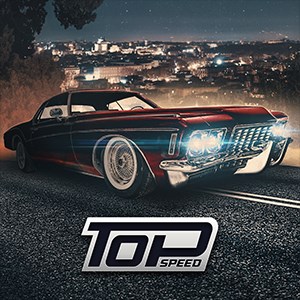
Frequently Asked Questions
How do I start playing Top Speed: Drag & Fast Racing for the first time?
Download the app from your app store, open it, and follow the on-screen tutorial to learn basic controls and race mechanics.
What are the main controls for racing in Top Speed?
Tap and hold the gear button to shift gears, press the nitro button to boost, and steer using the on-screen controls during races.
How can I upgrade or tune my cars in the game?
Navigate to the garage, select your car, then choose upgrades like engine, gears, nitro, and visual mods from the tuning menu.
How do I unlock new cars and visual mods?
Complete races, earn in-game currency, and reach milestones; some cars and mods are unlocked through progress or purchased from the black market.
Can I race against friends or online players?
Currently, the game features single-player leagues against bosses; multiplayer racing is not supported in this version.
Are there any in-app purchases or subscriptions?
Yes, you can buy in-game currency, car upgrades, and visual mods; access store via Settings > Shop for options.
How do I purchase in-game currency or upgrades?
Go to Settings > Shop, select the items or currency you want, and follow the prompts to complete the purchase using real money.
Is there a way to recover my progress if the game crashes?
Ensure you are logged into your account and keep the app updated; contact support if progress is lost due to technical issues.
You May Like

Asphalt Legends
for Windows
4.8
Asphalt 8: Airborne
for Windows
4.8
Hill Climb Racing
for Windows
4.7
Beach Buggy Racing
for Windows
4.7
Trailmakers
for Windows
4.6
Trailmakers: Ultimate Edition
for Windows
4.6
Sunset Bike Racing - Motocross
for Windows
4.6
Drift Legends 2
for Windows
4.5
Forza Motorsport Premium Edition
for Windows
4.3
Forza Horizon 5 Standard Edition
for Windows
4.2
Forza Motorsport Standard Edition
for Windows
4.2
Disney Speedstorm
for Windows
4.2