
- Category Entertainment
- Available on PC
- OS Windows 10 version 14393.0 or higher
- languages Chinese (Simplified), Dutch, English (United States), French, German, Italian, Japanese, Korean, Portuguese, Russian, Spanish
Overview: A Streamlined Torrent Downloader for Windows
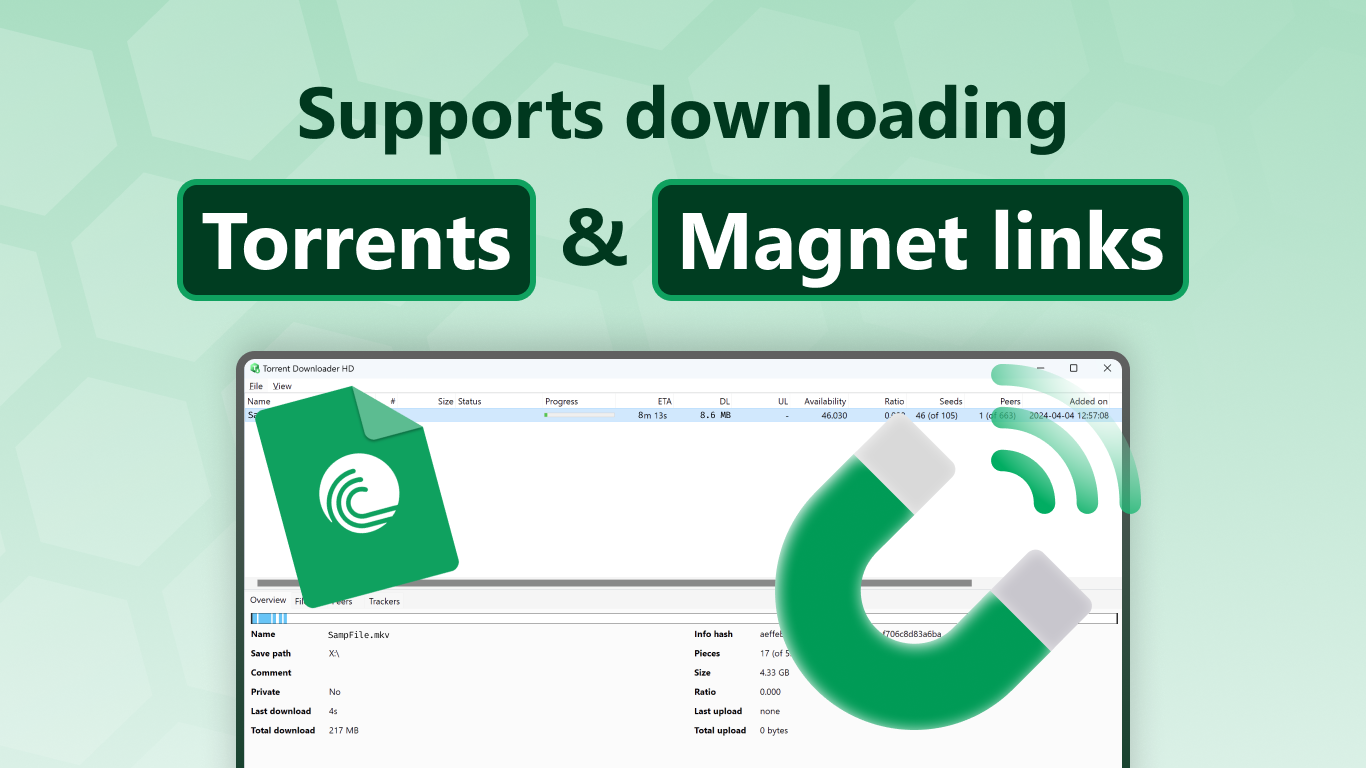
Torrent Downloader HD for Windows is a user-friendly application designed to simplify the process of downloading torrents on your PC. Unlike traditional torrent clients, it focuses on providing a clean, accessible interface that caters to both casual users and more experienced downloaders looking for efficiency without overwhelming complexity.
Developed by Better App
Better App, a developer specializing in lightweight and intuitive tools, aims to present a straightforward torrent management experience. Their focus is on delivering essential features with minimal fuss, ensuring users can get their downloads started quickly and easily.
Key Features at a Glance
- Easy-to-Use Interface: Simplifies torrent management with a clean, minimal design suitable for all user levels.
- Smart Content Organization: Offers efficient categorization and search options to locate desired torrents swiftly.
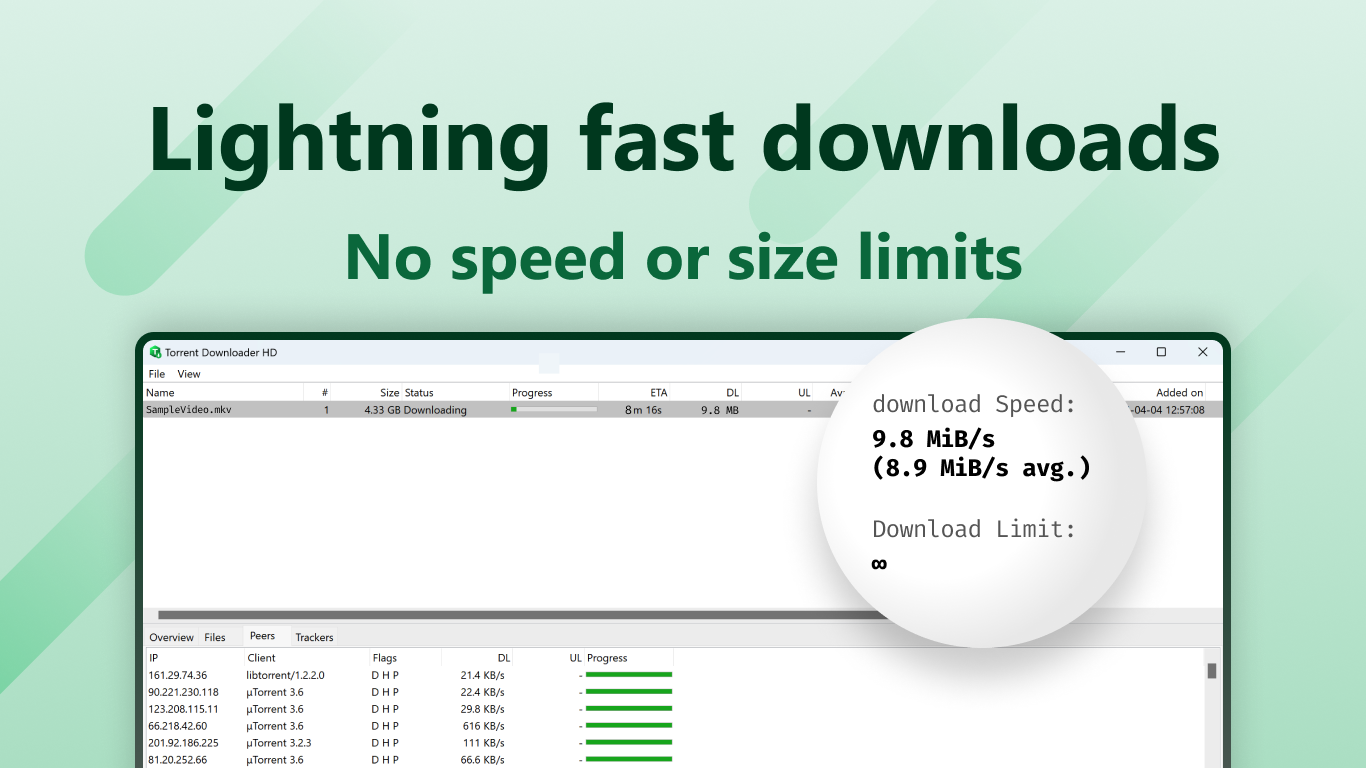
- Optimized Download Speeds: Implements connection and bandwidth management for faster, stable downloads.
- Selective Download Control: Allows users to choose specific files within torrents, saving bandwidth and time.
Target Audience
This application is ideal for Windows users seeking a hassle-free torrent downloader—be they newcomers wanting a straightforward start or seasoned users preferring simplicity over bulky features. It's well-suited for users prioritizing ease of use, speed, and basic management without diving into complex configurations.
Vivid Impressions: A Refreshing Breeze in Torrent Management
Imagine the typical torrent client as a sprawling highway—sometimes a little chaotic for newcomers. Torrent Downloader HD for Windows acts more like a well-marked bike trail, guiding you smoothly from search to download with minimal detours. Its clean design makes the entire process feel less like navigating a digital jungle and more like a leisurely ride through a serene park. Whether you're grabbing a new game, a documentary, or a music album, this app helps you do so without breaking a sweat.
Core Features Explored
Sleek Interface and User Experience
The app's interface is akin to a tidy desk—virtually clutter-free, with well-organized sections that make finding and managing torrents straightforward. Navigating through your downloads, search results, and settings feels intuitive. Moreover, the minimal design reduces cognitive load, making it easy for first-time users to pick up and start downloading within minutes. The responsiveness of the app ensures operations are smooth, with no noticeable lag or glitches, enhancing overall user satisfaction.
Powerful Content Search and Organization
Content discovery is crucial in torrent management, and here, Torrent Downloader HD shines by providing a robust search function that's quick and easy to use. It allows filtering results by size, seeders, or file type, helping you find the most relevant torrents faster. Once added, the app's categorization and file selection features enable precise control—letting you pick desired files within larger torrents, which saves bandwidth and time. This intelligent content organization feels like having an experienced librarian by your side, guiding you to exactly what you need.
Speed and Optimization Techniques
Speed is often the deciding factor in torrent performance, and this app employs smart algorithms to enhance download speeds. By effectively managing connections and prioritizing active seeds, it ensures that your downloads are both steady and swift. Additionally, bandwidth management allows for seamless multitasking—so you can keep browsing, streaming, or gaming without interruption. This technical finesse makes the app not only simple but also reliable for ongoing downloading needs.
Unique Selling Points and Differentiators
Among its peers, Torrent Downloader HD's standout feature is its content discovery and personalized file selection—an area where many traditional torrent clients fall short. Its capability to tailor the download process by letting users specify individual files within torrents enhances efficiency and reduces unnecessary data transfer. Moreover, unlike more cluttered clients, it emphasizes a content-centric approach, making it easier to manage multiple downloads without confusion.
Furthermore, the app's recommendation algorithm subtly adapts to your downloading habits, improving search relevance over time. While not as intrusive as full-fledged AI algorithms, this focus on more relevant search results and streamlined content discovery sets it apart from many competitors.
Final Verdict and Usage Tips
Overall, Torrent Downloader HD for Windows earns a solid recommendation for users who want hassle-free torrent downloads without unnecessary complexity. Its intuitive interface, efficient content handling, and speed optimization make it a practical choice for everyday use.
For best results, new users should spend a few minutes familiarizing themselves with search filters and selection options to maximize efficiency. Advanced users may appreciate its speed and content organization features but should note that it offers essential functionality without the extensive customization options found in larger clients.
In summary, if you're looking for a lightweight, user-friendly torrent solution that balances simplicity with effective management, Torrent Downloader HD is worth trying out. It's like having a helpful guide for your digital journey—reliable, straightforward, and designed with the user in mind.
Pros
- User-Friendly Interface
- Fast Download Speed
- Supports Multiple Torrent Formats
- Built-in Media Player
- Resume Interrupted Downloads
Cons
- Limited Search Functionality
- Advertisement Presence
- Basic Customization Options
- No VPN Integration
- Device Compatibility Limitations











